
 15
15presentation
Indie Magazine Startup Pitch Deck
Shape your publishing concept with an indie magazine startup pitch deck featuring pastel gradients, bold collage layouts, and editable planning slides.
Google SlidesPowerPoint
presentation · English
Build a customer support process map with colorful, editable PPT and Google Slides layouts for training, handoffs, and clearer service operations in minutes.

Design notes
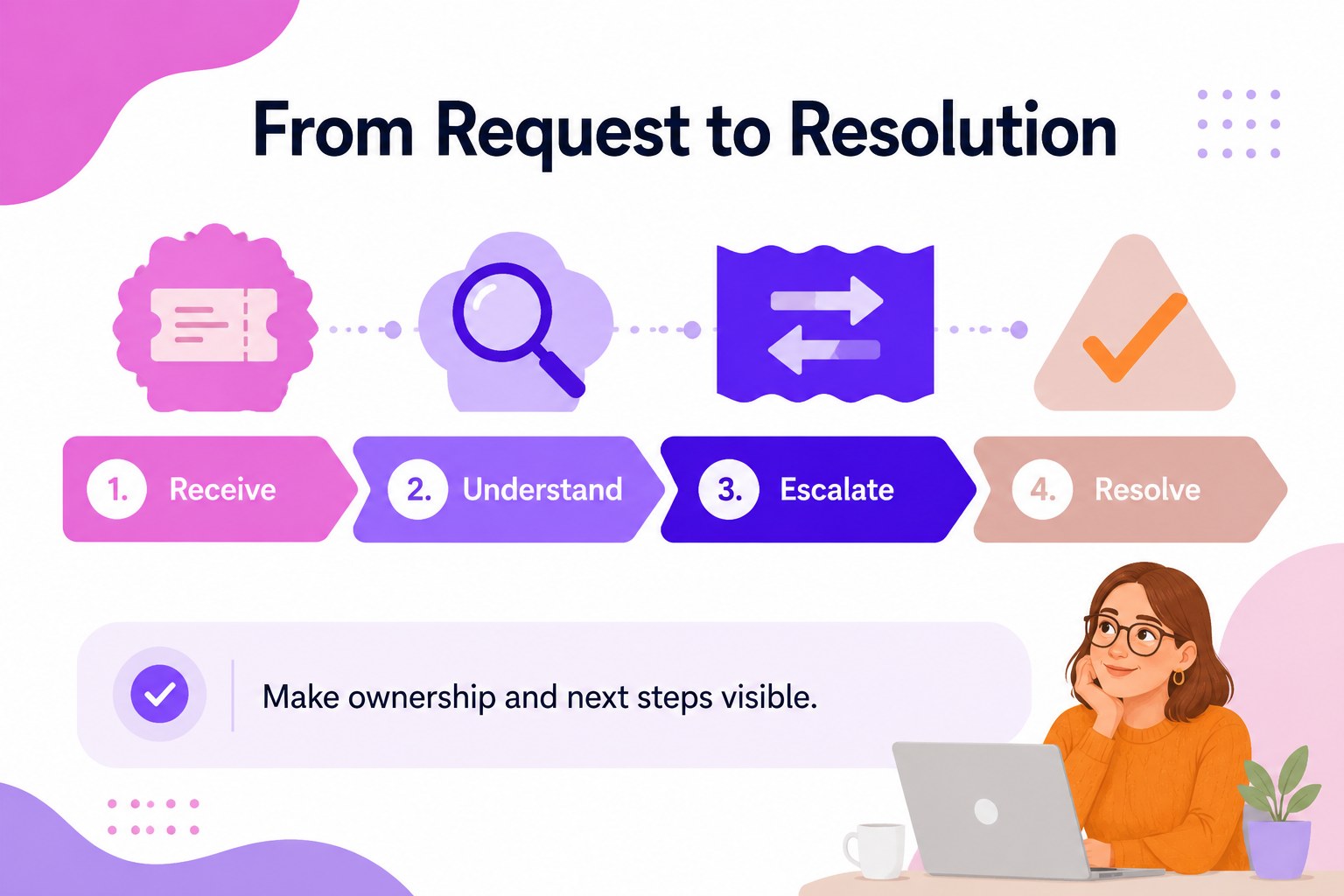
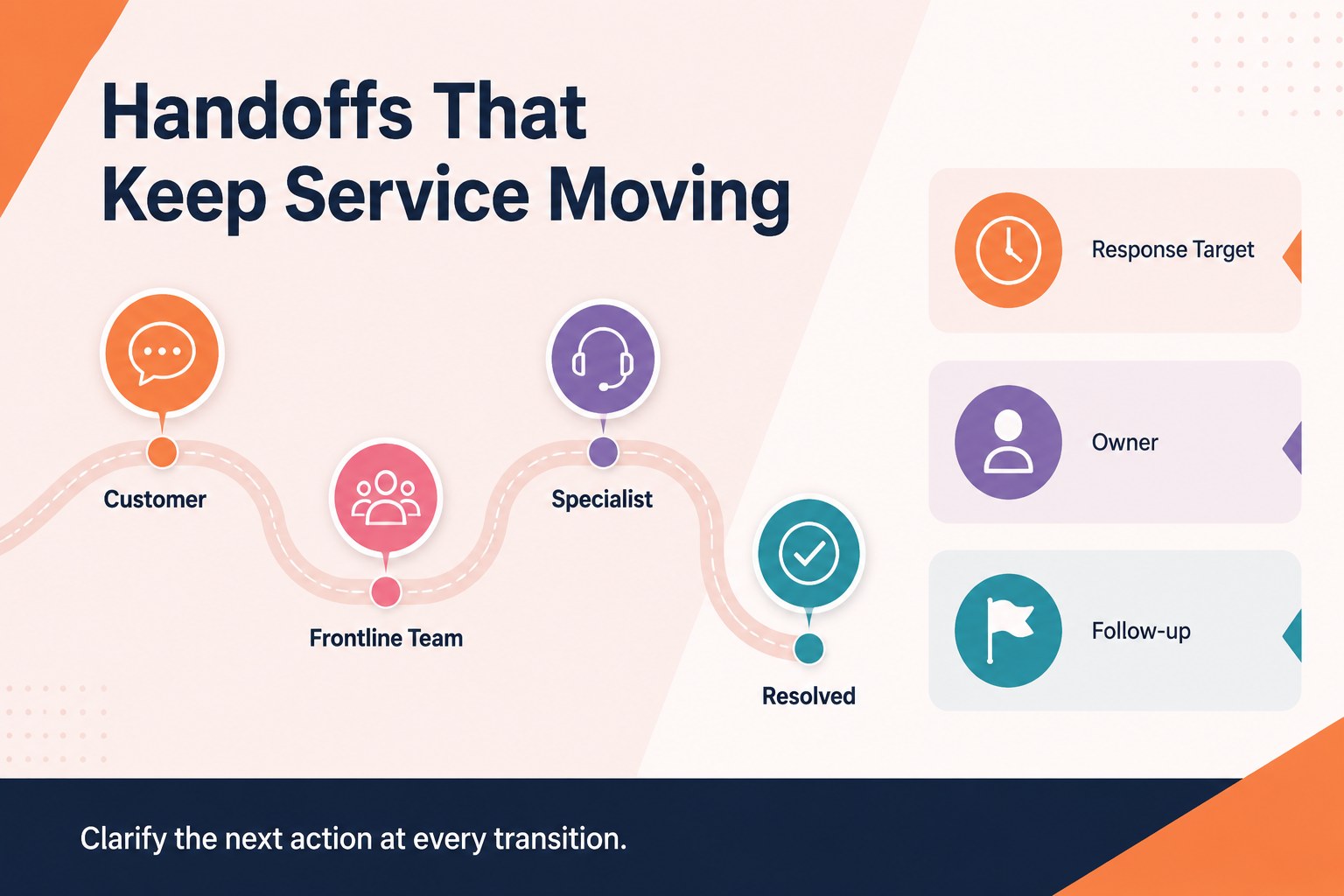
Customer support process map presentation template for PowerPoint and Google Slides. Use this colorful, straightforward deck to turn service procedures into an easy-to-follow visual path. It gives managers, trainers, and operations teams a practical way to explain handoffs, escalation points, response stages, and resolution checkpoints without overcrowding the screen.
What’s inside: three editable 16:9 slides with clean infographic structures, flexible shapes, process connectors, callout areas, and space for short supporting notes. Rearrange each stage, update labels, and adapt the color accents to match your team’s service model. The layouts work well for onboarding sessions, quality reviews, standard operating procedure discussions, and internal process documentation.
Built for business professionals who need a customer service workflow diagram that is quick to customize and simple to present. Use the PowerPoint or Google Slides files to create a call handling process overview, map a ticket escalation route, or compare the customer journey across support channels. The single-font design and restrained composition keep attention on the sequence of actions while colorful visual markers make key transitions easy to scan.
Perfect for: customer support team onboarding; support ticket escalation review; contact center process mapping; service operations meeting; call handling training session.
Frequently asked questions
Can I edit the process stages and labels? Yes. The text, shapes, connectors, colors, and supporting notes are editable. Replace the sample stages with your own support workflow and terminology.
Practical details
Yes. The text, shapes, connectors, colors, and supporting notes are editable. Replace the sample stages with your own support workflow and terminology.
The template is designed for PowerPoint and Google Slides. You can revise the deck in either platform and export it to common presentation or document formats.
Yes. Use the process connectors and callout areas to identify escalation triggers, ownership changes, approval steps, and resolution outcomes. The structure can be adapted for phone, email, chat, or ticket-based support.
It is suitable for onboarding and refresher training because each stage can be presented as a clear sequence. Add examples, service targets, or coaching notes to make the workflow specific to your team.
Keep exploring
15Shape your publishing concept with an indie magazine startup pitch deck featuring pastel gradients, bold collage layouts, and editable planning slides.
 16
16Build clear project stories with the Icon Grid Teamwork Theme, a flexible blue illustrated deck for proposals, strategy updates, and team meetings.
 3
3Turn priorities into an actionable plan with an annual goals roadmap infographic, featuring editable orange and teal layouts for PowerPoint and Google Slides.
 15
15Create an Annual Achievement Report Presentation with colorful geometric layouts for milestones, results, lessons, and priorities in PowerPoint or Google Slides.
 15
15Turn results into a focused annual performance evaluation report with dark 3D slides for KPIs, achievements, feedback, and next-step goals for teams.
 15
15Guide a focused annual recap with Business Results Retrospective Slides, a muted brown-and-blue template for PowerPoint and Google Slides.
 6
6Turn complex plans into clear visual stories with Color-Coded Workflow Path Slides, an editable set for project updates, roadmaps, and team briefings.
 6
6Compare regional performance at a glance with Global Data Heatmap Slides, a clean multicolor deck designed for editable PowerPoint and Google Slides.