
 15
15presentation
Indie Magazine Startup Pitch Deck
Shape your publishing concept with an indie magazine startup pitch deck featuring pastel gradients, bold collage layouts, and editable planning slides.
Google SlidesPowerPoint
document · English
Build a polished customer support application deck for service roles, with editable PowerPoint and Google Slides layouts in a bright yellow-and-white style.
Design notes
A customer support application deck gives job seekers a clear, visual way to introduce their experience, strengths, and approach to service. This clean yellow-and-white presentation is designed for applicants who want to complement a resume or cover letter with a polished, memorable overview of their professional profile.
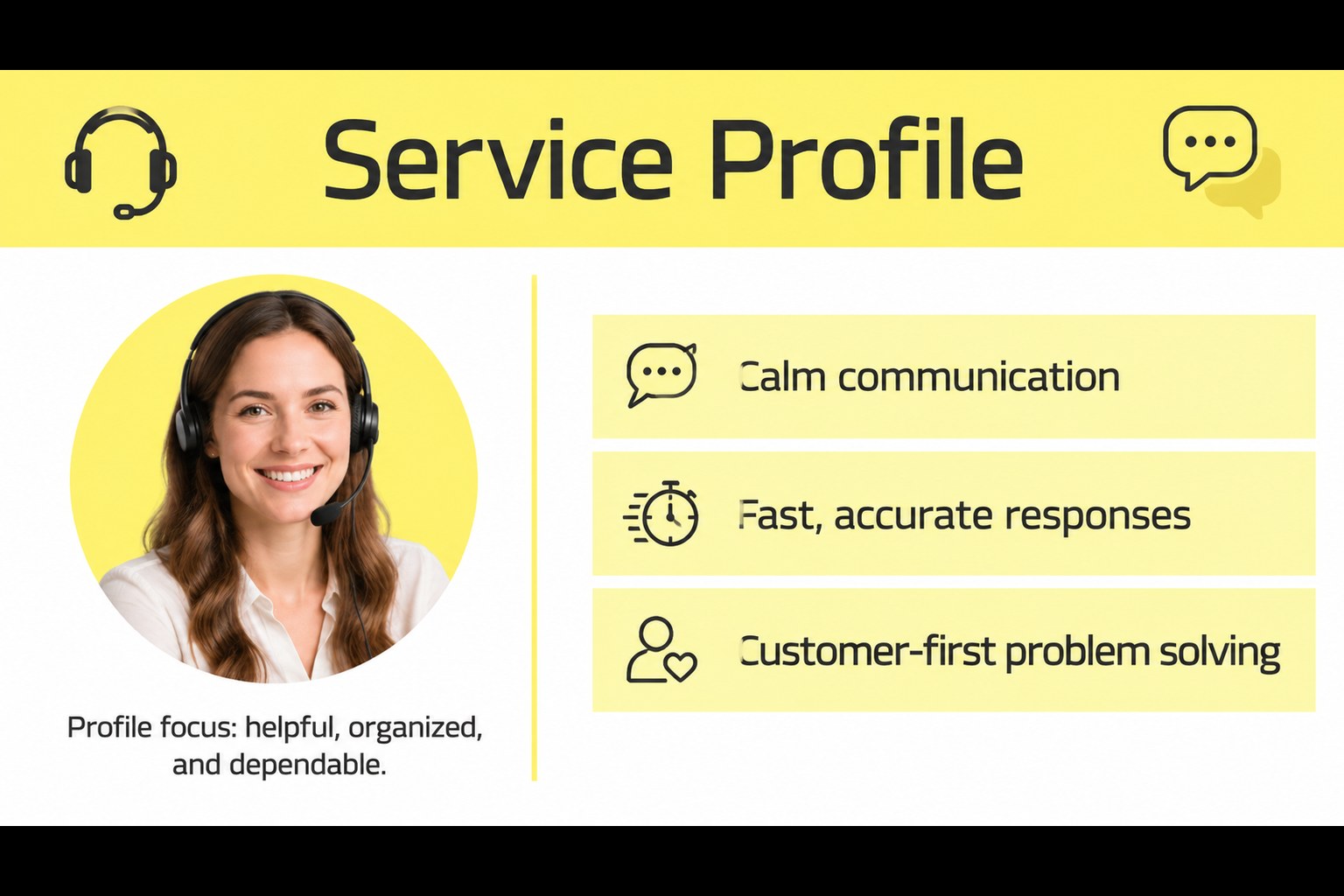
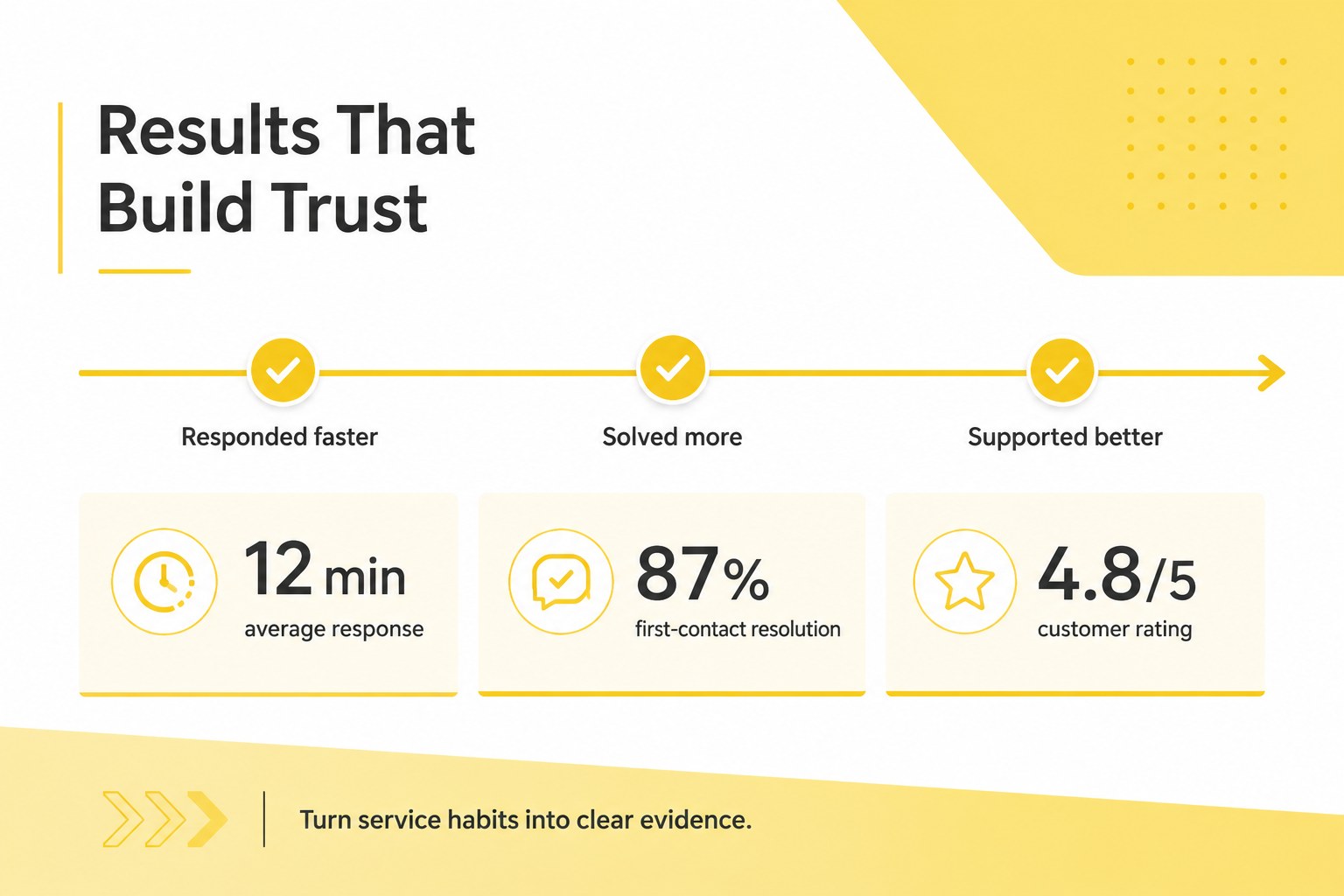
Inside, you will find an opening profile layout, space for a concise career summary, a skills and tools section, measurable customer service achievements, and a closing slide for contact details or an interview request. Use the customer service cover letter presentation format to highlight response times, customer satisfaction scores, first-contact resolution, sales support, or conflict-handling experience.
The deck works well for call center agents, receptionists, retail associates, chat support specialists, account coordinators, and customer success candidates. It can also serve as a customer support job application deck when applying to modern service teams that value clear communication and organized thinking. Replace the sample copy, adjust the emphasis for each vacancy, and add your own contact information before exporting or presenting. The layouts are editable in PowerPoint and Google Slides, making it easy to tailor a yellow professional career presentation for different employers.
Perfect for: call center job application; retail associate portfolio; customer success interview; receptionist career introduction.
Frequently asked questions
Can I edit this deck in PowerPoint? Yes. The layouts are designed for PowerPoint editing, so you can replace the sample text, update colors, and add your own contact details. Export the finished deck as a PDF when you need to attach it to an application.
Practical details
Yes. The layouts are designed for PowerPoint editing, so you can replace the sample text, update colors, and add your own contact details. Export the finished deck as a PDF when you need to attach it to an application.
Yes, you can customize the presentation in Google Slides. Edit the text, reposition elements, and collaborate with a career advisor or colleague before sharing the final version.
Focus on relevant experience, communication strengths, service tools, and measurable results such as response time, satisfaction ratings, or resolution rates. Tailor each slide to the role and keep the most important evidence easy to scan.
Yes. The structure also fits retail, reception, chat support, account coordination, and customer success applications. Adjust the examples and achievements so they reflect the expectations of each position.
Keep exploring
15Shape your publishing concept with an indie magazine startup pitch deck featuring pastel gradients, bold collage layouts, and editable planning slides.
 16
16Build clear project stories with the Icon Grid Teamwork Theme, a flexible blue illustrated deck for proposals, strategy updates, and team meetings.
 3
3Turn priorities into an actionable plan with an annual goals roadmap infographic, featuring editable orange and teal layouts for PowerPoint and Google Slides.
 15
15Create an Annual Achievement Report Presentation with colorful geometric layouts for milestones, results, lessons, and priorities in PowerPoint or Google Slides.
 15
15Turn results into a focused annual performance evaluation report with dark 3D slides for KPIs, achievements, feedback, and next-step goals for teams.
 15
15Guide a focused annual recap with Business Results Retrospective Slides, a muted brown-and-blue template for PowerPoint and Google Slides.
 6
6Turn complex plans into clear visual stories with Color-Coded Workflow Path Slides, an editable set for project updates, roadmaps, and team briefings.
 6
6Compare regional performance at a glance with Global Data Heatmap Slides, a clean multicolor deck designed for editable PowerPoint and Google Slides.