
 15
15presentation
Indie Magazine Startup Pitch Deck
Shape your publishing concept with an indie magazine startup pitch deck featuring pastel gradients, bold collage layouts, and editable planning slides.
Google SlidesPowerPoint
presentation · English
Show gains, losses, and running totals clearly with a cumulative waterfall chart template in blue and white for PowerPoint and Google Slides.
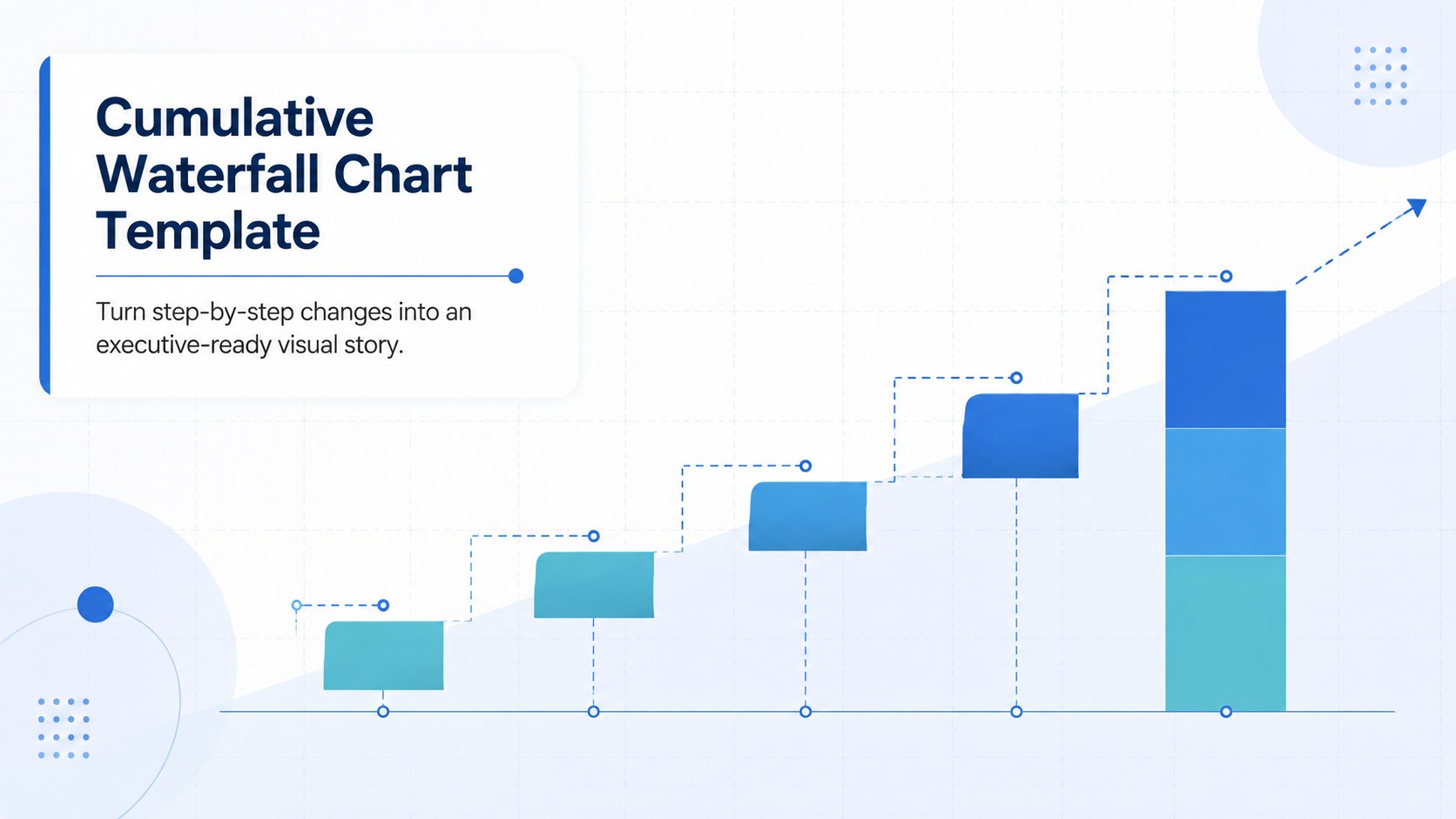
Design notes
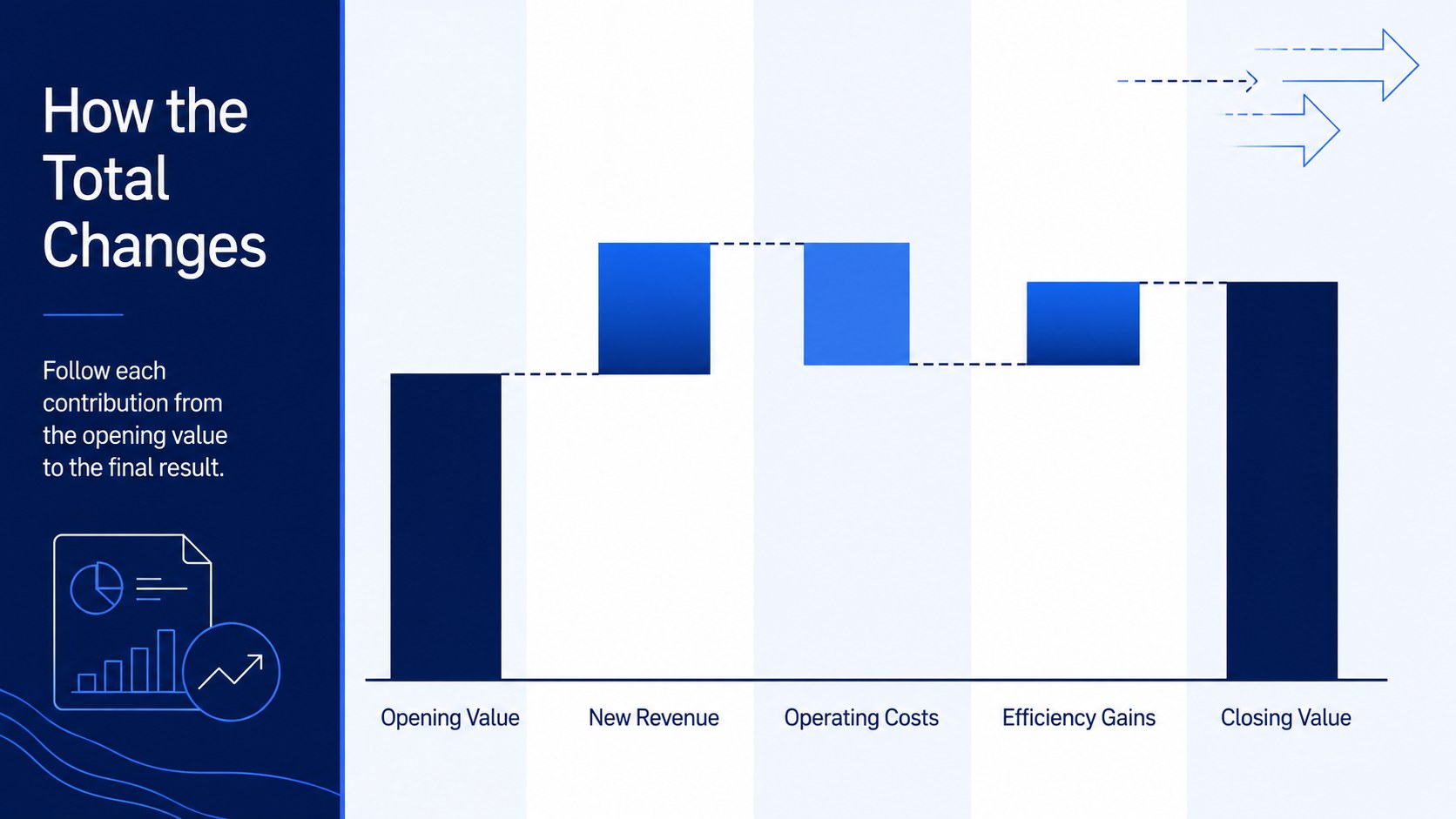
Use this cumulative waterfall chart template to explain how individual increases and decreases produce a final result. Its clean blue-and-white design gives financial figures, operational changes, and performance metrics a clear visual hierarchy without distracting from the numbers. Each layout helps viewers follow the progression from an opening value to a closing total.
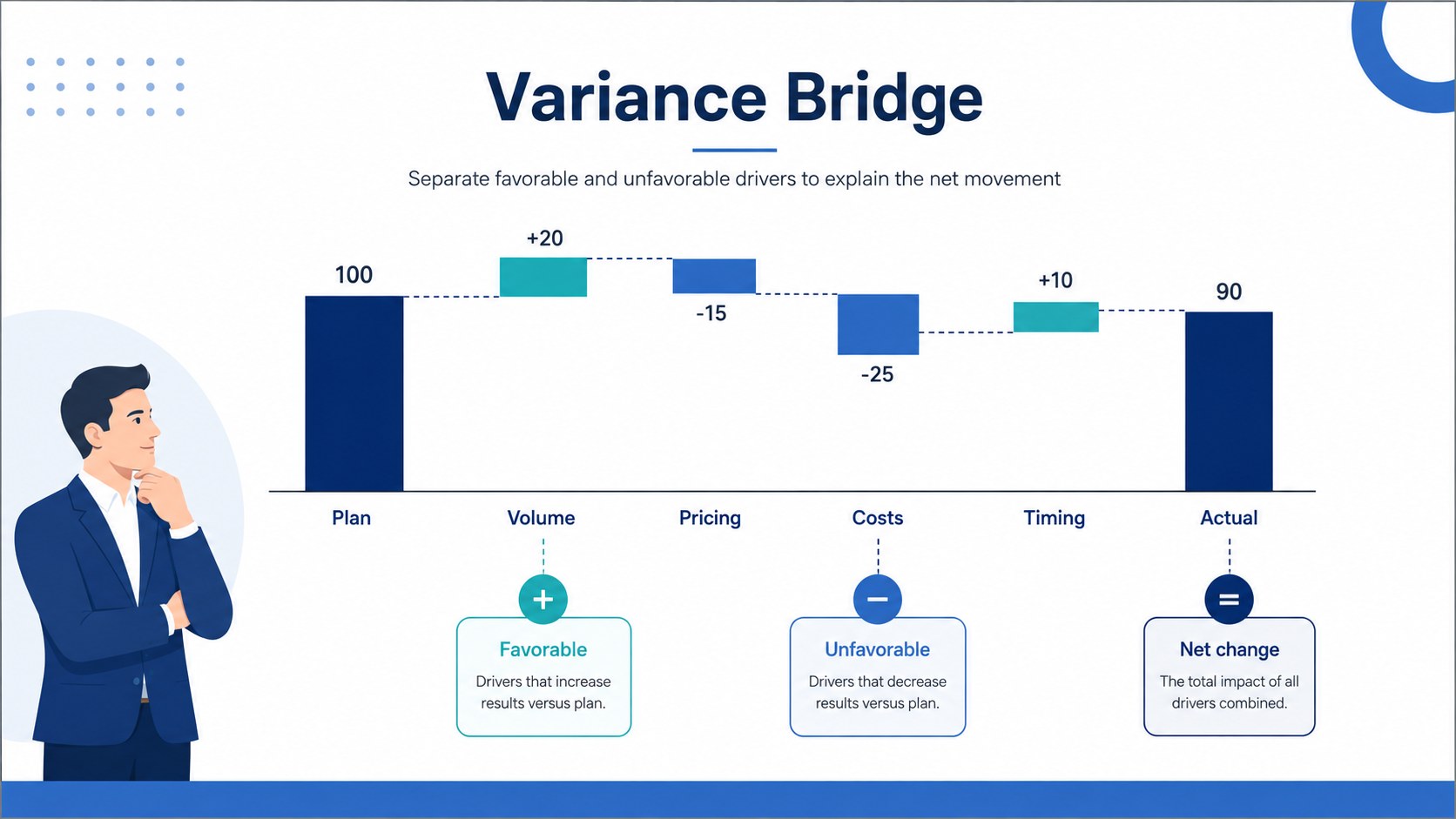
Inside are four coordinated infographic layouts for presenting sequential changes, positive and negative contributions, variance drivers, and category comparisons. Adapt the running total chart slides with your own labels, values, colors, and annotations. The structured columns and connecting lines make relationships easy to scan, while the restrained corporate styling works well in reports, proposals, and leadership briefings.
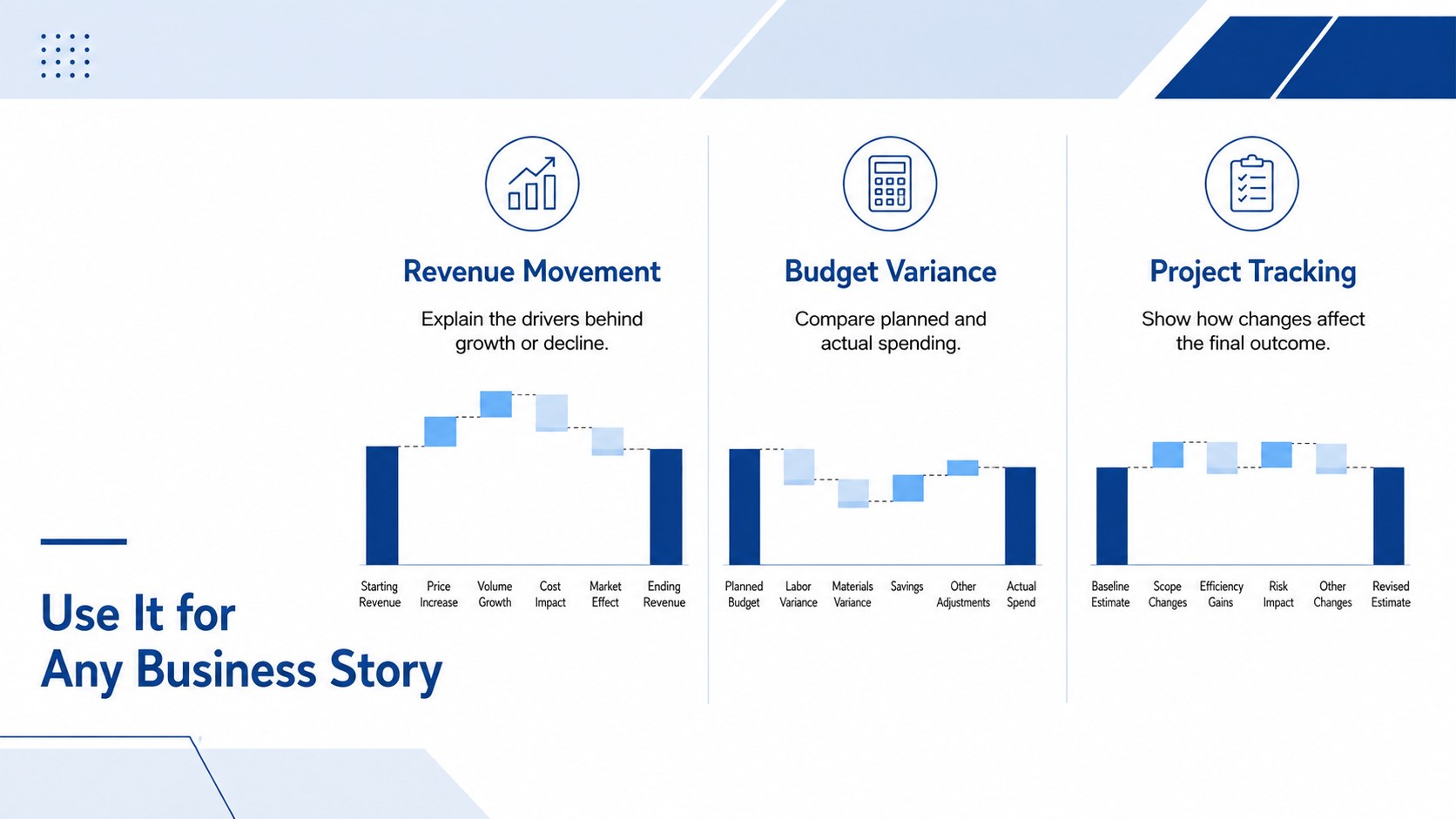
This deck is suited to finance teams reviewing revenue movement, analysts building a financial variance bridge presentation, and project managers tracking changes in cost, scope, or delivery. It can also serve as a budget change analysis template for quarterly reviews, department updates, and client-facing recommendations. Every slide can be edited in PowerPoint or Google Slides, allowing you to resize chart elements, revise the data story, and add supporting commentary while preserving a polished and consistent appearance.
Perfect for: quarterly revenue variance review; budget increase and decrease analysis; project cost change briefing; profit and loss explanation; operational performance report.
Frequently asked questions
Can I edit the chart values and labels? Yes. Replace every value, category label, annotation, and total with your own information, then resize the columns to reflect the scale of your data.
Practical details
Yes. Replace every value, category label, annotation, and total with your own information, then resize the columns to reflect the scale of your data.
The template is designed for PowerPoint and Google Slides. Core text, shapes, chart components, and colors remain editable in both platforms.
Yes. Apply your organization’s brand colors to the columns, connectors, backgrounds, and typography while keeping sufficient contrast between gains, losses, and totals.
Use it for a starting value followed by positive and negative contributors that lead to a final total. Common examples include revenue movement, budget variance, project costs, headcount changes, and profit analysis.
Keep exploring
15Shape your publishing concept with an indie magazine startup pitch deck featuring pastel gradients, bold collage layouts, and editable planning slides.
 16
16Build clear project stories with the Icon Grid Teamwork Theme, a flexible blue illustrated deck for proposals, strategy updates, and team meetings.
 3
3Turn priorities into an actionable plan with an annual goals roadmap infographic, featuring editable orange and teal layouts for PowerPoint and Google Slides.
 15
15Create an Annual Achievement Report Presentation with colorful geometric layouts for milestones, results, lessons, and priorities in PowerPoint or Google Slides.
 15
15Turn results into a focused annual performance evaluation report with dark 3D slides for KPIs, achievements, feedback, and next-step goals for teams.
 15
15Guide a focused annual recap with Business Results Retrospective Slides, a muted brown-and-blue template for PowerPoint and Google Slides.
 6
6Turn complex plans into clear visual stories with Color-Coded Workflow Path Slides, an editable set for project updates, roadmaps, and team briefings.
 6
6Compare regional performance at a glance with Global Data Heatmap Slides, a clean multicolor deck designed for editable PowerPoint and Google Slides.