
 15
15presentation
Indie Magazine Startup Pitch Deck
Shape your publishing concept with an indie magazine startup pitch deck featuring pastel gradients, bold collage layouts, and editable planning slides.
Google SlidesPowerPoint
document · English
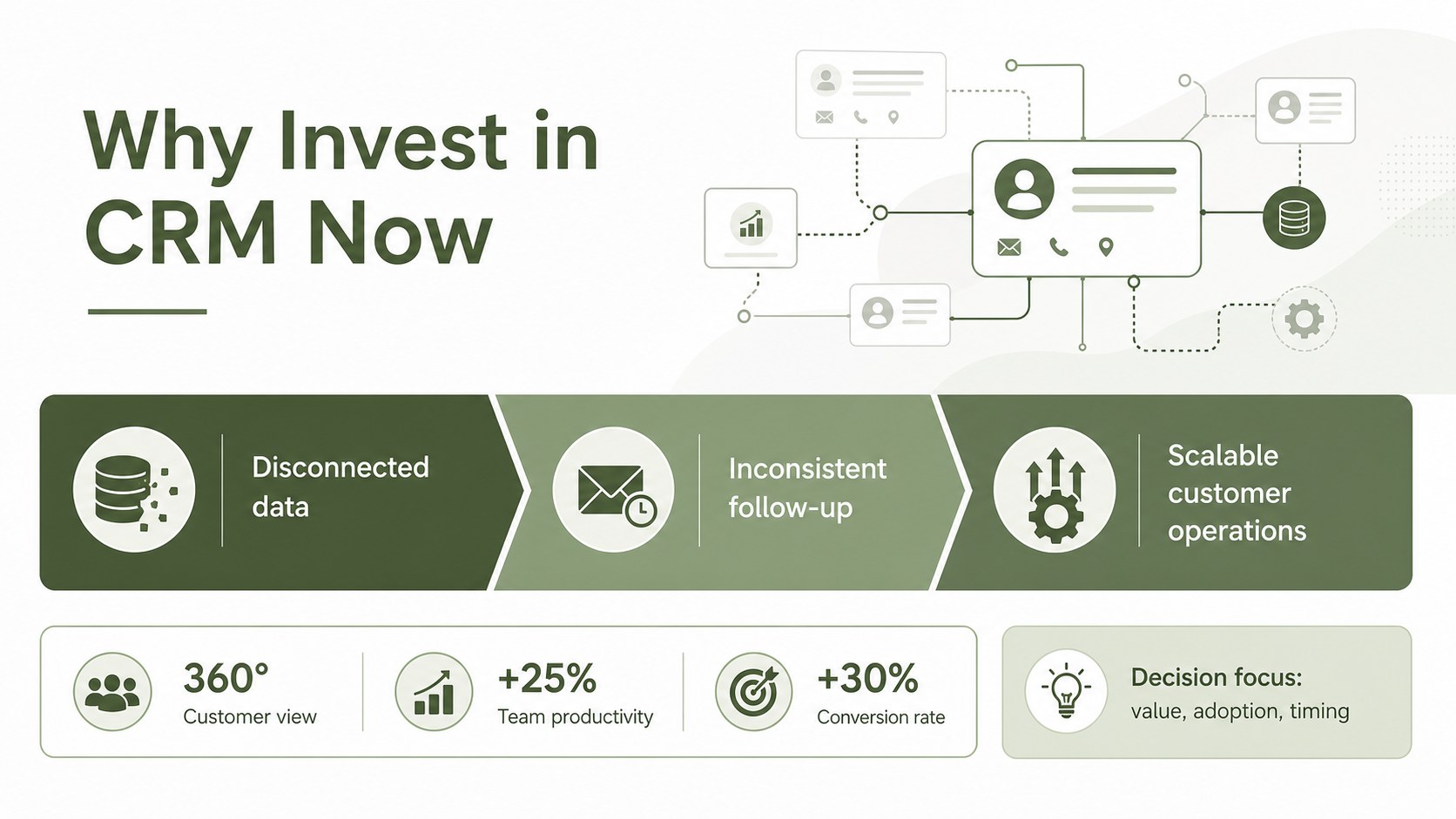
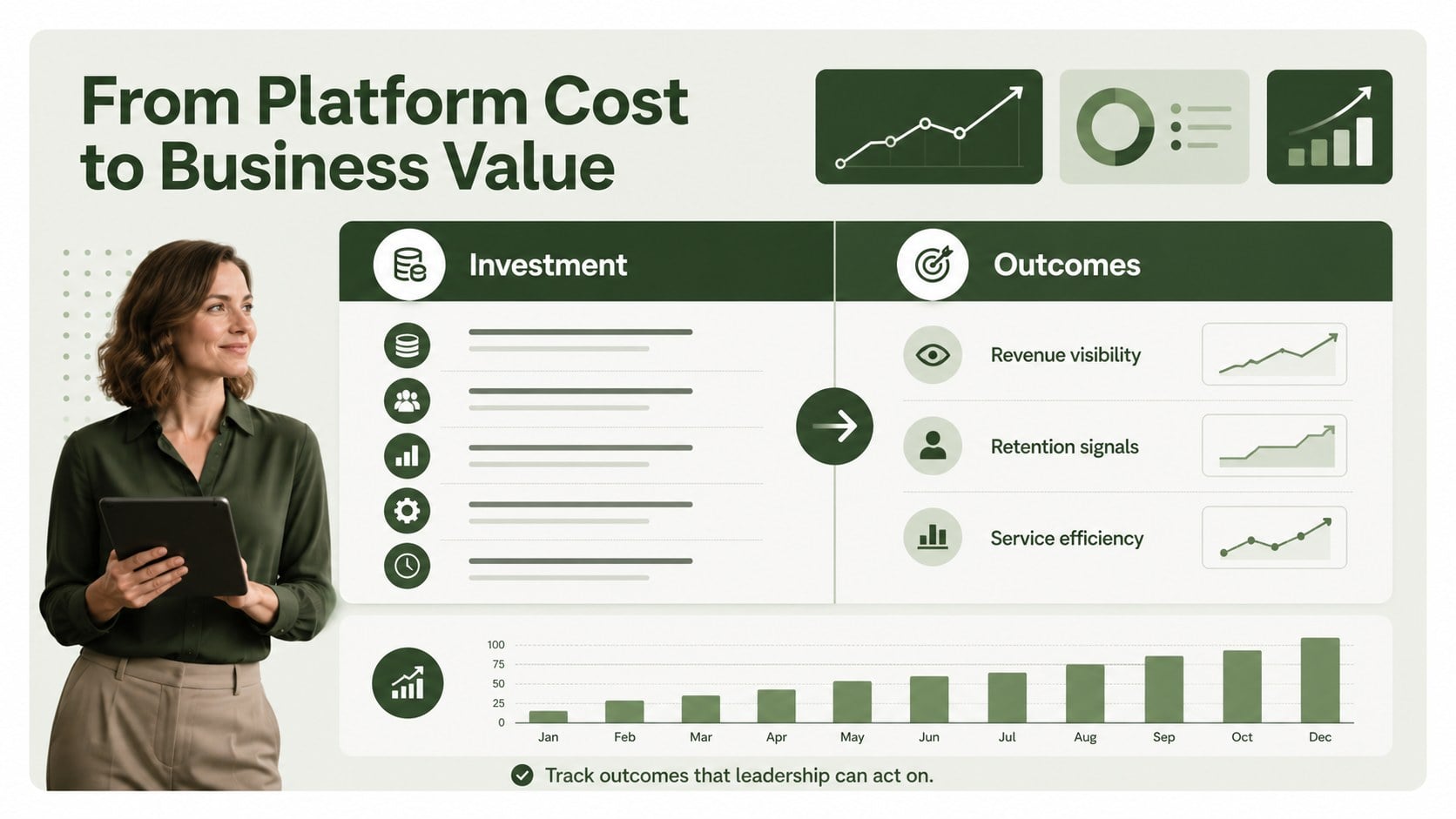
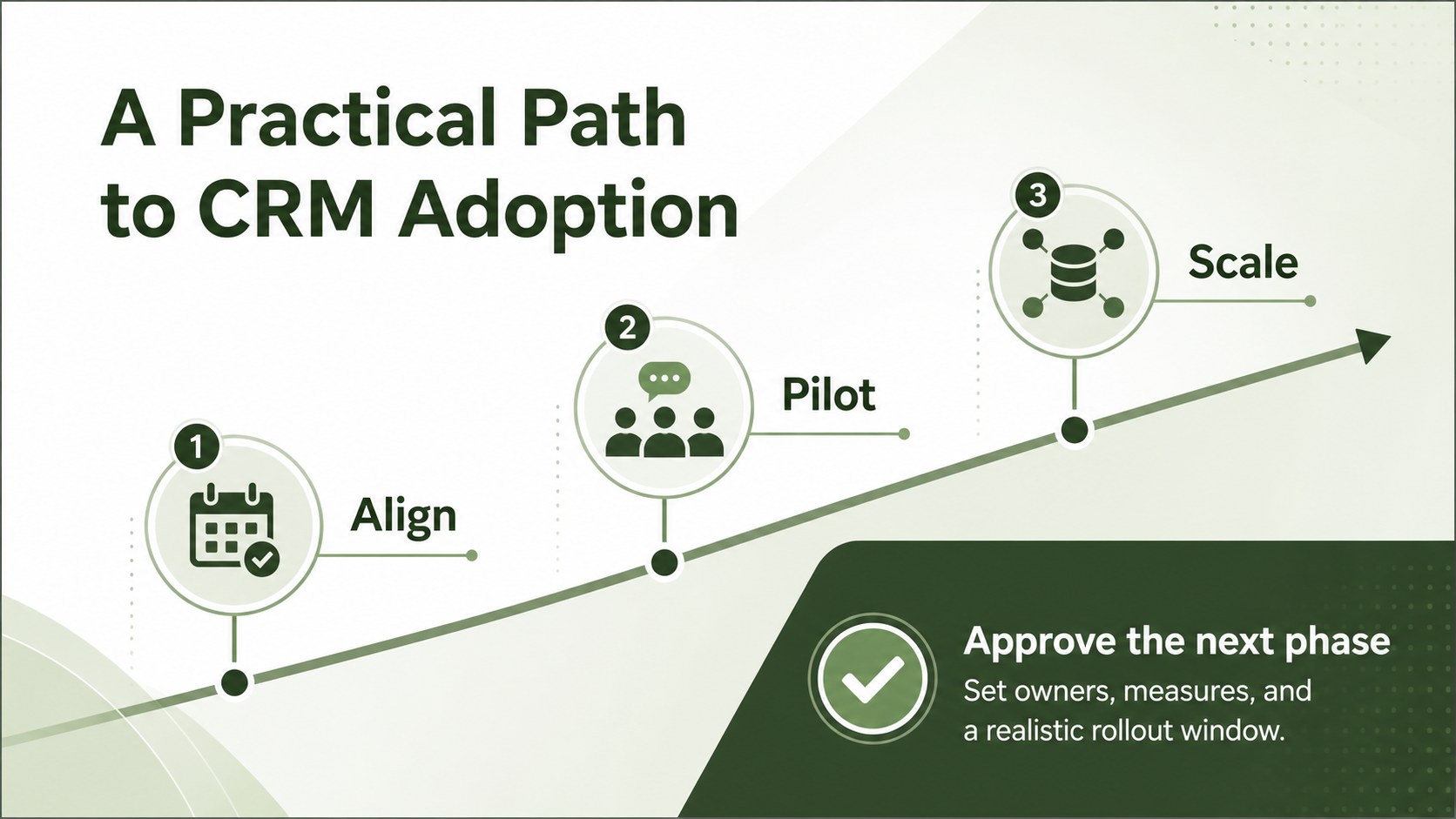
Build a persuasive crm business case presentation with editable green slides for stakeholder alignment, ROI analysis, customer strategy, and executive…

Design notes
This CRM investment presentation deck helps teams explain why a customer relationship platform deserves time, budget, and executive attention. Its clean green visual system gives complex information a calm, credible structure, making it easier to present current challenges, proposed improvements, expected returns, and implementation priorities.
Inside, you’ll find a polished cover, an executive overview, a business-value framework, and a closing recommendation layout. Use the editable text areas, tables, charts, frames, lines, and shapes to compare current and future workflows, outline success metrics, summarize costs, or map a phased rollout. The layouts are designed for concise decision-making rather than dense technical documentation.
This template is suitable for sales operations teams, customer success leaders, marketing managers, consultants, and business analysts preparing a CRM investment presentation for internal approval. Adapt it for a startup investor pitch, an executive budget review, a CRM migration proposal, or a cross-functional planning session. The files work with PowerPoint and Google Slides, so collaborators can revise messaging, update figures, and align on recommendations without rebuilding the design from scratch.
Perfect for: executive CRM budget review; startup investor pitch; CRM migration proposal; sales operations planning; customer success strategy meeting.
Frequently asked questions
Can I edit this deck in PowerPoint? Yes. The presentation is designed for PowerPoint editing, including text, colors, shapes, charts, and layout elements. Replace the sample figures with your own CRM costs, targets, and performance data.
Practical details
Yes. The presentation is designed for PowerPoint editing, including text, colors, shapes, charts, and layout elements. Replace the sample figures with your own CRM costs, targets, and performance data.
Yes, you can open and adapt the slides in Google Slides. Review fonts and chart spacing after import, then update the deck collaboratively with your team.
Include the current customer-management challenges, recommended platform capabilities, expected operational gains, estimated investment, risks, and success measures. A phased implementation plan can help decision-makers understand timing and ownership.
Yes. Adjust the theme colors to match your organization while retaining the original structure and contrast. Use one accent color for key metrics, decisions, and calls to action so the presentation stays easy to scan.
Keep exploring
15Shape your publishing concept with an indie magazine startup pitch deck featuring pastel gradients, bold collage layouts, and editable planning slides.
 16
16Build clear project stories with the Icon Grid Teamwork Theme, a flexible blue illustrated deck for proposals, strategy updates, and team meetings.
 3
3Turn priorities into an actionable plan with an annual goals roadmap infographic, featuring editable orange and teal layouts for PowerPoint and Google Slides.
 15
15Create an Annual Achievement Report Presentation with colorful geometric layouts for milestones, results, lessons, and priorities in PowerPoint or Google Slides.
 15
15Turn results into a focused annual performance evaluation report with dark 3D slides for KPIs, achievements, feedback, and next-step goals for teams.
 15
15Guide a focused annual recap with Business Results Retrospective Slides, a muted brown-and-blue template for PowerPoint and Google Slides.
 6
6Turn complex plans into clear visual stories with Color-Coded Workflow Path Slides, an editable set for project updates, roadmaps, and team briefings.
 6
6Compare regional performance at a glance with Global Data Heatmap Slides, a clean multicolor deck designed for editable PowerPoint and Google Slides.