
 15
15presentation
Indie Magazine Startup Pitch Deck
Shape your publishing concept with an indie magazine startup pitch deck featuring pastel gradients, bold collage layouts, and editable planning slides.
Google SlidesPowerPoint
spreadsheet · English
Build a clearer cash plan with a corporate cash flow planner for PowerPoint and Google Slides. Track costs, income, and targets in one editable finance…

Design notes
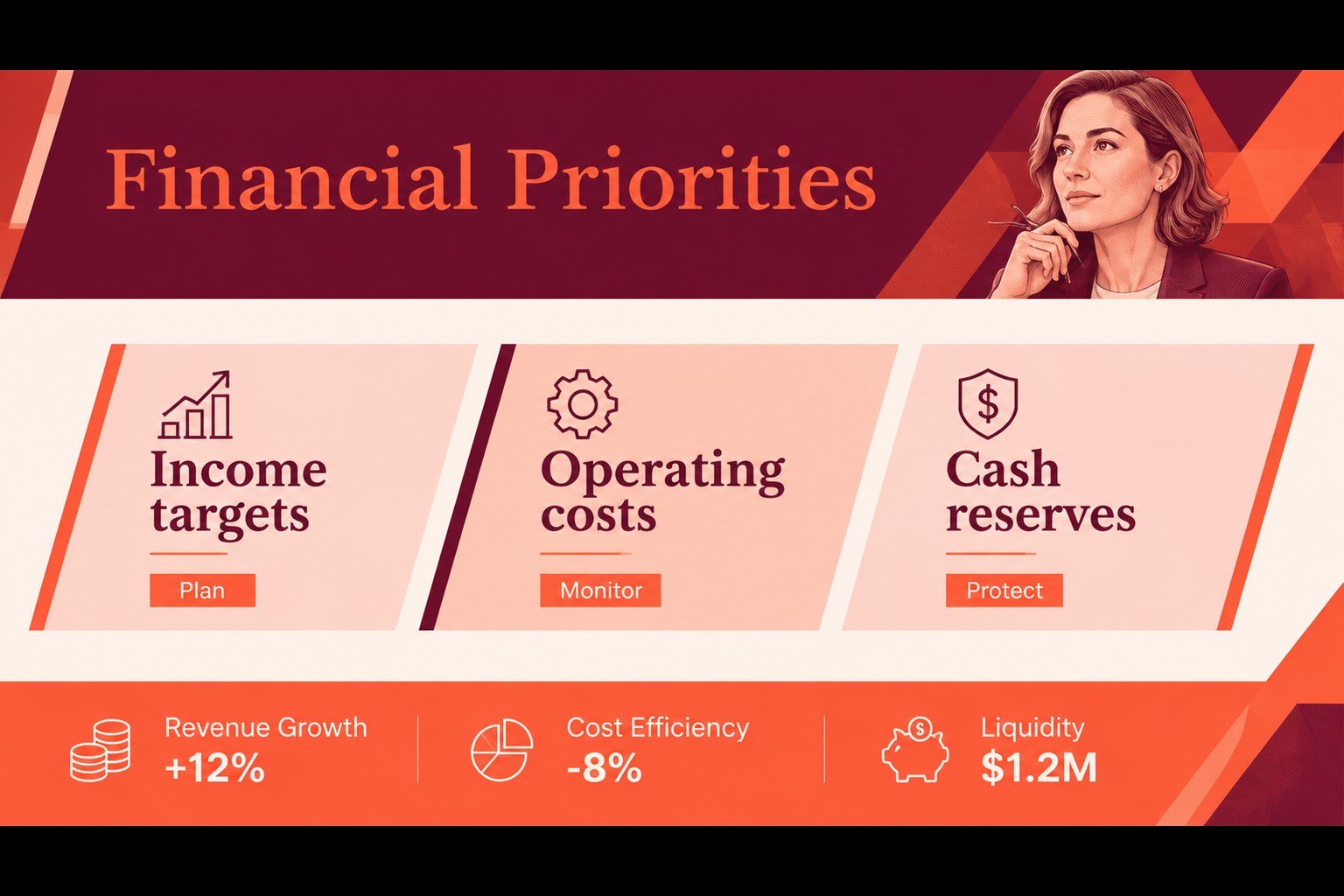
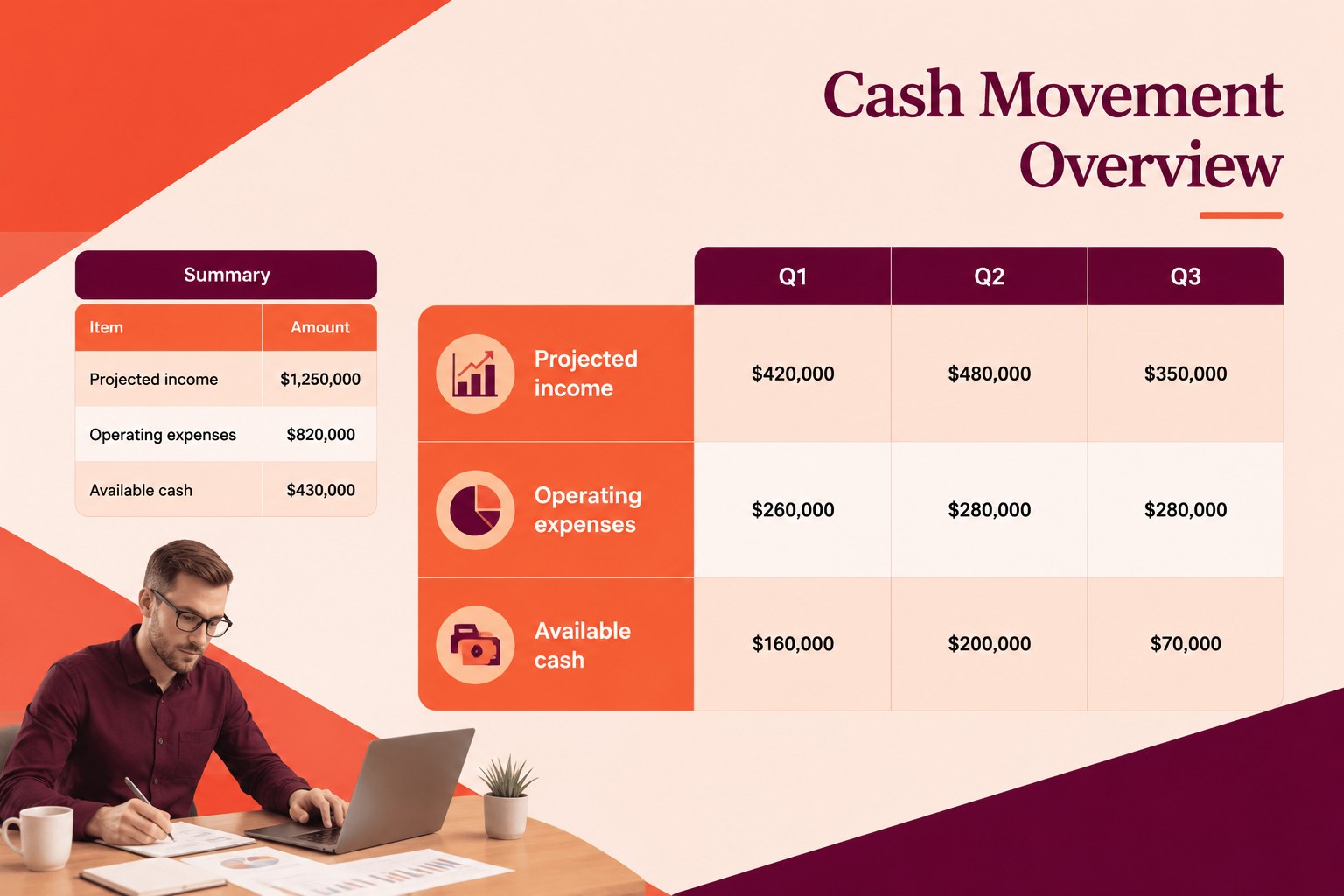
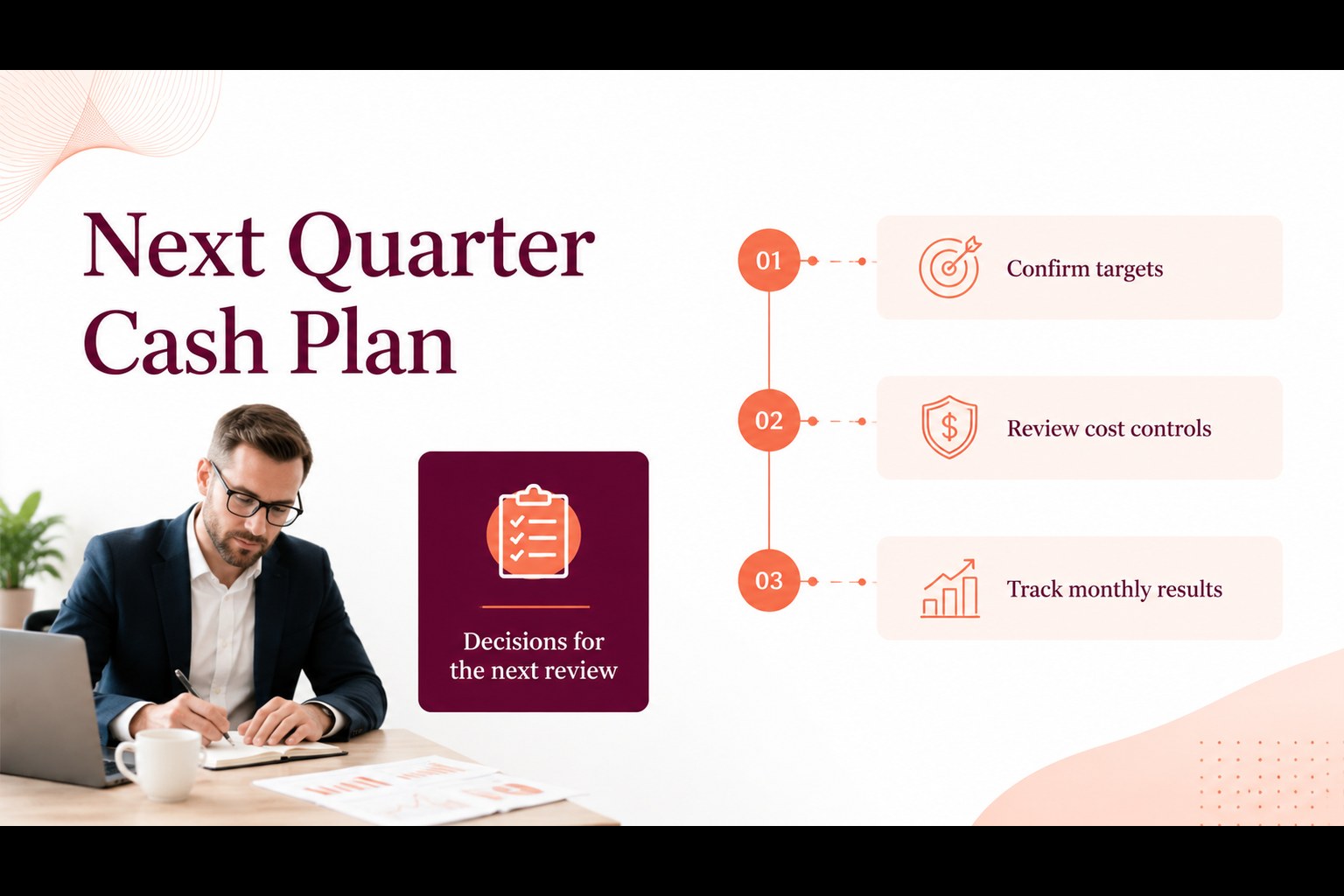
Corporate Cash Flow Planner gives entrepreneurs, finance teams, and department managers a practical way to organize business money in a polished presentation format. Use the layout to compare expected income with operating costs, identify spending pressure, and prepare a concise financial snapshot for decision-makers. The vivid orange and red palette adds energy without distracting from the figures, while the abstract corporate styling keeps the template suitable for internal planning and formal reviews.
Inside, you will find editable areas for income forecasts, expense categories, cash movement, budget targets, and summary metrics. The four-slide structure supports a cover, an overview of financial priorities, a detailed cash flow breakdown, and a closing action plan. Use this cash flow planning template for quarterly reporting, startup finance meetings, department budget checks, or management updates. It works in PowerPoint and Google Slides, with spreadsheet-friendly data that can also be prepared in Excel or Google Sheets before being added to the deck. Adjust colors, typography, charts, labels, and figures to match your organization and reporting cycle.
Perfect for: quarterly finance review; startup cash management meeting; department spending check; management budget update; operating expense forecast.
Frequently asked questions
Can I edit the planner in PowerPoint? Yes. The layouts, text, charts, colors, and financial figures are editable in PowerPoint. Replace the sample values with your own reporting data and adjust the formatting to fit your organization.
Does it work with Google Slides? Yes, you can open or import the presentation in Google Slides and edit the supported elements there. Review chart formatting after import, especially when transferring complex spreadsheet-linked data.
Practical details
Yes. The layouts, text, charts, colors, and financial figures are editable in PowerPoint. Replace the sample values with your own reporting data and adjust the formatting to fit your organization.
Yes, you can open or import the presentation in Google Slides and edit the supported elements there. Review chart formatting after import, especially when transferring complex spreadsheet-linked data.
Prepare your income, expense, and cash figures in Excel or Google Sheets, then transfer the summarized values into the presentation charts and tables. This approach works well for recurring monthly or quarterly updates.
Yes. Change the accent colors, fonts, labels, and decorative elements to match your brand or reporting system. Keep strong contrast between figures and the background so the financial information remains easy to read.
Keep exploring
15Shape your publishing concept with an indie magazine startup pitch deck featuring pastel gradients, bold collage layouts, and editable planning slides.
 16
16Build clear project stories with the Icon Grid Teamwork Theme, a flexible blue illustrated deck for proposals, strategy updates, and team meetings.
 3
3Turn priorities into an actionable plan with an annual goals roadmap infographic, featuring editable orange and teal layouts for PowerPoint and Google Slides.
 15
15Create an Annual Achievement Report Presentation with colorful geometric layouts for milestones, results, lessons, and priorities in PowerPoint or Google Slides.
 15
15Turn results into a focused annual performance evaluation report with dark 3D slides for KPIs, achievements, feedback, and next-step goals for teams.
 15
15Guide a focused annual recap with Business Results Retrospective Slides, a muted brown-and-blue template for PowerPoint and Google Slides.
 6
6Turn complex plans into clear visual stories with Color-Coded Workflow Path Slides, an editable set for project updates, roadmaps, and team briefings.
 6
6Compare regional performance at a glance with Global Data Heatmap Slides, a clean multicolor deck designed for editable PowerPoint and Google Slides.