
 15
15presentation
Indie Magazine Startup Pitch Deck
Shape your publishing concept with an indie magazine startup pitch deck featuring pastel gradients, bold collage layouts, and editable planning slides.
Google SlidesPowerPoint
presentation · English
Build clearer business narratives with a core strategy visual deck in editable PowerPoint and Google Slides formats, using vivid 3D pillars.



Design notes
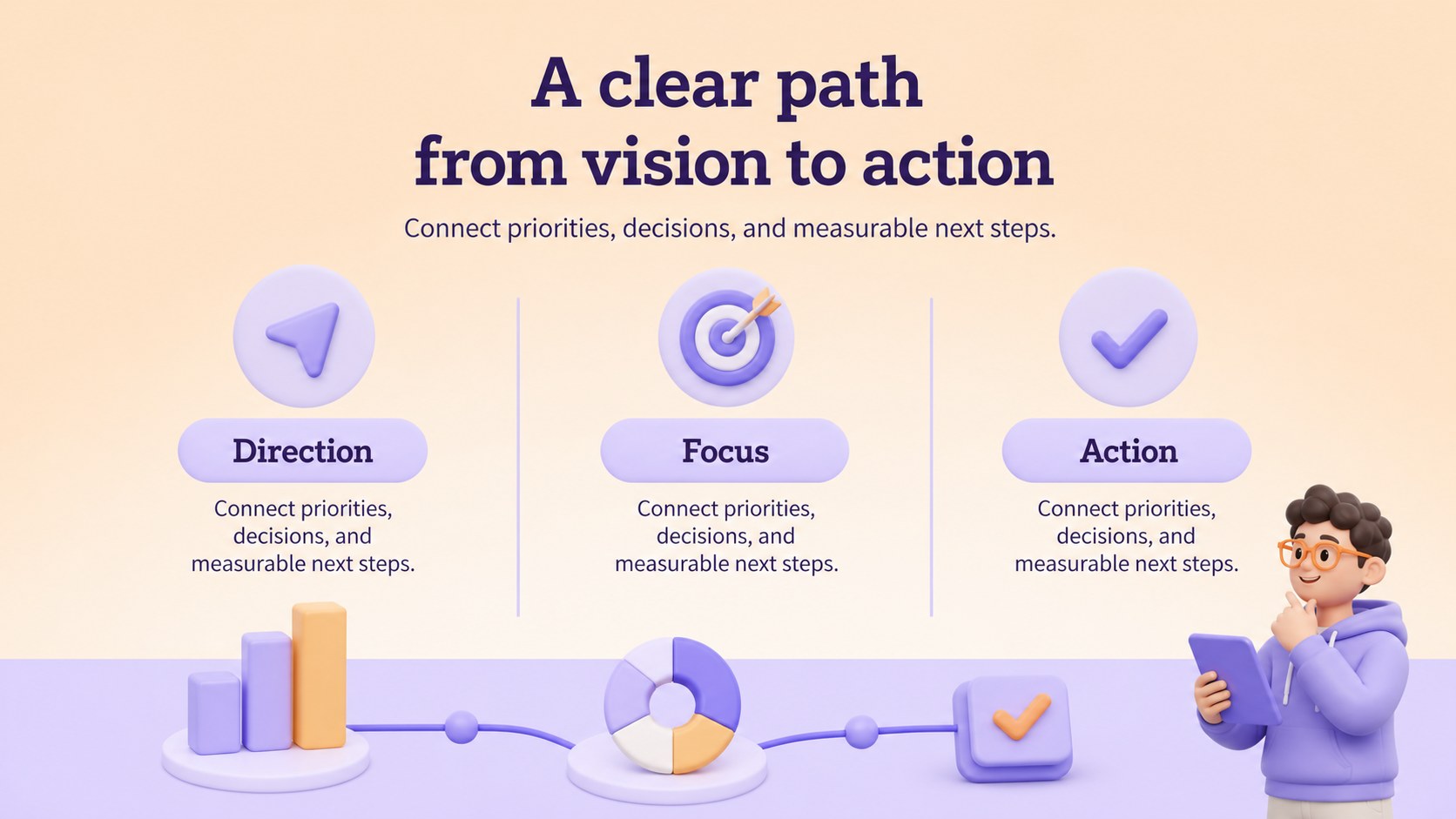
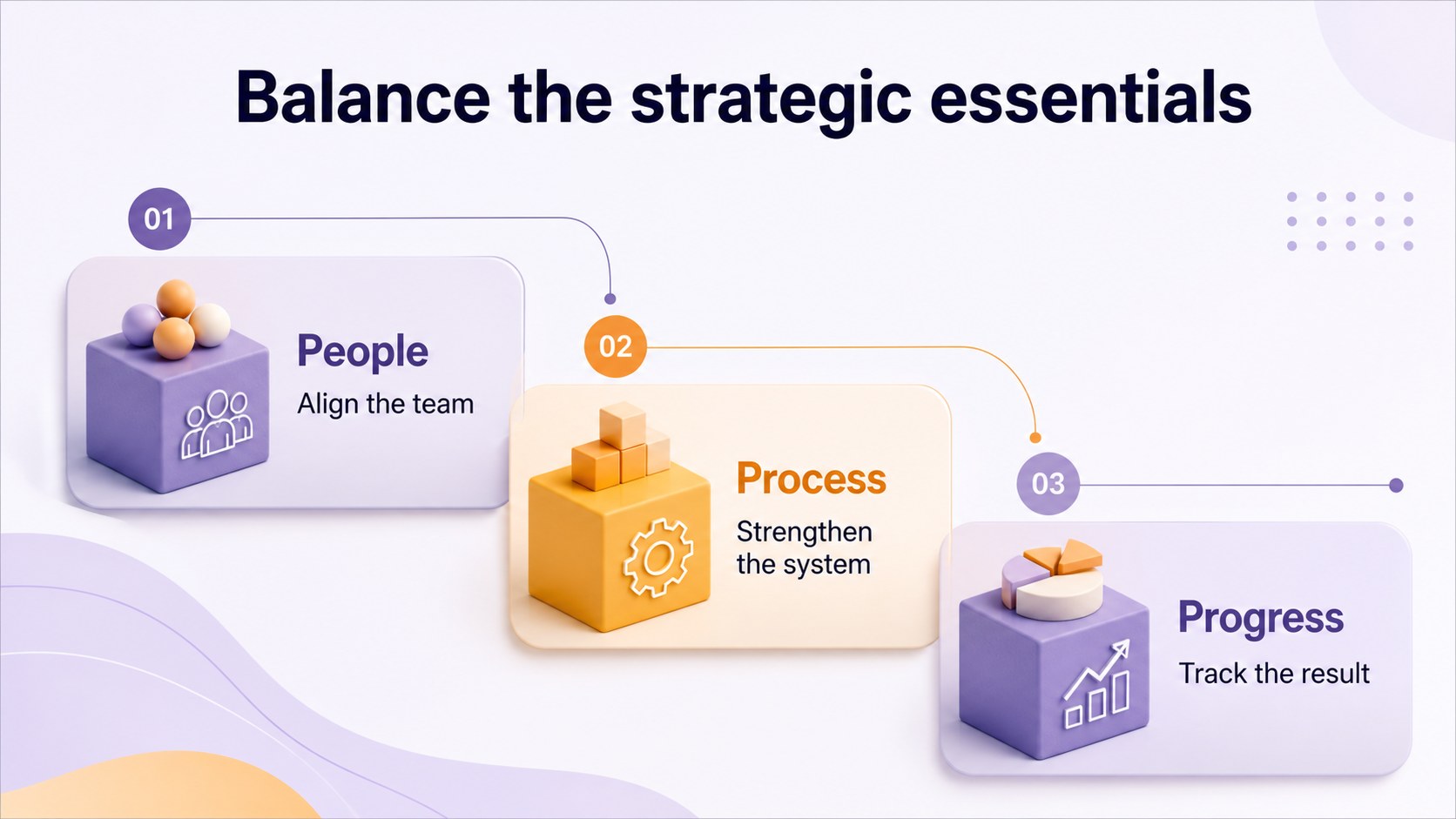
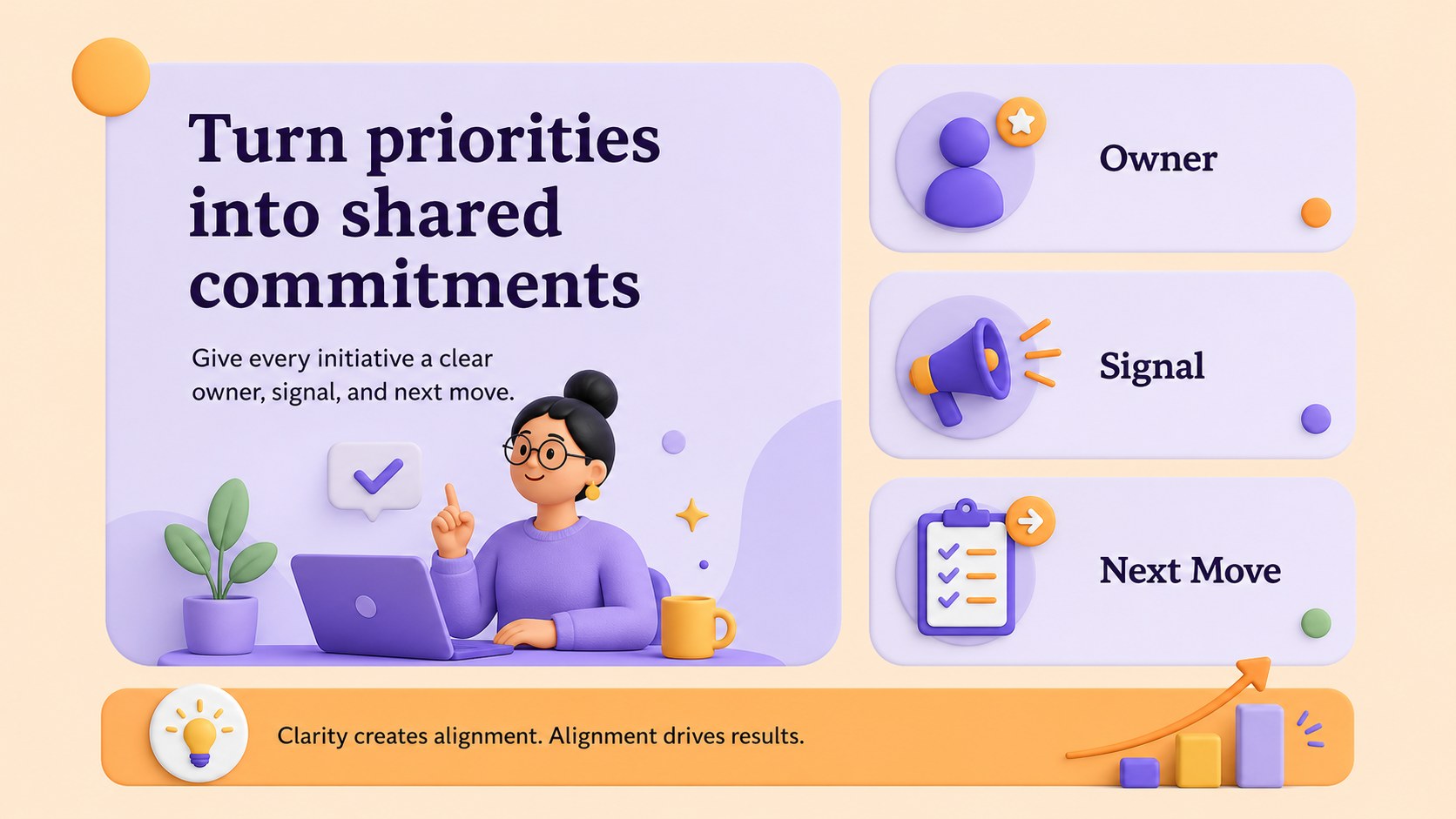
A core strategy visual deck helps business teams explain priorities, operating principles, and long-term direction without overwhelming the audience. Its vivid purple-and-orange palette, soft pastel accents, and dimensional illustrations create an energetic 3D look while keeping the information easy to scan. Use it to frame a strategic narrative, align stakeholders, or introduce a new set of organizational priorities.
Inside, you’ll find six 16:9 layouts for presenting a three-part framework, comparing strategic areas, mapping relationships, and summarizing action points. The editable slides combine bold typography, clean labels, rounded shapes, and layered visual elements. They are suitable for a business strategy framework presentation, leadership workshop slides, or a visual roadmap for team planning. Add charts, icons, diagrams, and supporting notes to adapt the structure to your own subject.
This template is designed for consultants, founders, project leaders, educators, and marketing teams who need polished visuals without building every diagram from scratch. Edit it in PowerPoint or Google Slides, then export it for meetings, reports, or online sharing. Arvo and Assistant typography support the friendly modern style, while the orange and purple color system can be adjusted to match your brand.
Perfect for: leadership strategy workshop; startup planning session; consulting client presentation; team priorities briefing; business framework training.
Frequently asked questions
Can I edit this deck in Google Slides? Yes. The layouts are designed for Google Slides and can be edited directly after import. You can change text, colors, shapes, diagrams, and images without specialized design software.
Practical details
Yes. The layouts are designed for Google Slides and can be edited directly after import. You can change text, colors, shapes, diagrams, and images without specialized design software.
Yes. The template is available for PowerPoint and Google Slides. Some platform-specific animation or font behavior may vary, so review the presentation after moving it between applications.
Yes. Every main shape and text element is customizable, allowing you to apply your brand colors or create a different emphasis system. Keep contrasting tones for the pillar diagrams and labels so the information remains easy to follow.
The slides work well for three-part frameworks, strategic priorities, operating models, and related business concepts. They can also be adapted for education, sustainability, marketing, or team planning when the content benefits from visual grouping.
Keep exploring
15Shape your publishing concept with an indie magazine startup pitch deck featuring pastel gradients, bold collage layouts, and editable planning slides.
 16
16Build clear project stories with the Icon Grid Teamwork Theme, a flexible blue illustrated deck for proposals, strategy updates, and team meetings.
 3
3Turn priorities into an actionable plan with an annual goals roadmap infographic, featuring editable orange and teal layouts for PowerPoint and Google Slides.
 15
15Create an Annual Achievement Report Presentation with colorful geometric layouts for milestones, results, lessons, and priorities in PowerPoint or Google Slides.
 15
15Turn results into a focused annual performance evaluation report with dark 3D slides for KPIs, achievements, feedback, and next-step goals for teams.
 15
15Guide a focused annual recap with Business Results Retrospective Slides, a muted brown-and-blue template for PowerPoint and Google Slides.
 6
6Turn complex plans into clear visual stories with Color-Coded Workflow Path Slides, an editable set for project updates, roadmaps, and team briefings.
 6
6Compare regional performance at a glance with Global Data Heatmap Slides, a clean multicolor deck designed for editable PowerPoint and Google Slides.