
 15
15presentation
Indie Magazine Startup Pitch Deck
Shape your publishing concept with an indie magazine startup pitch deck featuring pastel gradients, bold collage layouts, and editable planning slides.
Google SlidesPowerPoint
presentation · English
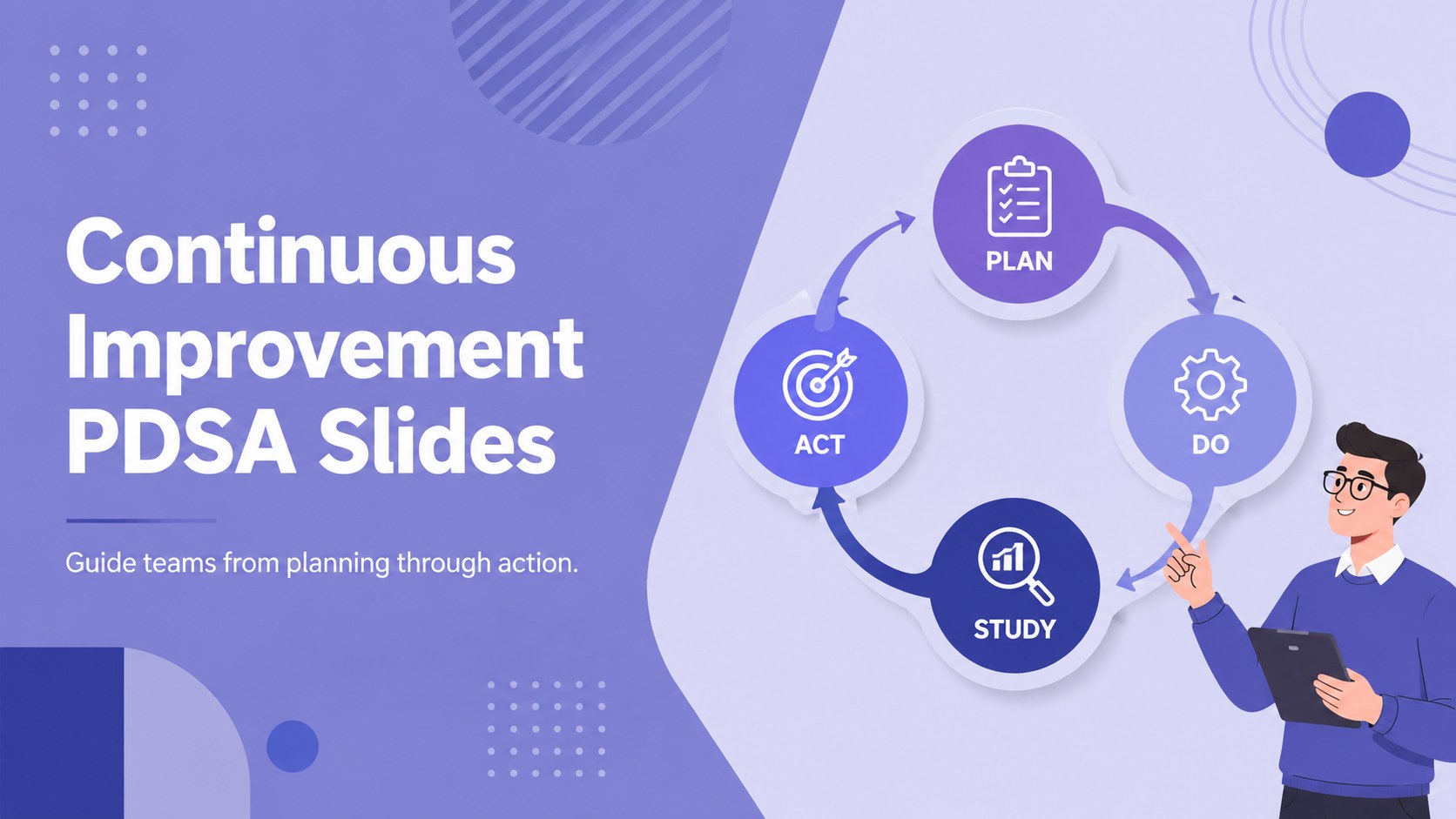
Lead practical review sessions with Continuous Improvement PDSA Slides, a violet-and-blue deck for mapping tests, results, learning, and next actions.
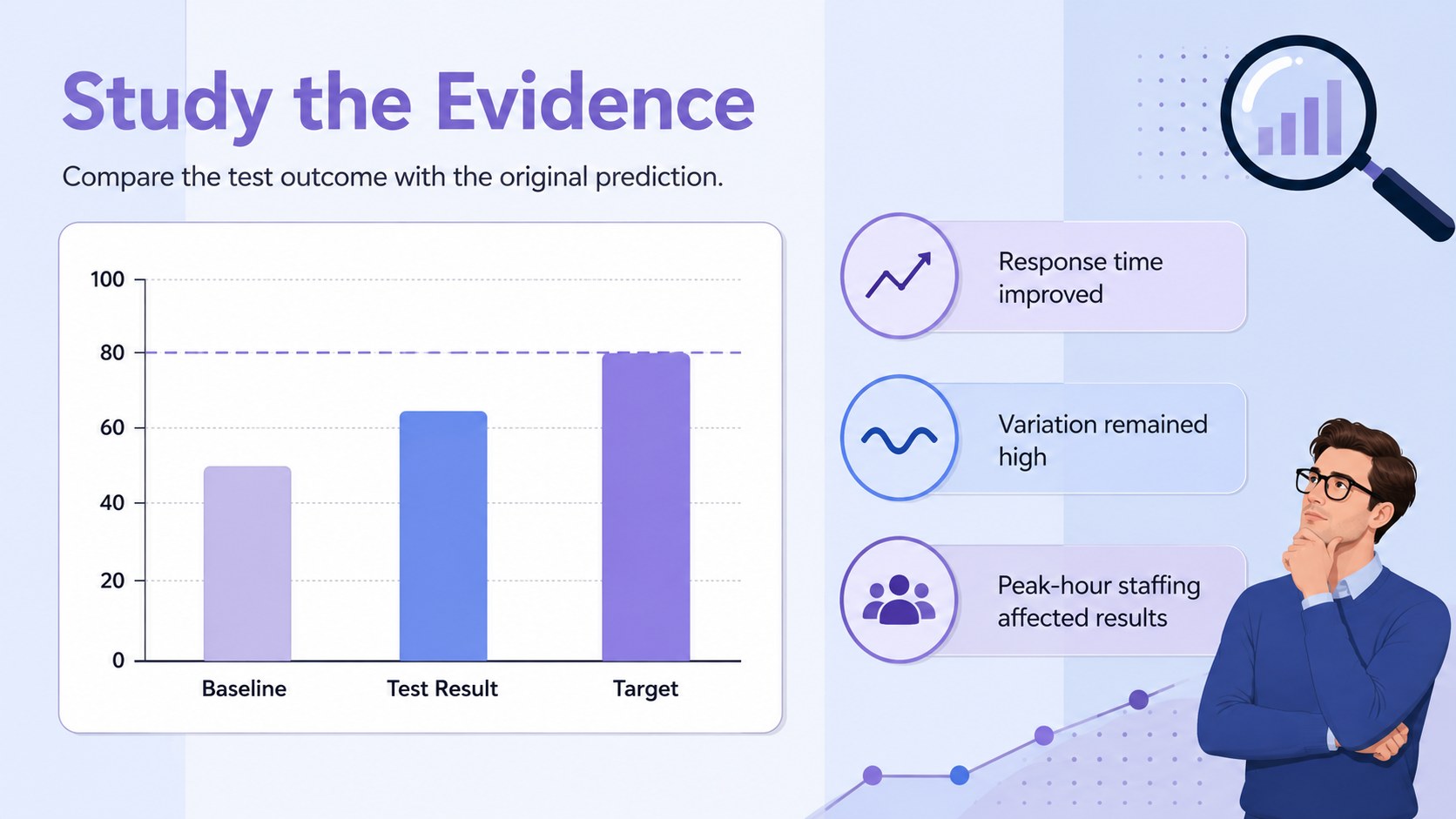
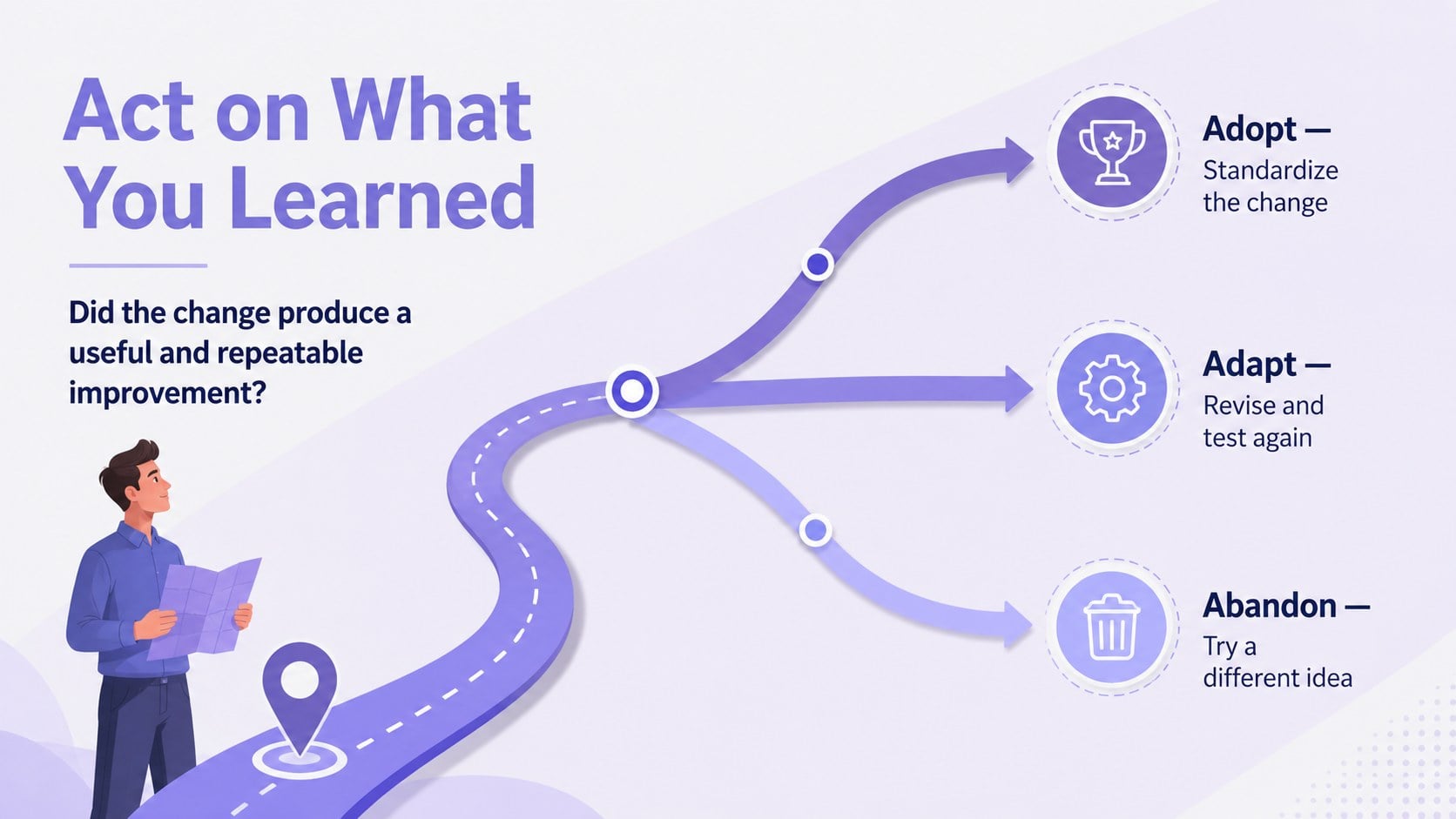
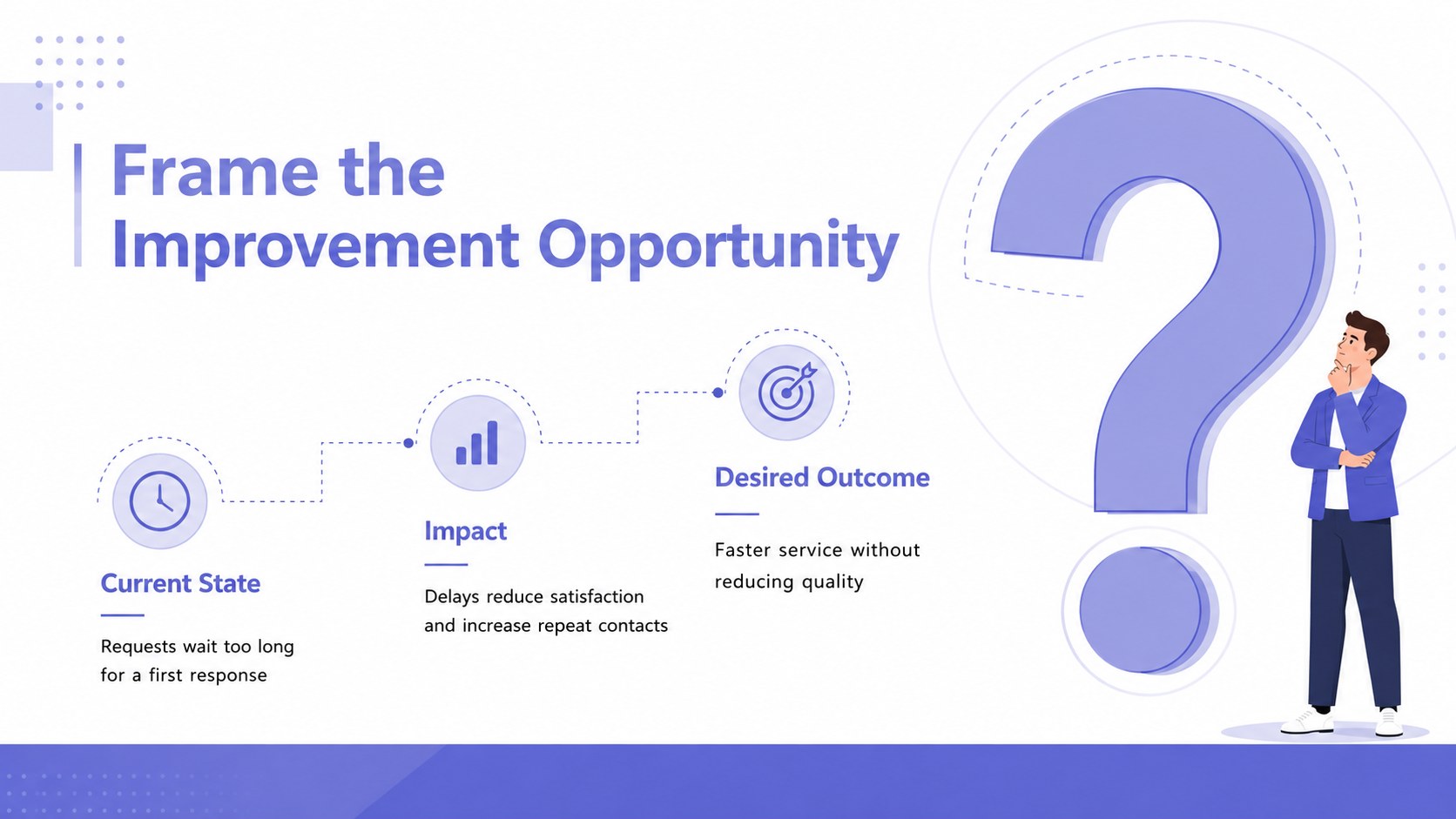
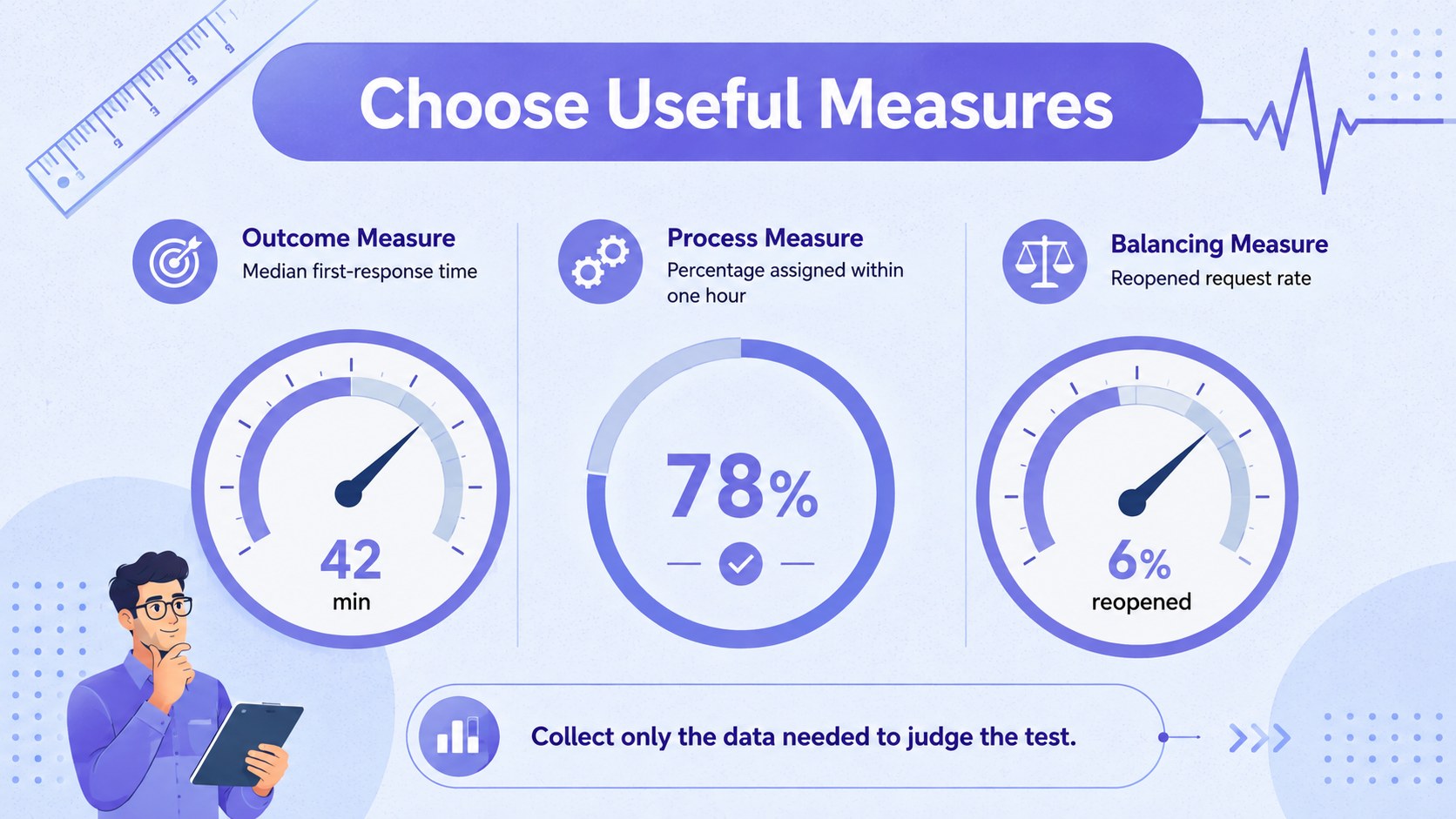
Design notes
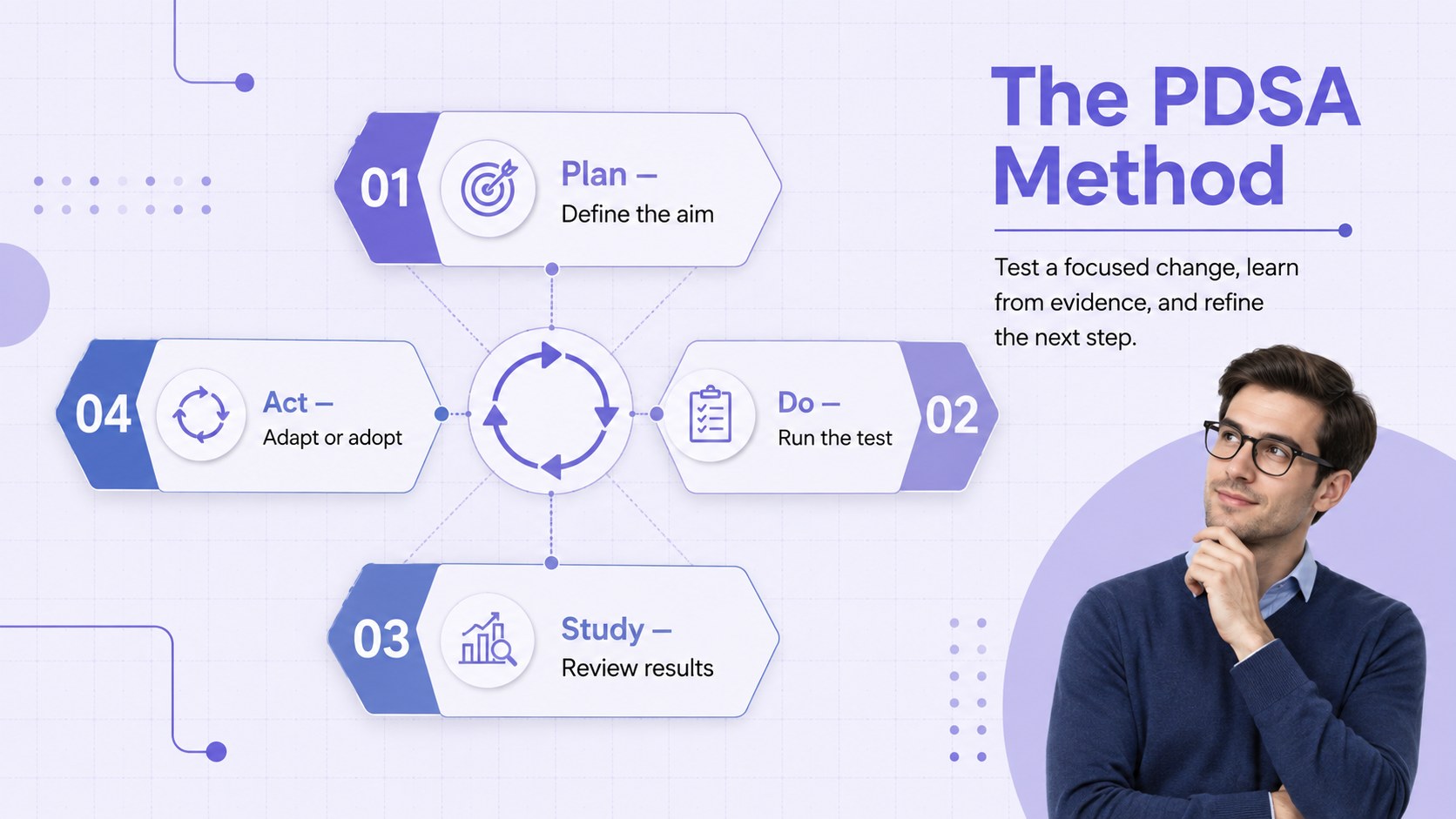
Continuous Improvement PDSA Slides help teams explain small-scale testing, evaluate evidence, and decide what to improve next. The clean violet-and-blue visual system keeps attention on the Plan, Do, Study, and Act stages while making complex workflows easier to discuss with stakeholders. Use the deck for project reviews, operational meetings, training sessions, or quality initiatives.
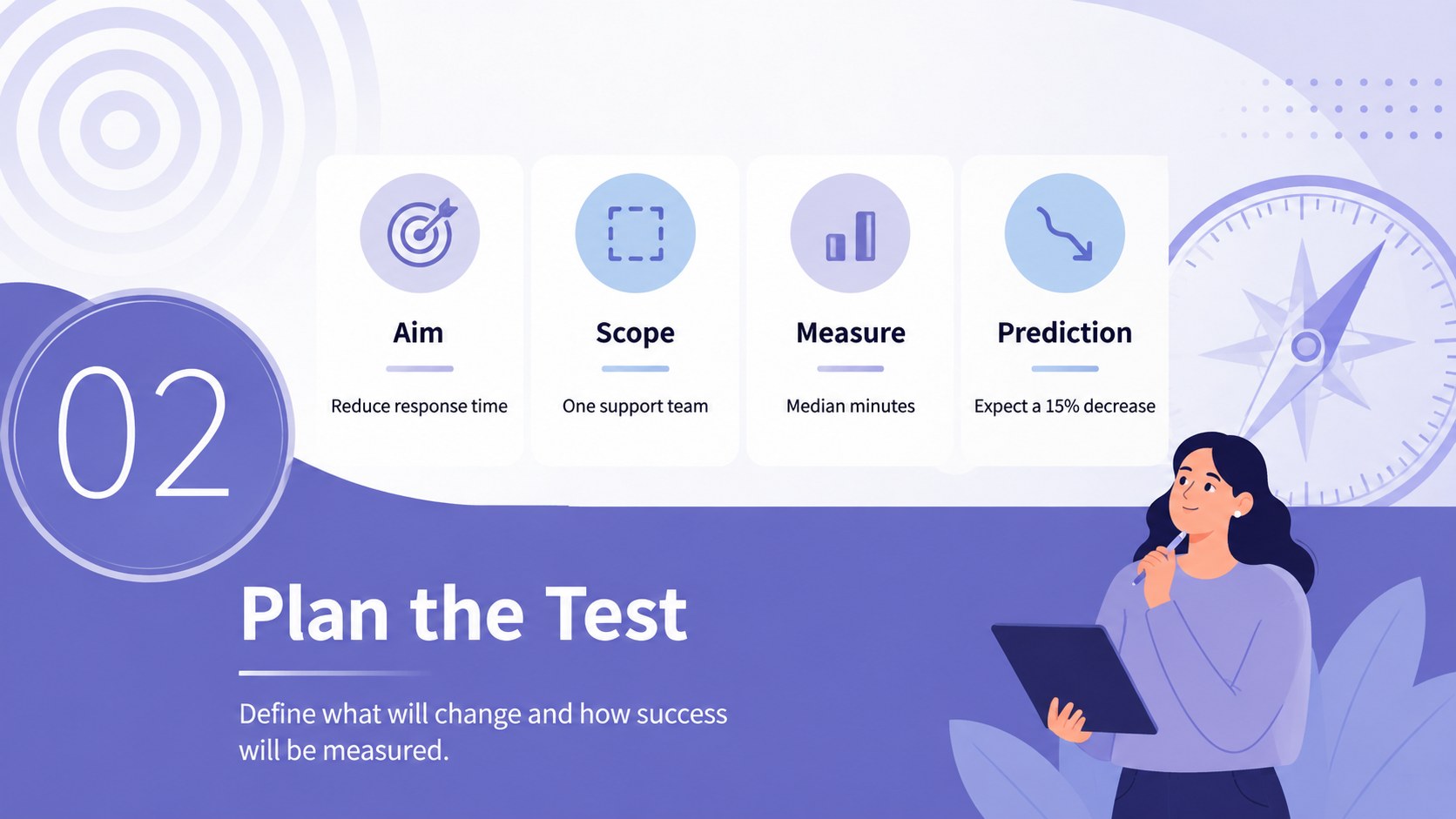
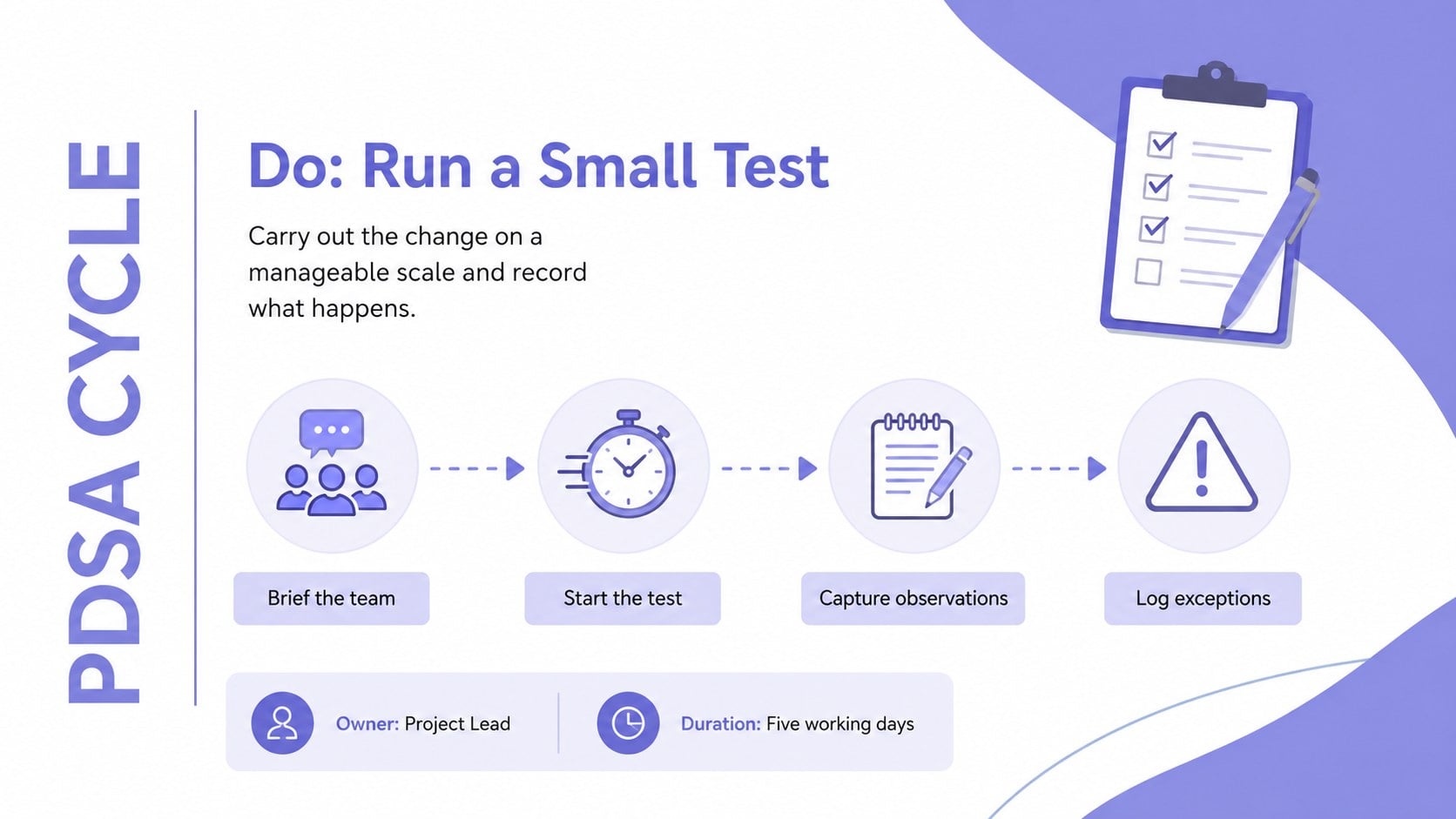
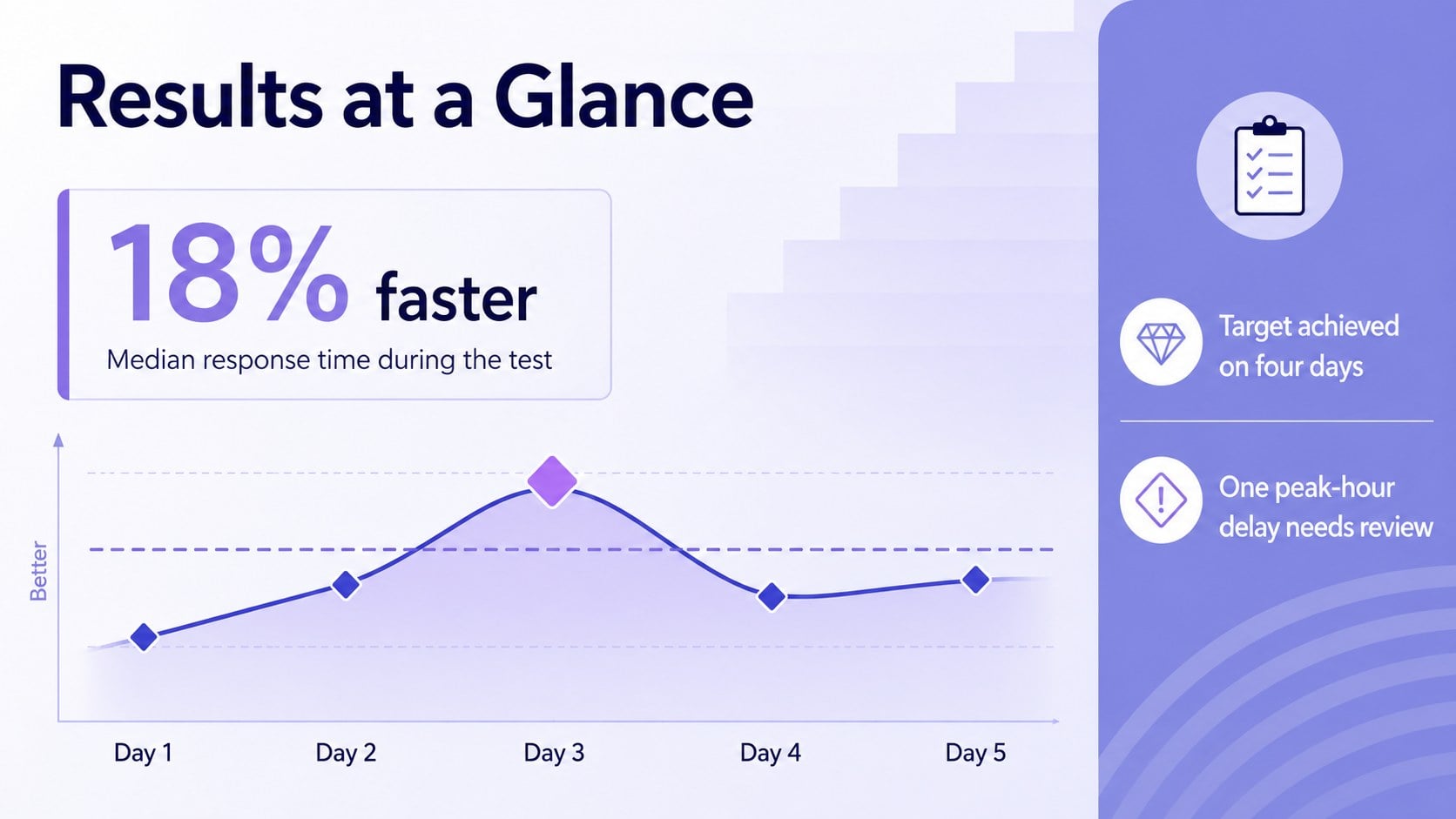
Inside, you will find 22 editable 16:9 layouts for cycle overviews, problem statements, test plans, observations, result comparisons, lessons learned, action priorities, timelines, and ownership. The collection works as a quality improvement cycle slide deck or a focused plan do study act presentation, with charts, process diagrams, text frameworks, and progress visuals that can be adapted to your data.
Designed for managers, healthcare teams, educators, consultants, and process improvement specialists, this PDSA workshop presentation template supports both facilitated sessions and concise executive updates. Change the colors, type, labels, shapes, and chart values in PowerPoint or Google Slides. Add your own metrics, goals, findings, and next-step decisions to build a consistent improvement story without designing every diagram from scratch.
Perfect for: quality improvement workshop; healthcare process review; operations performance meeting; project experiment recap; team retrospective session; continuous improvement training.
Frequently asked questions
Can I edit every PDSA diagram? Yes. The stage labels, text, shapes, colors, connectors, and chart values are editable, so you can match the diagrams to your process and terminology.
Practical details
Yes. The stage labels, text, shapes, colors, connectors, and chart values are editable, so you can match the diagrams to your process and terminology.
The deck is designed for Microsoft PowerPoint and Google Slides. Some font spacing or transitions may vary slightly between the two platforms.
Replace the sample goals, measures, observations, and actions with details from your test. You can also duplicate a stage layout to document several PDSA rounds in one presentation.
Yes. The layouts can document clinical workflow tests, patient safety initiatives, service changes, and outcome reviews, while remaining suitable for non-healthcare teams.
Keep exploring
15Shape your publishing concept with an indie magazine startup pitch deck featuring pastel gradients, bold collage layouts, and editable planning slides.
 16
16Build clear project stories with the Icon Grid Teamwork Theme, a flexible blue illustrated deck for proposals, strategy updates, and team meetings.
 3
3Turn priorities into an actionable plan with an annual goals roadmap infographic, featuring editable orange and teal layouts for PowerPoint and Google Slides.
 15
15Create an Annual Achievement Report Presentation with colorful geometric layouts for milestones, results, lessons, and priorities in PowerPoint or Google Slides.
 15
15Turn results into a focused annual performance evaluation report with dark 3D slides for KPIs, achievements, feedback, and next-step goals for teams.
 15
15Guide a focused annual recap with Business Results Retrospective Slides, a muted brown-and-blue template for PowerPoint and Google Slides.
 6
6Turn complex plans into clear visual stories with Color-Coded Workflow Path Slides, an editable set for project updates, roadmaps, and team briefings.
 6
6Compare regional performance at a glance with Global Data Heatmap Slides, a clean multicolor deck designed for editable PowerPoint and Google Slides.