
 15
15presentation
Indie Magazine Startup Pitch Deck
Shape your publishing concept with an indie magazine startup pitch deck featuring pastel gradients, bold collage layouts, and editable planning slides.
Google SlidesPowerPoint
presentation · English
Present your experience with Consulting Candidate Resume Slides, an editable orange resume set for polished applications in PowerPoint and Google Slides.


Design notes
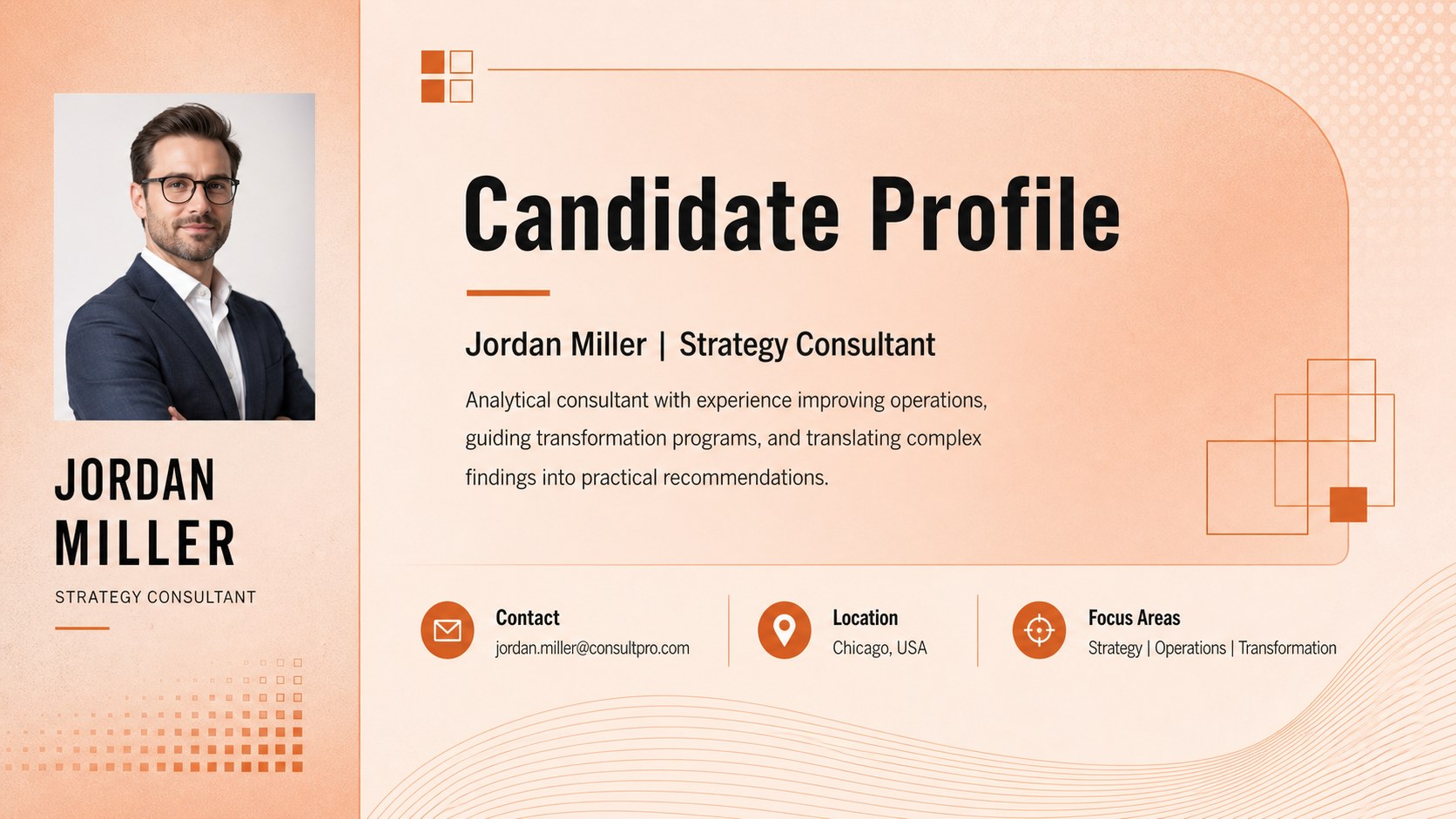
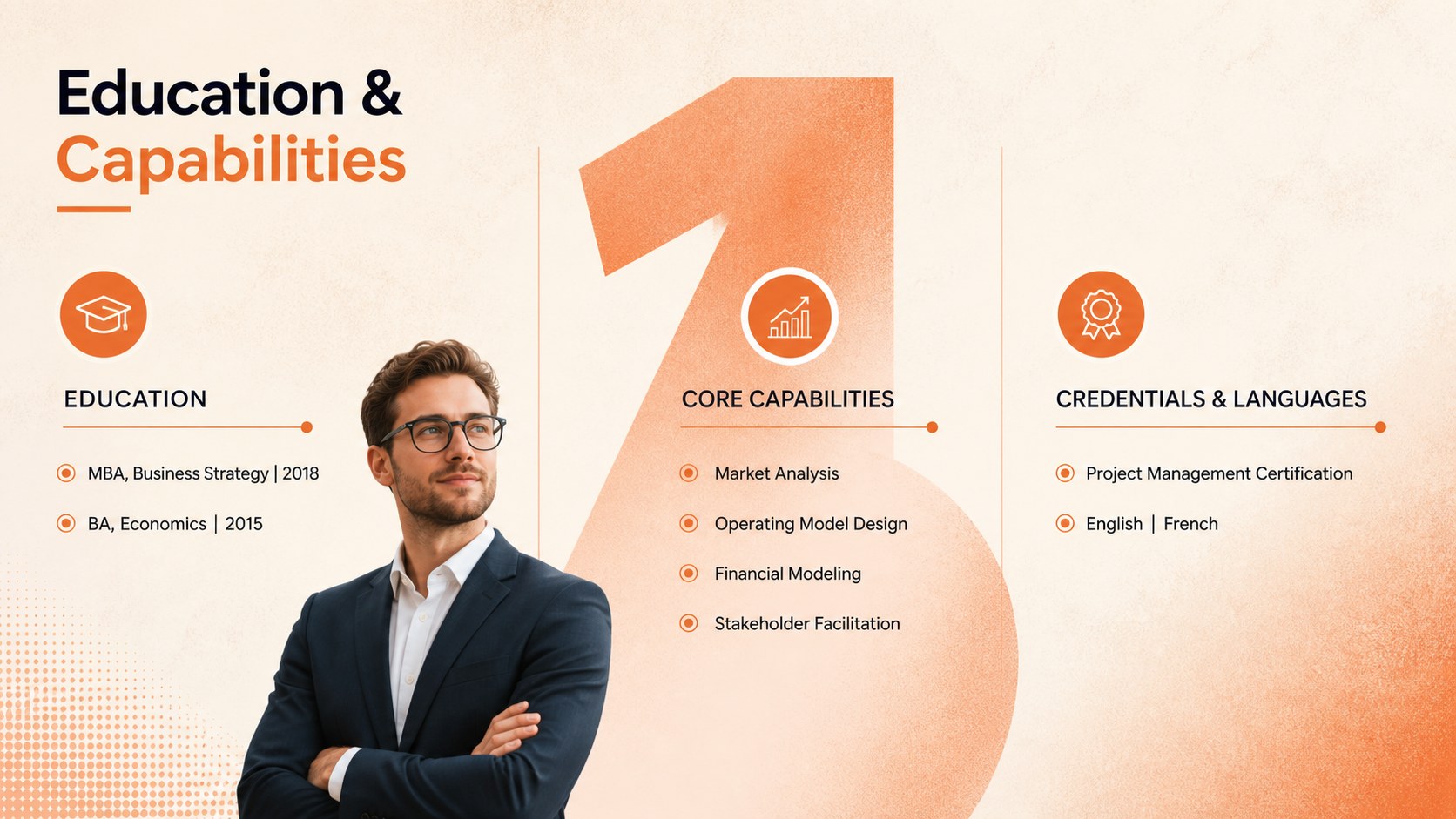
Consulting Candidate Resume Slides provide a polished way to present your professional story when pursuing consulting, strategy, or business leadership roles. The warm orange palette, subtle textured gradients, and clean typography create a confident visual identity without distracting from your qualifications. Use the layouts as a consulting resume template for PowerPoint or customize them directly in Google Slides.
The set includes four coordinated resume layouts covering a candidate profile, professional experience, education, key capabilities, and measurable achievements. Structured content areas help you turn dense career information into concise, readable sections. Flexible shapes, text boxes, icons, and accent elements make it easy to adjust the hierarchy, replace sample details, and tailor the design for a specific employer or role. The format also works as an editable consultant profile slide set for introductions, proposals, and internal staffing discussions.
Designed for analysts, consultants, project managers, MBA candidates, and experienced executives, this orange professional resume presentation supports applications across strategy, operations, finance, transformation, and advisory work. Add quantified outcomes, selected engagements, technical strengths, languages, and certifications to build a credible summary of your value. Every page can be edited in PowerPoint or Google Slides, allowing you to refine colors, typography, spacing, and section order while maintaining a consistent professional appearance.
Perfect for: management consulting job application; MBA recruiting profile; consultant staffing introduction; executive career summary; business analyst portfolio; advisory proposal biography.
Frequently asked questions
Can I edit these resume slides in PowerPoint? Yes. All text, colors, shapes, and section headings can be edited in PowerPoint, so you can replace the sample content and reorganize the layouts around your career history.
Practical details
Yes. All text, colors, shapes, and section headings can be edited in PowerPoint, so you can replace the sample content and reorganize the layouts around your career history.
Yes. Upload the presentation to Google Drive and open it in Google Slides to edit the resume online. Review font spacing after import in case your device substitutes a typeface.
Prioritize quantified business results, relevant industries, analytical skills, and examples of leadership. Adjust the section order so the qualifications most closely aligned with the target position appear first.
Yes. Replace the orange accents and textured gradient with employer-neutral colors or your personal palette while preserving strong contrast. Apply the same color changes across all four layouts for a consistent result.
Keep exploring
15Shape your publishing concept with an indie magazine startup pitch deck featuring pastel gradients, bold collage layouts, and editable planning slides.
 16
16Build clear project stories with the Icon Grid Teamwork Theme, a flexible blue illustrated deck for proposals, strategy updates, and team meetings.
 3
3Turn priorities into an actionable plan with an annual goals roadmap infographic, featuring editable orange and teal layouts for PowerPoint and Google Slides.
 15
15Create an Annual Achievement Report Presentation with colorful geometric layouts for milestones, results, lessons, and priorities in PowerPoint or Google Slides.
 15
15Turn results into a focused annual performance evaluation report with dark 3D slides for KPIs, achievements, feedback, and next-step goals for teams.
 15
15Guide a focused annual recap with Business Results Retrospective Slides, a muted brown-and-blue template for PowerPoint and Google Slides.
 6
6Turn complex plans into clear visual stories with Color-Coded Workflow Path Slides, an editable set for project updates, roadmaps, and team briefings.
 6
6Compare regional performance at a glance with Global Data Heatmap Slides, a clean multicolor deck designed for editable PowerPoint and Google Slides.