
 15
15presentation
Indie Magazine Startup Pitch Deck
Shape your publishing concept with an indie magazine startup pitch deck featuring pastel gradients, bold collage layouts, and editable planning slides.
Google SlidesPowerPoint
presentation · English
Create polished construction billing slides for quotes, project costs, and client invoices with a crisp black, white, and yellow design for PowerPoint.

Design notes
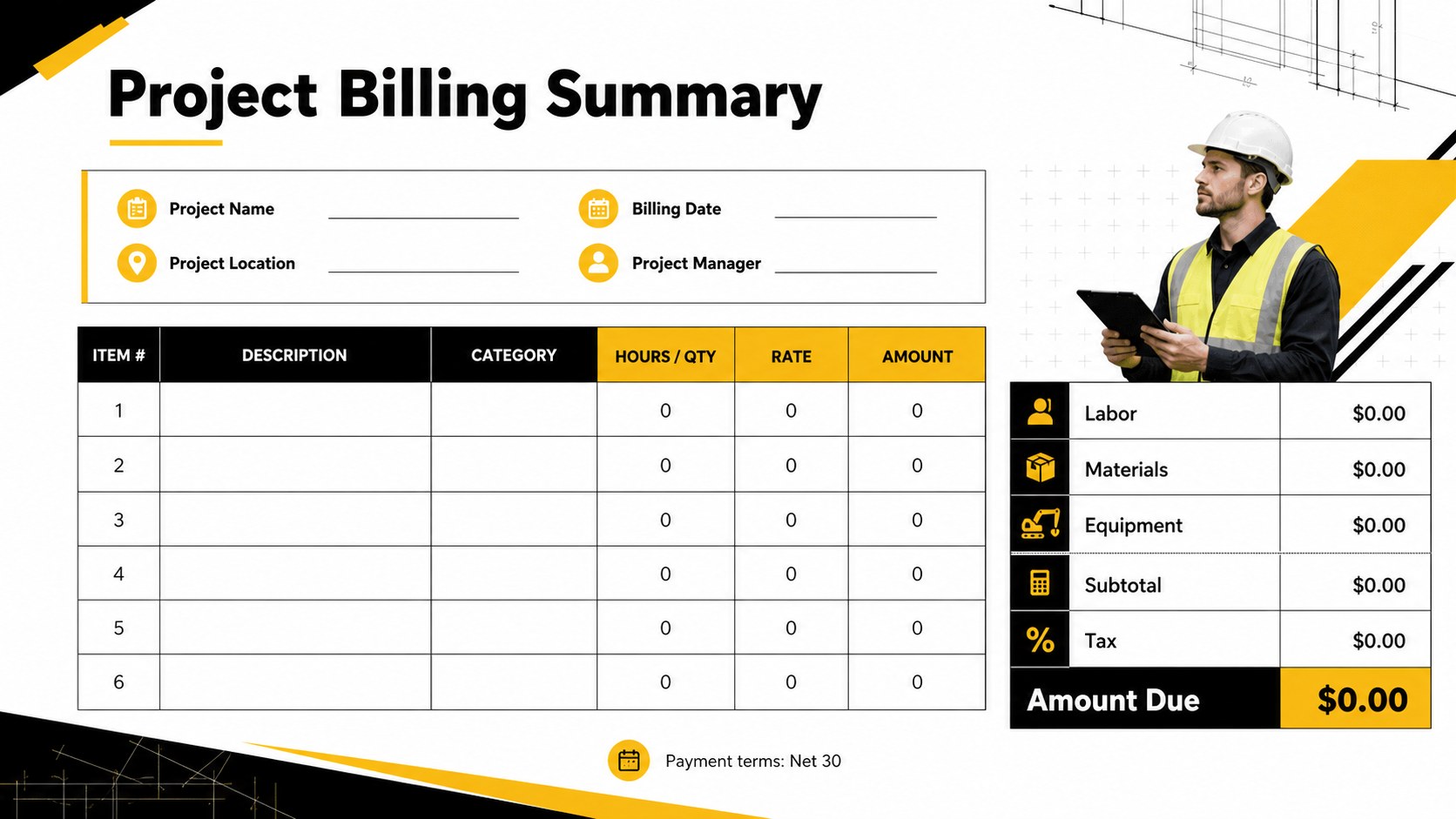
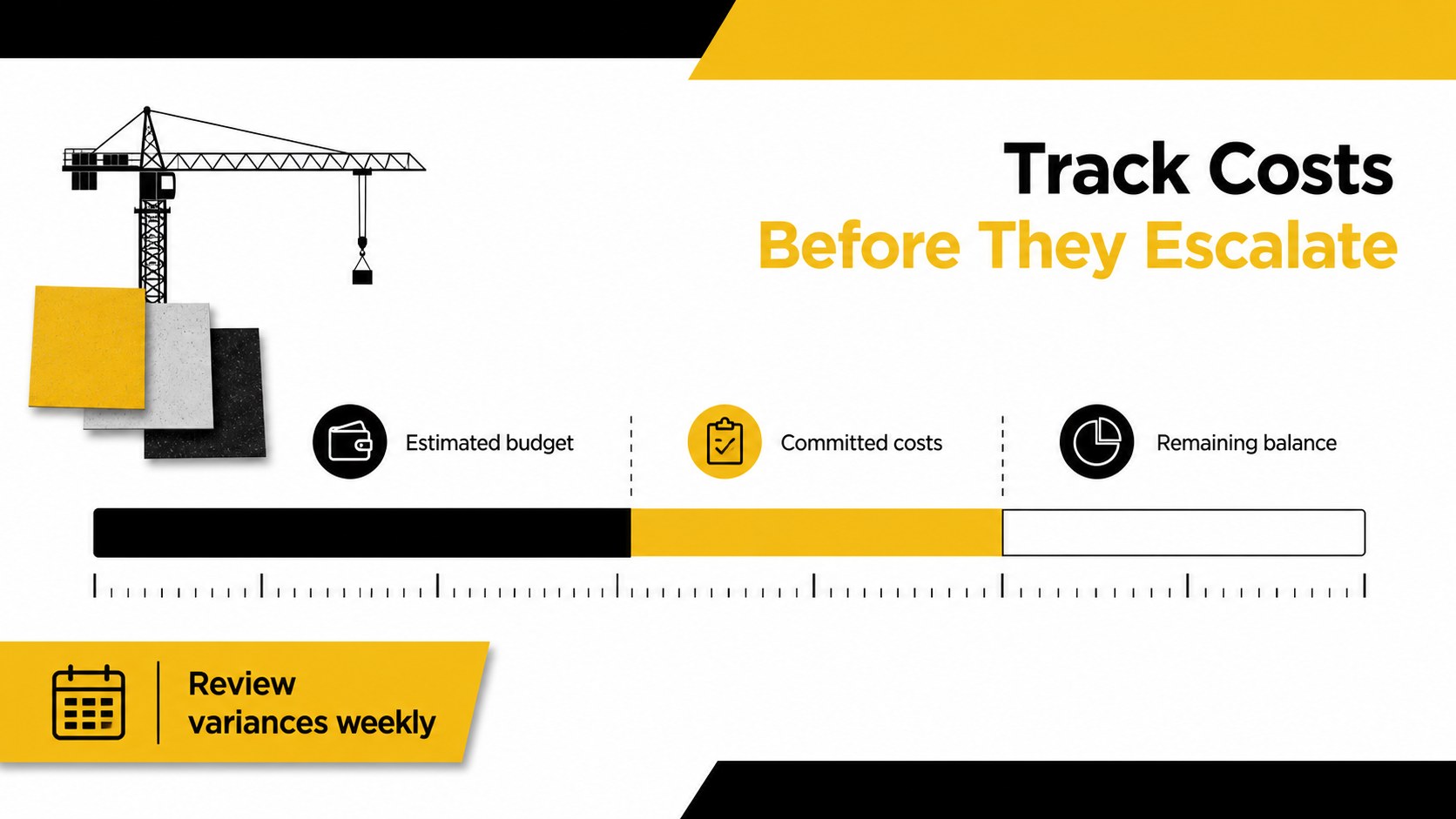
Construction billing slides give contractors, project managers, and small building firms a practical way to present quotes, charges, and payment details with a consistent professional look. The black, white, and yellow palette creates strong contrast while keeping every figure and label easy to scan.
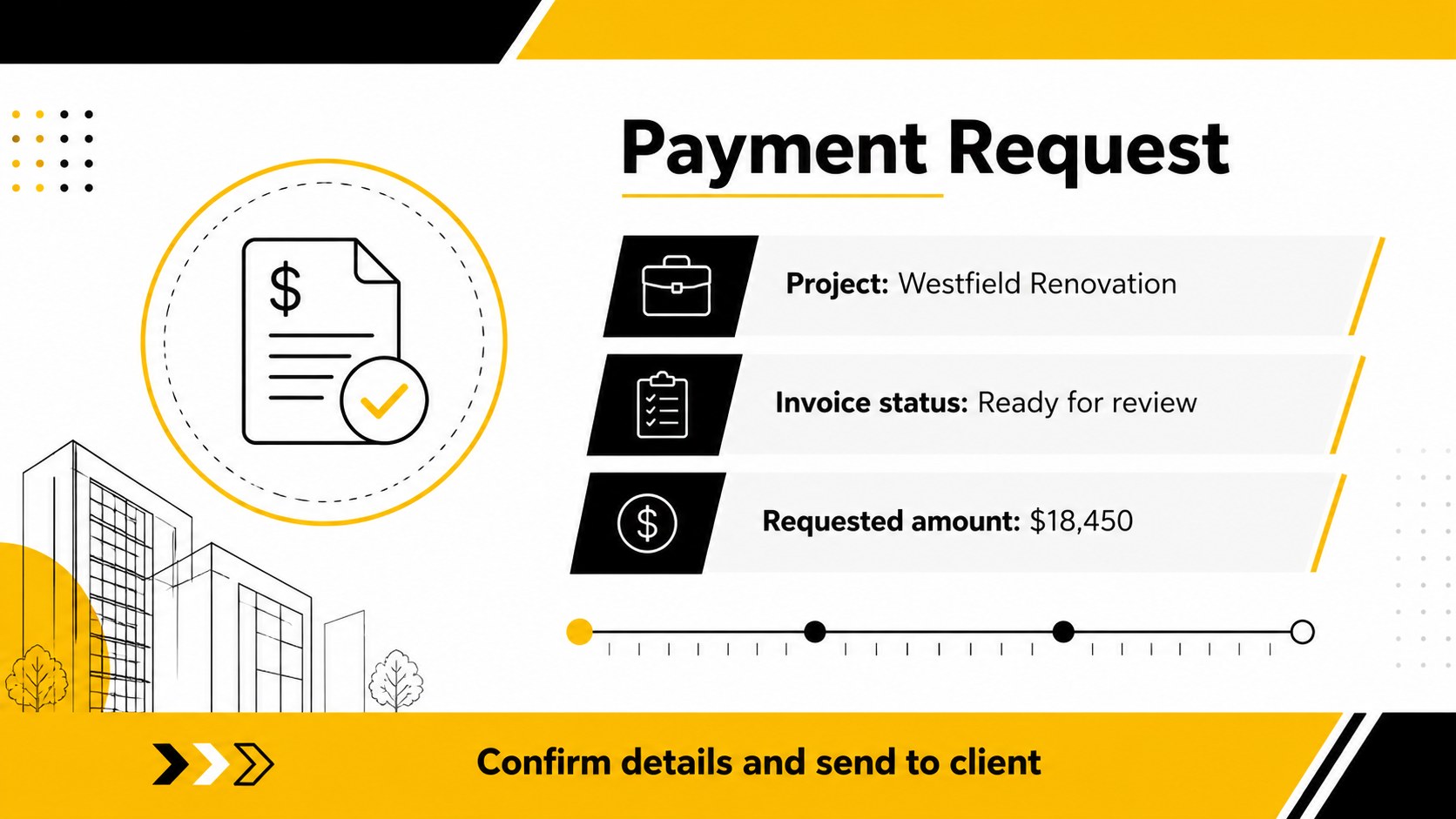
Inside, you’ll find four editable A4 layouts for client invoices, job cost summaries, service pricing, and payment information. Use the structured sections to organize labor, materials, quantities, rates, subtotals, taxes, due dates, and contact details. Simple geometric accents and clear content blocks help turn a construction billing spreadsheet template or rough cost list into a polished document for client communication. The layouts can also support a contractor payment request, project estimate review, or internal expense check.
This template is suited to independent contractors, construction companies, engineering teams, renovation specialists, and property maintenance providers. Edit the text, colors, tables, and pricing fields in PowerPoint or Google Slides, then export finished pages for email, printing, or project records. The restrained design works for routine billing as well as larger commercial jobs where accuracy and presentation both matter.
Perfect for: contractor client invoice; renovation project estimate; commercial job cost review; engineering service billing; property maintenance payment request.
Frequently asked questions
Can I edit these construction billing slides in PowerPoint? Yes. The layouts are designed for PowerPoint editing, including text, tables, pricing fields, colors, and contact information. You can export the completed pages as PDF files for clients or print them for project records.
Practical details
Yes. The layouts are designed for PowerPoint editing, including text, tables, pricing fields, colors, and contact information. You can export the completed pages as PDF files for clients or print them for project records.
Yes, you can open and customize the presentation in Google Slides. Check imported tables, fonts, and spacing after upload so the final billing document matches your intended layout.
Add company details, client information, project references, labor, materials, quantities, rates, taxes, totals, payment terms, and due dates. The flexible sections can also be adapted for estimates, progress billing, or expense summaries.
Yes. Replace the accent color or adjust the palette to match your company identity while preserving the strong contrast of the original design. Keep text and totals sufficiently contrasted for clear reading and printing.
Keep exploring
15Shape your publishing concept with an indie magazine startup pitch deck featuring pastel gradients, bold collage layouts, and editable planning slides.
 16
16Build clear project stories with the Icon Grid Teamwork Theme, a flexible blue illustrated deck for proposals, strategy updates, and team meetings.
 3
3Turn priorities into an actionable plan with an annual goals roadmap infographic, featuring editable orange and teal layouts for PowerPoint and Google Slides.
 15
15Create an Annual Achievement Report Presentation with colorful geometric layouts for milestones, results, lessons, and priorities in PowerPoint or Google Slides.
 15
15Turn results into a focused annual performance evaluation report with dark 3D slides for KPIs, achievements, feedback, and next-step goals for teams.
 15
15Guide a focused annual recap with Business Results Retrospective Slides, a muted brown-and-blue template for PowerPoint and Google Slides.
 6
6Turn complex plans into clear visual stories with Color-Coded Workflow Path Slides, an editable set for project updates, roadmaps, and team briefings.
 6
6Compare regional performance at a glance with Global Data Heatmap Slides, a clean multicolor deck designed for editable PowerPoint and Google Slides.