
 15
15presentation
Indie Magazine Startup Pitch Deck
Shape your publishing concept with an indie magazine startup pitch deck featuring pastel gradients, bold collage layouts, and editable planning slides.
Google SlidesPowerPoint
presentation · English
Run focused, polished discussions with a Q&A facilitation deck featuring bold 3D forms, practical workshop layouts, and editable purple slides.


Design notes
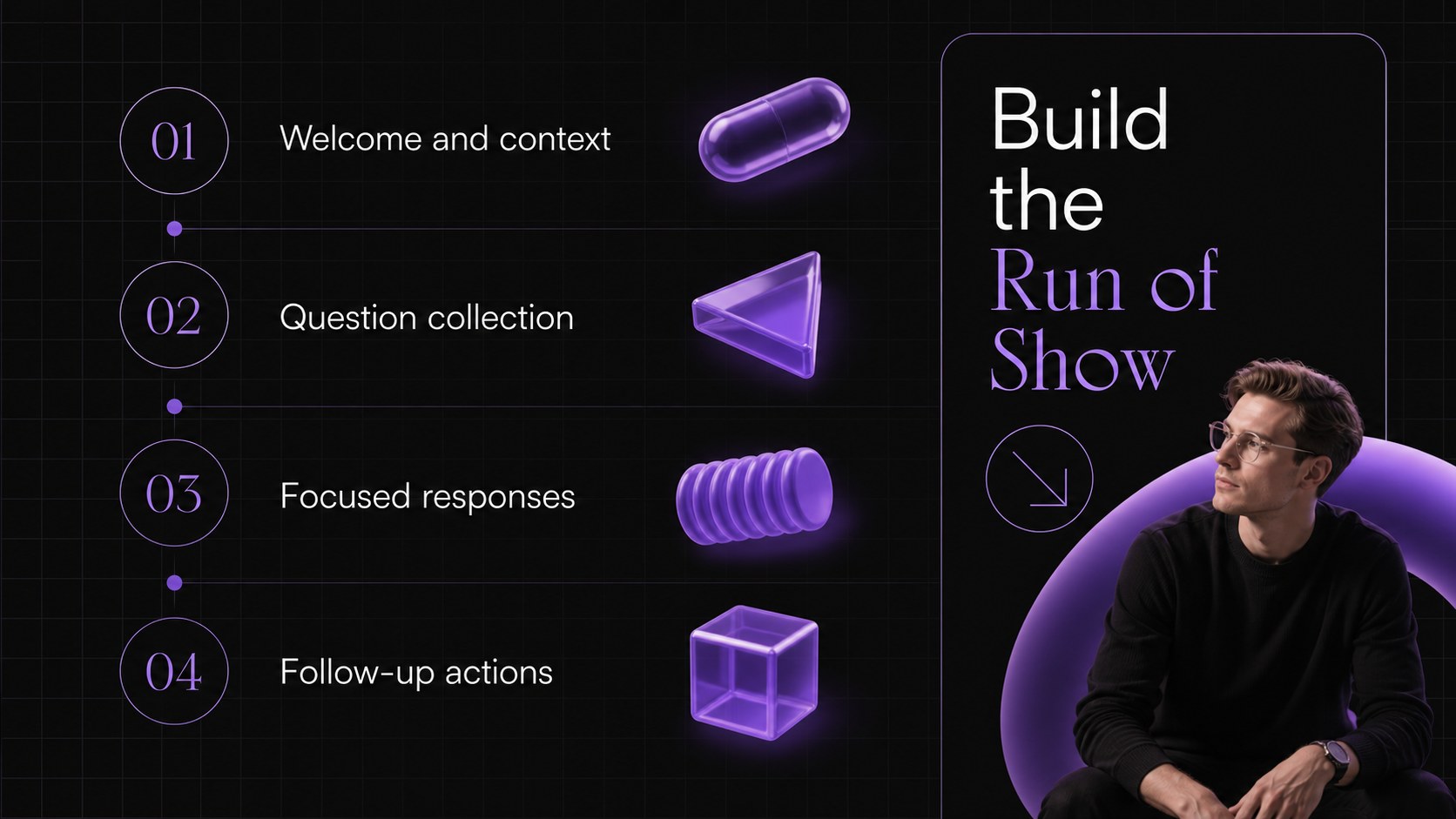
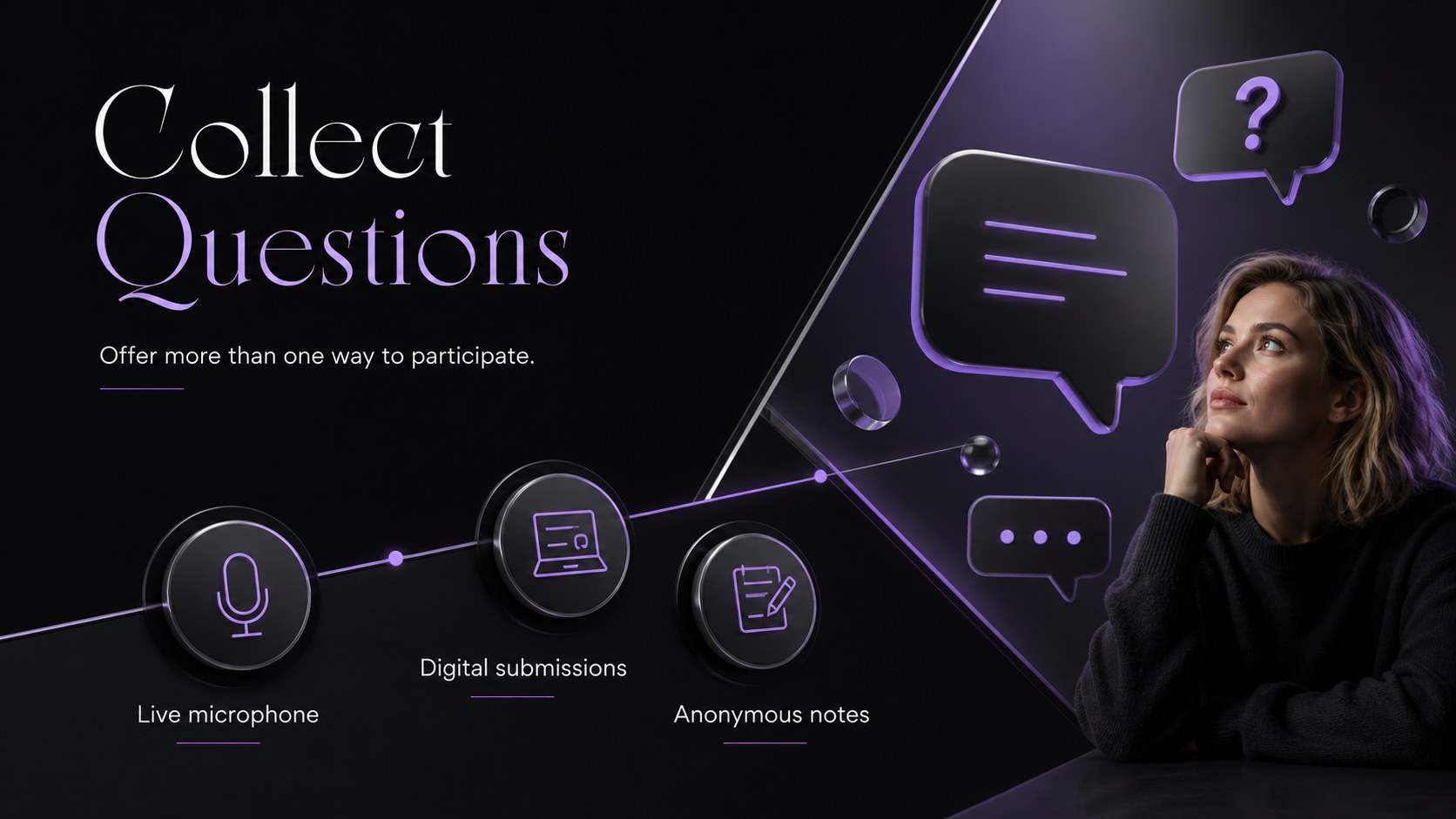
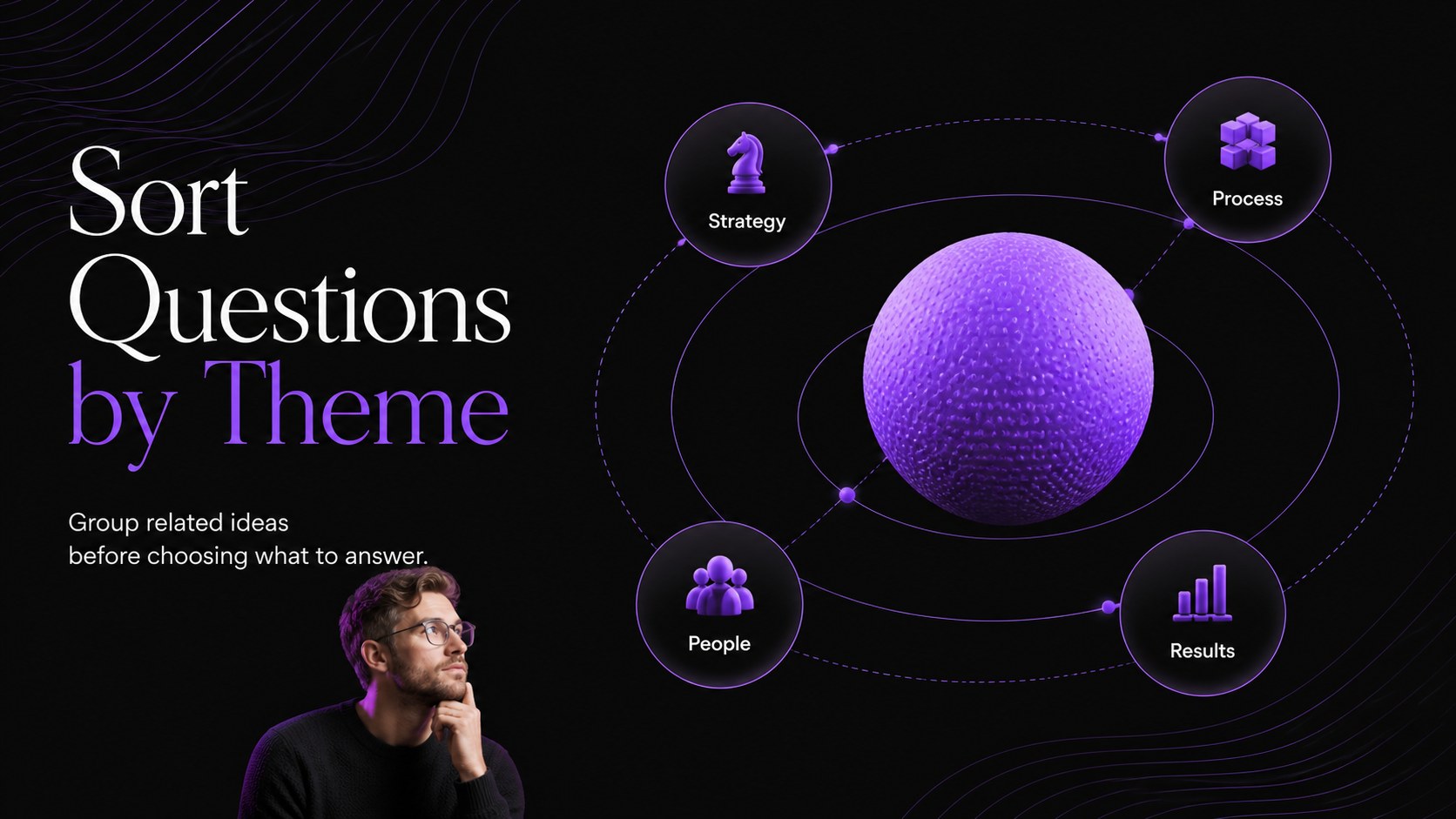
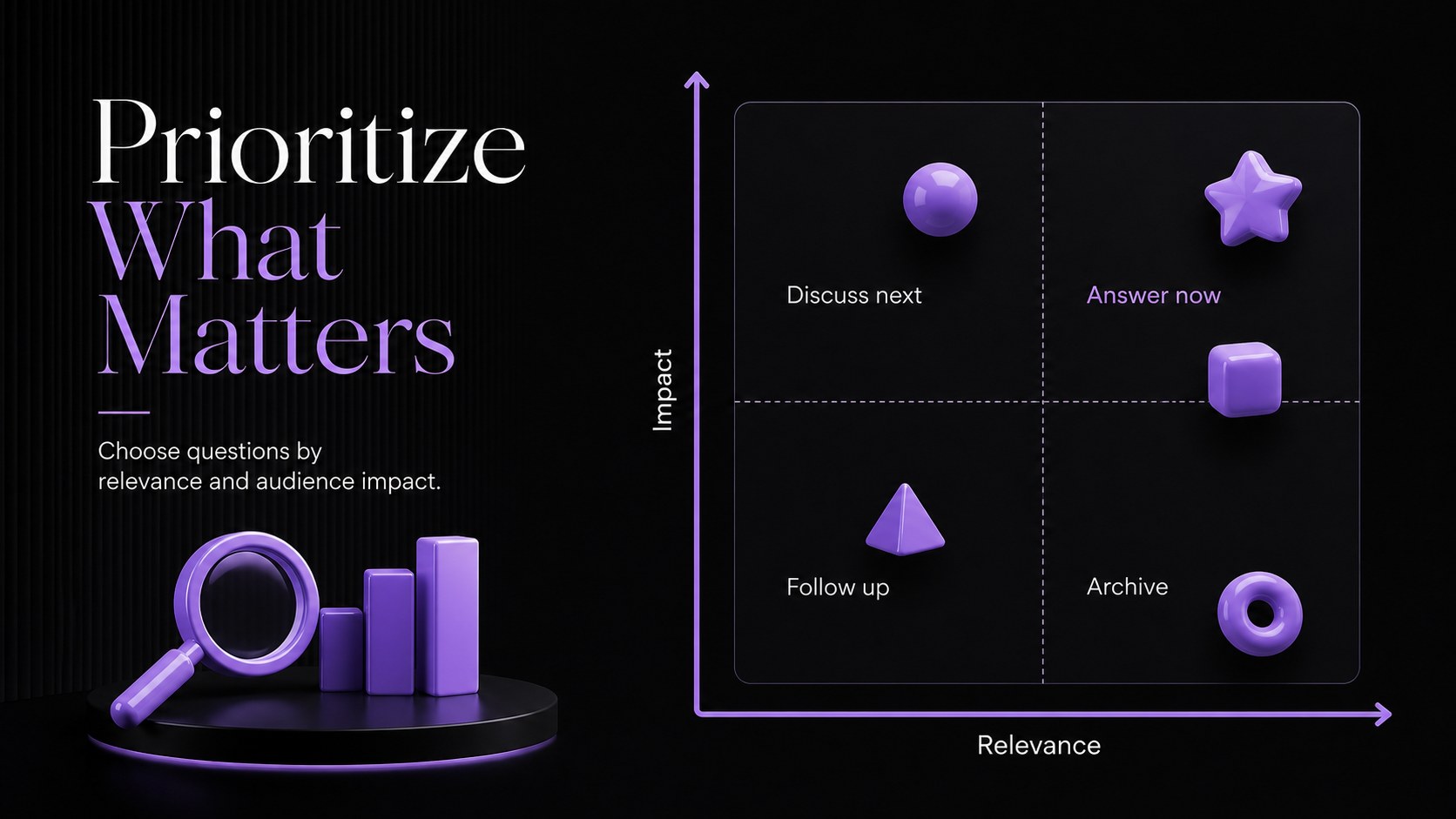
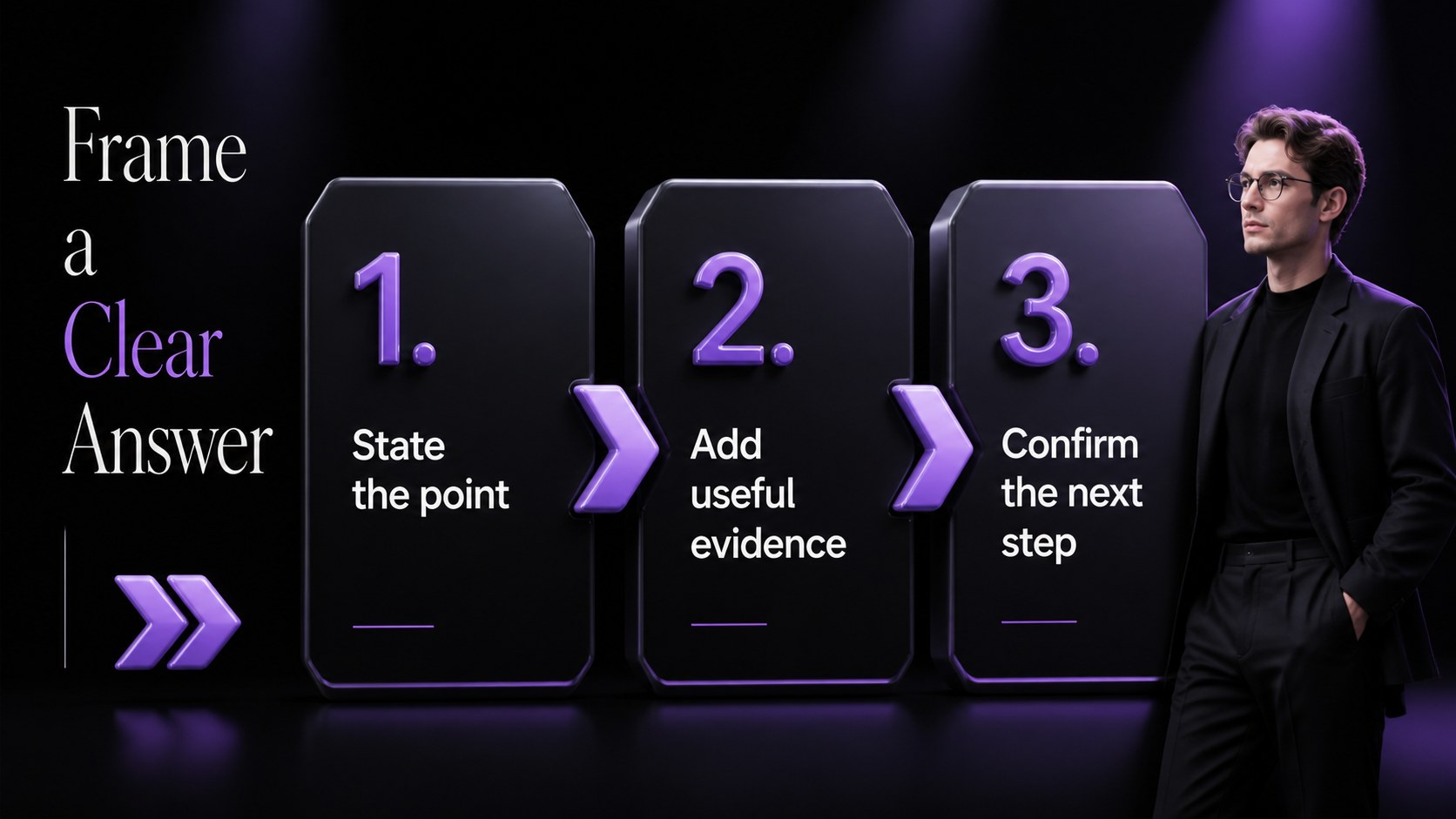
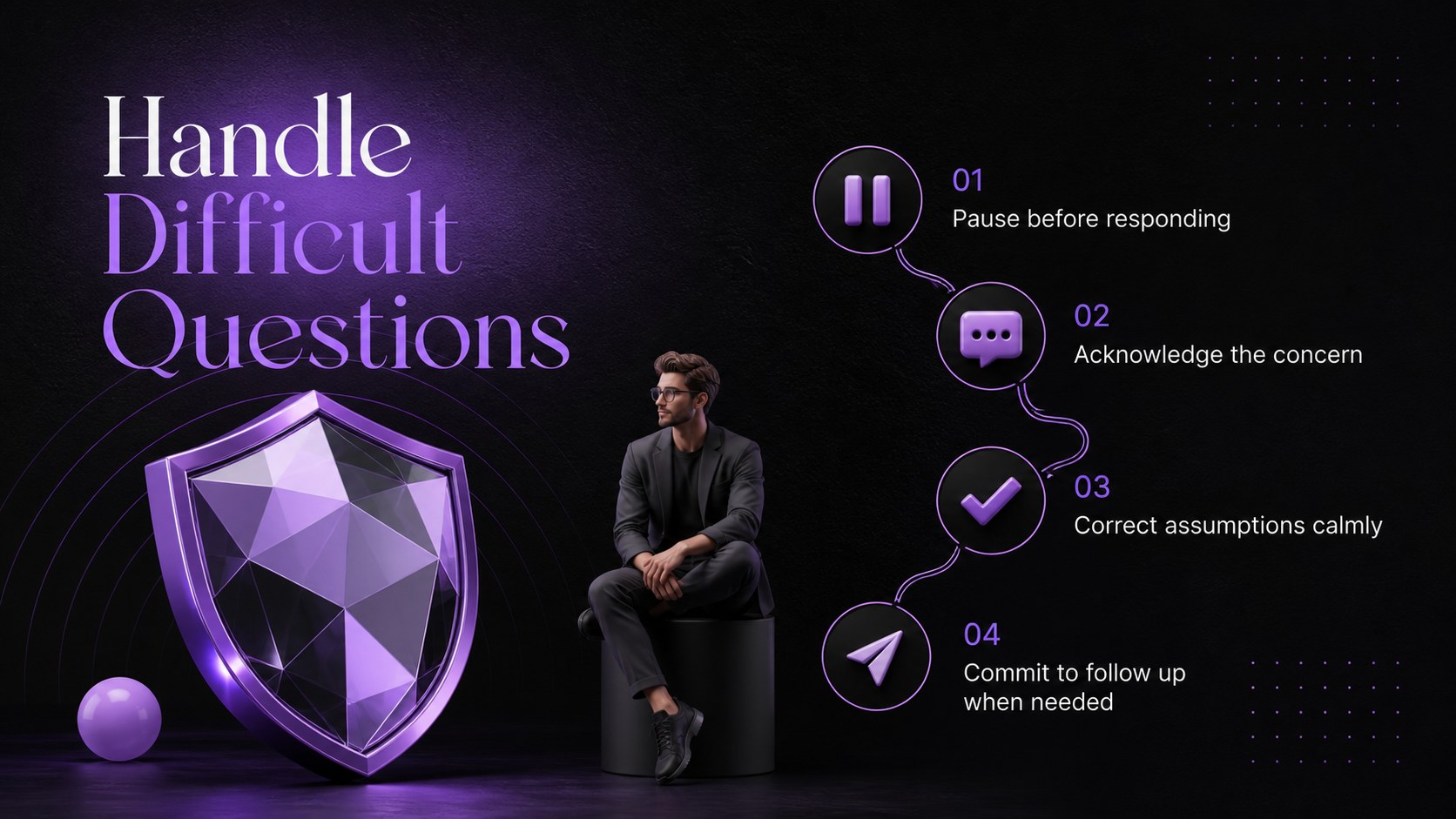
Turn open-floor discussions into purposeful conversations with this Confident Q&A Facilitation Deck. Its deep black backgrounds, vivid purple accents, oversized typography, and dimensional geometric forms establish a polished setting for questions without distracting from the speaker. Use the layouts to introduce a topic, explain participation guidelines, collect audience input, prioritize themes, and present concise responses.
Inside, you will find flexible sections for agendas, question prompts, answer frameworks, difficult-topic handling, timing, follow-up actions, and closing remarks. The deck also works as an audience question management presentation when moderators need to sort submissions or return to unresolved points. Dedicated layouts for a question parking lot, response structure, and participation tracking make it a practical live discussion moderator slide template.
Designed for marketing teams, facilitators, consultants, webinar hosts, trainers, and internal communications leaders, these slides suit workshops, town halls, client meetings, and virtual events. Adapt the black and purple facilitation slides with your own questions, examples, charts, and session details in PowerPoint or Google Slides. Reorder sections for a short panel conversation or expand them into a complete training workshop while preserving the coherent modern 3D design.
Perfect for: executive town hall discussion; client question workshop; webinar audience Q&A; panel moderator briefing; team training session.
Frequently asked questions
Can I edit this deck in PowerPoint and Google Slides? Yes. All slide text, colors, shapes, and content sections can be edited in PowerPoint or Google Slides. Font rendering and animations may vary slightly between the two platforms.
Practical details
Yes. All slide text, colors, shapes, and content sections can be edited in PowerPoint or Google Slides. Font rendering and animations may vary slightly between the two platforms.
Replace the sample prompts with your session topics, then reorder or duplicate layouts to match your agenda. You can also assign different purple accent shades to question categories or speakers.
Yes. The high-contrast typography is suitable for projected rooms, shared screens, webinars, and hybrid events. Simplify dense slides when presenting to viewers on smaller devices.
Yes. Insert native PowerPoint or Google Slides charts, poll results, and response summaries into the provided content areas. Keep labels concise to preserve the bold, minimal visual style.
Keep exploring
15Shape your publishing concept with an indie magazine startup pitch deck featuring pastel gradients, bold collage layouts, and editable planning slides.
 16
16Build clear project stories with the Icon Grid Teamwork Theme, a flexible blue illustrated deck for proposals, strategy updates, and team meetings.
 3
3Turn priorities into an actionable plan with an annual goals roadmap infographic, featuring editable orange and teal layouts for PowerPoint and Google Slides.
 15
15Create an Annual Achievement Report Presentation with colorful geometric layouts for milestones, results, lessons, and priorities in PowerPoint or Google Slides.
 15
15Turn results into a focused annual performance evaluation report with dark 3D slides for KPIs, achievements, feedback, and next-step goals for teams.
 15
15Guide a focused annual recap with Business Results Retrospective Slides, a muted brown-and-blue template for PowerPoint and Google Slides.
 6
6Turn complex plans into clear visual stories with Color-Coded Workflow Path Slides, an editable set for project updates, roadmaps, and team briefings.
 6
6Compare regional performance at a glance with Global Data Heatmap Slides, a clean multicolor deck designed for editable PowerPoint and Google Slides.