
 15
15presentation
Indie Magazine Startup Pitch Deck
Shape your publishing concept with an indie magazine startup pitch deck featuring pastel gradients, bold collage layouts, and editable planning slides.
Google SlidesPowerPoint
presentation · English
Give every rep a sharper response with a Competitive Sales Enablement Playbook for battlecards, objections, and positioning in PowerPoint or Google Slides.

Design notes
The Competitive Sales Enablement Playbook gives revenue teams a clear, repeatable way to prepare for competitive conversations. Its polished black, white, and blue design keeps attention on the facts while giving account executives concise guidance they can use before calls, demos, and negotiations.
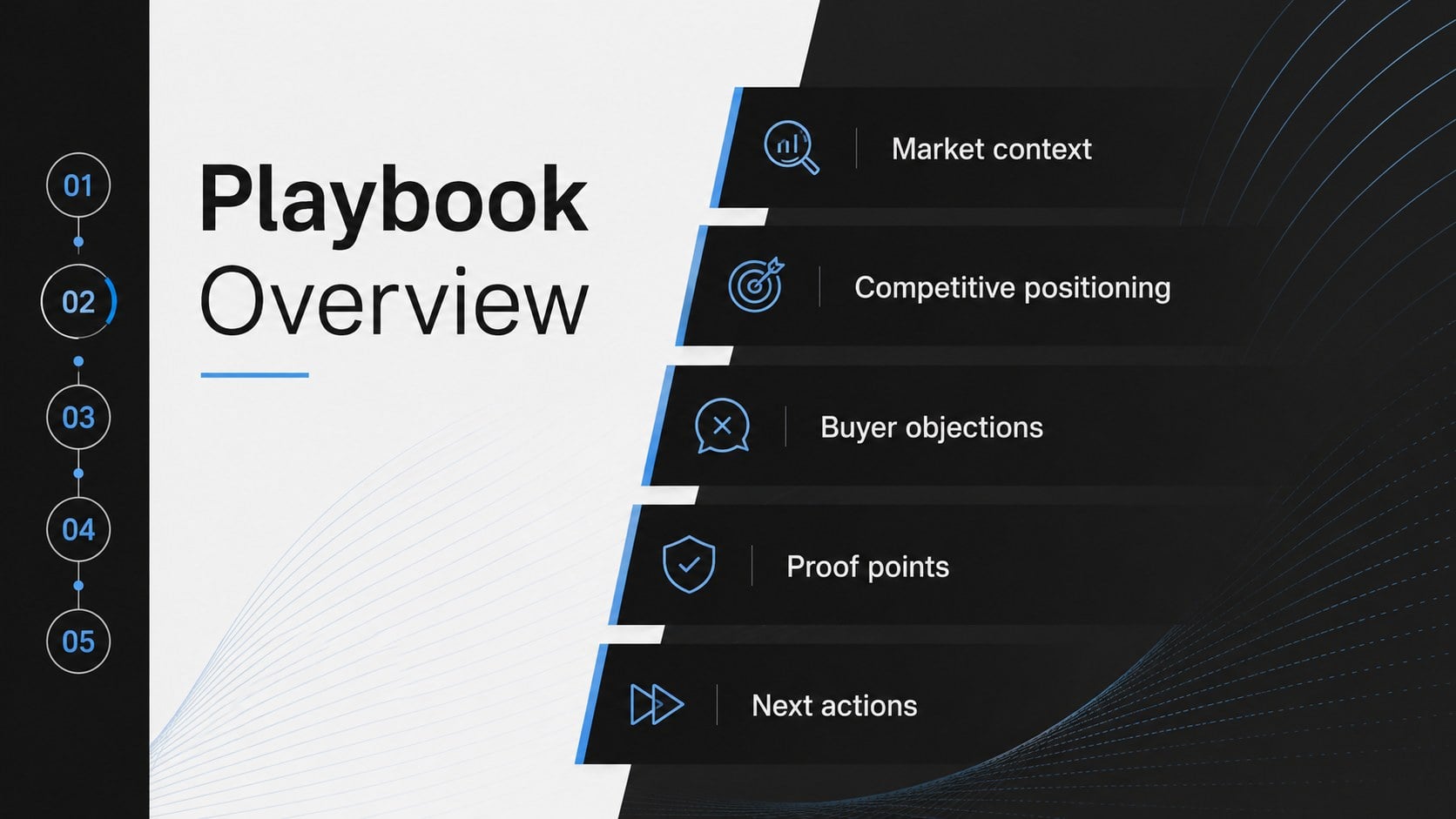
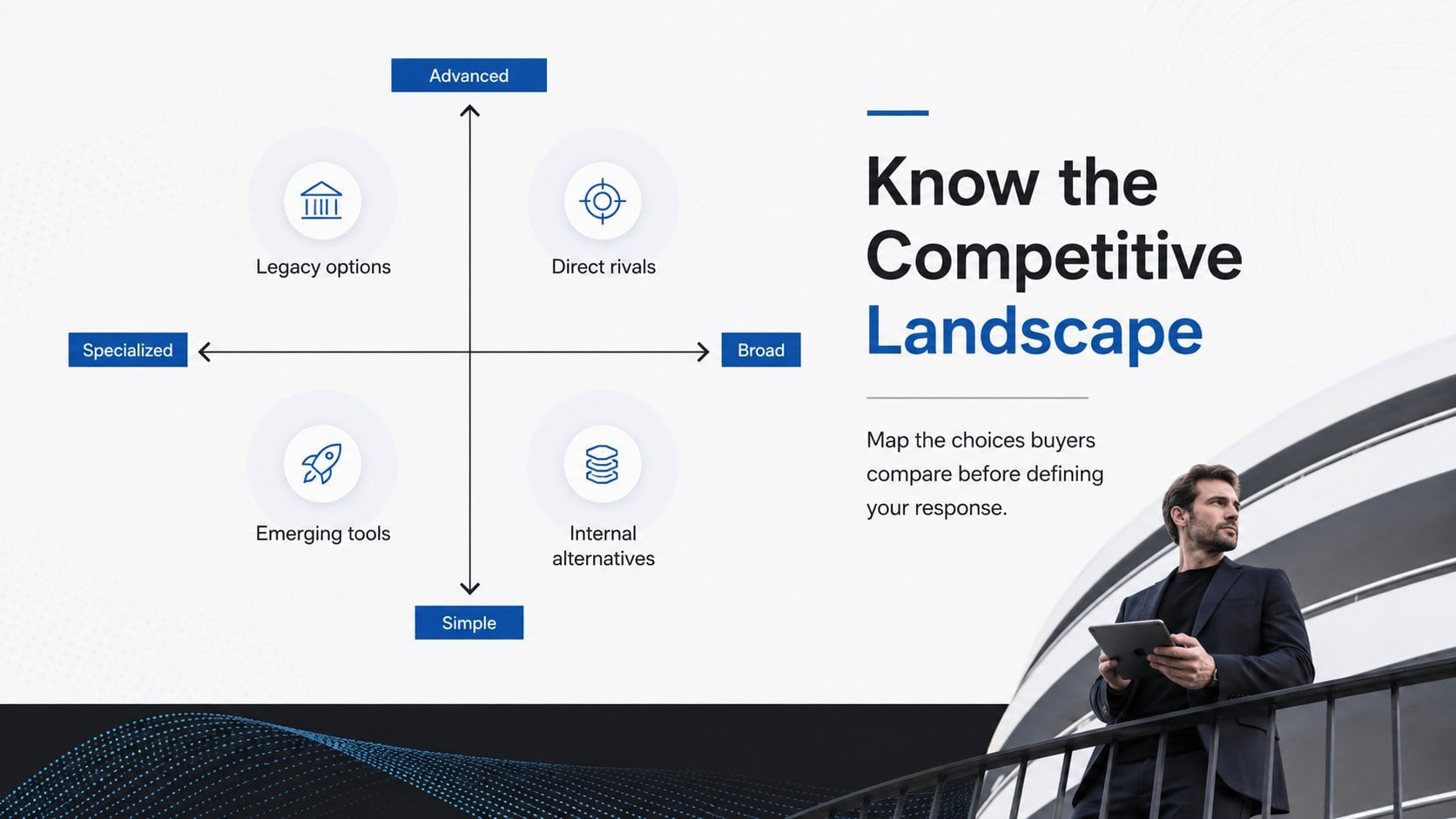
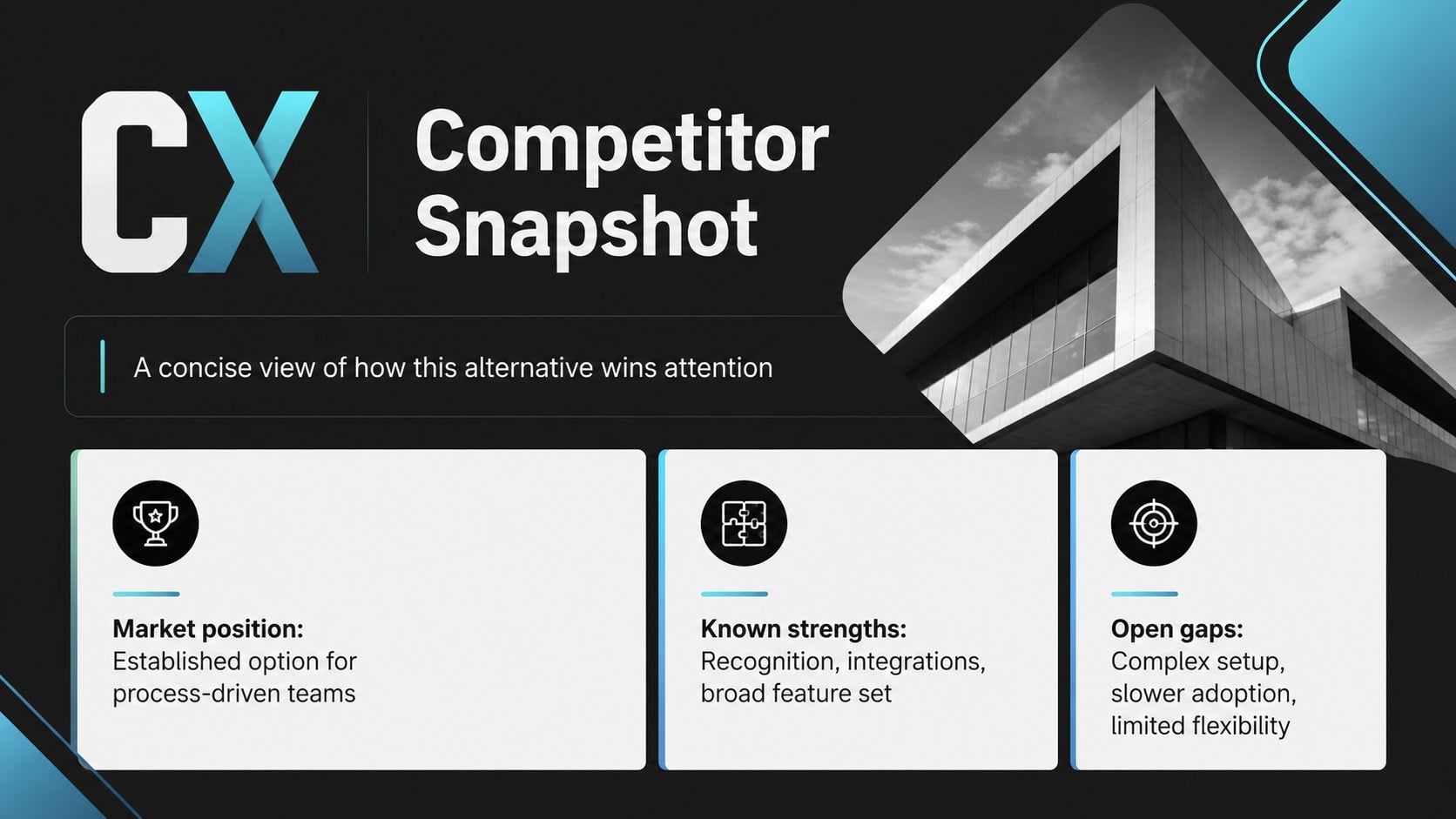
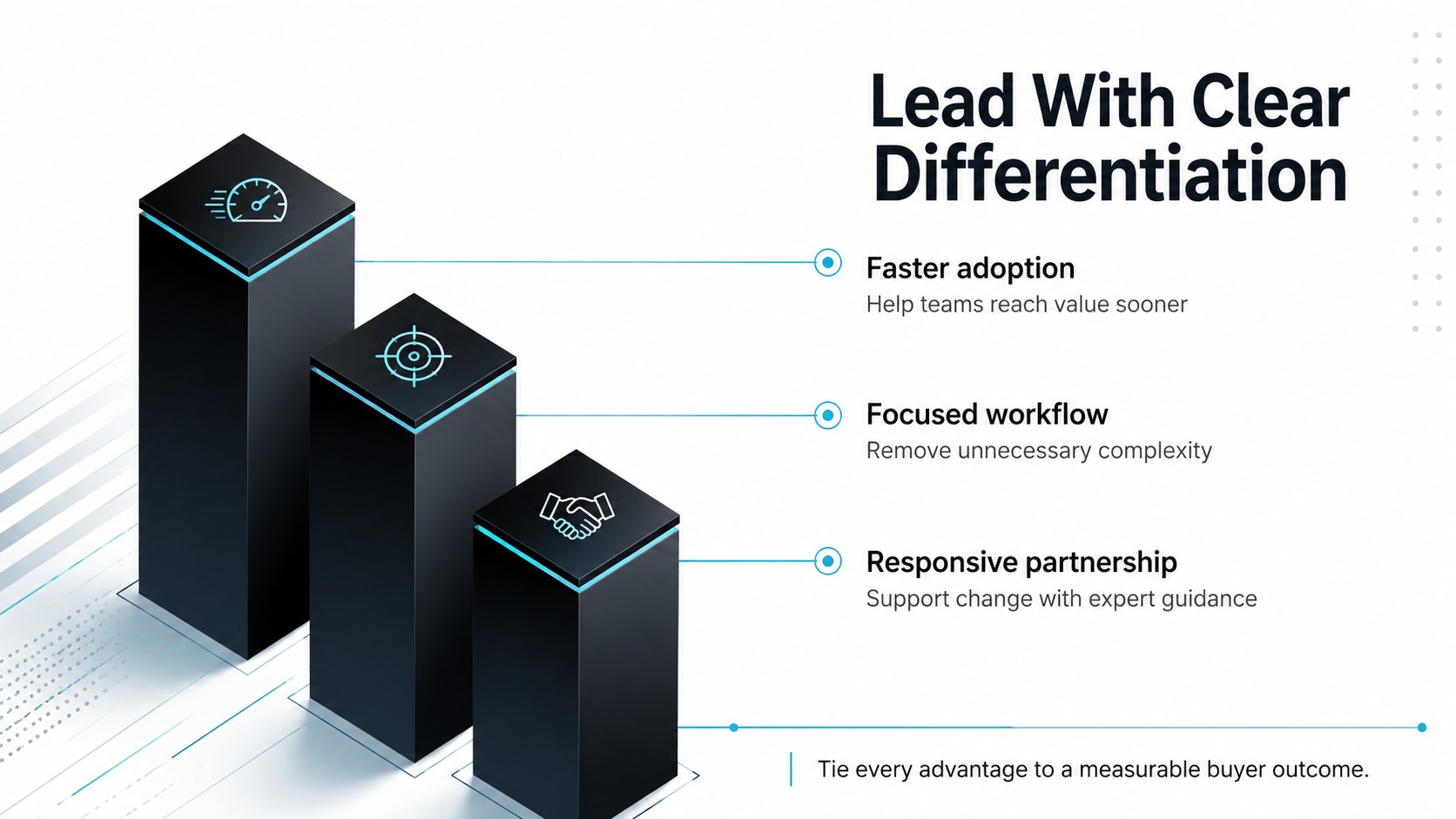
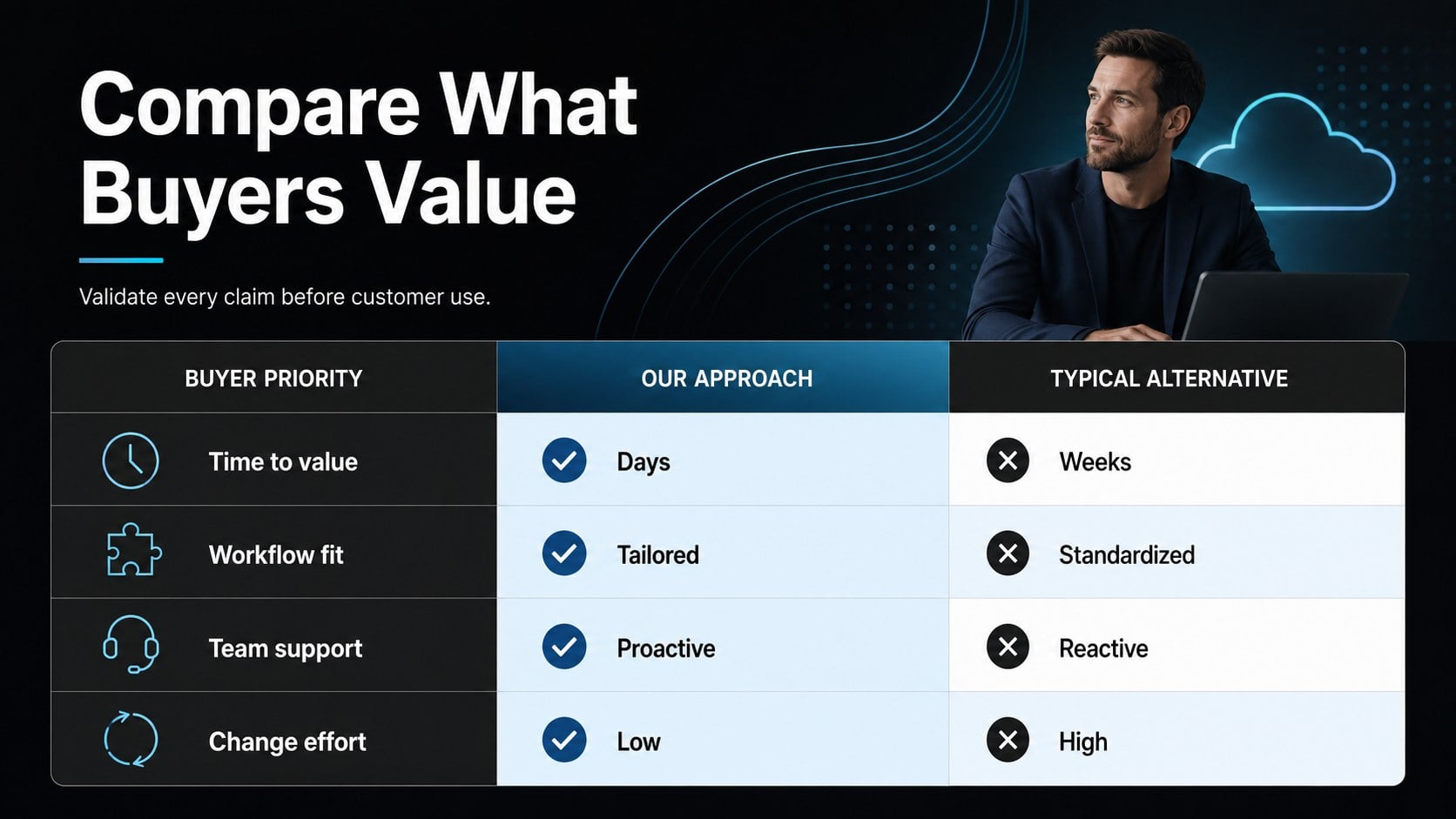
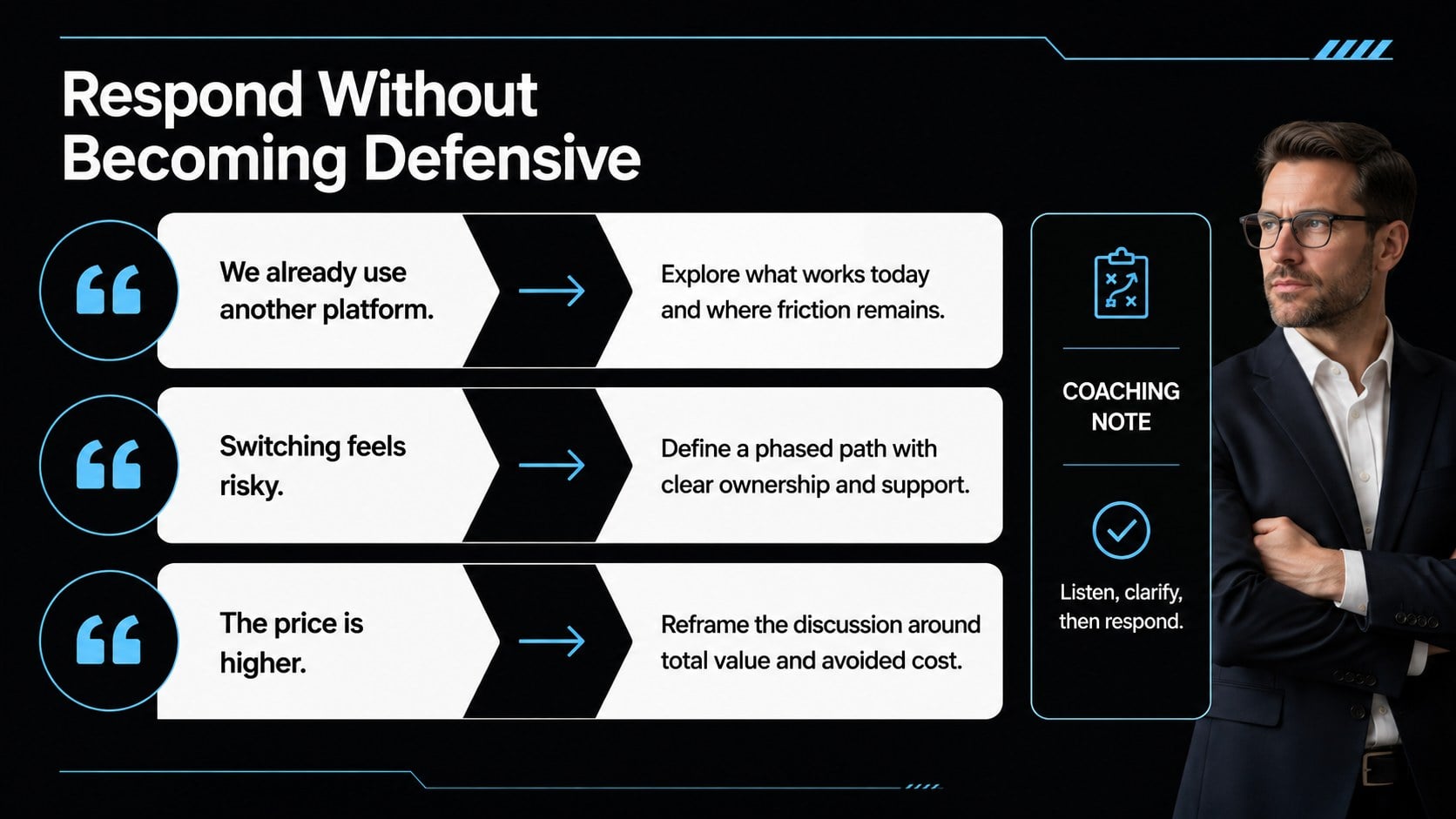
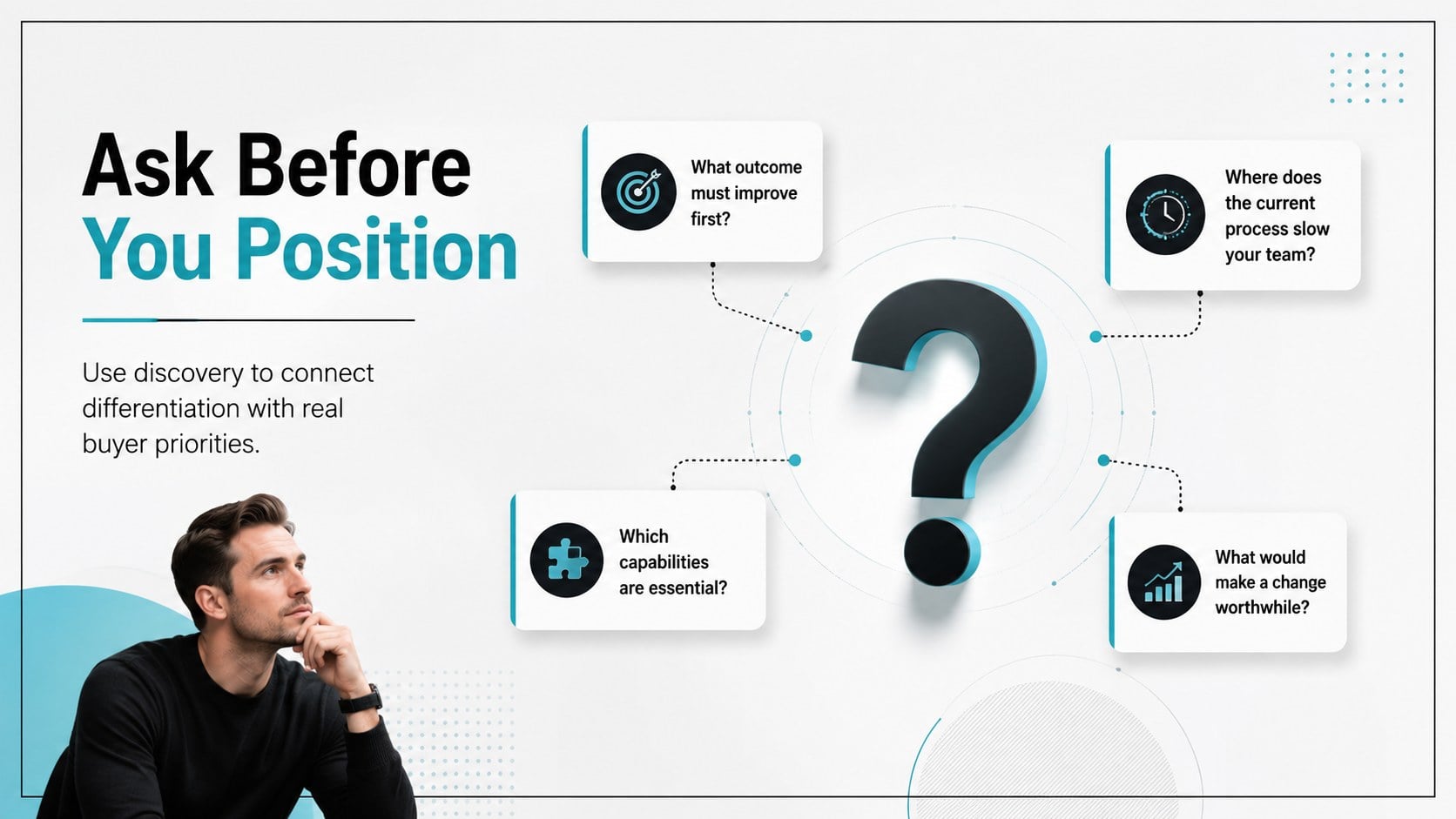
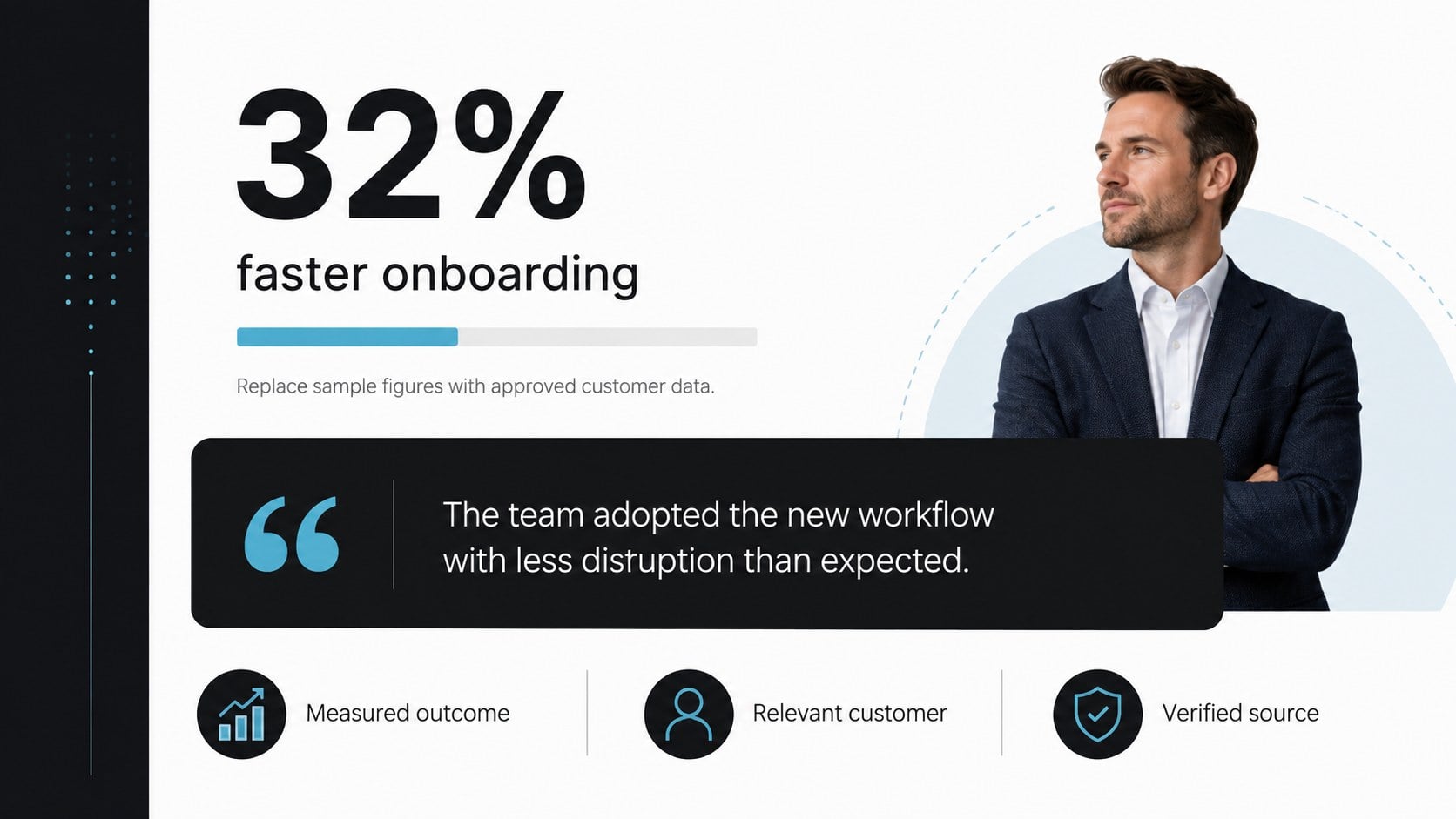
Across 14 editable layouts, the deck covers market context, competitor profiles, positioning pillars, feature comparisons, customer proof points, discovery questions, objection responses, and recommended next steps. Use it as a competitor comparison presentation template, build focused product differentiation sales slides, or adapt the framework into sales objection handling slides for a specific campaign. Tables, charts, callout panels, and structured talking points make complex information easier to scan without overcrowding the page.
This playbook is designed for sales leaders, enablement managers, product marketers, founders, and customer-facing teams. Every slide can be customized in PowerPoint or Google Slides, allowing you to replace sample text, adjust colors, insert current market data, and tailor messaging for different products or buyer segments. The modern corporate style works equally well for onboarding sessions, quarterly enablement workshops, account planning, and pre-pitch preparation. Use the complete deck for team training or select individual layouts to create a concise battlecard for representatives in the field.
Perfect for: competitive sales training; pre-pitch account preparation; new representative onboarding; product positioning workshop; objection handling practice; quarterly competitor review.
Frequently asked questions
Can I edit this playbook in PowerPoint and Google Slides? Yes. All slide text, colors, tables, charts, and layout elements can be edited in PowerPoint or Google Slides. You can also duplicate individual pages to create separate battlecards for multiple competitors.
Practical details
Yes. All slide text, colors, tables, charts, and layout elements can be edited in PowerPoint or Google Slides. You can also duplicate individual pages to create separate battlecards for multiple competitors.
Replace the sample categories with criteria that matter to your buyers, then add verified product and competitor information. Keep each comparison concise and include the date or source of time-sensitive claims in your internal notes.
Yes. The structured positioning, discovery, proof-point, and objection sections provide a practical onboarding sequence for new representatives. Managers can add speaker notes or exercises for live enablement sessions.
Yes. Duplicate the competitor profile, comparison, and response layouts for each company you track. Consistent headings will help representatives scan several battlecards quickly.
Keep exploring
15Shape your publishing concept with an indie magazine startup pitch deck featuring pastel gradients, bold collage layouts, and editable planning slides.
 16
16Build clear project stories with the Icon Grid Teamwork Theme, a flexible blue illustrated deck for proposals, strategy updates, and team meetings.
 3
3Turn priorities into an actionable plan with an annual goals roadmap infographic, featuring editable orange and teal layouts for PowerPoint and Google Slides.
 15
15Create an Annual Achievement Report Presentation with colorful geometric layouts for milestones, results, lessons, and priorities in PowerPoint or Google Slides.
 15
15Turn results into a focused annual performance evaluation report with dark 3D slides for KPIs, achievements, feedback, and next-step goals for teams.
 15
15Guide a focused annual recap with Business Results Retrospective Slides, a muted brown-and-blue template for PowerPoint and Google Slides.
 6
6Turn complex plans into clear visual stories with Color-Coded Workflow Path Slides, an editable set for project updates, roadmaps, and team briefings.
 6
6Compare regional performance at a glance with Global Data Heatmap Slides, a clean multicolor deck designed for editable PowerPoint and Google Slides.