
 15
15presentation
Indie Magazine Startup Pitch Deck
Shape your publishing concept with an indie magazine startup pitch deck featuring pastel gradients, bold collage layouts, and editable planning slides.
Google SlidesPowerPoint
presentation · English
Build a commodity risk controls strategy deck for trading reviews, client advice, and market briefings with editable PowerPoint and Google Slides layouts.
Design notes
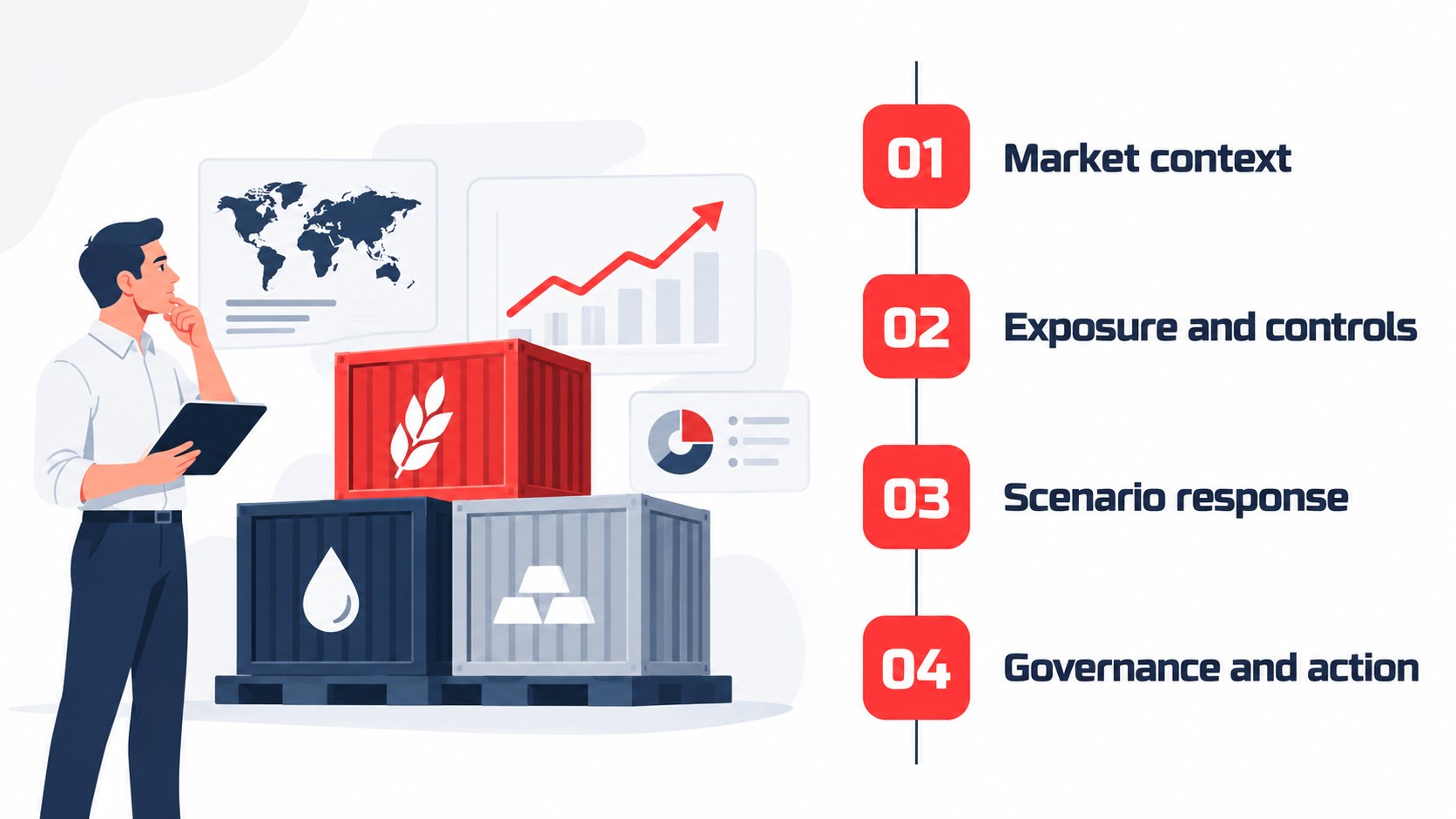
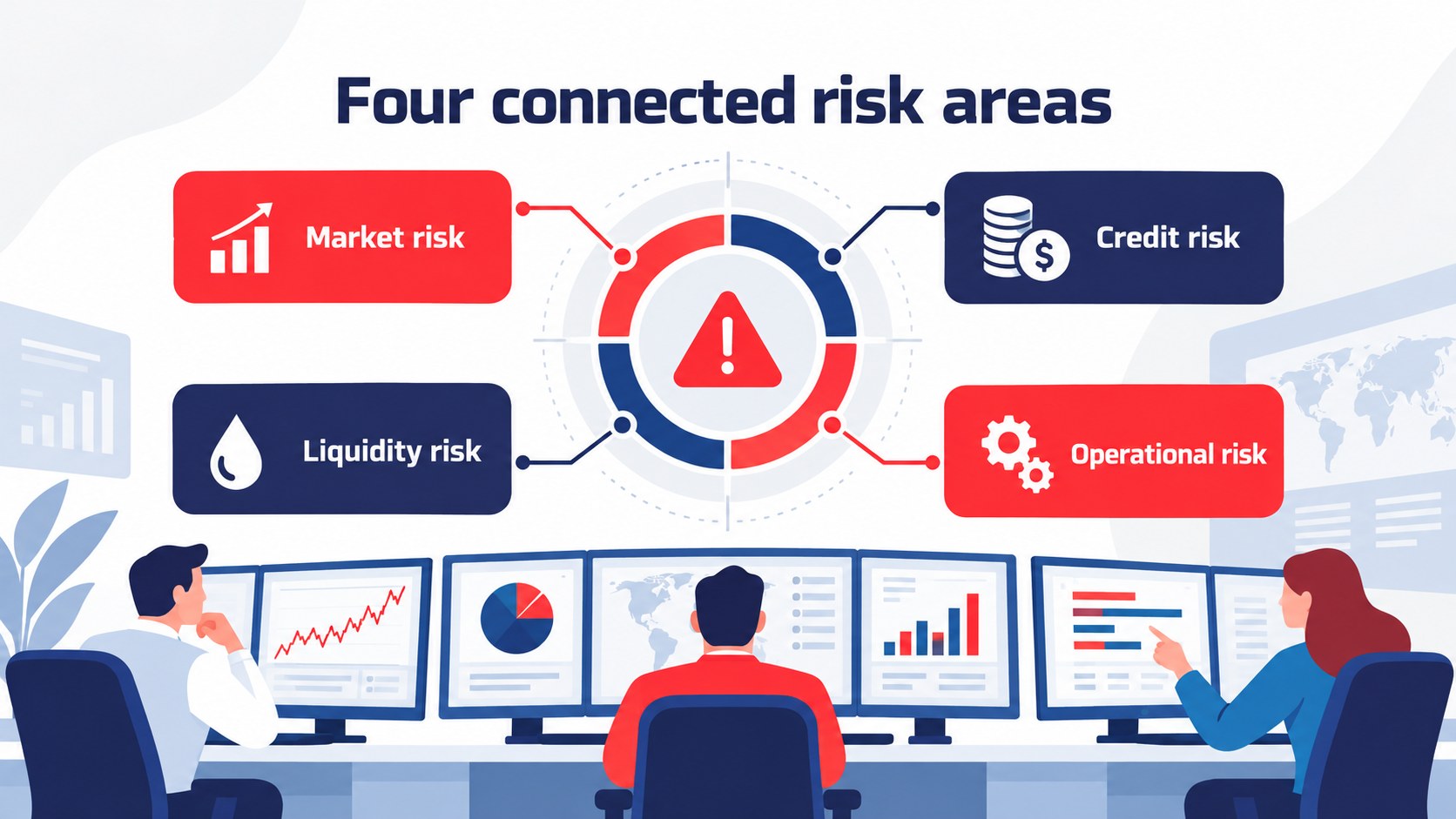
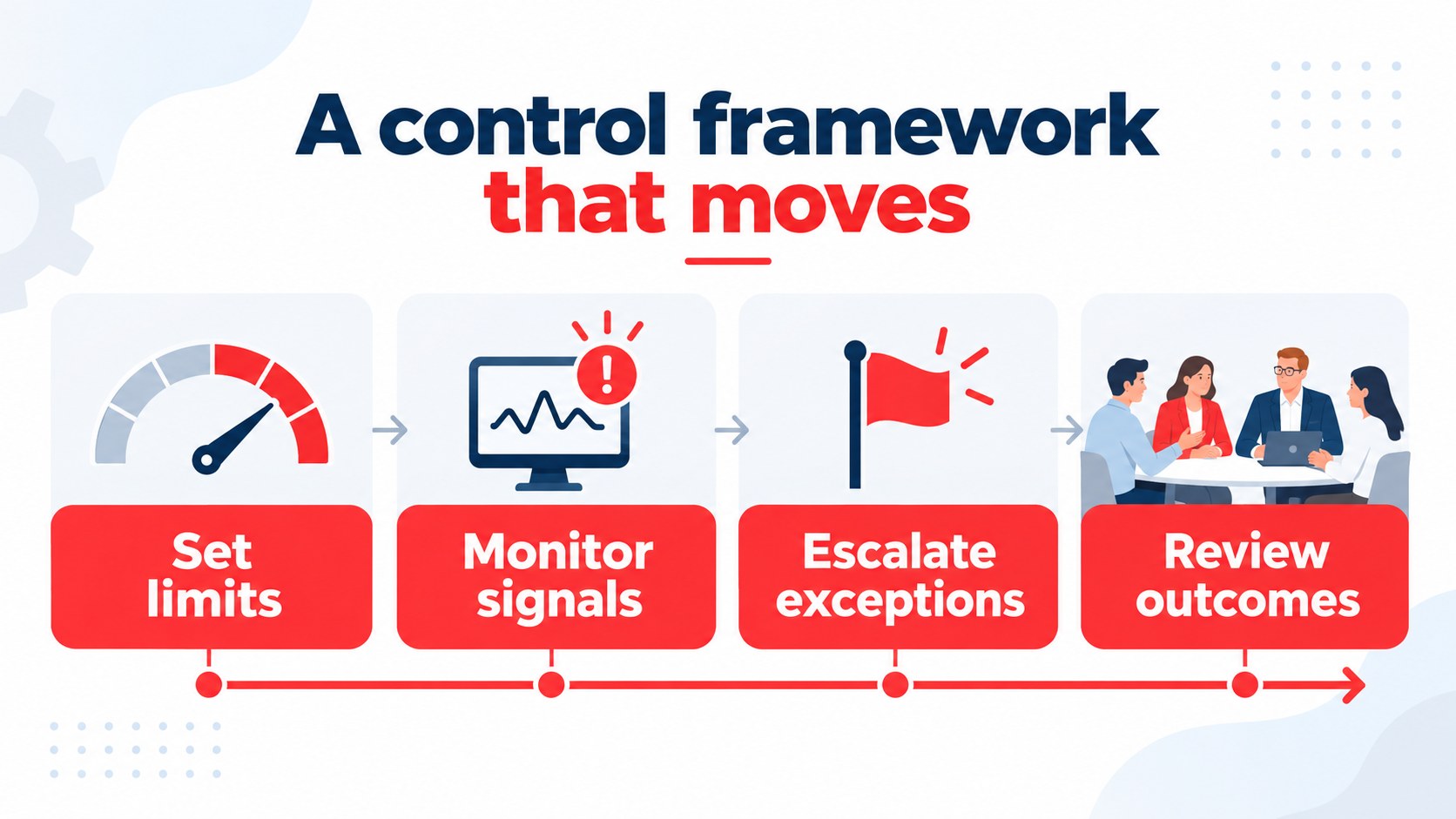
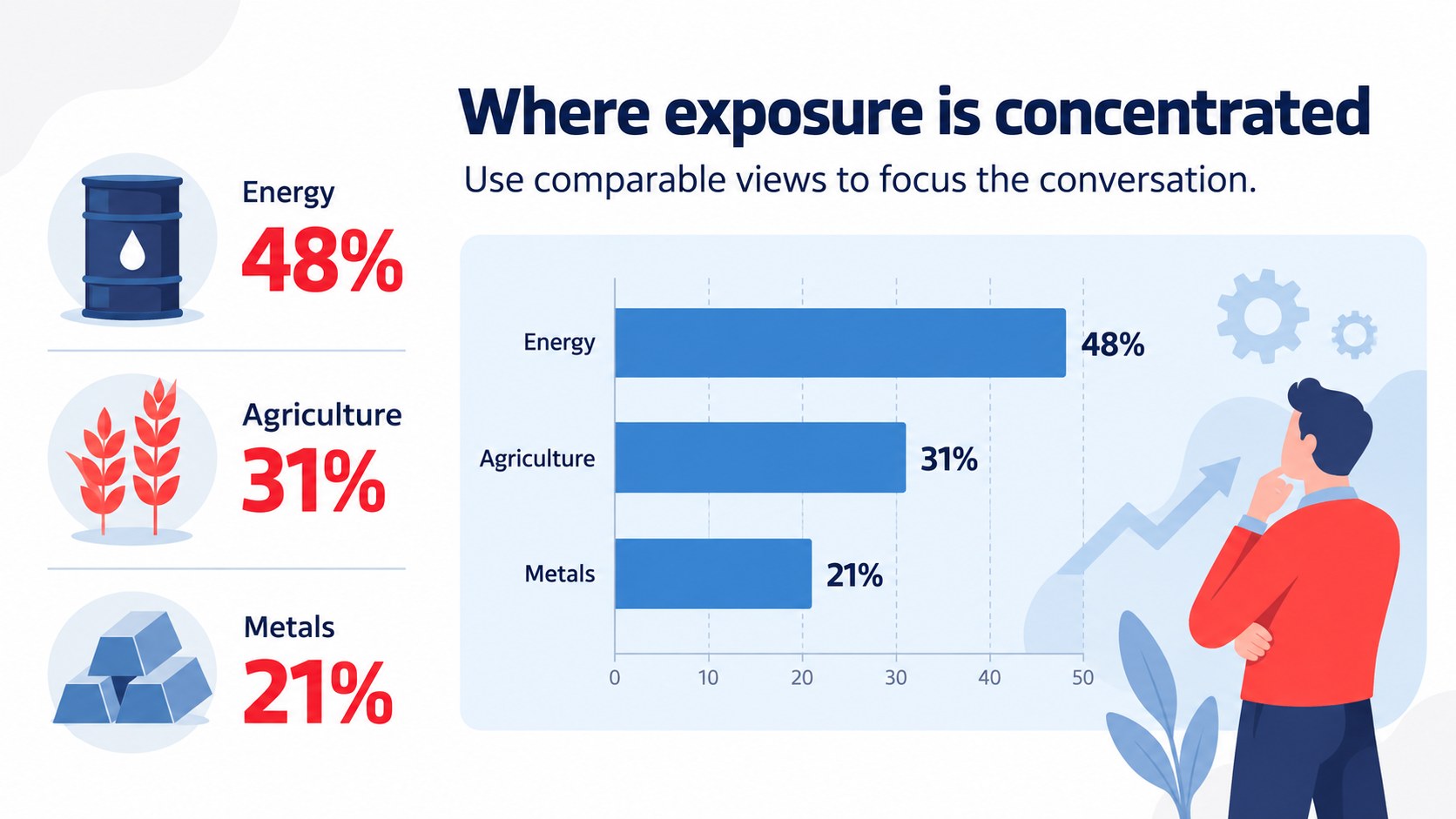
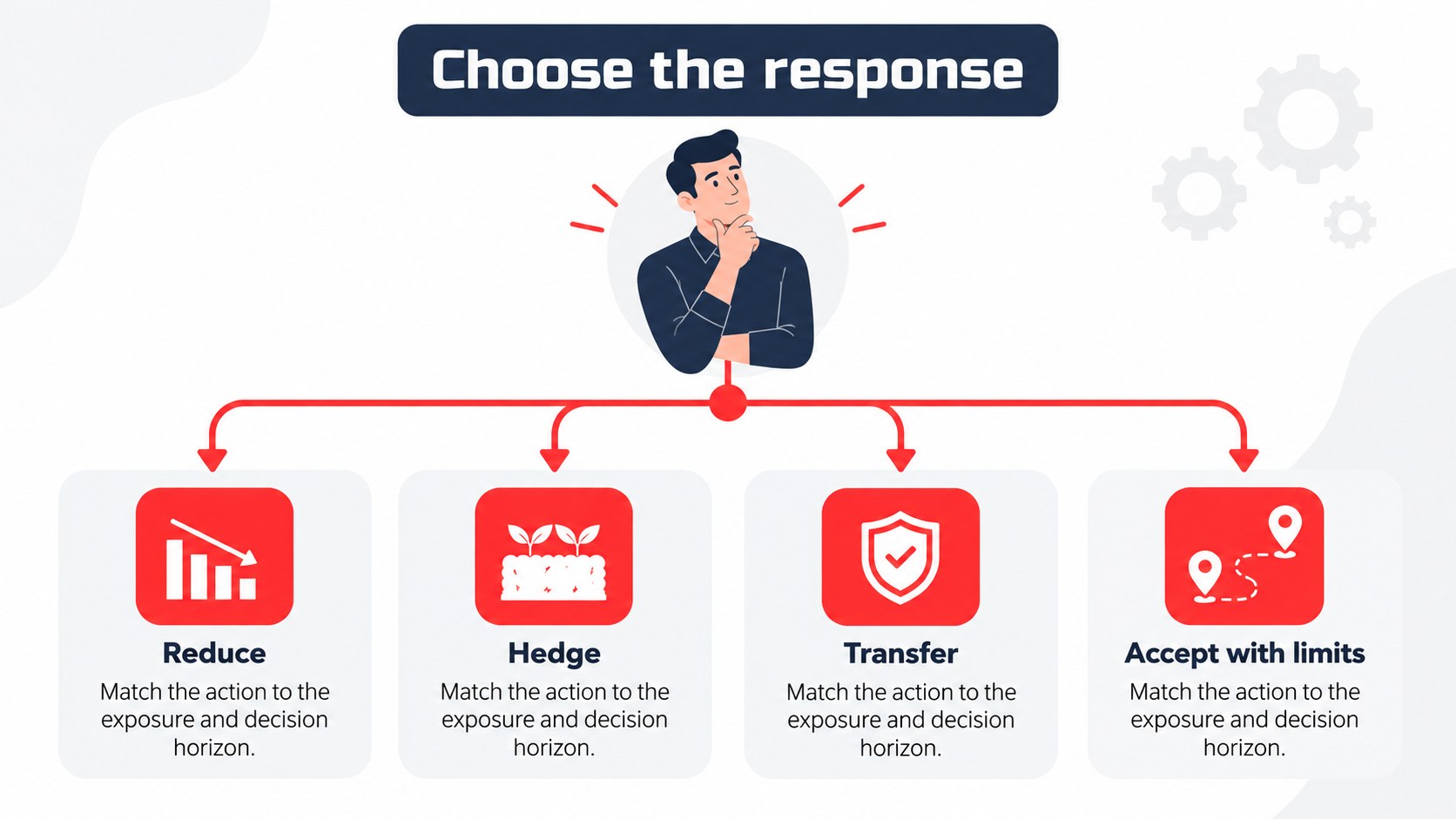
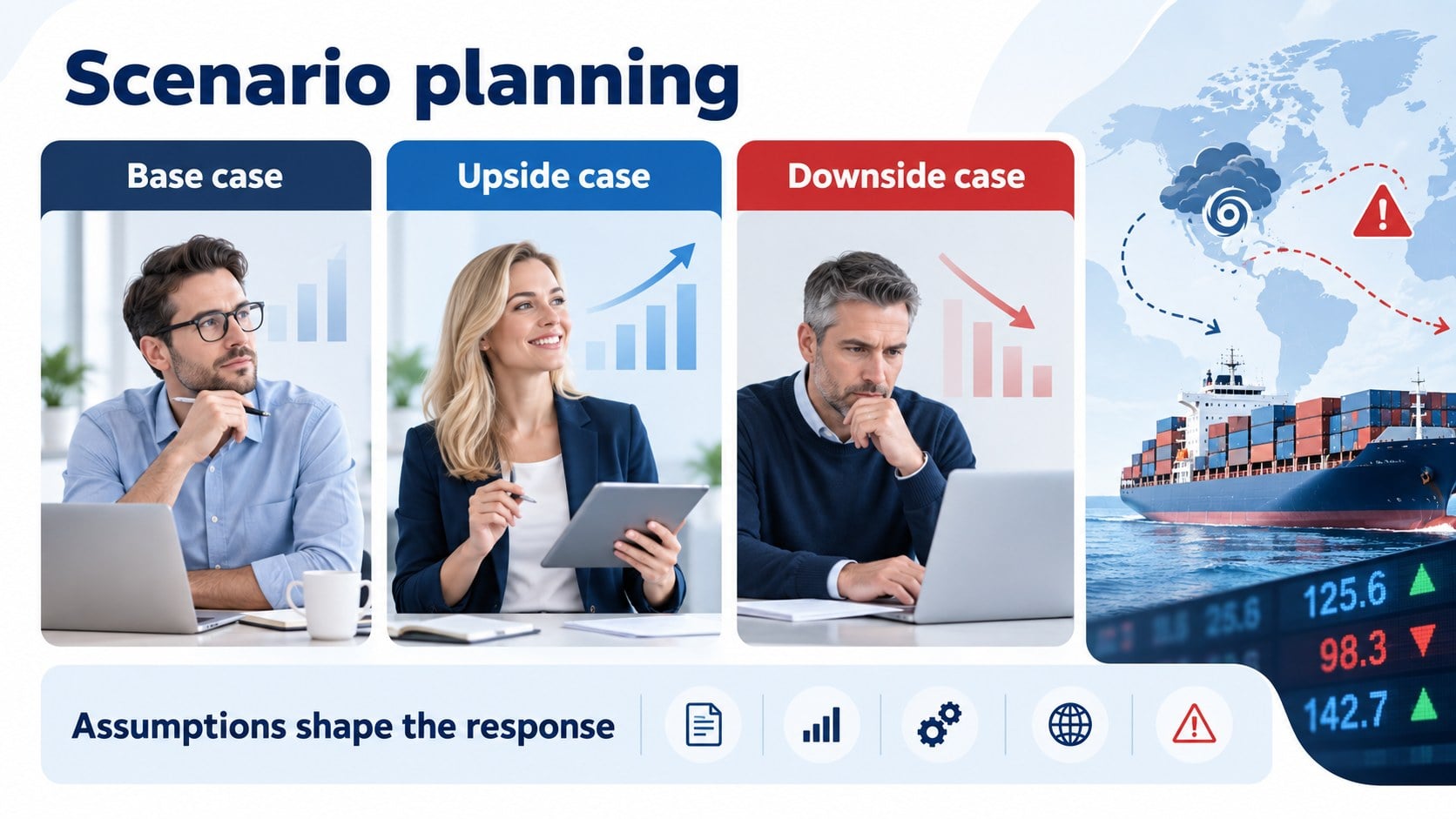
The commodity risk controls strategy deck helps trading teams explain uncertainty, monitor exposure, and align stakeholders around practical decisions. Its illustrated white, blue, and red visual system gives market analysis a confident consulting feel while keeping dense information easy to scan. Use the layouts for a client workshop, executive review, or internal risk committee meeting.
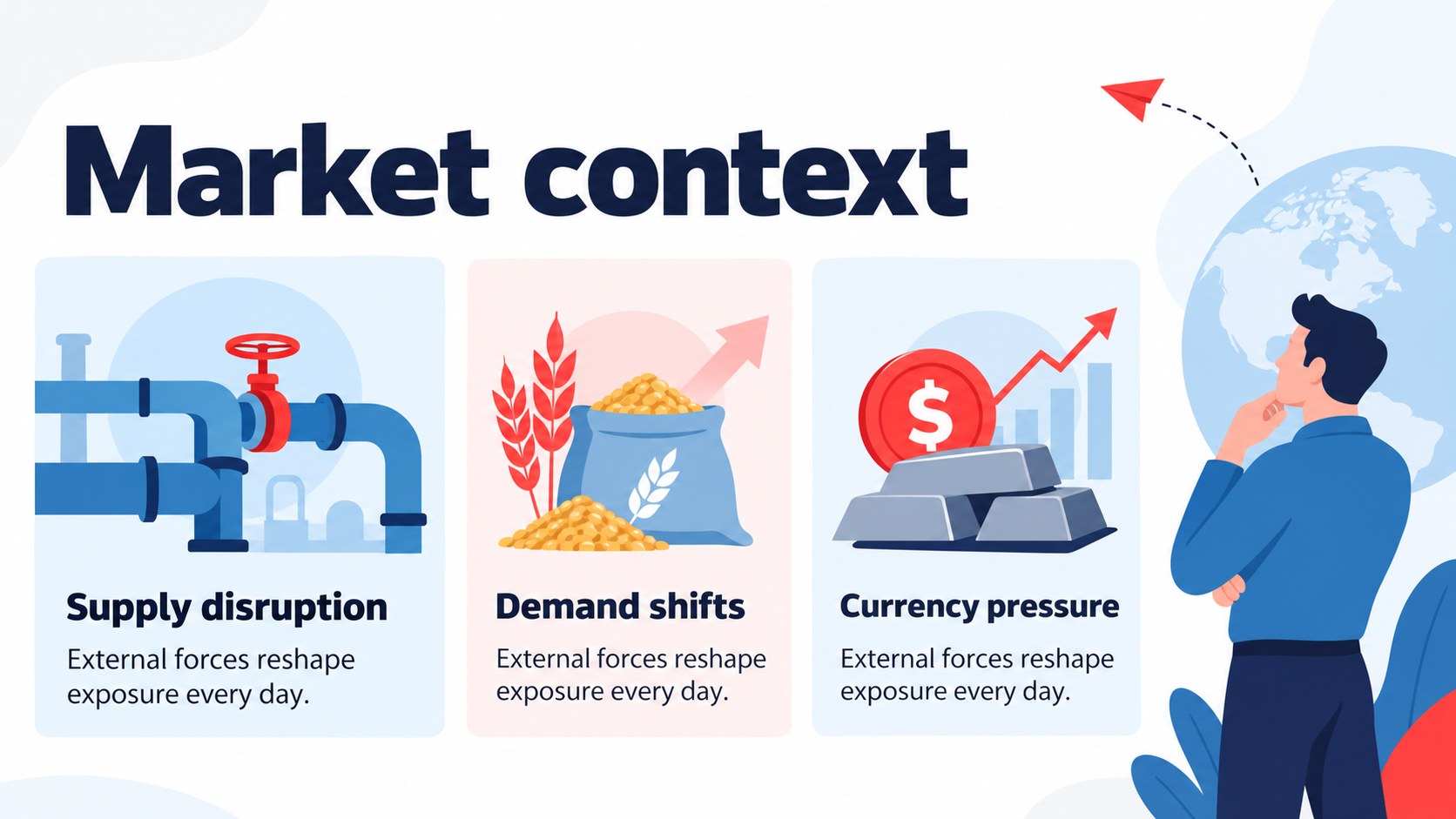
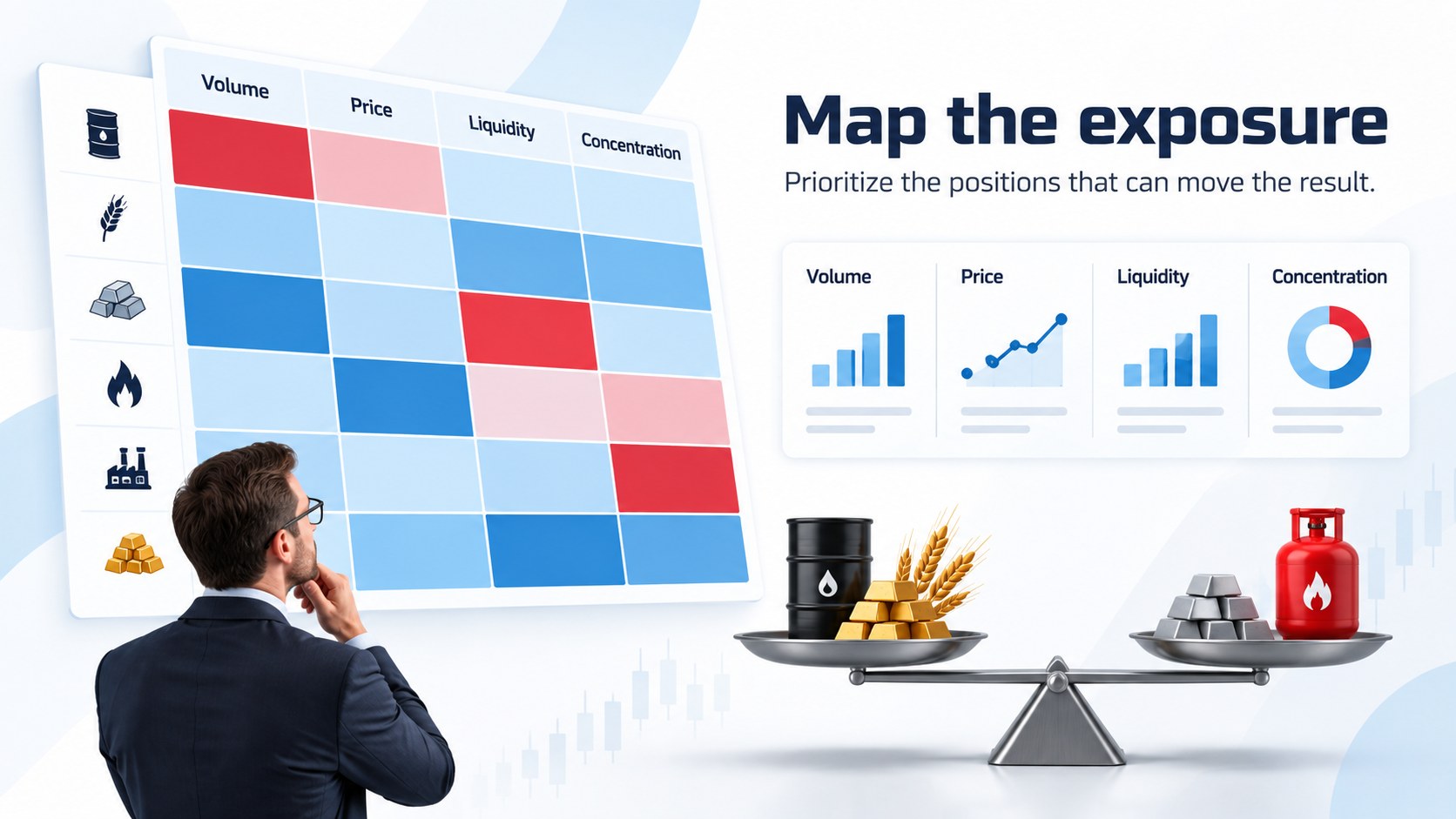
Inside, you will find structured slides for portfolio context, commodity price drivers, risk categories, control frameworks, scenario analysis, mitigation actions, governance roles, and implementation milestones. The deck includes editable charts, comparison tables, process diagrams, callout panels, timelines, and data-led summary pages. The consistent Open Sans and Russo One typography pairing supports a modern, readable presentation across both PowerPoint and Google Slides.
This resource is built for commodity traders, risk officers, financial consultants, procurement leaders, and analysts who need to turn technical findings into an actionable narrative. Adapt the colors, labels, figures, and illustrations to match a client engagement or company reporting style. It is especially useful for commodity exposure assessment slides, trading risk committee presentations, and energy market scenario planning. Export the finished presentation for a live briefing, share it for review, or repurpose individual pages in recurring reporting workflows.
Perfect for: client risk advisory workshop; trading risk committee review; commodity exposure assessment; energy market scenario planning; executive controls briefing.
Frequently asked questions
Can I edit this deck in PowerPoint? Yes. The layouts, text, charts, shapes, and illustrations are editable in PowerPoint. Replace the sample figures with your own market data and reporting language.
Practical details
Yes. The layouts, text, charts, shapes, and illustrations are editable in PowerPoint. Replace the sample figures with your own market data and reporting language.
Yes, the presentation is designed for Google Slides as well as PowerPoint. Upload or import the file, then adjust fonts and chart values directly in your browser.
Yes. Keep the white, blue, and red foundation for the intended visual style, or adjust the theme colors to match your organization. All major visual elements are arranged for straightforward editing.
Use it for exposure summaries, price-risk drivers, control matrices, scenario comparisons, mitigation plans, and governance updates. The layouts support both concise executive messages and more detailed consulting analysis.
Keep exploring
15Shape your publishing concept with an indie magazine startup pitch deck featuring pastel gradients, bold collage layouts, and editable planning slides.
 16
16Build clear project stories with the Icon Grid Teamwork Theme, a flexible blue illustrated deck for proposals, strategy updates, and team meetings.
 3
3Turn priorities into an actionable plan with an annual goals roadmap infographic, featuring editable orange and teal layouts for PowerPoint and Google Slides.
 15
15Create an Annual Achievement Report Presentation with colorful geometric layouts for milestones, results, lessons, and priorities in PowerPoint or Google Slides.
 15
15Turn results into a focused annual performance evaluation report with dark 3D slides for KPIs, achievements, feedback, and next-step goals for teams.
 15
15Guide a focused annual recap with Business Results Retrospective Slides, a muted brown-and-blue template for PowerPoint and Google Slides.
 6
6Turn complex plans into clear visual stories with Color-Coded Workflow Path Slides, an editable set for project updates, roadmaps, and team briefings.
 6
6Compare regional performance at a glance with Global Data Heatmap Slides, a clean multicolor deck designed for editable PowerPoint and Google Slides.