
 15
15presentation
Indie Magazine Startup Pitch Deck
Shape your publishing concept with an indie magazine startup pitch deck featuring pastel gradients, bold collage layouts, and editable planning slides.
Google SlidesPowerPoint
presentation · English
Clarify complex operations with colorful workflow visualization slides for project planning, sales reporting, process reviews, and polished team updates.


Design notes
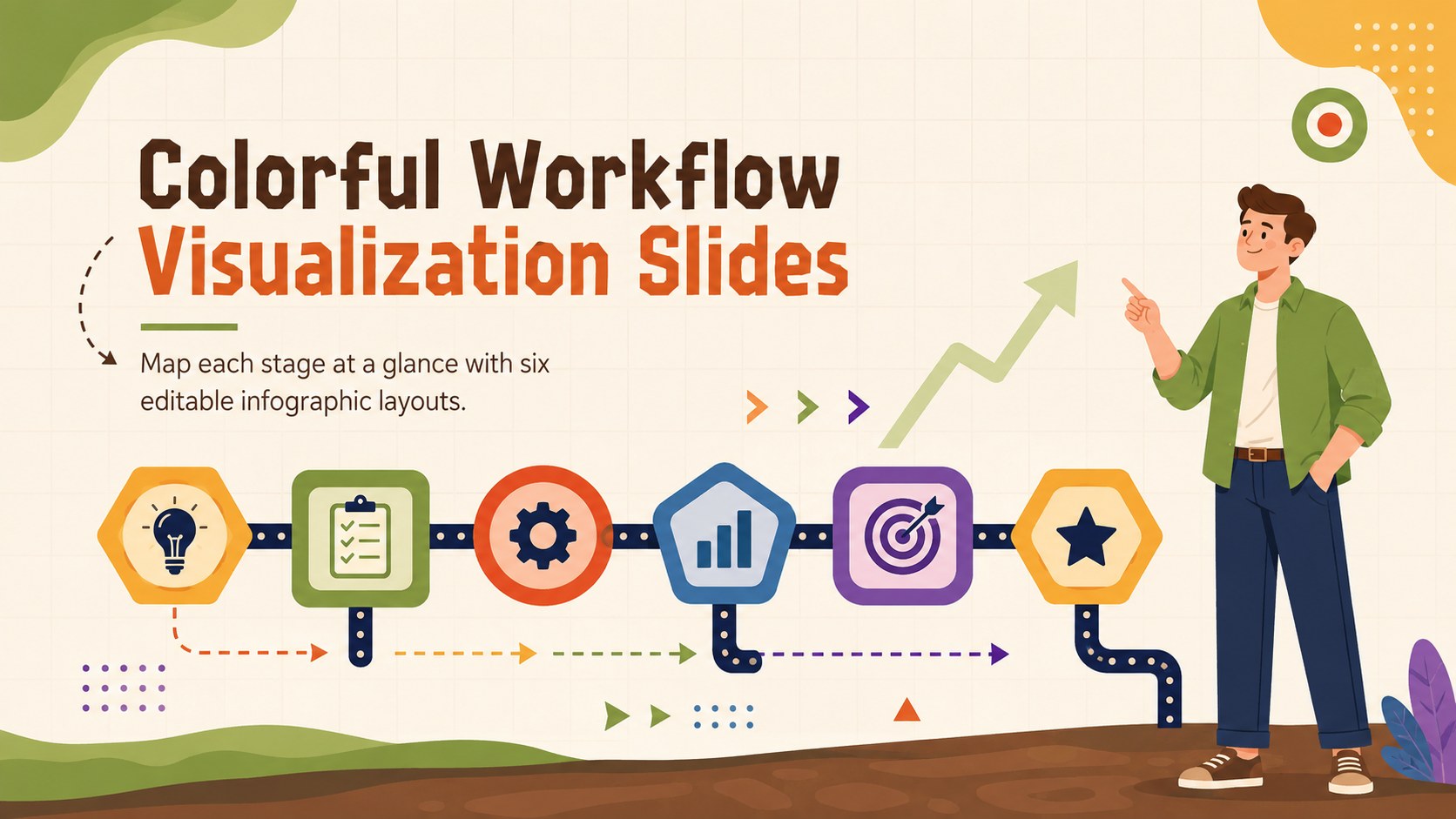
Turn complicated sequences into presentations that audiences can follow quickly. These colorful workflow visualization slides combine bold colors, clean labels, and lively illustrations to organize connected steps without overwhelming the viewer. Use the layouts to show how work progresses, where decisions happen, and which teams are responsible for each stage.
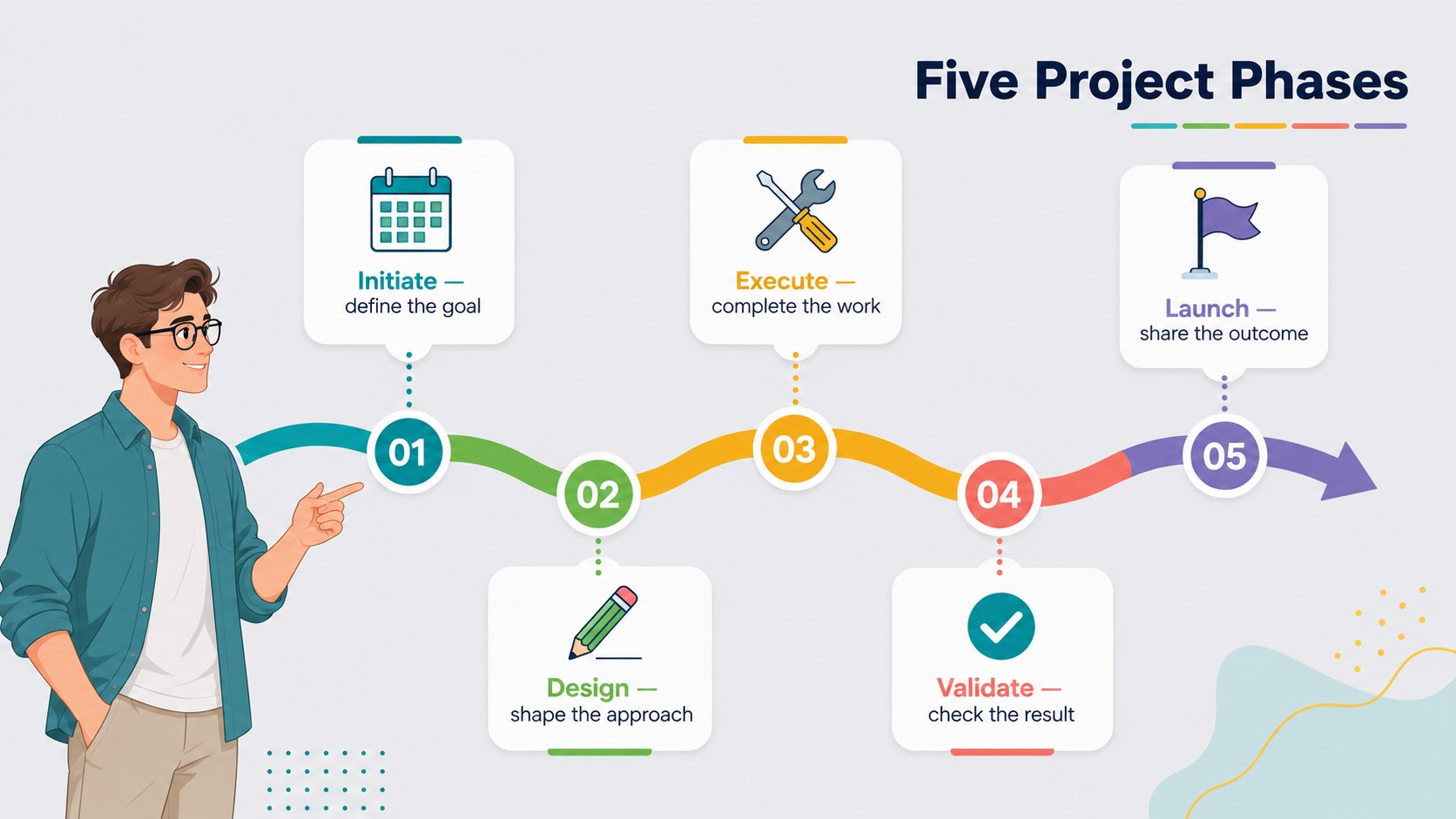
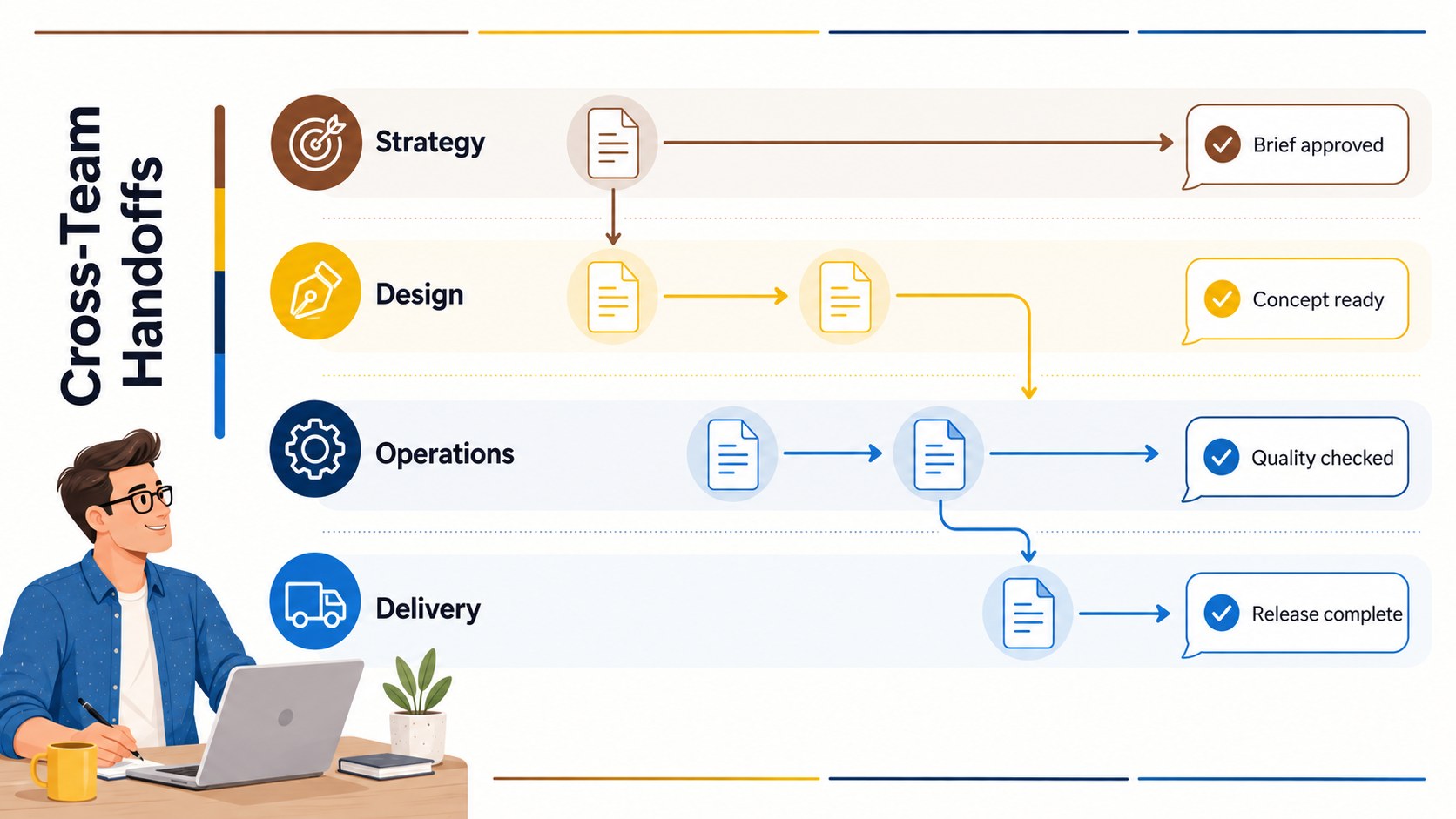
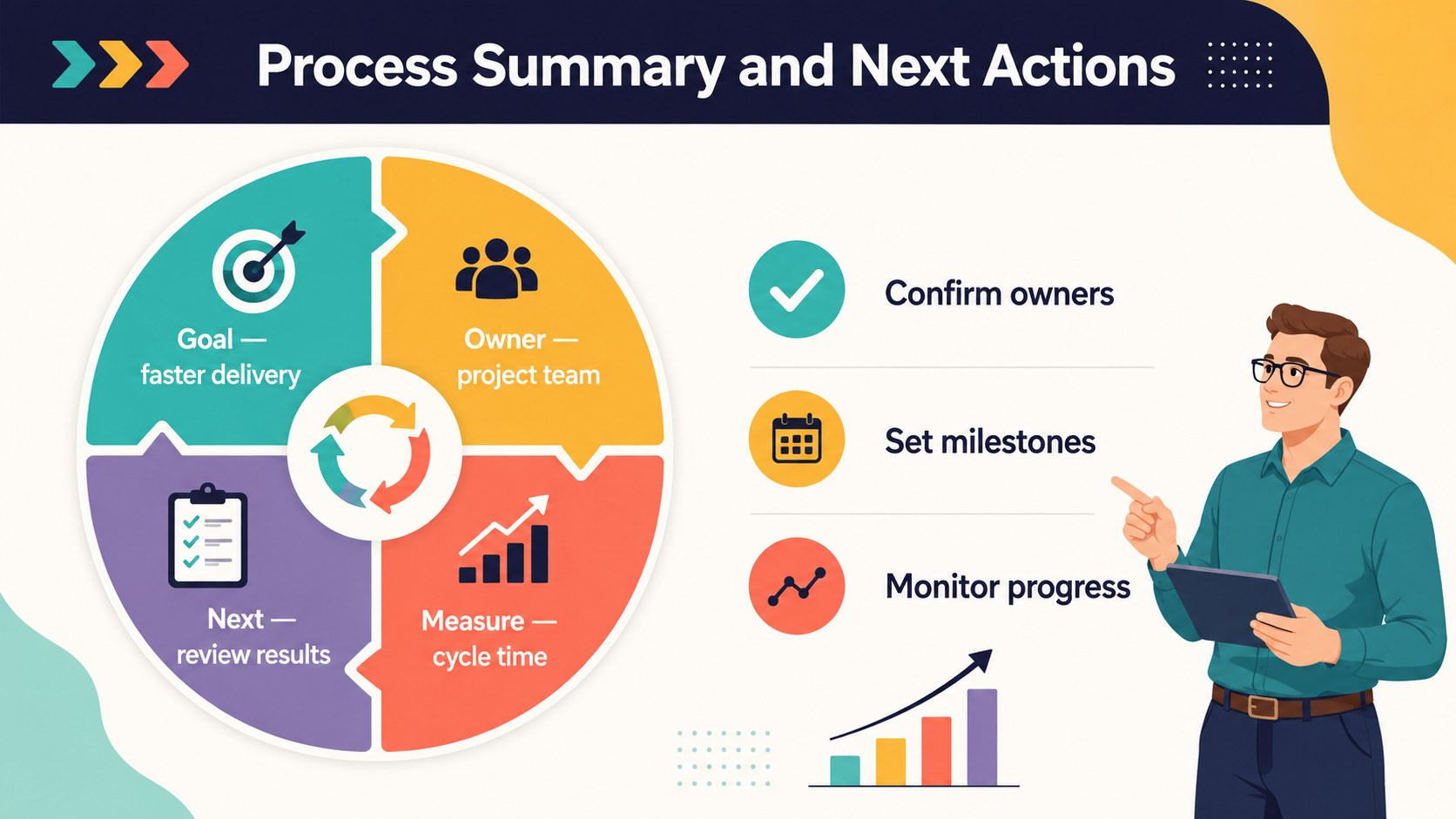
The deck includes six 16:9 layouts covering a cover page, a linear workflow, a sales pipeline, project phases, cross-team handoffs, and a process summary. Each editable workflow diagram presentation can be adapted with your own stage names, icons, metrics, and supporting notes. The varied structures also work as colorful process flow slides for presenting milestones, dependencies, approvals, or customer journeys. Consistent typography and a multicolored palette keep every diagram coordinated while helping individual stages remain distinct.
Designed for project managers, operations teams, sales leaders, consultants, educators, and startup founders, this business process infographic template supports both formal reports and collaborative planning sessions. Edit the slides in PowerPoint or Google Slides, then adjust shapes, connectors, fonts, and colors to match your subject or organization. Whether you are reviewing an internal procedure, explaining a sales funnel, or introducing a new delivery model, the deck gives each step a clear place in the story.
Perfect for: business process review; sales pipeline update; project phase briefing; cross-team handoff planning; customer journey presentation.
Frequently asked questions
Can I edit every stage of the workflow diagrams? Yes. The text, shapes, connectors, icons, and colors can be customized so each diagram reflects your process, terminology, and visual identity.
Practical details
Yes. The text, shapes, connectors, icons, and colors can be customized so each diagram reflects your process, terminology, and visual identity.
The slides are designed for PowerPoint and Google Slides. Minor spacing or font adjustments may be useful when moving a file between platforms.
Yes. Duplicate existing elements to extend a sequence or delete unneeded stages for a shorter process. Keep connector spacing consistent to preserve a clear reading order.
Yes. The layouts can represent sales funnels, project phases, approval paths, operational procedures, and team handoffs by changing the labels and supporting data.
Keep exploring
15Shape your publishing concept with an indie magazine startup pitch deck featuring pastel gradients, bold collage layouts, and editable planning slides.
 16
16Build clear project stories with the Icon Grid Teamwork Theme, a flexible blue illustrated deck for proposals, strategy updates, and team meetings.
 3
3Turn priorities into an actionable plan with an annual goals roadmap infographic, featuring editable orange and teal layouts for PowerPoint and Google Slides.
 15
15Create an Annual Achievement Report Presentation with colorful geometric layouts for milestones, results, lessons, and priorities in PowerPoint or Google Slides.
 15
15Turn results into a focused annual performance evaluation report with dark 3D slides for KPIs, achievements, feedback, and next-step goals for teams.
 15
15Guide a focused annual recap with Business Results Retrospective Slides, a muted brown-and-blue template for PowerPoint and Google Slides.
 6
6Turn complex plans into clear visual stories with Color-Coded Workflow Path Slides, an editable set for project updates, roadmaps, and team briefings.
 6
6Compare regional performance at a glance with Global Data Heatmap Slides, a clean multicolor deck designed for editable PowerPoint and Google Slides.