
 15
15presentation
Indie Magazine Startup Pitch Deck
Shape your publishing concept with an indie magazine startup pitch deck featuring pastel gradients, bold collage layouts, and editable planning slides.
Google SlidesPowerPoint
presentation · English
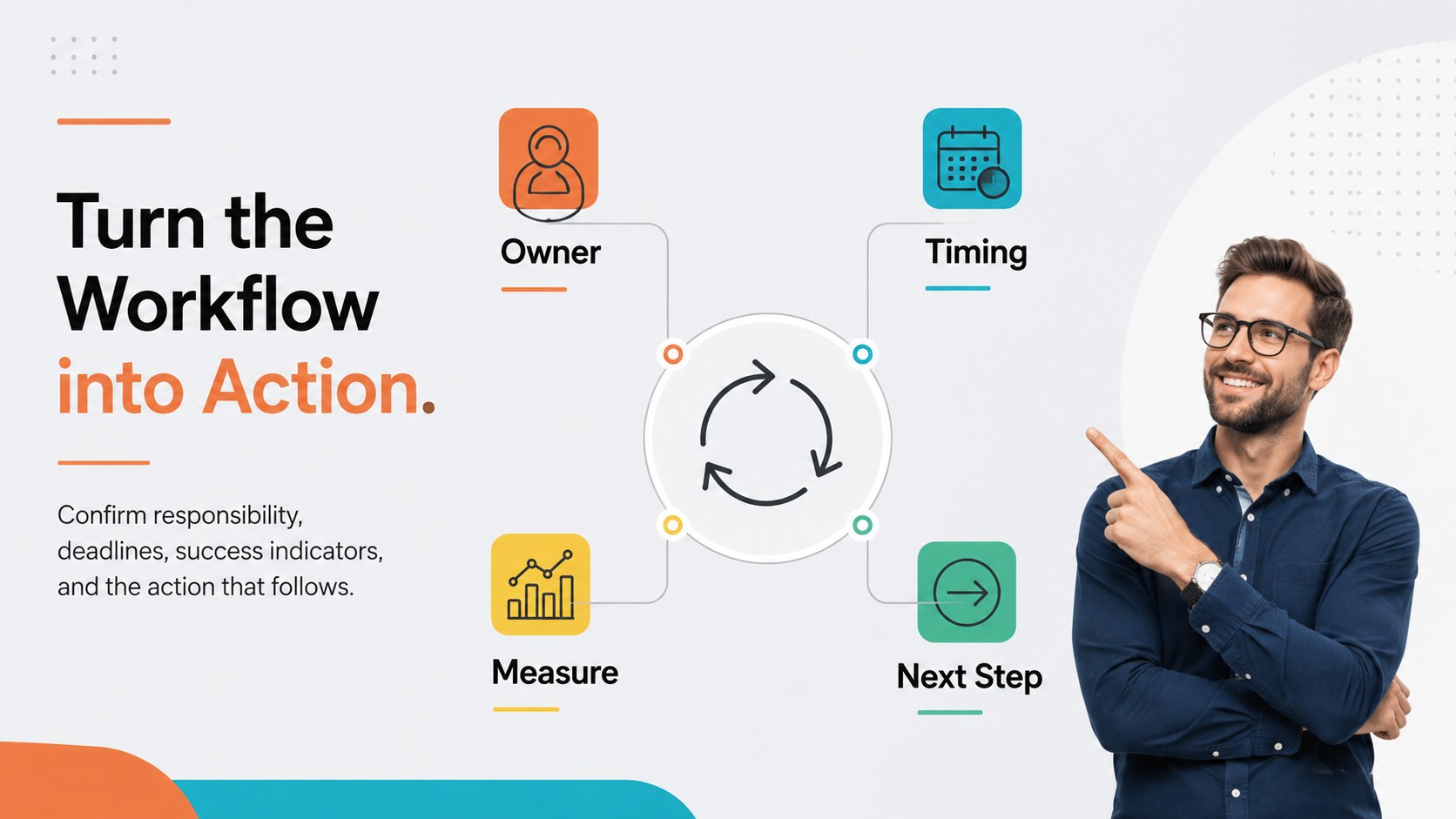
Turn complex steps into an easy visual story with colorful workflow diagram slides featuring six editable layouts for PowerPoint and Google Slides.

Design notes
Colorful workflow diagram slides turn complicated sequences into structured visuals that are easy to present and remember. Built around a clean, minimal design with lively multicolor accents, this deck helps you explain how tasks, decisions, and milestones connect without overwhelming your audience. Every layout can be edited in PowerPoint or Google Slides to match your subject, terminology, and preferred colors.
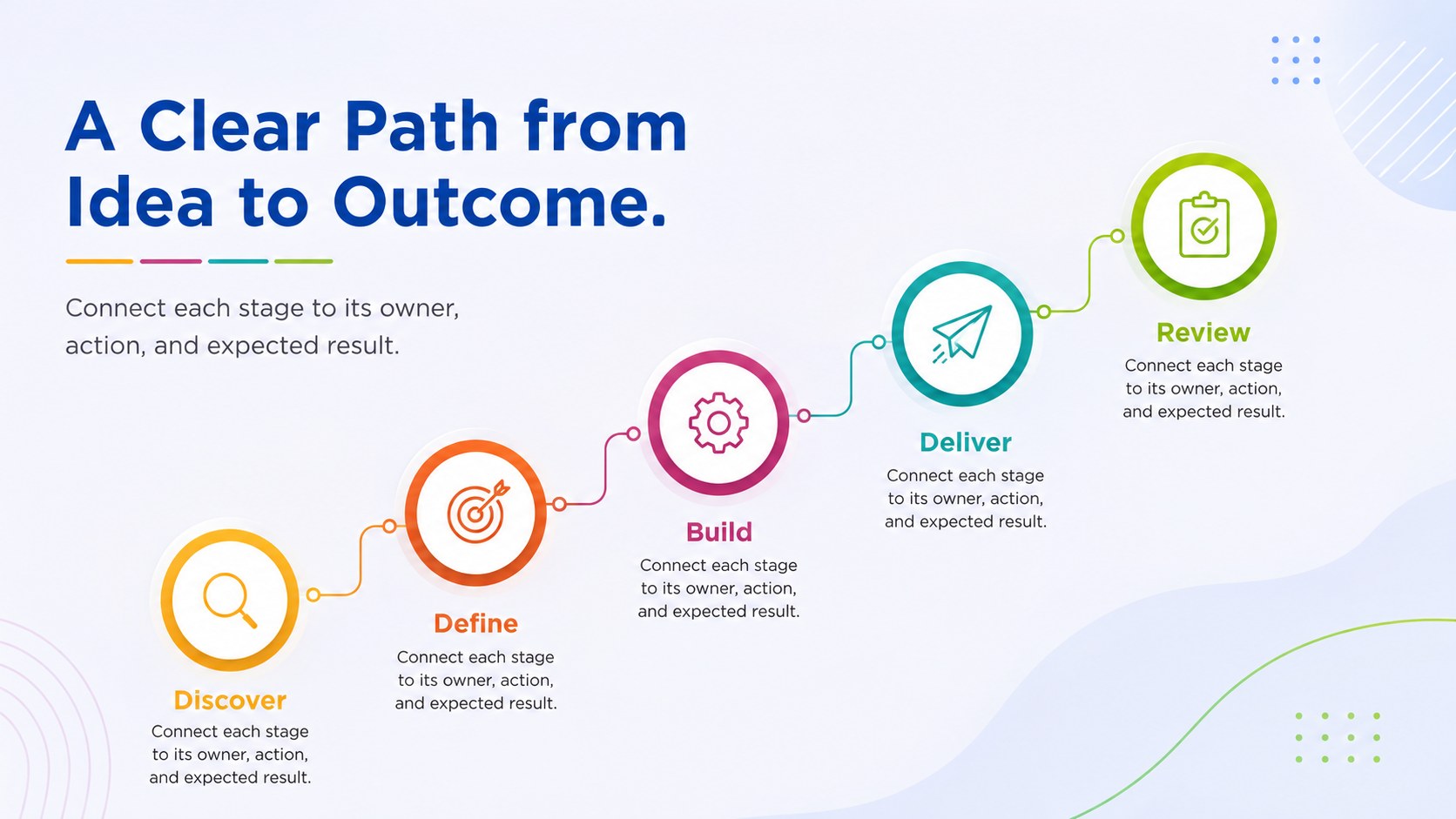
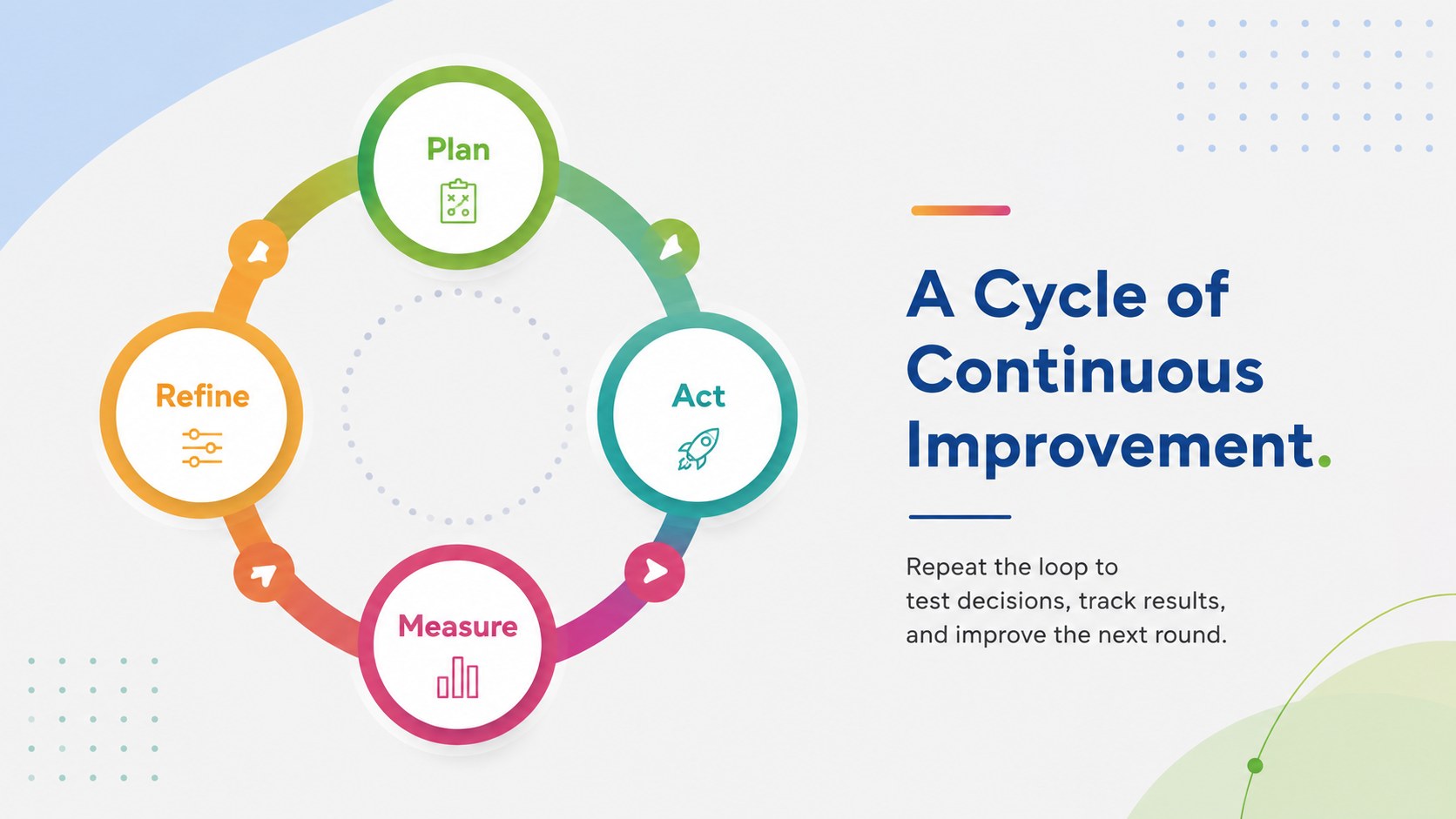
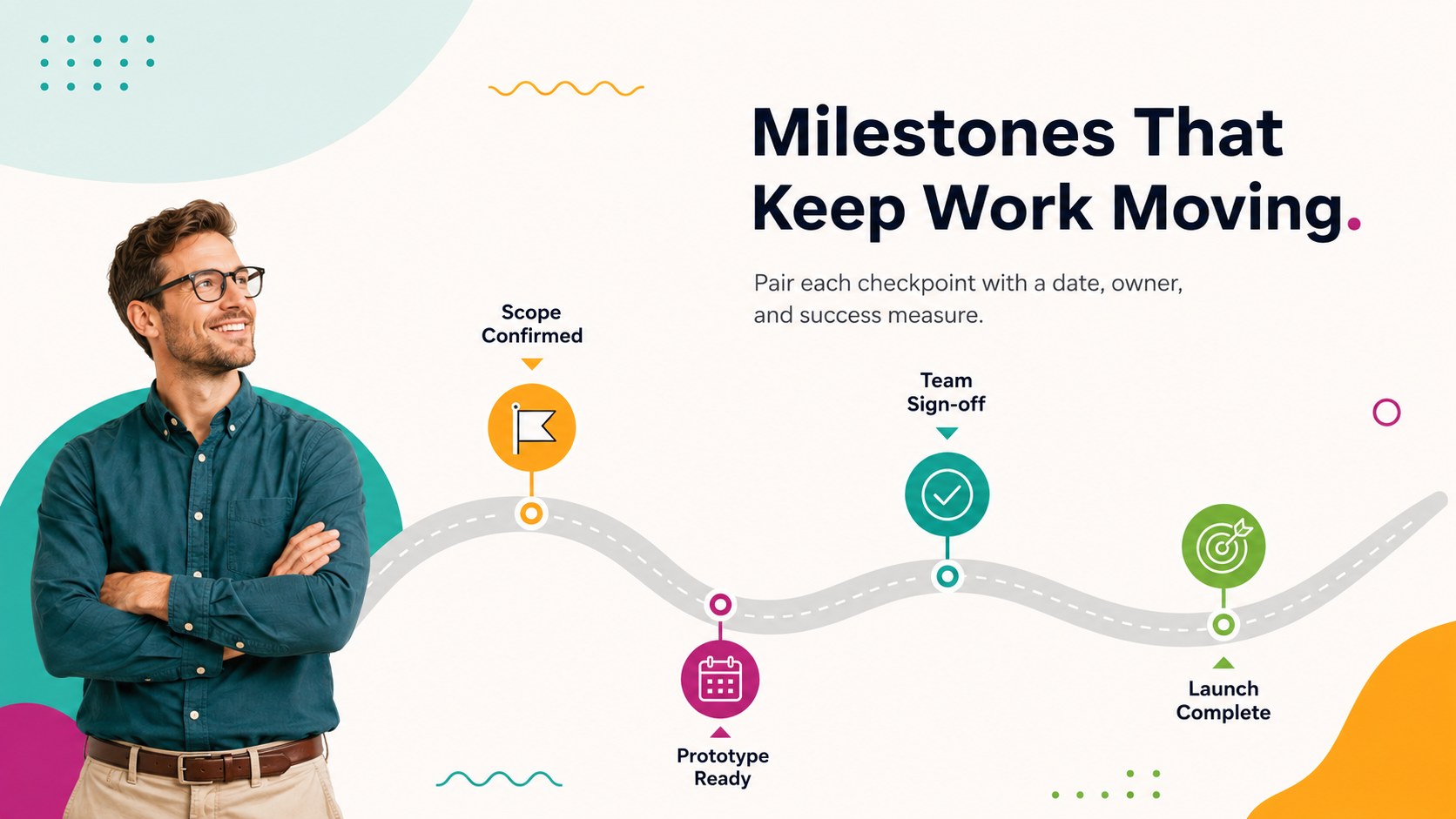
The six-slide collection includes a cover, a connected sequence, a circular workflow, a branching decision path, a milestone roadmap, and a concise process summary. Use it as a step by step workflow presentation, adapt it into a project workflow visualization template, or create a polished multicolor cycle diagram PowerPoint for recurring activities. Shapes, labels, icons, lines, and text areas are arranged for quick customization while keeping information visually balanced.
These slides are useful for project managers documenting handoffs, business teams reviewing operations, educators explaining systems, students presenting research methods, and consultants mapping client processes. Add your own stage names, supporting notes, metrics, or status indicators to create a presentation suited to onboarding, planning meetings, classroom lessons, strategy sessions, and progress reviews. The flexible diagrams work for both simple linear procedures and more detailed workflows with parallel steps or decision points.
Perfect for: project handoff mapping; employee onboarding process; classroom systems lesson; operations review meeting; client workflow proposal; product launch roadmap.
Frequently asked questions
Can I edit every part of the workflow diagrams? Yes. You can revise the stage names, supporting text, colors, icons, connectors, and shapes to reflect your process. Elements can also be duplicated or removed when your workflow has more or fewer steps.
Practical details
Yes. You can revise the stage names, supporting text, colors, icons, connectors, and shapes to reflect your process. Elements can also be duplicated or removed when your workflow has more or fewer steps.
The deck is designed for Microsoft PowerPoint and Google Slides. Basic formatting and diagram structures remain editable on both platforms.
Yes. Replace the multicolor accents with your brand palette and update the fonts to match your visual standards. For clarity, keep enough contrast between adjacent workflow stages.
The layouts support linear procedures, repeating cycles, milestone plans, decision paths, and workflows with parallel activities. They are suitable for business operations, project planning, education, research, and training.
Keep exploring
15Shape your publishing concept with an indie magazine startup pitch deck featuring pastel gradients, bold collage layouts, and editable planning slides.
 16
16Build clear project stories with the Icon Grid Teamwork Theme, a flexible blue illustrated deck for proposals, strategy updates, and team meetings.
 3
3Turn priorities into an actionable plan with an annual goals roadmap infographic, featuring editable orange and teal layouts for PowerPoint and Google Slides.
 15
15Create an Annual Achievement Report Presentation with colorful geometric layouts for milestones, results, lessons, and priorities in PowerPoint or Google Slides.
 15
15Turn results into a focused annual performance evaluation report with dark 3D slides for KPIs, achievements, feedback, and next-step goals for teams.
 15
15Guide a focused annual recap with Business Results Retrospective Slides, a muted brown-and-blue template for PowerPoint and Google Slides.
 6
6Turn complex plans into clear visual stories with Color-Coded Workflow Path Slides, an editable set for project updates, roadmaps, and team briefings.
 6
6Compare regional performance at a glance with Global Data Heatmap Slides, a clean multicolor deck designed for editable PowerPoint and Google Slides.