
 15
15presentation
Indie Magazine Startup Pitch Deck
Shape your publishing concept with an indie magazine startup pitch deck featuring pastel gradients, bold collage layouts, and editable planning slides.
Google SlidesPowerPoint
presentation · English
Build a clear path from ideas to action with colorful goal planning slides for PowerPoint and Google Slides, including milestones, timelines, and progress…

Design notes
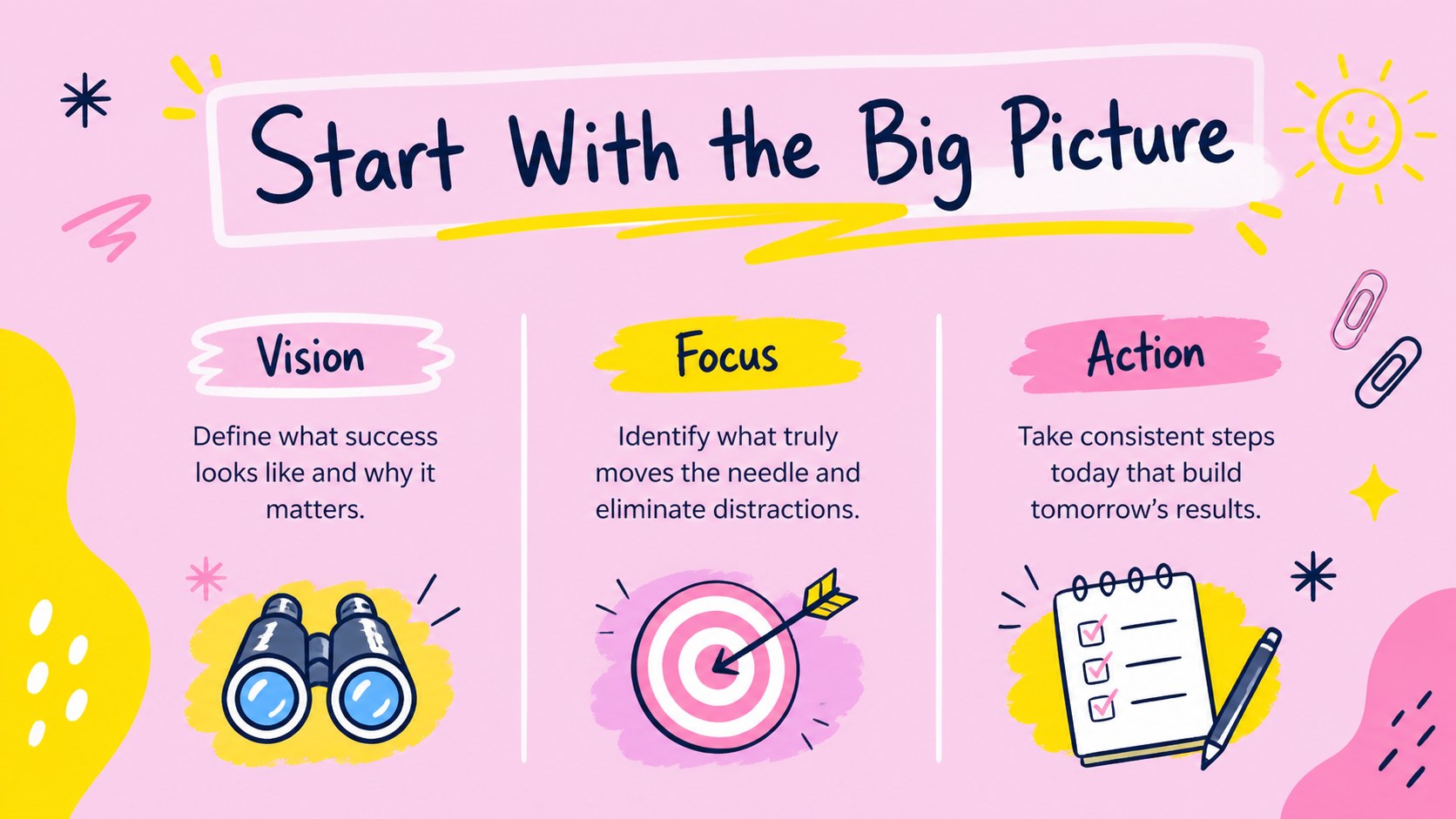
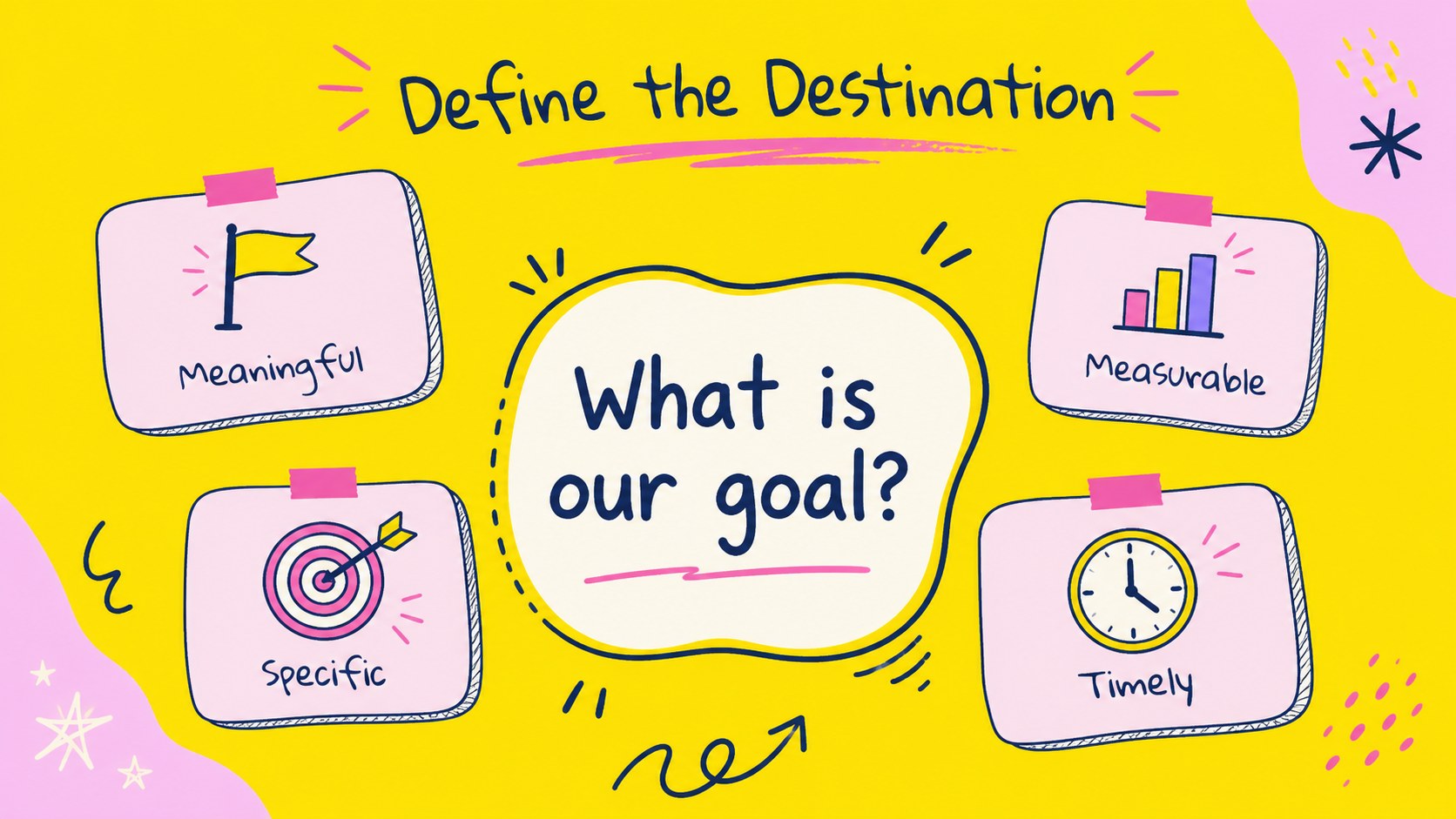
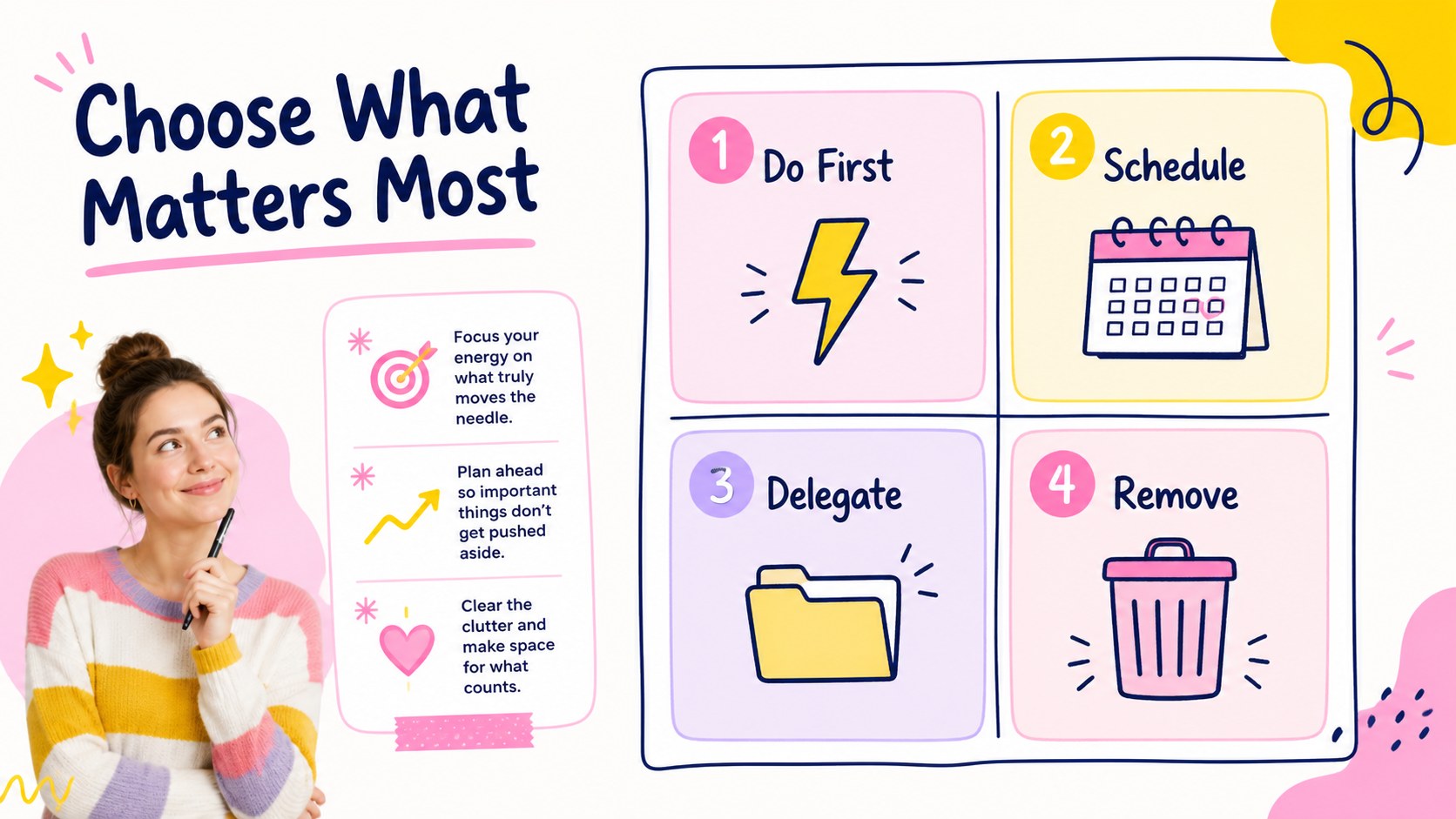
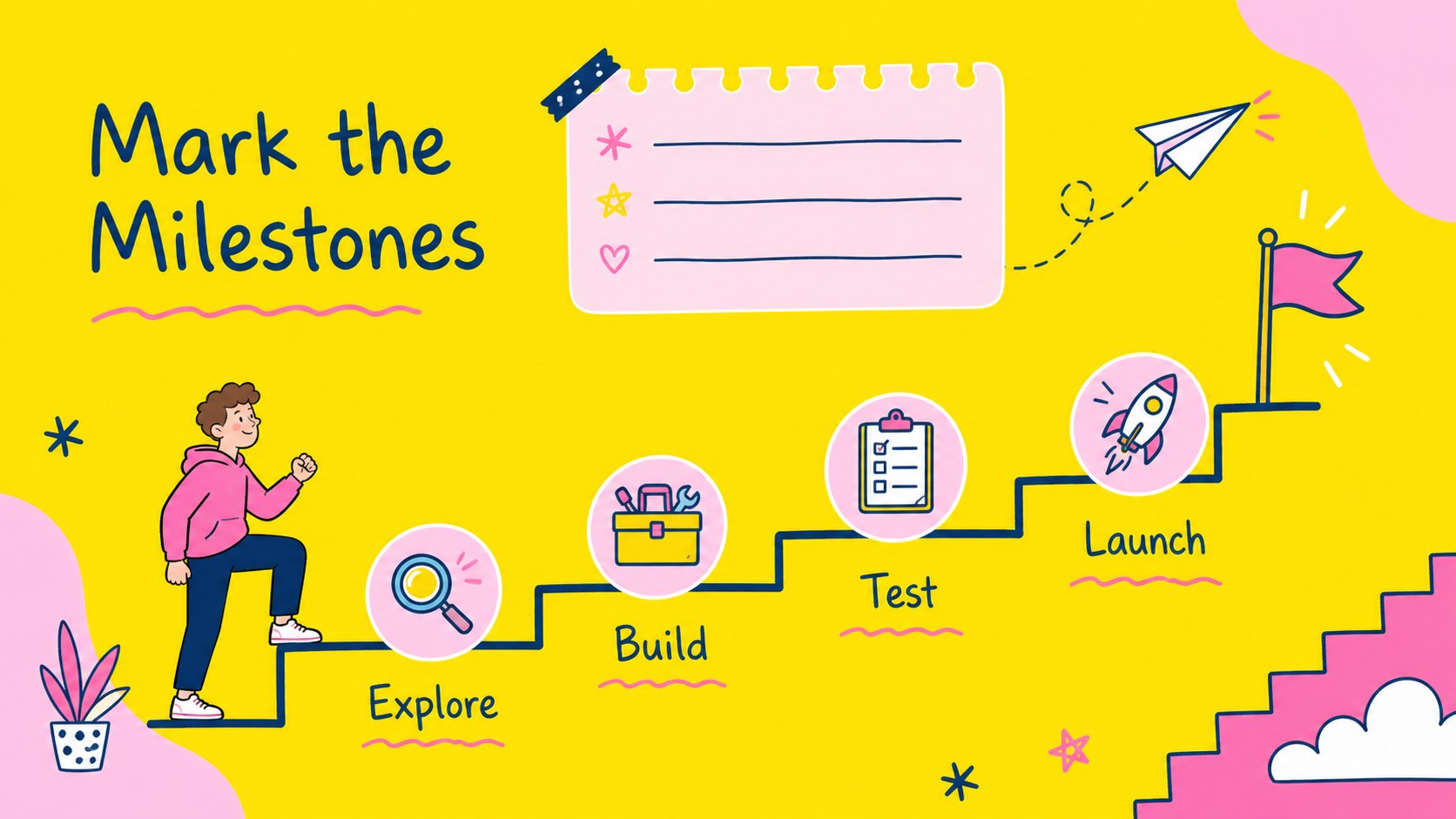
Colorful goal planning slides give your next project a clear visual structure, from the first big idea to the final milestone. Use the cheerful pink, yellow, and multicolor palette to make personal objectives, classroom assignments, team priorities, or business initiatives easier to understand and remember. The playful doodle-inspired style keeps planning approachable while the organized layouts help your audience focus on what happens next.
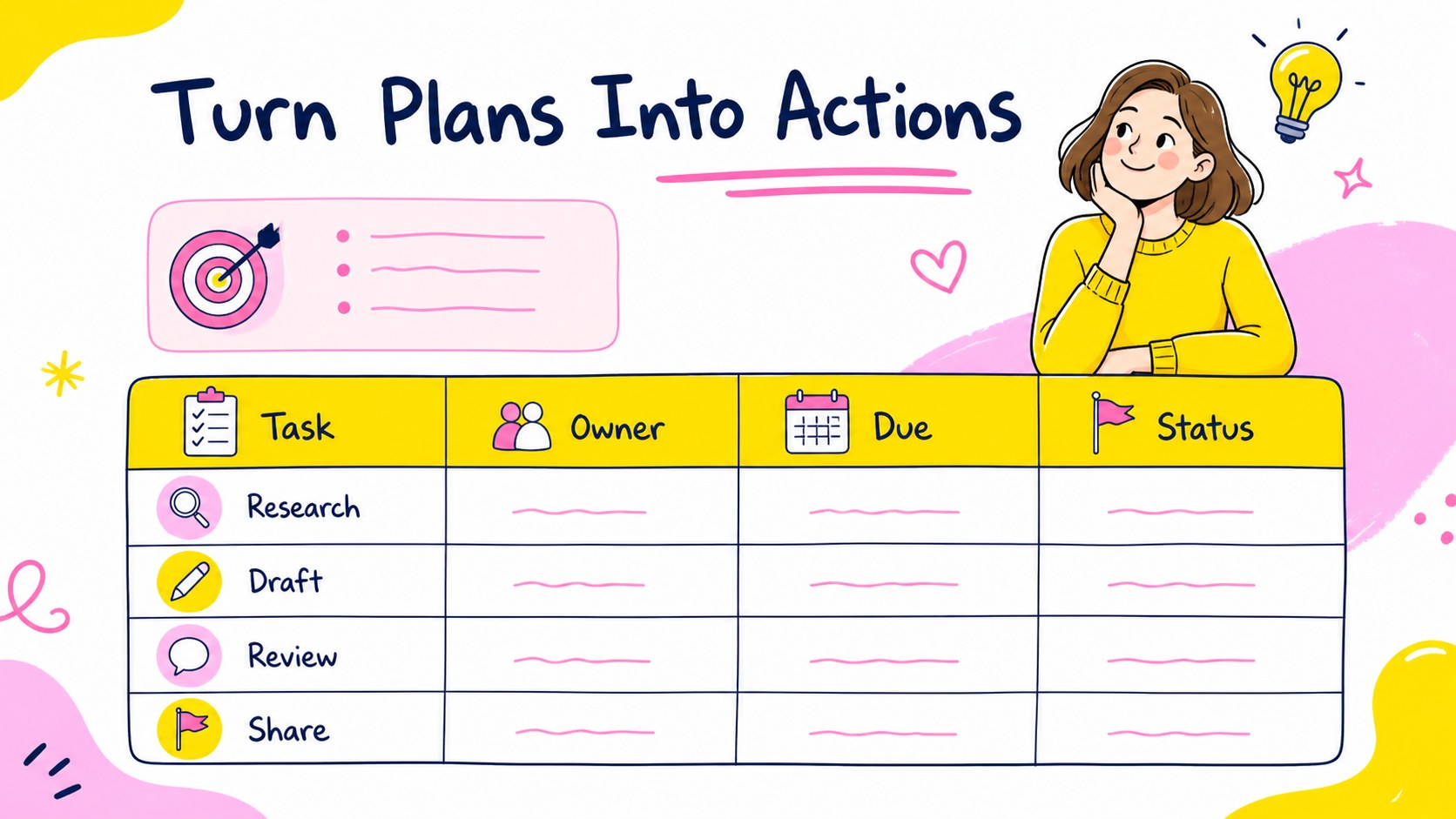
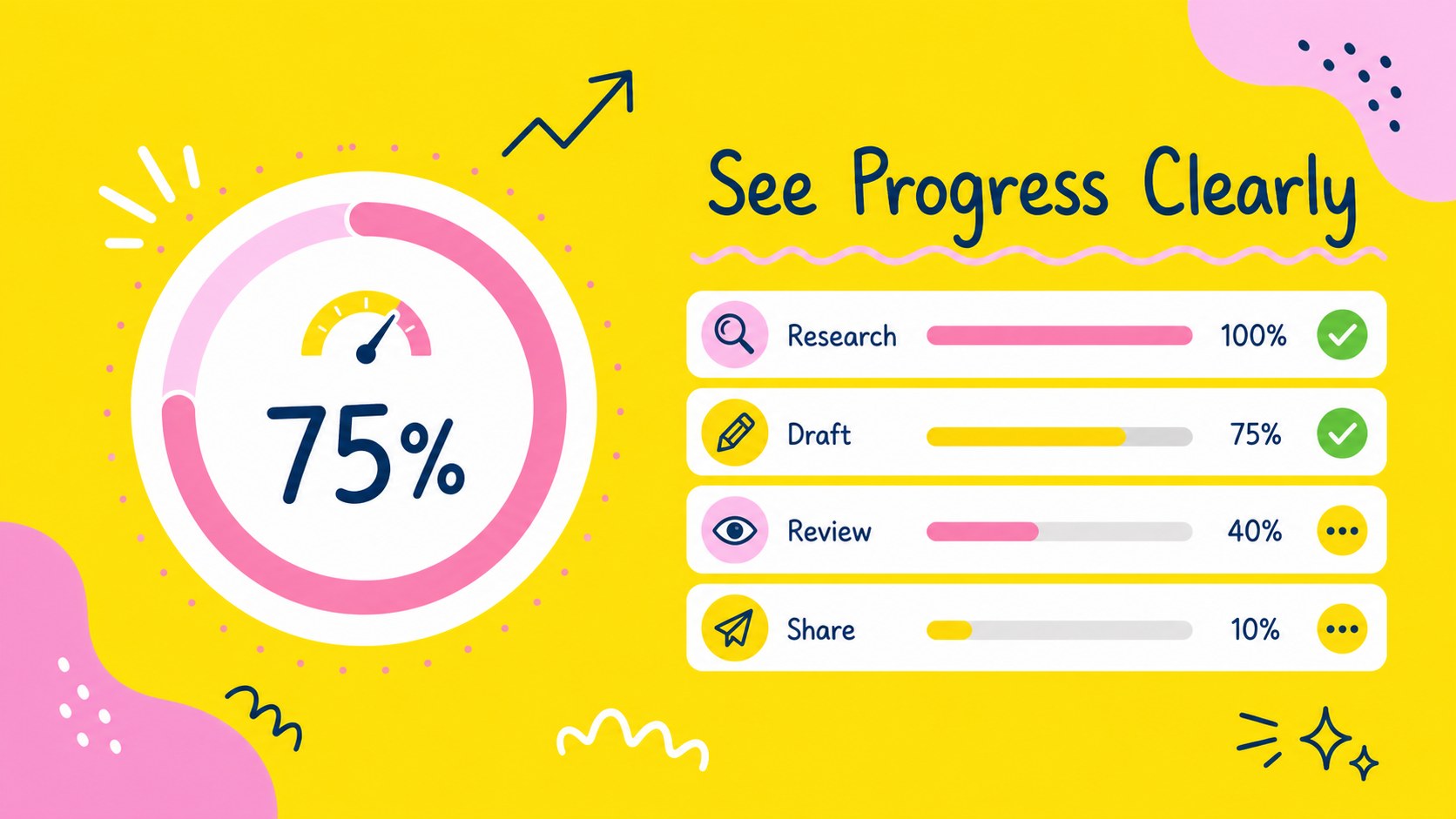
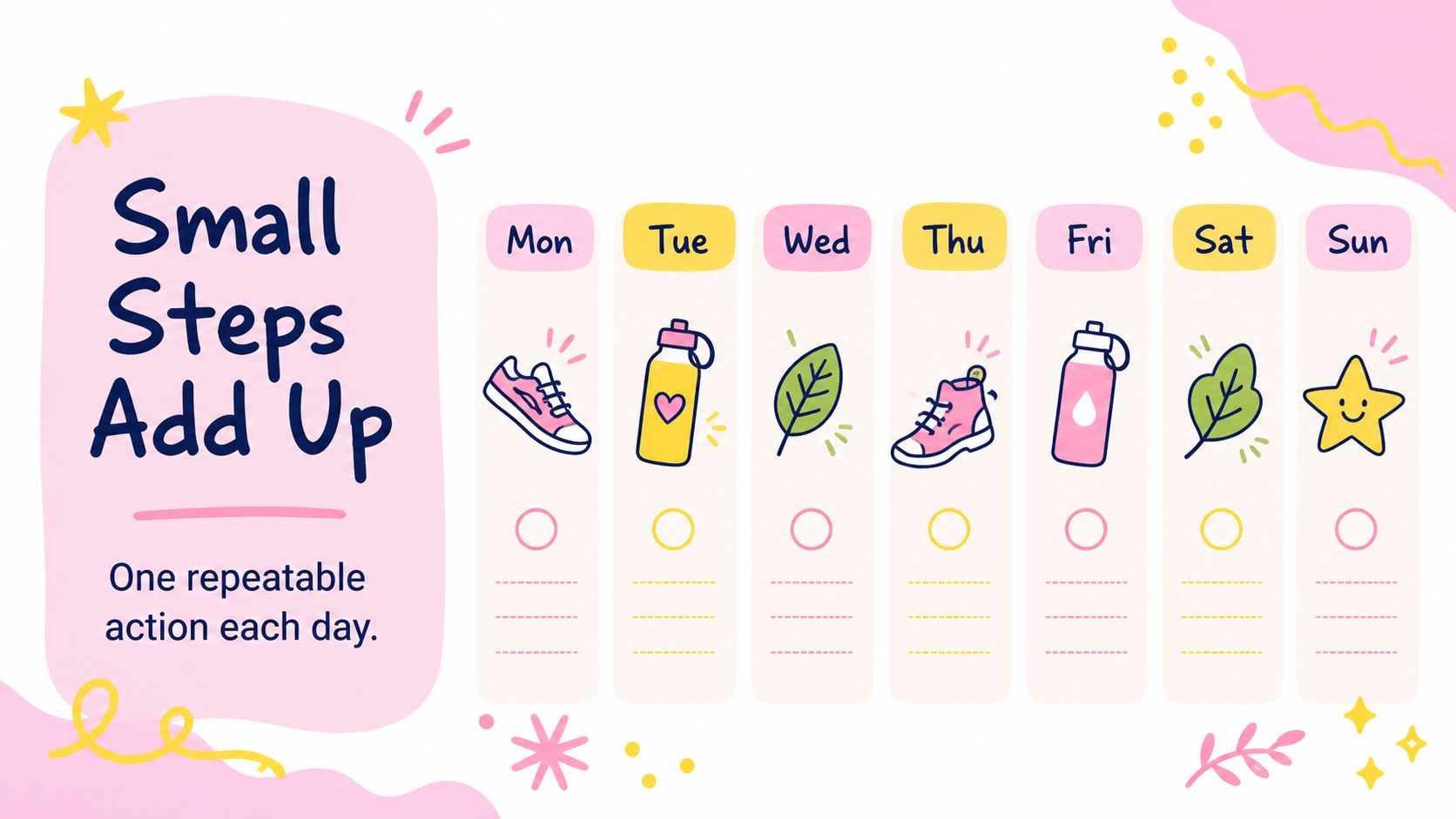
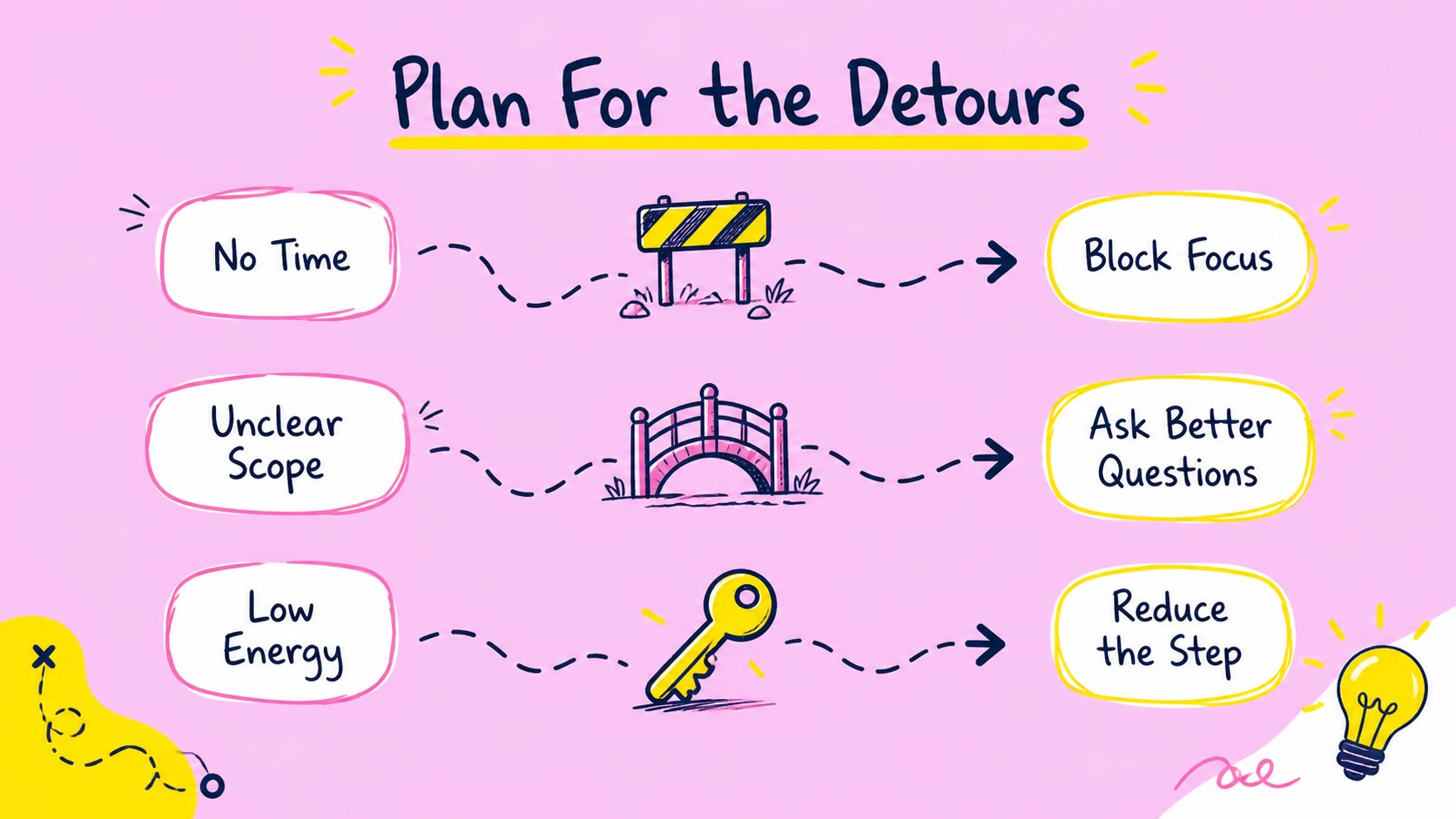
Inside the deck, you will find an opening vision slide, goal-setting prompts, priority maps, milestone timelines, progress trackers, action-plan tables, habit checklists, reflection pages, and summary layouts. Build a quarterly planning presentation, outline a study schedule, coordinate a team sprint, or prepare a workshop on personal development. The included charts, diagrams, icons, and editable text areas make it simple to adapt each page to your own content.
This template is designed for PowerPoint and Google Slides. Replace sample copy, adjust the pink and yellow accents, add photos or illustrations, and reorganize slides to match your workflow. It is suitable for coaches, educators, project leads, students, startup teams, and anyone who needs a lively but practical way to present goals, priorities, and next steps.
Perfect for: personal development workshop; student study planning session; startup quarterly objectives; team project kickoff; coaching goal review.
Frequently asked questions
Can I edit this deck in PowerPoint? Yes. The presentation is compatible with PowerPoint, and you can change the text, colors, layouts, charts, and graphics. Replace the sample content with your own goals and milestones.
Practical details
Yes. The presentation is compatible with PowerPoint, and you can change the text, colors, layouts, charts, and graphics. Replace the sample content with your own goals and milestones.
Yes, you can open and customize the deck in Google Slides. Text, shapes, diagrams, and planning sections can be adjusted for collaborative editing and sharing.
Yes. The layouts support project planning, team objectives, classroom assignments, study schedules, coaching sessions, and personal development reviews. Select only the sections that fit your audience.
Update the pink, yellow, and multicolor accents to match your project, then replace doodles or icons with relevant graphics. You can also reorder the timeline, tracker, and action-plan slides.
Keep exploring
15Shape your publishing concept with an indie magazine startup pitch deck featuring pastel gradients, bold collage layouts, and editable planning slides.
 16
16Build clear project stories with the Icon Grid Teamwork Theme, a flexible blue illustrated deck for proposals, strategy updates, and team meetings.
 3
3Turn priorities into an actionable plan with an annual goals roadmap infographic, featuring editable orange and teal layouts for PowerPoint and Google Slides.
 15
15Create an Annual Achievement Report Presentation with colorful geometric layouts for milestones, results, lessons, and priorities in PowerPoint or Google Slides.
 15
15Turn results into a focused annual performance evaluation report with dark 3D slides for KPIs, achievements, feedback, and next-step goals for teams.
 15
15Guide a focused annual recap with Business Results Retrospective Slides, a muted brown-and-blue template for PowerPoint and Google Slides.
 6
6Turn complex plans into clear visual stories with Color-Coded Workflow Path Slides, an editable set for project updates, roadmaps, and team briefings.
 6
6Compare regional performance at a glance with Global Data Heatmap Slides, a clean multicolor deck designed for editable PowerPoint and Google Slides.