
 15
15presentation
Indie Magazine Startup Pitch Deck
Shape your publishing concept with an indie magazine startup pitch deck featuring pastel gradients, bold collage layouts, and editable planning slides.
Google SlidesPowerPoint
presentation · English
Build a colorful data storytelling slide deck for reports, lessons, and campaigns. Edit quickly in PowerPoint or Google Slides and make complex ideas…



Design notes
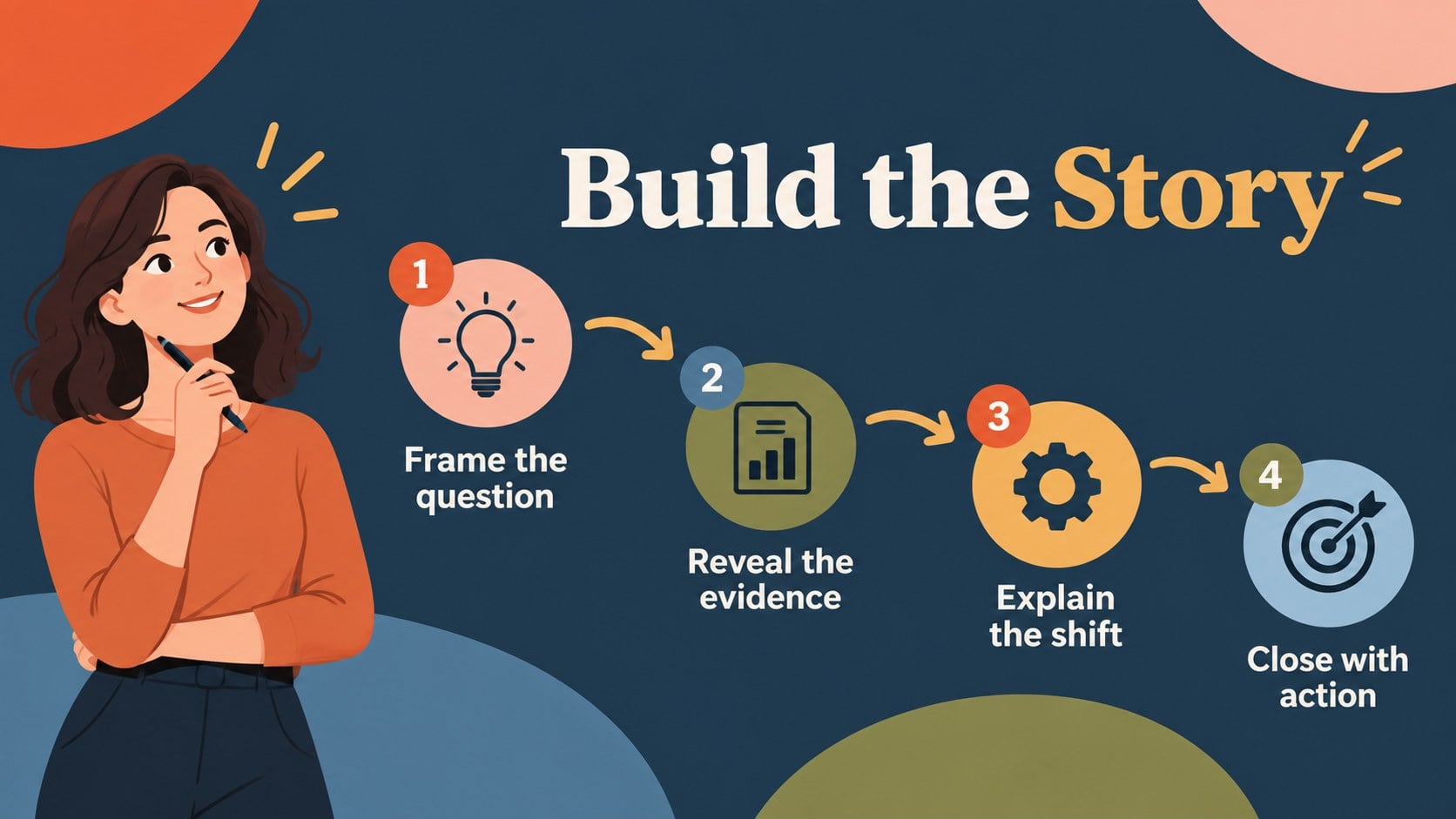
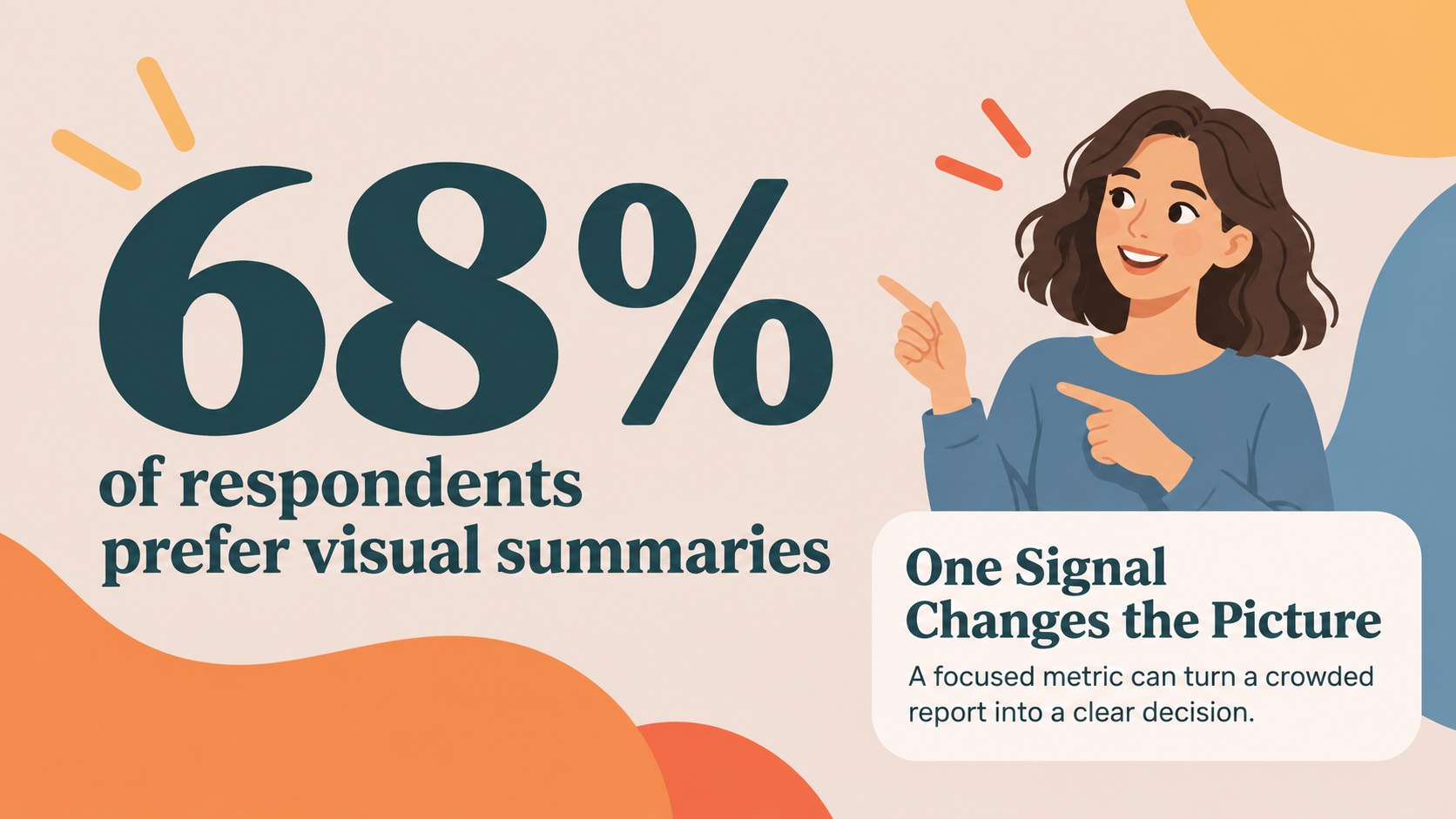
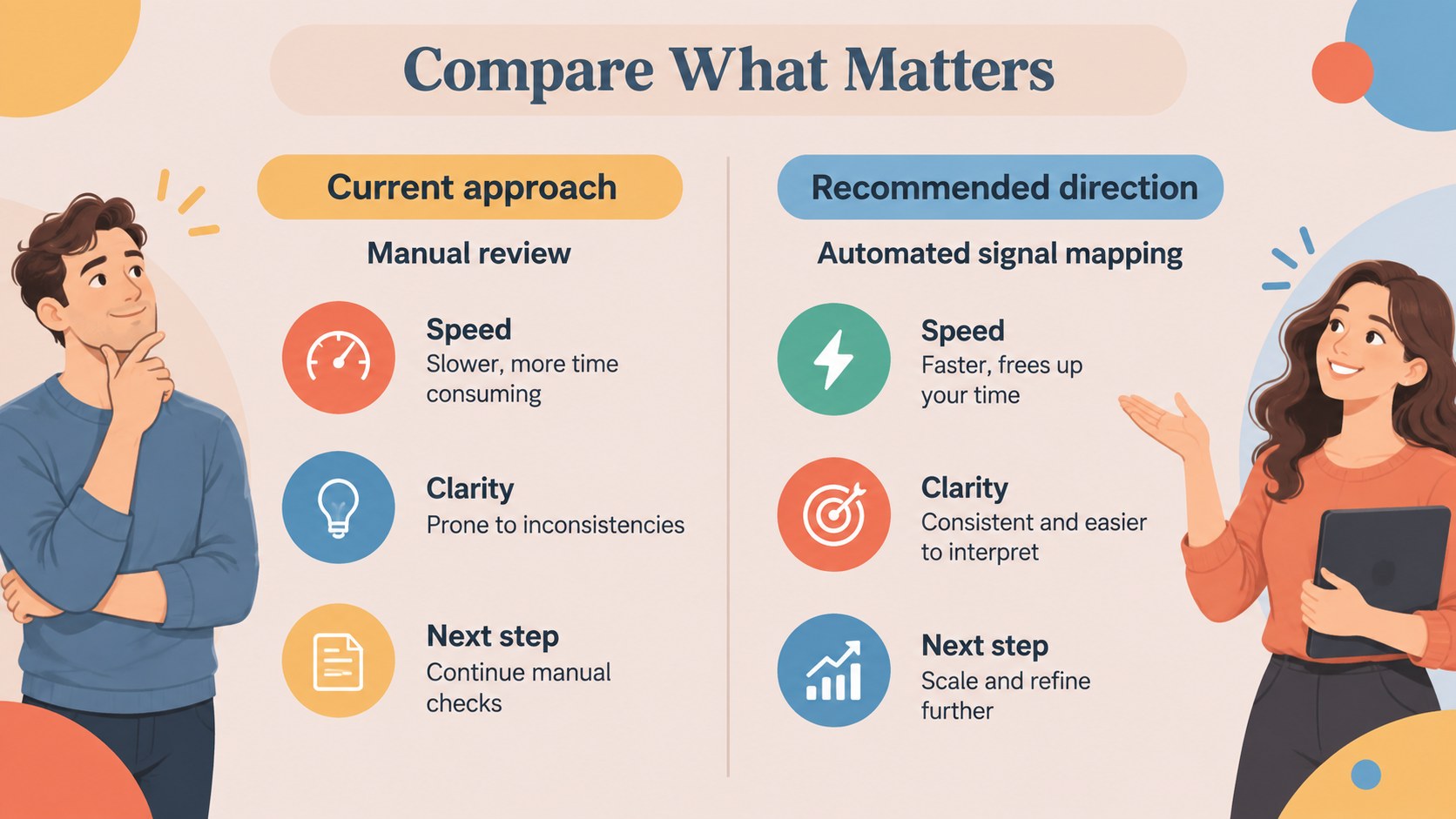
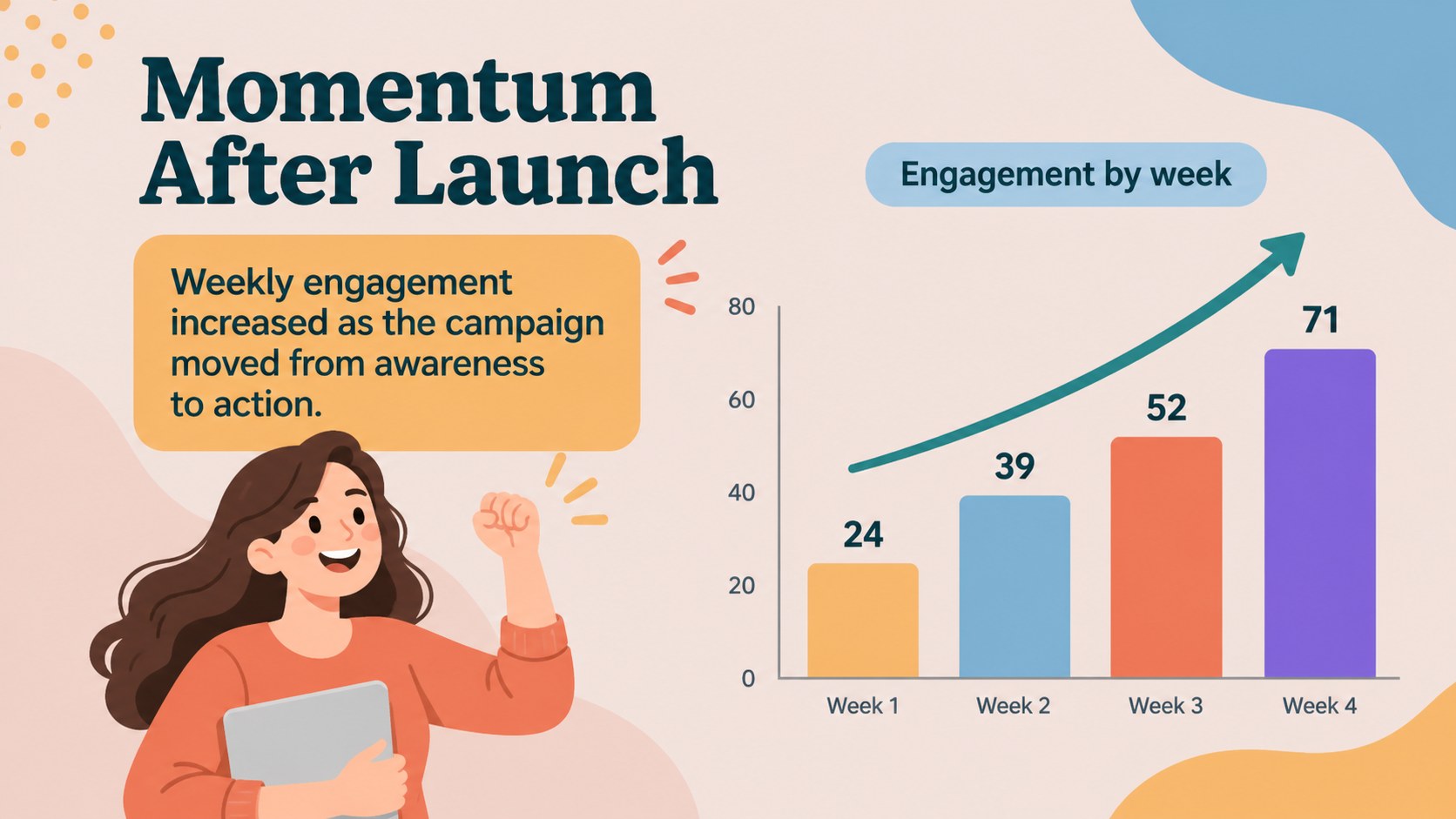
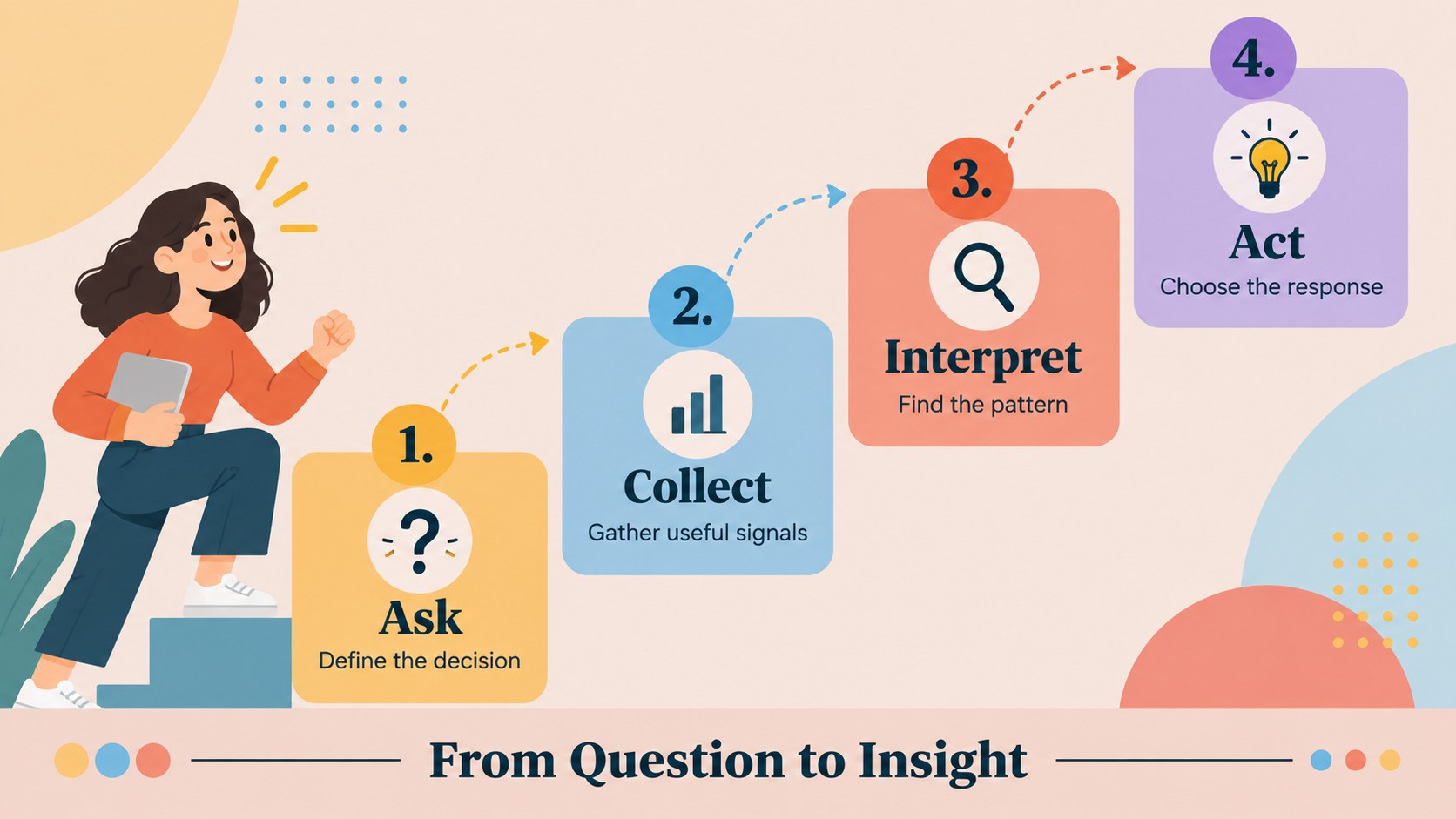
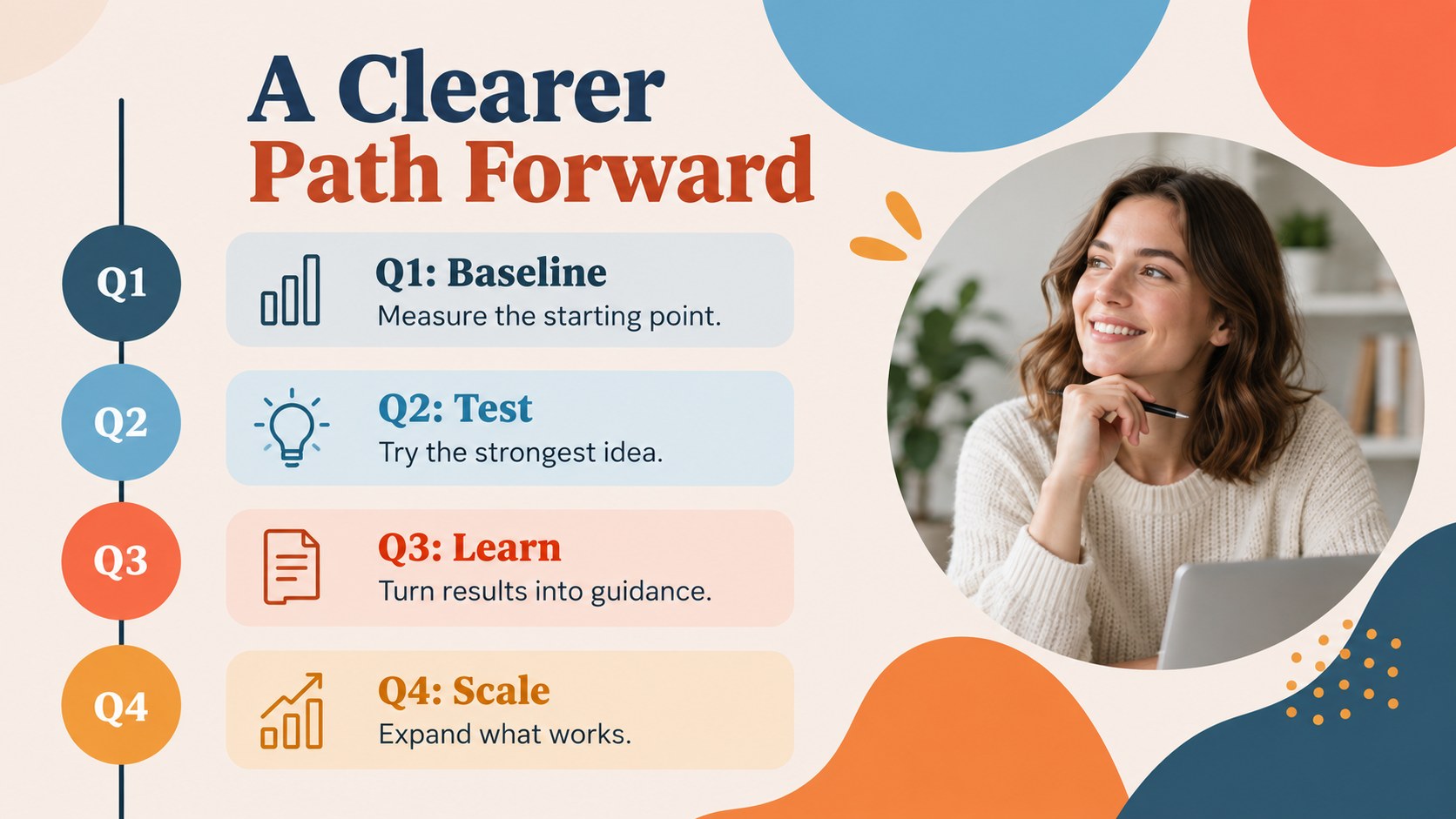
Colorful Data Storytelling Slide Deck helps you turn statistics, processes, and research into clear visual narratives. Its energetic palette, bold shapes, and approachable typography give routine information a stronger point of view without making the content difficult to scan. Use it to explain trends, compare options, introduce a strategy, or summarize results for an audience that needs the main idea quickly.
Inside, you will find more than 25 editable presentation layouts for introductions, section breaks, numbered insights, comparison panels, timelines, process diagrams, charts, and closing takeaways. The modular structure supports a visual data presentation with consistent spacing and hierarchy, while colorful icons and geometric accents help distinguish themes across the deck. It is also flexible enough for infographic slides for business, classroom projects, marketing reports, and internal updates.
The template is designed for marketers, educators, consultants, analysts, startup teams, and business professionals. Replace the sample copy, update the figures, adjust the palette, and add your own imagery in PowerPoint or Google Slides. Use the layouts together as a complete colorful report presentation or select individual slides for a focused story.
Perfect for: marketing campaign report; classroom data lesson; startup strategy update; research findings presentation; quarterly business review.
Frequently asked questions
Can I edit this template in PowerPoint? Yes. The layouts, text, colors, icons, and charts are designed to be edited in PowerPoint. Replace the sample data and adjust the visual hierarchy to match your project.
Practical details
Yes. The layouts, text, colors, icons, and charts are designed to be edited in PowerPoint. Replace the sample data and adjust the visual hierarchy to match your project.
Yes, the presentation can be opened and customized in Google Slides. Check fonts and chart formatting after importing, then make any small adjustments needed for your content.
Yes. Update the theme colors and font selections to align the deck with your brand or classroom materials. The original bright palette can also be retained for high-energy reports and lessons.
The layouts work well for metrics, survey results, timelines, processes, comparisons, campaign summaries, and research findings. They can support both short executive updates and longer visual explanations.
Keep exploring
15Shape your publishing concept with an indie magazine startup pitch deck featuring pastel gradients, bold collage layouts, and editable planning slides.
 16
16Build clear project stories with the Icon Grid Teamwork Theme, a flexible blue illustrated deck for proposals, strategy updates, and team meetings.
 3
3Turn priorities into an actionable plan with an annual goals roadmap infographic, featuring editable orange and teal layouts for PowerPoint and Google Slides.
 15
15Create an Annual Achievement Report Presentation with colorful geometric layouts for milestones, results, lessons, and priorities in PowerPoint or Google Slides.
 15
15Turn results into a focused annual performance evaluation report with dark 3D slides for KPIs, achievements, feedback, and next-step goals for teams.
 15
15Guide a focused annual recap with Business Results Retrospective Slides, a muted brown-and-blue template for PowerPoint and Google Slides.
 6
6Turn complex plans into clear visual stories with Color-Coded Workflow Path Slides, an editable set for project updates, roadmaps, and team briefings.
 6
6Compare regional performance at a glance with Global Data Heatmap Slides, a clean multicolor deck designed for editable PowerPoint and Google Slides.