
 15
15presentation
Indie Magazine Startup Pitch Deck
Shape your publishing concept with an indie magazine startup pitch deck featuring pastel gradients, bold collage layouts, and editable planning slides.
Google SlidesPowerPoint
presentation · English
Build concise decision stories with colorful boardroom briefing infographics for PowerPoint and Google Slides, ideal for leadership updates and reviews.

Design notes
Designed for leaders who need conclusions to land quickly, colorful boardroom briefing infographics turn dense updates into a focused visual narrative. The clean, consulting-inspired style combines bright accents, disciplined spacing, and minimal typography, helping key figures and recommendations stand out without making the page feel crowded.
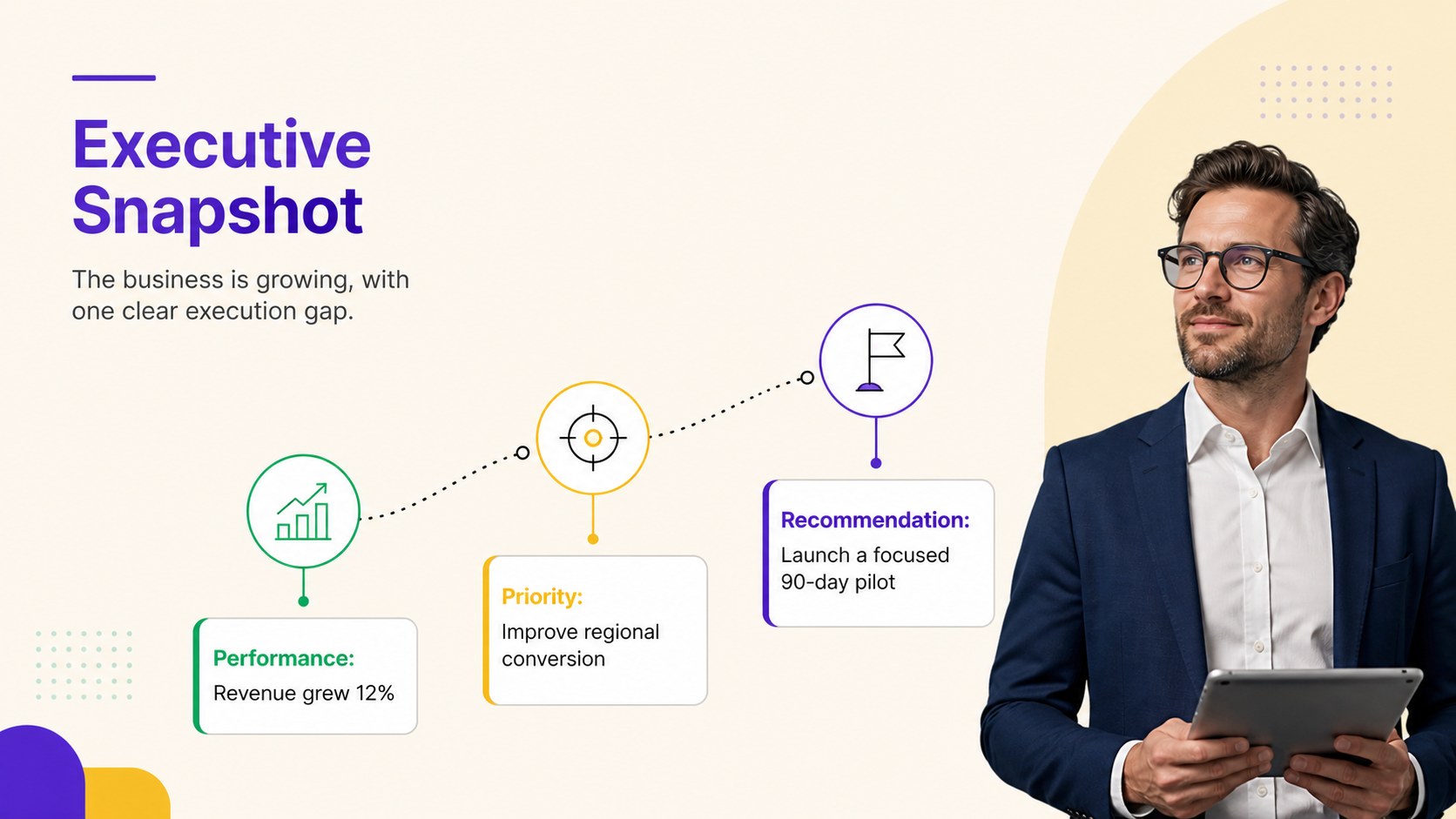
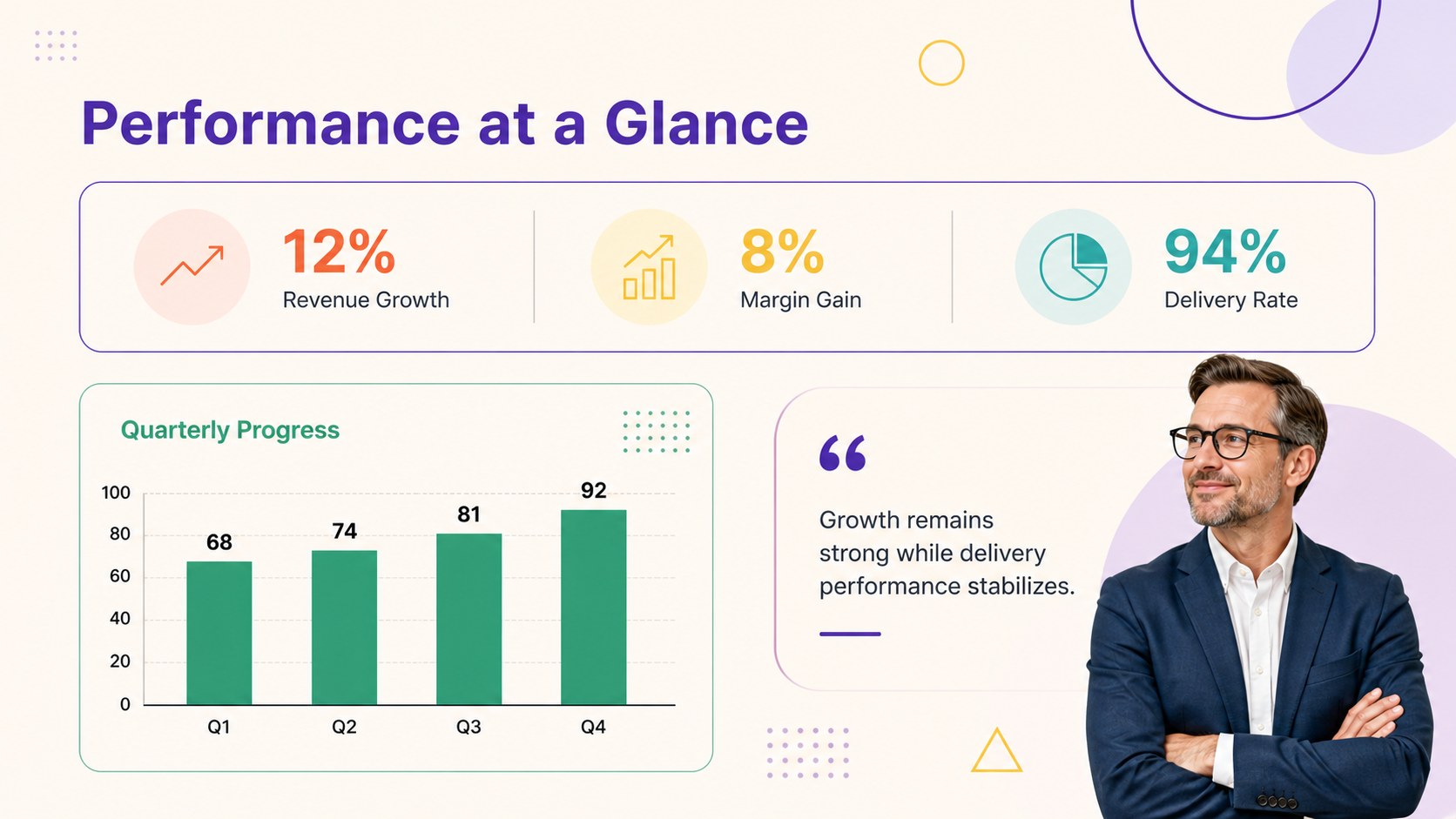
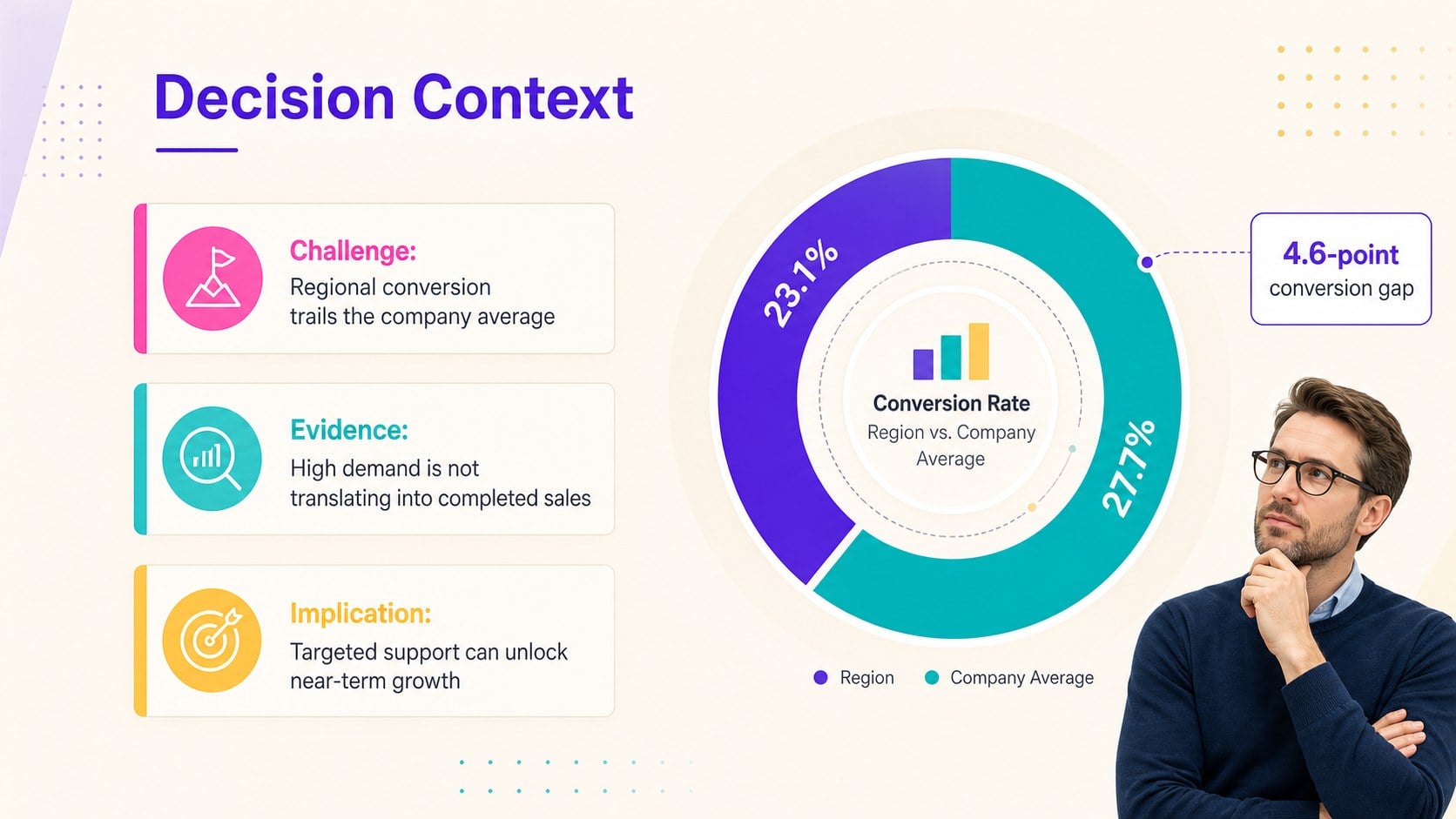
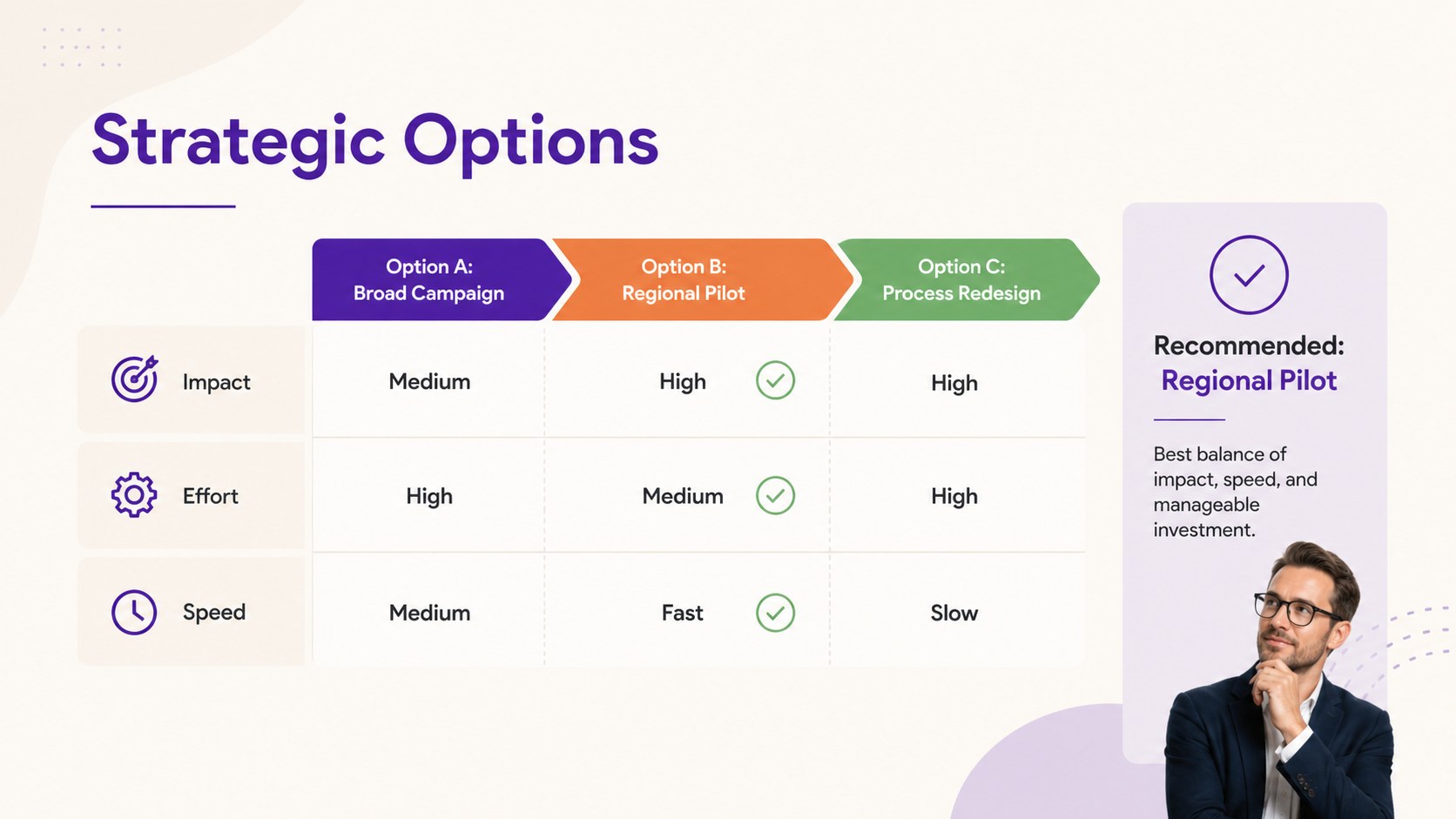
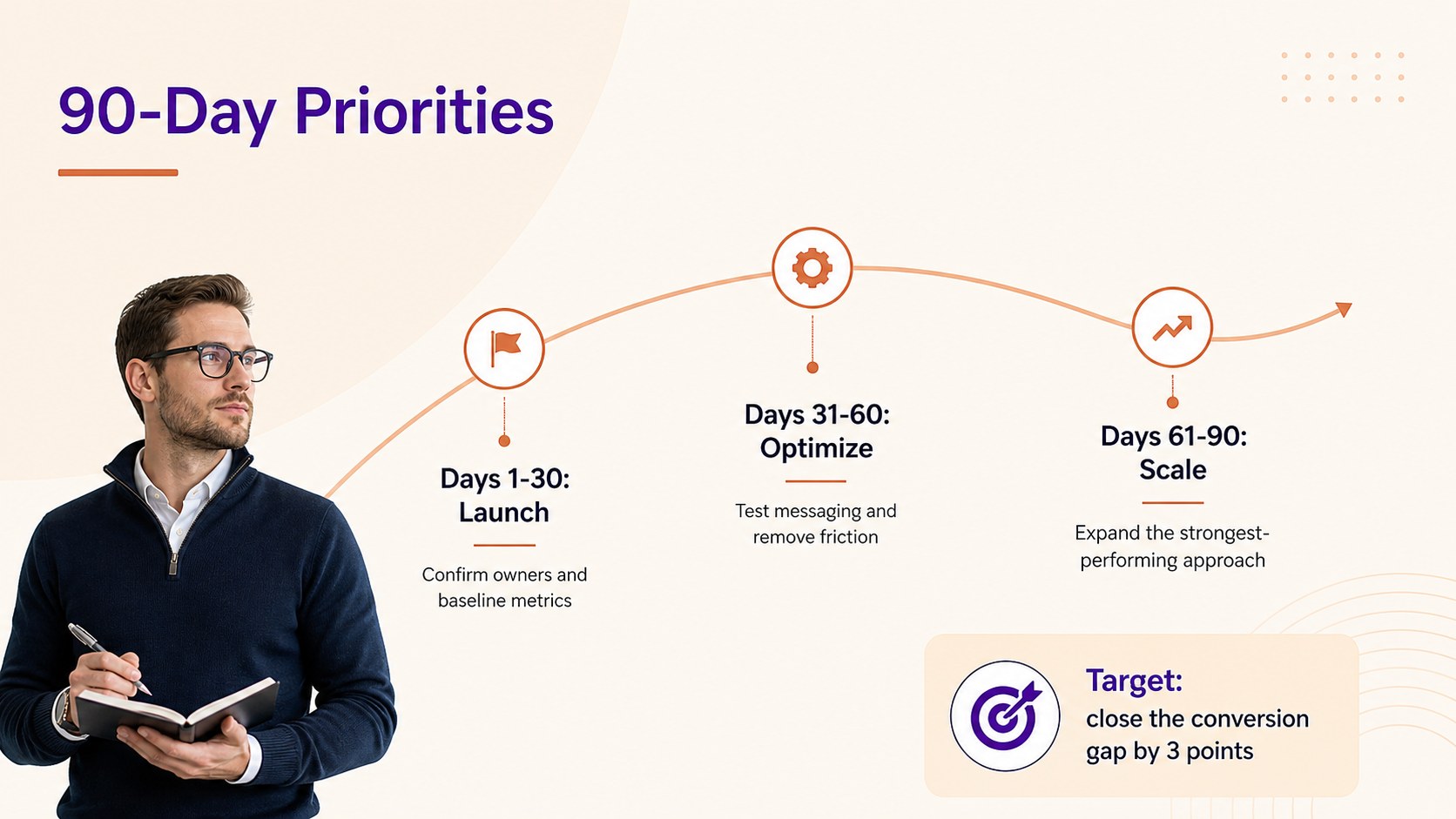
The six-slide set includes a briefing cover, executive snapshot, performance dashboard, decision context, strategic options comparison, and 90-day priority roadmap. Adapt the layouts into decision ready executive briefing slides, a quarterly business review summary deck, or project health dashboard slides. Flexible charts, callouts, status indicators, and structured text areas make it easy to present evidence before moving to a clear recommendation.
This template is built for executives, consultants, project managers, strategy teams, founders, and analysts who regularly communicate with senior stakeholders. Use it for quarterly results, transformation updates, client recommendations, investment discussions, operational reviews, or project steering meetings. Every slide can be edited in PowerPoint and Google Slides, including colors, typography, labels, data, and visual elements. Replace the sample content with your own findings, keep only the metrics that support the decision, and tailor the accent colors to match your organization while preserving the polished minimal look.
Perfect for: quarterly leadership review; client recommendation briefing; project steering committee update; operational performance report; strategic decision meeting.
Frequently asked questions
Can I edit every part of these briefing slides? Yes. You can replace the text, update figures, recolor graphics, adjust fonts, and move or remove visual elements to fit your report.
Practical details
Yes. You can replace the text, update figures, recolor graphics, adjust fonts, and move or remove visual elements to fit your report.
The template works with Microsoft PowerPoint and Google Slides. Some fonts or transitions may render slightly differently between the two platforms, so review the final deck before presenting.
Lead each slide with one clear conclusion, then use only the evidence needed to support it. Replace sample metrics with verified data and keep recommendations specific, concise, and action-oriented.
Yes. The neutral business structure suits client briefings, internal performance reviews, project updates, and strategic proposals. Update the accent colors and typography to align the deck with your organization.
Keep exploring
15Shape your publishing concept with an indie magazine startup pitch deck featuring pastel gradients, bold collage layouts, and editable planning slides.
 16
16Build clear project stories with the Icon Grid Teamwork Theme, a flexible blue illustrated deck for proposals, strategy updates, and team meetings.
 3
3Turn priorities into an actionable plan with an annual goals roadmap infographic, featuring editable orange and teal layouts for PowerPoint and Google Slides.
 15
15Create an Annual Achievement Report Presentation with colorful geometric layouts for milestones, results, lessons, and priorities in PowerPoint or Google Slides.
 15
15Turn results into a focused annual performance evaluation report with dark 3D slides for KPIs, achievements, feedback, and next-step goals for teams.
 15
15Guide a focused annual recap with Business Results Retrospective Slides, a muted brown-and-blue template for PowerPoint and Google Slides.
 6
6Turn complex plans into clear visual stories with Color-Coded Workflow Path Slides, an editable set for project updates, roadmaps, and team briefings.
 6
6Compare regional performance at a glance with Global Data Heatmap Slides, a clean multicolor deck designed for editable PowerPoint and Google Slides.