
 15
15presentation
Indie Magazine Startup Pitch Deck
Shape your publishing concept with an indie magazine startup pitch deck featuring pastel gradients, bold collage layouts, and editable planning slides.
Google SlidesPowerPoint
presentation · English
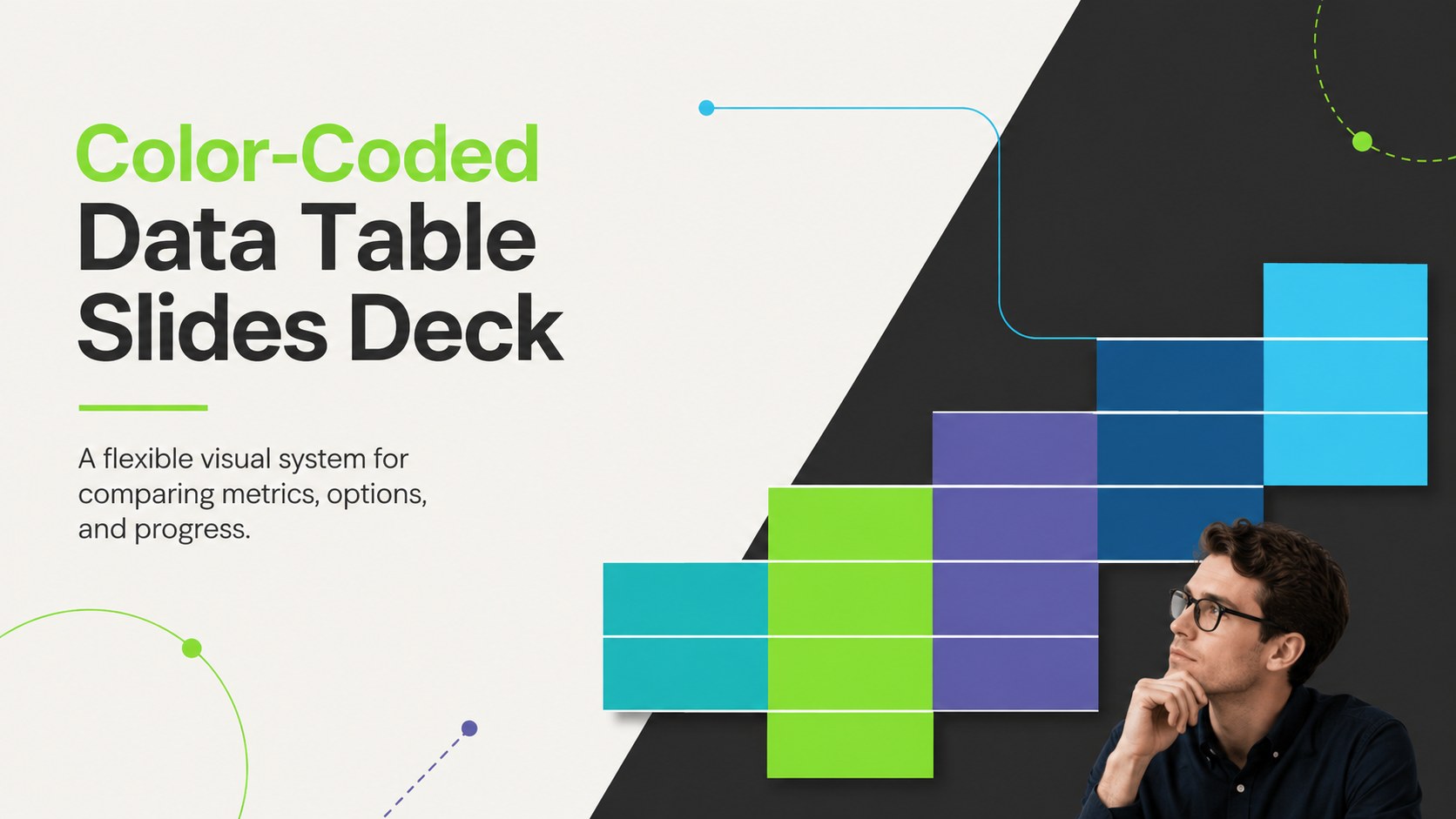
Turn complex comparisons into quick decisions with Color-Coded Data Table Slides, a clean multicolor deck built for PowerPoint and Google Slides teams.
Design notes
Color-Coded Data Table Slides give reports, planning sessions, and review meetings a clearer visual structure. The clean layout pairs bold accent colors with simple typography, helping audiences scan categories, compare values, and identify priorities without working through dense blocks of text. Use the deck as an editable comparison table presentation for business, education, nonprofit, or personal projects.
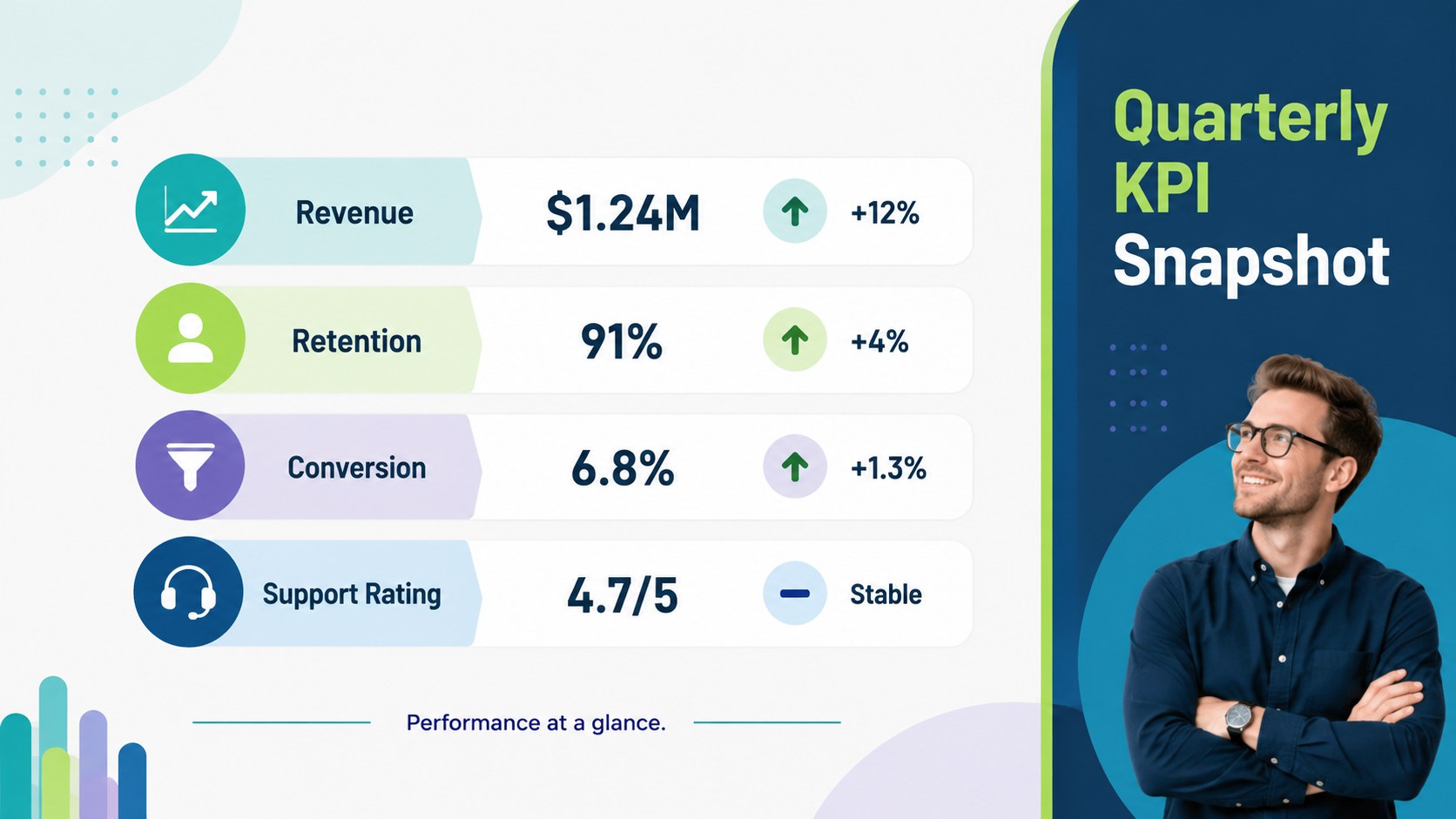
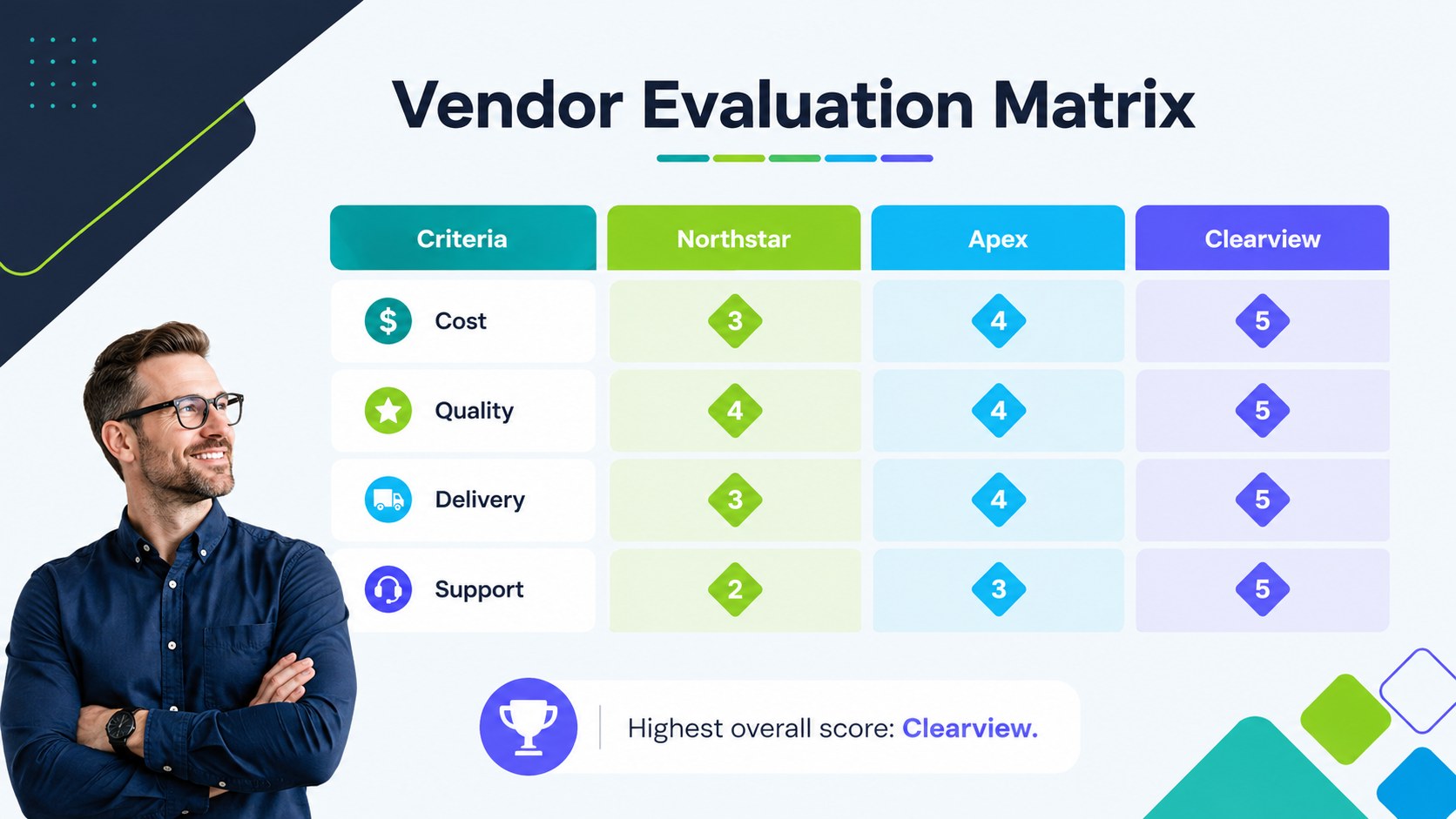
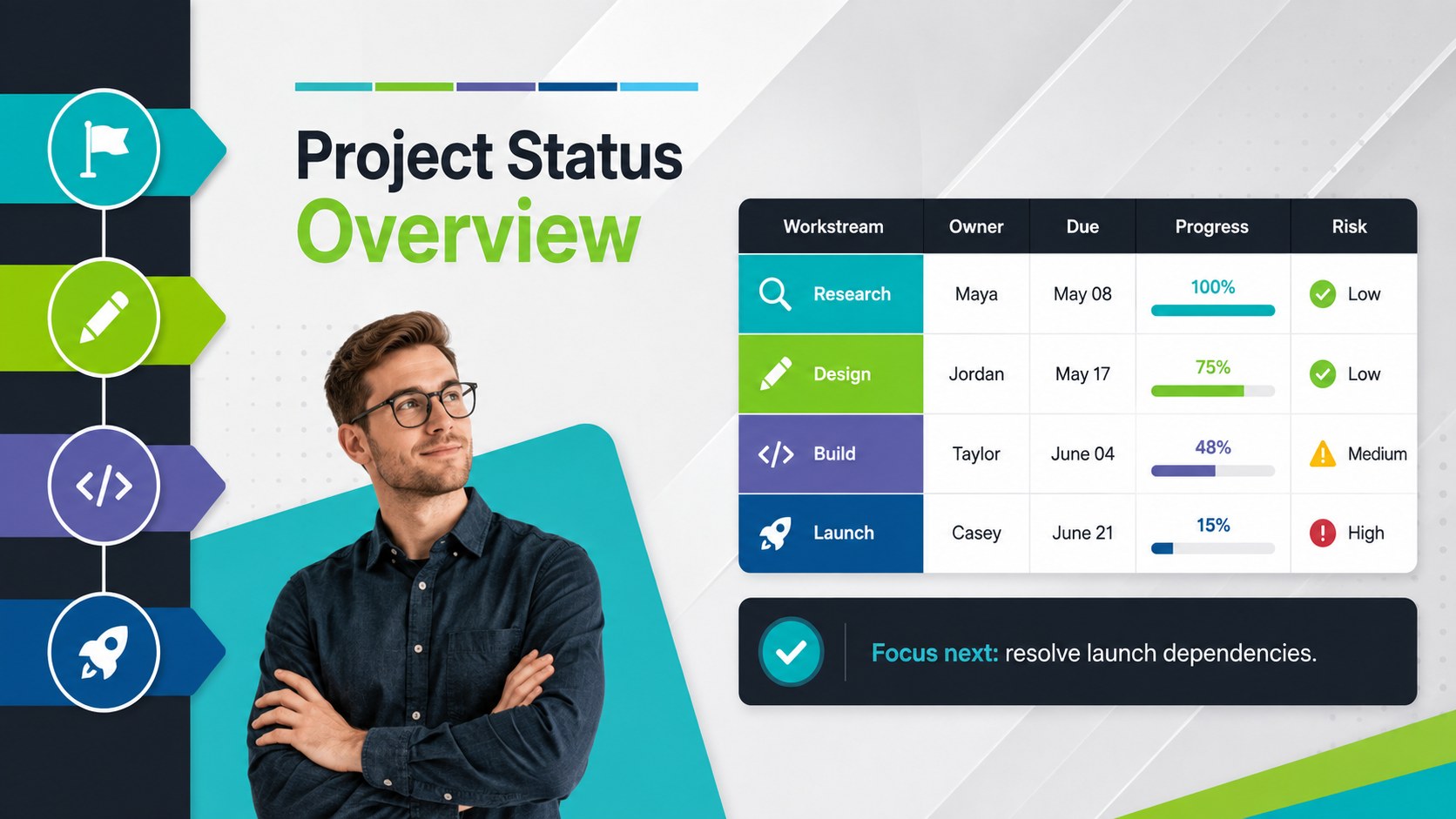
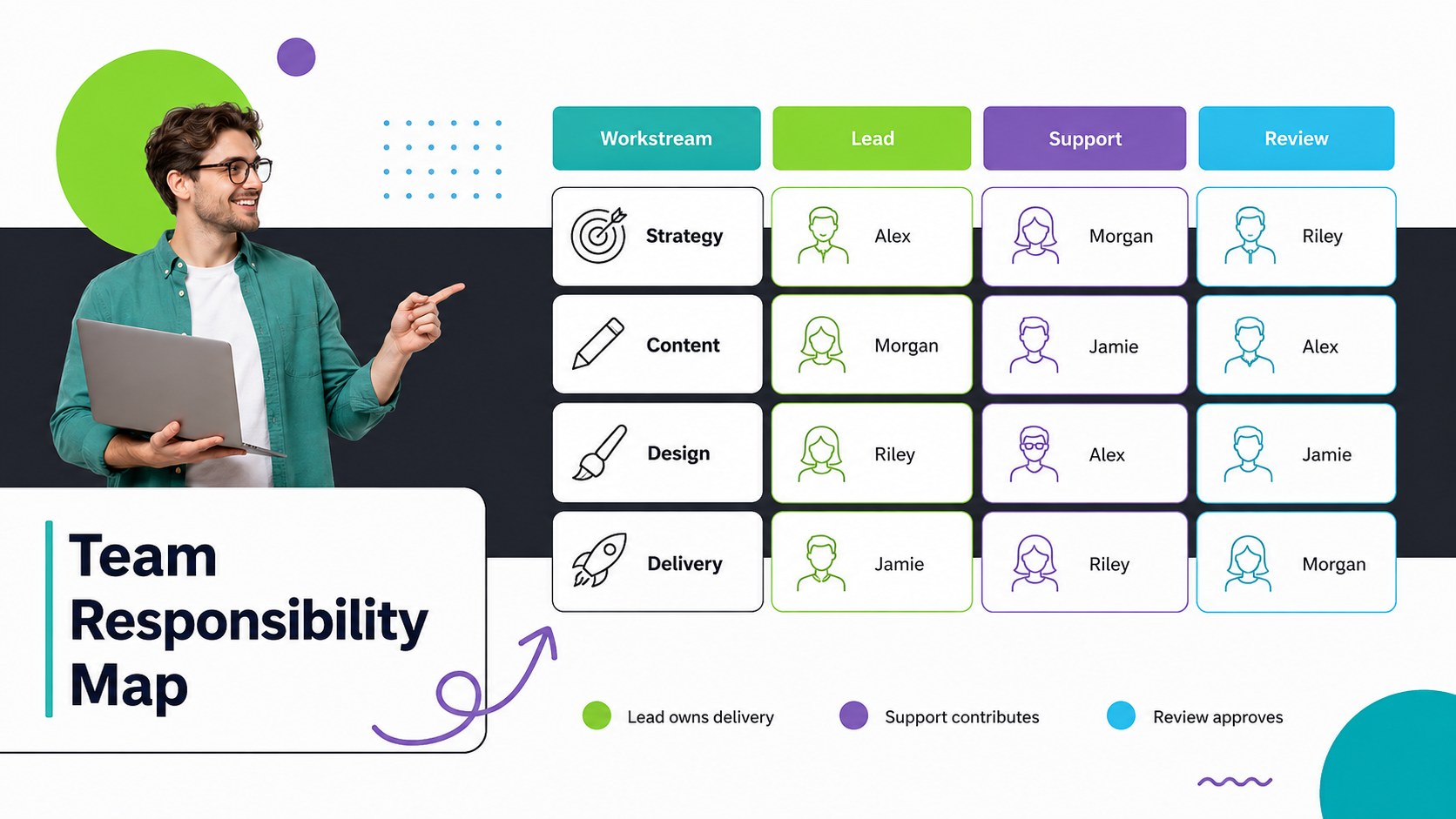
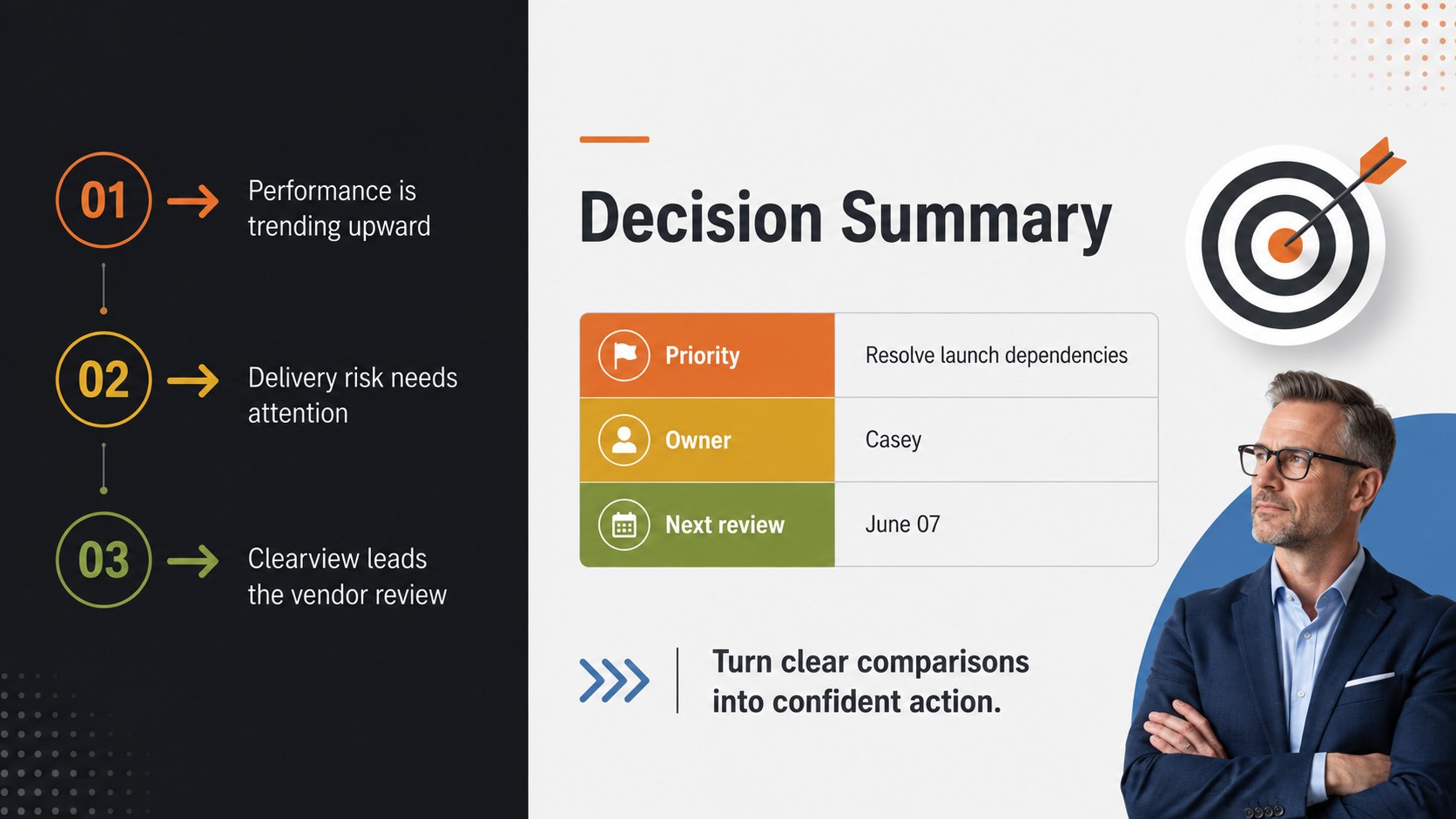
Inside are six coordinated 16:9 layouts covering an opening title, KPI snapshot, vendor evaluation matrix, project status tracker, responsibility map, and decision summary. Each slide uses a distinct table arrangement while maintaining a consistent minimal style and multicolor palette. Adjust labels, figures, columns, shapes, and color coding to turn the set into a project status table deck or a vendor evaluation matrix presentation.
The template is designed for managers, analysts, consultants, educators, project leads, and students who need to organize information visually. It works in PowerPoint and Google Slides, making it practical for team updates, performance reviews, option comparisons, timelines, and operational planning. Replace the sample content with your own data, apply your preferred fonts or brand colors, and simplify or expand each table to suit the amount of information being presented.
Perfect for: quarterly KPI review; vendor selection meeting; project status update; team responsibility planning; product feature comparison.
Frequently asked questions
Can I edit every table and label? Yes. The table text, numerical values, colors, shapes, and category labels can be changed to match your data. You can also duplicate or remove rows and columns as your comparison requires.
Practical details
Yes. The table text, numerical values, colors, shapes, and category labels can be changed to match your data. You can also duplicate or remove rows and columns as your comparison requires.
The deck is designed for PowerPoint and Google Slides. Standard fonts and editable presentation elements help preserve the layout when moving between the two platforms.
Select the relevant cells, shapes, or accent blocks and replace their fill colors with your preferred palette. Keep each color tied to a consistent category, status, or performance level so the tables remain easy to interpret.
Yes. The layouts can present milestones, owners, deadlines, progress levels, risks, and next actions. Replace the sample labels with your project details and reorder the sections to match your reporting process.
Keep exploring
15Shape your publishing concept with an indie magazine startup pitch deck featuring pastel gradients, bold collage layouts, and editable planning slides.
 16
16Build clear project stories with the Icon Grid Teamwork Theme, a flexible blue illustrated deck for proposals, strategy updates, and team meetings.
 3
3Turn priorities into an actionable plan with an annual goals roadmap infographic, featuring editable orange and teal layouts for PowerPoint and Google Slides.
 15
15Create an Annual Achievement Report Presentation with colorful geometric layouts for milestones, results, lessons, and priorities in PowerPoint or Google Slides.
 15
15Turn results into a focused annual performance evaluation report with dark 3D slides for KPIs, achievements, feedback, and next-step goals for teams.
 15
15Guide a focused annual recap with Business Results Retrospective Slides, a muted brown-and-blue template for PowerPoint and Google Slides.
 6
6Turn complex plans into clear visual stories with Color-Coded Workflow Path Slides, an editable set for project updates, roadmaps, and team briefings.
 6
6Compare regional performance at a glance with Global Data Heatmap Slides, a clean multicolor deck designed for editable PowerPoint and Google Slides.