
 15
15presentation
Indie Magazine Startup Pitch Deck
Shape your publishing concept with an indie magazine startup pitch deck featuring pastel gradients, bold collage layouts, and editable planning slides.
Google SlidesPowerPoint
presentation · English
Build clearer ideas with a cognitive connections workshop deck in blue and pink. Customize visual maps, diagrams, and prompts for teams, classes, or talks.




Design notes
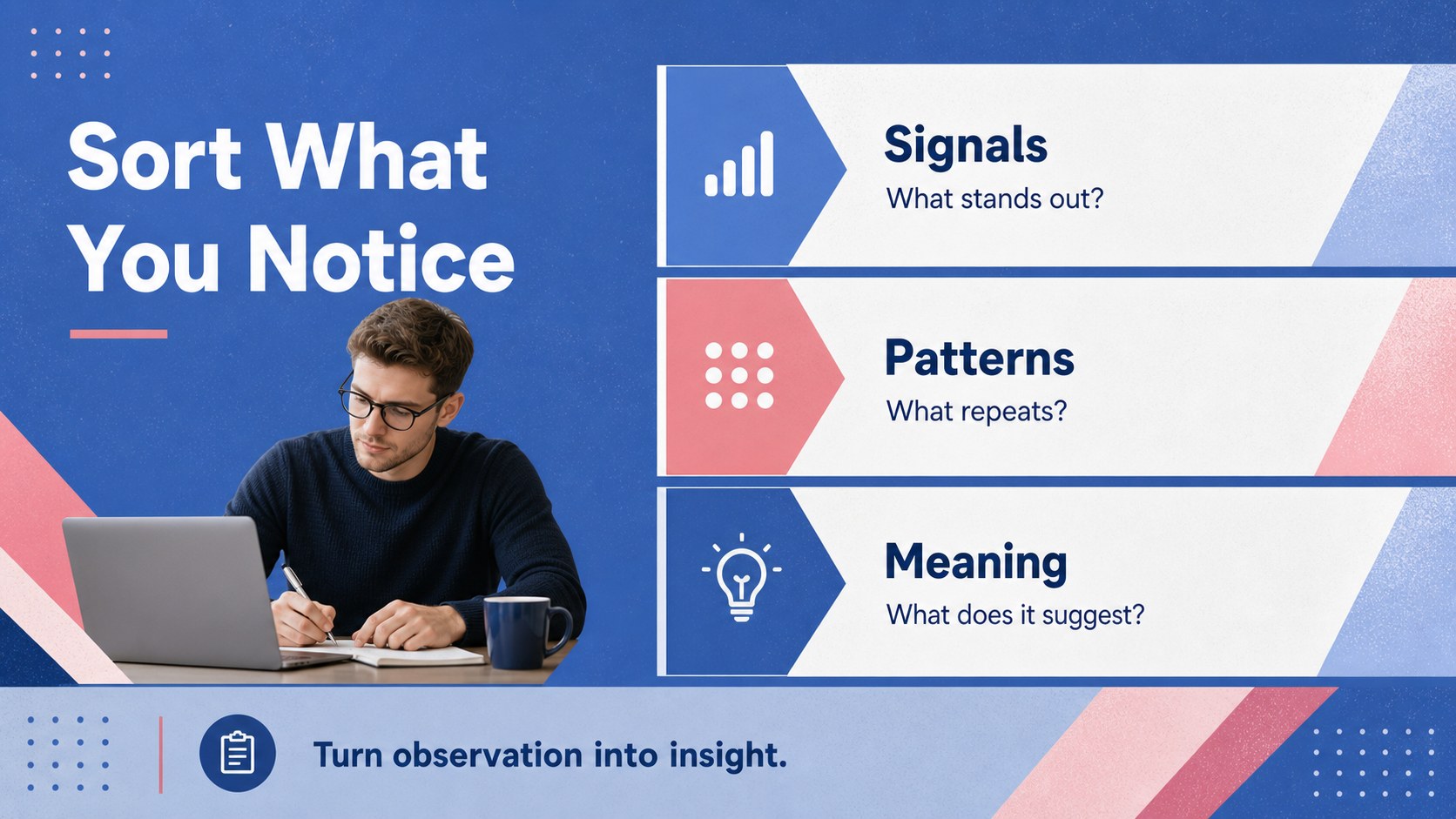
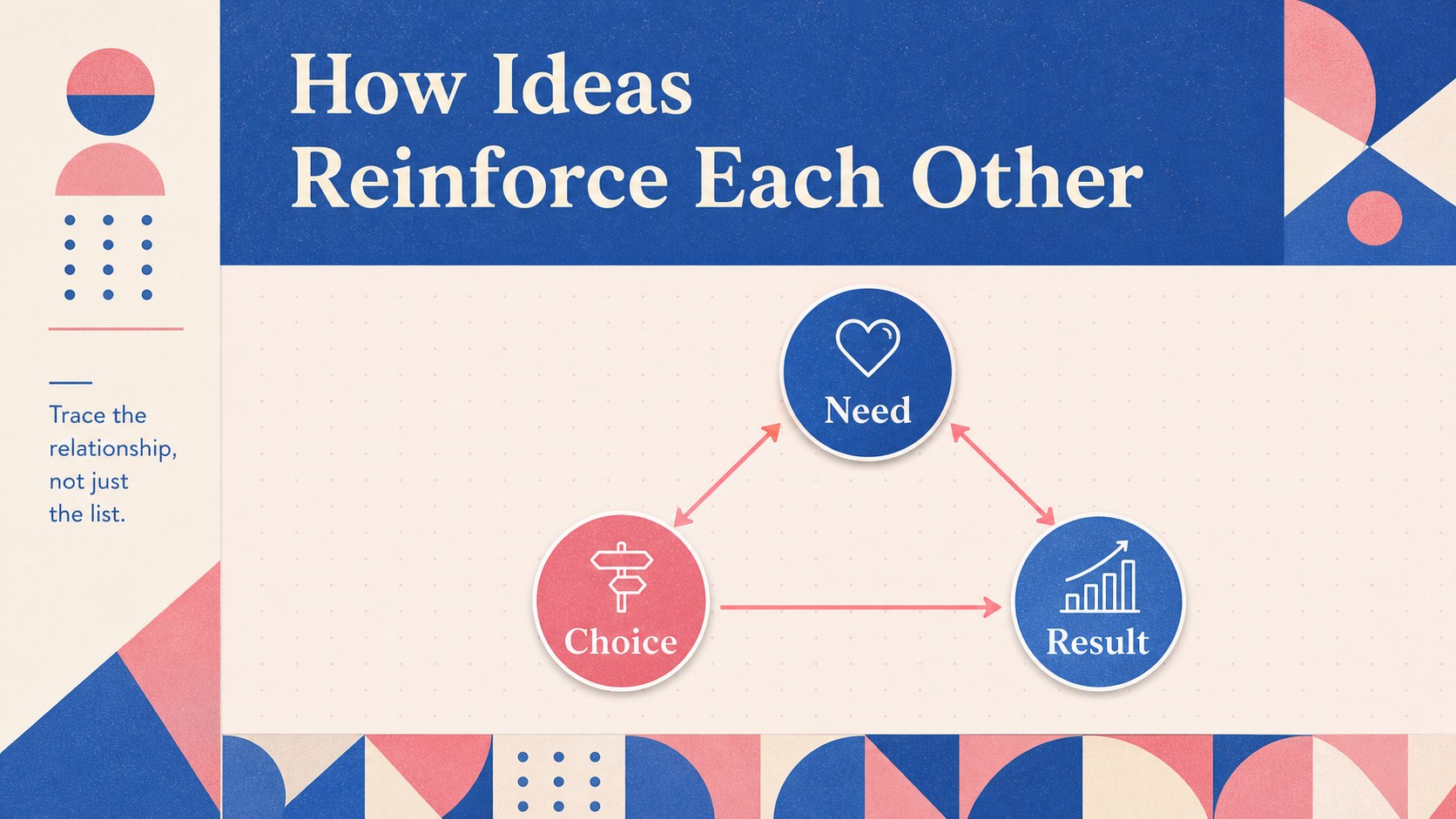
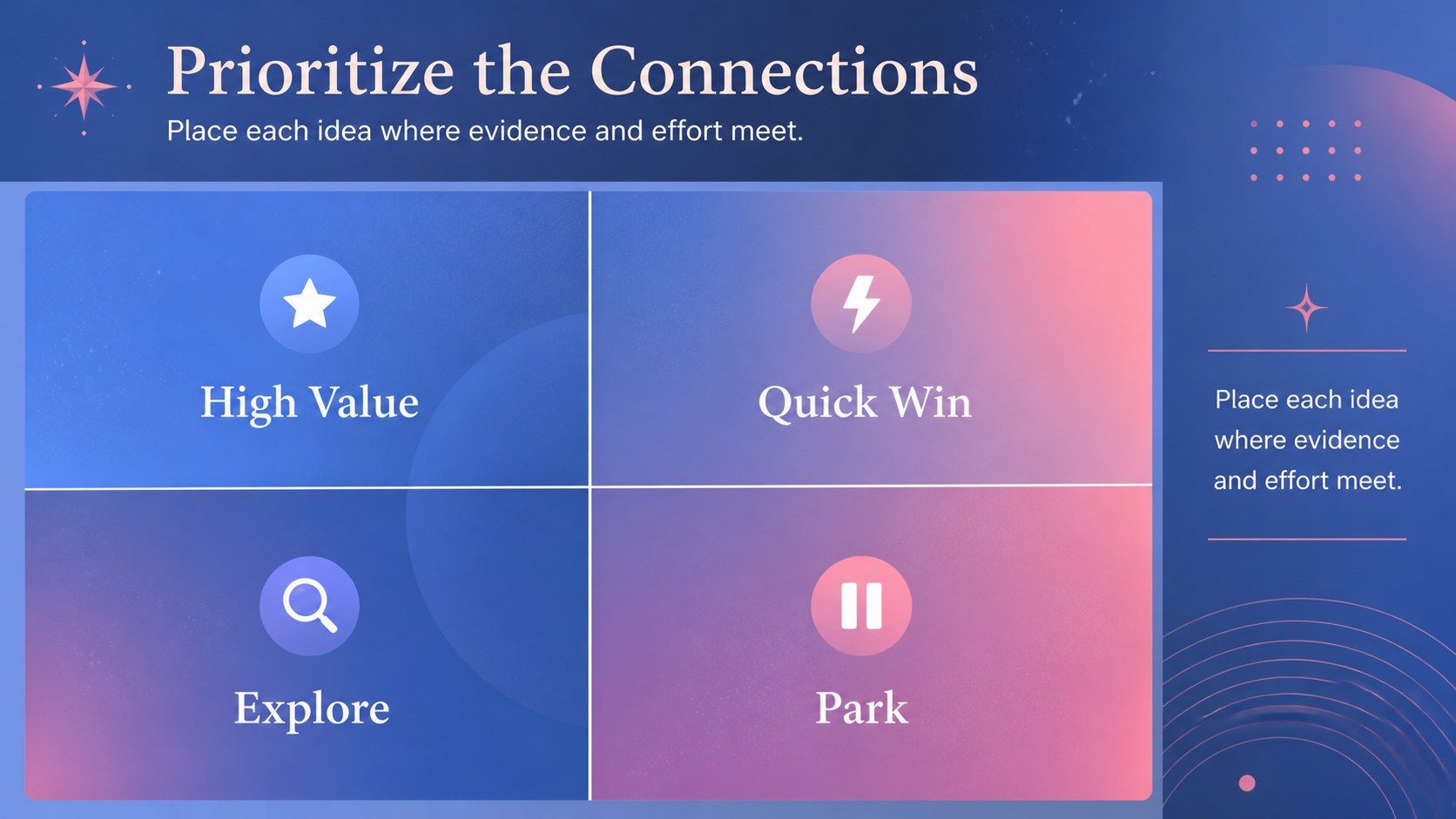
A cognitive connections workshop deck helps teams, educators, and presenters turn complex thinking into an organized visual narrative. Use the blue-and-pink geometric layouts to connect themes, explain relationships, map a process, or make a brainstorming session easier to follow. The clean typography and modular shapes give every idea a clear place without making the presentation feel clinical.
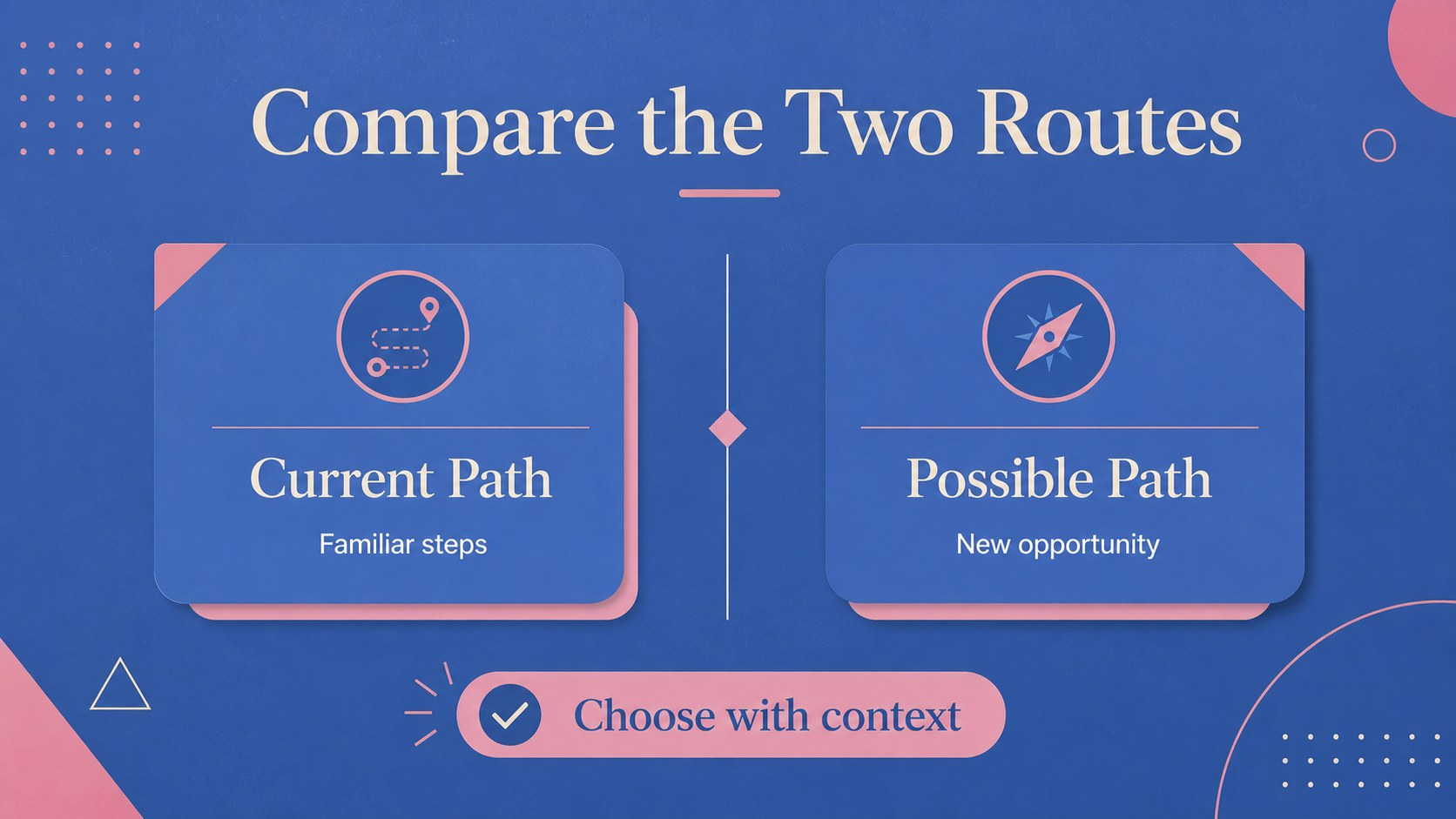
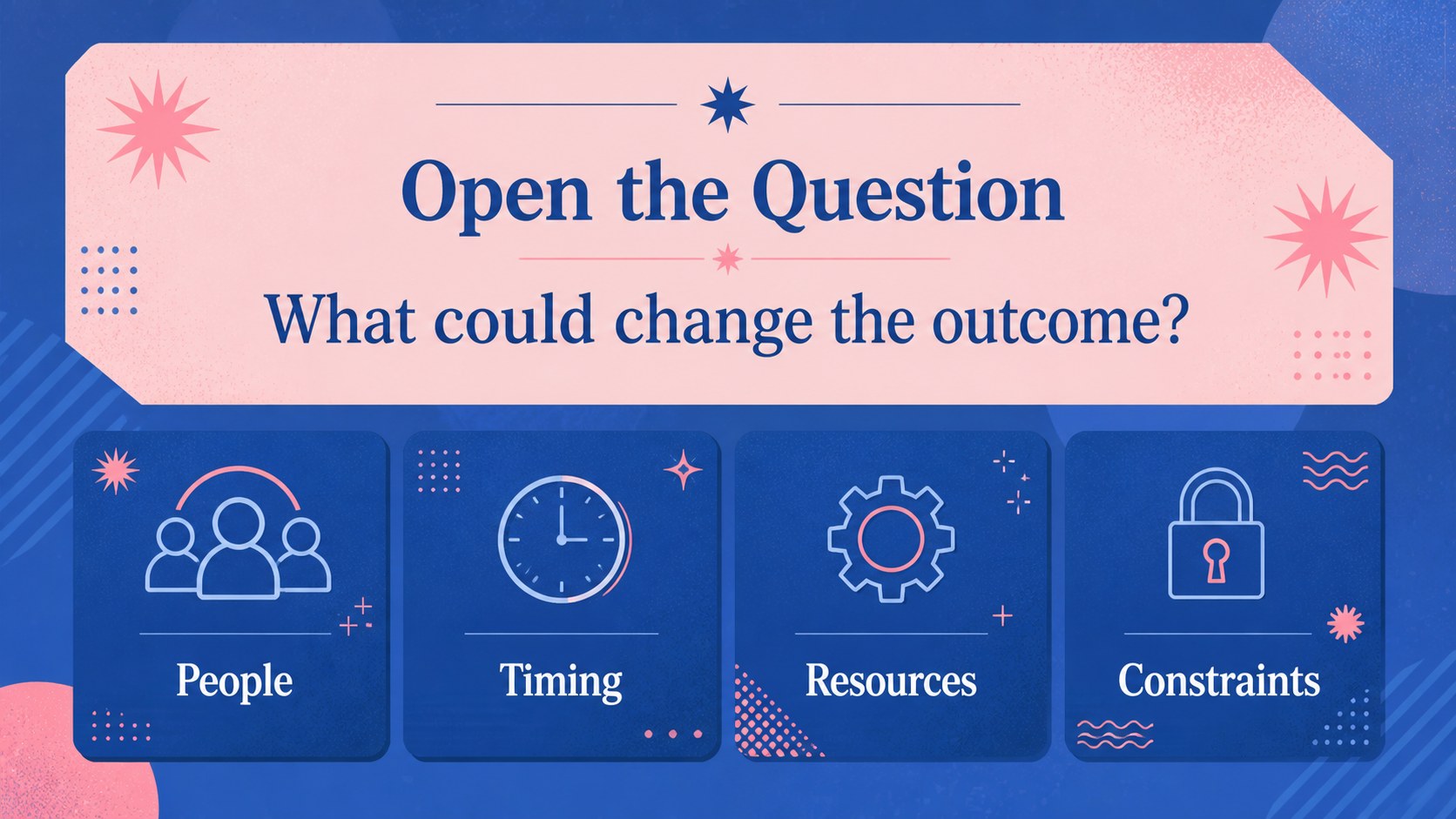
Inside, you’ll find 19 editable infographic layouts adapted for a 16:9 presentation, including relationship maps, comparison diagrams, flow structures, matrix views, timelines, and discussion prompts. Mix short labels with charts, icons, images, and color-coded groups to build a cognitive mapping presentation for a lesson, strategy meeting, research summary, or creative workshop. The deck also works well as a visual thinking slides template when you need to explain how separate observations fit together.
The template is designed for business professionals, teachers, facilitators, students, and creative teams. Edit it, then export to PowerPoint or Google Slides for sharing and presenting. Atkinson Hyperlegible and Quattrocento support readable, distinctive layouts, while the blue and pink palette adds energy to workshops, learning sessions, and idea-led reports.
Perfect for: team brainstorming workshop; classroom concept mapping; strategy relationship mapping; research findings presentation; creative ideation session.
Frequently asked questions
Can I edit this deck? Yes. The layouts, text, colors, diagrams, and decorative shapes can be adjusted. Replace the sample content with your own ideas, labels, data, and images using the drag-and-drop editor.
Practical details
Yes. The layouts, text, colors, diagrams, and decorative shapes can be adjusted. Replace the sample content with your own ideas, labels, data, and images using the drag-and-drop editor.
Yes. Open the template and export it as a PowerPoint file, or save an editable copy to Google Drive for Google Slides. Review fonts and spacing after export because some elements may render differently between platforms.
The layouts work for relationship maps, brainstorming clusters, process explanations, comparisons, timelines, and workshop prompts. They can support a lesson, strategy report, research summary, or collaborative ideation session.
Yes. Update the document colors or edit individual shapes and text elements to match your brand or classroom theme. Keeping one accent color for connections and another for categories will preserve the deck’s visual logic.
Keep exploring
15Shape your publishing concept with an indie magazine startup pitch deck featuring pastel gradients, bold collage layouts, and editable planning slides.
 16
16Build clear project stories with the Icon Grid Teamwork Theme, a flexible blue illustrated deck for proposals, strategy updates, and team meetings.
 3
3Turn priorities into an actionable plan with an annual goals roadmap infographic, featuring editable orange and teal layouts for PowerPoint and Google Slides.
 15
15Create an Annual Achievement Report Presentation with colorful geometric layouts for milestones, results, lessons, and priorities in PowerPoint or Google Slides.
 15
15Turn results into a focused annual performance evaluation report with dark 3D slides for KPIs, achievements, feedback, and next-step goals for teams.
 15
15Guide a focused annual recap with Business Results Retrospective Slides, a muted brown-and-blue template for PowerPoint and Google Slides.
 6
6Turn complex plans into clear visual stories with Color-Coded Workflow Path Slides, an editable set for project updates, roadmaps, and team briefings.
 6
6Compare regional performance at a glance with Global Data Heatmap Slides, a clean multicolor deck designed for editable PowerPoint and Google Slides.