
 15
15presentation
Indie Magazine Startup Pitch Deck
Shape your publishing concept with an indie magazine startup pitch deck featuring pastel gradients, bold collage layouts, and editable planning slides.
Google SlidesPowerPoint
presentation · English
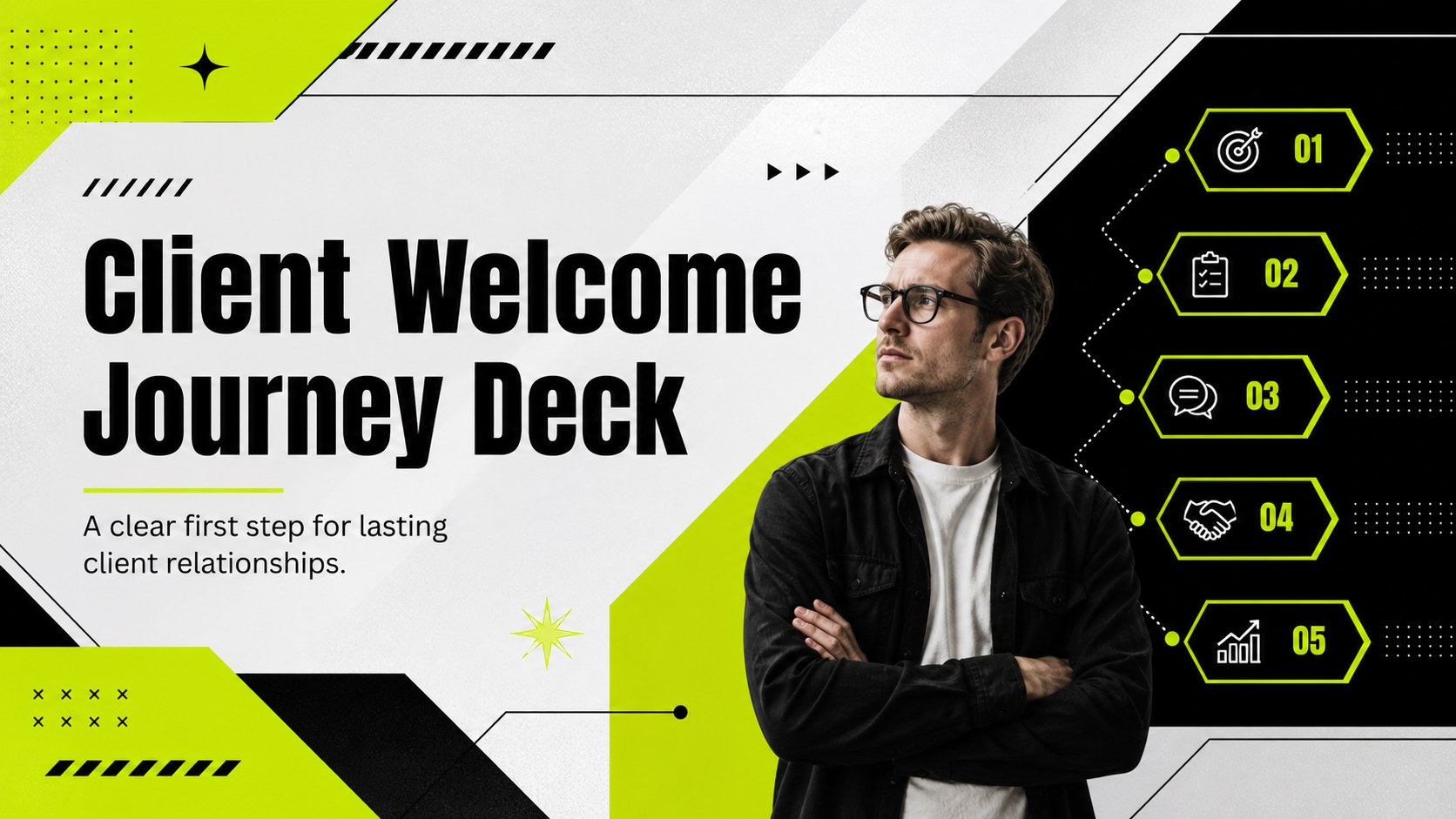
Build a polished client welcome journey deck with bold green and black visuals, editable layouts, and practical slides for smooth customer onboarding.

Design notes
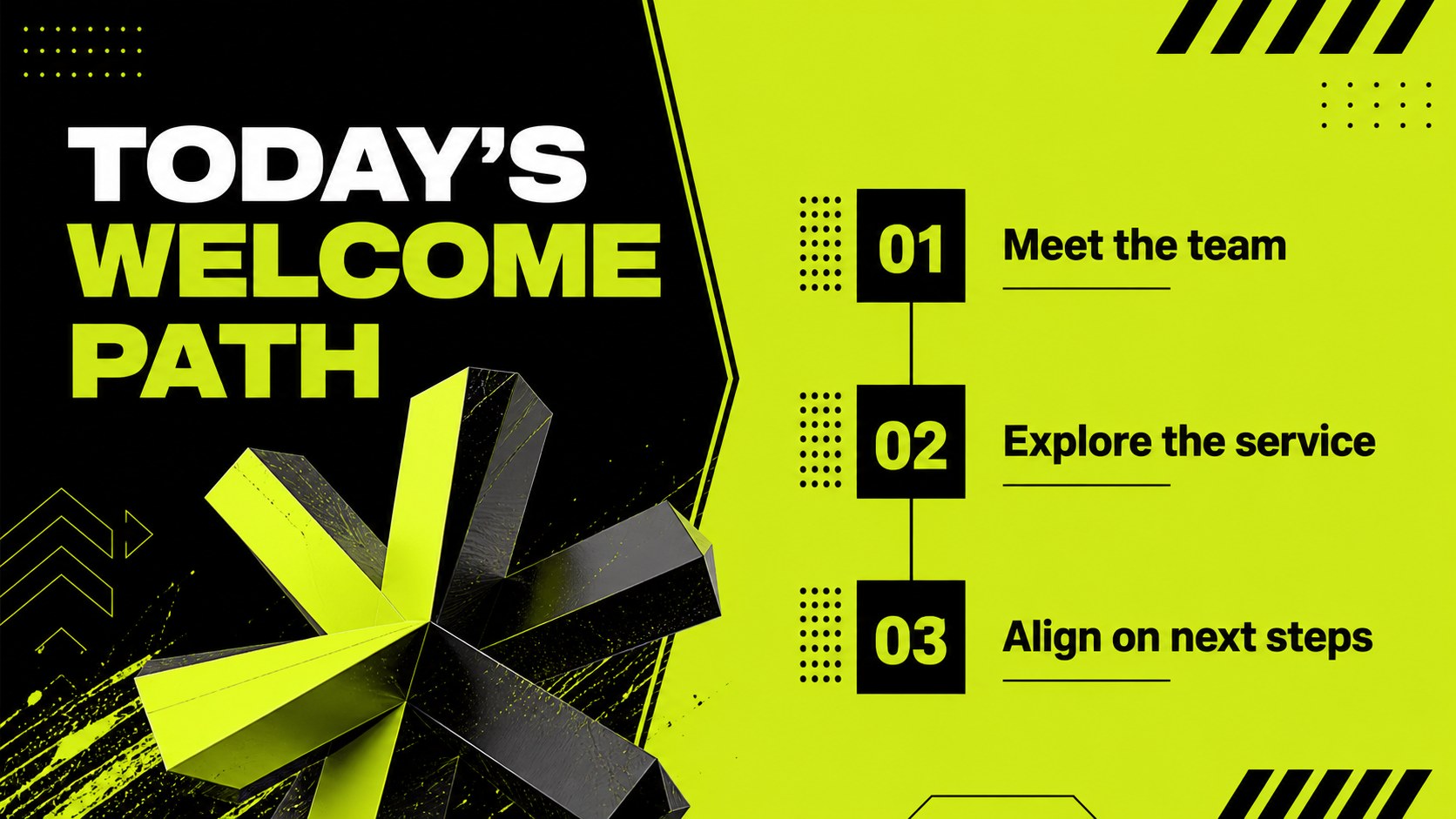
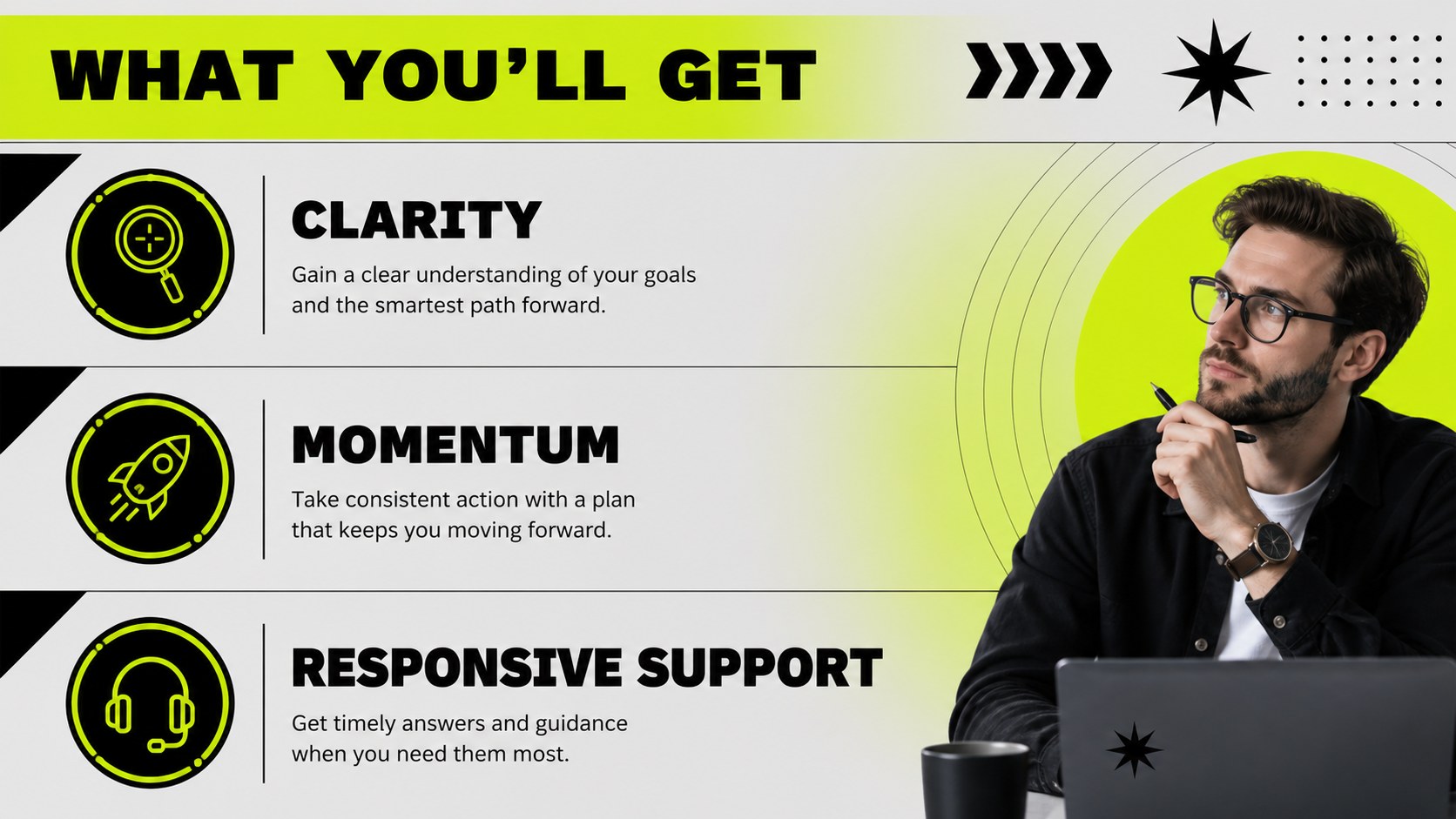
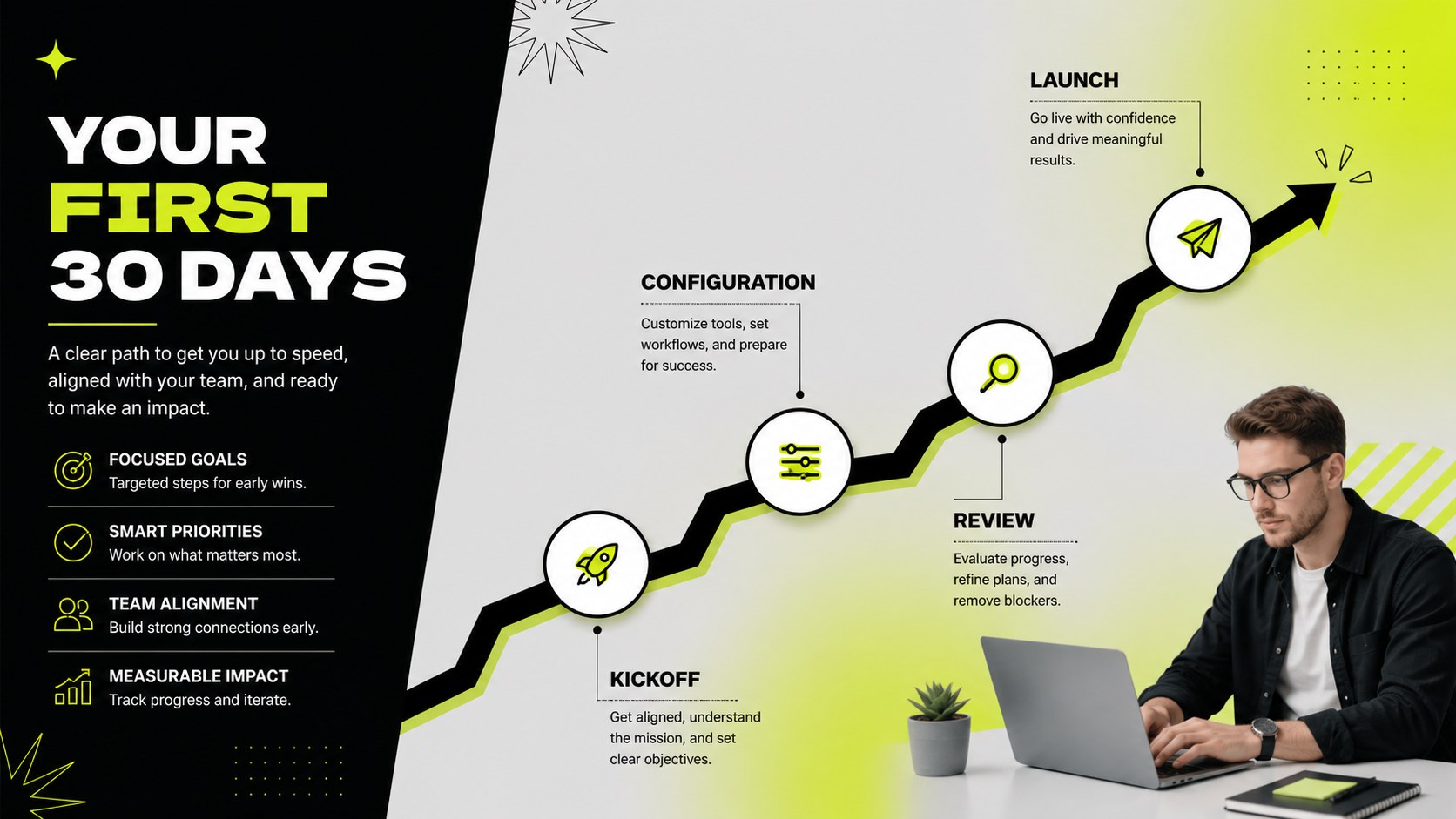
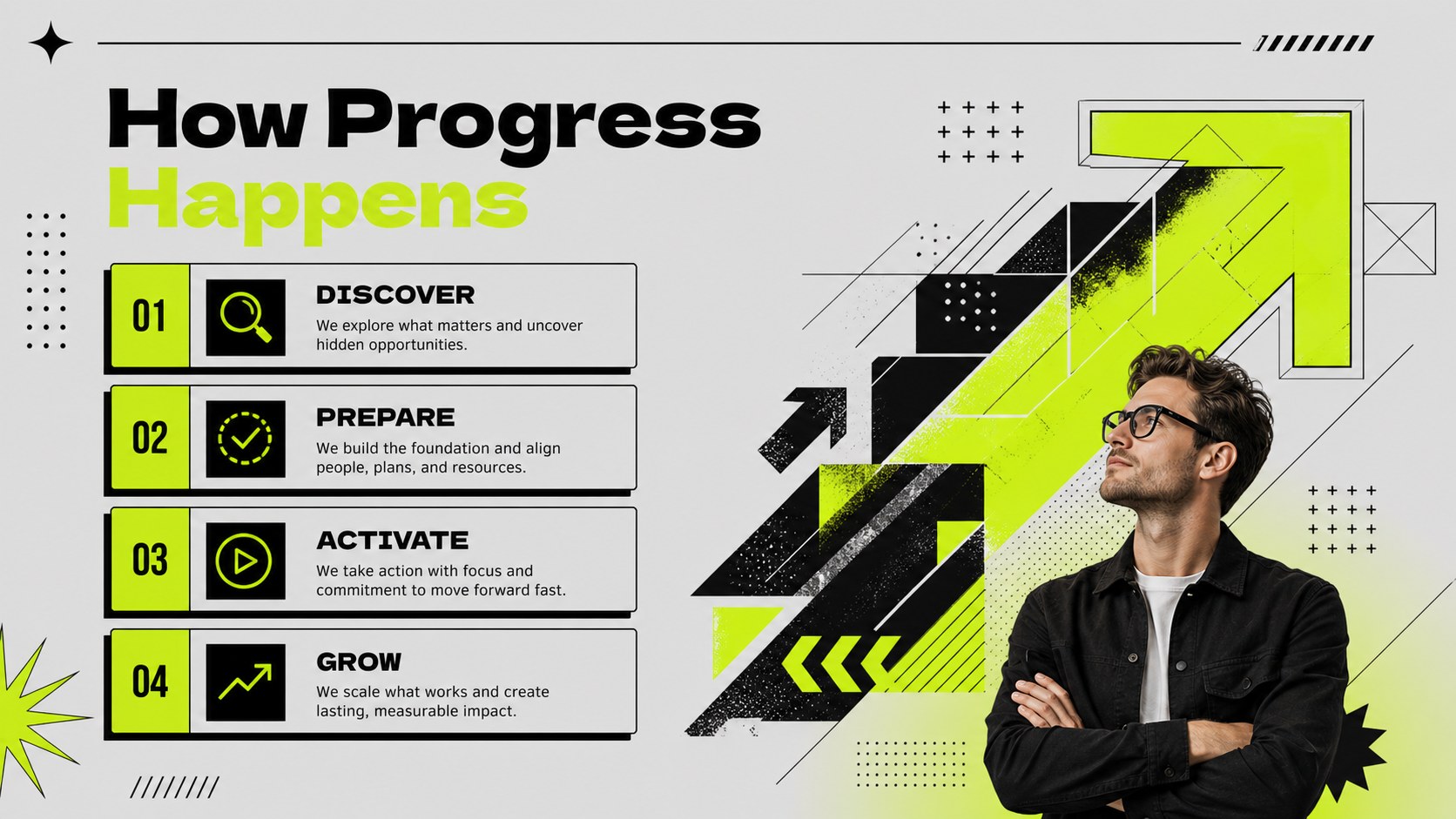
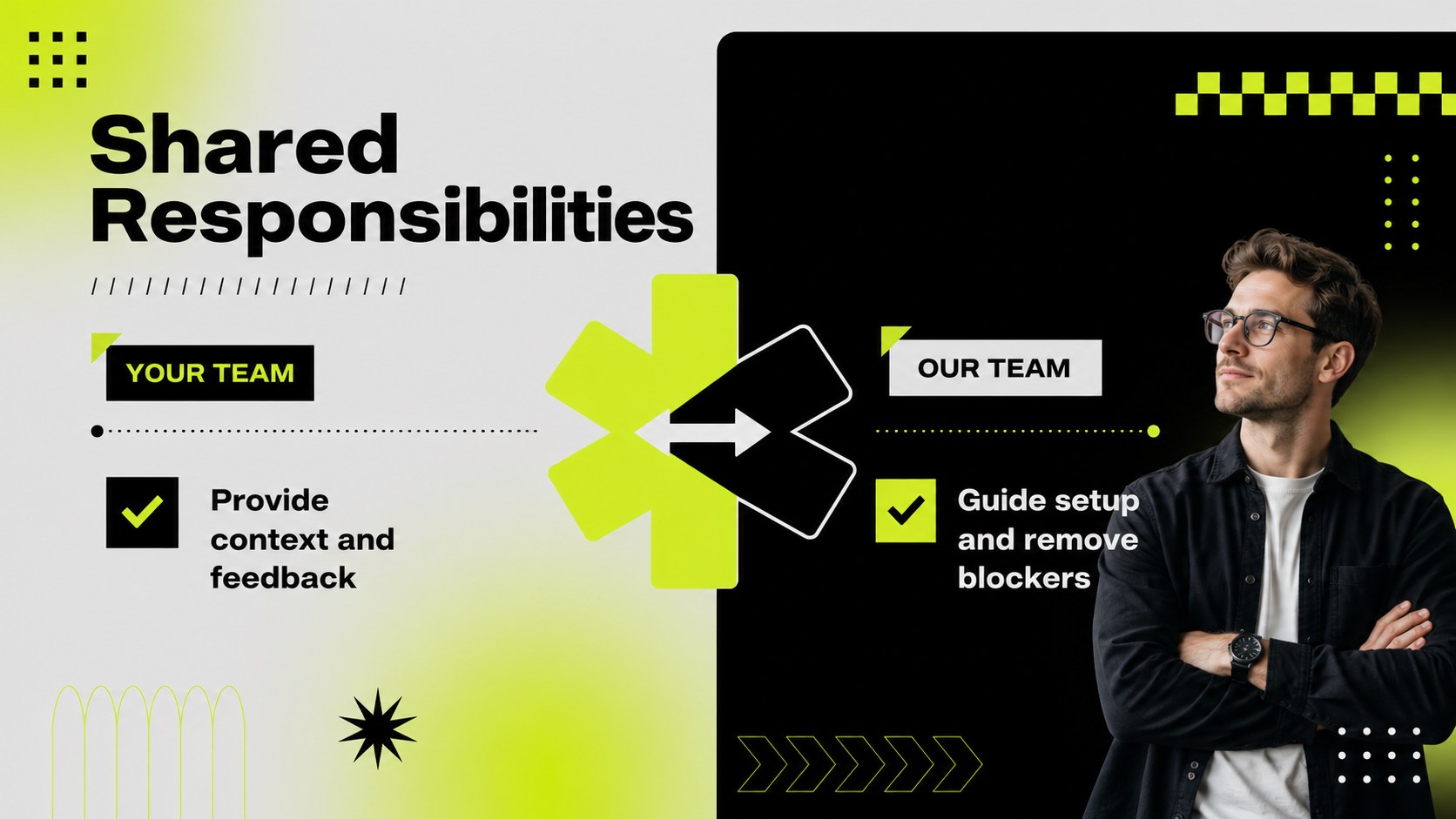
Client welcome journey deck layouts help business teams turn a first customer meeting into a clear, memorable experience. The bold green and black palette, geometric accents, sharp lines, and oversized typography create a modern maximalist look while keeping important information easy to scan. Use the deck to introduce your company, explain a service, map out responsibilities, and show customers what happens after the kickoff.
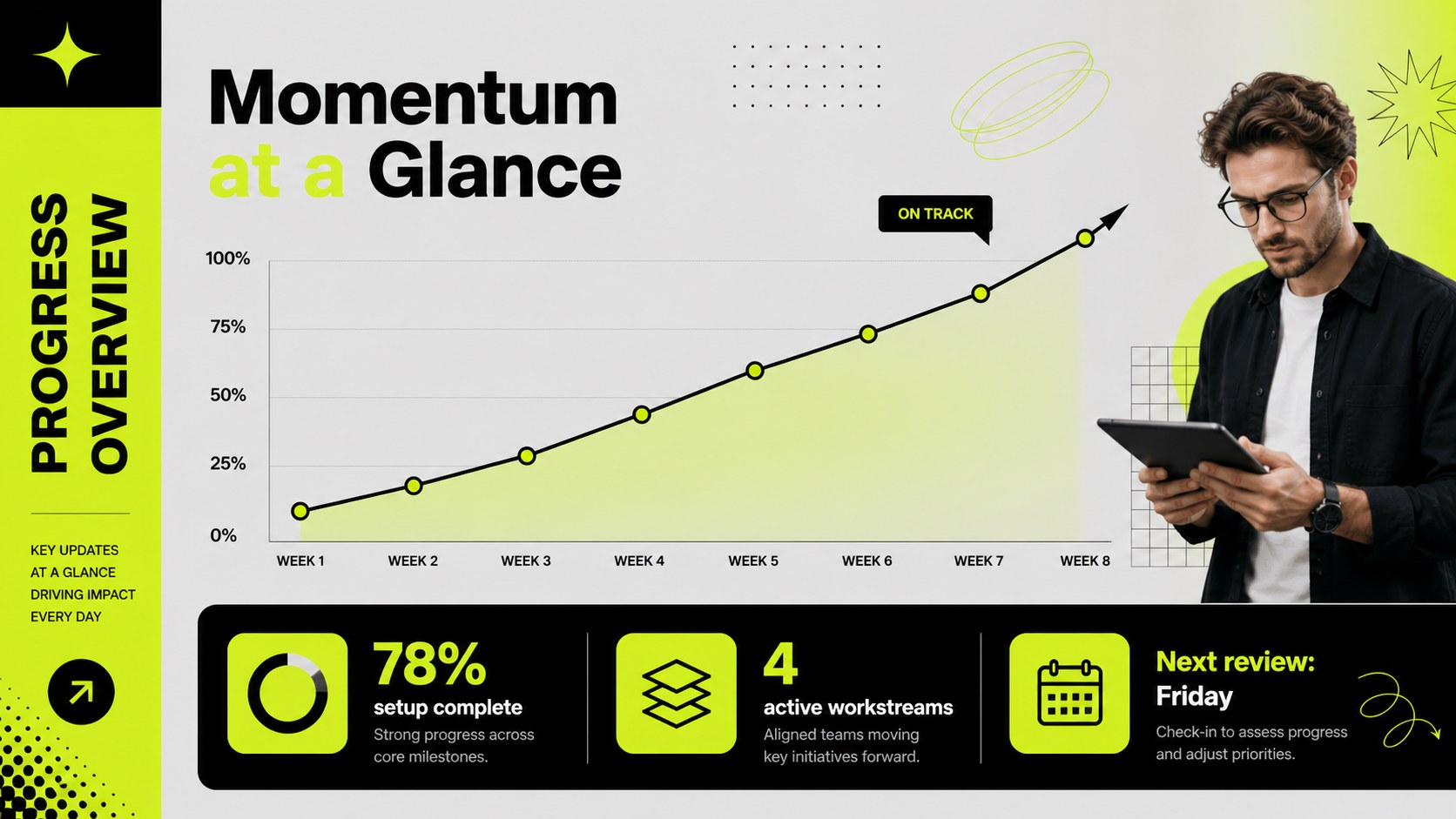
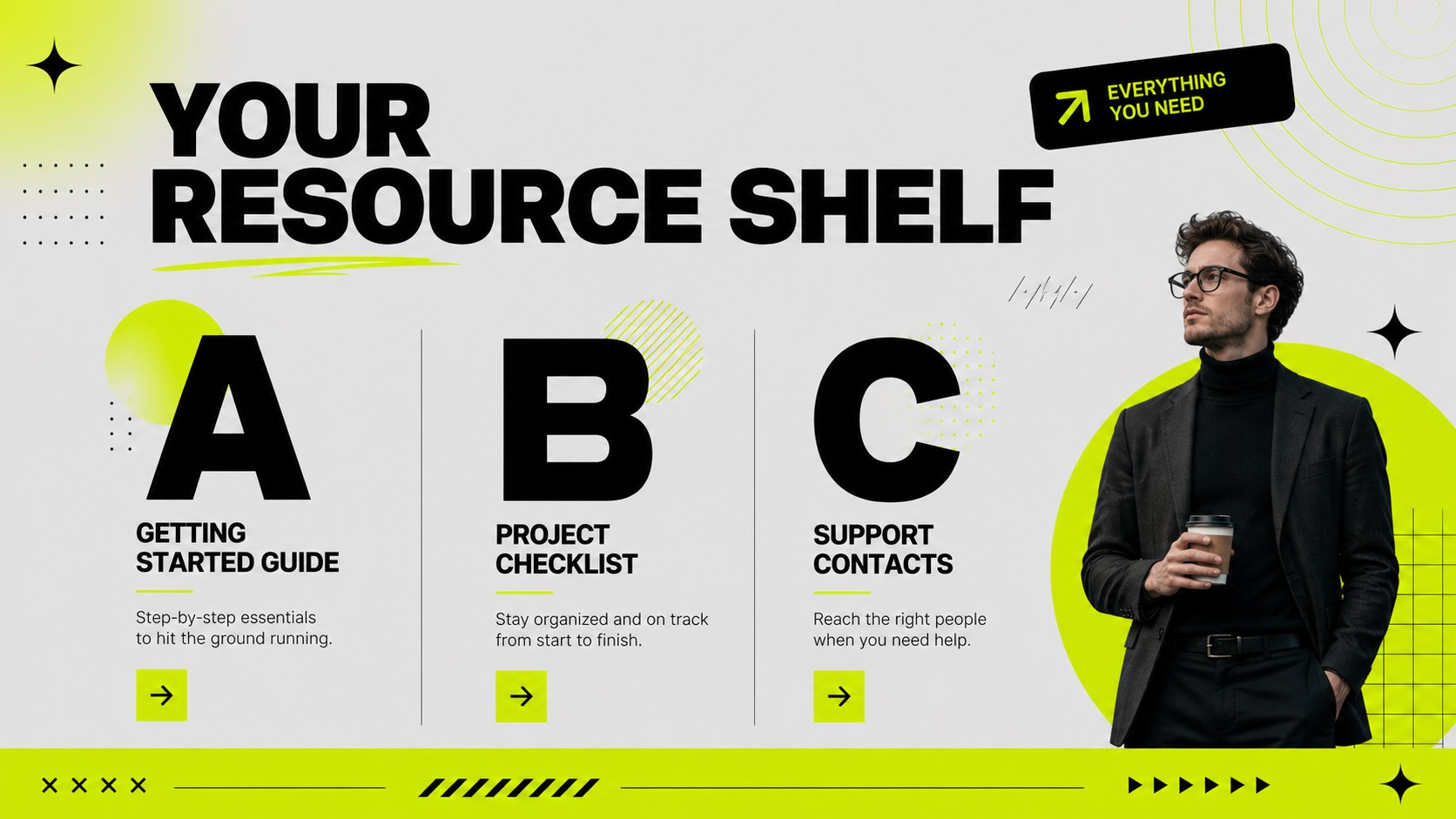
Inside, you’ll find 15 editable 16:9 slides for a complete customer welcome presentation. Build an opening statement, company snapshot, service overview, onboarding roadmap, milestone timeline, team introduction, process diagram, customer responsibilities page, resource guide, FAQ, progress update, and closing action slide. Charts, shapes, frames, and modular content blocks make it simple to adapt the layout to different industries and customer segments.
This template suits account managers, client success teams, consultants, agencies, SaaS companies, and service providers. It works well for kickoff meetings, welcome webinars, implementation briefings, and internal handoffs. Edit the presentation in PowerPoint or Google Slides, update the copy and colors as needed, and use the same visual language across every stage of the client relationship.
Perfect for: SaaS customer kickoff meeting; agency client welcome session; service implementation briefing; consultant onboarding workshop; account handoff presentation.
Frequently asked questions
Can I edit this client welcome journey deck in PowerPoint? Yes. The presentation is designed for PowerPoint editing, including text, shapes, charts, colors, and layout elements. Replace the sample content with your own customer information and brand details.
Practical details
Yes. The presentation is designed for PowerPoint editing, including text, shapes, charts, colors, and layout elements. Replace the sample content with your own customer information and brand details.
Yes, you can open and edit the deck in Google Slides. Review fonts, spacing, and animations after importing to ensure the presentation displays as intended.
Yes. Change the accent colors, backgrounds, typography, and decorative shapes to align with your visual identity. The layouts are flexible enough for different service categories and customer segments.
Use the layouts for company introductions, service explanations, onboarding steps, timelines, team roles, customer responsibilities, resources, FAQs, and next actions. Charts and diagrams can also show milestones, progress, or implementation metrics.
Keep exploring
15Shape your publishing concept with an indie magazine startup pitch deck featuring pastel gradients, bold collage layouts, and editable planning slides.
 16
16Build clear project stories with the Icon Grid Teamwork Theme, a flexible blue illustrated deck for proposals, strategy updates, and team meetings.
 3
3Turn priorities into an actionable plan with an annual goals roadmap infographic, featuring editable orange and teal layouts for PowerPoint and Google Slides.
 15
15Create an Annual Achievement Report Presentation with colorful geometric layouts for milestones, results, lessons, and priorities in PowerPoint or Google Slides.
 15
15Turn results into a focused annual performance evaluation report with dark 3D slides for KPIs, achievements, feedback, and next-step goals for teams.
 15
15Guide a focused annual recap with Business Results Retrospective Slides, a muted brown-and-blue template for PowerPoint and Google Slides.
 6
6Turn complex plans into clear visual stories with Color-Coded Workflow Path Slides, an editable set for project updates, roadmaps, and team briefings.
 6
6Compare regional performance at a glance with Global Data Heatmap Slides, a clean multicolor deck designed for editable PowerPoint and Google Slides.