
 15
15presentation
Indie Magazine Startup Pitch Deck
Shape your publishing concept with an indie magazine startup pitch deck featuring pastel gradients, bold collage layouts, and editable planning slides.
Google SlidesPowerPoint
spreadsheet · English
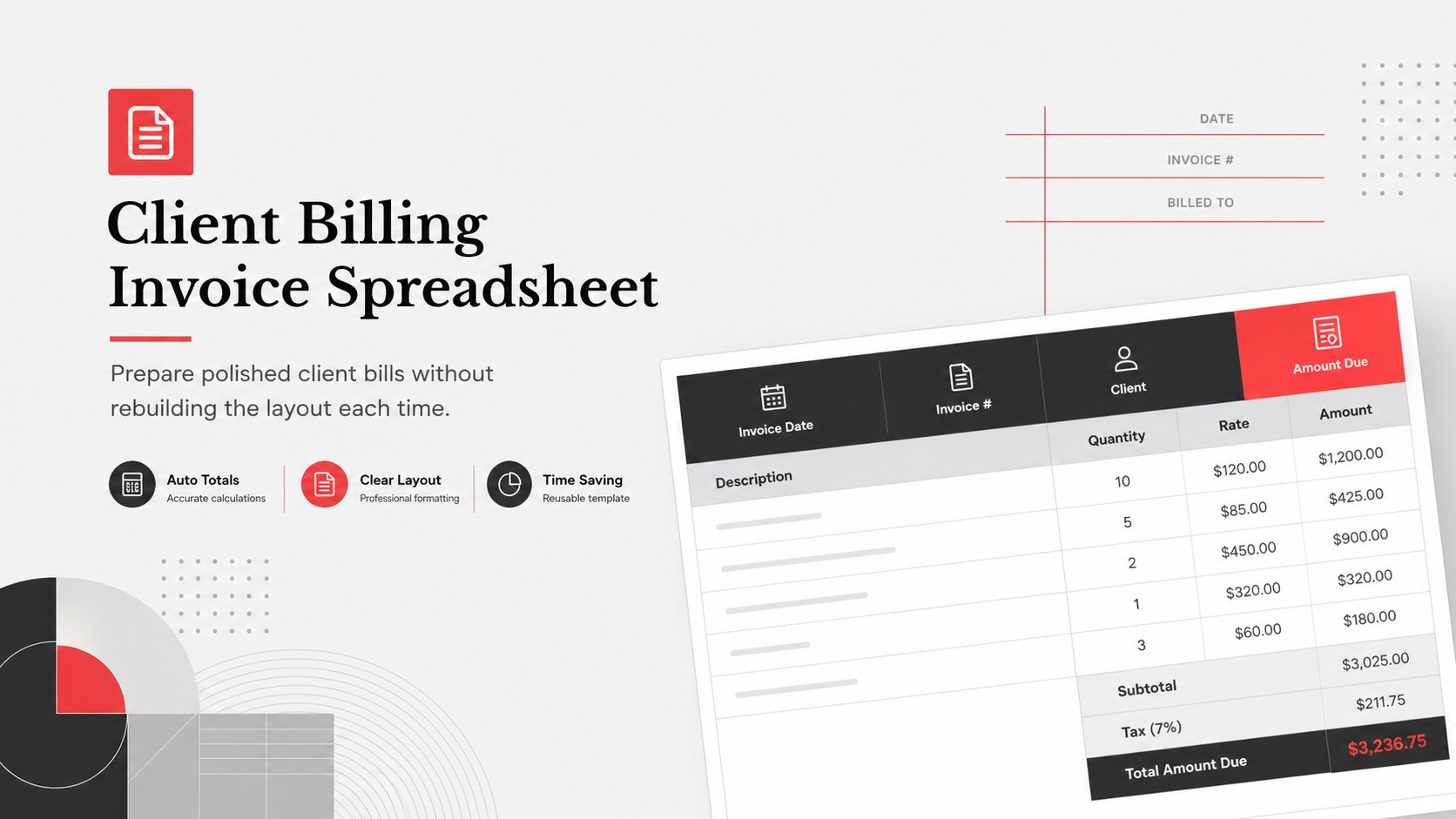
Build accurate, polished bills with this client billing invoice spreadsheet for Excel and Google Sheets, featuring editable totals, terms, and payment…
Design notes
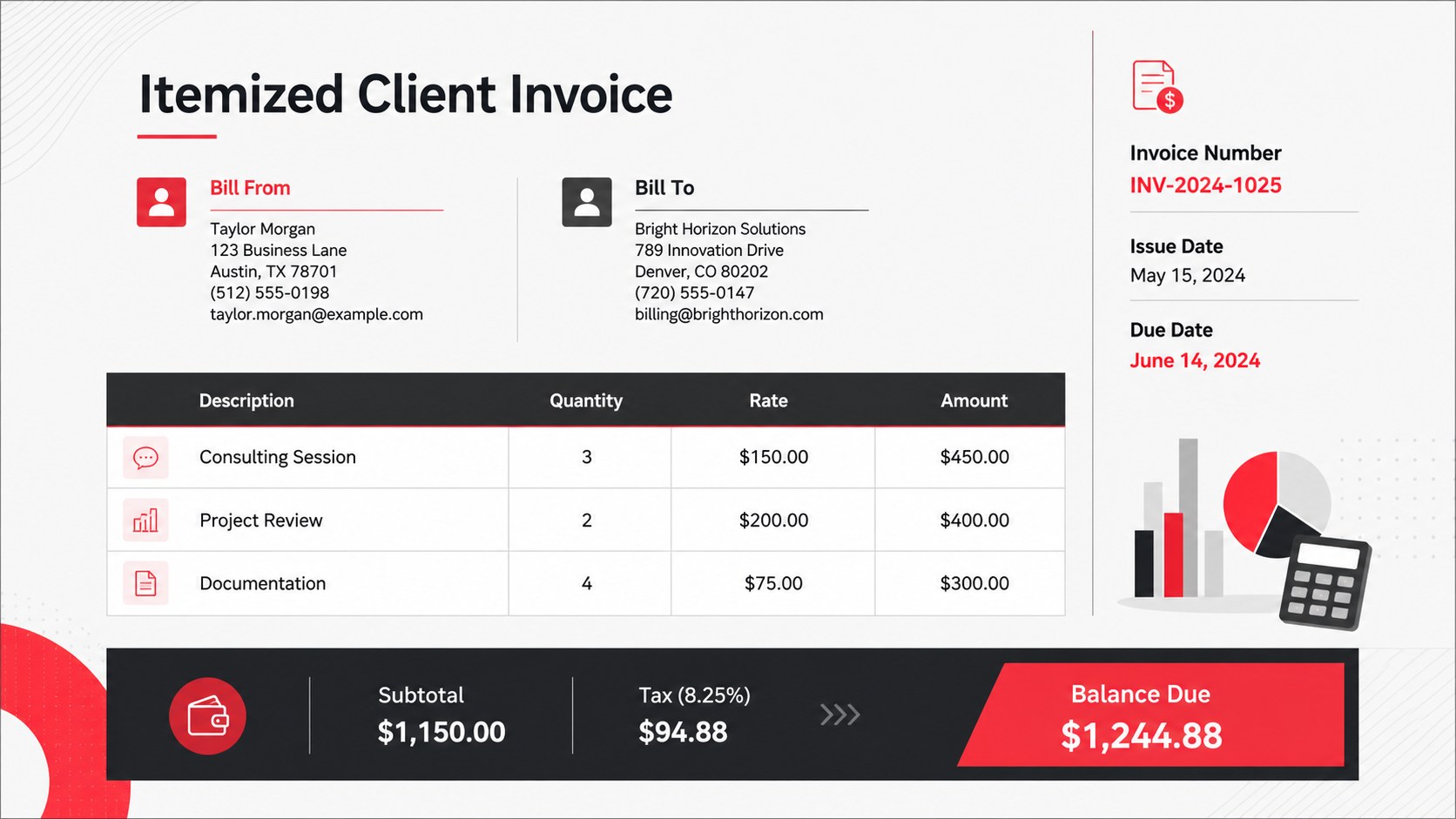
The Client Billing Invoice Spreadsheet gives businesses a structured way to prepare clear, professional invoices for every customer. Designed for Excel and Google Sheets, it combines practical billing fields with a refined red, grey, white, and black visual system. Edit the company details, invoice number, dates, line items, tax rate, payment terms, and customer information while formulas keep the totals easy to follow.
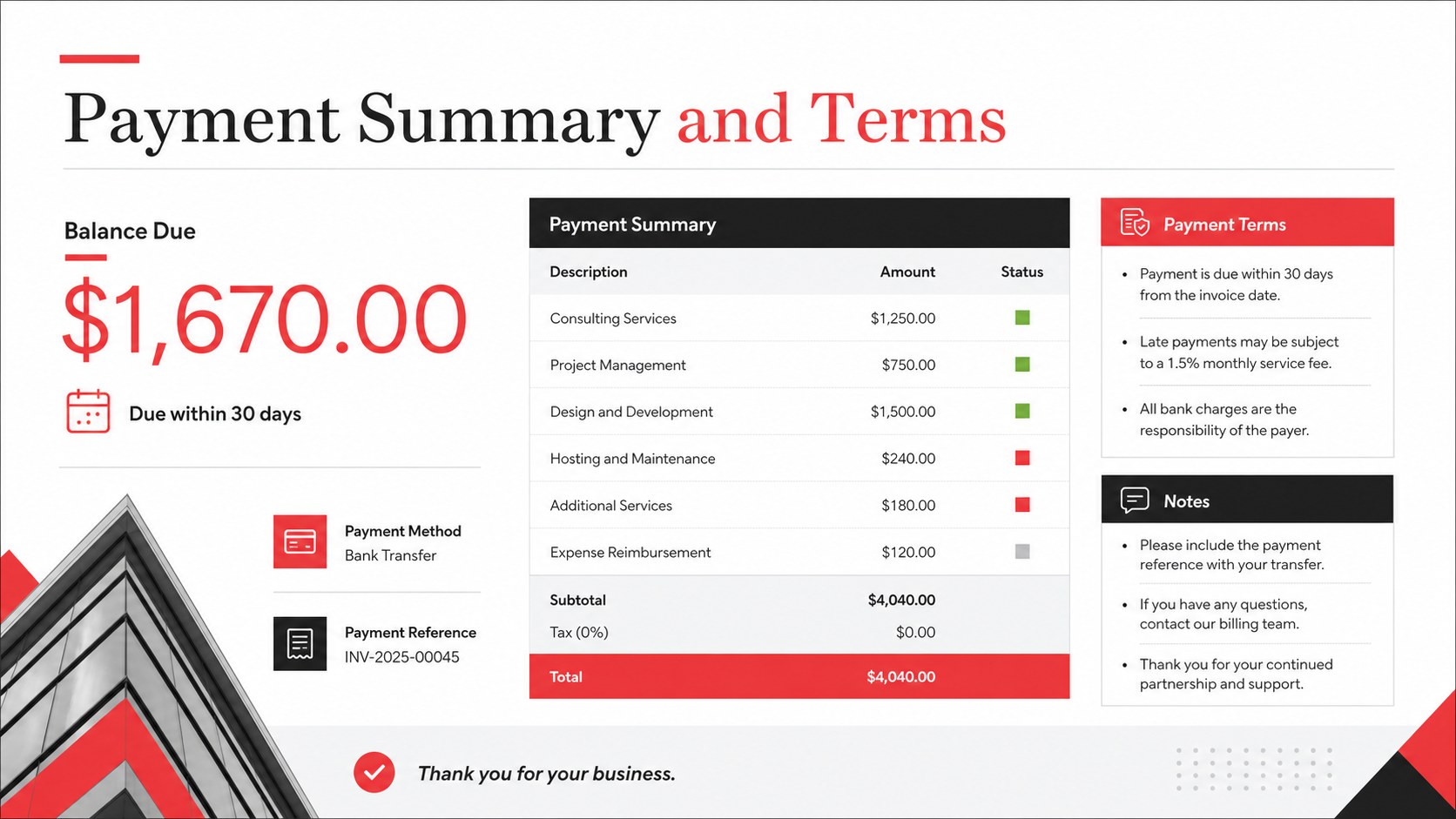
Inside, you will find an editable client invoice spreadsheet, an itemized billing area, subtotal and tax fields, a final balance summary, and dedicated space for payment instructions and notes. The landscape layout supports quick scanning, printing, PDF export, and digital delivery. Clean typography and restrained color accents help important amounts stand out without making the document feel crowded.
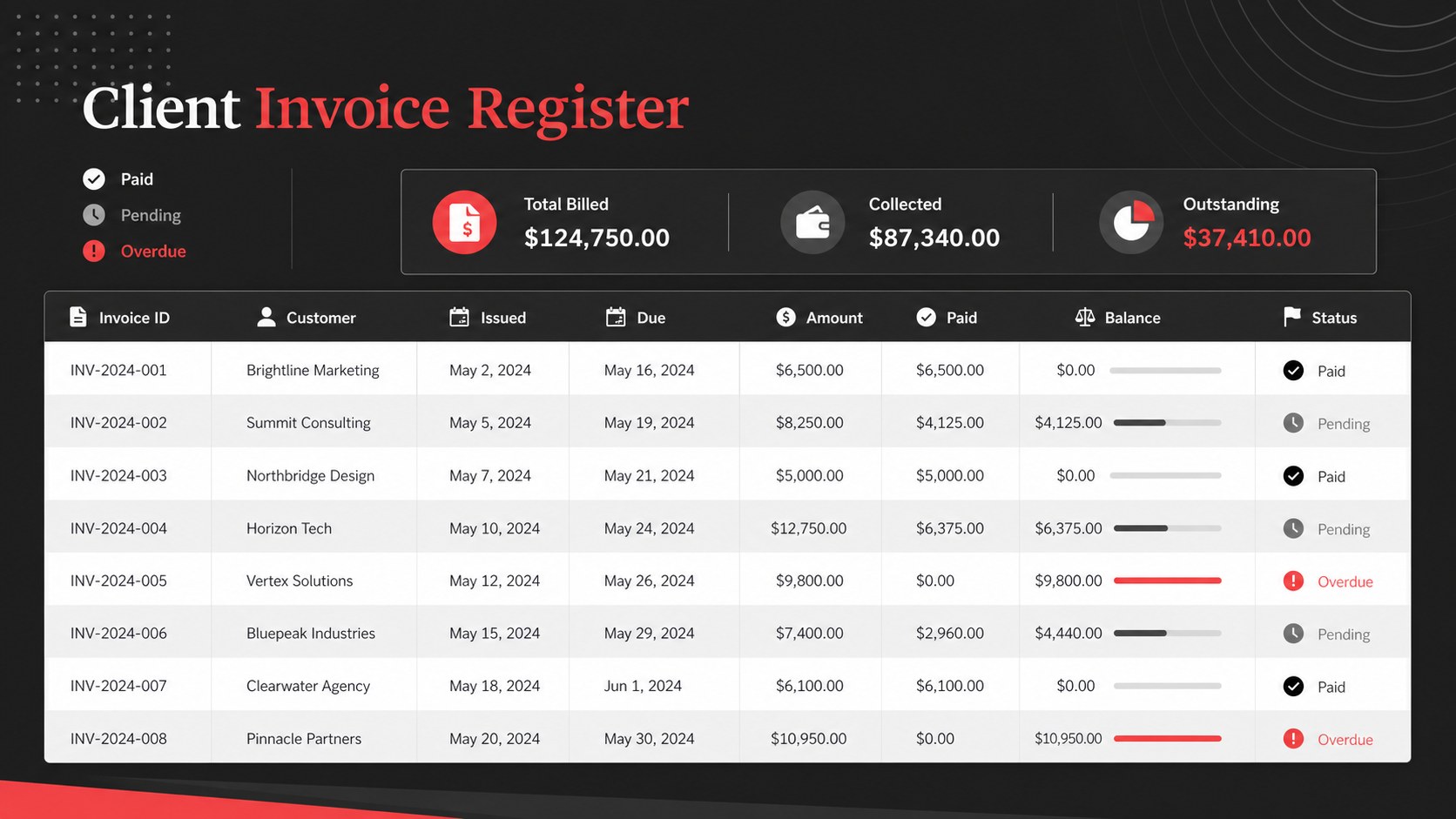
This professional billing template for small business teams works well for consultants, agencies, contractors, wholesalers, and service providers. Use it for recurring client work, product orders, project milestones, or one-time charges. It can also serve as an Excel customer billing worksheet for internal account records. Customize the labels, currency, formulas, colors, and row count to match your workflow, then duplicate the completed sheet whenever you need to issue a new invoice.
Perfect for: consultant service billing; agency project invoices; contractor milestone payments; wholesale customer orders; recurring client charges.
Frequently asked questions
Can I edit this invoice in Excel and Google Sheets? Yes. The spreadsheet is designed for editing in both Excel and Google Sheets, including labels, customer details, line items, formulas, and payment terms.
Practical details
Yes. The spreadsheet is designed for editing in both Excel and Google Sheets, including labels, customer details, line items, formulas, and payment terms.
Replace the sample company and customer information, then adjust the colors, currency, tax rate, and payment instructions. You can also add or remove item rows to suit each transaction.
The billing layout includes fields for quantities, rates, subtotals, tax, and the final amount due. Review the formulas after adding rows or changing the tax structure to ensure they match your billing rules.
Yes. After completing the invoice in Excel or Google Sheets, export or print the selected invoice area as a PDF for delivery to your client.
Keep exploring
15Shape your publishing concept with an indie magazine startup pitch deck featuring pastel gradients, bold collage layouts, and editable planning slides.
 16
16Build clear project stories with the Icon Grid Teamwork Theme, a flexible blue illustrated deck for proposals, strategy updates, and team meetings.
 3
3Turn priorities into an actionable plan with an annual goals roadmap infographic, featuring editable orange and teal layouts for PowerPoint and Google Slides.
 15
15Create an Annual Achievement Report Presentation with colorful geometric layouts for milestones, results, lessons, and priorities in PowerPoint or Google Slides.
 15
15Turn results into a focused annual performance evaluation report with dark 3D slides for KPIs, achievements, feedback, and next-step goals for teams.
 15
15Guide a focused annual recap with Business Results Retrospective Slides, a muted brown-and-blue template for PowerPoint and Google Slides.
 6
6Turn complex plans into clear visual stories with Color-Coded Workflow Path Slides, an editable set for project updates, roadmaps, and team briefings.
 6
6Compare regional performance at a glance with Global Data Heatmap Slides, a clean multicolor deck designed for editable PowerPoint and Google Slides.