
 15
15presentation
Indie Magazine Startup Pitch Deck
Shape your publishing concept with an indie magazine startup pitch deck featuring pastel gradients, bold collage layouts, and editable planning slides.
Google SlidesPowerPoint
presentation · English
Build sharper money education sessions with finance webinar slides in pink and yellow, featuring editable charts, clean layouts, and flexible tools.


Design notes
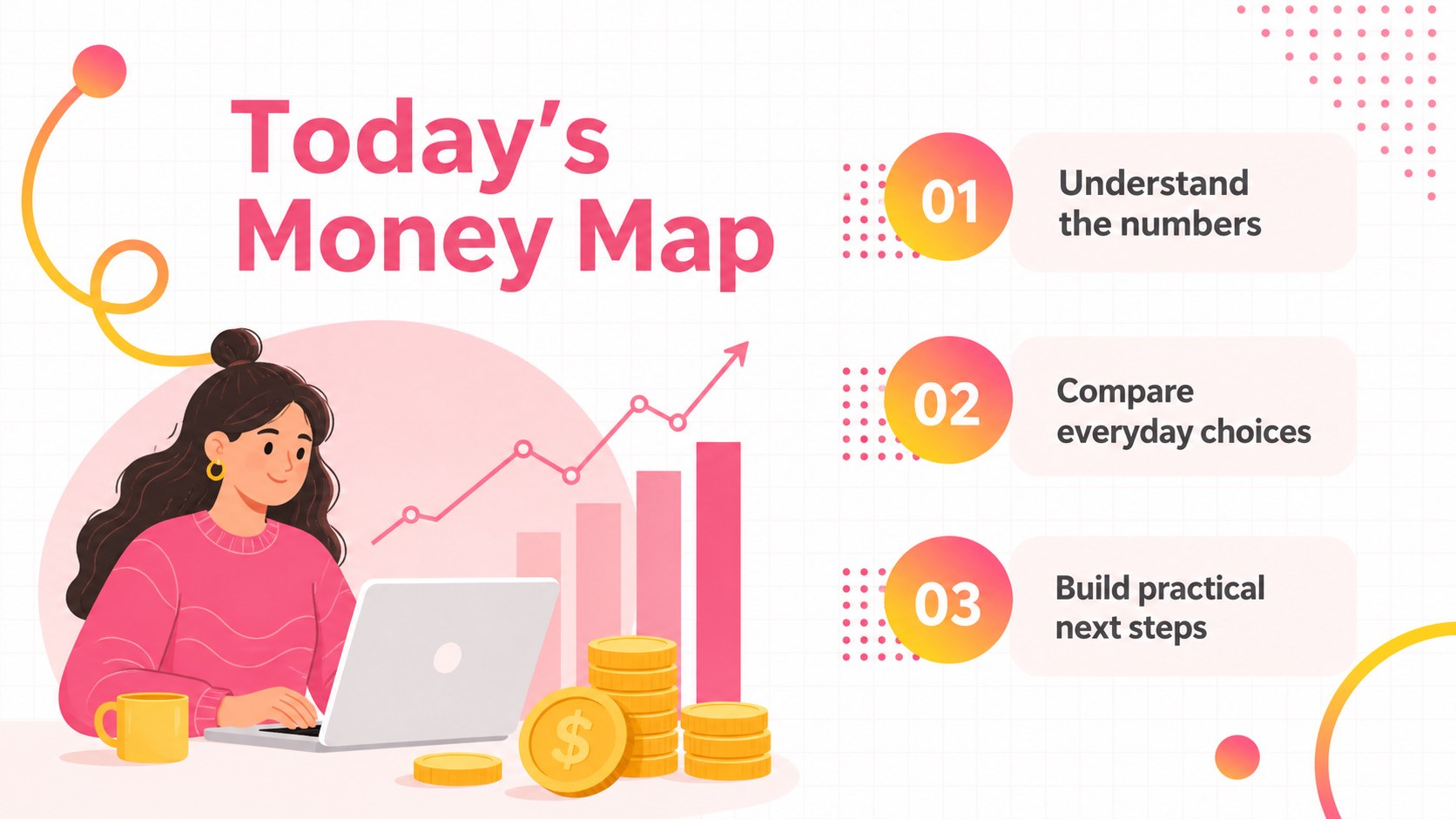
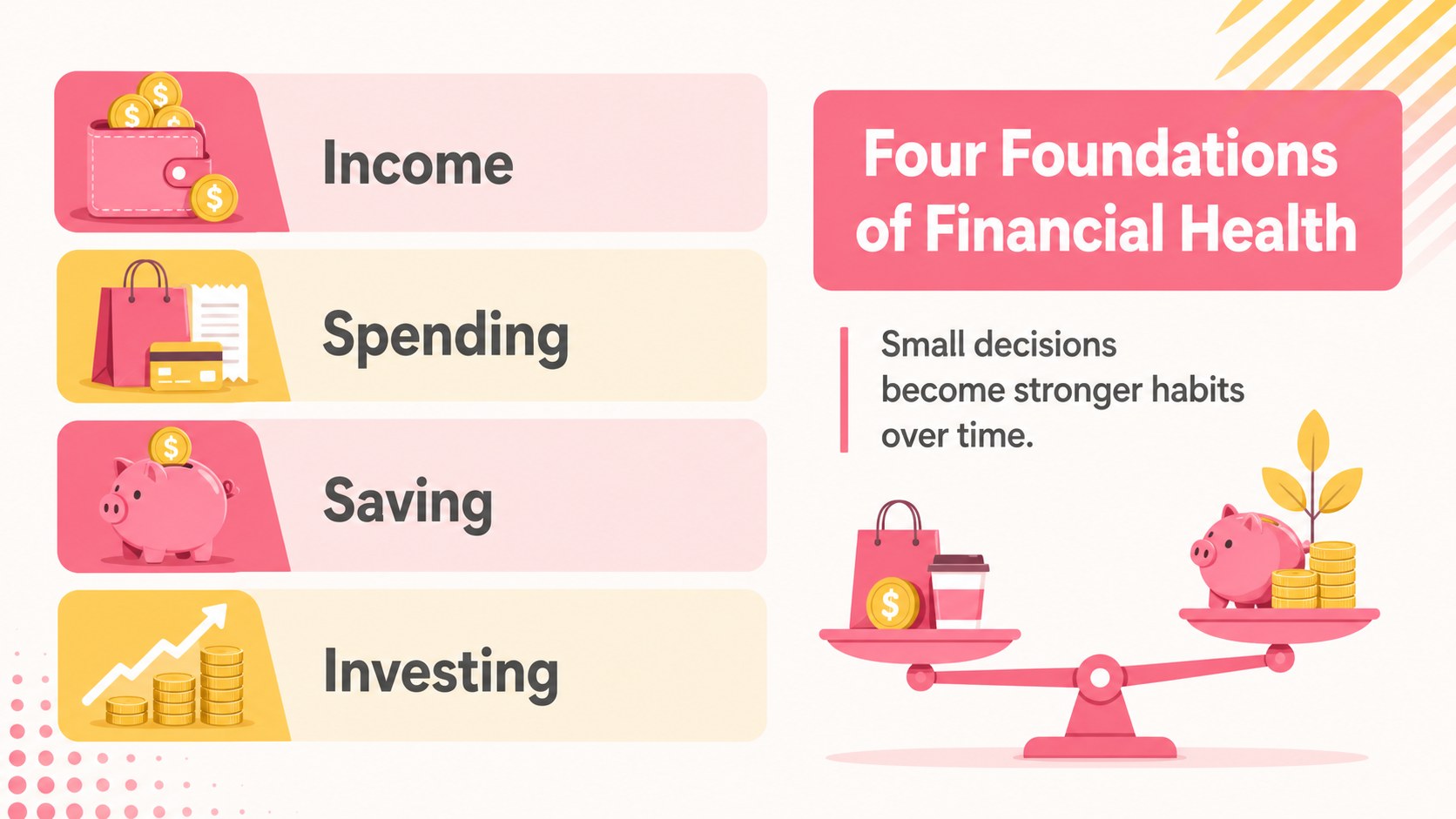
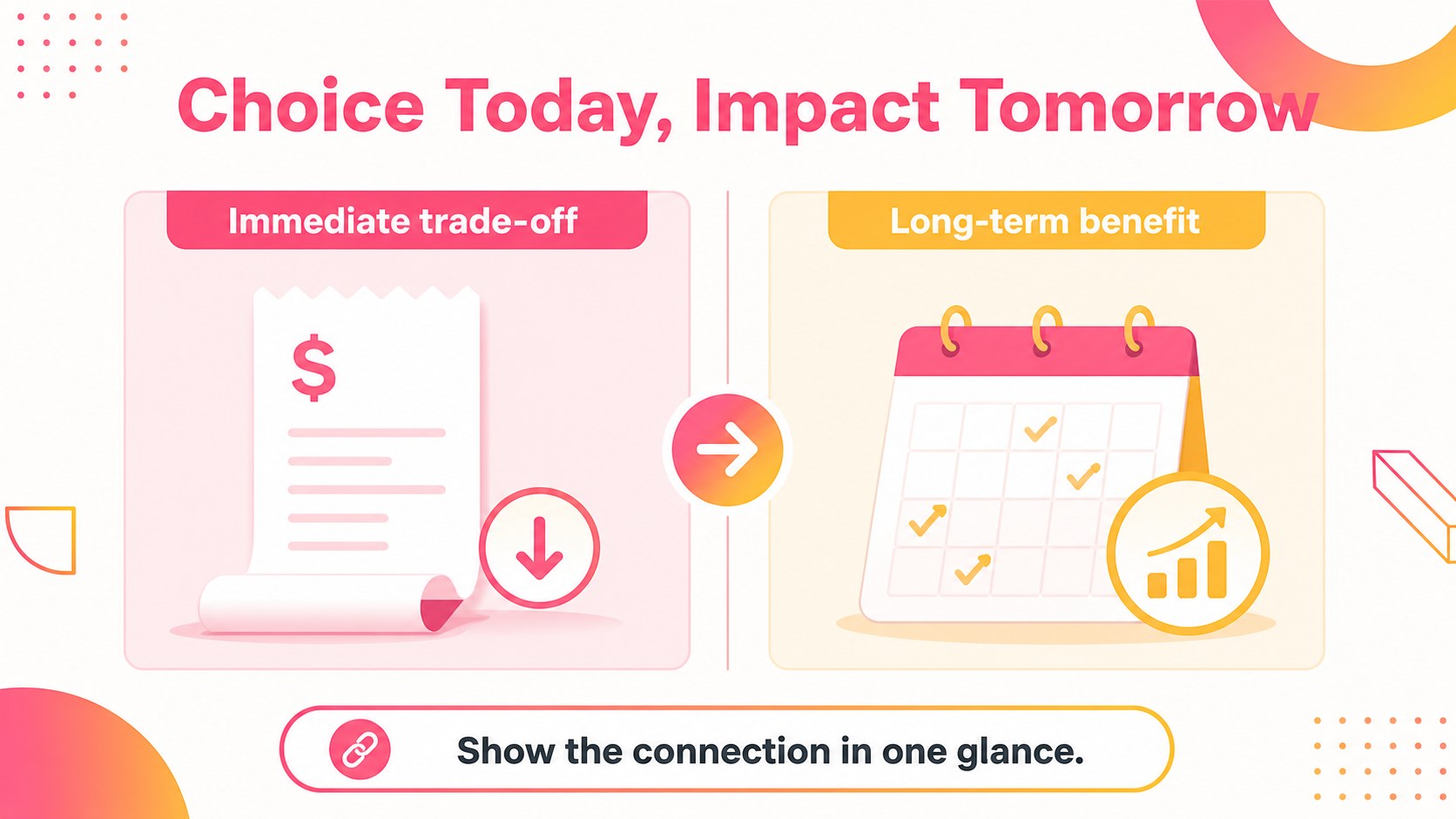
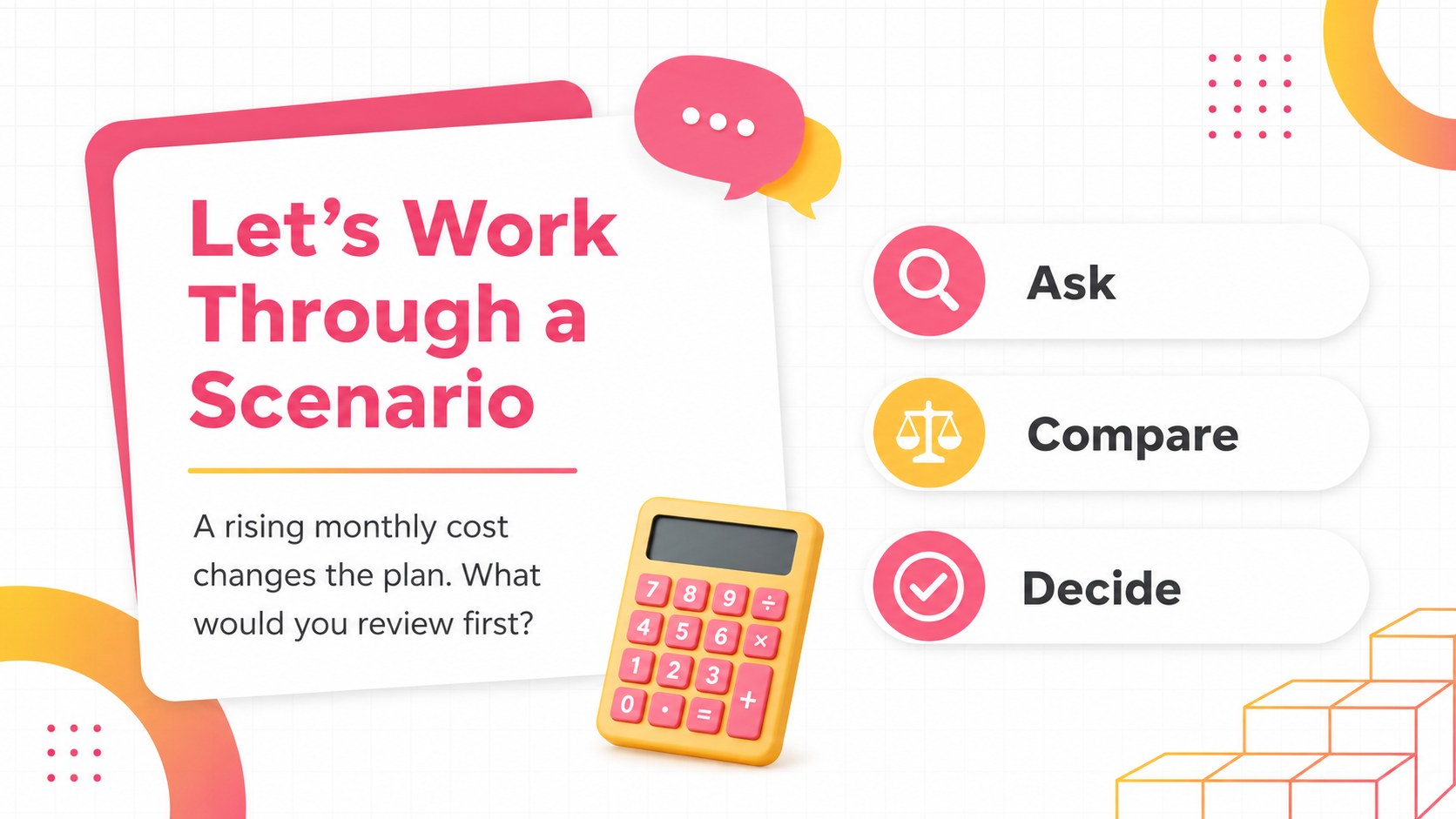
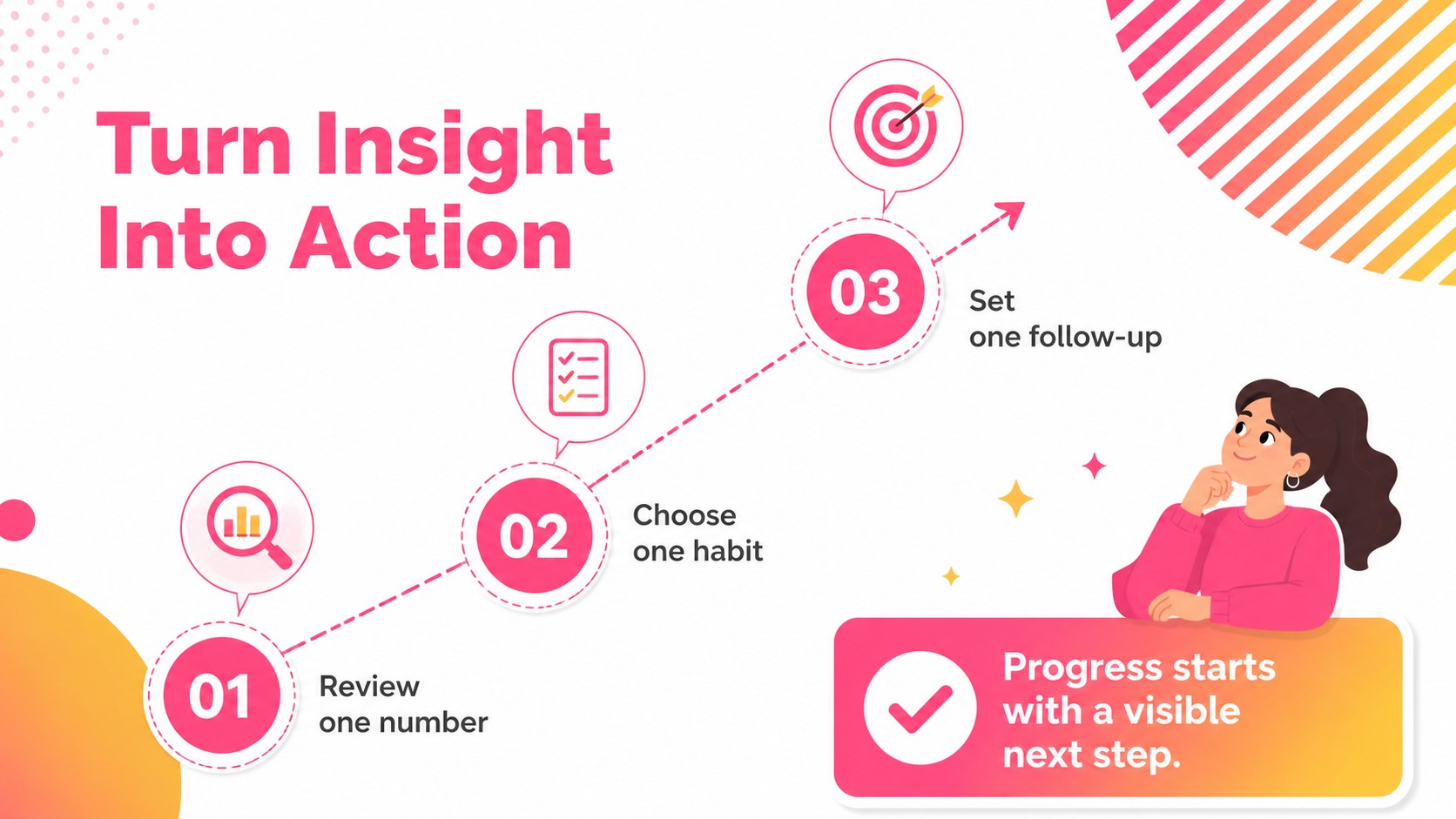
Make financial education easier to follow with finance webinar slides designed for clear explanations, visual storytelling, and confident online delivery. The bright pink-and-yellow palette, soft gradients, and modern minimal layouts give accountants, educators, consultants, and business teams a polished way to explain budgets, markets, planning, and performance.
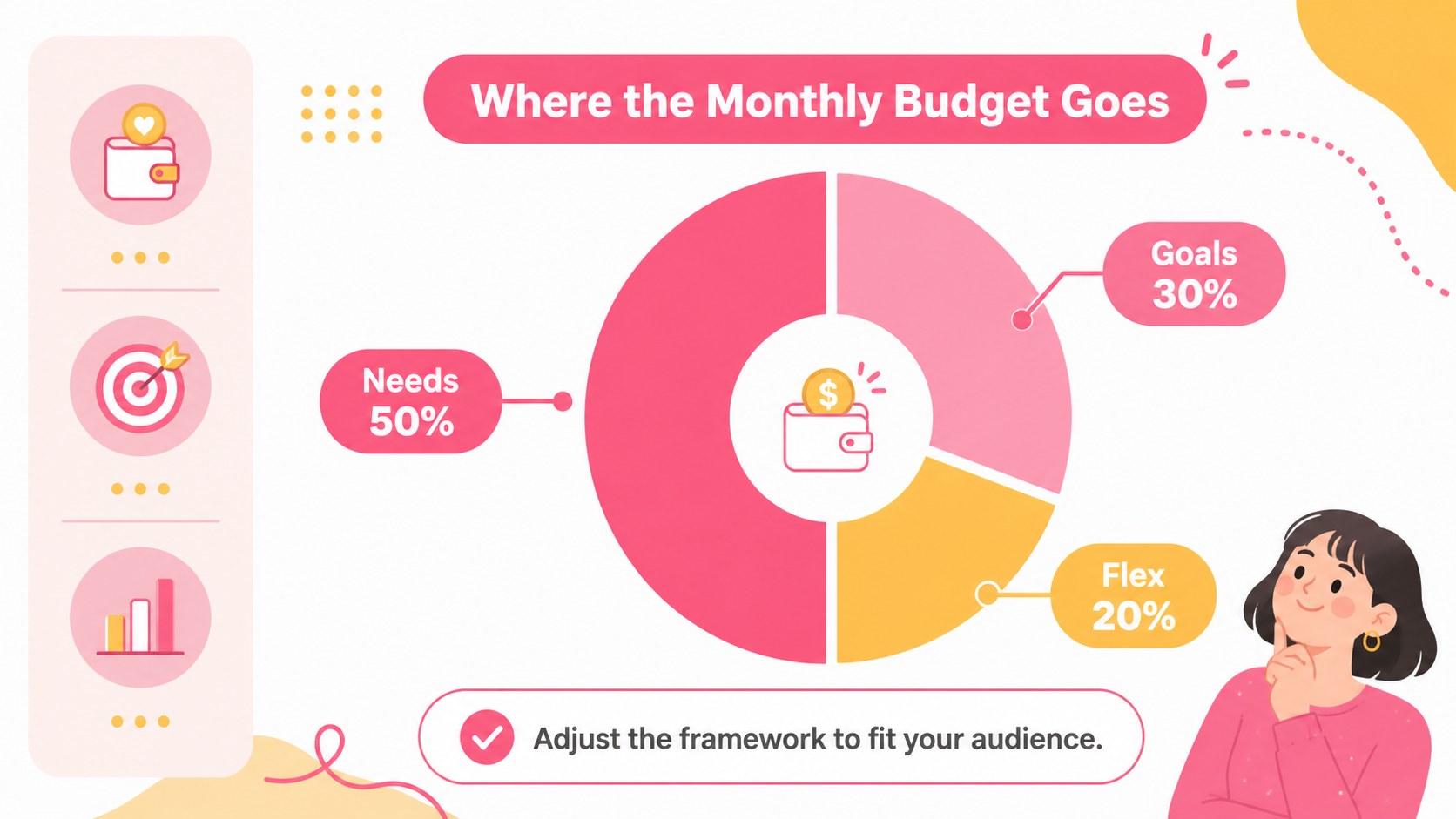
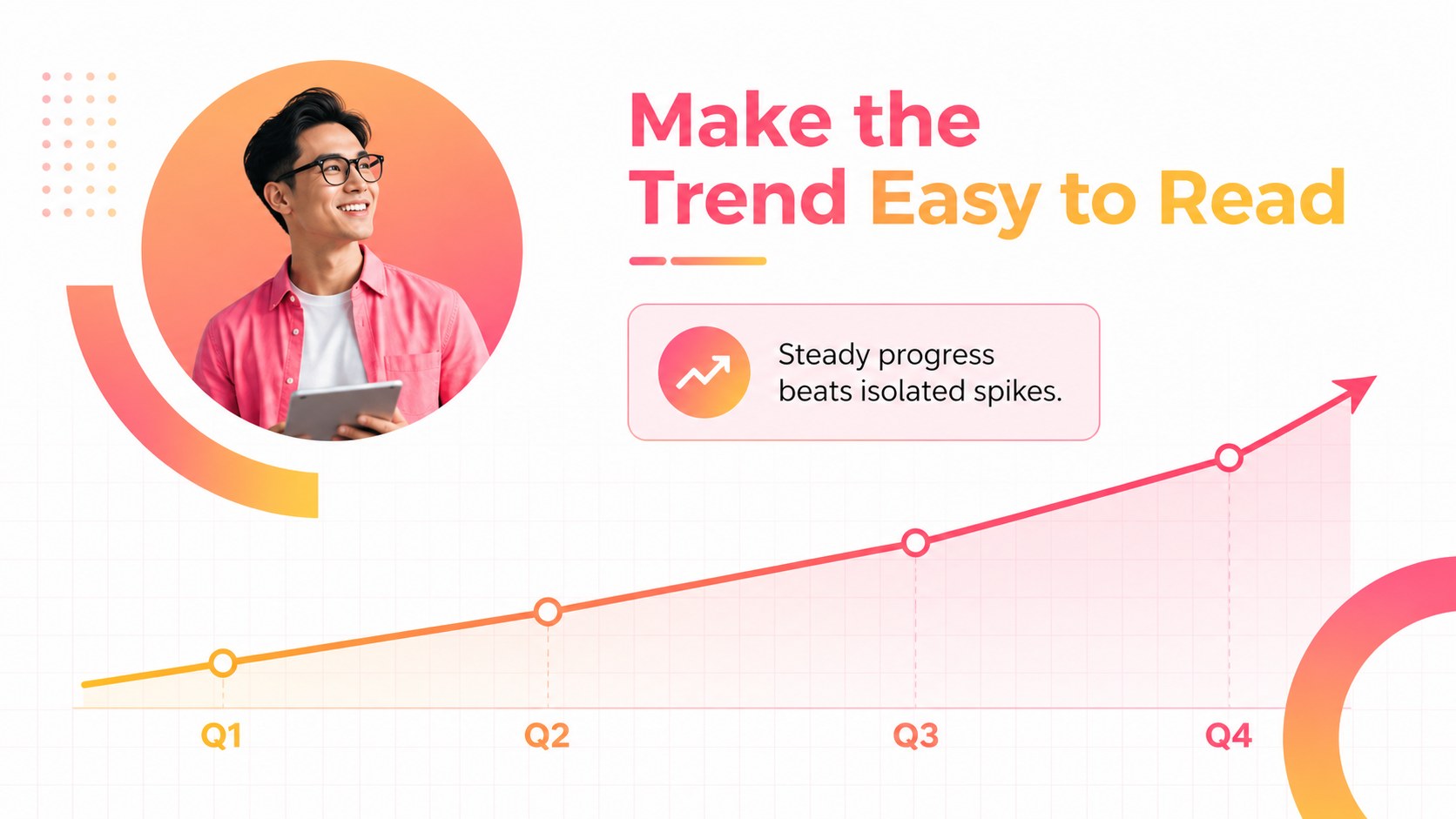
Inside, you’ll find more than 25 editable layouts for agenda setting, financial concepts, comparison tables, data highlights, process explanations, speaker notes, and closing calls to action. Use the customizable charts and geometric shapes to build a personal finance workshop deck, an investor education session, or a company-wide money management webinar. The layouts also work well for business seminar presentation materials when you need a concise, professional visual narrative.
Edit the template with drag-and-drop controls, animated transitions, image libraries, font combinations, and collaboration features. Present directly from or export your finished work to PowerPoint and Google Slides. Montserrat and Raleway support the clean typography, while the pink and yellow color pairing keeps the experience energetic without losing clarity. Adapt the content for live webinars, recorded lessons, internal training, or client-facing financial briefings.
Perfect for: personal finance webinar; financial literacy workshop; client investment briefing; corporate budgeting seminar; online accounting lesson.
Frequently asked questions
Can I edit these slides? Yes. The template is designed for editing, so you can replace text, adjust colors, move elements, and add your own charts or images. collaboration tools also make it practical for teams preparing a webinar.
Practical details
Yes. The template is designed for editing, so you can replace text, adjust colors, move elements, and add your own charts or images. collaboration tools also make it practical for teams preparing a webinar.
Yes. After customizing the design, export it as a PowerPoint file or save an editable copy to Google Drive for Google Slides. Some animations-specific elements may need adjustment after export.
It works well for financial literacy classes, budgeting sessions, accounting seminars, and introductory investment discussions. Replace the sample content with verified figures and terminology suited to your audience.
Yes. lets you update the document colors and individual shapes while preserving the layout. You can keep the original palette for a bright modern look or adapt it to your organization’s brand.
Keep exploring
15Shape your publishing concept with an indie magazine startup pitch deck featuring pastel gradients, bold collage layouts, and editable planning slides.
 16
16Build clear project stories with the Icon Grid Teamwork Theme, a flexible blue illustrated deck for proposals, strategy updates, and team meetings.
 3
3Turn priorities into an actionable plan with an annual goals roadmap infographic, featuring editable orange and teal layouts for PowerPoint and Google Slides.
 15
15Create an Annual Achievement Report Presentation with colorful geometric layouts for milestones, results, lessons, and priorities in PowerPoint or Google Slides.
 15
15Turn results into a focused annual performance evaluation report with dark 3D slides for KPIs, achievements, feedback, and next-step goals for teams.
 15
15Guide a focused annual recap with Business Results Retrospective Slides, a muted brown-and-blue template for PowerPoint and Google Slides.
 6
6Turn complex plans into clear visual stories with Color-Coded Workflow Path Slides, an editable set for project updates, roadmaps, and team briefings.
 6
6Compare regional performance at a glance with Global Data Heatmap Slides, a clean multicolor deck designed for editable PowerPoint and Google Slides.