
 15
15presentation
Indie Magazine Startup Pitch Deck
Shape your publishing concept with an indie magazine startup pitch deck featuring pastel gradients, bold collage layouts, and editable planning slides.
Google SlidesPowerPoint
presentation · English
Lead focused strategy sessions with clean SWOT analysis infographic slides, editable in PowerPoint and Google Slides for planning, pitches, and reviews.
Design notes
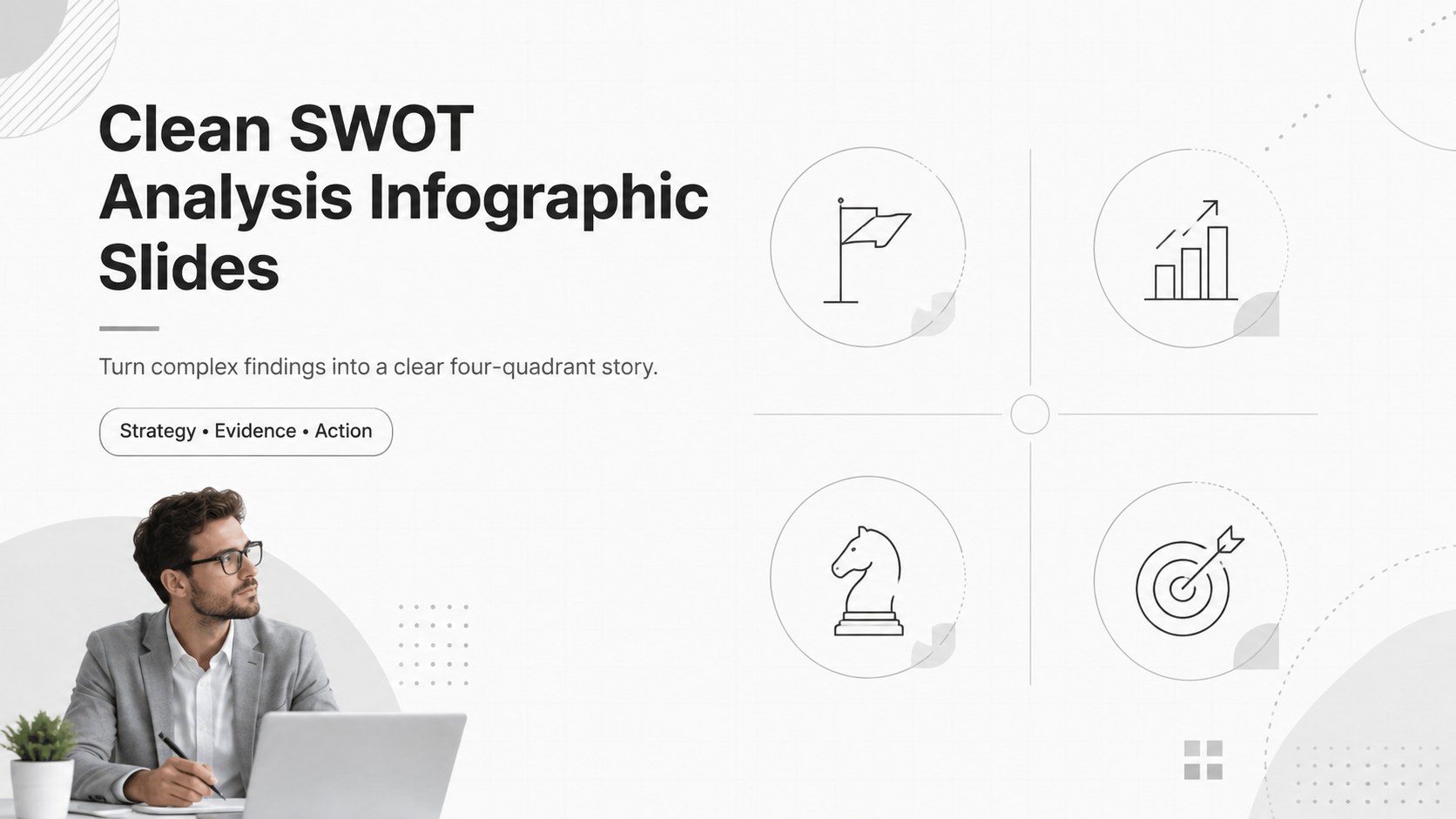
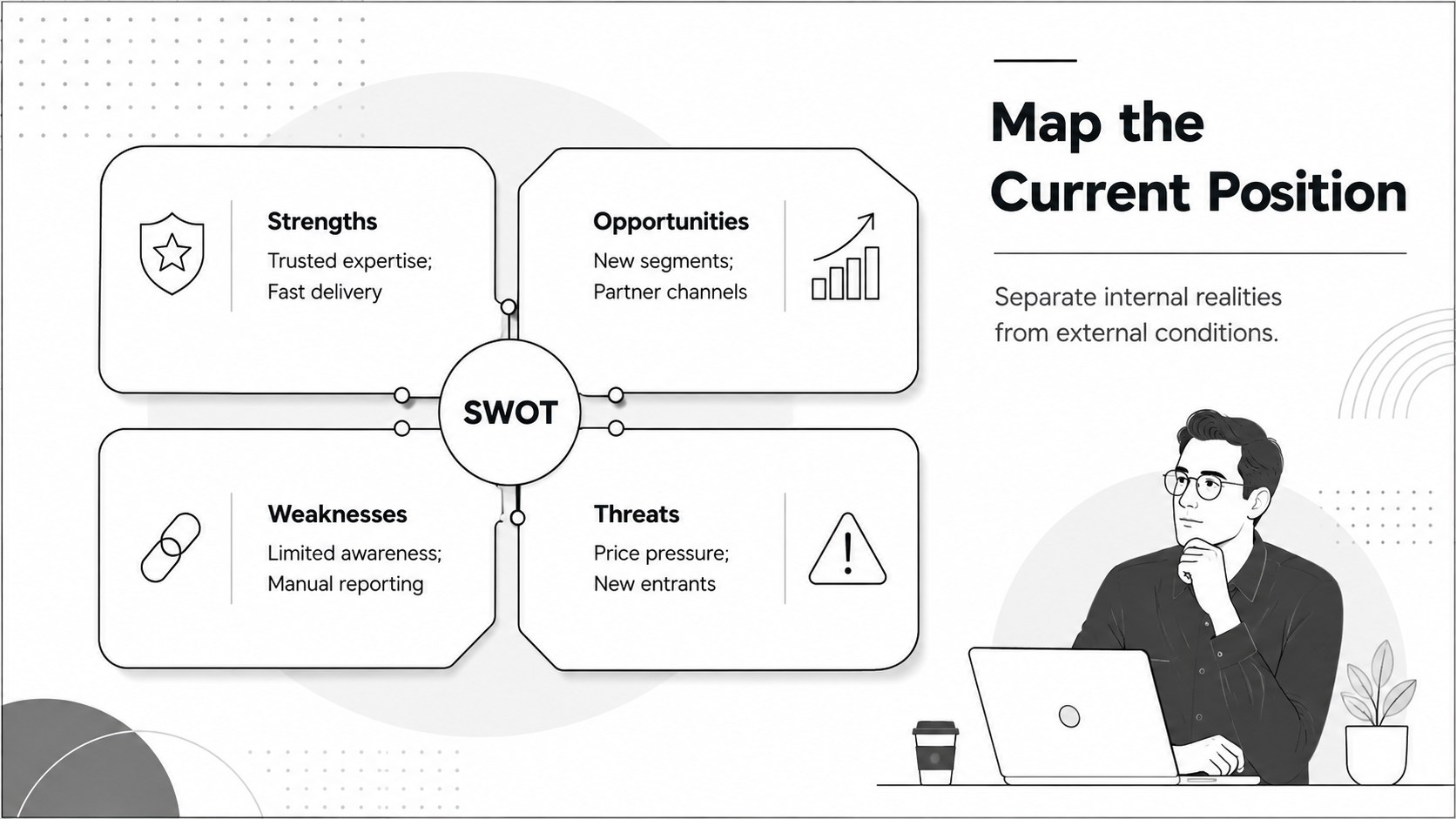
Turn scattered observations into focused decisions with clean SWOT analysis infographic slides designed for clear, confident strategy conversations. The crisp white canvas, restrained neutral accents, fine-line icons, and spacious typography keep strengths, weaknesses, opportunities, and threats easy to scan without distracting from the evidence.
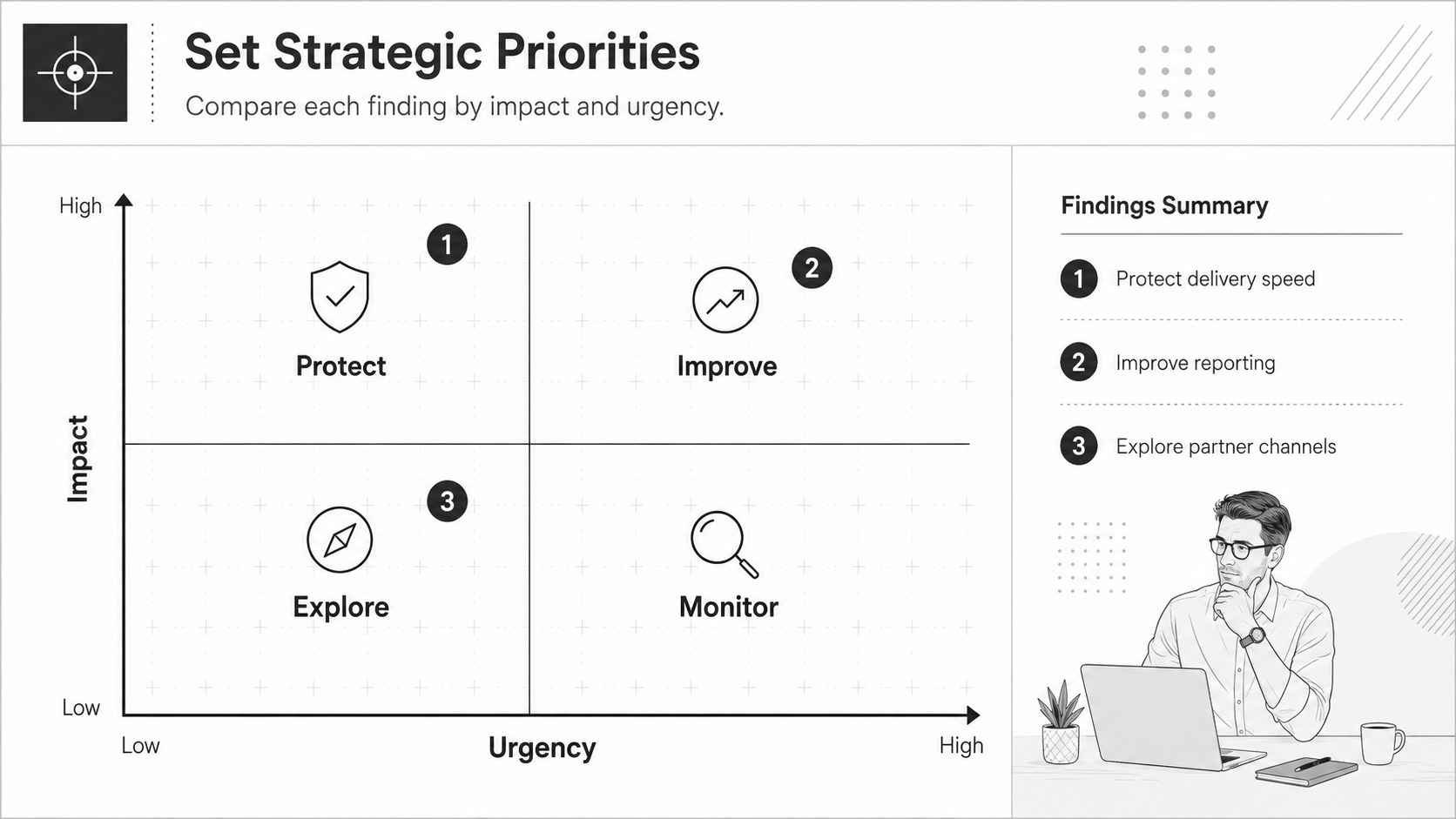
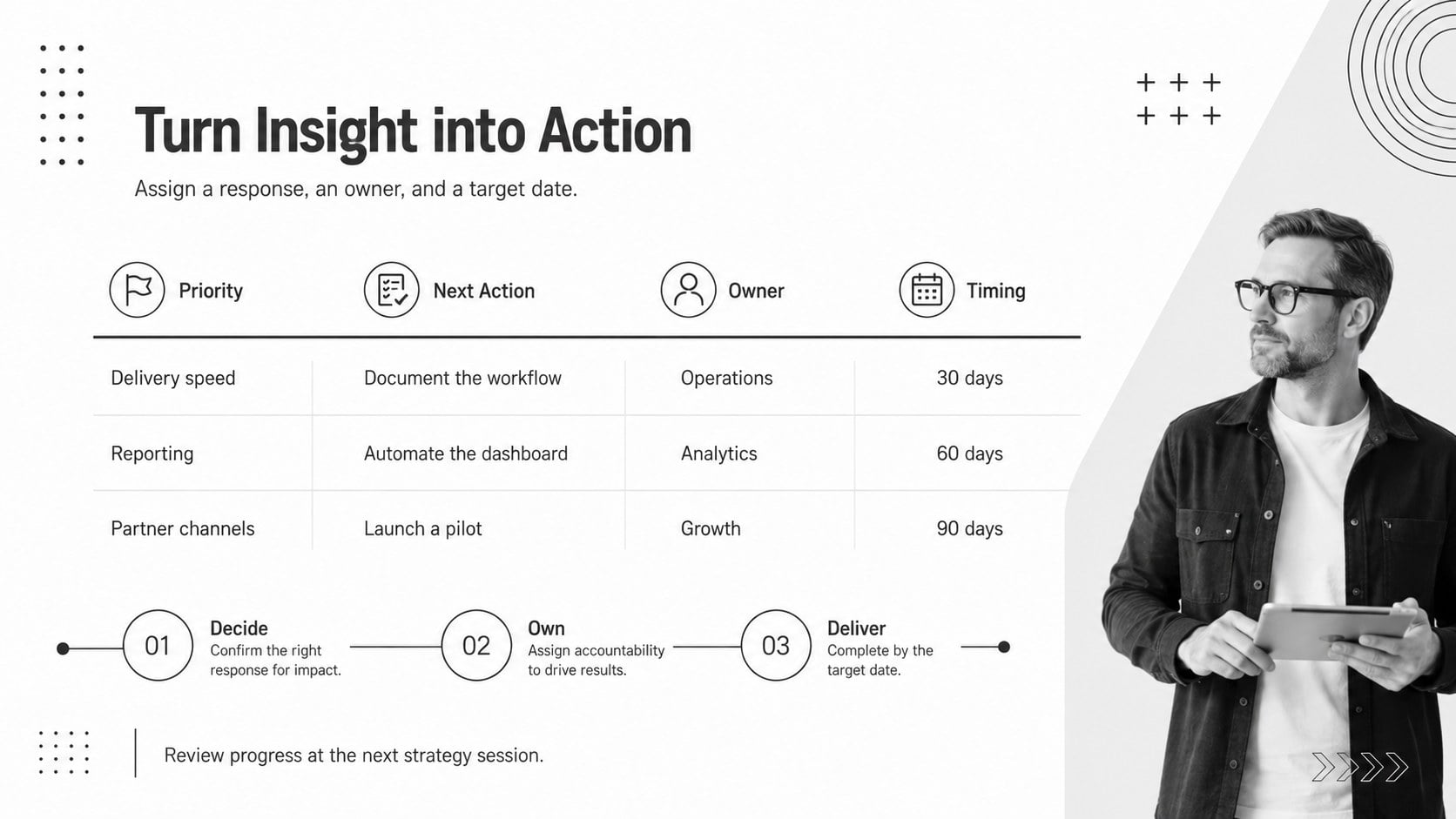
The deck includes a polished cover, an editable SWOT quadrant presentation, a priority comparison layout, and an action-planning slide. Use the framework to group findings, attach concise proof points, rank urgency, and connect each insight to a practical next step. Every element can be adjusted in PowerPoint or Google Slides, including headings, colors, icons, shapes, and supporting notes. The 16:9 layouts are presentation-ready and built to remain legible in meeting rooms or on shared screens.
Created for consultants, founders, product teams, marketers, project managers, and workshop facilitators, this white minimalist SWOT presentation works for quarterly planning, client discovery, campaign reviews, competitor assessment, and leadership sessions. It also serves as a SWOT framework for leadership workshops when teams need to move from diagnosis to ownership. Add brand colors sparingly, keep each point brief, and use the final page to assign actions, owners, and deadlines.
Perfect for: quarterly strategy review; client discovery workshop; marketing plan evaluation; competitor assessment; project risk discussion; leadership planning session.
Frequently asked questions
Can I edit every part of the SWOT diagrams? Yes. The headings, quadrant labels, icons, colors, shapes, and supporting text can all be edited to match your analysis and visual identity.
Practical details
Yes. The headings, quadrant labels, icons, colors, shapes, and supporting text can all be edited to match your analysis and visual identity.
The slides are designed for PowerPoint and Google Slides. Their 16:9 format works well for projected presentations, virtual meetings, and exported PDF handouts.
Replace the sample findings with concise evidence from your team, then apply your brand colors and preferred typefaces. Keep each quadrant focused on a few high-value points so the analysis remains easy to scan.
Yes. Use the priority matrix to compare impact and urgency, then transfer the most important findings to the action-planning slide with owners and deadlines.
Keep exploring
15Shape your publishing concept with an indie magazine startup pitch deck featuring pastel gradients, bold collage layouts, and editable planning slides.
 16
16Build clear project stories with the Icon Grid Teamwork Theme, a flexible blue illustrated deck for proposals, strategy updates, and team meetings.
 3
3Turn priorities into an actionable plan with an annual goals roadmap infographic, featuring editable orange and teal layouts for PowerPoint and Google Slides.
 15
15Create an Annual Achievement Report Presentation with colorful geometric layouts for milestones, results, lessons, and priorities in PowerPoint or Google Slides.
 15
15Turn results into a focused annual performance evaluation report with dark 3D slides for KPIs, achievements, feedback, and next-step goals for teams.
 15
15Guide a focused annual recap with Business Results Retrospective Slides, a muted brown-and-blue template for PowerPoint and Google Slides.
 6
6Turn complex plans into clear visual stories with Color-Coded Workflow Path Slides, an editable set for project updates, roadmaps, and team briefings.
 6
6Compare regional performance at a glance with Global Data Heatmap Slides, a clean multicolor deck designed for editable PowerPoint and Google Slides.