
 15
15presentation
Indie Magazine Startup Pitch Deck
Shape your publishing concept with an indie magazine startup pitch deck featuring pastel gradients, bold collage layouts, and editable planning slides.
Google SlidesPowerPoint
presentation · English
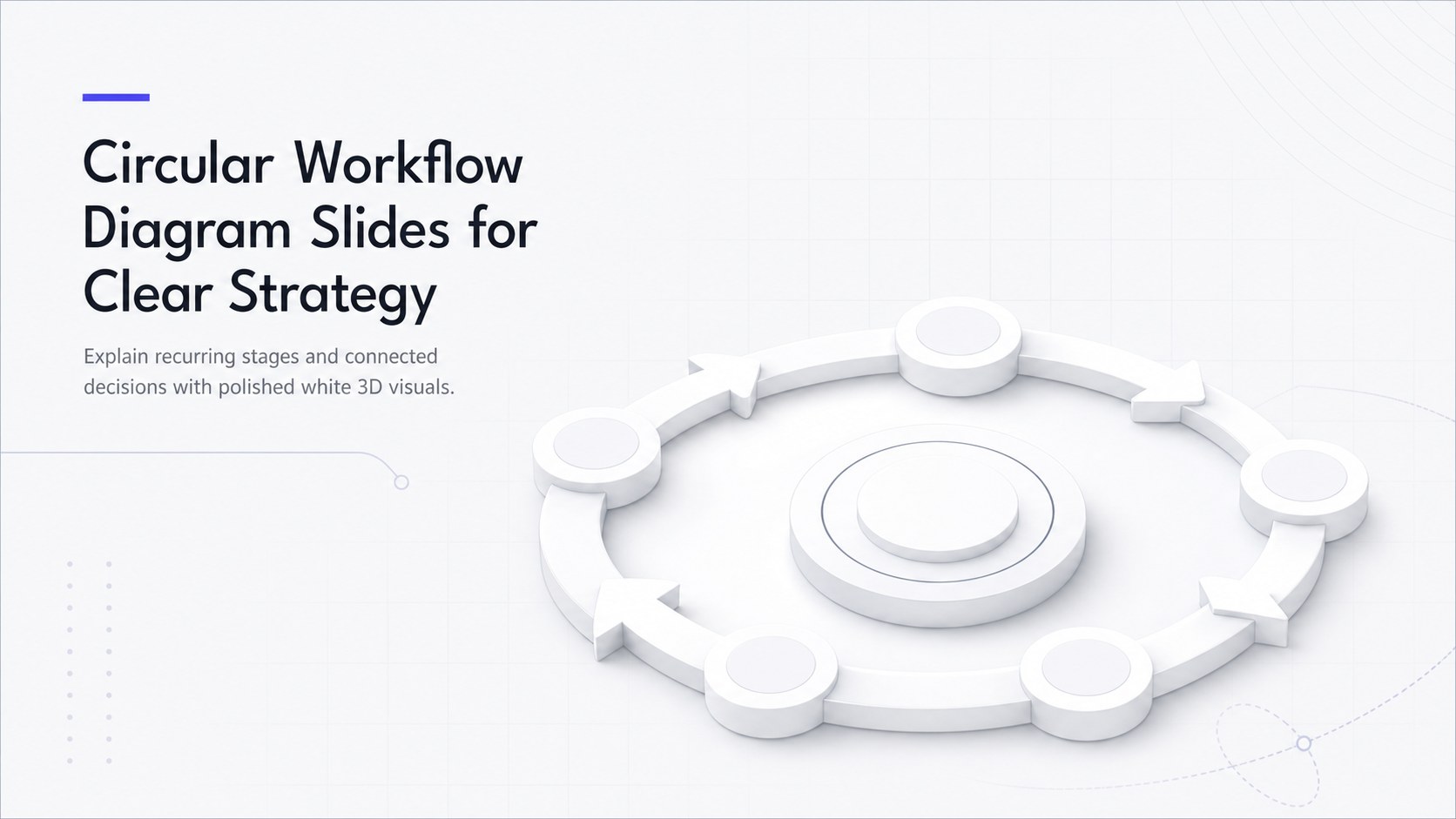
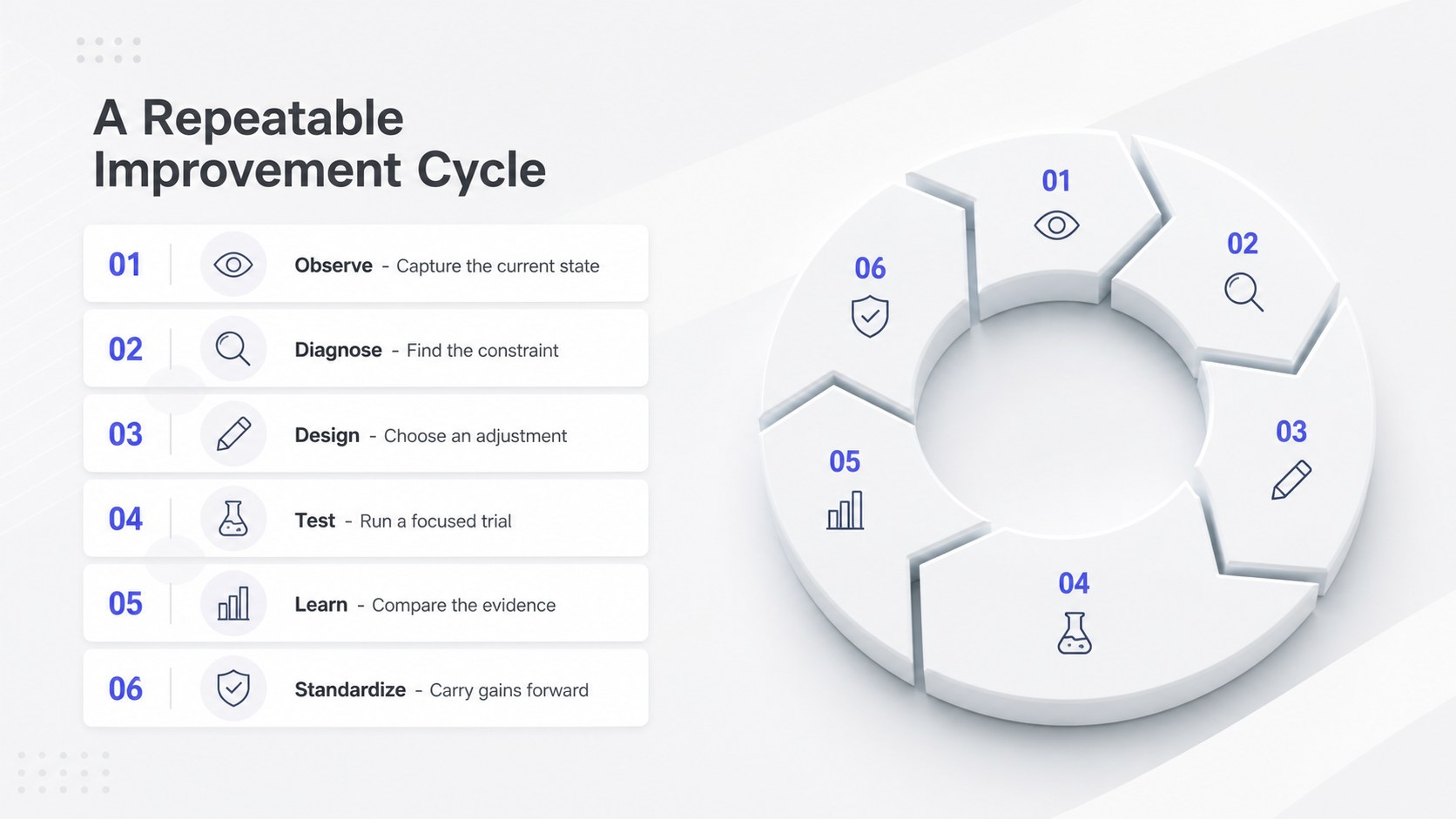
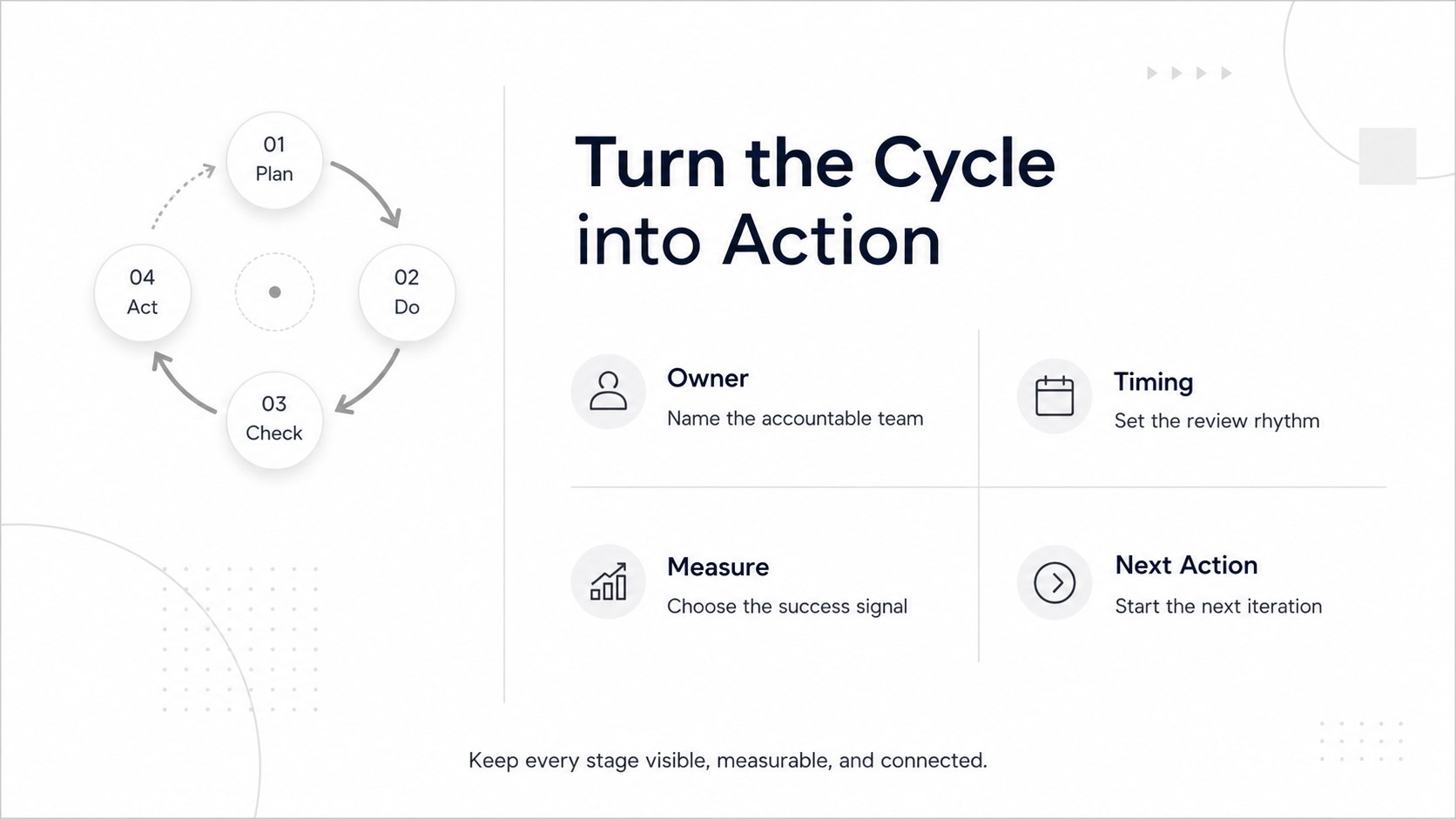
Turn complex stages into a clear story with circular workflow diagram slides, featuring editable white 3D layouts for PowerPoint and Google Slides.
Design notes
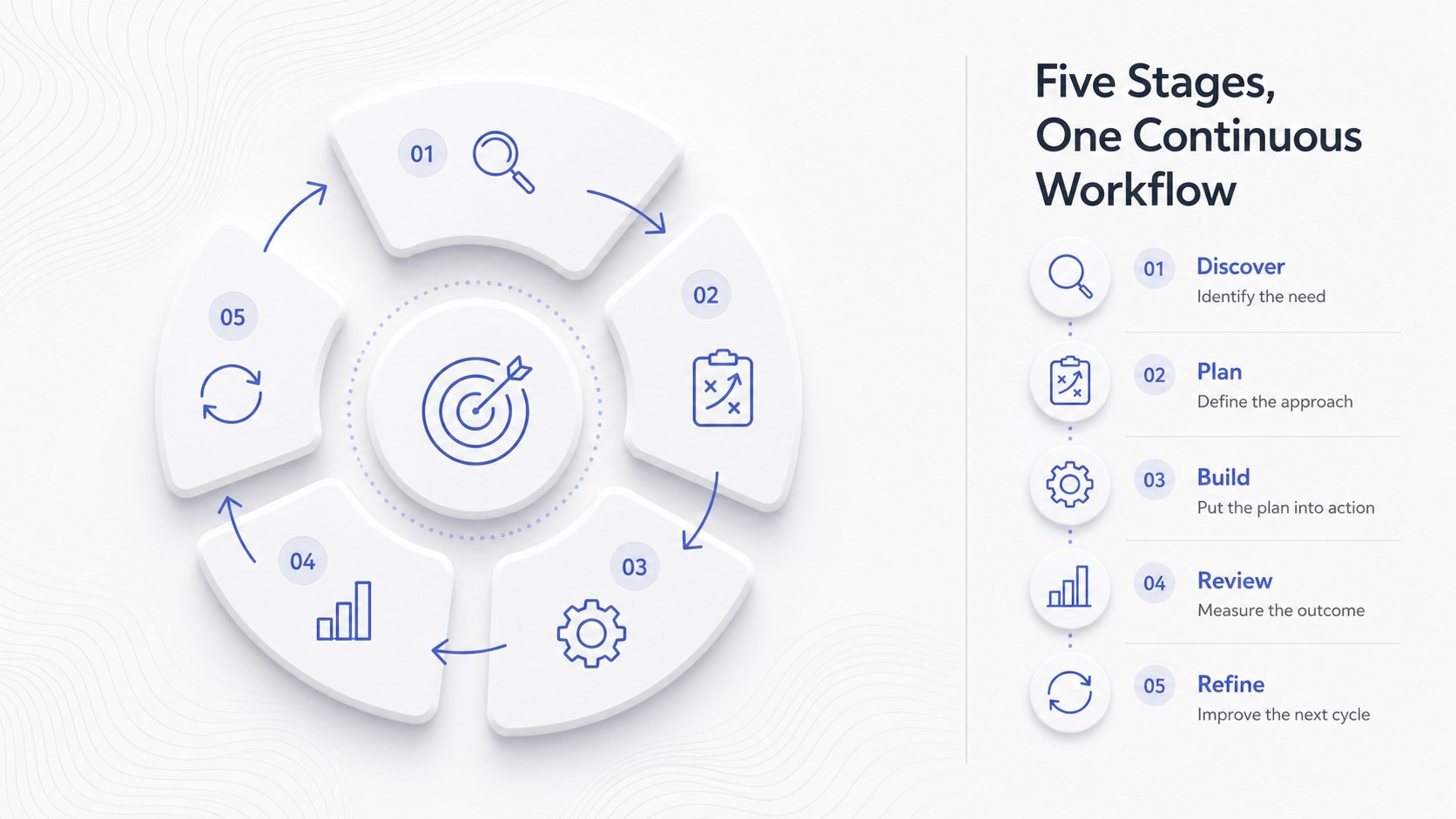
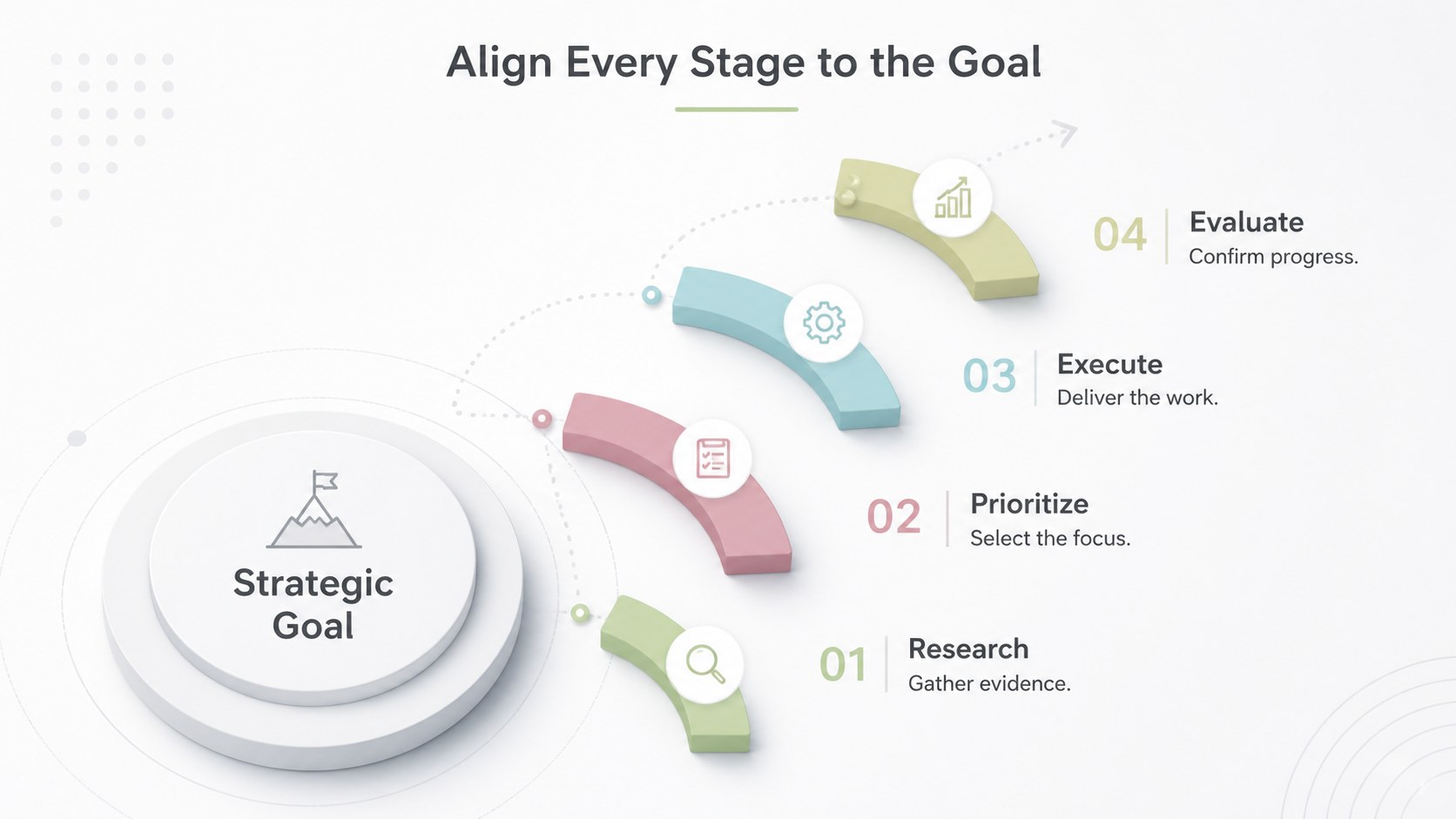
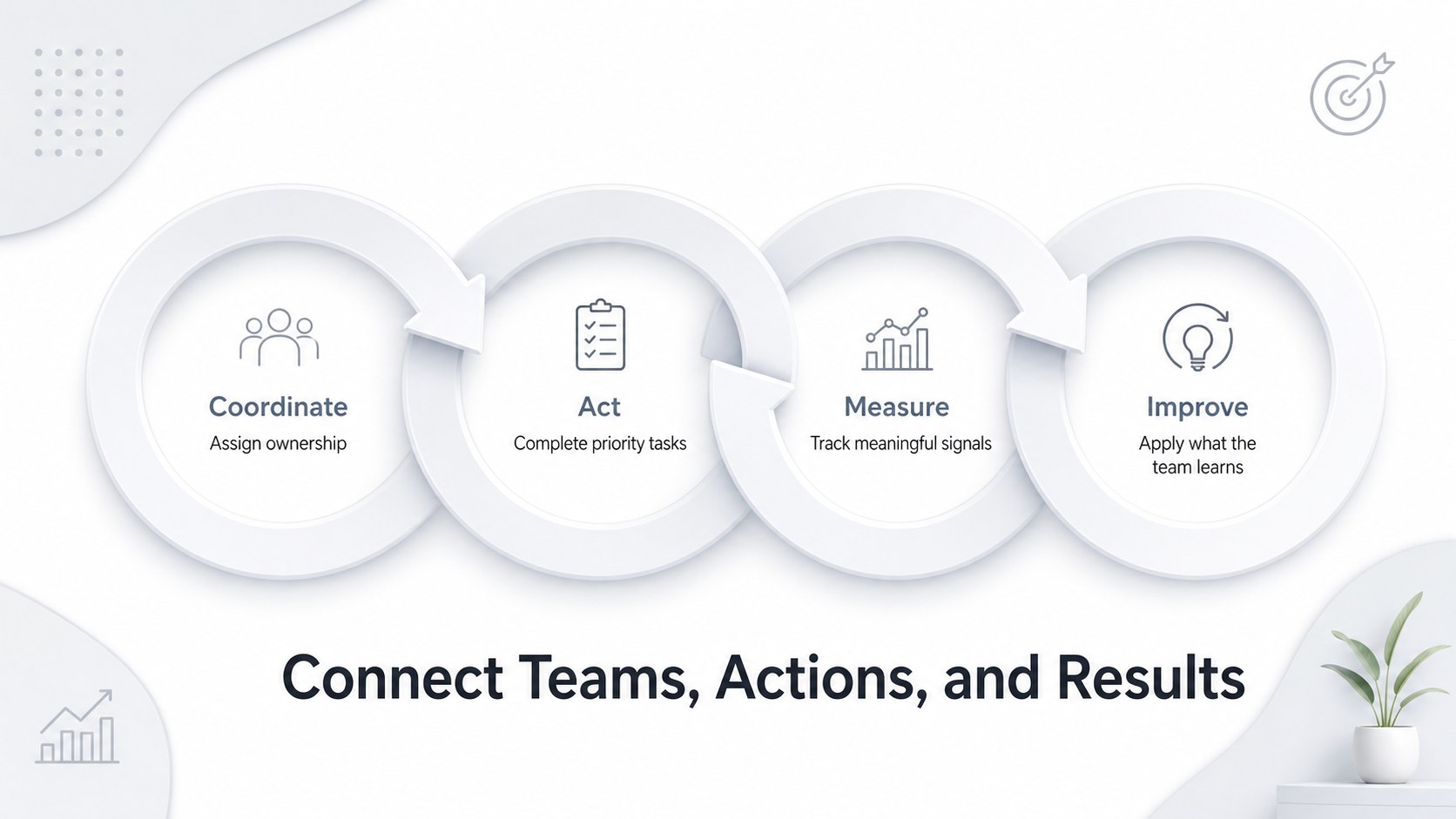
Present repeating actions, feedback loops, and connected milestones with circular workflow diagram slides built for concise business communication. The clean white canvas, dimensional shapes, and directional accents create a professional framework that keeps attention on the sequence without adding visual clutter. Use the layouts to clarify how each stage leads into the next while reinforcing the continuous nature of the workflow.
The deck includes a coordinated cover and five editable infographic arrangements. Choose from segmented rings, linked steps, central-hub cycles, and directional loops for project planning, operations, strategy, or training. Each white 3D cycle infographic template can be adapted with your own labels, colors, icons, and data. Alata and Roboto typography maintain a crisp, modern appearance across the full set.
Designed for managers, consultants, analysts, educators, and project teams, these slides work well as a business workflow loop presentation or an iterative process diagram for PowerPoint. They are also fully compatible with Google Slides, making them practical for collaborative reviews and remote meetings. Apply the diagrams to customer journeys, continuous improvement programs, product lifecycles, approval routines, or recurring service models. The balanced layouts help audiences understand relationships quickly while giving every phase enough room for a short explanation.
Perfect for: continuous improvement review; project lifecycle briefing; customer journey presentation; operations workflow training; strategy planning meeting.
Frequently asked questions
Can I edit every stage of the circular diagrams? Yes. Labels, shapes, arrows, icons, and colors can be adjusted to match your workflow and visual identity. You can also duplicate or remove stages when presenting shorter or longer cycles.
Practical details
Yes. Labels, shapes, arrows, icons, and colors can be adjusted to match your workflow and visual identity. You can also duplicate or remove stages when presenting shorter or longer cycles.
The slides are designed for Microsoft PowerPoint and Google Slides. Layouts and text remain editable on both platforms, though minor font substitutions may occur if Alata or Roboto is unavailable.
Replace the white and neutral accents through the theme or individual shape controls in your presentation editor. Maintain strong contrast between arrows, stage labels, and the background for readability.
The diagrams suit recurring workflows, feedback systems, product lifecycles, review routines, and continuous improvement models. For a strictly linear schedule, a timeline layout may communicate the sequence more directly.
Keep exploring
15Shape your publishing concept with an indie magazine startup pitch deck featuring pastel gradients, bold collage layouts, and editable planning slides.
 16
16Build clear project stories with the Icon Grid Teamwork Theme, a flexible blue illustrated deck for proposals, strategy updates, and team meetings.
 3
3Turn priorities into an actionable plan with an annual goals roadmap infographic, featuring editable orange and teal layouts for PowerPoint and Google Slides.
 15
15Create an Annual Achievement Report Presentation with colorful geometric layouts for milestones, results, lessons, and priorities in PowerPoint or Google Slides.
 15
15Turn results into a focused annual performance evaluation report with dark 3D slides for KPIs, achievements, feedback, and next-step goals for teams.
 15
15Guide a focused annual recap with Business Results Retrospective Slides, a muted brown-and-blue template for PowerPoint and Google Slides.
 6
6Turn complex plans into clear visual stories with Color-Coded Workflow Path Slides, an editable set for project updates, roadmaps, and team briefings.
 6
6Compare regional performance at a glance with Global Data Heatmap Slides, a clean multicolor deck designed for editable PowerPoint and Google Slides.