
 15
15presentation
Indie Magazine Startup Pitch Deck
Shape your publishing concept with an indie magazine startup pitch deck featuring pastel gradients, bold collage layouts, and editable planning slides.
Google SlidesPowerPoint
presentation · English
Build a clearer story around growth and change with circular process journey slides for PowerPoint and Google Slides, ready to edit and present.

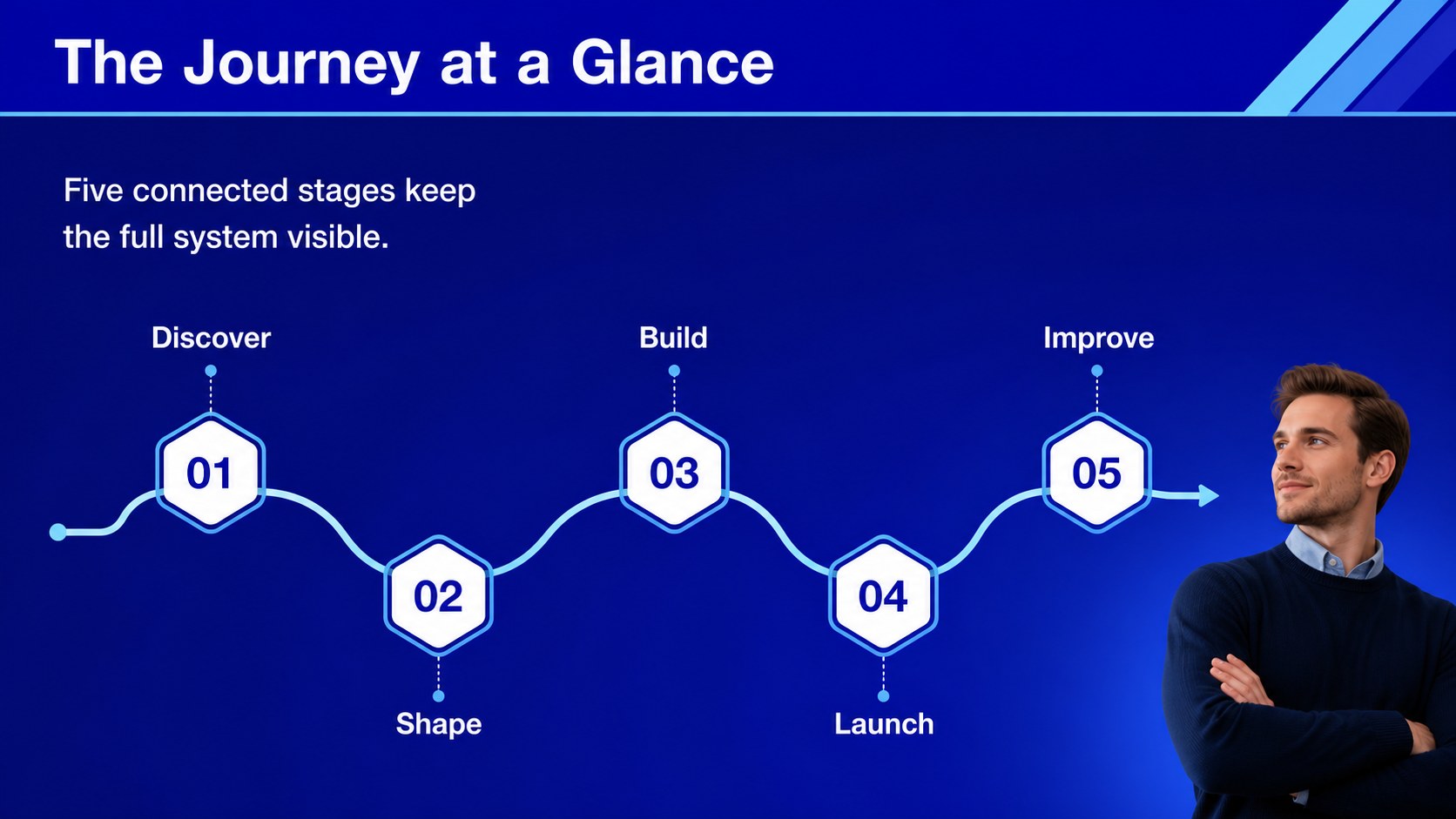
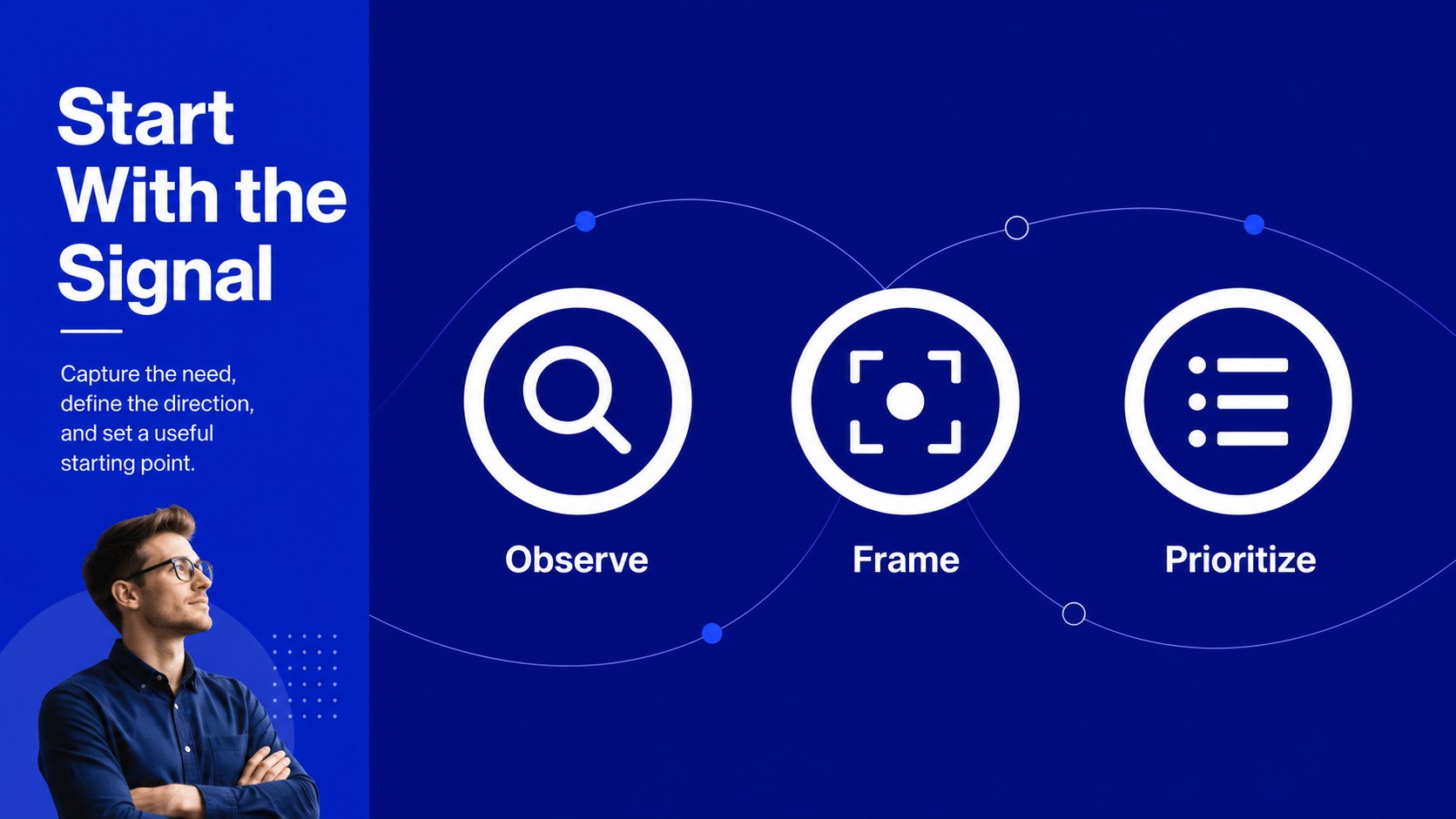
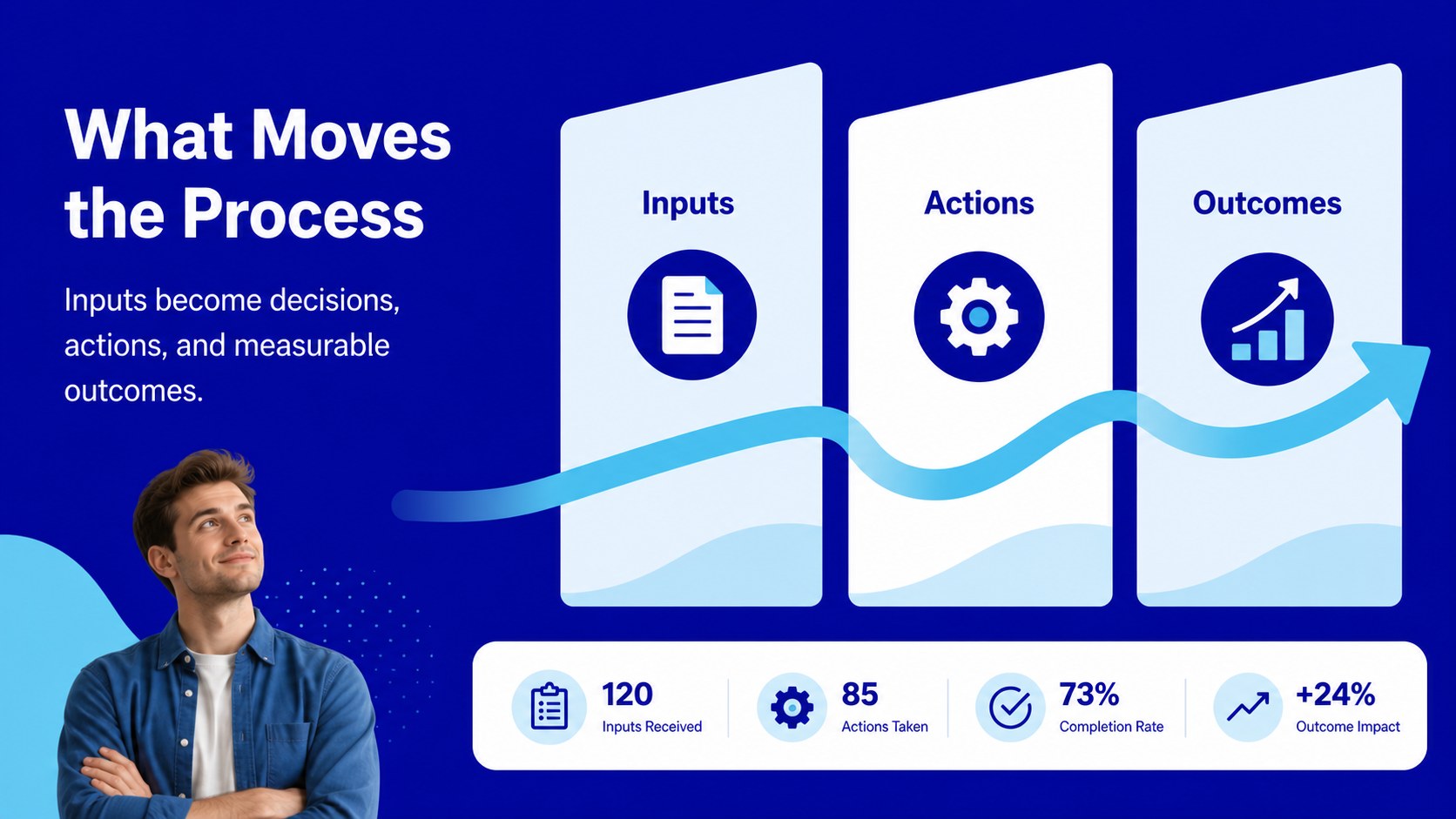
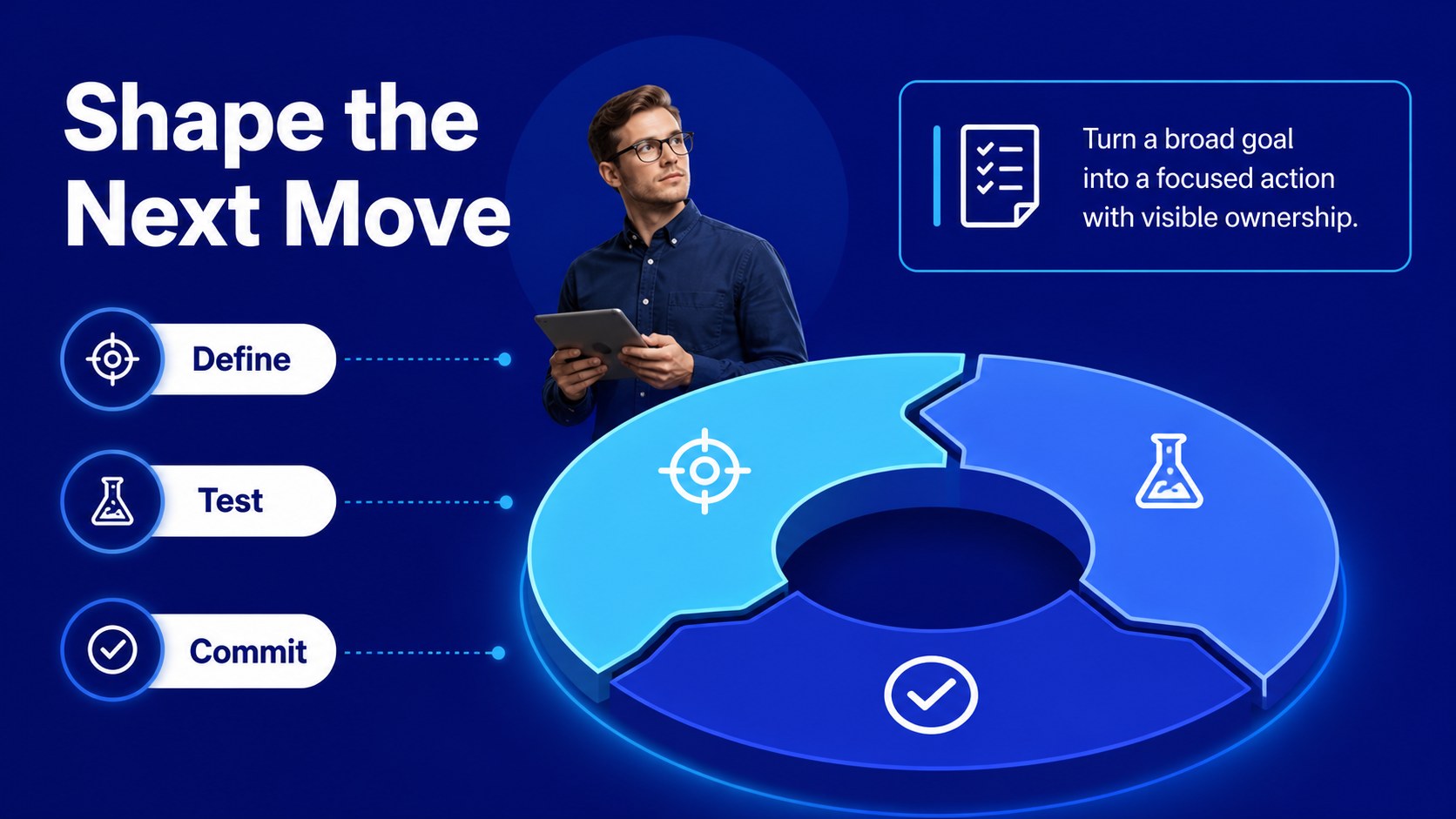
Design notes
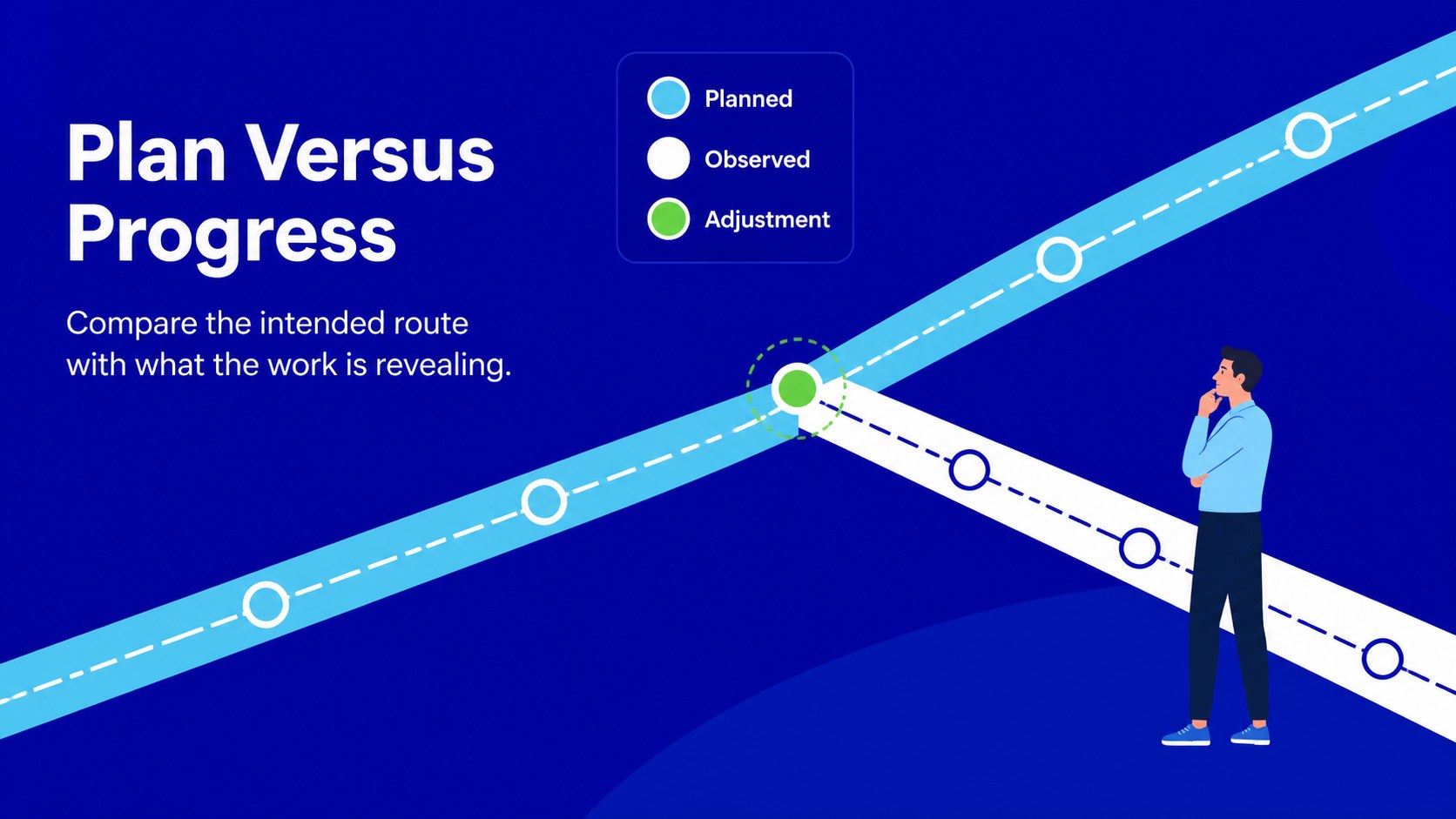
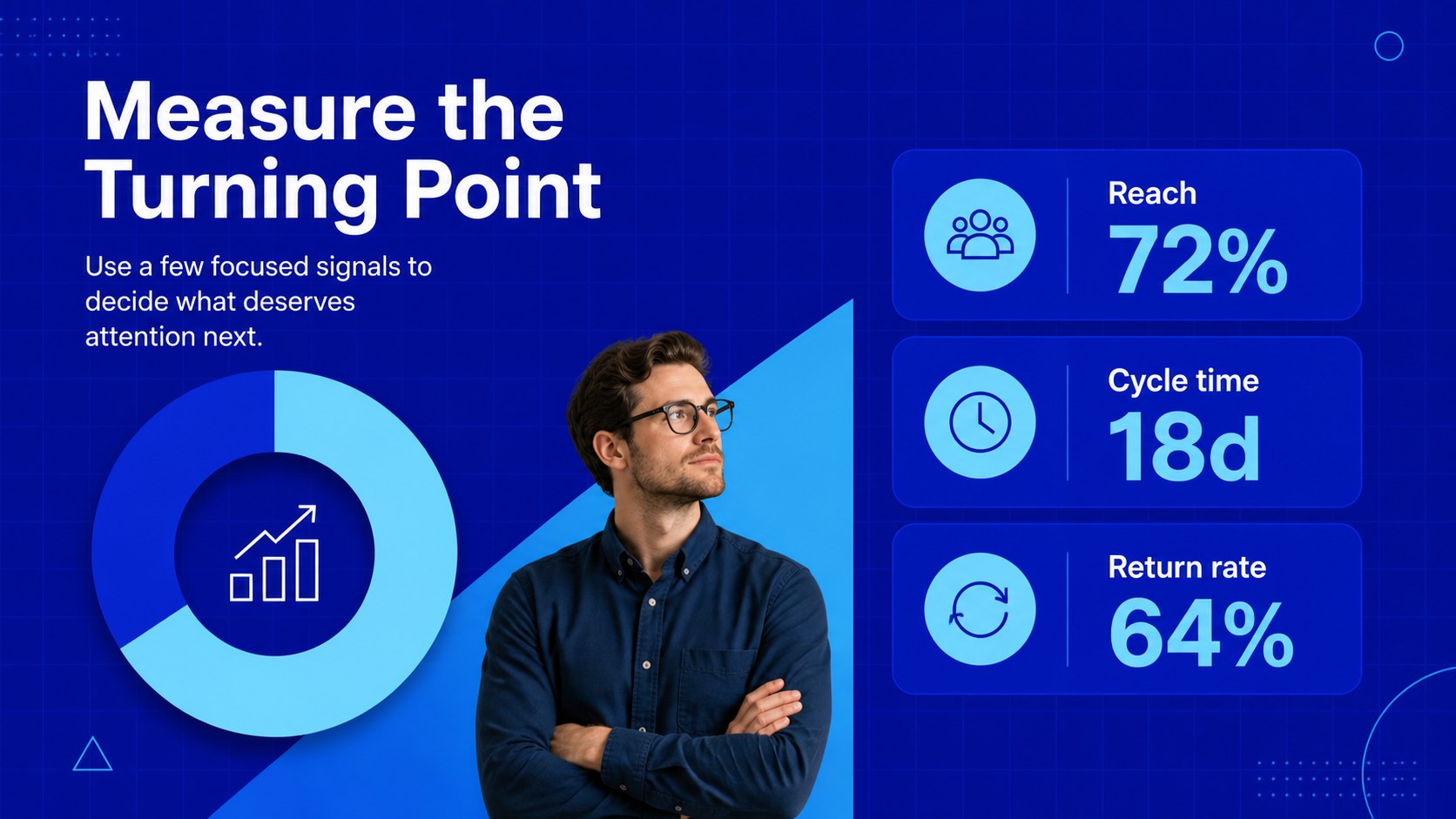
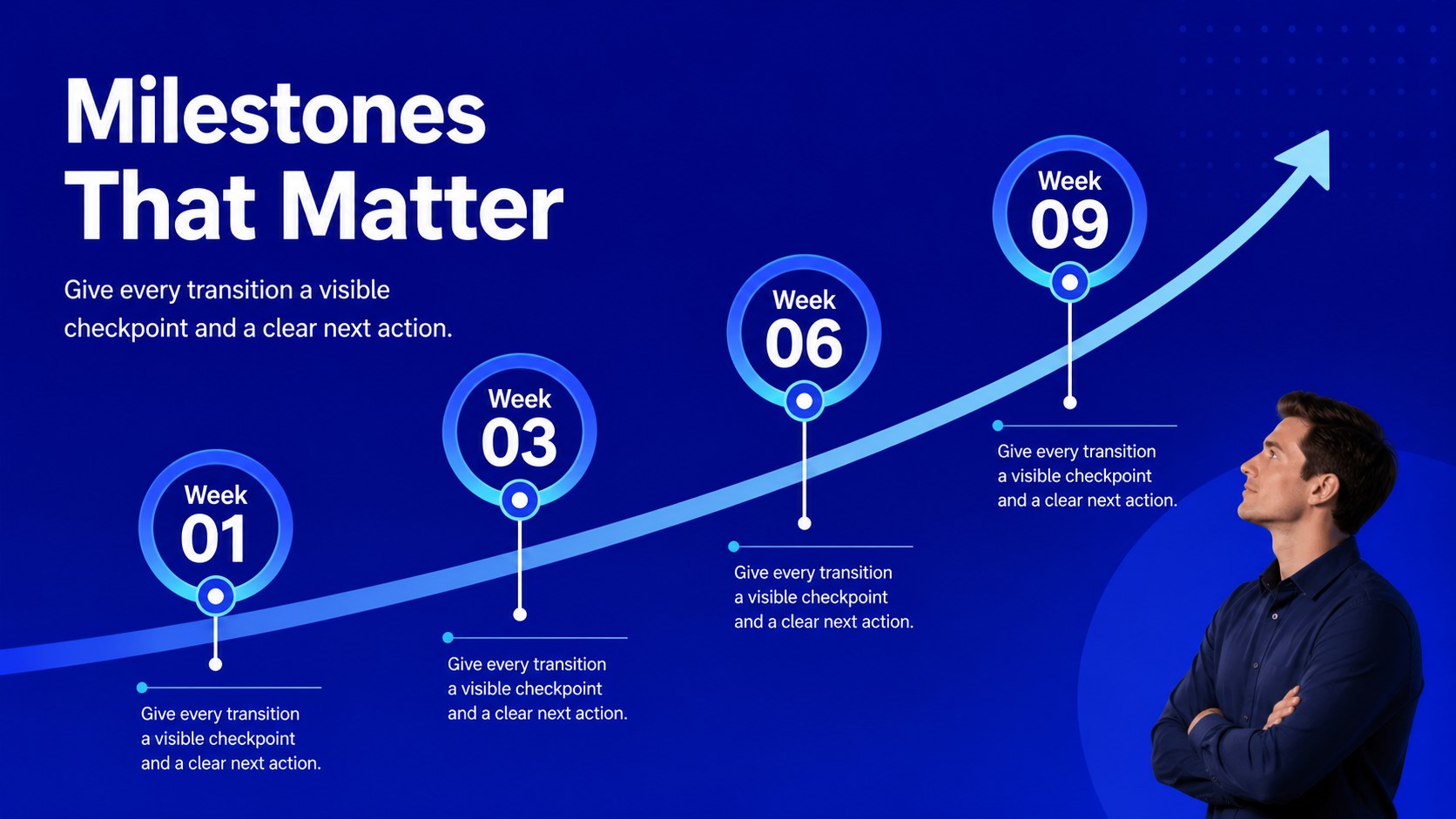
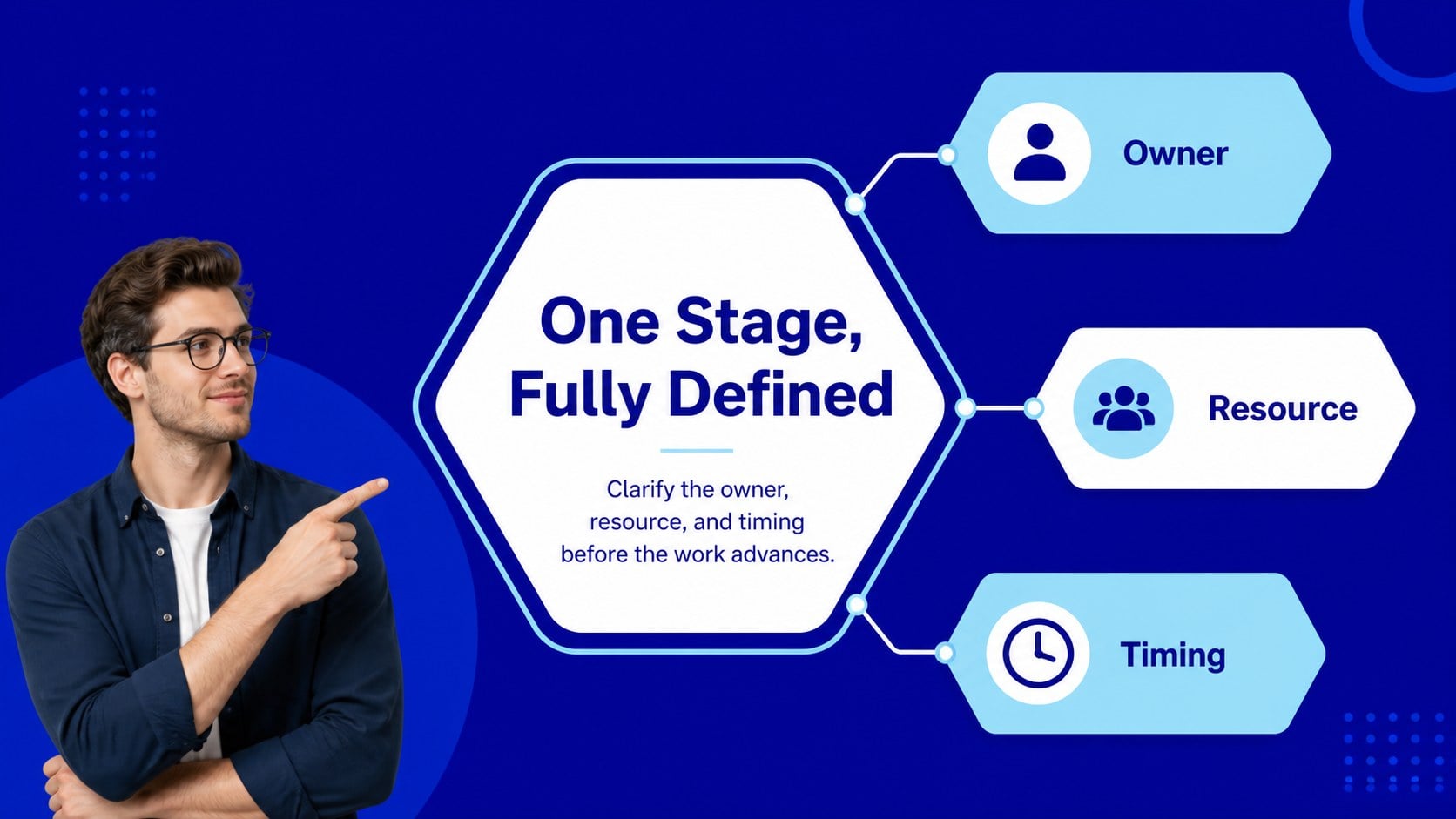
Circular process journey slides give teams a practical way to explain how ideas, products, services, or initiatives move from one stage to the next. The cool blue palette, geometric accents, and restrained typography create a professional visual system for workshops, reports, classroom projects, and client discussions. Use the layouts to make recurring stages feel connected while keeping each milestone easy to scan.
Inside, you will find 16:9 layouts for an overview, stage-by-stage breakdowns, comparison points, milestones, metrics, and closing recommendations. Editable charts, shapes, labels, arrows, and timeline components make it simple to adapt the deck to a product workflow, customer journey, research model, or education topic. Use the layouts as a process flow presentation, an animated cycle diagram, or a set of business process mapping slides. The visual language stays consistent while giving you enough variation for different kinds of information. The template works in PowerPoint and Google Slides, making it suitable for project managers, consultants, educators, marketers, and business professionals who need to communicate complex systems with clarity.
Perfect for: project workflow review; client process briefing; product lifecycle workshop; classroom systems lesson; marketing journey presentation.
Frequently asked questions
Can I edit the slides in PowerPoint? Yes. The deck is designed for PowerPoint editing, including text, colors, shapes, charts, and diagram labels. You can also adjust transitions or remove animation elements to match your presentation style.
Does this template work with Google Slides? Yes, the presentation can be opened and customized in Google Slides. Check fonts, spacing, and animation behavior after import because some effects may render differently between platforms.
Practical details
Yes. The deck is designed for PowerPoint editing, including text, colors, shapes, charts, and diagram labels. You can also adjust transitions or remove animation elements to match your presentation style.
Yes, the presentation can be opened and customized in Google Slides. Check fonts, spacing, and animation behavior after import because some effects may render differently between platforms.
Yes. Replace the stage names, descriptions, icons, and data with content for a workflow, research method, customer journey, or teaching topic. The connected layouts are flexible enough for both linear and repeating systems.
Yes. Shapes, arrows, labels, chart values, and supporting text are editable. Duplicate or rearrange elements when you need more stages or a simpler overview.
Keep exploring
15Shape your publishing concept with an indie magazine startup pitch deck featuring pastel gradients, bold collage layouts, and editable planning slides.
 16
16Build clear project stories with the Icon Grid Teamwork Theme, a flexible blue illustrated deck for proposals, strategy updates, and team meetings.
 3
3Turn priorities into an actionable plan with an annual goals roadmap infographic, featuring editable orange and teal layouts for PowerPoint and Google Slides.
 15
15Create an Annual Achievement Report Presentation with colorful geometric layouts for milestones, results, lessons, and priorities in PowerPoint or Google Slides.
 15
15Turn results into a focused annual performance evaluation report with dark 3D slides for KPIs, achievements, feedback, and next-step goals for teams.
 15
15Guide a focused annual recap with Business Results Retrospective Slides, a muted brown-and-blue template for PowerPoint and Google Slides.
 6
6Turn complex plans into clear visual stories with Color-Coded Workflow Path Slides, an editable set for project updates, roadmaps, and team briefings.
 6
6Compare regional performance at a glance with Global Data Heatmap Slides, a clean multicolor deck designed for editable PowerPoint and Google Slides.