
 15
15presentation
Indie Magazine Startup Pitch Deck
Shape your publishing concept with an indie magazine startup pitch deck featuring pastel gradients, bold collage layouts, and editable planning slides.
Google SlidesPowerPoint
presentation · English
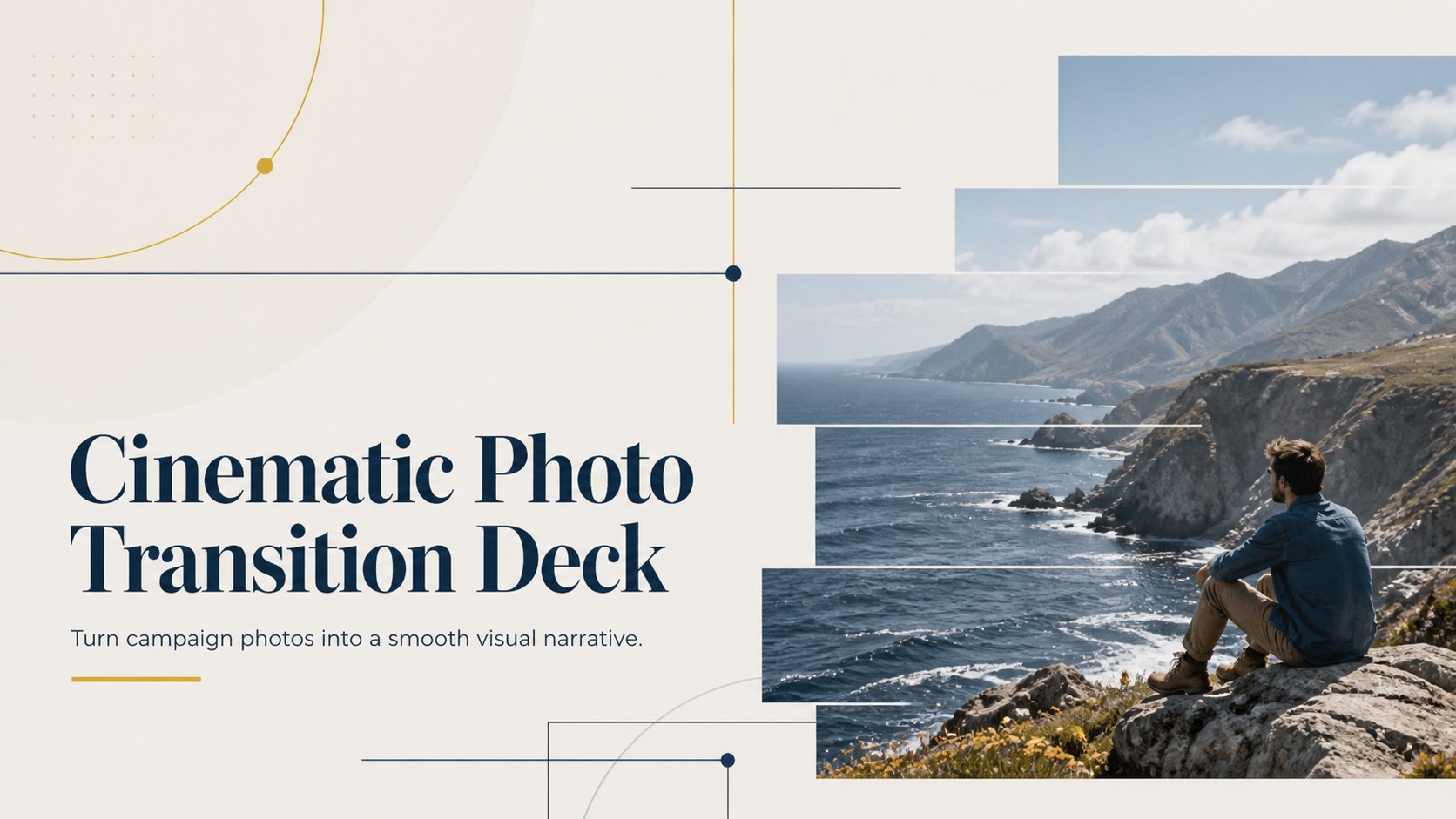
Build seamless campaign stories with a cinematic photo transition deck in bold blue and yellow, ready to edit in PowerPoint and Google Slides for marketers.




Design notes
Make every image lead naturally into the next with the Cinematic Photo Transition Deck. Designed for marketing teams, creative studios, and client-facing professionals, this blue and yellow campaign presentation combines expansive photography with crisp typography and energetic visual movement. Its landscape format helps product shots, destination imagery, and campaign concepts feel connected rather than displayed as isolated pages.
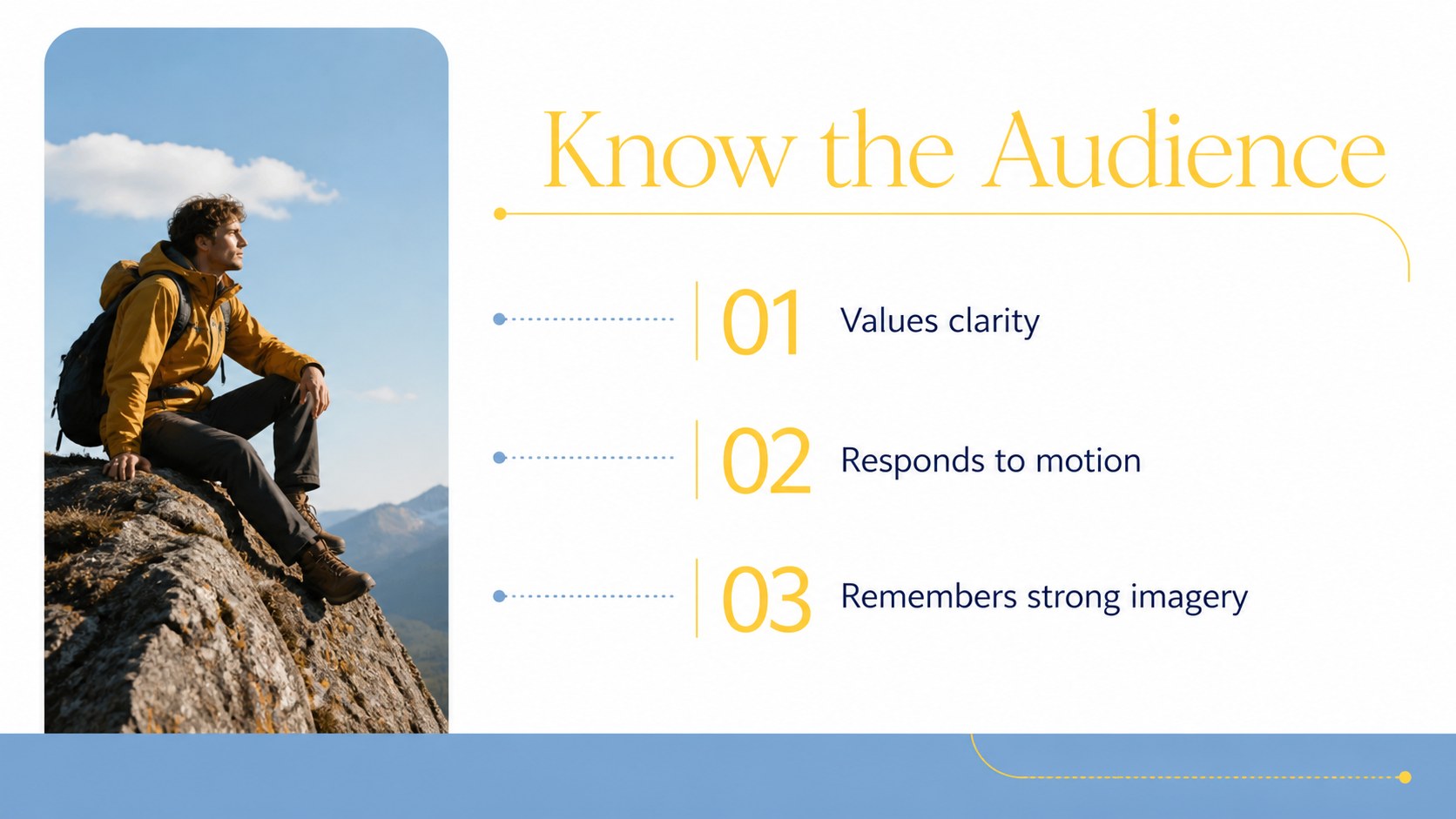
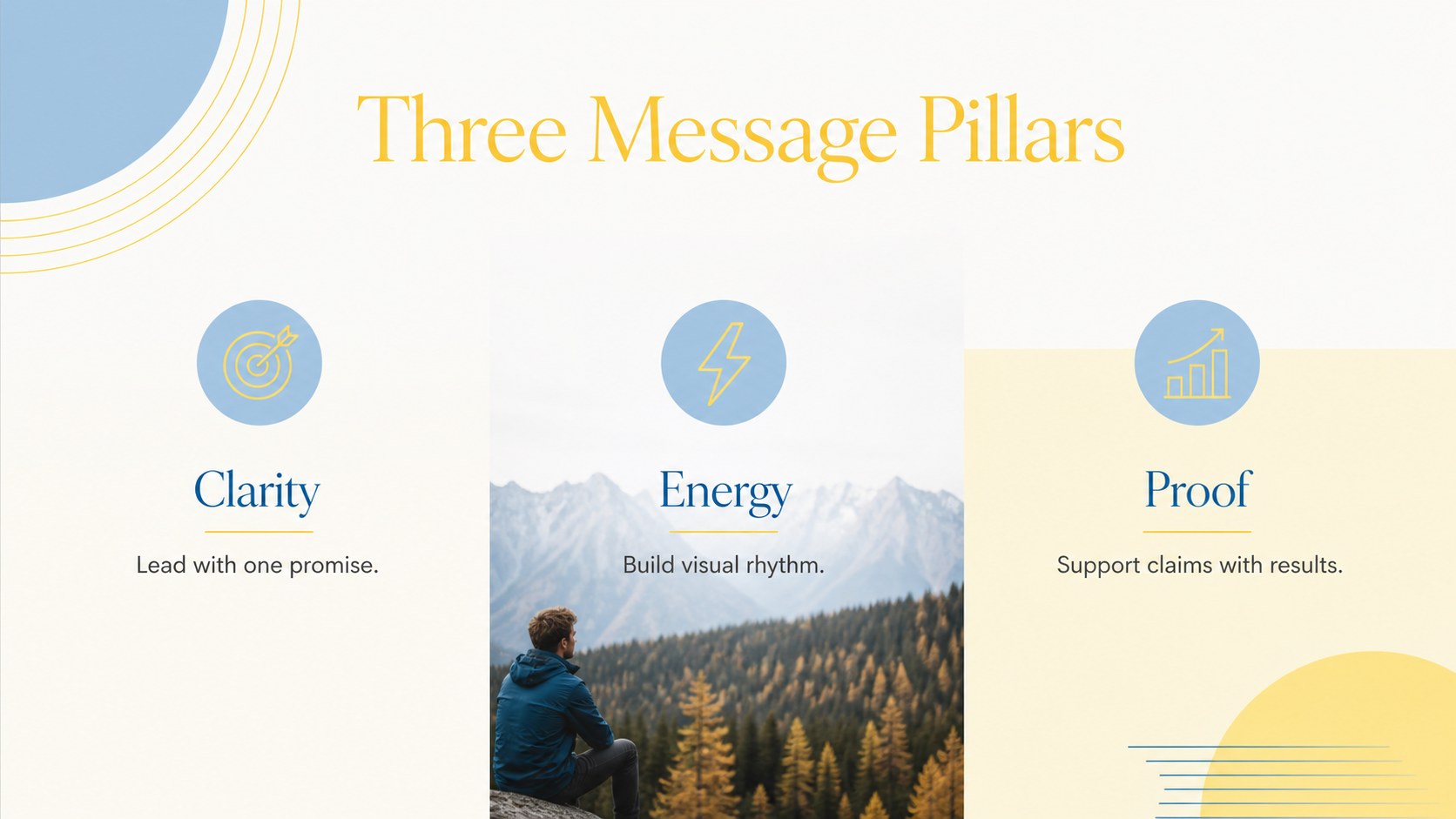
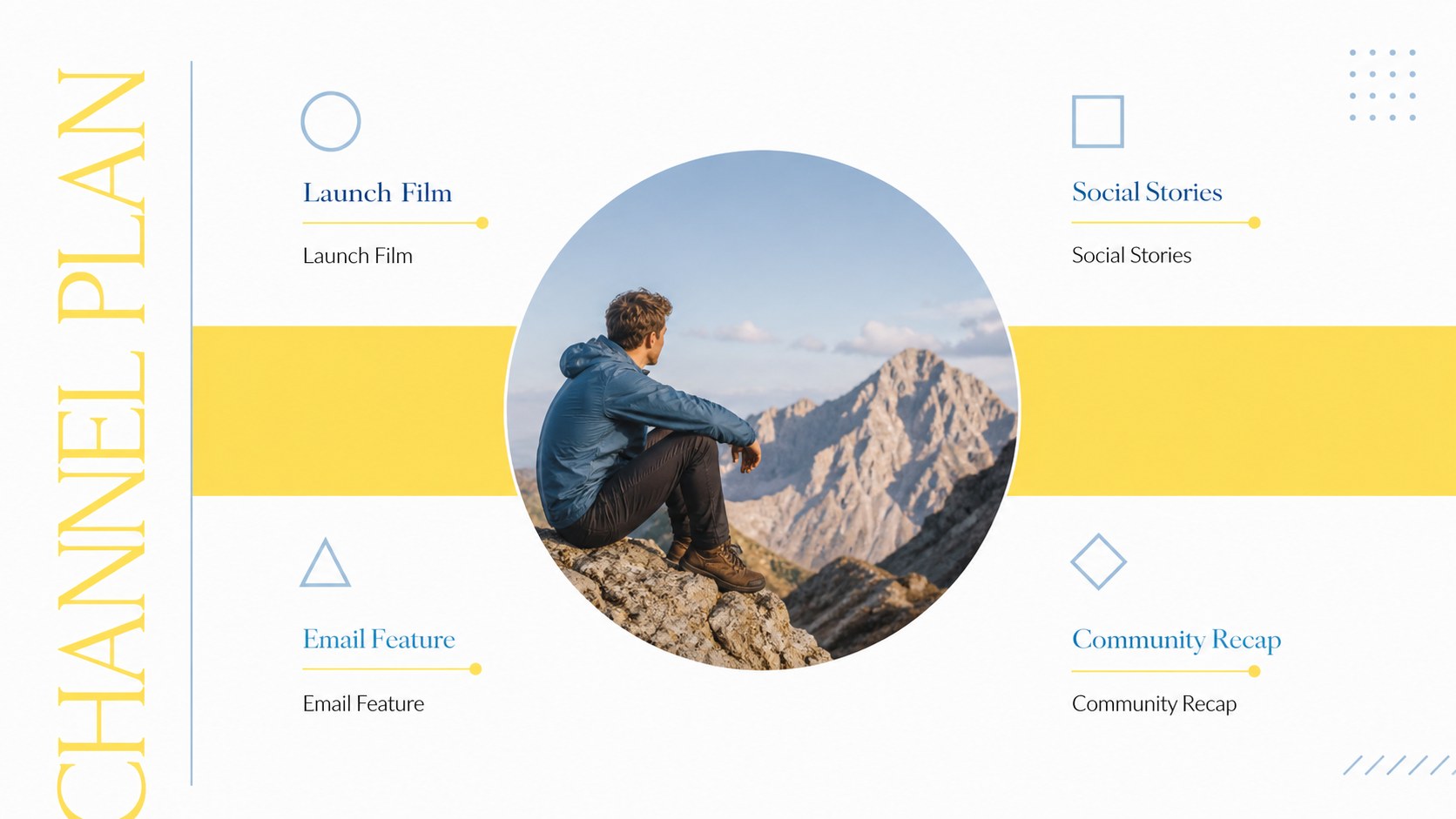
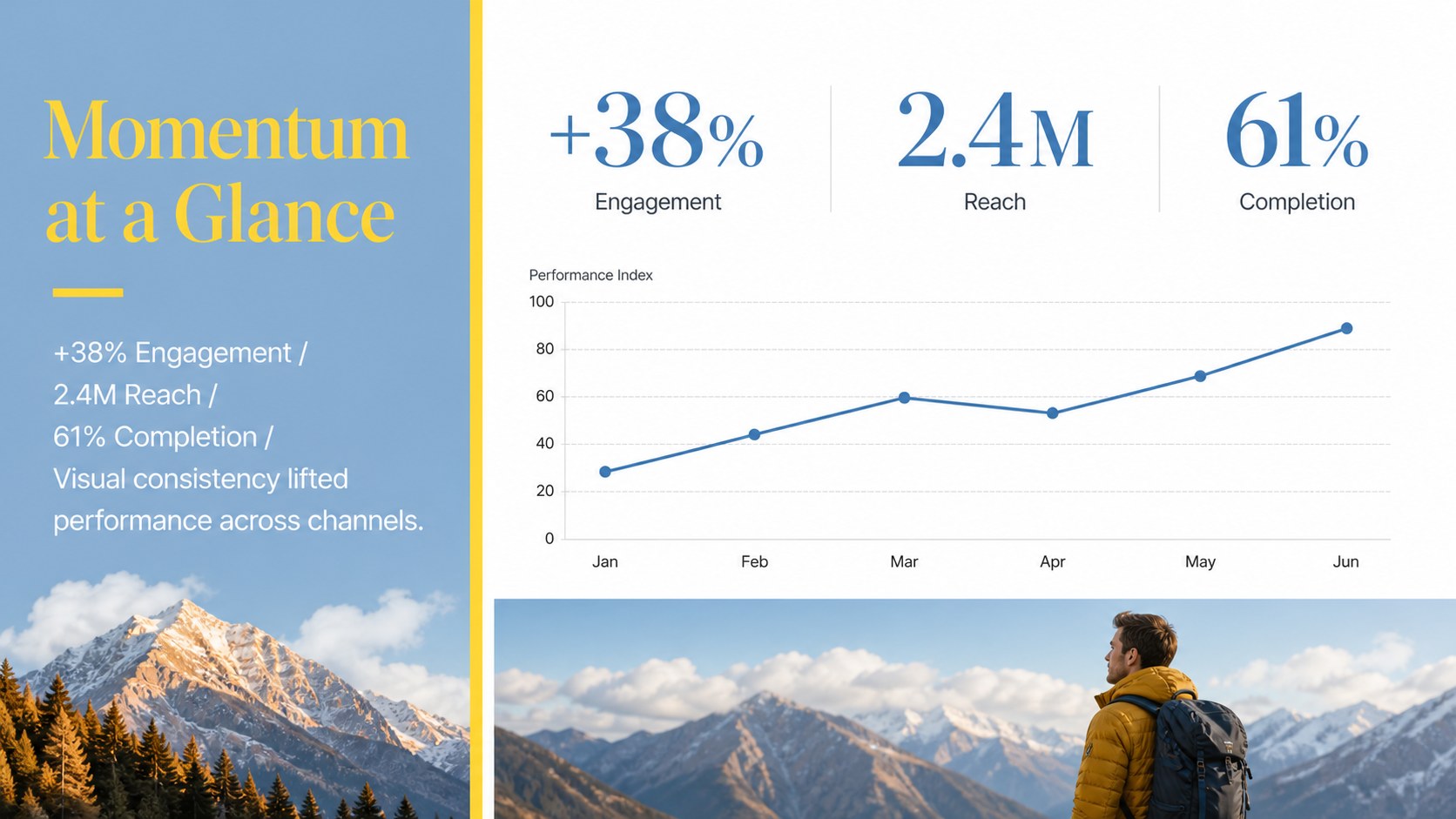
The deck includes coordinated layouts for an opening statement, agenda, audience insights, creative direction, campaign concepts, channel planning, timelines, performance highlights, image comparisons, action items, and a closing message. Photo masks, bold color fields, geometric accents, charts, and editable text areas create a flexible visual storytelling deck for marketers. Transition-friendly compositions make it easy to build momentum while keeping information clear and focused.
Use these dynamic campaign report slides for agency proposals, launch presentations, social media plans, quarterly recaps, or portfolio walkthroughs. Every element can be adjusted in PowerPoint or Google Slides, including colors, type, images, shapes, and data displays. Replace the sample photography with your own campaign assets, adapt the layouts to your brand, and reorder sections to fit a short pitch or a detailed strategy presentation.
Perfect for: creative agency campaign pitch; social media strategy presentation; product launch visual story; quarterly marketing report; brand photography showcase.
Frequently asked questions
Can I edit the photo transition layouts? Yes. You can replace photographs, resize image masks, revise text, and adjust the blue and yellow accents to match your campaign.
Practical details
Yes. You can replace photographs, resize image masks, revise text, and adjust the blue and yellow accents to match your campaign.
The deck is designed for PowerPoint and Google Slides. Transition behavior can vary slightly by platform, so review the final slideshow before presenting.
Yes. Update the fonts, colors, logos, photography, charts, and section order using the standard editing tools in either supported platform.
High-resolution landscape JPG or PNG files produce the strongest results. Choose images with clear focal points and enough open space for nearby headlines or data.
Keep exploring
15Shape your publishing concept with an indie magazine startup pitch deck featuring pastel gradients, bold collage layouts, and editable planning slides.
 16
16Build clear project stories with the Icon Grid Teamwork Theme, a flexible blue illustrated deck for proposals, strategy updates, and team meetings.
 3
3Turn priorities into an actionable plan with an annual goals roadmap infographic, featuring editable orange and teal layouts for PowerPoint and Google Slides.
 15
15Create an Annual Achievement Report Presentation with colorful geometric layouts for milestones, results, lessons, and priorities in PowerPoint or Google Slides.
 15
15Turn results into a focused annual performance evaluation report with dark 3D slides for KPIs, achievements, feedback, and next-step goals for teams.
 15
15Guide a focused annual recap with Business Results Retrospective Slides, a muted brown-and-blue template for PowerPoint and Google Slides.
 6
6Turn complex plans into clear visual stories with Color-Coded Workflow Path Slides, an editable set for project updates, roadmaps, and team briefings.
 6
6Compare regional performance at a glance with Global Data Heatmap Slides, a clean multicolor deck designed for editable PowerPoint and Google Slides.