
 15
15presentation
Indie Magazine Startup Pitch Deck
Shape your publishing concept with an indie magazine startup pitch deck featuring pastel gradients, bold collage layouts, and editable planning slides.
Google SlidesPowerPoint
presentation · English
Build a cinematic film pitch deck for PowerPoint and Google Slides with dramatic red-pink visuals, editable layouts, and a polished minimalist look for…

Design notes
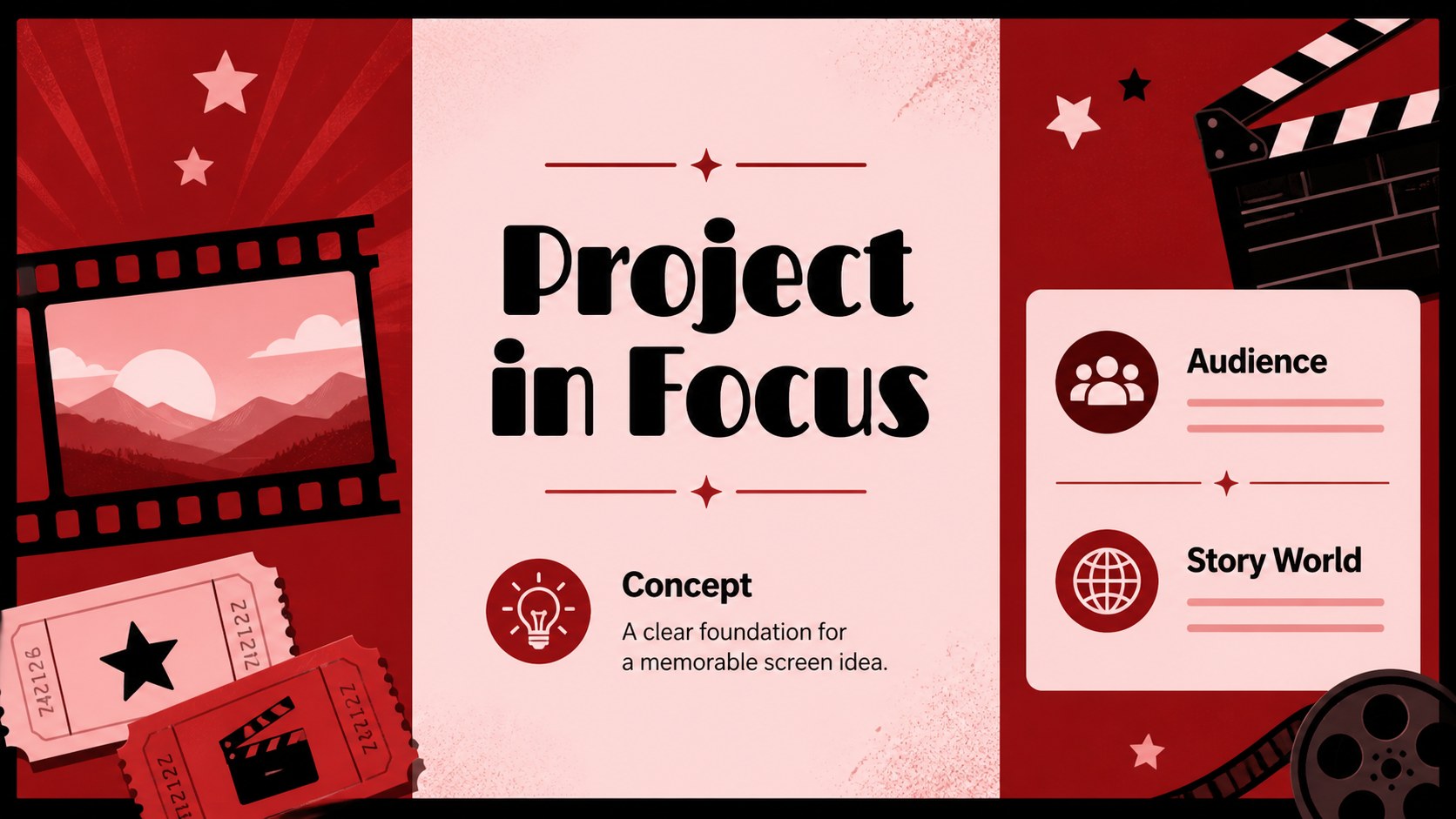
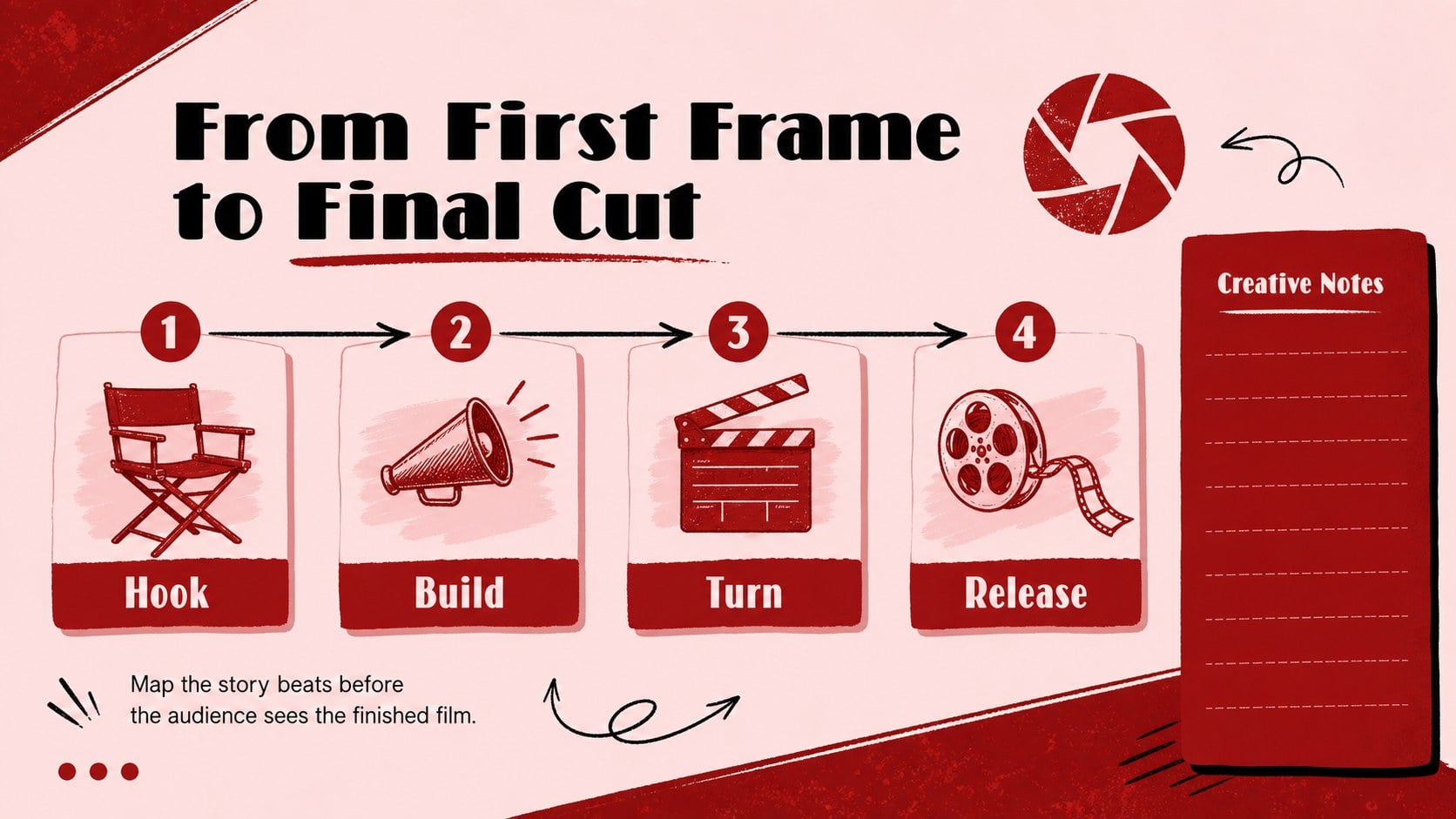
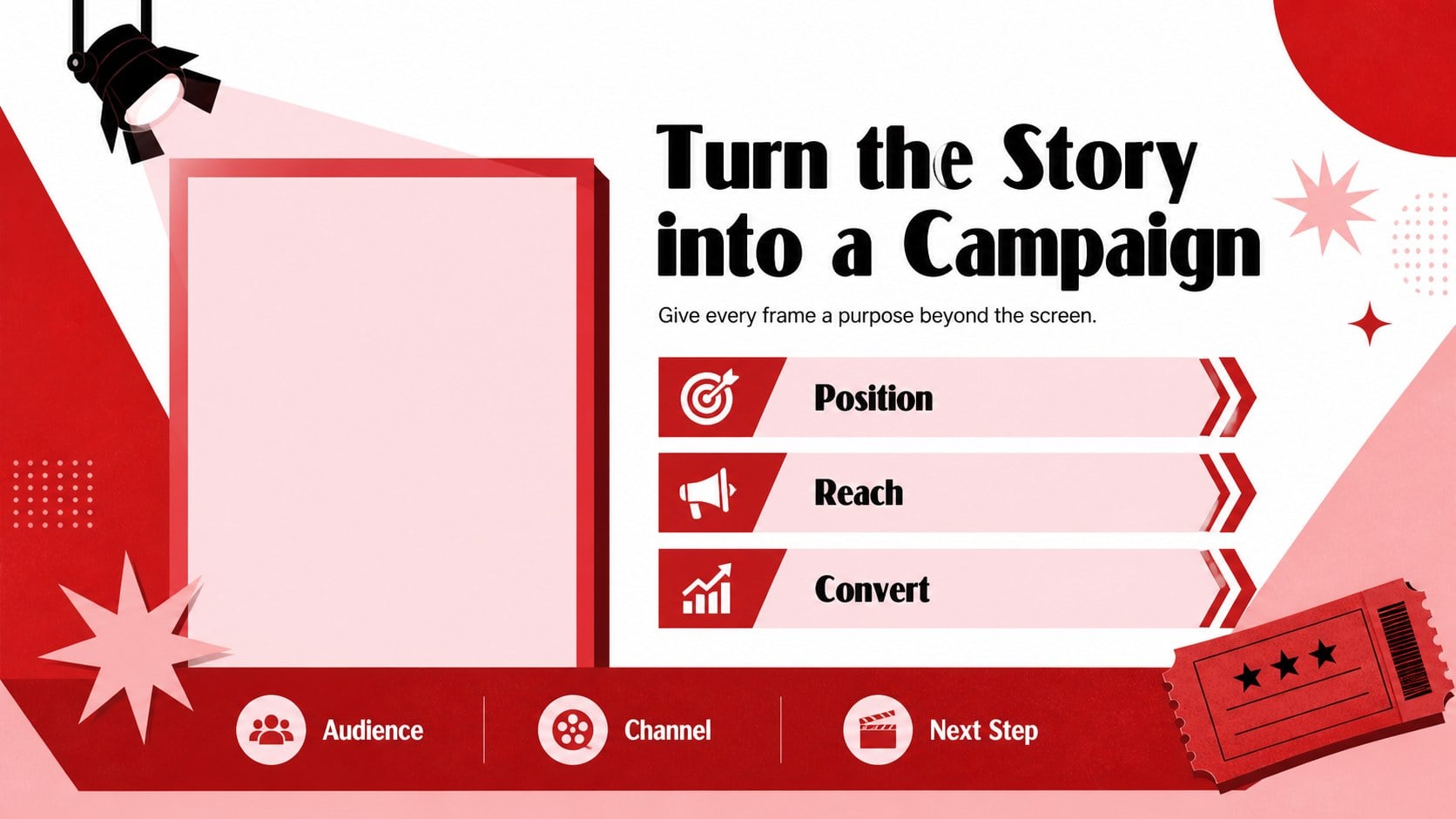
Give your next film-related presentation the rhythm of a carefully framed opening sequence. This cinematic film pitch deck combines expressive red and pink illustration, generous whitespace, and focused typography for a look that feels dramatic while remaining easy to scan. It is designed for filmmakers, marketers, teachers, students, and creative teams who need visual impact without a crowded layout.
Inside, you will find more than 25 editable slides for introducing a project, presenting a concept, outlining a campaign, reviewing a film, or organizing a screening event. Use the storyboard-inspired layouts for a movie concept presentation, then adapt the visual hierarchy for brand pitches, media studies, or production planning. Replace text, adjust colors, rearrange sections, and add posters, stills, icons, or production notes to make the narrative your own.
The deck works in PowerPoint and Google Slides, with flexible layouts, decorative shapes, frames, lines, and presentation-ready transitions. It is a practical choice for a film marketing presentation, a class assignment, a creative treatment, or a concise investor-facing concept deck. Every slide is fully editable and free to download, so you can move from first idea to polished presentation quickly.
Perfect for: startup film project pitch; movie marketing campaign; film studies class review; screening event proposal; creative production briefing.
Frequently asked questions
Can I edit the deck in PowerPoint? Yes. The presentation is built for PowerPoint and includes editable text, colors, shapes, frames, and layouts. You can tailor the slides to a film pitch, campaign, review, or classroom project.
Practical details
Yes. The presentation is built for PowerPoint and includes editable text, colors, shapes, frames, and layouts. You can tailor the slides to a film pitch, campaign, review, or classroom project.
Yes, the deck can be used in Google Slides as well as PowerPoint. Import the presentation, then update the copy, imagery, and visual details directly in your preferred platform.
Yes. The red-pink palette is part of the visual direction, but the presentation elements remain customizable. Adjust accent colors, backgrounds, and typography to match a production, studio, or campaign identity.
Use it for a movie concept presentation, film marketing presentation, storyboard pitch, screening proposal, or film studies assignment. The layouts also adapt well to creative treatments and production briefings.
Keep exploring
15Shape your publishing concept with an indie magazine startup pitch deck featuring pastel gradients, bold collage layouts, and editable planning slides.
 16
16Build clear project stories with the Icon Grid Teamwork Theme, a flexible blue illustrated deck for proposals, strategy updates, and team meetings.
 3
3Turn priorities into an actionable plan with an annual goals roadmap infographic, featuring editable orange and teal layouts for PowerPoint and Google Slides.
 15
15Create an Annual Achievement Report Presentation with colorful geometric layouts for milestones, results, lessons, and priorities in PowerPoint or Google Slides.
 15
15Turn results into a focused annual performance evaluation report with dark 3D slides for KPIs, achievements, feedback, and next-step goals for teams.
 15
15Guide a focused annual recap with Business Results Retrospective Slides, a muted brown-and-blue template for PowerPoint and Google Slides.
 6
6Turn complex plans into clear visual stories with Color-Coded Workflow Path Slides, an editable set for project updates, roadmaps, and team briefings.
 6
6Compare regional performance at a glance with Global Data Heatmap Slides, a clean multicolor deck designed for editable PowerPoint and Google Slides.