
 15
15presentation
Indie Magazine Startup Pitch Deck
Shape your publishing concept with an indie magazine startup pitch deck featuring pastel gradients, bold collage layouts, and editable planning slides.
Google SlidesPowerPoint
document · English
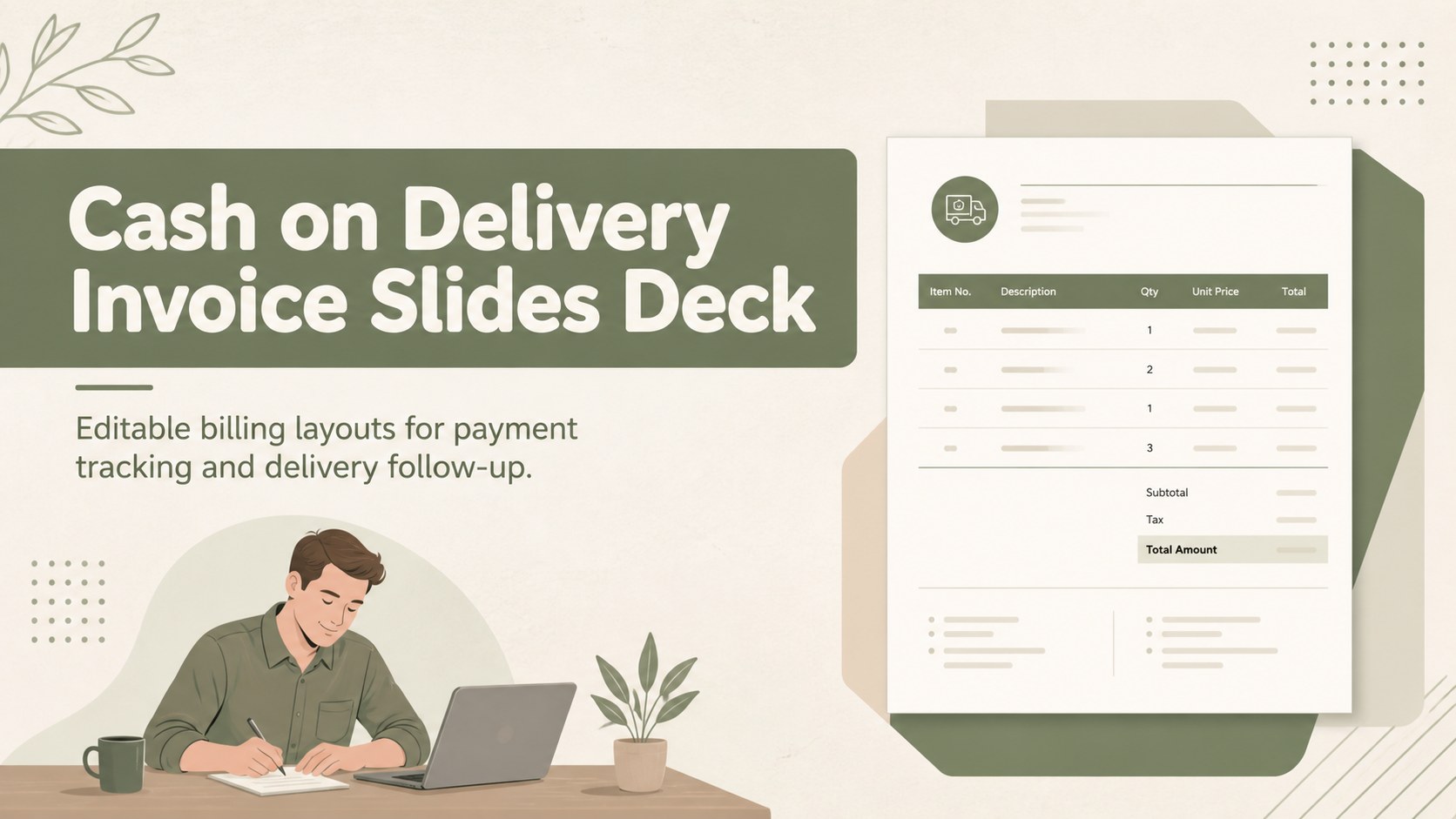
Build a polished cash on delivery invoice slides deck for payment tracking, with editable green and beige layouts for PowerPoint and Google Slides teams.
Design notes
Keep cash-on-delivery transactions organized with the cash on delivery invoice slides deck, a practical presentation template for documenting orders, payment status, and delivery details. The green and beige visual system gives routine billing work a polished, approachable look while keeping key numbers and customer information prominent.
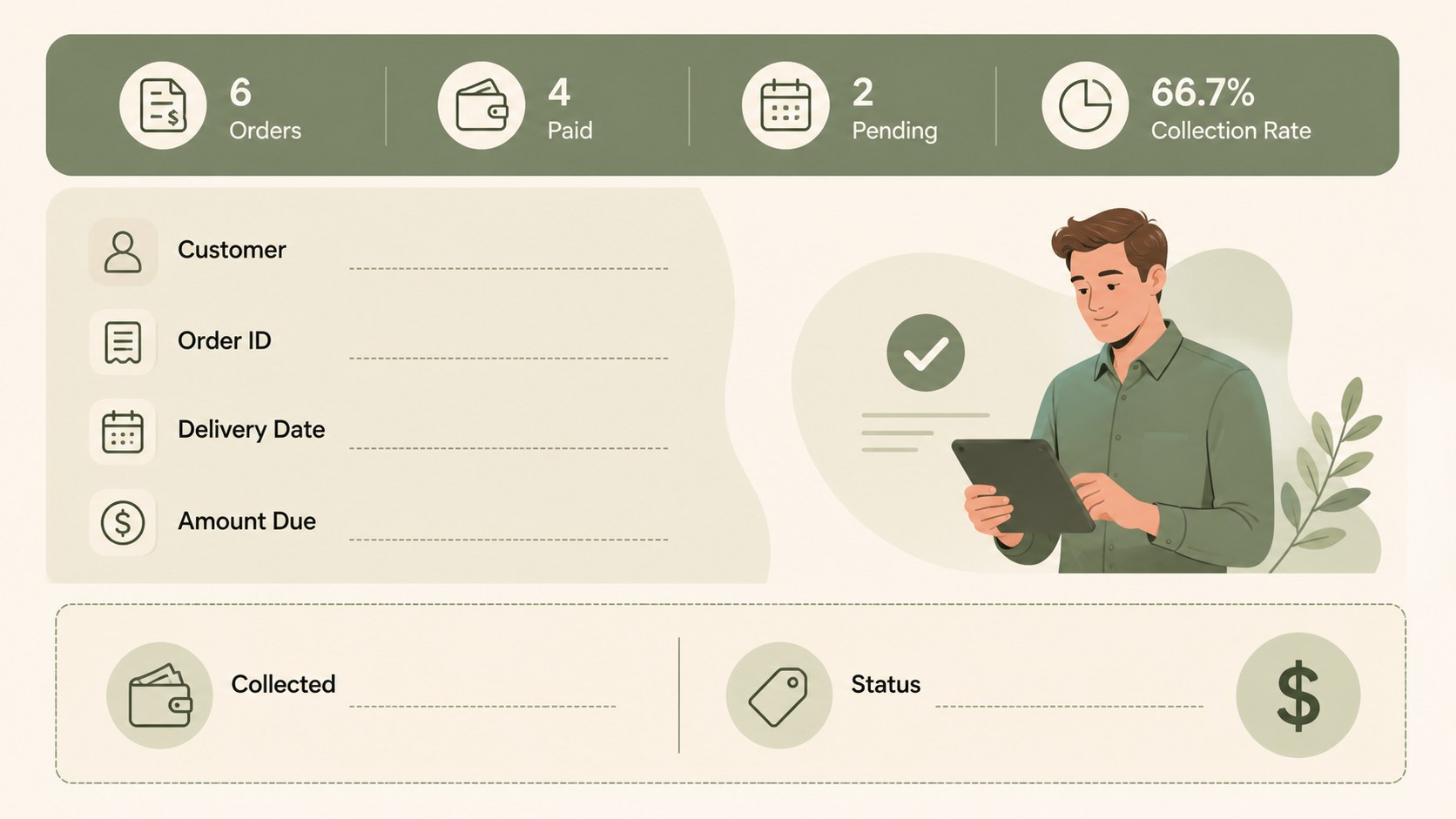
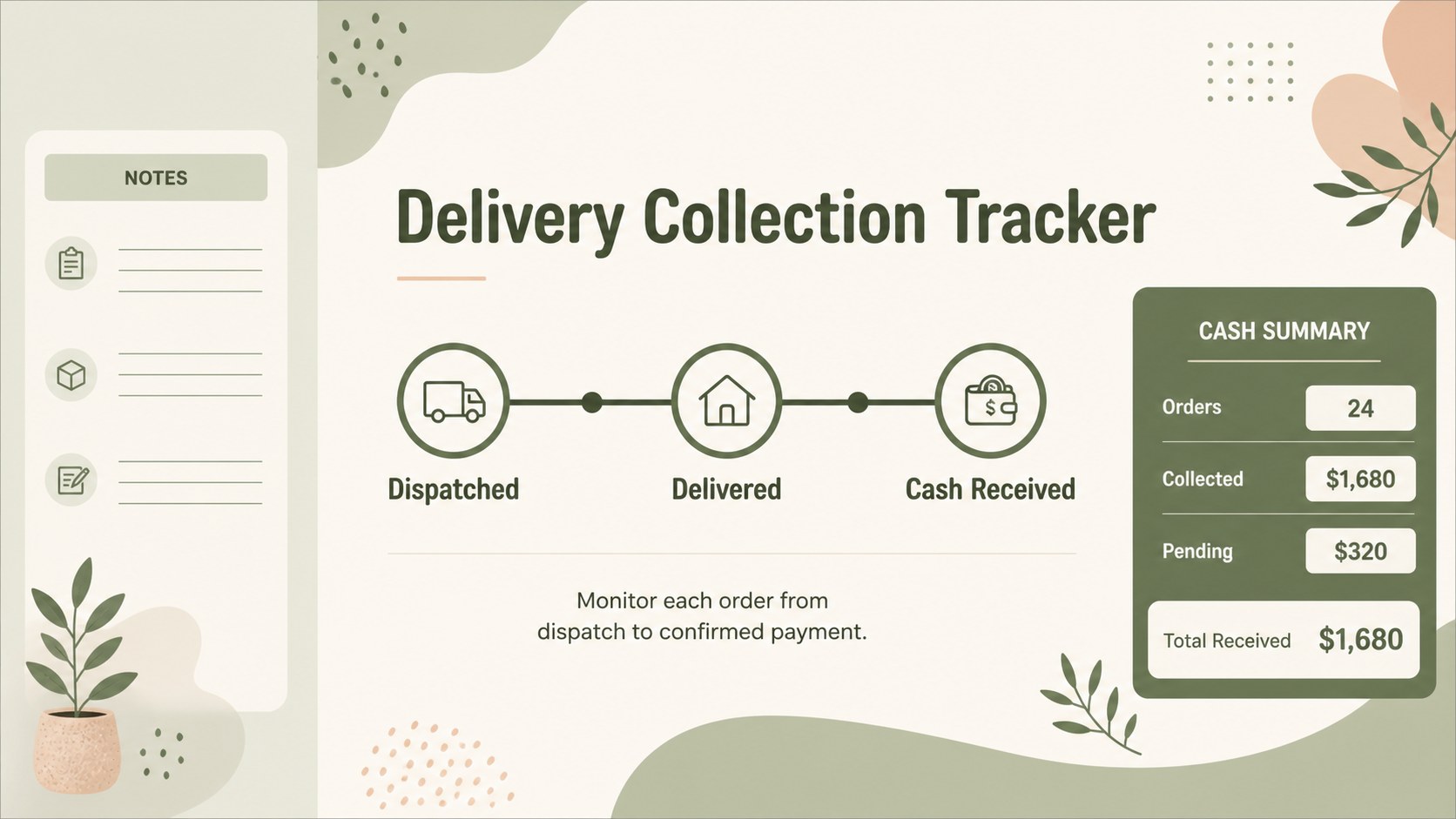
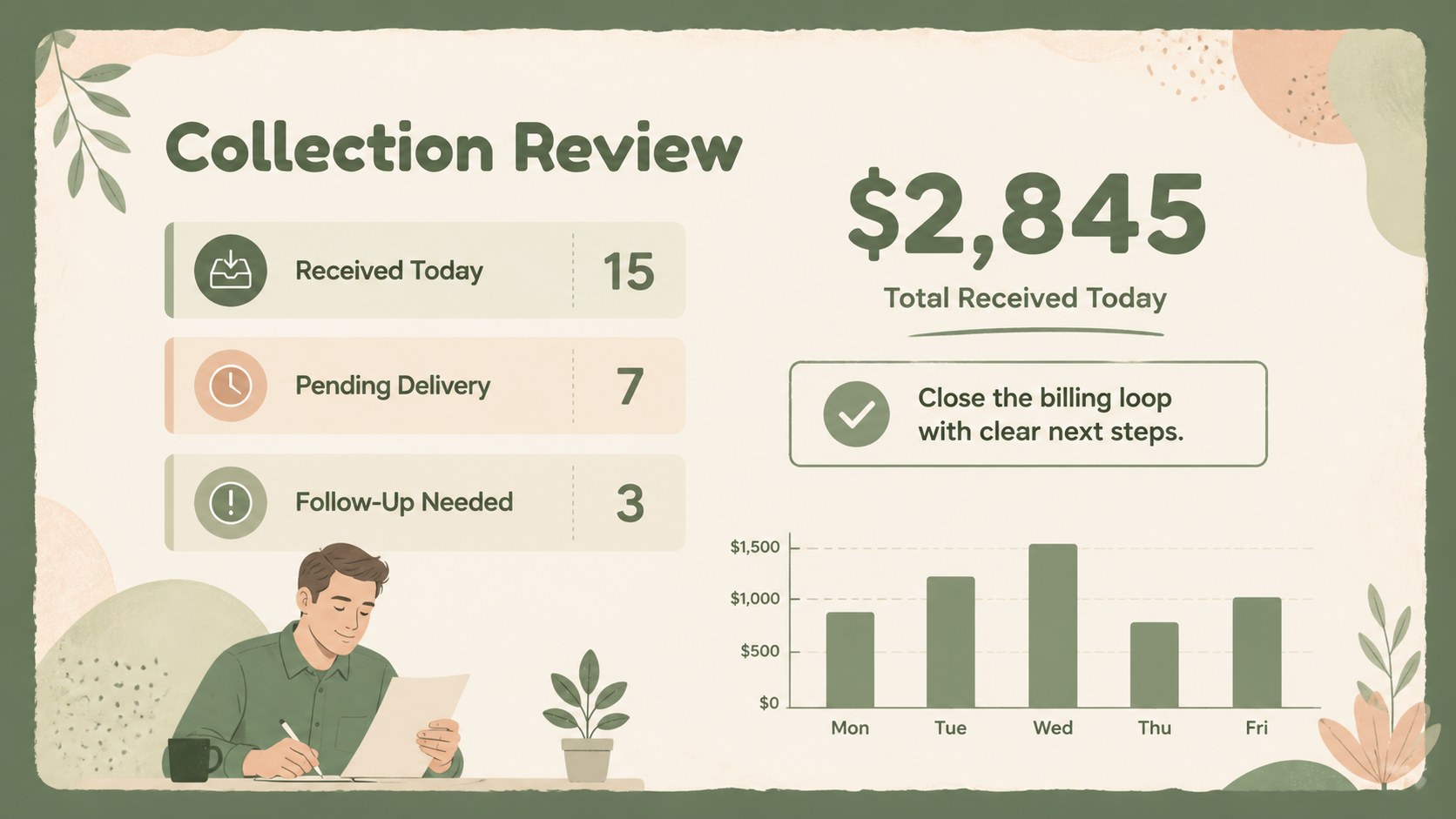
Inside, you’ll find a cover layout, a structured invoice overview, an order and payment details page, and a closing summary for follow-up actions. Use the slides to create a cash payment invoice presentation, review outstanding deliveries, or prepare a COD order tracking deck for internal operations. Tables, totals, dates, product lines, and customer fields can be adapted to match your workflow.
This template is suited to small retailers, delivery teams, independent sellers, logistics coordinators, and finance staff who need a clear way to discuss cash collection. Edit it in PowerPoint or Google Slides, replace the sample content, and adjust typography, colors, and imagery to align with your business identity. The portrait-oriented invoice styling and subtle 3D accents make the deck useful for both digital sharing and printed payment documentation.
Perfect for: retail delivery payment review; cash collection team briefing; small business order tracking; logistics handoff meeting; customer invoice follow-up.
Frequently asked questions
Can I edit this deck in PowerPoint? Yes. The layouts are intended for editing in PowerPoint, including text, tables, colors, and visual elements. Replace the sample invoice fields with your own order and payment information.
Practical details
Yes. The layouts are intended for editing in PowerPoint, including text, tables, colors, and visual elements. Replace the sample invoice fields with your own order and payment information.
Yes, you can open and customize the presentation in Google Slides. Check imported fonts and spacing after upload, then update the slides directly in your browser.
Add customer details, delivery dates, product lines, quantities, totals, payment status, and collection notes. The flexible layouts also support order references and internal follow-up actions.
Yes. Adjust the theme colors to match your brand while preserving the existing contrast between billing details and supporting information. You can also replace decorative elements with relevant product or delivery imagery.
Keep exploring
15Shape your publishing concept with an indie magazine startup pitch deck featuring pastel gradients, bold collage layouts, and editable planning slides.
 16
16Build clear project stories with the Icon Grid Teamwork Theme, a flexible blue illustrated deck for proposals, strategy updates, and team meetings.
 3
3Turn priorities into an actionable plan with an annual goals roadmap infographic, featuring editable orange and teal layouts for PowerPoint and Google Slides.
 15
15Create an Annual Achievement Report Presentation with colorful geometric layouts for milestones, results, lessons, and priorities in PowerPoint or Google Slides.
 15
15Turn results into a focused annual performance evaluation report with dark 3D slides for KPIs, achievements, feedback, and next-step goals for teams.
 15
15Guide a focused annual recap with Business Results Retrospective Slides, a muted brown-and-blue template for PowerPoint and Google Slides.
 6
6Turn complex plans into clear visual stories with Color-Coded Workflow Path Slides, an editable set for project updates, roadmaps, and team briefings.
 6
6Compare regional performance at a glance with Global Data Heatmap Slides, a clean multicolor deck designed for editable PowerPoint and Google Slides.