
 15
15presentation
Indie Magazine Startup Pitch Deck
Shape your publishing concept with an indie magazine startup pitch deck featuring pastel gradients, bold collage layouts, and editable planning slides.
Google SlidesPowerPoint
presentation · English
Build a clear career route infographic deck for goals, skills, milestones, and next steps, with editable blue-grey visuals for PowerPoint and Google Slides.








Design notes
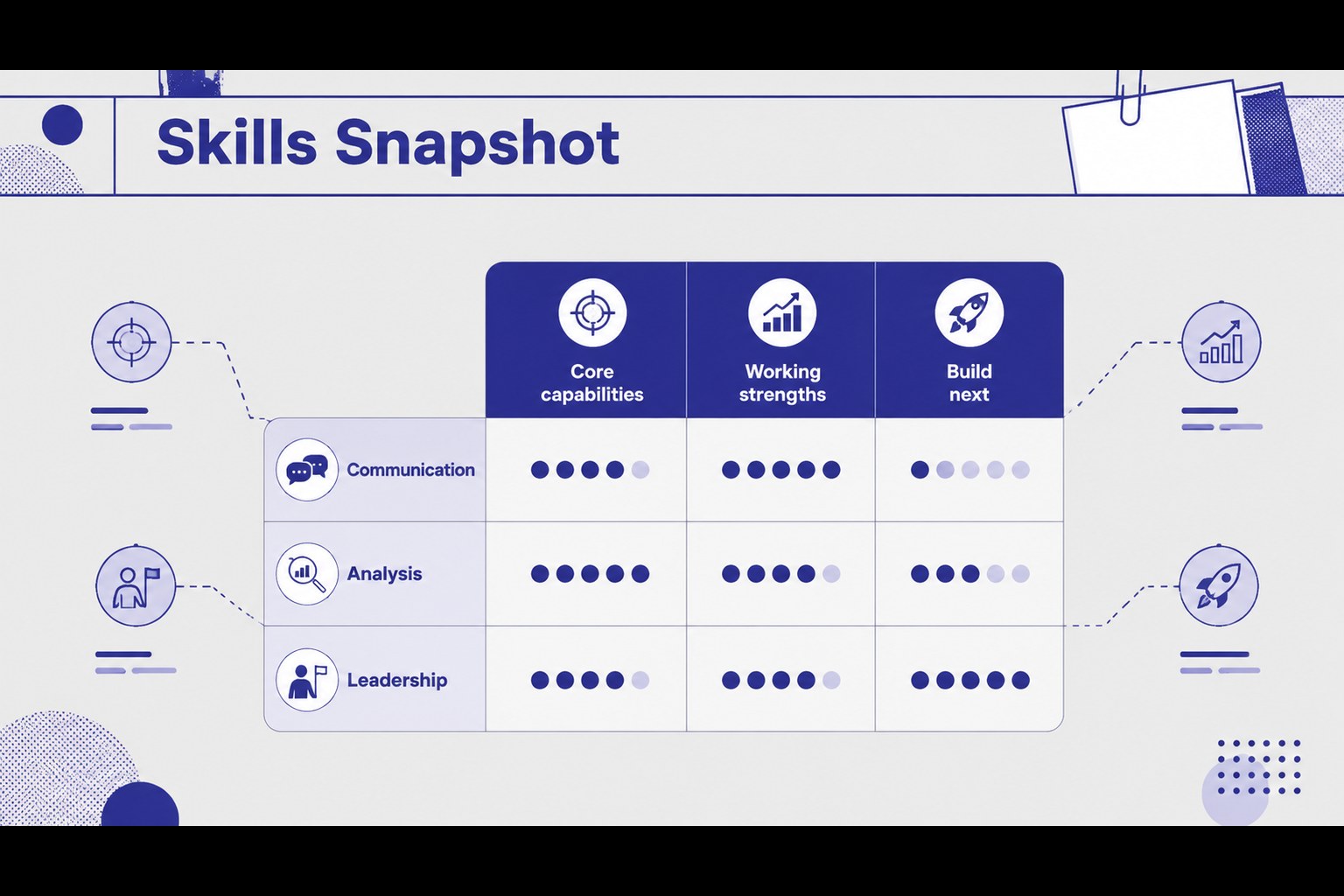
A career route infographic deck gives professionals a structured way to explain where they are, where they want to go, and how they plan to get there. The clean blue and grey visual system keeps attention on milestones, skills, priorities, and measurable progress while giving the presentation a confident modern tone.
Inside are 21 editable 16:9 slides with layouts for career overviews, personal strengths, development priorities, timelines, comparison charts, process diagrams, and summary statements. Use the included charts, frames, lines, icons, and shapes to turn experience and goals into an easy-to-follow visual story. Subtle animation and transition options can help presentations feel more dynamic without distracting from the message.
This career route infographic deck suits job seekers, managers, HR teams, educators, mentors, and business professionals. Adapt it for a promotion discussion, professional development review, portfolio presentation, onboarding session, or career coaching workshop. Every slide can be edited in PowerPoint or Google Slides, making it simple to update text, adjust the blue-grey palette, and tailor the structure to a specific audience. The result is a practical presentation for communicating career direction with clarity and polish.
Perfect for: promotion discussion; career coaching workshop; professional development review; employee onboarding session; job portfolio presentation.
Frequently asked questions
Can I edit this presentation in PowerPoint? Yes. The slides are designed for editing in PowerPoint, including text, charts, shapes, colors, and layouts. Replace the sample career information with your own goals, achievements, and milestones.
Practical details
Yes. The slides are designed for editing in PowerPoint, including text, charts, shapes, colors, and layouts. Replace the sample career information with your own goals, achievements, and milestones.
Yes, you can open and customize the presentation in Google Slides. Check fonts and transitions after importing, then adjust any elements that need platform-specific formatting.
The blue-grey palette can be adapted to match your organization, portfolio, or personal style. Update theme colors and individual shapes while keeping the restrained visual hierarchy intact.
It is useful for professionals, managers, HR teams, educators, mentors, and career coaches. The layouts support promotion conversations, development reviews, workshops, onboarding, and portfolio storytelling.
Keep exploring
15Shape your publishing concept with an indie magazine startup pitch deck featuring pastel gradients, bold collage layouts, and editable planning slides.
 16
16Build clear project stories with the Icon Grid Teamwork Theme, a flexible blue illustrated deck for proposals, strategy updates, and team meetings.
 3
3Turn priorities into an actionable plan with an annual goals roadmap infographic, featuring editable orange and teal layouts for PowerPoint and Google Slides.
 15
15Create an Annual Achievement Report Presentation with colorful geometric layouts for milestones, results, lessons, and priorities in PowerPoint or Google Slides.
 15
15Turn results into a focused annual performance evaluation report with dark 3D slides for KPIs, achievements, feedback, and next-step goals for teams.
 15
15Guide a focused annual recap with Business Results Retrospective Slides, a muted brown-and-blue template for PowerPoint and Google Slides.
 6
6Turn complex plans into clear visual stories with Color-Coded Workflow Path Slides, an editable set for project updates, roadmaps, and team briefings.
 6
6Compare regional performance at a glance with Global Data Heatmap Slides, a clean multicolor deck designed for editable PowerPoint and Google Slides.