
 15
15presentation
Indie Magazine Startup Pitch Deck
Shape your publishing concept with an indie magazine startup pitch deck featuring pastel gradients, bold collage layouts, and editable planning slides.
Google SlidesPowerPoint
presentation · English
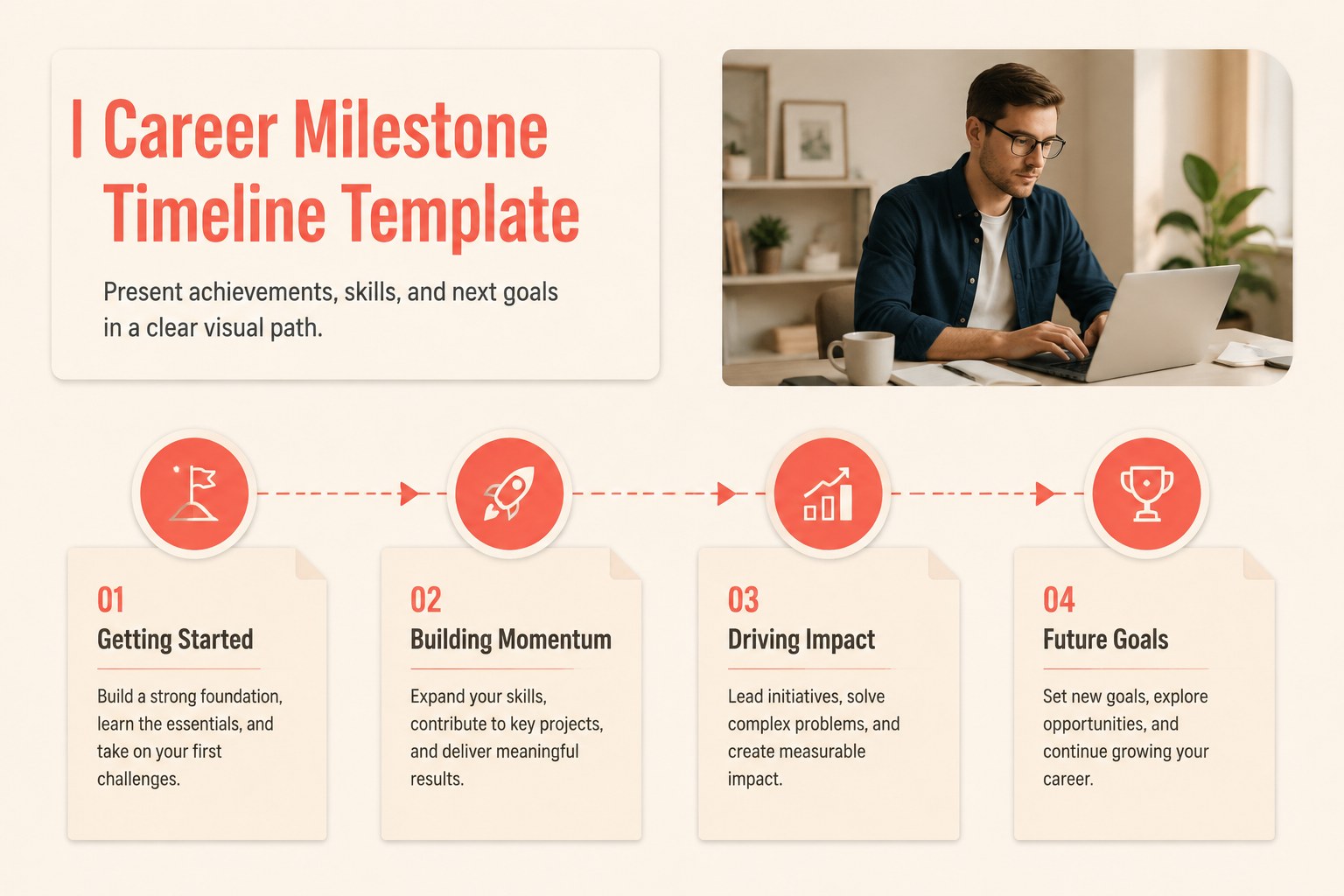
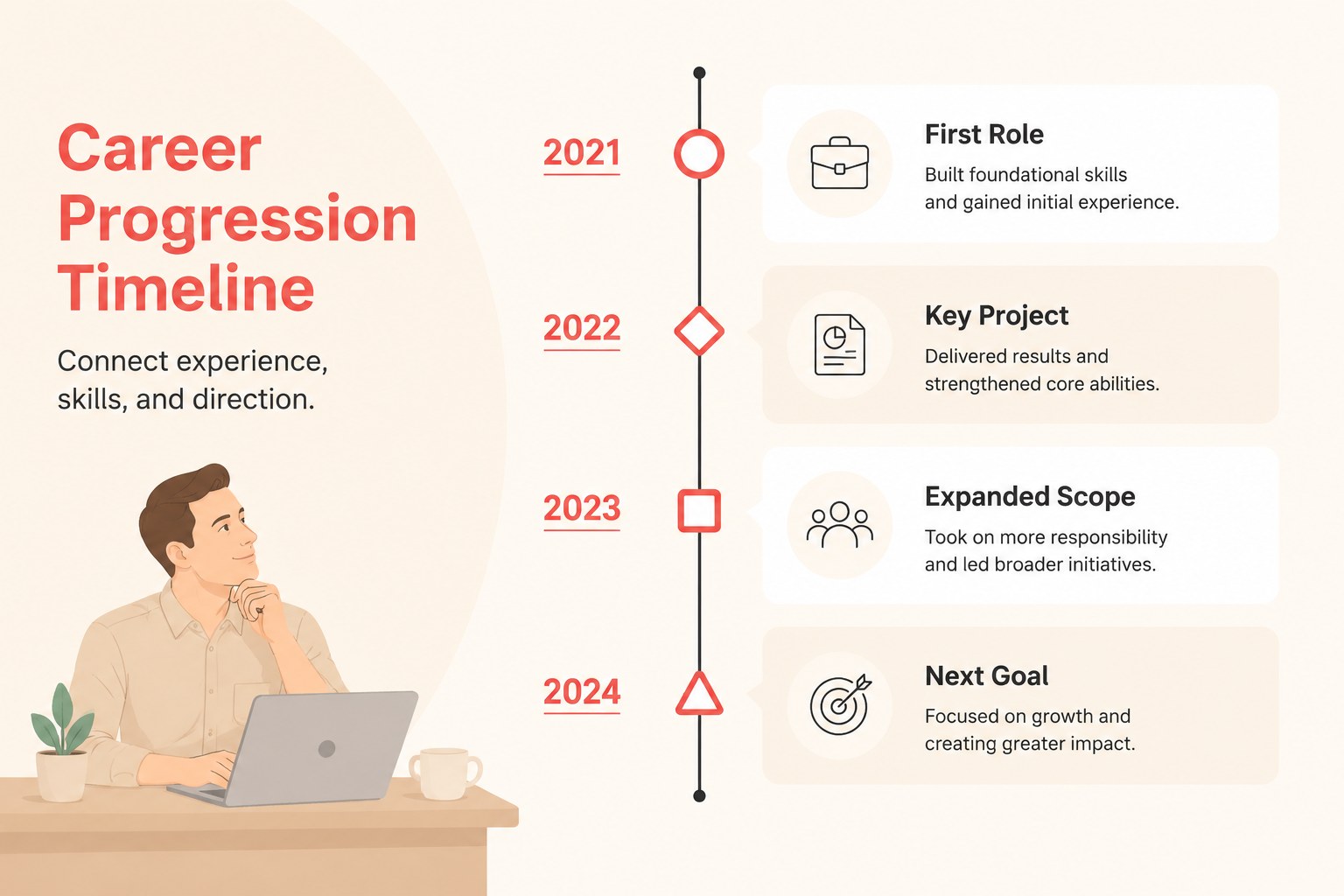
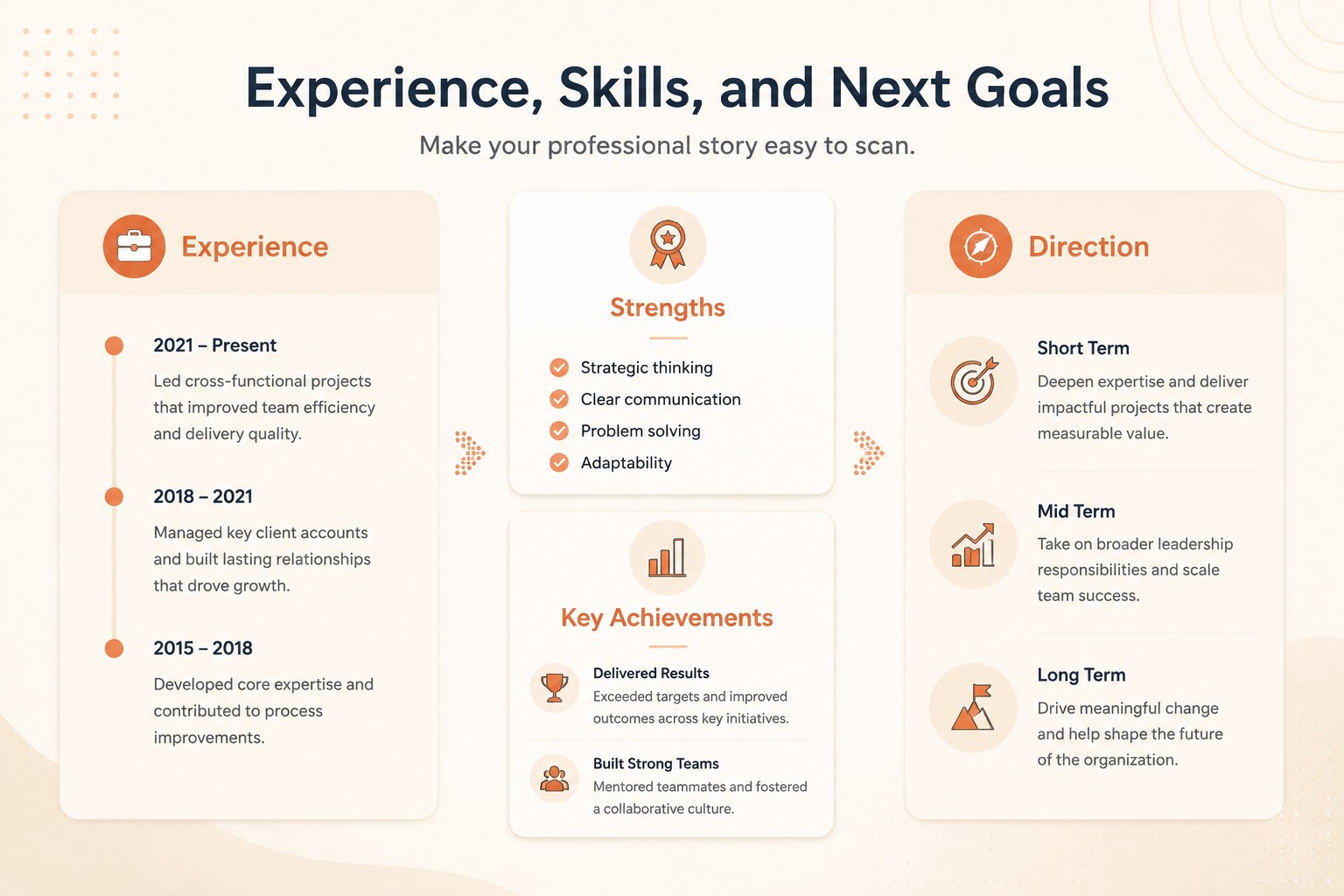
Build a clear career milestone timeline template in PowerPoint or Google Slides to present achievements, skills, and next goals with a clean beige design.
Design notes
Turn professional experience into an easy-to-follow visual story with this career milestone timeline template. Its restrained beige palette, clean typography, and structured infographic layouts help you explain progress without overwhelming your audience. Use it to connect past achievements with current capabilities and future direction.
Inside, you will find three editable 16:9 slides designed for a polished career progression timeline presentation. Highlight major roles, certifications, promotions, projects, skills, or development goals using flexible timeline elements, labels, icons, and supporting text. The layouts can be adapted for a performance review, promotion discussion, portfolio presentation, or internal talent profile. PowerPoint and Google Slides support makes it simple to update dates, reorder milestones, adjust colors, and add your own professional details.
This professional development presentation template is useful for employees, managers, recruiters, career coaches, consultants, and students preparing for their first major role. It also works as a personal career roadmap presentation when you need to communicate direction clearly. Keep the design minimal for formal business settings, or add photographs, metrics, and project highlights to make your story more personal.
Perfect for: performance review presentation; promotion discussion; professional portfolio; employee development plan; career coaching session.
Frequently asked questions
Can I edit this template in PowerPoint? Yes. The slides are compatible with PowerPoint and can be customized by editing text, colors, shapes, icons, and timeline milestones. You can also add images, metrics, or project details.
Practical details
Yes. The slides are compatible with PowerPoint and can be customized by editing text, colors, shapes, icons, and timeline milestones. You can also add images, metrics, or project details.
Yes, you can open and modify the presentation in Google Slides. Replace the sample milestones with your own roles, dates, achievements, and development goals.
Use them for performance reviews, promotion cases, professional portfolios, employee development plans, or coaching sessions. The layouts are flexible enough to show both completed achievements and future goals.
Yes. The beige palette can be adjusted to match your organization, personal brand, or presentation context. Keep the original neutral tones for a formal look or introduce an accent color for emphasis.
Keep exploring
15Shape your publishing concept with an indie magazine startup pitch deck featuring pastel gradients, bold collage layouts, and editable planning slides.
 16
16Build clear project stories with the Icon Grid Teamwork Theme, a flexible blue illustrated deck for proposals, strategy updates, and team meetings.
 3
3Turn priorities into an actionable plan with an annual goals roadmap infographic, featuring editable orange and teal layouts for PowerPoint and Google Slides.
 15
15Create an Annual Achievement Report Presentation with colorful geometric layouts for milestones, results, lessons, and priorities in PowerPoint or Google Slides.
 15
15Turn results into a focused annual performance evaluation report with dark 3D slides for KPIs, achievements, feedback, and next-step goals for teams.
 15
15Guide a focused annual recap with Business Results Retrospective Slides, a muted brown-and-blue template for PowerPoint and Google Slides.
 6
6Turn complex plans into clear visual stories with Color-Coded Workflow Path Slides, an editable set for project updates, roadmaps, and team briefings.
 6
6Compare regional performance at a glance with Global Data Heatmap Slides, a clean multicolor deck designed for editable PowerPoint and Google Slides.