
 15
15presentation
Indie Magazine Startup Pitch Deck
Shape your publishing concept with an indie magazine startup pitch deck featuring pastel gradients, bold collage layouts, and editable planning slides.
Google SlidesPowerPoint
spreadsheet · English
Build a focused campaign planning workbook for goals, channels, timelines, and results. Customize the modern black, purple, and green layout in minutes.
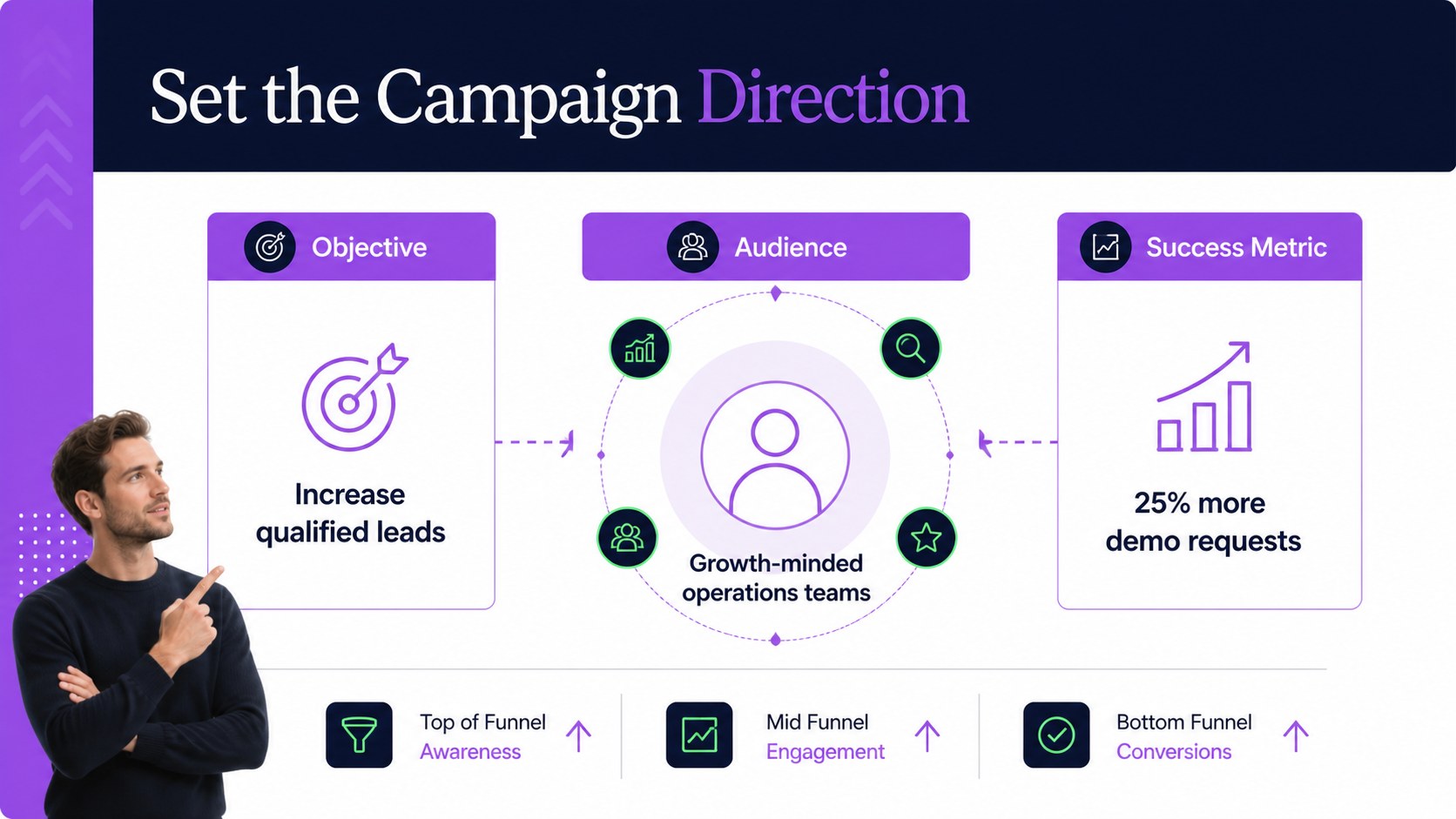
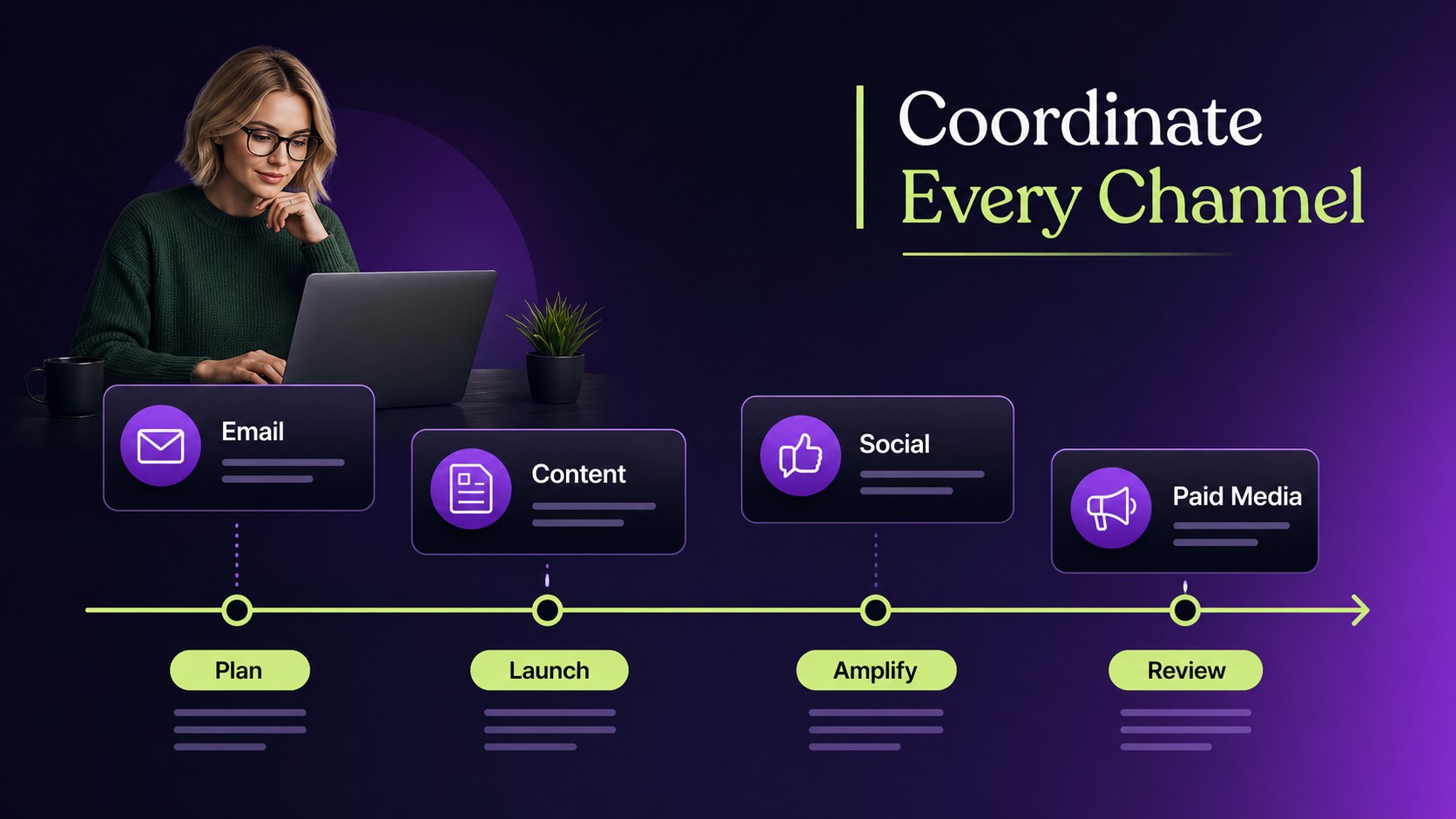
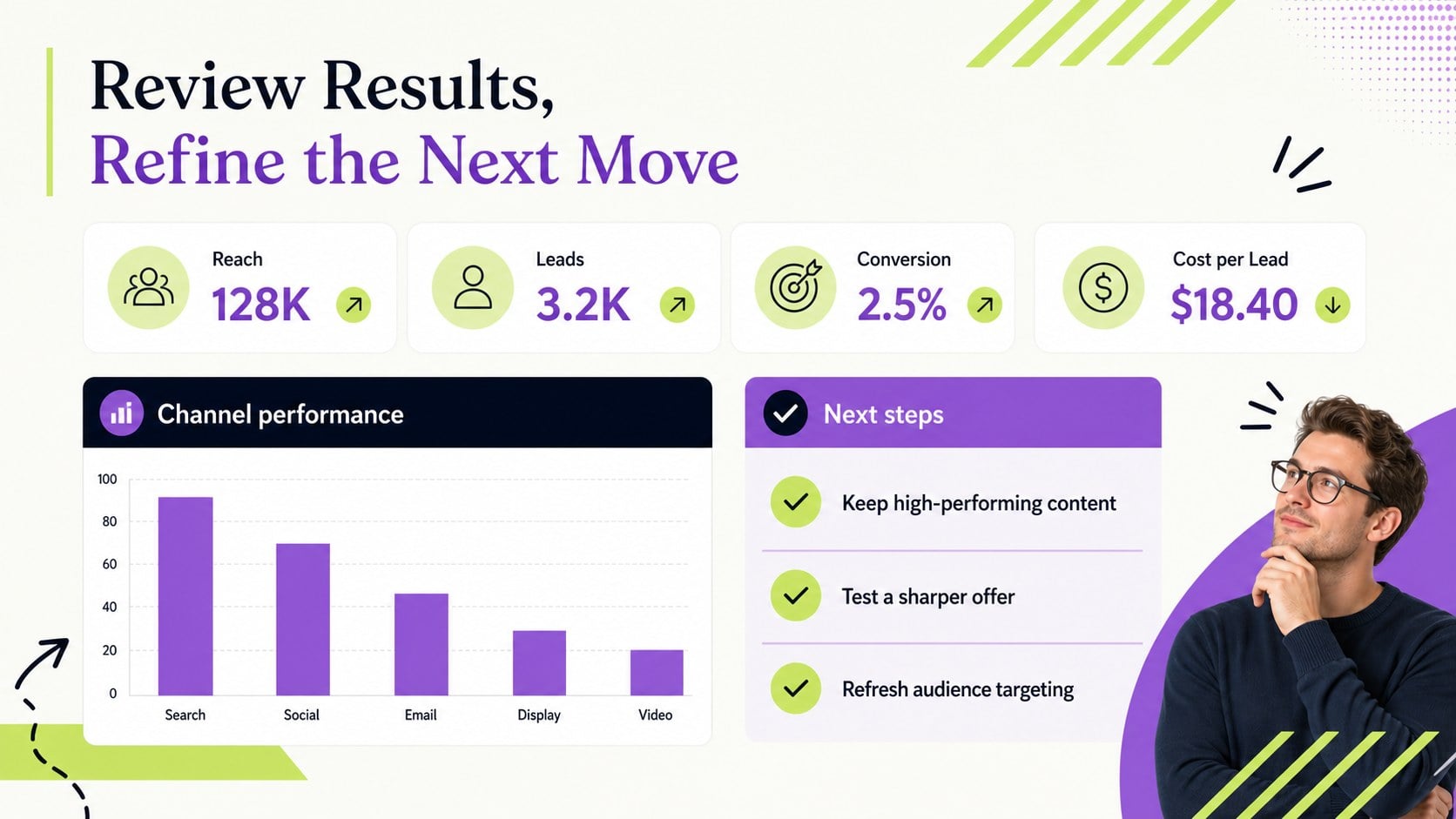
Design notes
Turn scattered ideas into coordinated campaigns with this campaign planning workbook, designed for marketers who need a clear place to shape priorities and organize execution. The modern black, purple, and green palette adds visual energy while keeping important information easy to scan.
Inside, you’ll find structured areas for defining campaign objectives, identifying audiences, mapping channels, assigning key actions, and reviewing performance. Use the layout as a marketing campaign tracker for quarterly planning, launch preparation, team workshops, or post-campaign analysis. Sections can be adapted for product launches, content initiatives, paid media, email programs, or brand awareness work.
The workbook is useful for marketing managers, agency teams, startup founders, and project leads who want a repeatable campaign planning process without starting from a blank page. Edit text, colors, tables, charts, and visual elements to match your organization or client brief. The 16:9 format works well for presenting campaign direction in PowerPoint or Google Slides, while spreadsheet versions can be adjusted in Excel or Google Sheets. Use the companion layouts to turn campaign planning into a focused, collaborative workflow.
Perfect for: quarterly marketing planning; product launch preparation; agency client campaign brief; content campaign workshop; post-campaign performance review.
Frequently asked questions
Can I edit the campaign planning workbook? Yes. You can replace the sample wording, adjust tables, update charts, and change colors or fonts to suit your campaign. The layouts are designed to be customized without rebuilding the structure.
Practical details
Yes. You can replace the sample wording, adjust tables, update charts, and change colors or fonts to suit your campaign. The layouts are designed to be customized without rebuilding the structure.
The presentation version is suitable for PowerPoint and Google Slides. Spreadsheet files can be opened and edited in Excel or Google Sheets.
Use it for product launches, content campaigns, email initiatives, paid media, and brand awareness programs. The flexible sections let you define different goals, audiences, channels, owners, and metrics.
Yes. Add your client’s branding, campaign details, timeline, budget notes, and reporting metrics. You can also remove unused sections to create a concise campaign brief.
Keep exploring
15Shape your publishing concept with an indie magazine startup pitch deck featuring pastel gradients, bold collage layouts, and editable planning slides.
 16
16Build clear project stories with the Icon Grid Teamwork Theme, a flexible blue illustrated deck for proposals, strategy updates, and team meetings.
 3
3Turn priorities into an actionable plan with an annual goals roadmap infographic, featuring editable orange and teal layouts for PowerPoint and Google Slides.
 15
15Create an Annual Achievement Report Presentation with colorful geometric layouts for milestones, results, lessons, and priorities in PowerPoint or Google Slides.
 15
15Turn results into a focused annual performance evaluation report with dark 3D slides for KPIs, achievements, feedback, and next-step goals for teams.
 15
15Guide a focused annual recap with Business Results Retrospective Slides, a muted brown-and-blue template for PowerPoint and Google Slides.
 6
6Turn complex plans into clear visual stories with Color-Coded Workflow Path Slides, an editable set for project updates, roadmaps, and team briefings.
 6
6Compare regional performance at a glance with Global Data Heatmap Slides, a clean multicolor deck designed for editable PowerPoint and Google Slides.