
 15
15presentation
Indie Magazine Startup Pitch Deck
Shape your publishing concept with an indie magazine startup pitch deck featuring pastel gradients, bold collage layouts, and editable planning slides.
Google SlidesPowerPoint
presentation · English
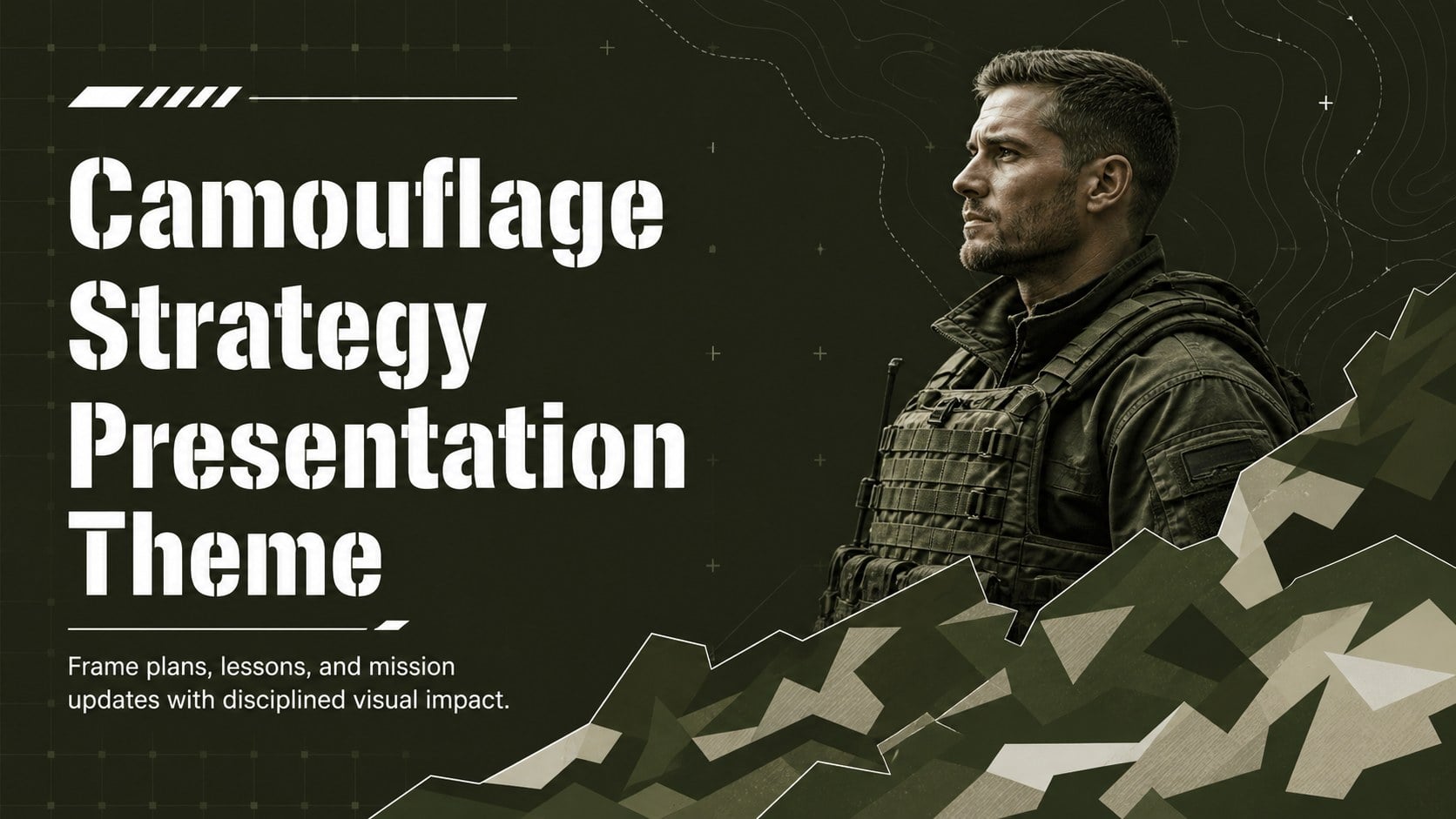
Build clear briefings with a Camouflage Strategy Presentation Theme in green and white, ready to customize in PowerPoint or Google Slides.
Design notes
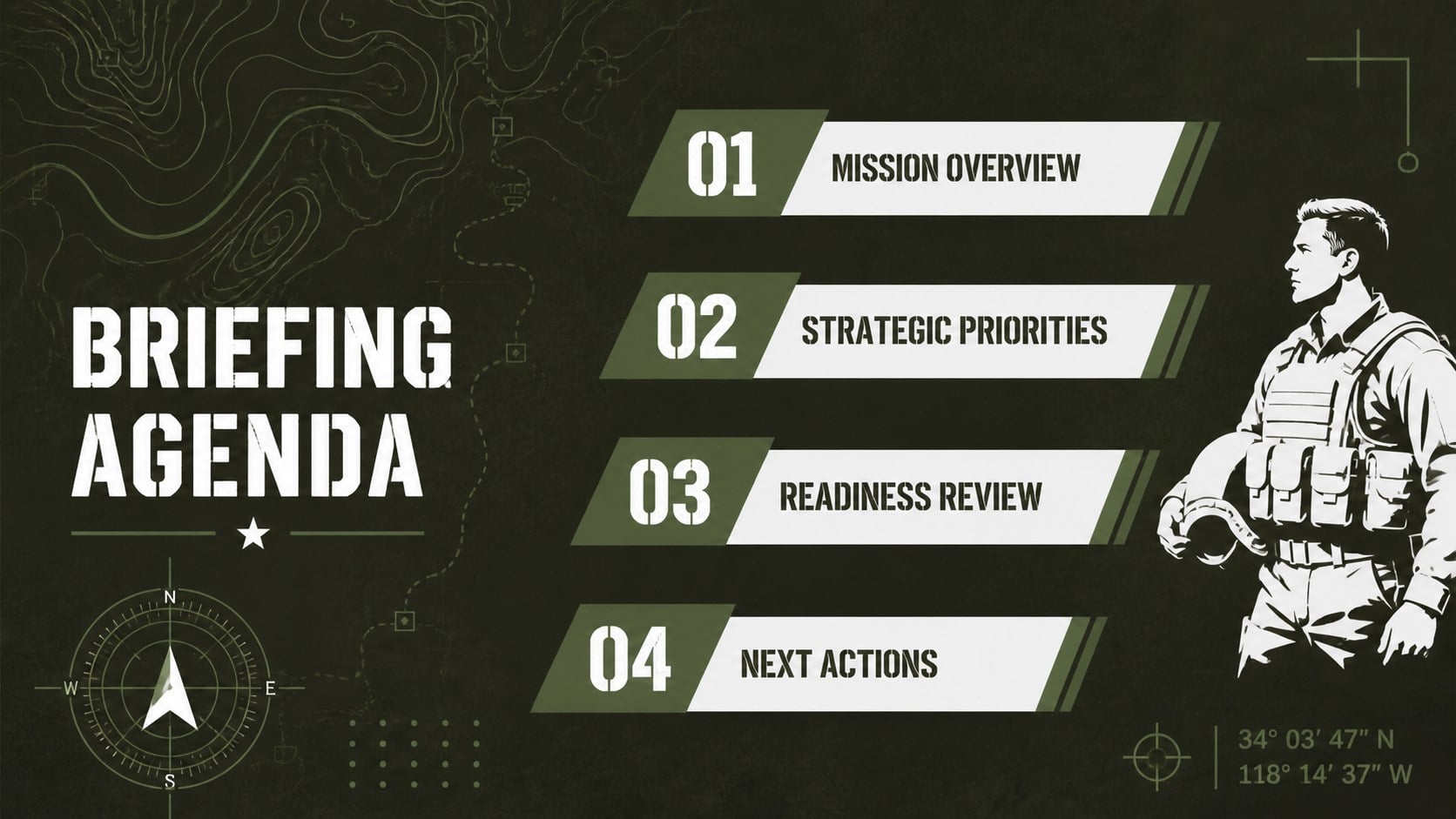
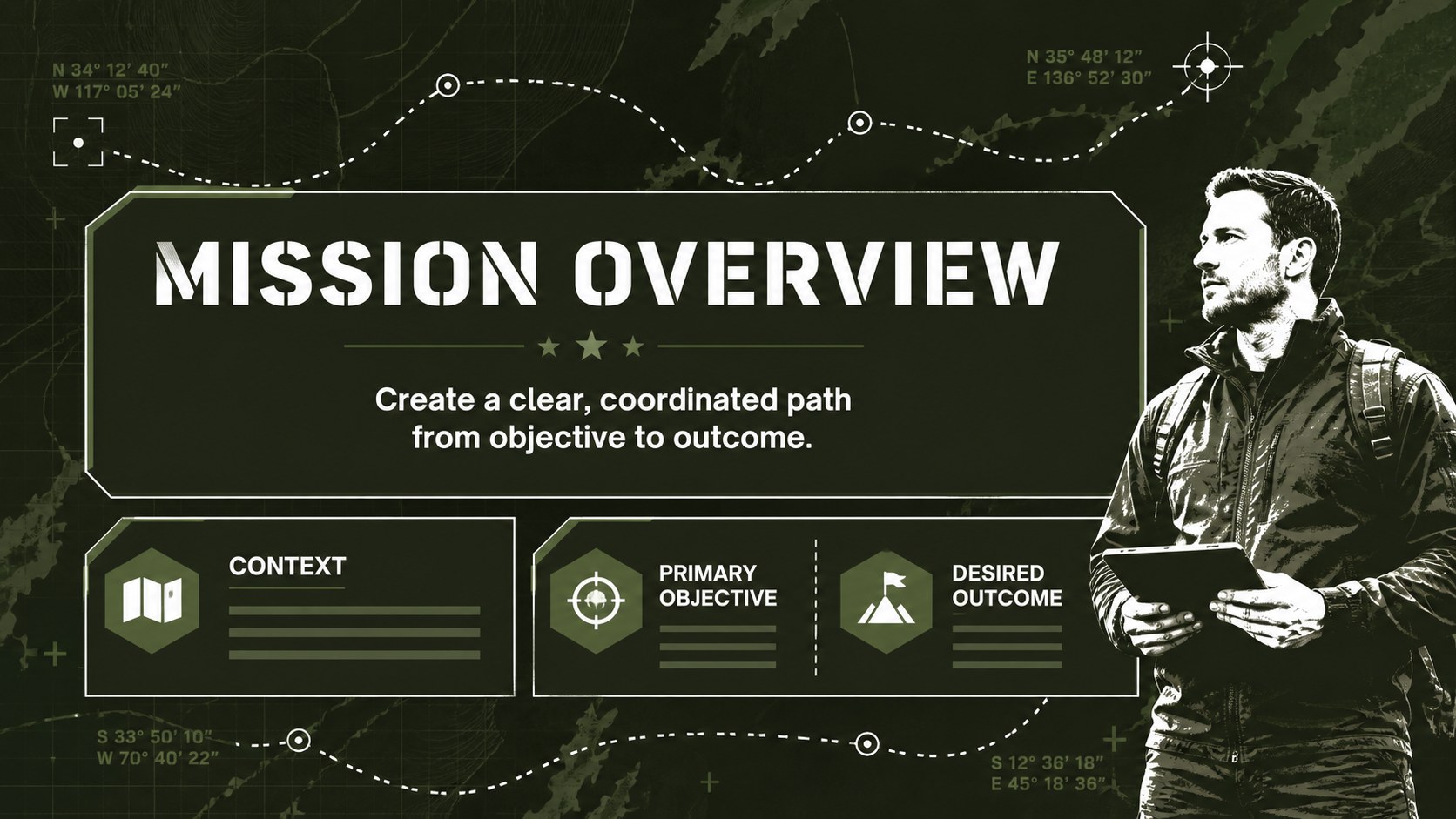
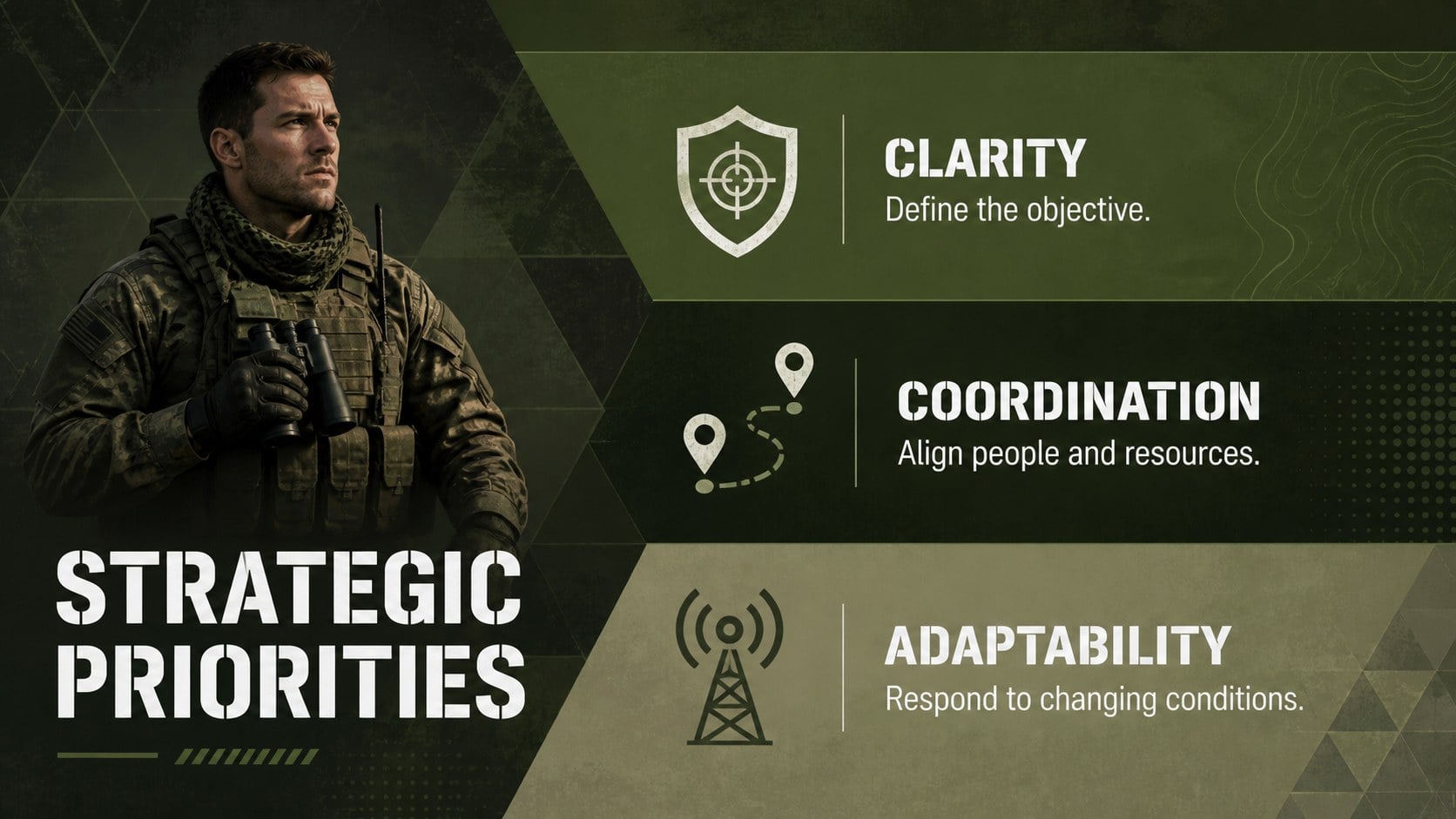
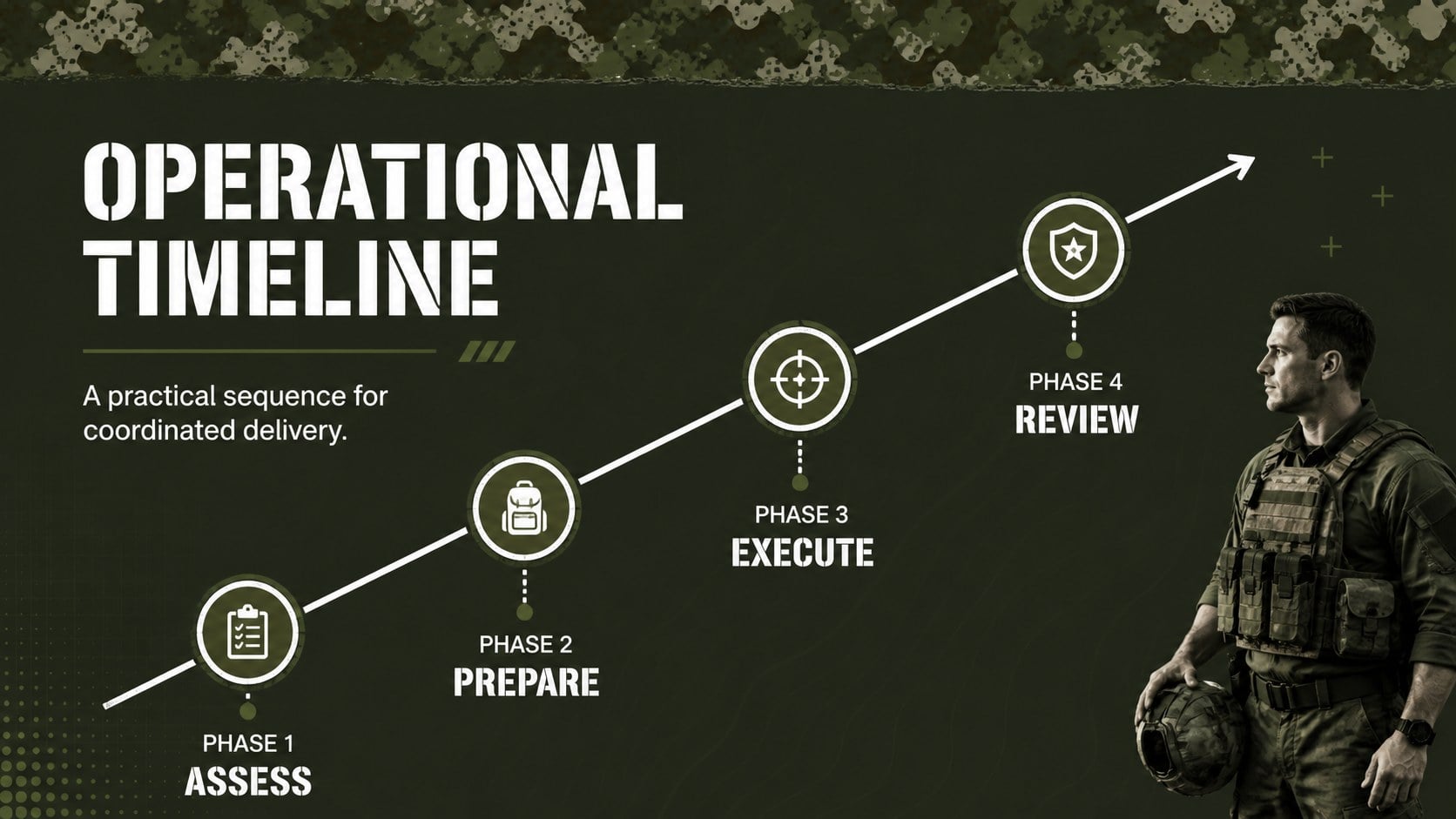
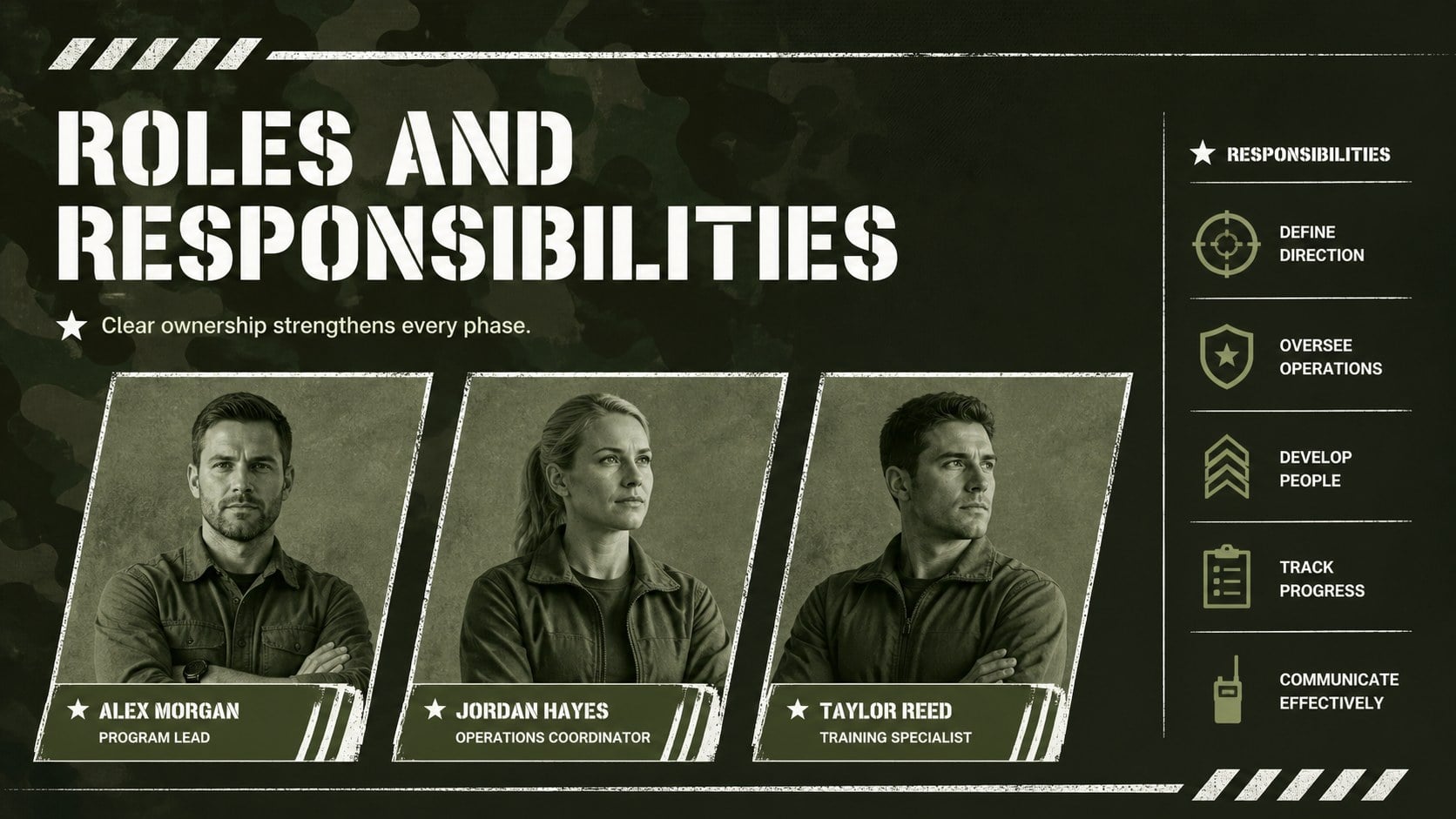
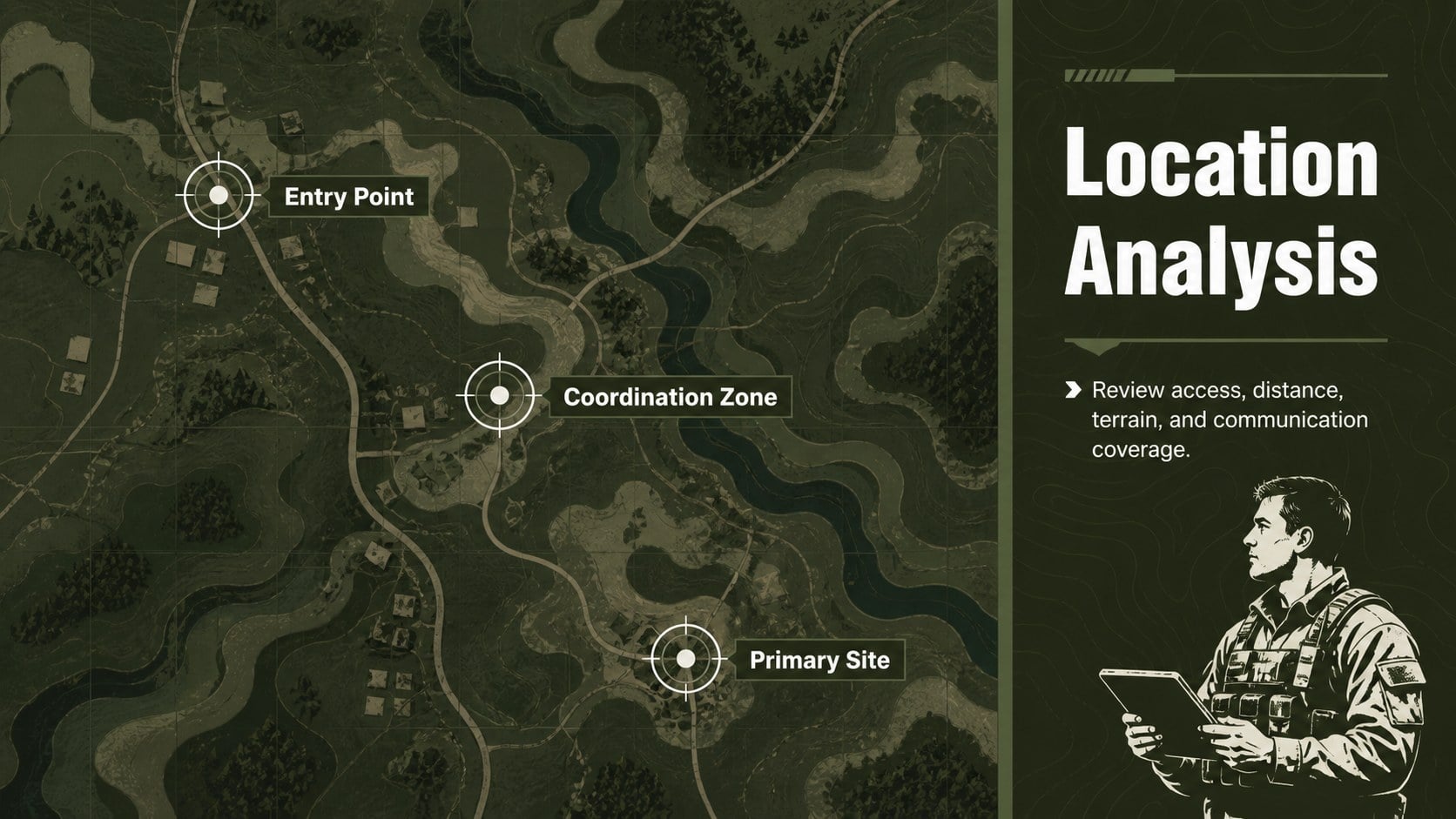
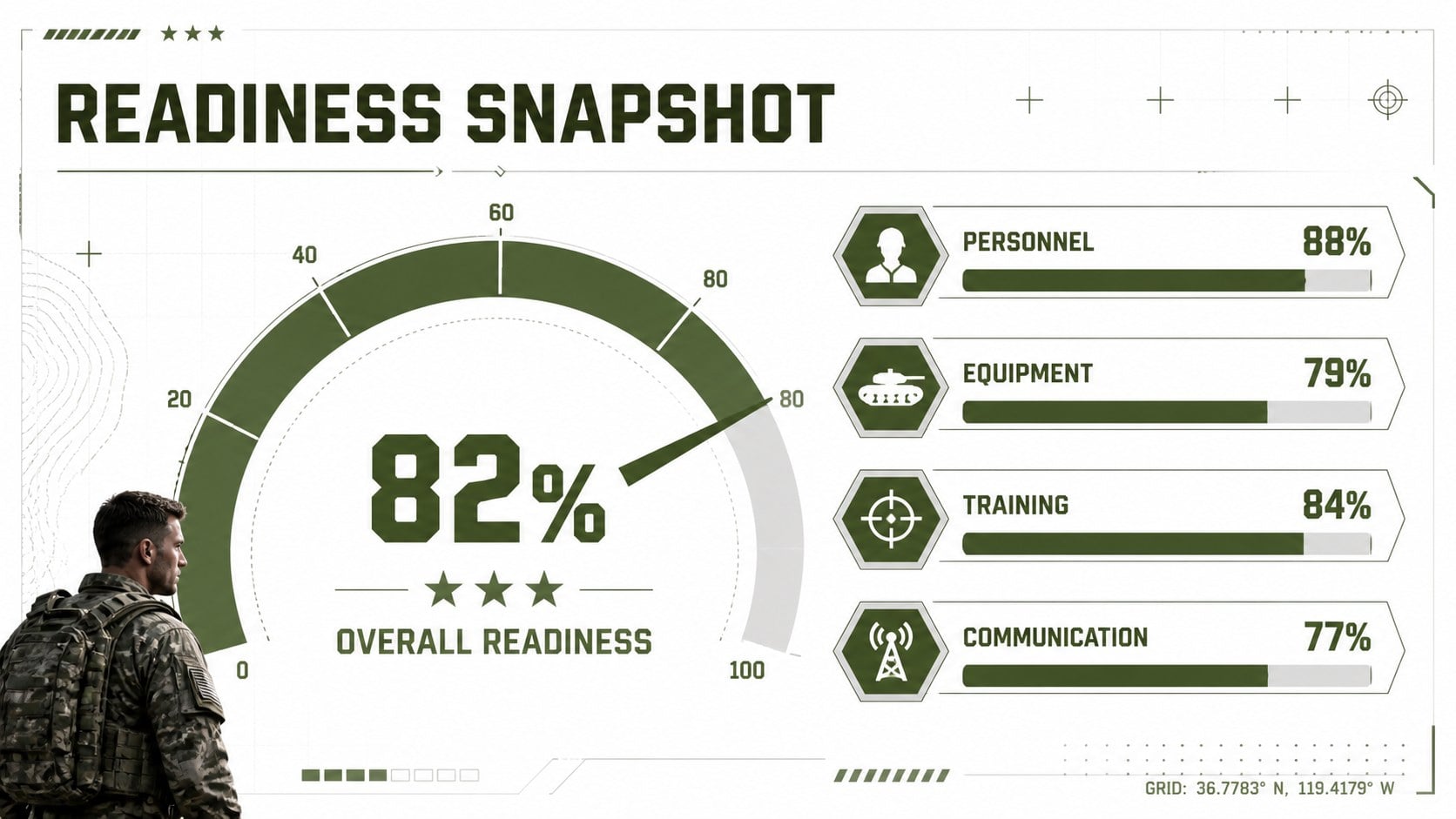
Give operational plans, classroom lessons, and organizational updates a confident visual structure with this Camouflage Strategy Presentation Theme. Its green-and-white palette, modern camouflage details, strong typography, and orderly layouts establish a disciplined tone without distracting from your message. Use it when you need a green camouflage presentation template that feels purposeful, adaptable, and easy to navigate.
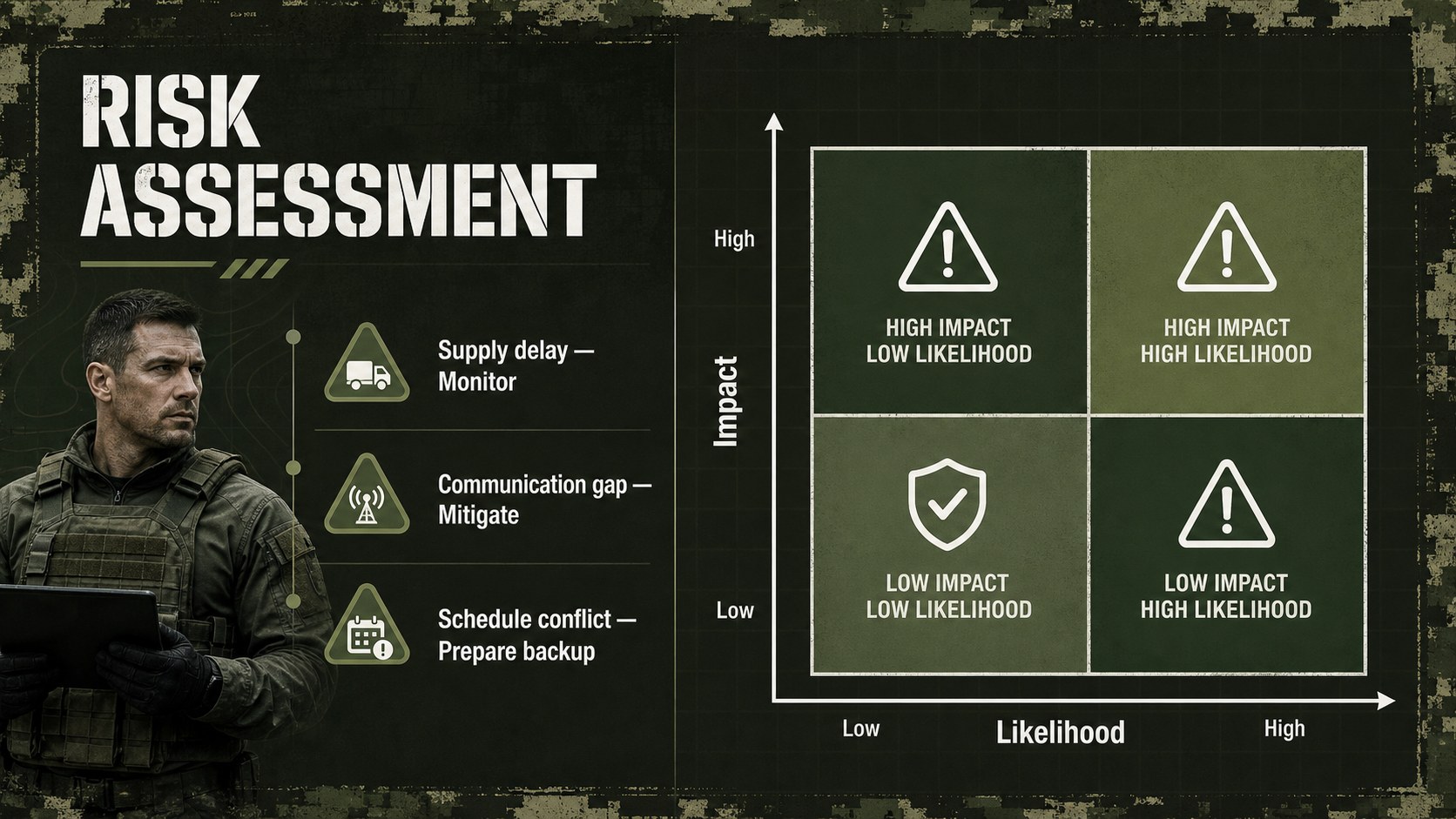
The deck includes 15 widescreen layouts for a cover, agenda, mission overview, strategic priorities, phased timeline, personnel profiles, location analysis, readiness metrics, risk assessment, logistics planning, historical context, community events, comparisons, next steps, and closing remarks. Editable charts, tables, icons, text areas, and image placeholders help you turn the theme into a complete military strategy PowerPoint theme or tactical briefing Google Slides presentation. Every element can be adjusted to match a unit, organization, course, project, or event.
This presentation is suited to instructors teaching military history, public safety teams preparing training materials, analysts outlining strategic scenarios, veterans organizations coordinating programs, and project leaders presenting structured plans. Customize the wording, replace the sample data, add approved photography, and refine the colors while retaining the focused camouflage design. The files are ready for editing in PowerPoint and Google Slides, making it straightforward to collaborate, present remotely, or export a polished PDF.
Perfect for: military history lesson; mission readiness briefing; public safety training; defense project plan; veterans organization event; strategic operations review.
Frequently asked questions
Can I edit this template in PowerPoint and Google Slides? Yes. The layouts, text, colors, charts, and graphic elements can be edited in PowerPoint and Google Slides. Some fonts or transitions may vary slightly between the two platforms.
Practical details
Yes. The layouts, text, colors, charts, and graphic elements can be edited in PowerPoint and Google Slides. Some fonts or transitions may vary slightly between the two platforms.
Replace the green shades with your approved palette, adjust the pattern opacity, and move or remove decorative elements as needed. Keep strong contrast between text and patterned areas to preserve readability.
Yes. Replace the image placeholders with photographs you have permission to use and add authorized insignia where appropriate. Review organizational policies before including restricted symbols or sensitive imagery.
Yes. Its structured layouts work well for public safety training, history lessons, outdoor programs, logistics planning, and veterans events. Update the sample terminology so it matches your audience and subject.
Keep exploring
15Shape your publishing concept with an indie magazine startup pitch deck featuring pastel gradients, bold collage layouts, and editable planning slides.
 16
16Build clear project stories with the Icon Grid Teamwork Theme, a flexible blue illustrated deck for proposals, strategy updates, and team meetings.
 3
3Turn priorities into an actionable plan with an annual goals roadmap infographic, featuring editable orange and teal layouts for PowerPoint and Google Slides.
 15
15Create an Annual Achievement Report Presentation with colorful geometric layouts for milestones, results, lessons, and priorities in PowerPoint or Google Slides.
 15
15Turn results into a focused annual performance evaluation report with dark 3D slides for KPIs, achievements, feedback, and next-step goals for teams.
 15
15Guide a focused annual recap with Business Results Retrospective Slides, a muted brown-and-blue template for PowerPoint and Google Slides.
 6
6Turn complex plans into clear visual stories with Color-Coded Workflow Path Slides, an editable set for project updates, roadmaps, and team briefings.
 6
6Compare regional performance at a glance with Global Data Heatmap Slides, a clean multicolor deck designed for editable PowerPoint and Google Slides.