
 15
15presentation
Indie Magazine Startup Pitch Deck
Shape your publishing concept with an indie magazine startup pitch deck featuring pastel gradients, bold collage layouts, and editable planning slides.
Google SlidesPowerPoint
presentation · English
Plan a clearer sales funnel with buyer path mapping slides in a bright orange illustrated style for PowerPoint and Google Slides teams.






Design notes
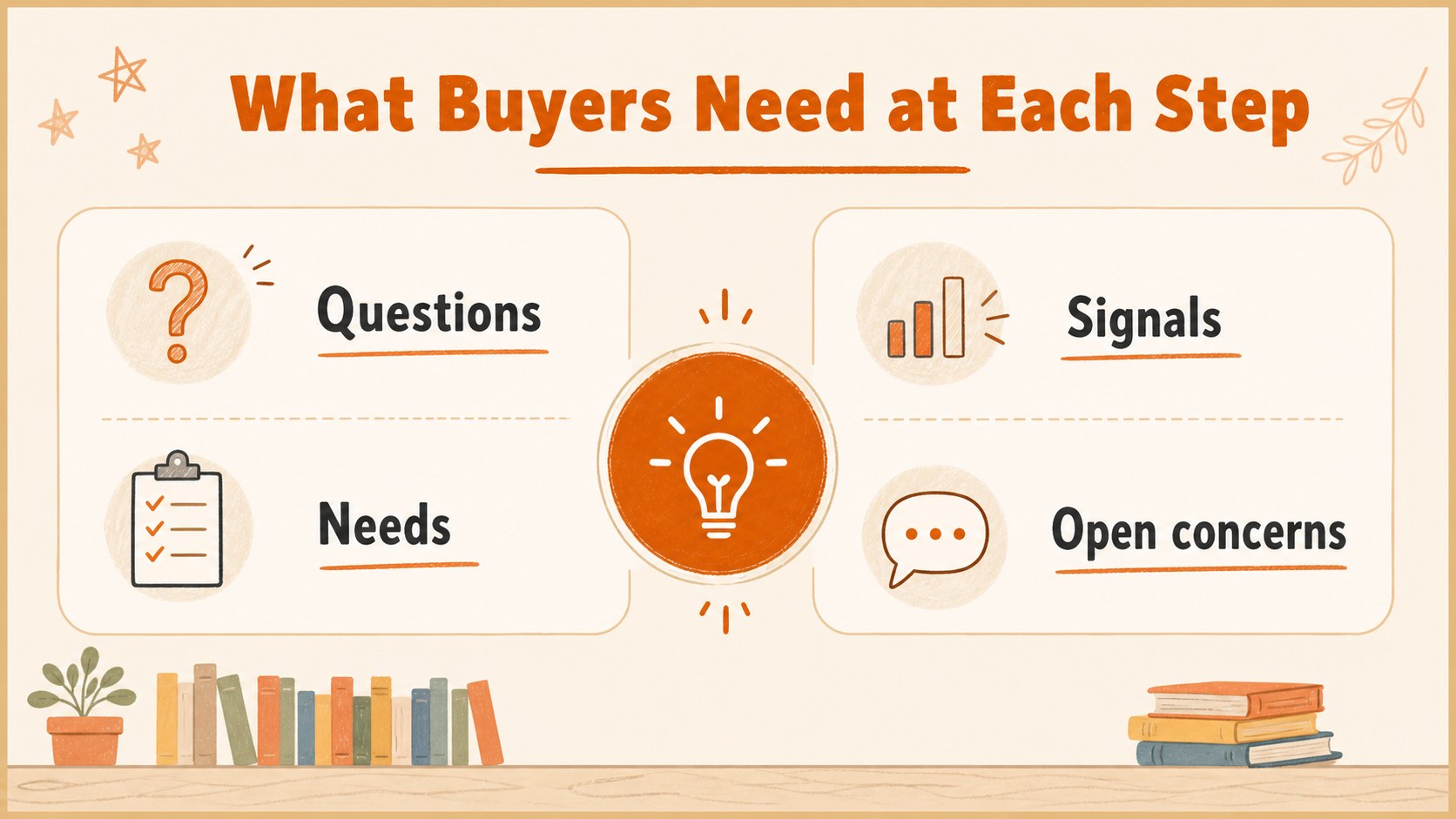
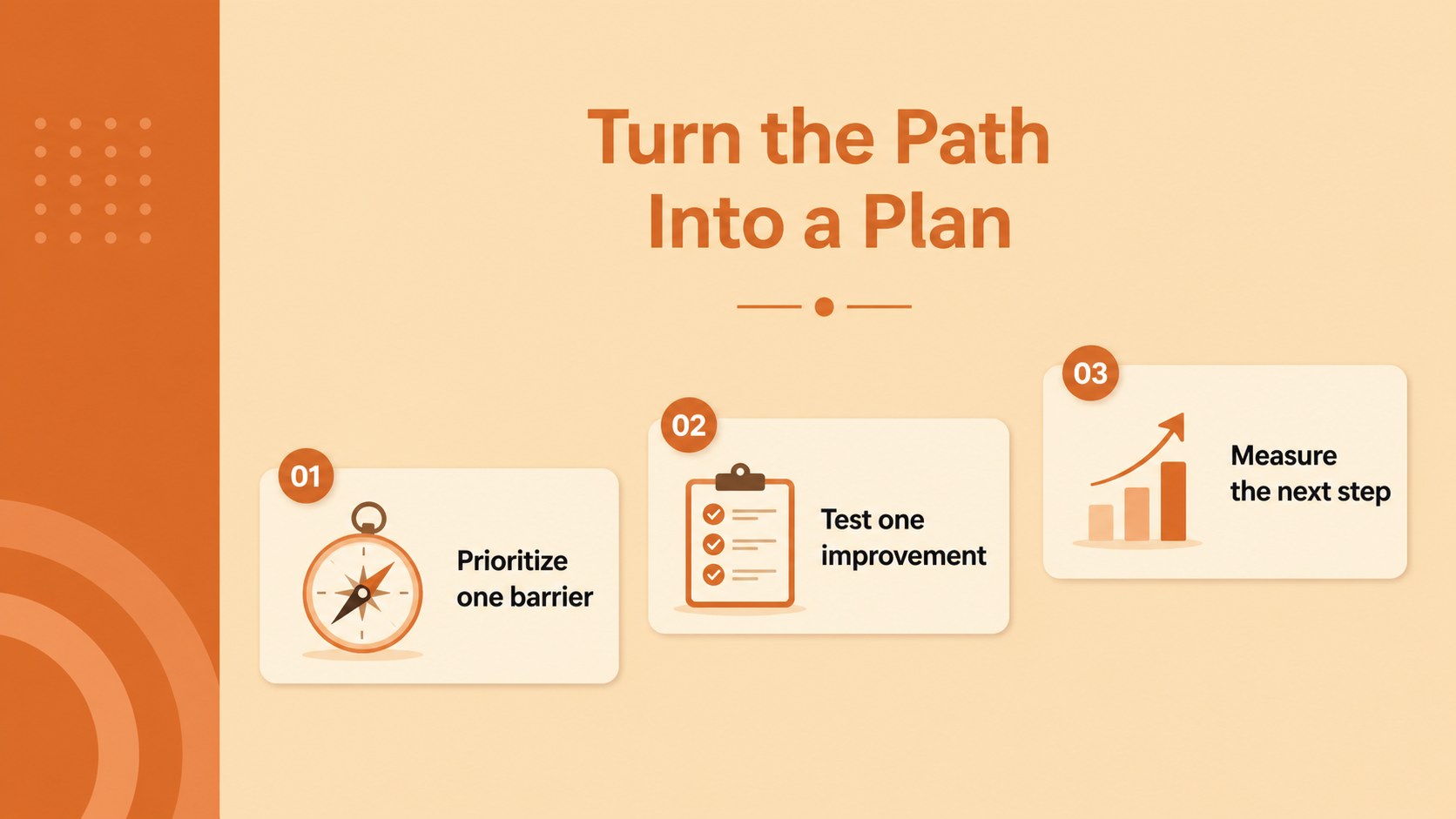
Make buying behavior easier to understand with buyer path mapping slides designed for clear, engaging business presentations. The bright orange illustrated style gives sales and marketing teams a memorable way to show how prospects discover, evaluate, choose, and return to a product or service.
Inside, you’ll find eight editable 16:9 infographic layouts for mapping touchpoints, comparing customer needs, highlighting friction, and aligning teams around the next action. Use the layouts to build a sales funnel journey presentation, outline a customer experience workflow, or turn research findings into a simple visual narrative. Charts, frames, lines, and shapes support quick customization, while animation and transition options can add pace to live meetings.
This deck is useful for marketing strategy reviews, sales enablement sessions, stakeholder updates, onboarding workshops, and customer research readouts. Edit the wording, rearrange the visual elements, and apply your own data in PowerPoint or Google Slides. The single IBM Plex Sans typeface and orange palette create a consistent, approachable look without distracting from the information. It is a practical choice for teams that need to explain decision stages, identify conversion opportunities, and keep cross-functional conversations focused.
Perfect for: sales enablement workshop; marketing strategy review; customer research readout; stakeholder journey briefing; conversion funnel planning.
Frequently asked questions
Can I edit these slides in PowerPoint? Yes. The layouts are designed for editing in PowerPoint, including text, colors, shapes, charts, and illustrations. Replace the sample content with your own customer research or sales data.
Practical details
Yes. The layouts are designed for editing in PowerPoint, including text, colors, shapes, charts, and illustrations. Replace the sample content with your own customer research or sales data.
Yes, you can use the presentation in Google Slides and adjust the editable elements there. Check fonts and animations after importing, since some effects may render differently.
Update the palette to match your brand while keeping orange as an accent for key stages or conversion points. You can also change the illustrations, labels, icons, and data visualizations to suit your audience.
Include decision stages, customer goals, questions, touchpoints, barriers, and desired actions. A short insight or metric at each stage can help the audience connect the journey to business outcomes.
Keep exploring
15Shape your publishing concept with an indie magazine startup pitch deck featuring pastel gradients, bold collage layouts, and editable planning slides.
 16
16Build clear project stories with the Icon Grid Teamwork Theme, a flexible blue illustrated deck for proposals, strategy updates, and team meetings.
 3
3Turn priorities into an actionable plan with an annual goals roadmap infographic, featuring editable orange and teal layouts for PowerPoint and Google Slides.
 15
15Create an Annual Achievement Report Presentation with colorful geometric layouts for milestones, results, lessons, and priorities in PowerPoint or Google Slides.
 15
15Turn results into a focused annual performance evaluation report with dark 3D slides for KPIs, achievements, feedback, and next-step goals for teams.
 15
15Guide a focused annual recap with Business Results Retrospective Slides, a muted brown-and-blue template for PowerPoint and Google Slides.
 6
6Turn complex plans into clear visual stories with Color-Coded Workflow Path Slides, an editable set for project updates, roadmaps, and team briefings.
 6
6Compare regional performance at a glance with Global Data Heatmap Slides, a clean multicolor deck designed for editable PowerPoint and Google Slides.