
 15
15presentation
Indie Magazine Startup Pitch Deck
Shape your publishing concept with an indie magazine startup pitch deck featuring pastel gradients, bold collage layouts, and editable planning slides.
Google SlidesPowerPoint
presentation · English
Build clearer buyer journey presentations with a buyer journey decision map for customer choices, behavior insights, workshops, and strategy reviews.

Design notes
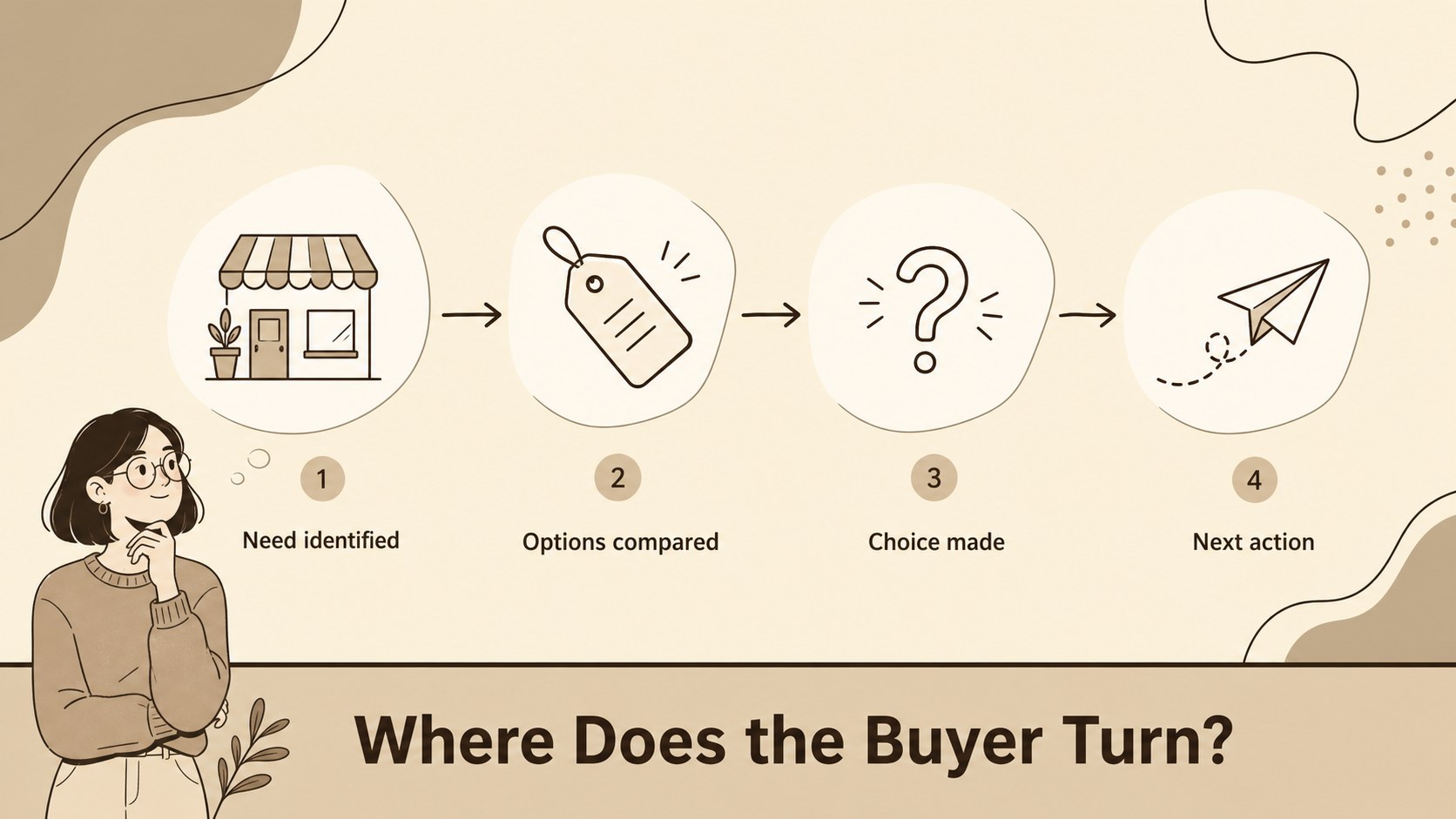
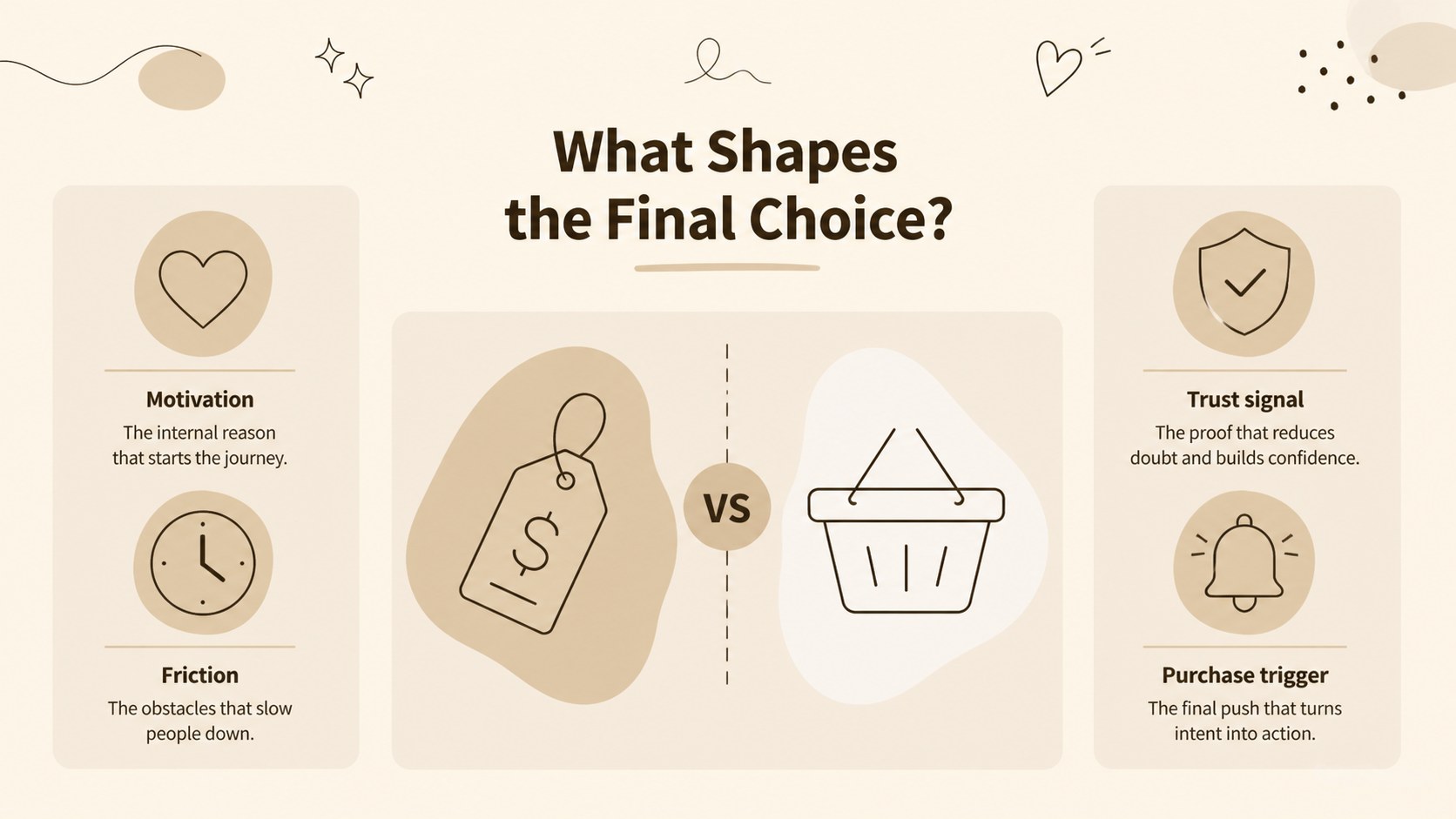
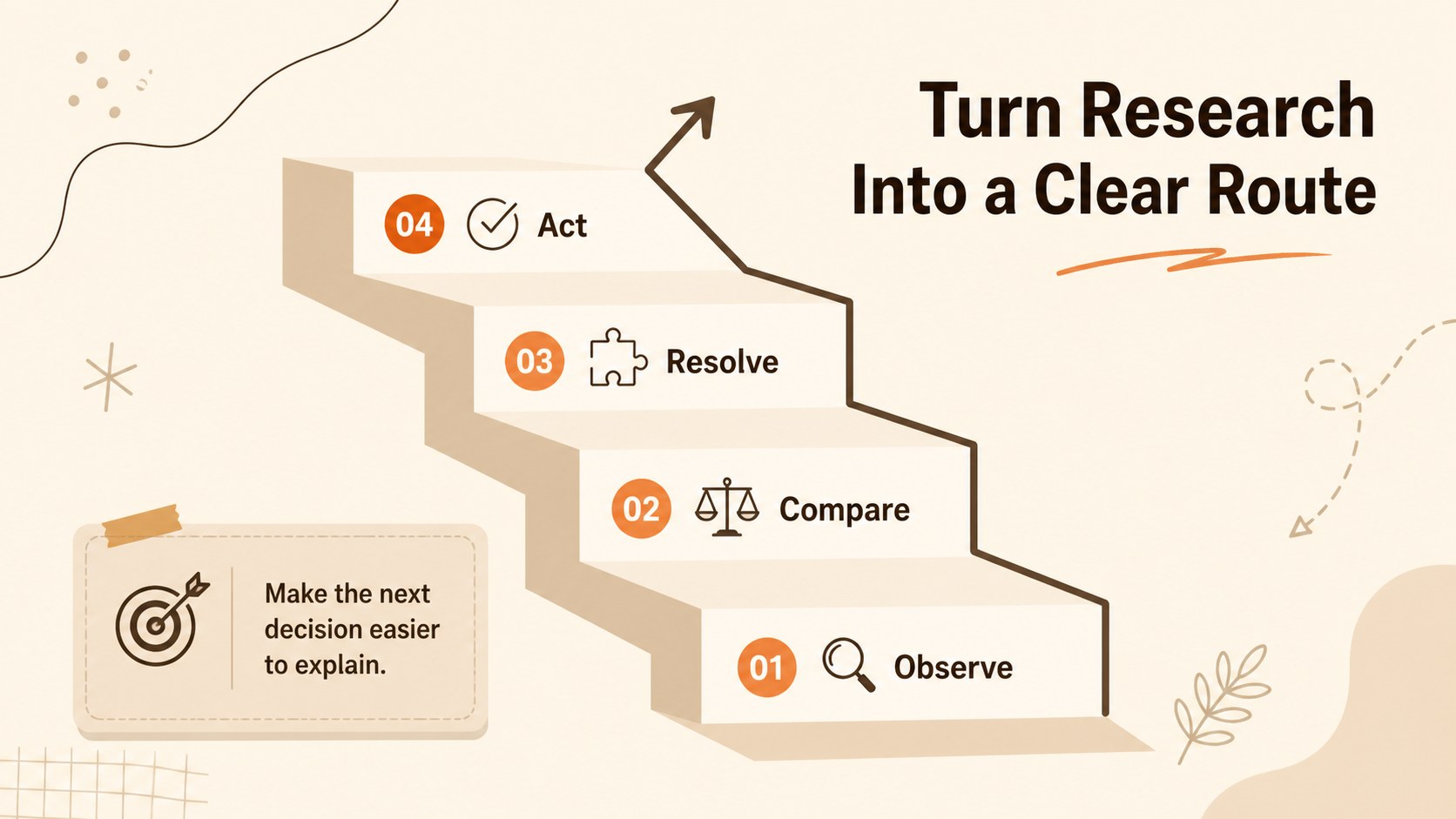
Build clearer buyer journey presentations with a buyer journey decision map that turns customer choices into an easy-to-follow visual story. This beige-and-brown slide deck is designed for marketing teams, business consultants, educators, and analysts who need to explain how audiences evaluate options and move toward a purchase.
Inside, you’ll find four adaptable infographic layouts for mapping customer journeys, comparing decision paths, organizing shopping considerations, and summarizing behavioral insights. Use the visual branches to show yes-or-no choices, alternative routes, priorities, and moments that influence conversion. The minimalist layouts, soft neutral background treatment, doodle-style accents, and clean typography make dense information approachable without losing a professional feel.
Edit the presentation in Google Slides or PowerPoint and adjust the text, icons, shapes, colors, and imagery to match your project. It works well for customer research workshops, marketing strategy reviews, internal reports, classroom discussions, and client presentations. With editable charts, frames, lines, and shapes, this buyer journey decision map gives you a practical starting point for presenting consumer behavior with clarity and visual polish.
Perfect for: customer research workshop; marketing strategy review; consumer behavior lesson; client journey presentation; purchase funnel analysis.
Frequently asked questions
Can I edit the buyer journey decision map? Yes. The deck is designed for editing, with customizable text, shapes, colors, icons, and layouts. You can also use the same presentation concept in Google Slides or PowerPoint.
Practical details
Yes. The deck is designed for editing, with customizable text, shapes, colors, icons, and layouts. You can also use the same presentation concept in Google Slides or PowerPoint.
Use the layouts to present customer decision paths, shopping priorities, behavioral observations, and alternative outcomes. They are suitable for both qualitative research findings and simplified strategy summaries.
Yes. Replace the existing color swatches with your brand colors while keeping the structure and visual hierarchy intact. The editable elements make it easy to create a more branded version for clients or internal teams.
Yes. The branching layouts can help participants discuss customer motivations, objections, and route choices during a workshop. Add your own prompts, examples, or research notes to make the deck fit the session.
Keep exploring
15Shape your publishing concept with an indie magazine startup pitch deck featuring pastel gradients, bold collage layouts, and editable planning slides.
 16
16Build clear project stories with the Icon Grid Teamwork Theme, a flexible blue illustrated deck for proposals, strategy updates, and team meetings.
 3
3Turn priorities into an actionable plan with an annual goals roadmap infographic, featuring editable orange and teal layouts for PowerPoint and Google Slides.
 15
15Create an Annual Achievement Report Presentation with colorful geometric layouts for milestones, results, lessons, and priorities in PowerPoint or Google Slides.
 15
15Turn results into a focused annual performance evaluation report with dark 3D slides for KPIs, achievements, feedback, and next-step goals for teams.
 15
15Guide a focused annual recap with Business Results Retrospective Slides, a muted brown-and-blue template for PowerPoint and Google Slides.
 6
6Turn complex plans into clear visual stories with Color-Coded Workflow Path Slides, an editable set for project updates, roadmaps, and team briefings.
 6
6Compare regional performance at a glance with Global Data Heatmap Slides, a clean multicolor deck designed for editable PowerPoint and Google Slides.