
 15
15presentation
Indie Magazine Startup Pitch Deck
Shape your publishing concept with an indie magazine startup pitch deck featuring pastel gradients, bold collage layouts, and editable planning slides.
Google SlidesPowerPoint
presentation · English
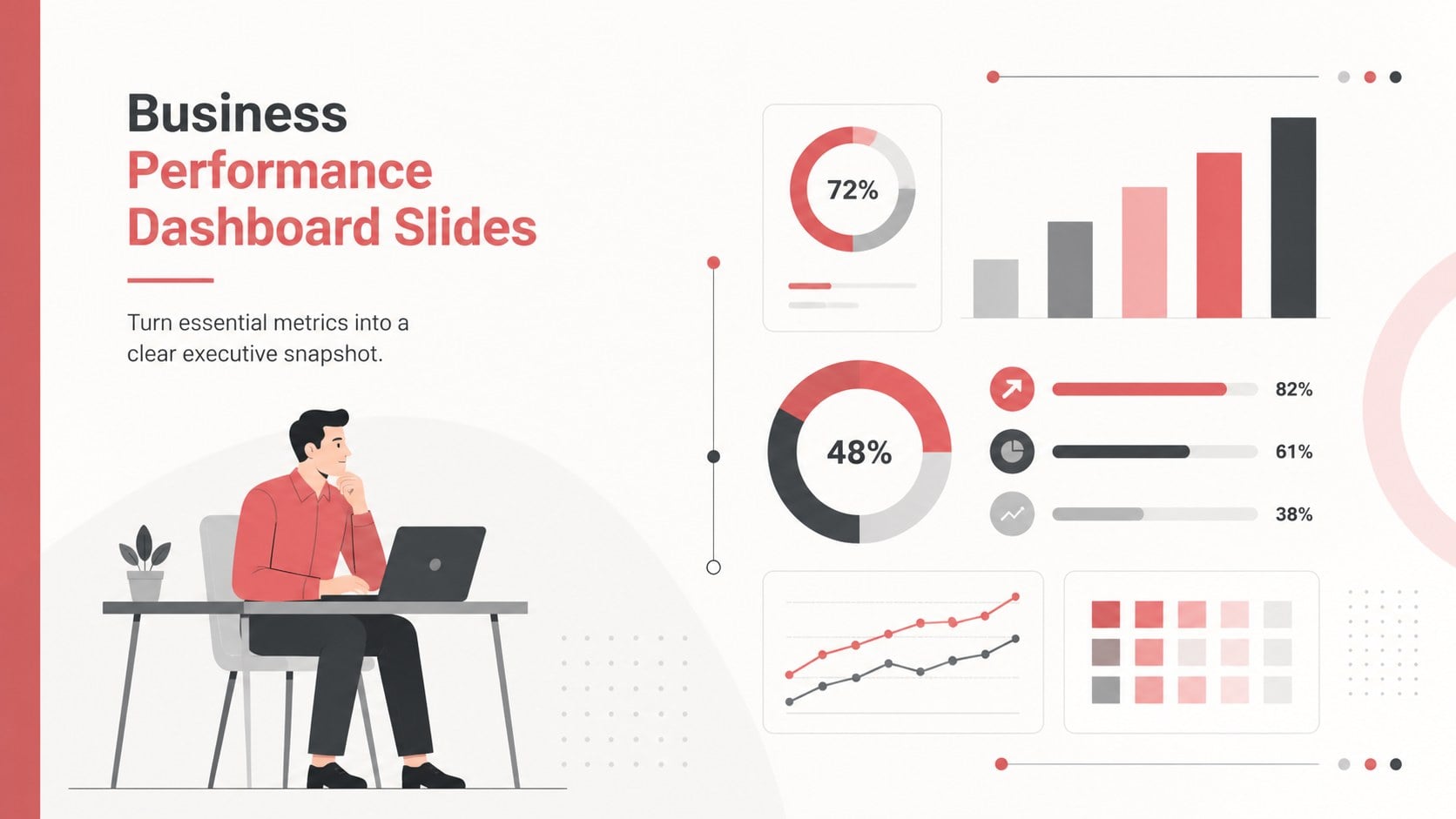
Present targets, trends, and results clearly with business performance dashboard slides in a minimal red style for PowerPoint and Google Slides.
Design notes
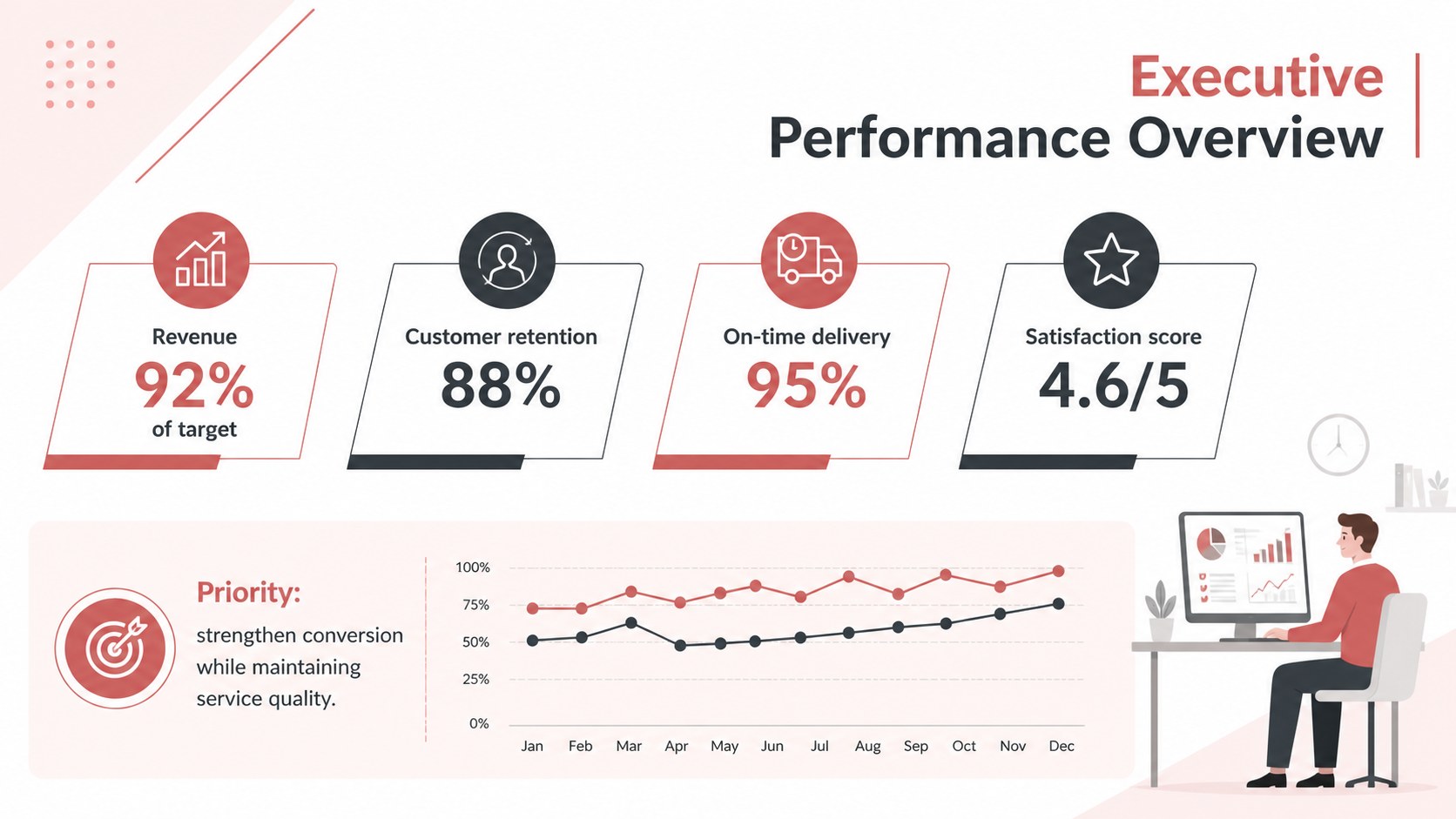
Business performance dashboard slides give leaders a focused way to present targets, results, and trends without overwhelming the audience. Built around a minimal red, white, and charcoal palette, this polished template turns complex reporting into a concise visual story for PowerPoint and Google Slides.
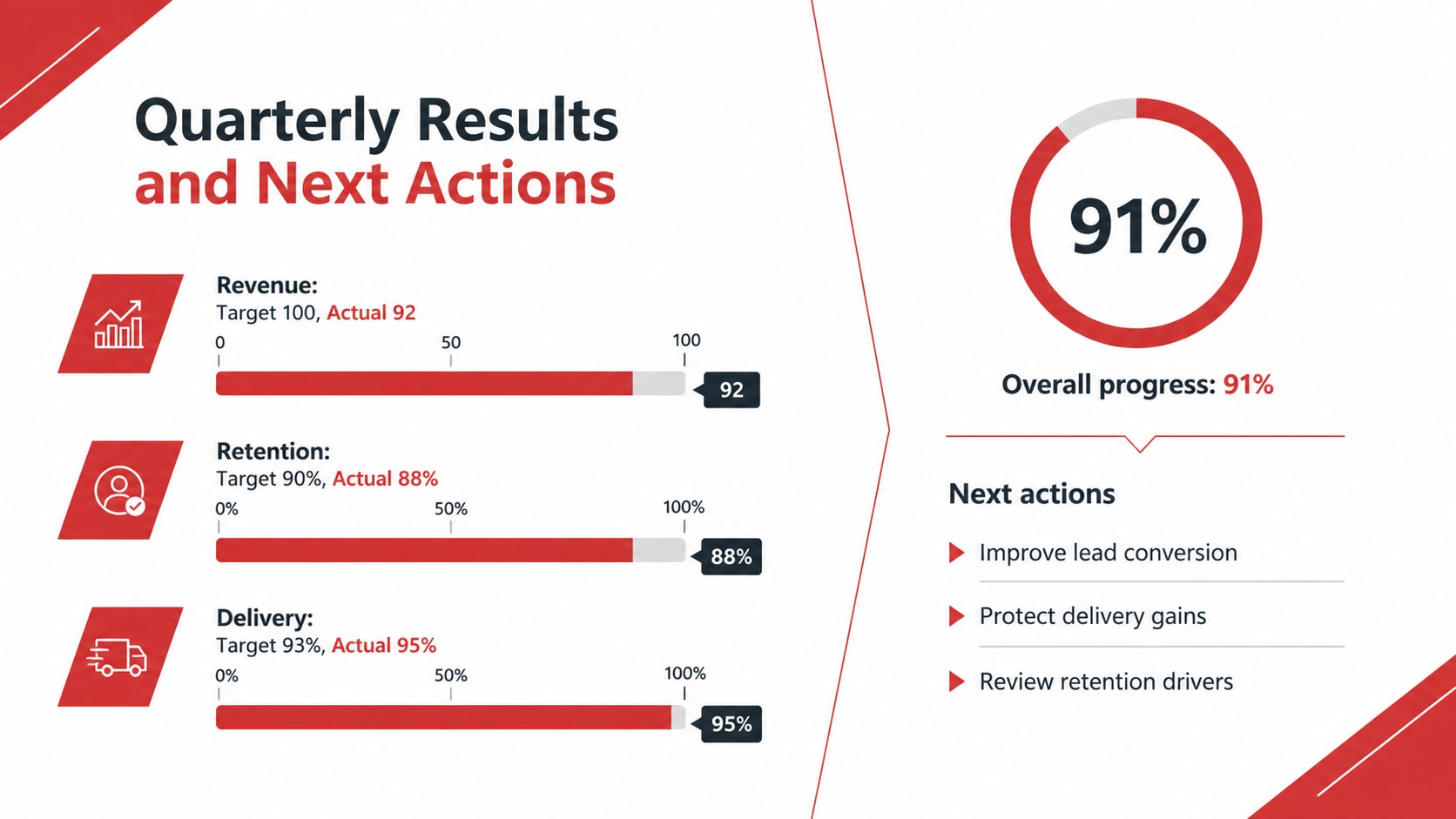
The three-slide set includes an executive overview, a detailed metric comparison, and a progress summary. Use the editable charts, percentage indicators, status markers, and structured text areas to create an executive KPI dashboard template that reflects your organization’s goals. Every element can be adjusted, including colors, labels, values, fonts, and graphic shapes. The layouts also work well as quarterly performance review slides or as a one page KPI report slide for leadership updates.
Designed for managers, analysts, consultants, operations teams, and department heads, the deck supports recurring reviews as well as high-level strategic discussions. It can highlight revenue performance, customer retention, project delivery, marketing results, service quality, or workforce metrics. The restrained visual system keeps attention on the numbers while clear hierarchy makes comparisons easy to scan. Whether you are reporting to executives, clients, or cross-functional teams, these slides provide a practical foundation for communicating what is improving, what needs attention, and which actions should come next.
Perfect for: quarterly leadership review; department performance update; client results presentation; strategic planning meeting; operations KPI briefing.
Frequently asked questions
Can I edit the metrics and chart values? Yes. Replace the sample labels, percentages, targets, and supporting text with your own data. Chart colors, status indicators, and graphic elements can also be customized.
Practical details
Yes. Replace the sample labels, percentages, targets, and supporting text with your own data. Chart colors, status indicators, and graphic elements can also be customized.
The template is designed for Microsoft PowerPoint and Google Slides. Layouts and visual elements remain editable in both platforms.
Yes. Update the red accents, typefaces, icons, and section labels to align with your brand guidelines. The minimal structure is suitable for both corporate and client-facing reports.
The layouts can display financial, sales, marketing, customer, operational, project, or workforce metrics. Use the overview for headline results and the detailed slides for comparisons, trends, and next steps.
Keep exploring
15Shape your publishing concept with an indie magazine startup pitch deck featuring pastel gradients, bold collage layouts, and editable planning slides.
 16
16Build clear project stories with the Icon Grid Teamwork Theme, a flexible blue illustrated deck for proposals, strategy updates, and team meetings.
 3
3Turn priorities into an actionable plan with an annual goals roadmap infographic, featuring editable orange and teal layouts for PowerPoint and Google Slides.
 15
15Create an Annual Achievement Report Presentation with colorful geometric layouts for milestones, results, lessons, and priorities in PowerPoint or Google Slides.
 15
15Turn results into a focused annual performance evaluation report with dark 3D slides for KPIs, achievements, feedback, and next-step goals for teams.
 15
15Guide a focused annual recap with Business Results Retrospective Slides, a muted brown-and-blue template for PowerPoint and Google Slides.
 6
6Turn complex plans into clear visual stories with Color-Coded Workflow Path Slides, an editable set for project updates, roadmaps, and team briefings.
 6
6Compare regional performance at a glance with Global Data Heatmap Slides, a clean multicolor deck designed for editable PowerPoint and Google Slides.