
 15
15presentation
Indie Magazine Startup Pitch Deck
Shape your publishing concept with an indie magazine startup pitch deck featuring pastel gradients, bold collage layouts, and editable planning slides.
Google SlidesPowerPoint
presentation · English
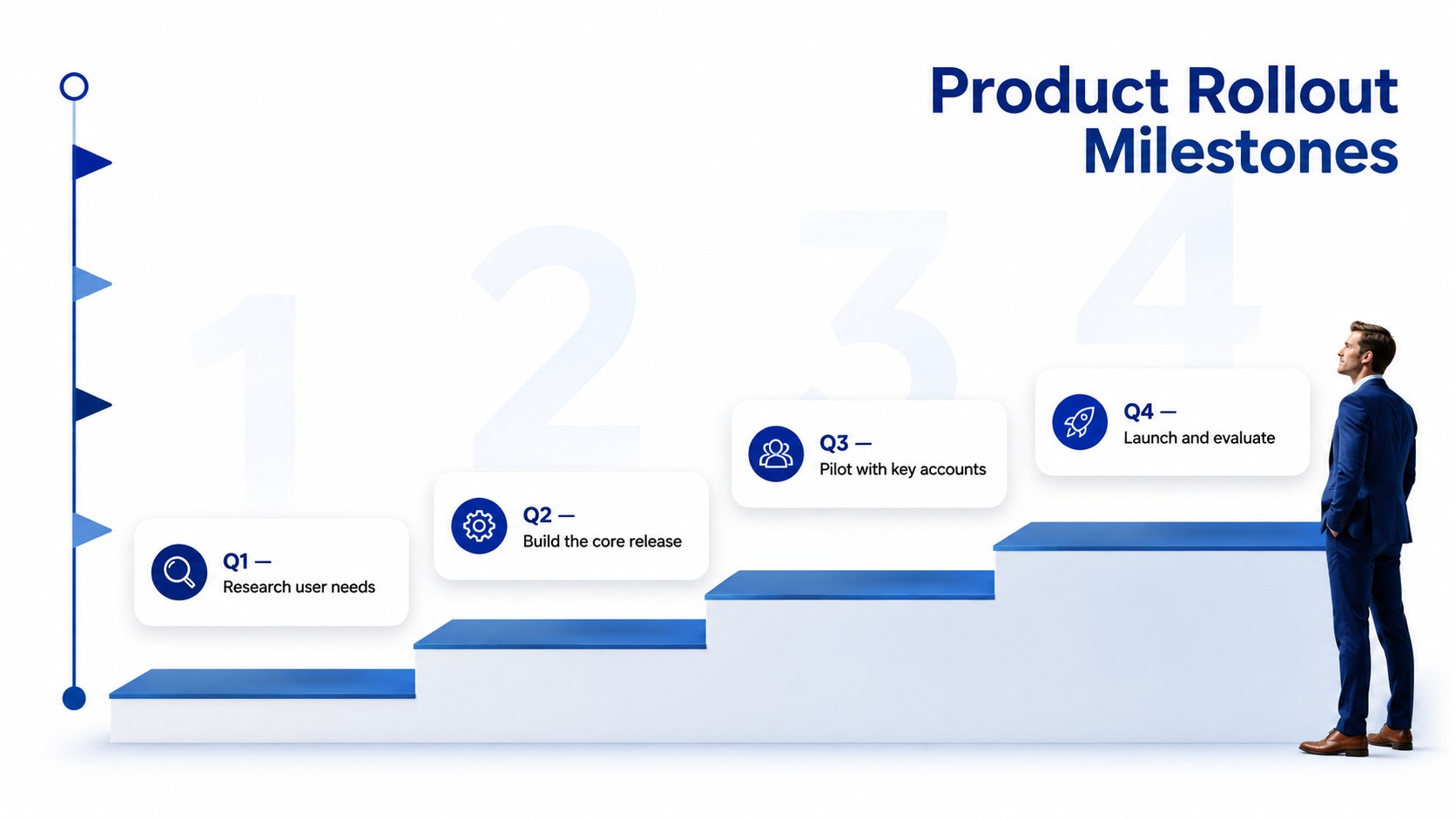
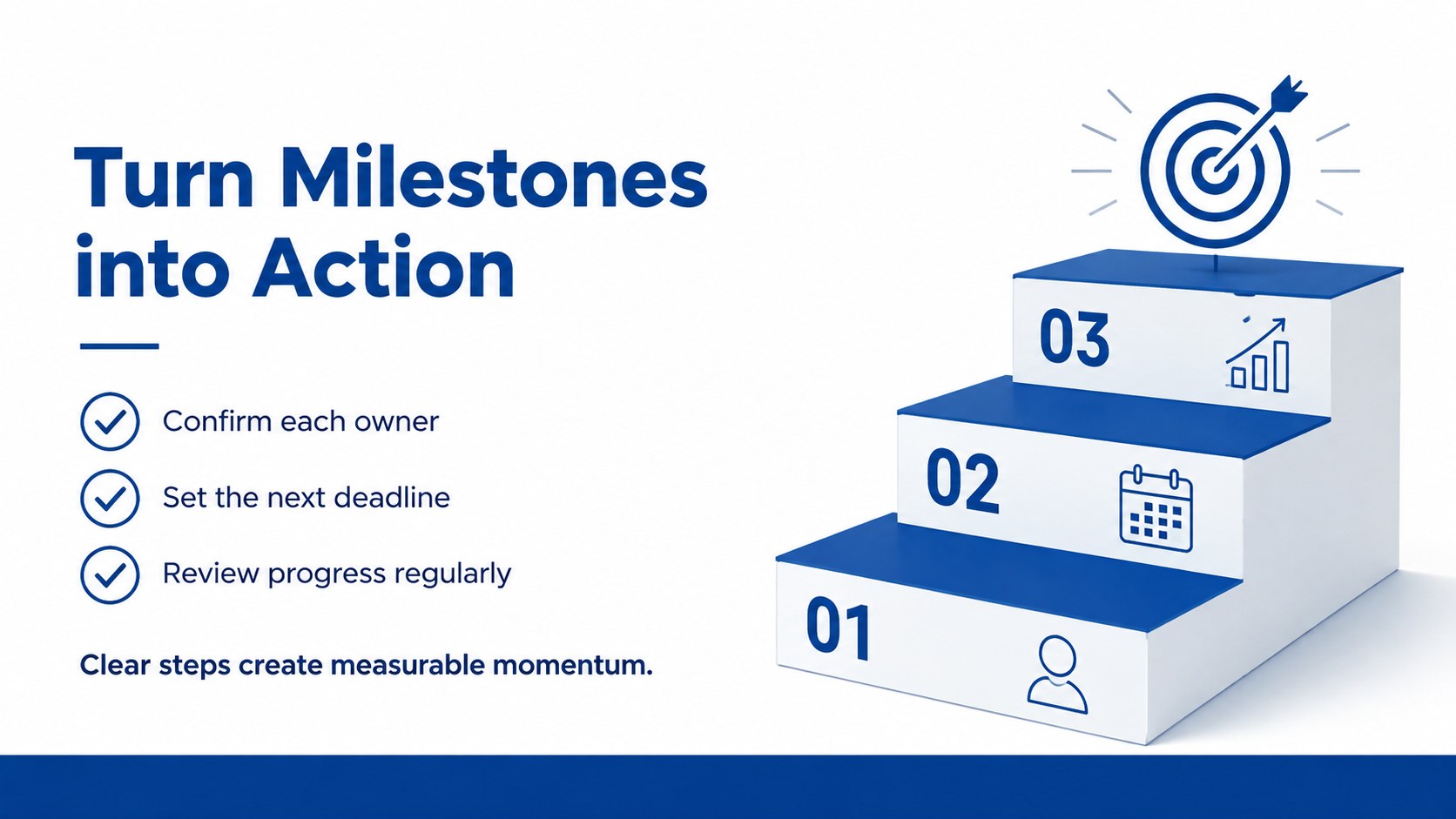
Turn phased plans into clear visual stories with Business Milestone Staircase Slides, a polished blue-and-white deck for PowerPoint and Google Slides.

Design notes
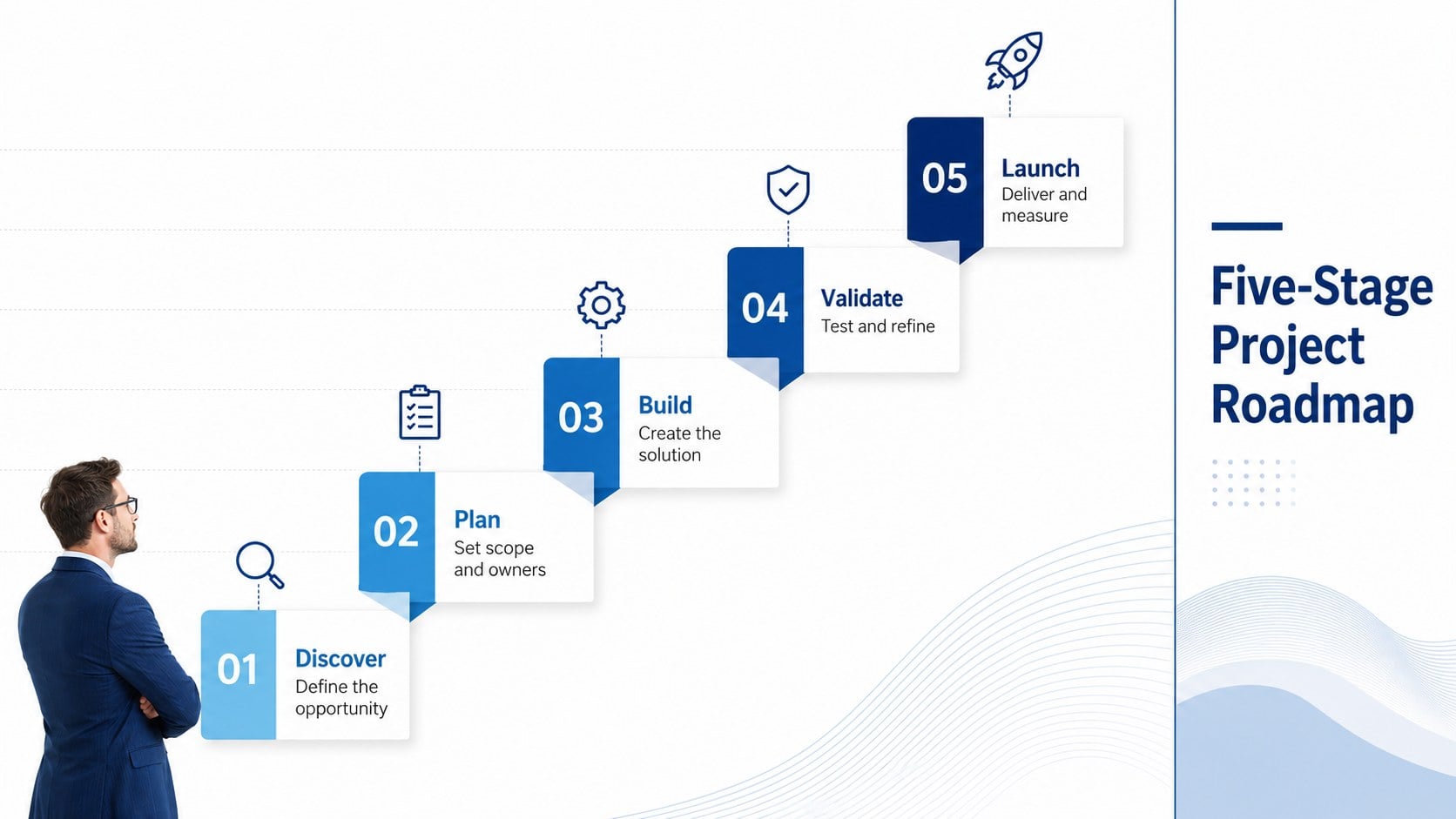
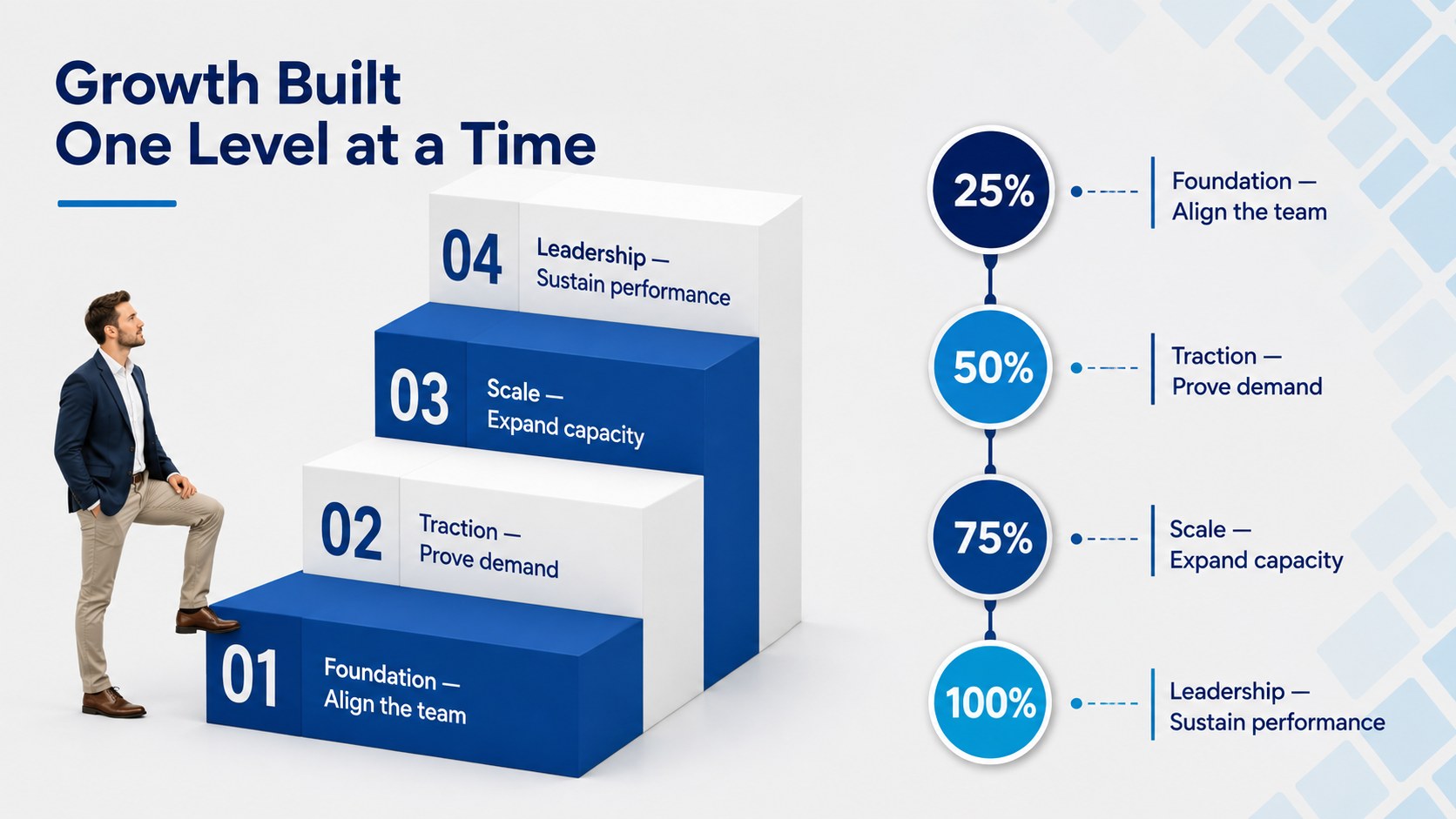
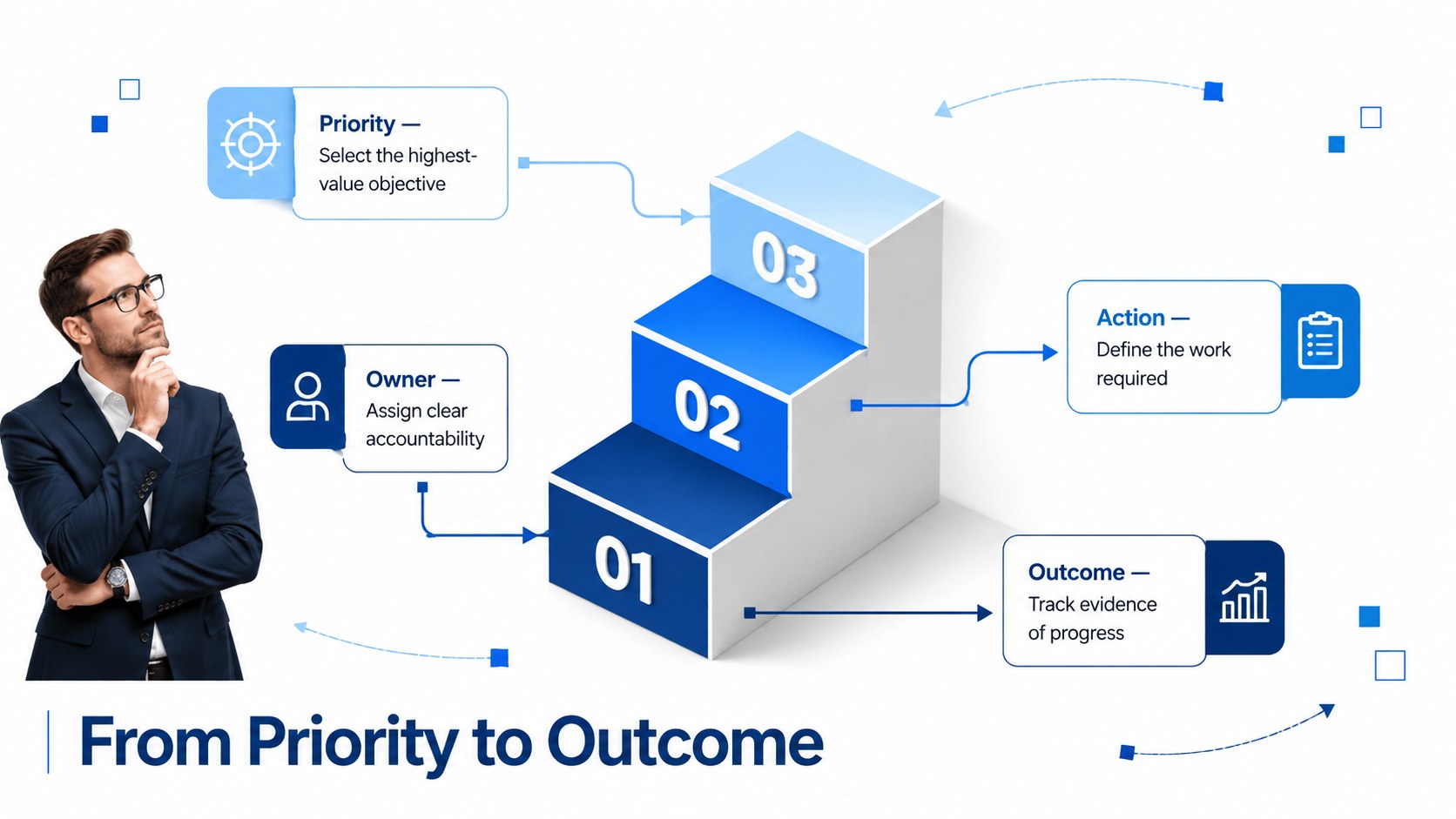
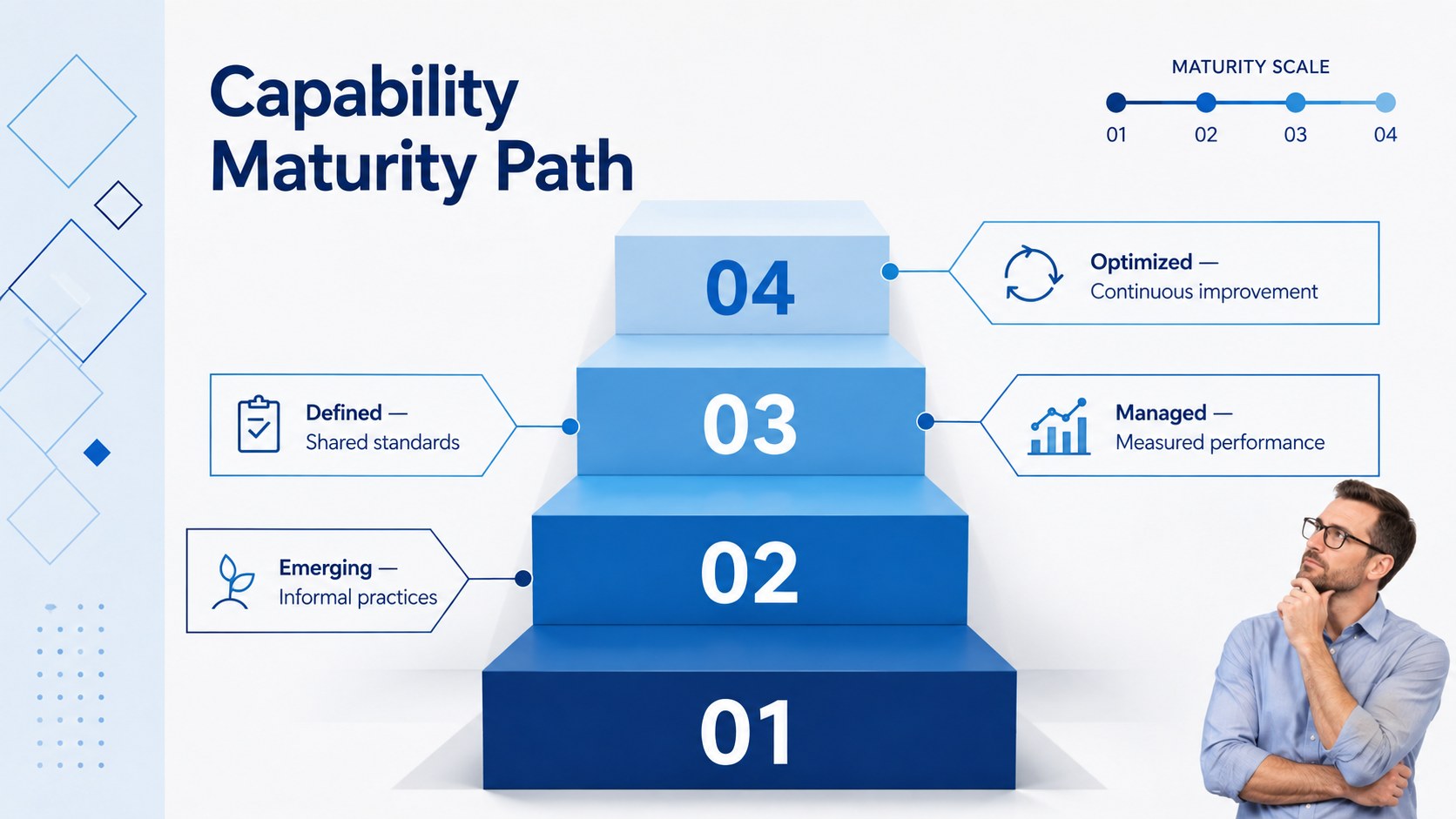
Business Milestone Staircase Slides turn sequential goals into a polished visual narrative that audiences can understand at a glance. The minimal blue-and-white design suits executive briefings, client meetings, project updates, and internal planning sessions without distracting from the information that matters.
Inside, you will find flexible staircase layouts for presenting project stages, growth targets, maturity levels, responsibilities, and next actions. Use a project phase staircase diagram to connect deliverables with deadlines, or adapt the corporate growth steps slide deck to explain how performance develops across multiple levels. Each layout provides clear space for concise labels, supporting details, and measurable outcomes.
The collection works especially well for project managers, consultants, operations teams, startup leaders, educators, and business analysts. A strategic roadmap stair infographic can simplify a transformation plan, product rollout, training path, or sales strategy while preserving the logical relationship between each step.
Every element can be edited in PowerPoint and Google Slides. Change the wording, rearrange the stages, update the fonts, or apply your organization’s colors while retaining the crisp corporate structure. The 16:9 format is ready for meeting-room screens, virtual presentations, and shared planning documents.
Perfect for: project phase review; corporate growth briefing; product rollout roadmap; employee development pathway; strategy implementation meeting.
Frequently asked questions
Practical details
Yes. Duplicate, remove, or reposition the step elements to match the length of your plan. Adjust the connecting shapes and labels afterward to maintain an even visual progression.
The slides are designed for PowerPoint and Google Slides. Text, colors, shapes, and layout elements remain editable in both platforms.
Yes. Replace the blue-and-white palette with your brand colors and update the typefaces through the theme or individual text settings. Keep strong contrast between labels and backgrounds for readability.
Use the staircase for ordered information in which each stage builds toward a higher goal. Project phases, maturity levels, growth targets, training paths, and implementation milestones are strong fits.
Keep exploring
15Shape your publishing concept with an indie magazine startup pitch deck featuring pastel gradients, bold collage layouts, and editable planning slides.
 16
16Build clear project stories with the Icon Grid Teamwork Theme, a flexible blue illustrated deck for proposals, strategy updates, and team meetings.
 3
3Turn priorities into an actionable plan with an annual goals roadmap infographic, featuring editable orange and teal layouts for PowerPoint and Google Slides.
 15
15Create an Annual Achievement Report Presentation with colorful geometric layouts for milestones, results, lessons, and priorities in PowerPoint or Google Slides.
 15
15Turn results into a focused annual performance evaluation report with dark 3D slides for KPIs, achievements, feedback, and next-step goals for teams.
 15
15Guide a focused annual recap with Business Results Retrospective Slides, a muted brown-and-blue template for PowerPoint and Google Slides.
 6
6Turn complex plans into clear visual stories with Color-Coded Workflow Path Slides, an editable set for project updates, roadmaps, and team briefings.
 6
6Compare regional performance at a glance with Global Data Heatmap Slides, a clean multicolor deck designed for editable PowerPoint and Google Slides.