
 15
15presentation
Indie Magazine Startup Pitch Deck
Shape your publishing concept with an indie magazine startup pitch deck featuring pastel gradients, bold collage layouts, and editable planning slides.
Google SlidesPowerPoint
presentation · English
Build a clear business journey presentation with editable PowerPoint and Google Slides layouts for milestones, growth stories, team updates, and investor…





Design notes
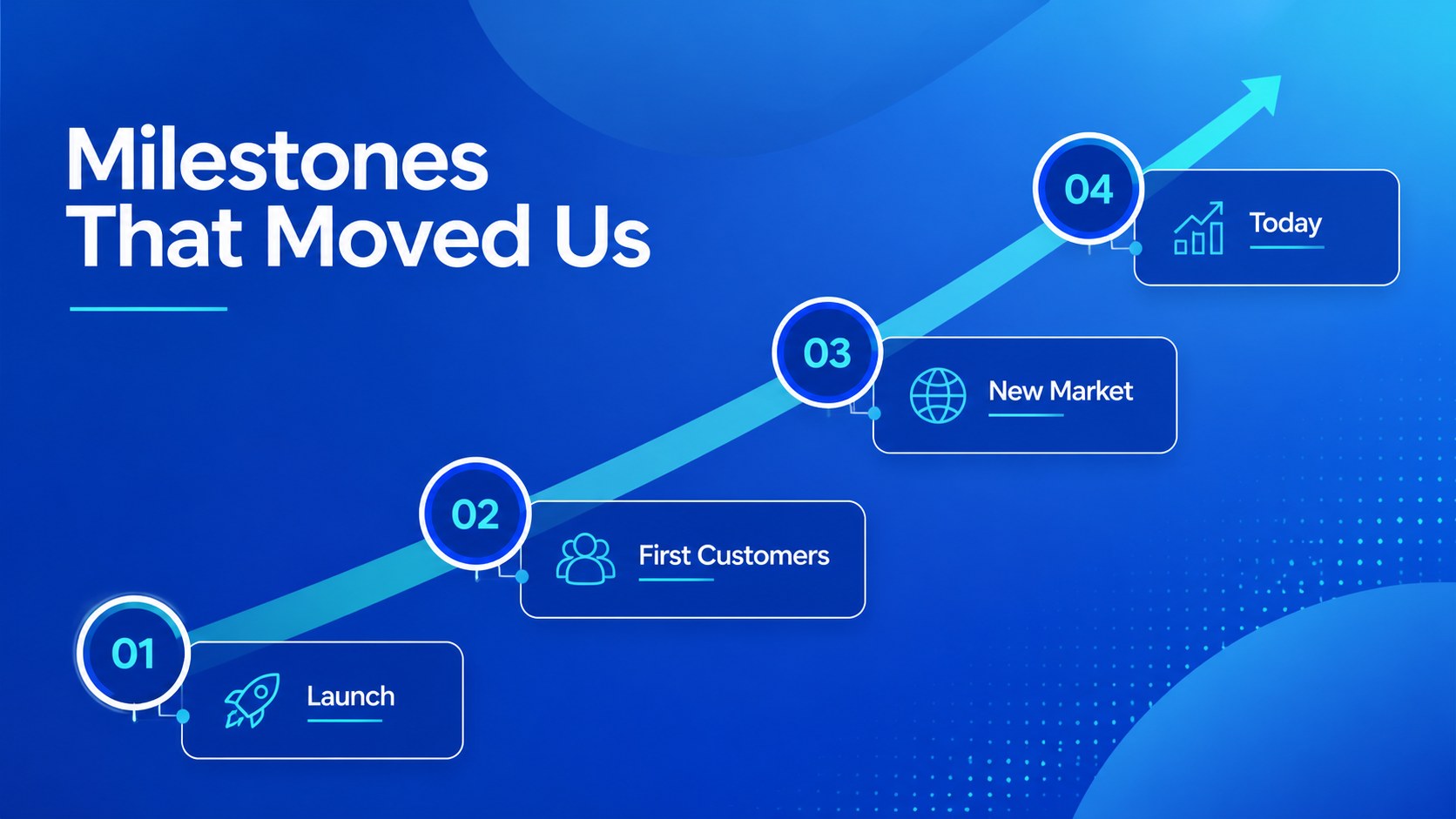
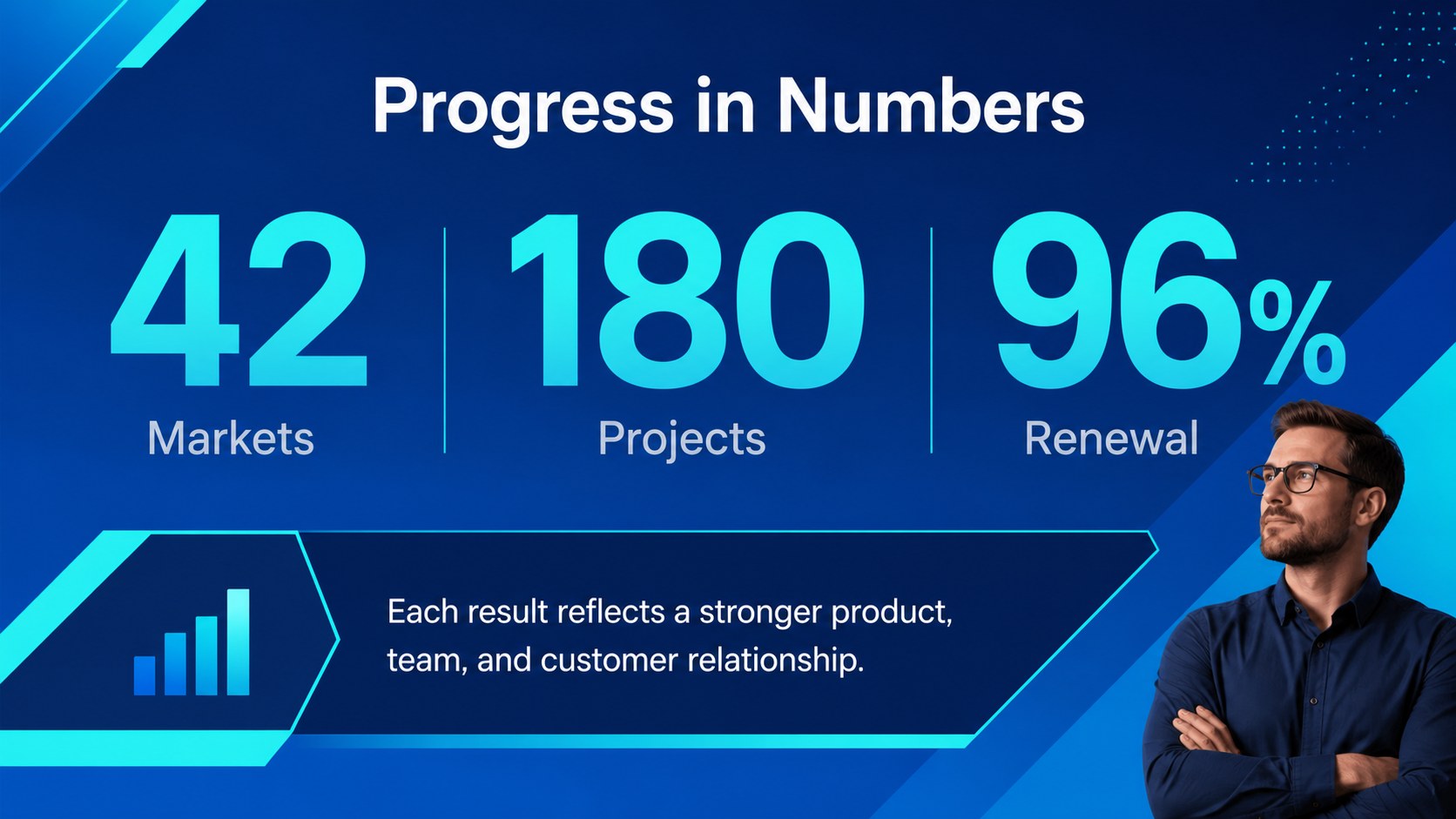
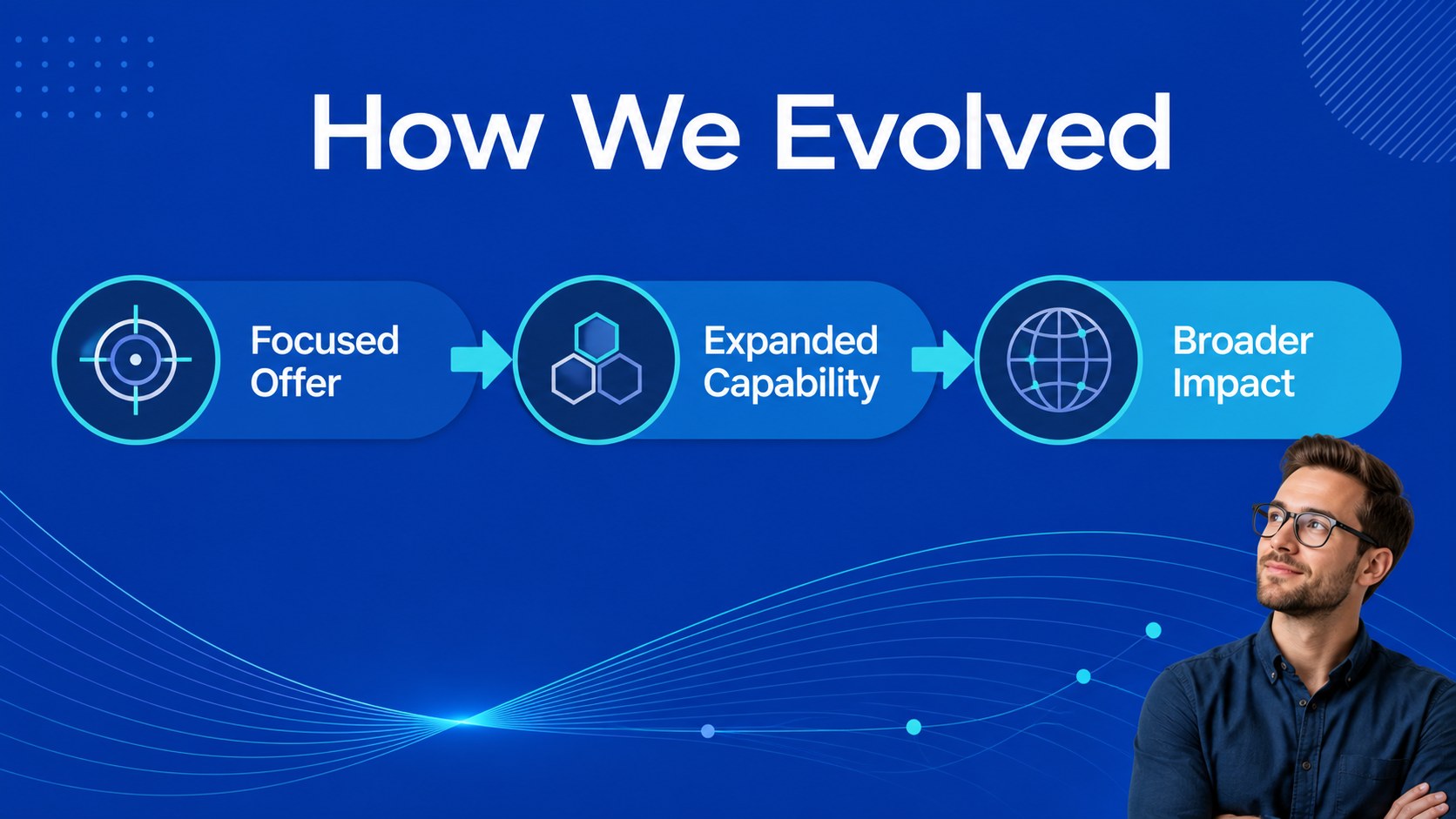
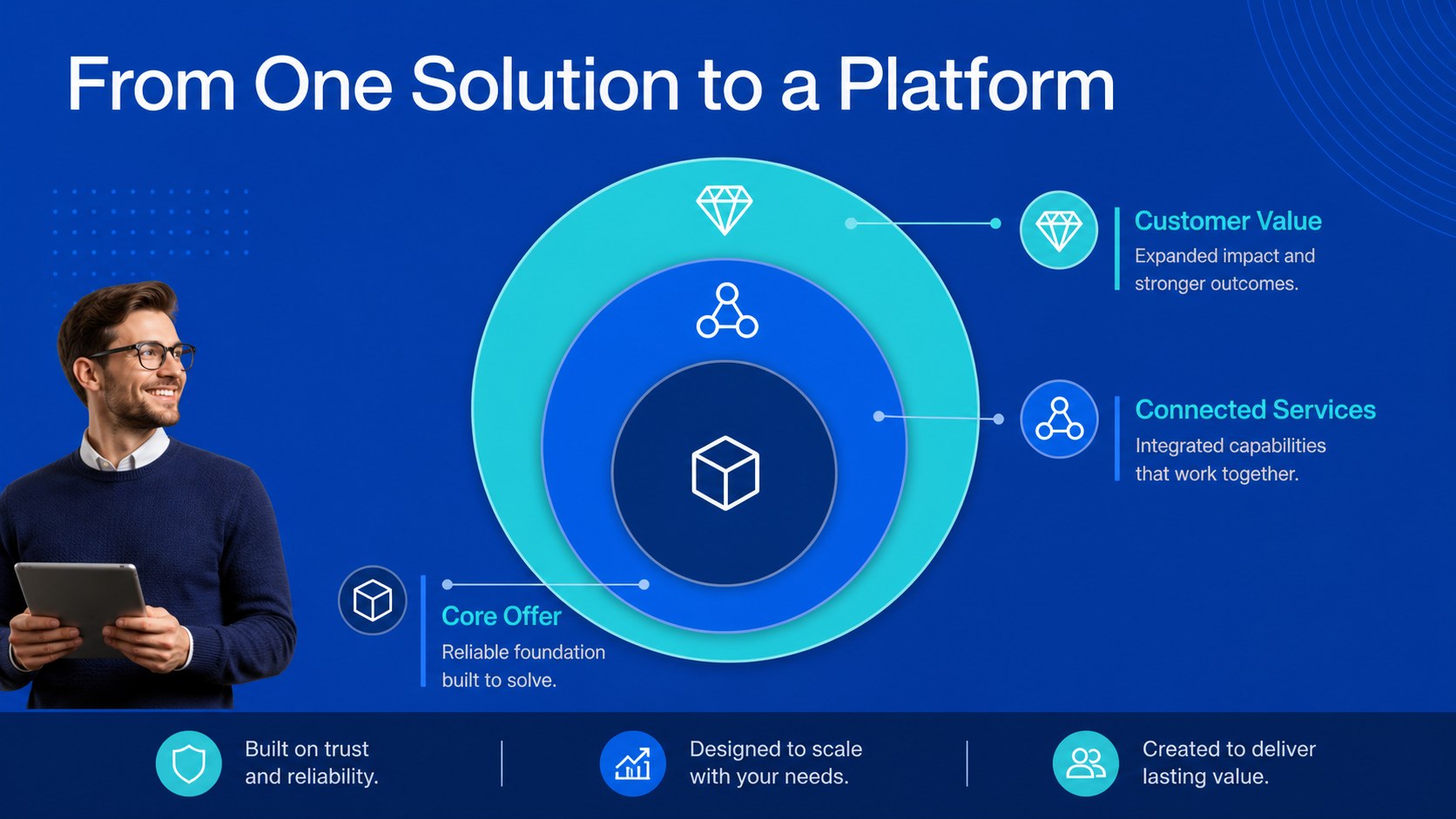
Business Journey Presentation Slides help teams explain how an organization began, evolved, and plans to grow. Use the deck to turn scattered dates, achievements, and strategic shifts into a narrative that is easy for clients, employees, partners, and investors to follow. The blue, turquoise, and grey design system creates a professional setting while geometric accents keep the presentation energetic and modern.
Inside, you will find a cover, agenda, milestone layouts, company profile sections, achievement highlights, data-focused slides, team and culture pages, strategic direction screens, and a closing summary. The flexible layouts work well for an editable business history presentation, a company milestones presentation in PowerPoint, or a growth journey deck for startups. Add your own dates, metrics, photographs, icons, brand colors, and logo while keeping spacing and hierarchy consistent.
This template is designed for startup founders, corporate communications teams, consultants, educators, and business development professionals. Present an annual review, introduce a growing organization, document an acquisition story, or create an onboarding overview. Edit the files in PowerPoint or Google Slides, then present digitally or export a finished PDF for sharing.
Perfect for: startup investor pitch; annual company review; employee onboarding presentation; corporate history overview; acquisition announcement; business development meeting.
Frequently asked questions
Can I edit this presentation in PowerPoint? Yes. The layouts are intended for PowerPoint editing, so you can change text, dates, colors, images, icons, and charts. The deck can also be exported as a PDF when your presentation is complete.
Practical details
Yes. The layouts are intended for PowerPoint editing, so you can change text, dates, colors, images, icons, and charts. The deck can also be exported as a PDF when your presentation is complete.
Yes, you can open and customize the presentation in Google Slides. Review fonts, spacing, and image placement after importing to ensure the deck matches your preferred editing environment.
You can replace the sample logo, text, imagery, icons, and color accents with your own brand assets. The blue, turquoise, and grey palette can be adjusted while retaining the geometric visual structure.
The layouts support company origins, milestone sequences, product growth, team development, achievements, and future plans. Combine the sections selectively to create an investor pitch, annual review, onboarding deck, or corporate history overview.
Keep exploring
15Shape your publishing concept with an indie magazine startup pitch deck featuring pastel gradients, bold collage layouts, and editable planning slides.
 16
16Build clear project stories with the Icon Grid Teamwork Theme, a flexible blue illustrated deck for proposals, strategy updates, and team meetings.
 3
3Turn priorities into an actionable plan with an annual goals roadmap infographic, featuring editable orange and teal layouts for PowerPoint and Google Slides.
 15
15Create an Annual Achievement Report Presentation with colorful geometric layouts for milestones, results, lessons, and priorities in PowerPoint or Google Slides.
 15
15Turn results into a focused annual performance evaluation report with dark 3D slides for KPIs, achievements, feedback, and next-step goals for teams.
 15
15Guide a focused annual recap with Business Results Retrospective Slides, a muted brown-and-blue template for PowerPoint and Google Slides.
 6
6Turn complex plans into clear visual stories with Color-Coded Workflow Path Slides, an editable set for project updates, roadmaps, and team briefings.
 6
6Compare regional performance at a glance with Global Data Heatmap Slides, a clean multicolor deck designed for editable PowerPoint and Google Slides.