
 15
15presentation
Indie Magazine Startup Pitch Deck
Shape your publishing concept with an indie magazine startup pitch deck featuring pastel gradients, bold collage layouts, and editable planning slides.
Google SlidesPowerPoint
presentation · English
Build a business execution roadmap slides deck for goals, owners, milestones, and metrics with bold black-and-violet layouts for PowerPoint and Google Slides.



Design notes
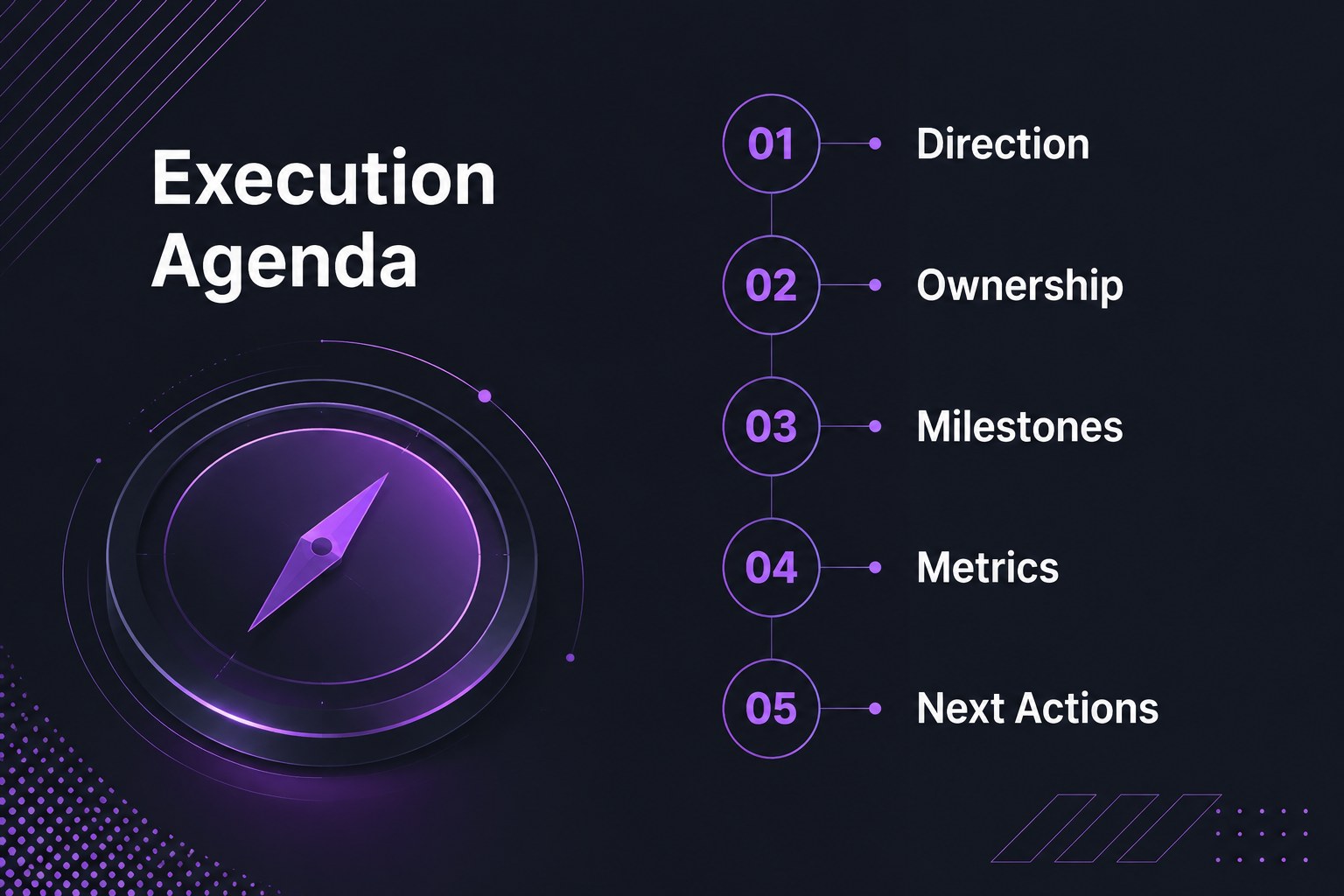
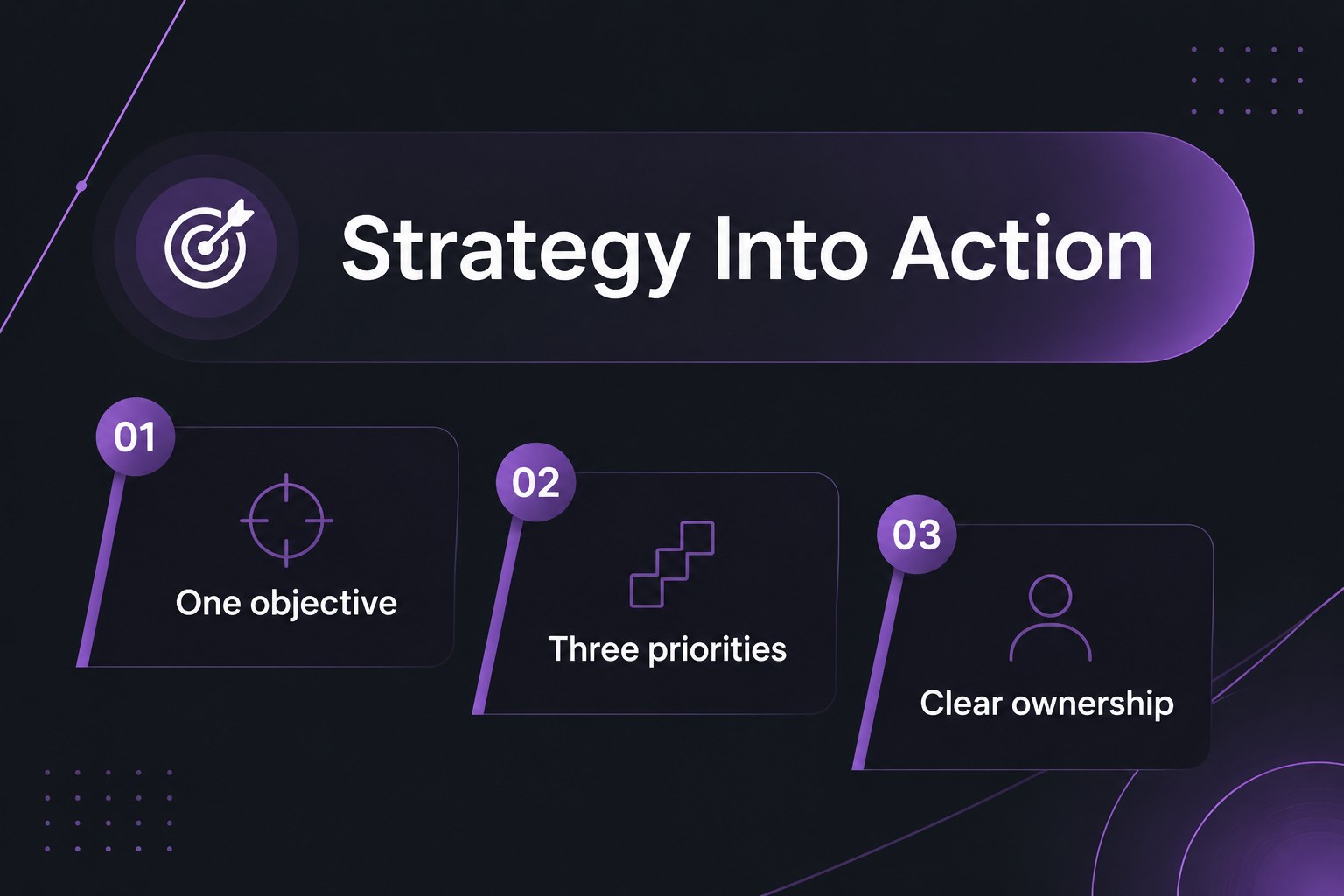
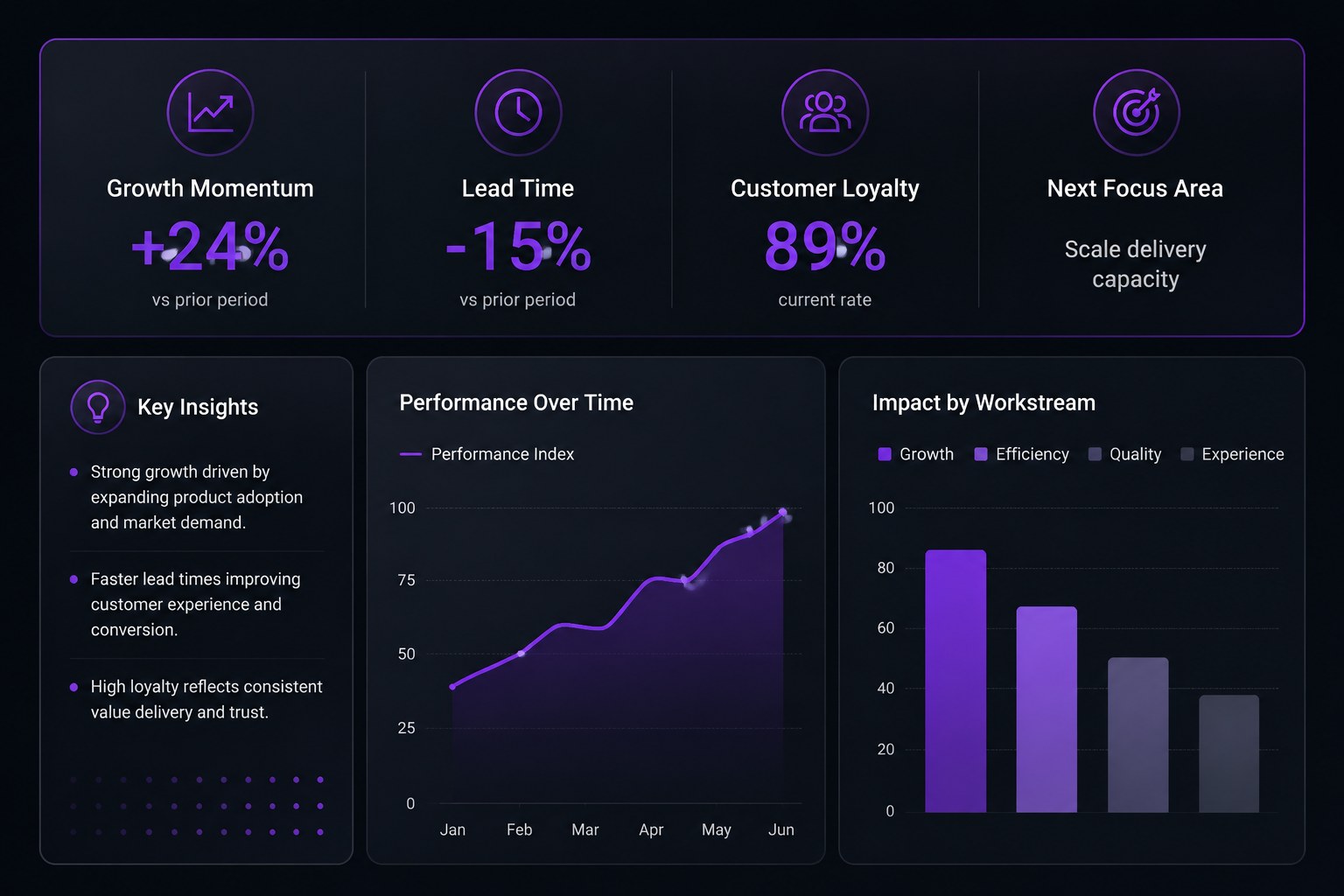
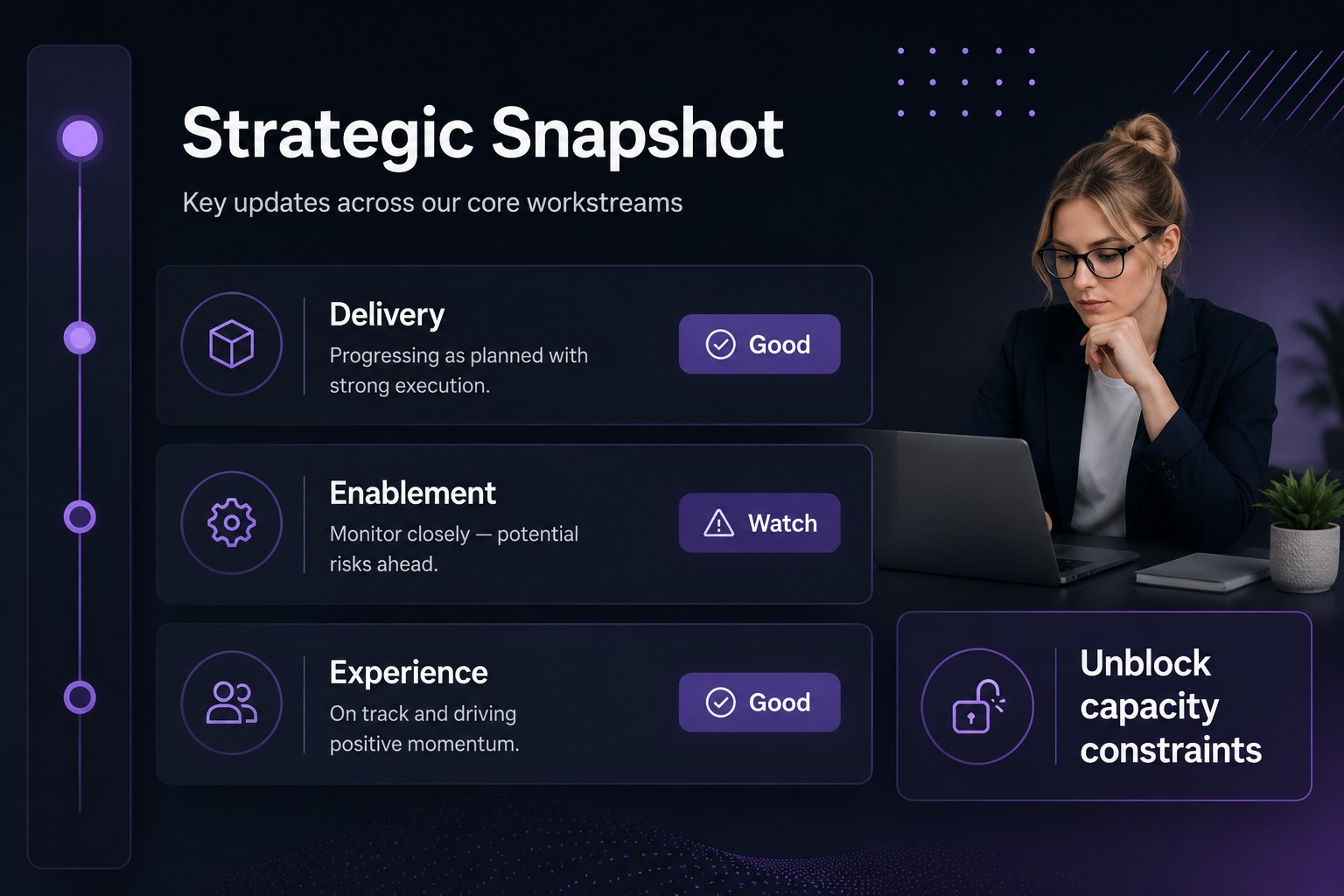
Turn priorities into measurable progress with Business Execution Roadmap Slides, a focused presentation template for teams that need to connect strategy with accountable action. The bold black-and-violet design gives leadership updates, planning sessions, and performance reviews a confident visual structure without distracting from the data.
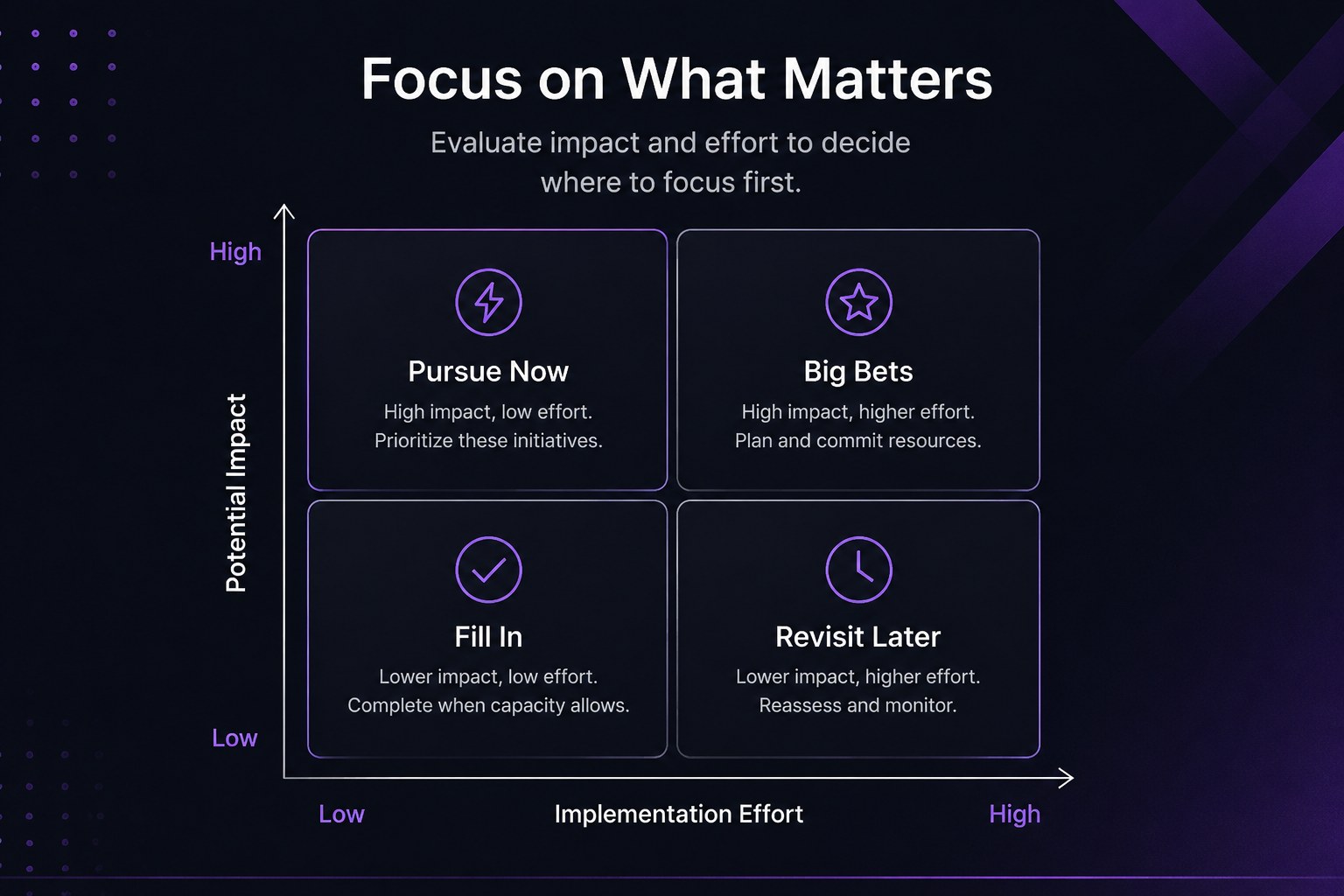
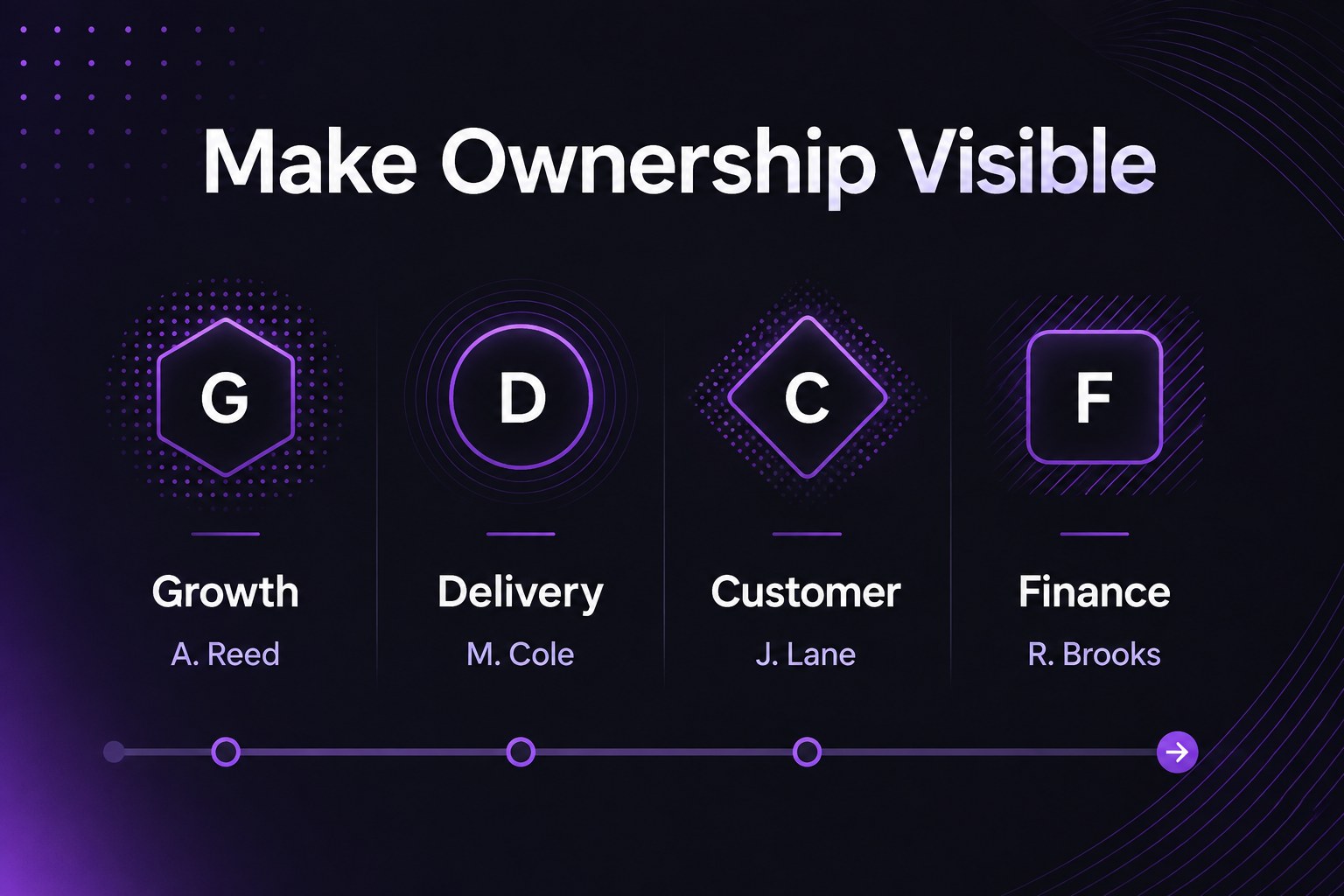
Inside, you’ll find 19 editable 16:9 layouts for presenting objectives, workstreams, milestones, owners, risks, KPIs, and next steps. Use the agenda and overview slides to establish direction, then move through structured roadmap views, metric snapshots, priority matrices, and conclusion pages. The deck includes flexible charts, diagrams, frames, lines, and shapes, along with animation and transition options for a polished presentation flow. It works in PowerPoint and Google Slides, with easy export and sharing for internal or external meetings.
This business execution roadmap slides deck is designed for founders, operations leaders, project managers, consultants, department heads, and strategy teams. Adapt it for a startup execution plan, quarterly business review, transformation initiative, or cross-functional delivery meeting. Fira Sans, Inria Serif, and Lora provide a clear editorial contrast that supports both concise labels and detailed business commentary.
Perfect for: startup execution plan; quarterly business review; cross-functional delivery meeting; strategy implementation workshop; operations leadership update.
Frequently asked questions
Can I edit these slides in PowerPoint? Yes. The presentation is designed for PowerPoint and includes editable text, shapes, charts, and layout elements. Replace the sample content with your own objectives, milestones, and metrics.
Practical details
Yes. The presentation is designed for PowerPoint and includes editable text, shapes, charts, and layout elements. Replace the sample content with your own objectives, milestones, and metrics.
Yes, you can use the deck in Google Slides for browser-based editing and collaboration. Review imported fonts and transitions after opening the file, then adjust them if needed.
Yes. Update theme colors, accents, typography, and graphics to align the deck with your organization. The layouts are flexible enough for both concise leadership summaries and detailed planning sessions.
Use it for objectives, workstreams, owners, milestones, KPIs, risks, and follow-up actions. It is suitable for startup planning, quarterly reviews, transformation programs, and operational meetings.
Keep exploring
15Shape your publishing concept with an indie magazine startup pitch deck featuring pastel gradients, bold collage layouts, and editable planning slides.
 16
16Build clear project stories with the Icon Grid Teamwork Theme, a flexible blue illustrated deck for proposals, strategy updates, and team meetings.
 3
3Turn priorities into an actionable plan with an annual goals roadmap infographic, featuring editable orange and teal layouts for PowerPoint and Google Slides.
 15
15Create an Annual Achievement Report Presentation with colorful geometric layouts for milestones, results, lessons, and priorities in PowerPoint or Google Slides.
 15
15Turn results into a focused annual performance evaluation report with dark 3D slides for KPIs, achievements, feedback, and next-step goals for teams.
 15
15Guide a focused annual recap with Business Results Retrospective Slides, a muted brown-and-blue template for PowerPoint and Google Slides.
 6
6Turn complex plans into clear visual stories with Color-Coded Workflow Path Slides, an editable set for project updates, roadmaps, and team briefings.
 6
6Compare regional performance at a glance with Global Data Heatmap Slides, a clean multicolor deck designed for editable PowerPoint and Google Slides.