
 15
15presentation
Indie Magazine Startup Pitch Deck
Shape your publishing concept with an indie magazine startup pitch deck featuring pastel gradients, bold collage layouts, and editable planning slides.
Google SlidesPowerPoint
presentation · English
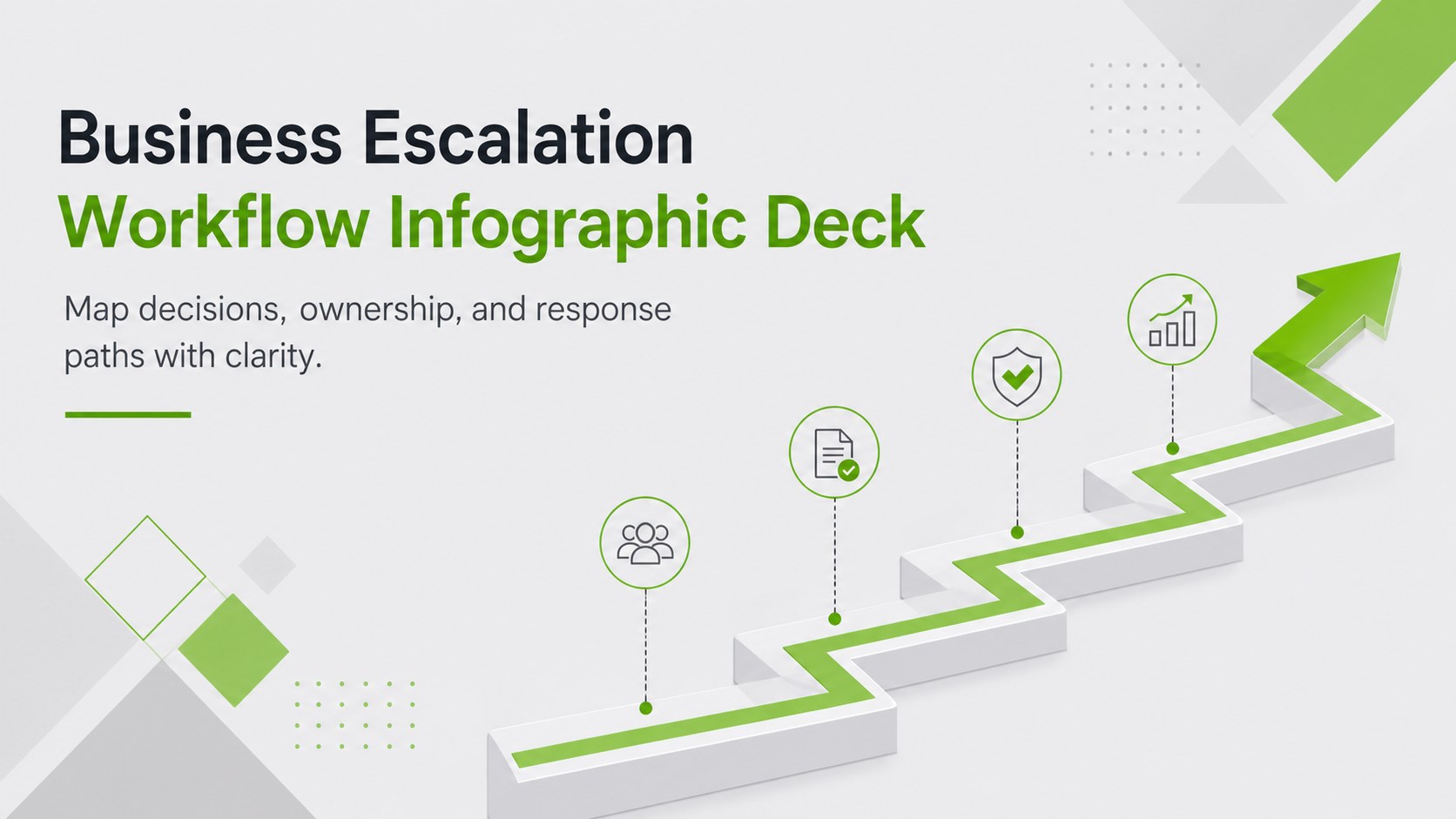
Build a clearer response path with a business escalation workflow infographic deck for PowerPoint and Google Slides in modern green and grey.
Design notes
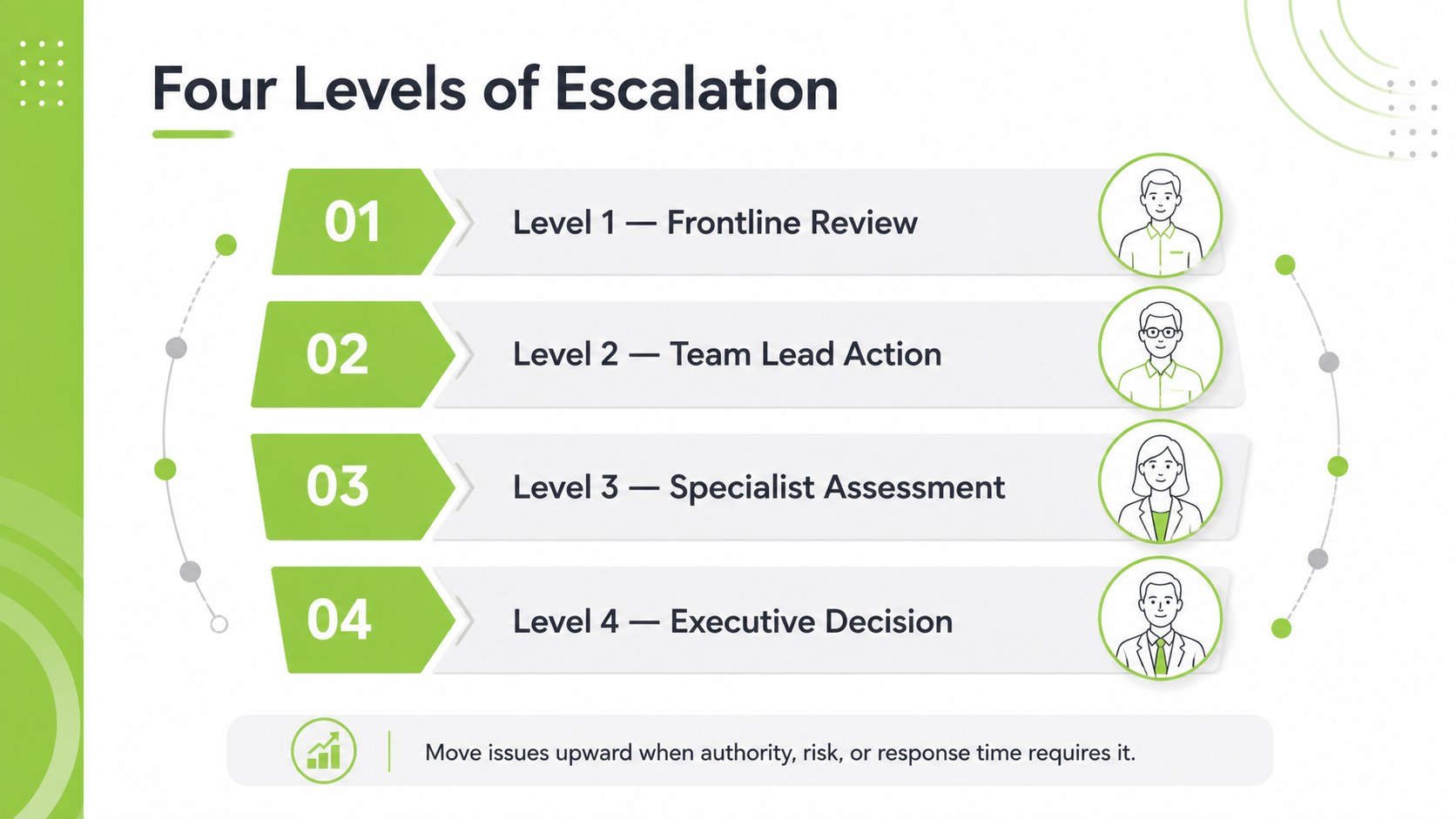
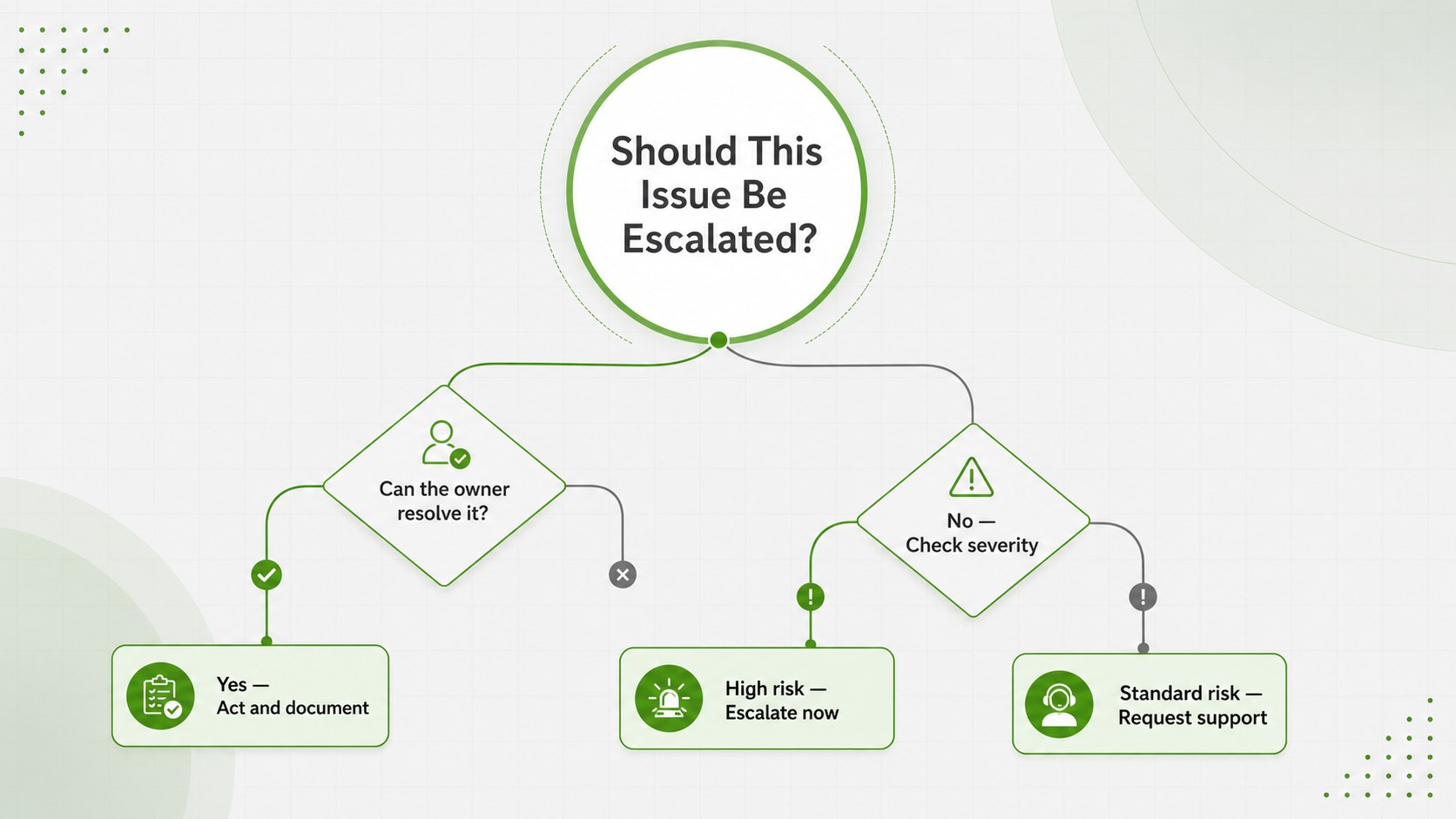
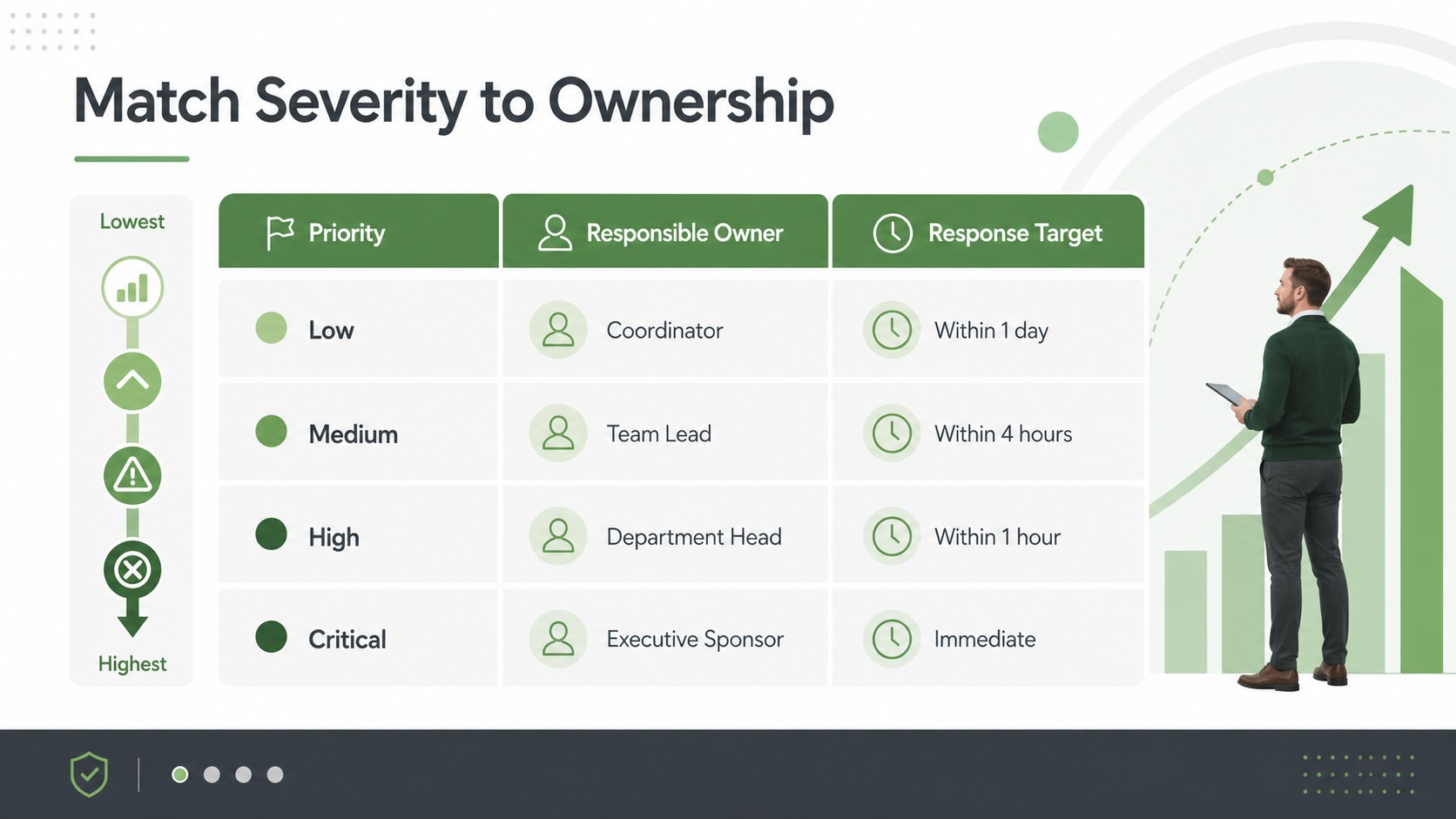
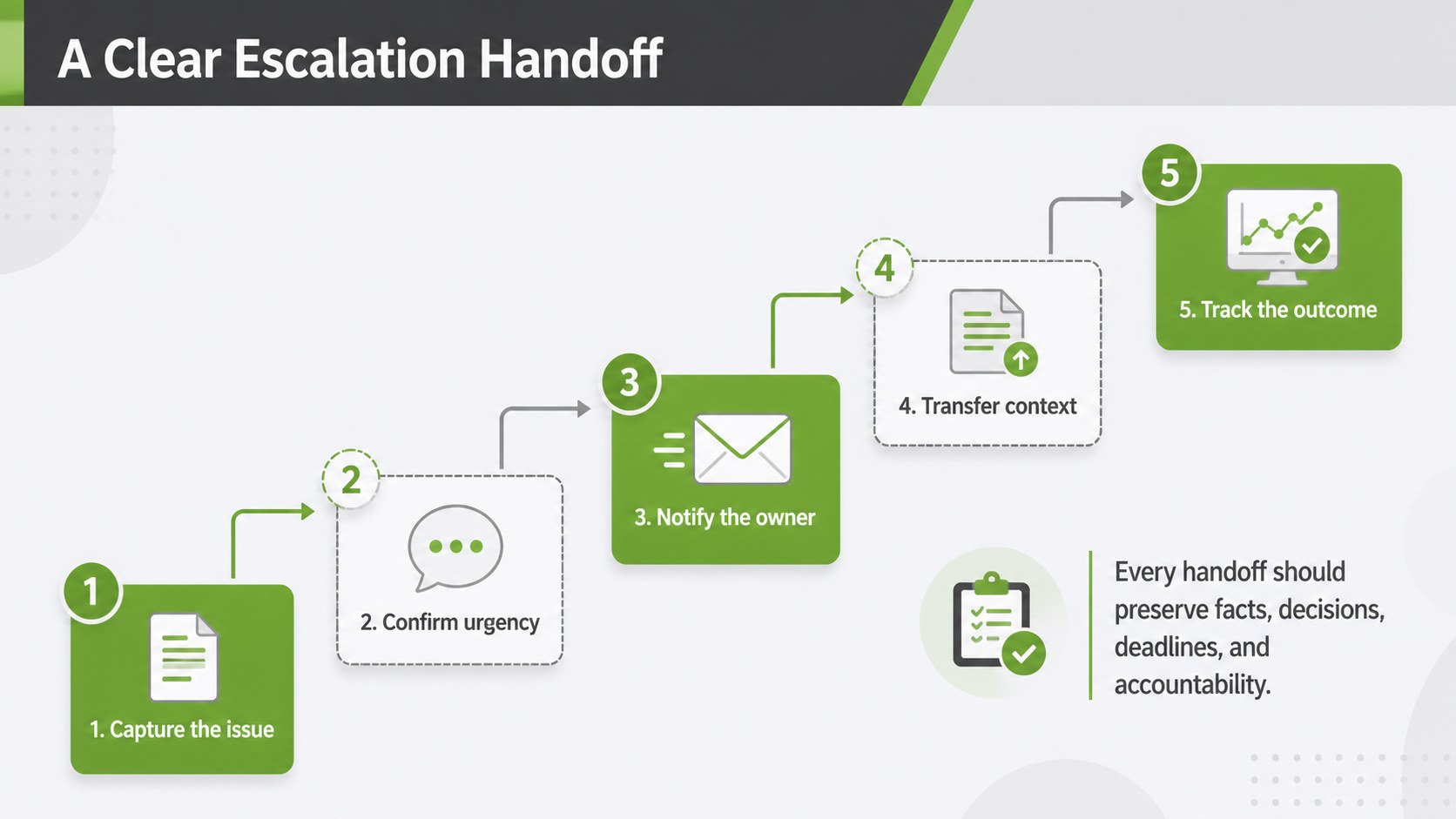
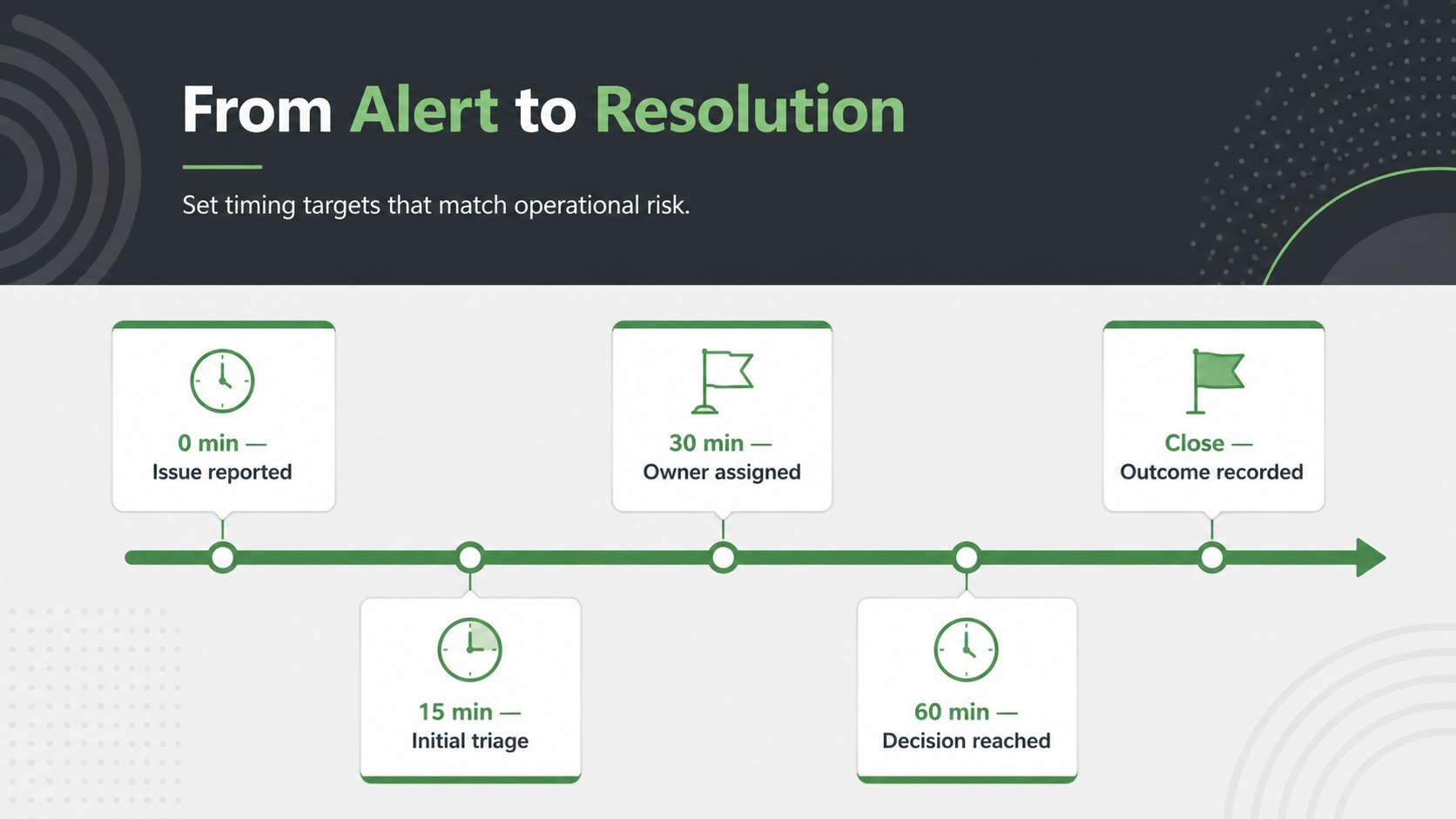
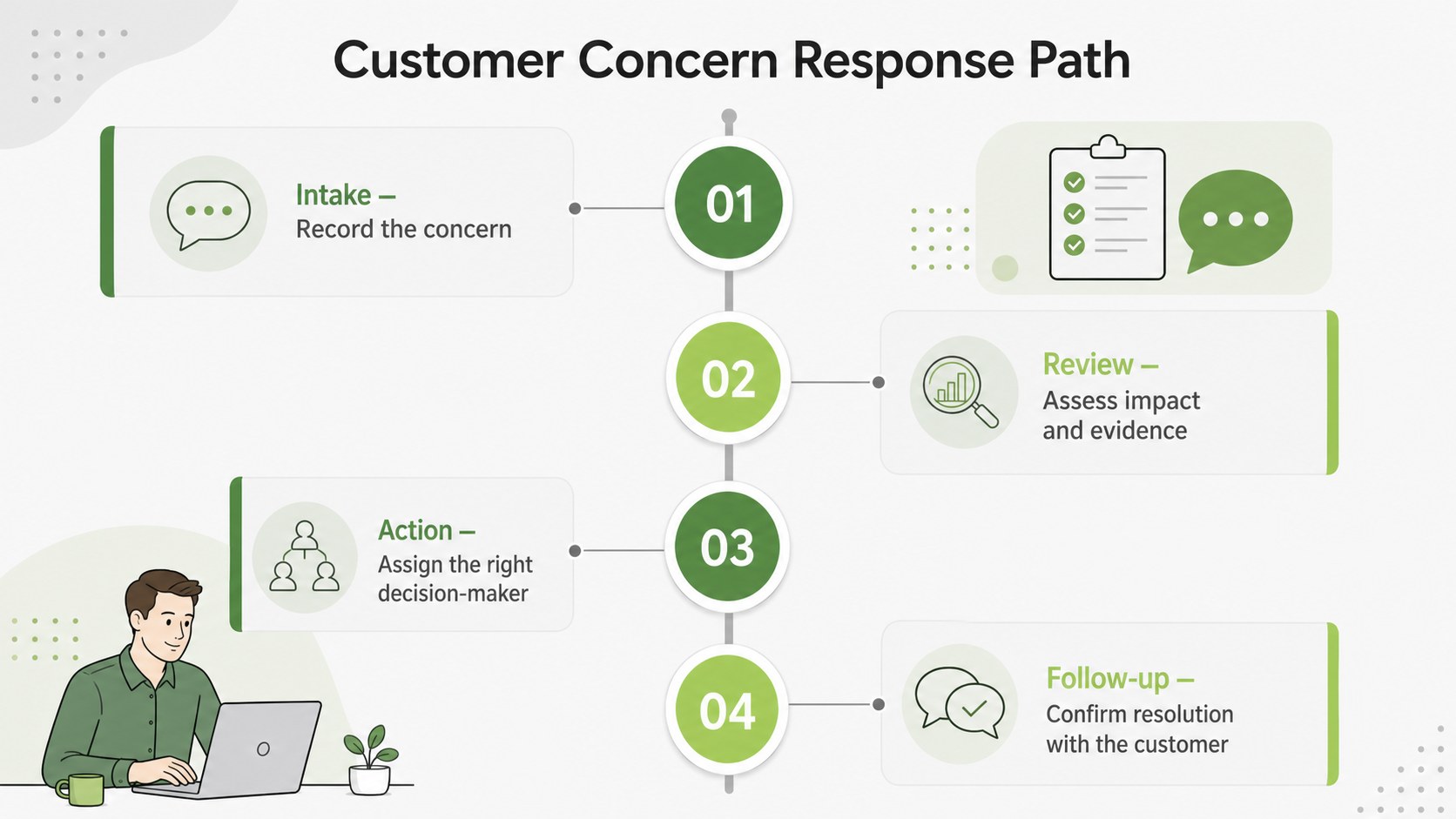
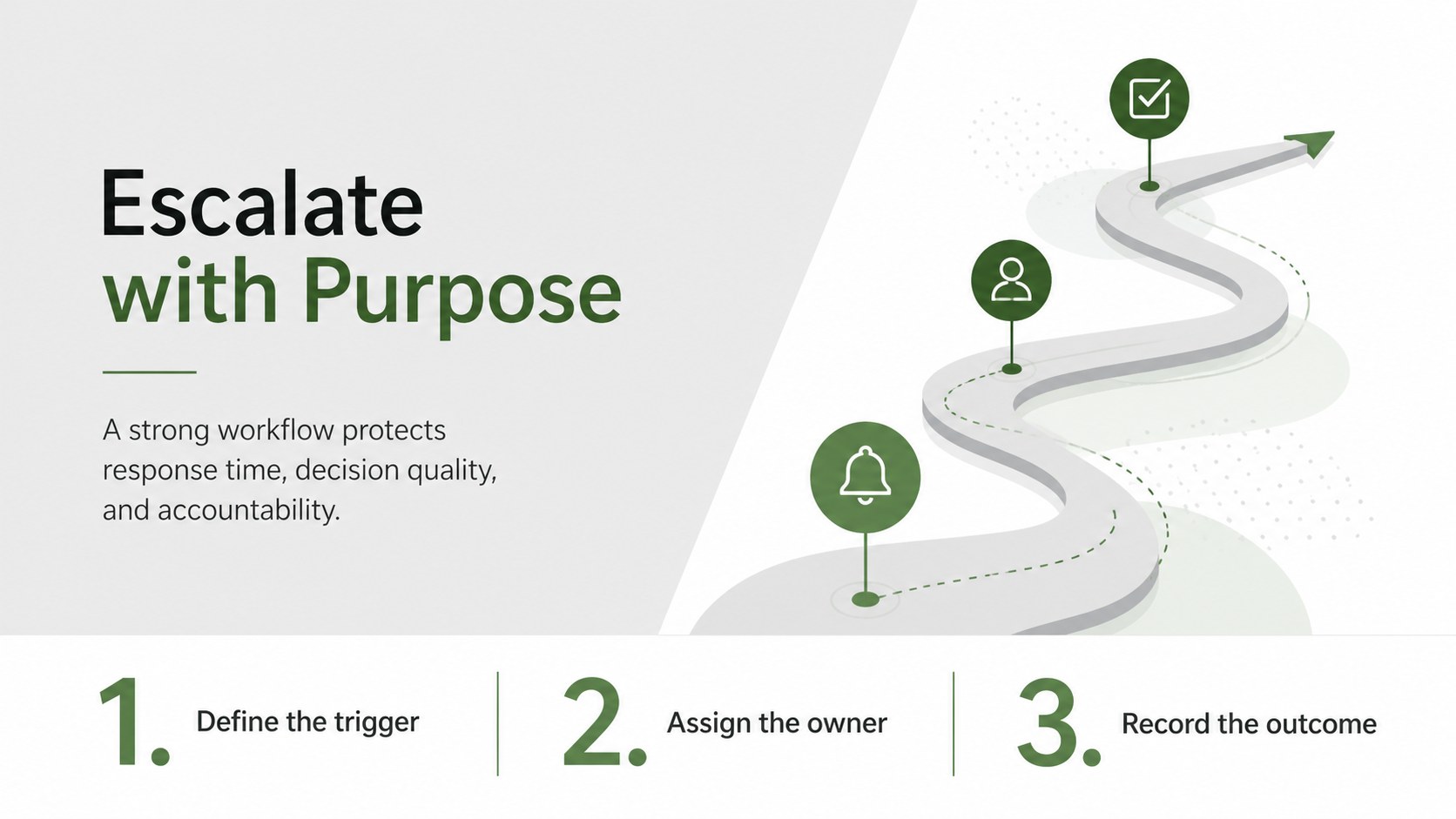
Clarify who acts, when they act, and where an issue goes next with this business escalation workflow infographic deck. Its modern green and grey design gives operational information a calm, professional structure, helping teams communicate urgent procedures without overwhelming the audience. Use the layouts to present decision points, ownership changes, response priorities, and approval routes in a format that is easy to scan.
The deck includes five editable infographic concepts within an eight-slide preview, including a tiered response model, escalation decision tree, issue severity matrix, handoff sequence, and resolution timeline. Each layout can be adapted with your own labels, departments, deadlines, icons, and status details. The escalation workflow presentation template also provides flexible shapes, connectors, text blocks, and visual hierarchy for building a consistent process story. Fonts, colors, and graphic elements can be adjusted in PowerPoint or Google Slides.
Designed for operations managers, service teams, project leaders, IT departments, compliance professionals, and customer support supervisors, these issue escalation process slides work well in workshops, internal reports, onboarding sessions, and response planning meetings. They can also support a customer complaint escalation flow, incident management briefing, or approval chain review. Whether you are documenting an existing procedure or proposing a revised route, the deck helps audiences understand responsibilities and next actions quickly.
Perfect for: service desk escalation briefing; customer complaint response planning; incident management workshop; project approval workflow review; operations team onboarding.
Frequently asked questions
Can I edit every stage of the escalation workflow? Yes. You can replace stage names, owners, response times, icons, connectors, and supporting notes to match your organization’s procedure. Colors and typography can also be adjusted for internal branding.
Practical details
Yes. You can replace stage names, owners, response times, icons, connectors, and supporting notes to match your organization’s procedure. Colors and typography can also be adjusted for internal branding.
The deck is designed for PowerPoint and Google Slides. After opening it in either platform, you can edit the layouts, present directly, or export the finished slides in common formats.
Yes. Duplicate, remove, or reposition the editable shapes to reflect the number of levels in your workflow. Keep the visual hierarchy consistent so decision paths remain easy to follow.
Yes. The layouts can describe complaint handling, service desk routing, technical incident response, compliance reviews, or management approvals. Replace the sample wording with the roles, priorities, and timing rules used by your team.
Keep exploring
15Shape your publishing concept with an indie magazine startup pitch deck featuring pastel gradients, bold collage layouts, and editable planning slides.
 16
16Build clear project stories with the Icon Grid Teamwork Theme, a flexible blue illustrated deck for proposals, strategy updates, and team meetings.
 3
3Turn priorities into an actionable plan with an annual goals roadmap infographic, featuring editable orange and teal layouts for PowerPoint and Google Slides.
 15
15Create an Annual Achievement Report Presentation with colorful geometric layouts for milestones, results, lessons, and priorities in PowerPoint or Google Slides.
 15
15Turn results into a focused annual performance evaluation report with dark 3D slides for KPIs, achievements, feedback, and next-step goals for teams.
 15
15Guide a focused annual recap with Business Results Retrospective Slides, a muted brown-and-blue template for PowerPoint and Google Slides.
 6
6Turn complex plans into clear visual stories with Color-Coded Workflow Path Slides, an editable set for project updates, roadmaps, and team briefings.
 6
6Compare regional performance at a glance with Global Data Heatmap Slides, a clean multicolor deck designed for editable PowerPoint and Google Slides.