
 15
15presentation
Indie Magazine Startup Pitch Deck
Shape your publishing concept with an indie magazine startup pitch deck featuring pastel gradients, bold collage layouts, and editable planning slides.
Google SlidesPowerPoint
presentation · English
Build a clear budget review strategy slides deck for finance teams, with editable charts, planning layouts, and an orange illustrated style for PowerPoint.

Design notes
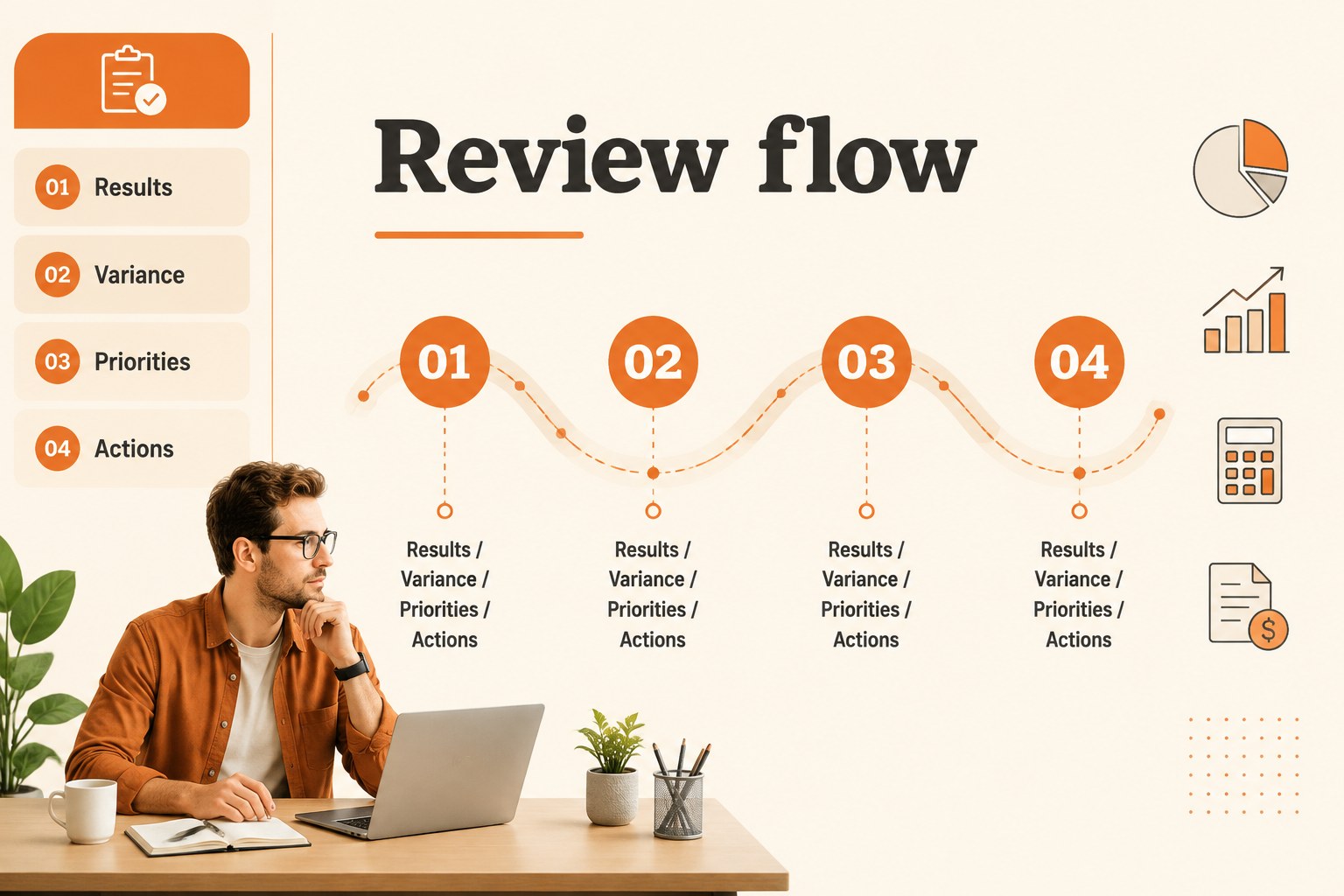
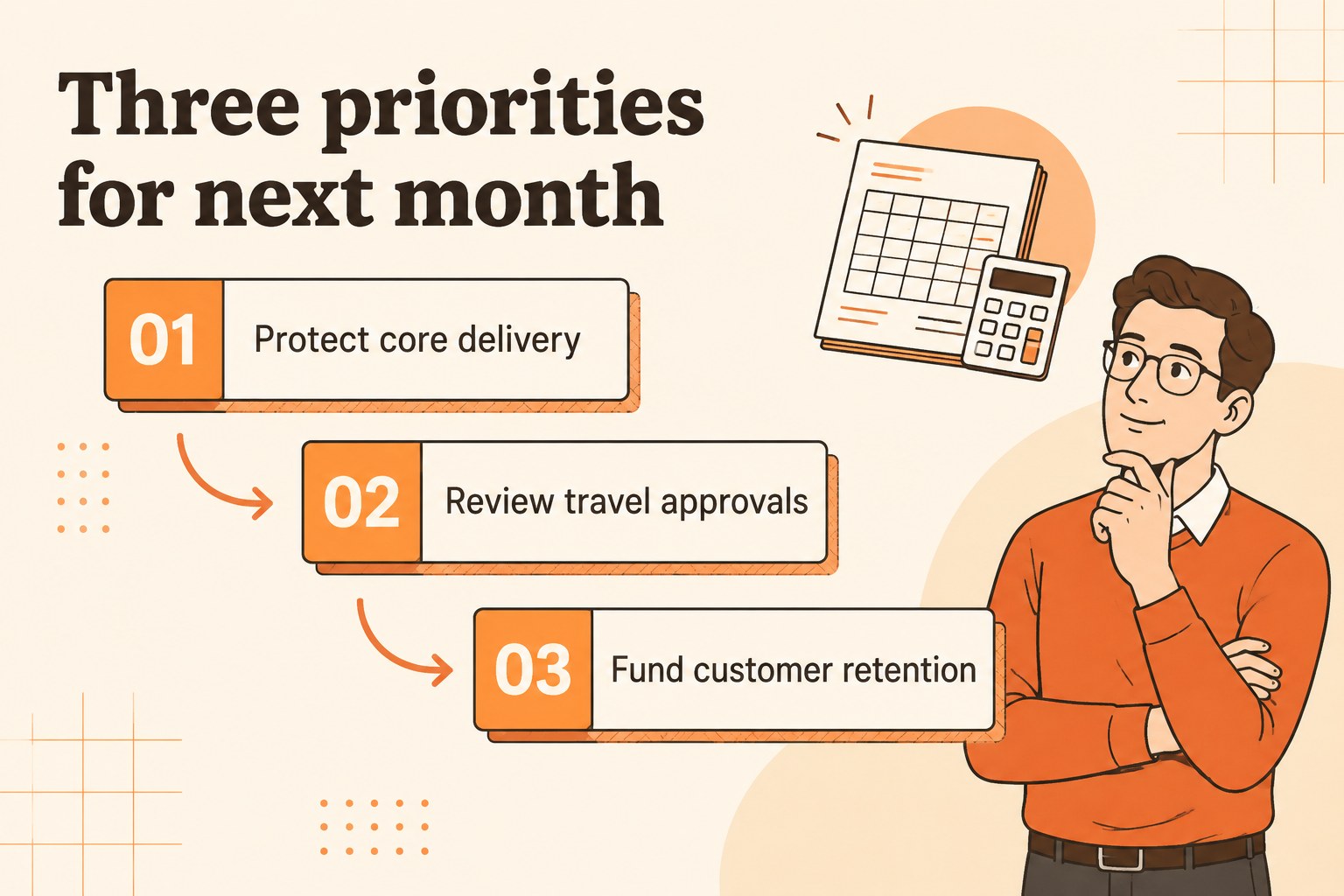
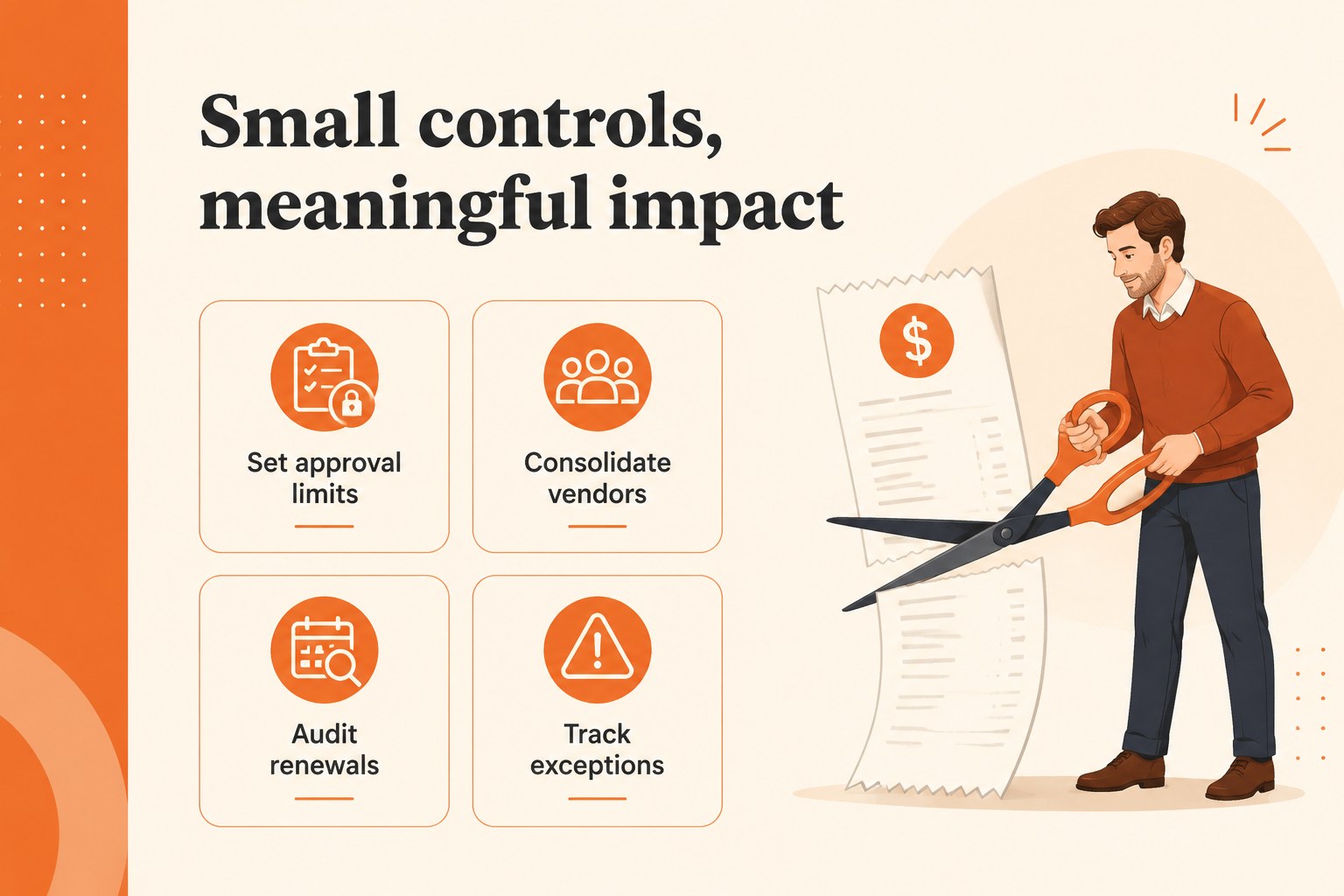
Make financial discussions easier to follow with Budget Review Strategy Slides, an orange and beige presentation system for turning spending data into clear decisions. The illustrated visual language keeps the deck approachable while structured layouts help teams move from current results to next-step actions.
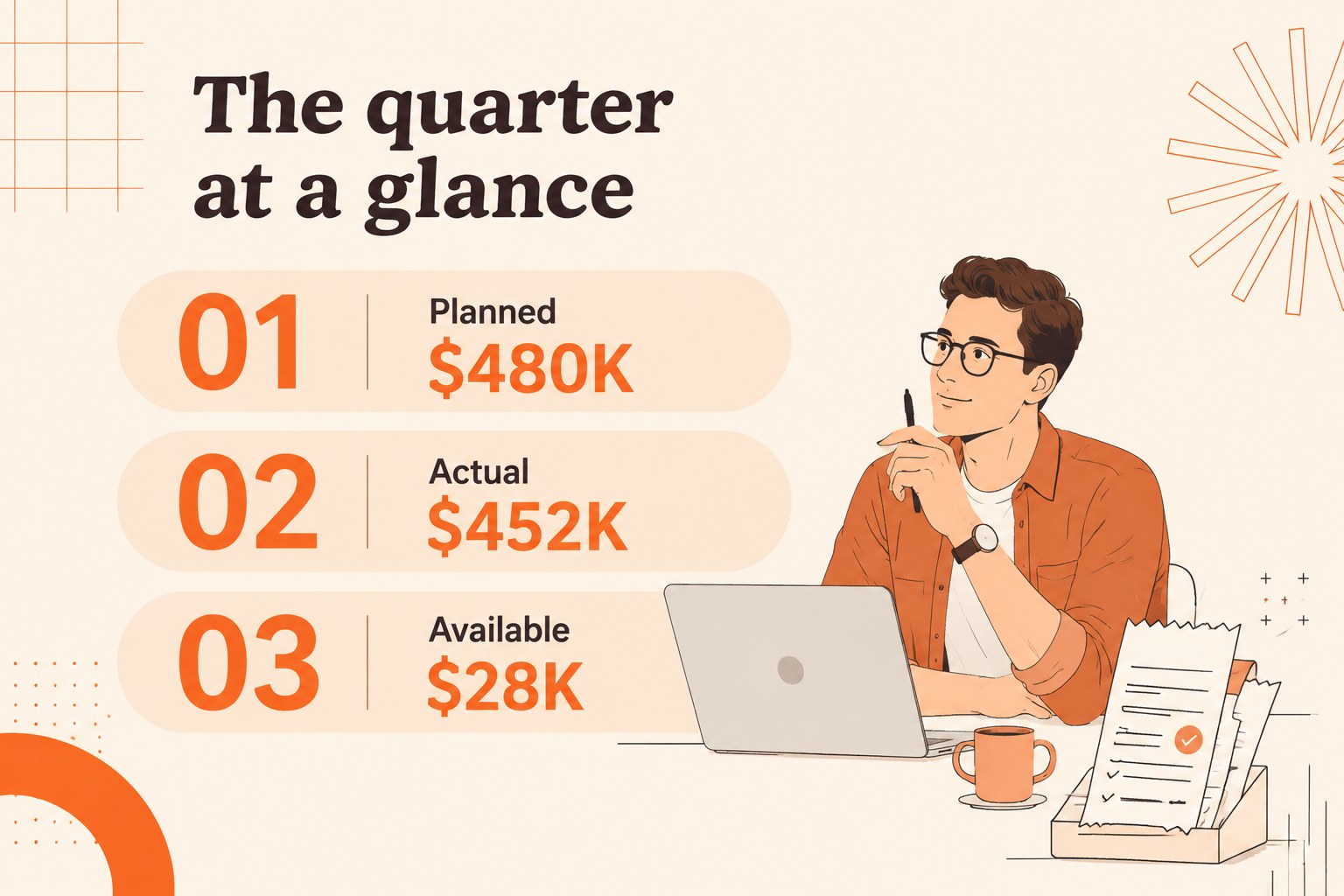
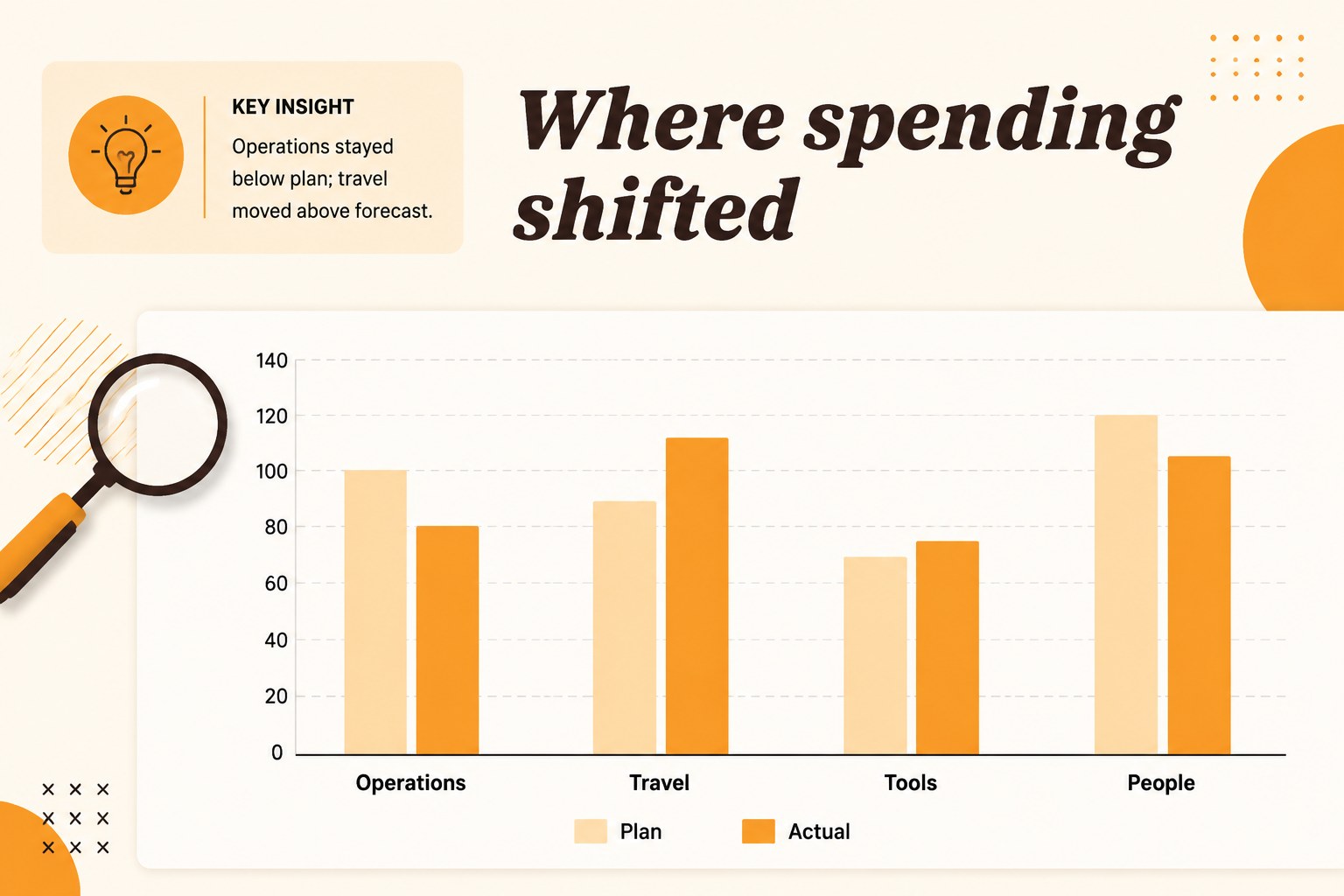
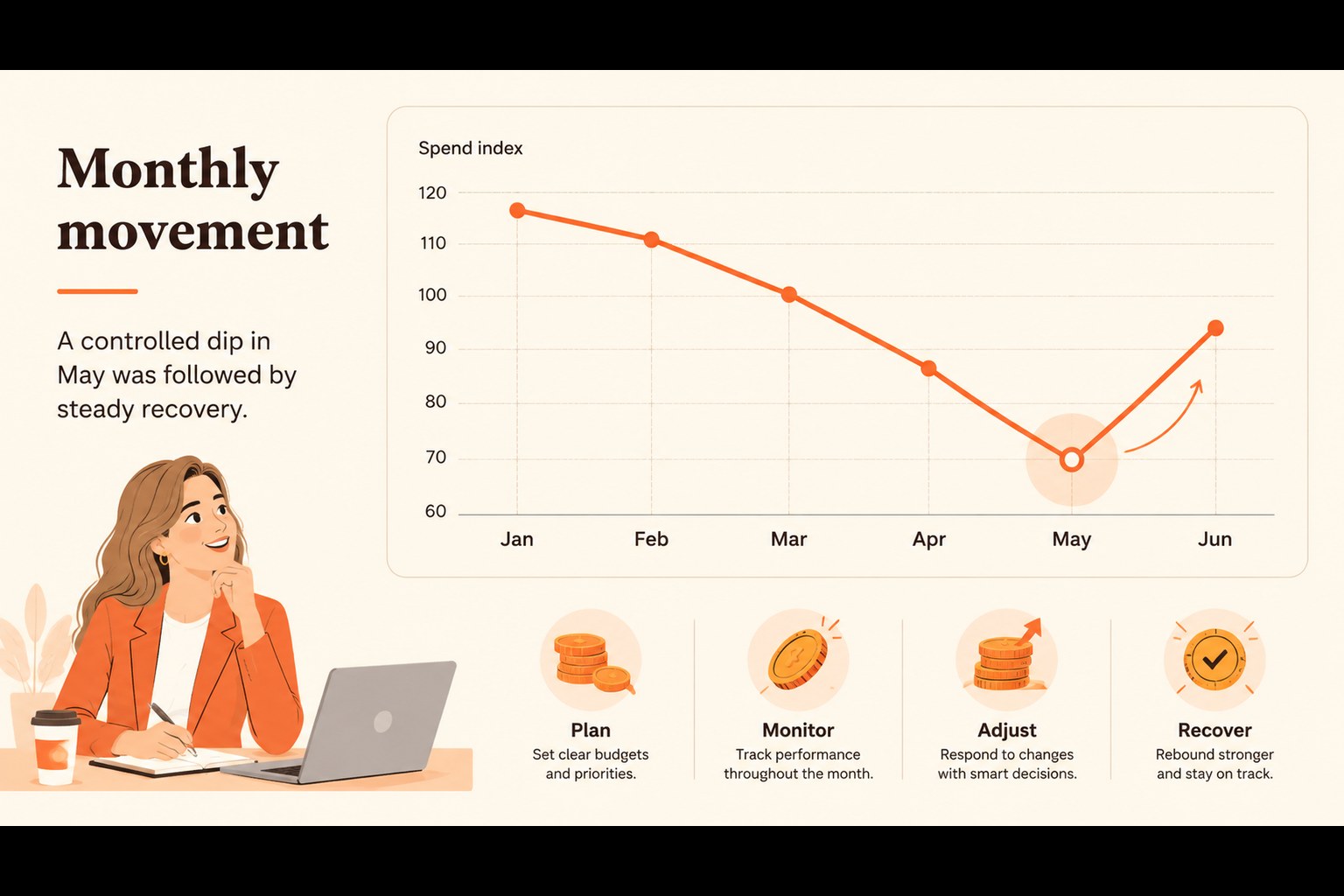
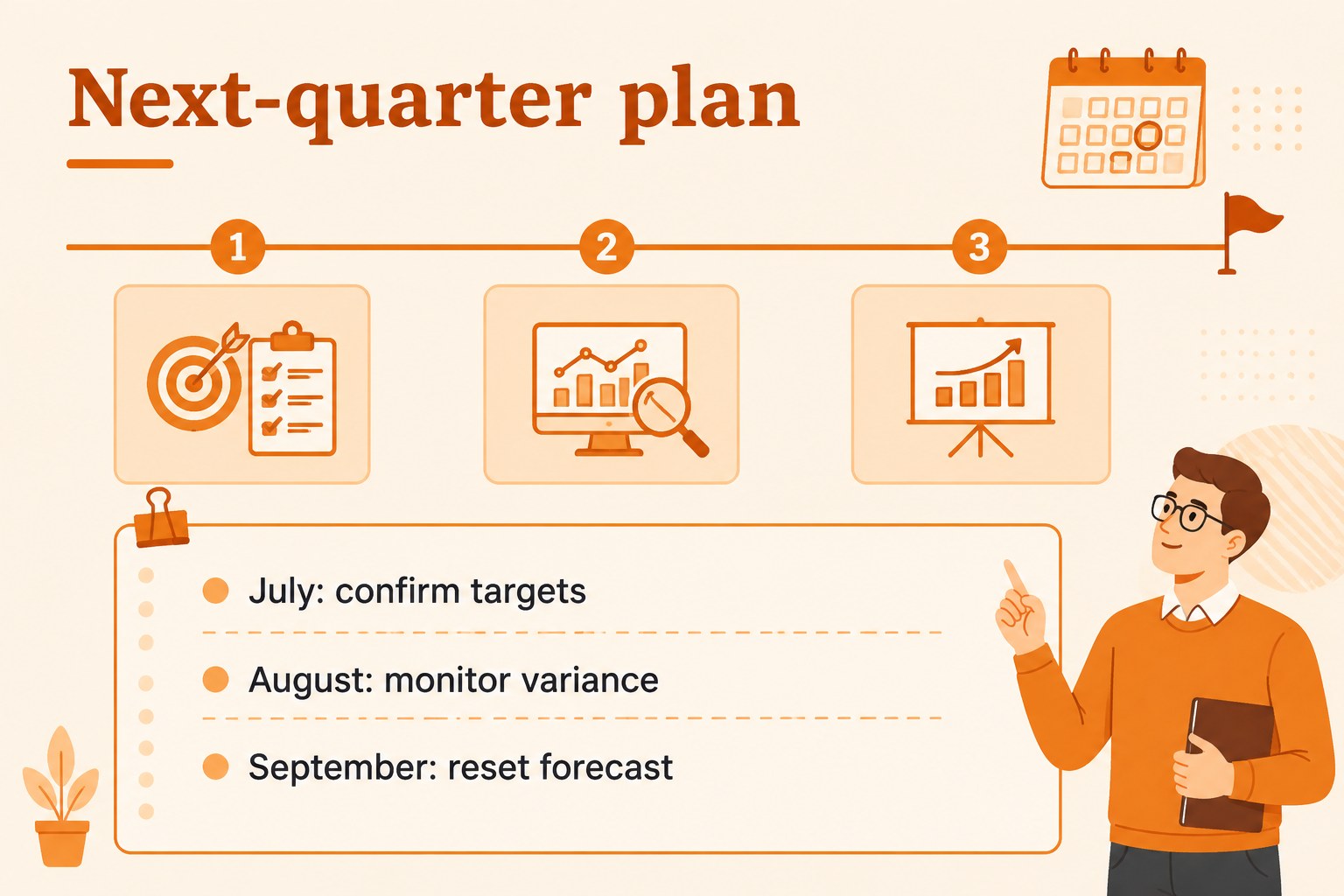
Inside, you’ll find 21 editable 16:9 slides for opening a review, outlining priorities, comparing planned and actual spending, presenting department figures, and summarizing recommendations. Use the layouts for budget review meeting slides, financial planning presentation deck content, variance explanations, KPI snapshots, and closing action lists. Charts, tables, callouts, timelines, icons, and image placeholders make it simple to adapt the material to different reporting cycles.
This resource fits finance managers, operations leads, department heads, consultants, and business owners who need a polished way to explain numbers without overwhelming an audience. It also works well for quarterly planning, leadership check-ins, cost-control workshops, and executive spending report slides. The files are designed for editing in PowerPoint and Google Slides, so you can update figures, labels, colors, and supporting notes with familiar tools. The Barlow Condensed and Shrikhand font pairing, along with orange and beige accents, preserves the clean illustrated character of the original design while giving your financial story a fresh structure.
Perfect for: quarterly finance review; department budget planning; executive spending report; cost-control workshop; operations leadership meeting.
Frequently asked questions
Can I edit these slides in PowerPoint? Yes. The presentation is designed for PowerPoint editing, including text, charts, shapes, colors, and image placeholders. Replace the sample figures with your own financial data and reporting labels.
Practical details
Yes. The presentation is designed for PowerPoint editing, including text, charts, shapes, colors, and image placeholders. Replace the sample figures with your own financial data and reporting labels.
Yes, the files can be opened and customized in Google Slides. Review font availability after importing and replace any unavailable typefaces with a close alternative if needed.
Yes. The layouts support agenda setting, actual-versus-plan comparisons, department summaries, recommendations, and follow-up actions. Rearrange or duplicate slides to match your organization’s review process.
Yes. All major shapes and graphic accents can be recolored to match your reporting system or brand requirements. Keeping the orange highlights for key figures can help preserve the template’s visual hierarchy.
Keep exploring
15Shape your publishing concept with an indie magazine startup pitch deck featuring pastel gradients, bold collage layouts, and editable planning slides.
 16
16Build clear project stories with the Icon Grid Teamwork Theme, a flexible blue illustrated deck for proposals, strategy updates, and team meetings.
 3
3Turn priorities into an actionable plan with an annual goals roadmap infographic, featuring editable orange and teal layouts for PowerPoint and Google Slides.
 15
15Create an Annual Achievement Report Presentation with colorful geometric layouts for milestones, results, lessons, and priorities in PowerPoint or Google Slides.
 15
15Turn results into a focused annual performance evaluation report with dark 3D slides for KPIs, achievements, feedback, and next-step goals for teams.
 15
15Guide a focused annual recap with Business Results Retrospective Slides, a muted brown-and-blue template for PowerPoint and Google Slides.
 6
6Turn complex plans into clear visual stories with Color-Coded Workflow Path Slides, an editable set for project updates, roadmaps, and team briefings.
 6
6Compare regional performance at a glance with Global Data Heatmap Slides, a clean multicolor deck designed for editable PowerPoint and Google Slides.