
 15
15presentation
Indie Magazine Startup Pitch Deck
Shape your publishing concept with an indie magazine startup pitch deck featuring pastel gradients, bold collage layouts, and editable planning slides.
Google SlidesPowerPoint
presentation · English
Use this brick-and-mortar launch strategy deck to map positioning, operations, marketing, and forecasts in polished PowerPoint and Google Slides.




Design notes
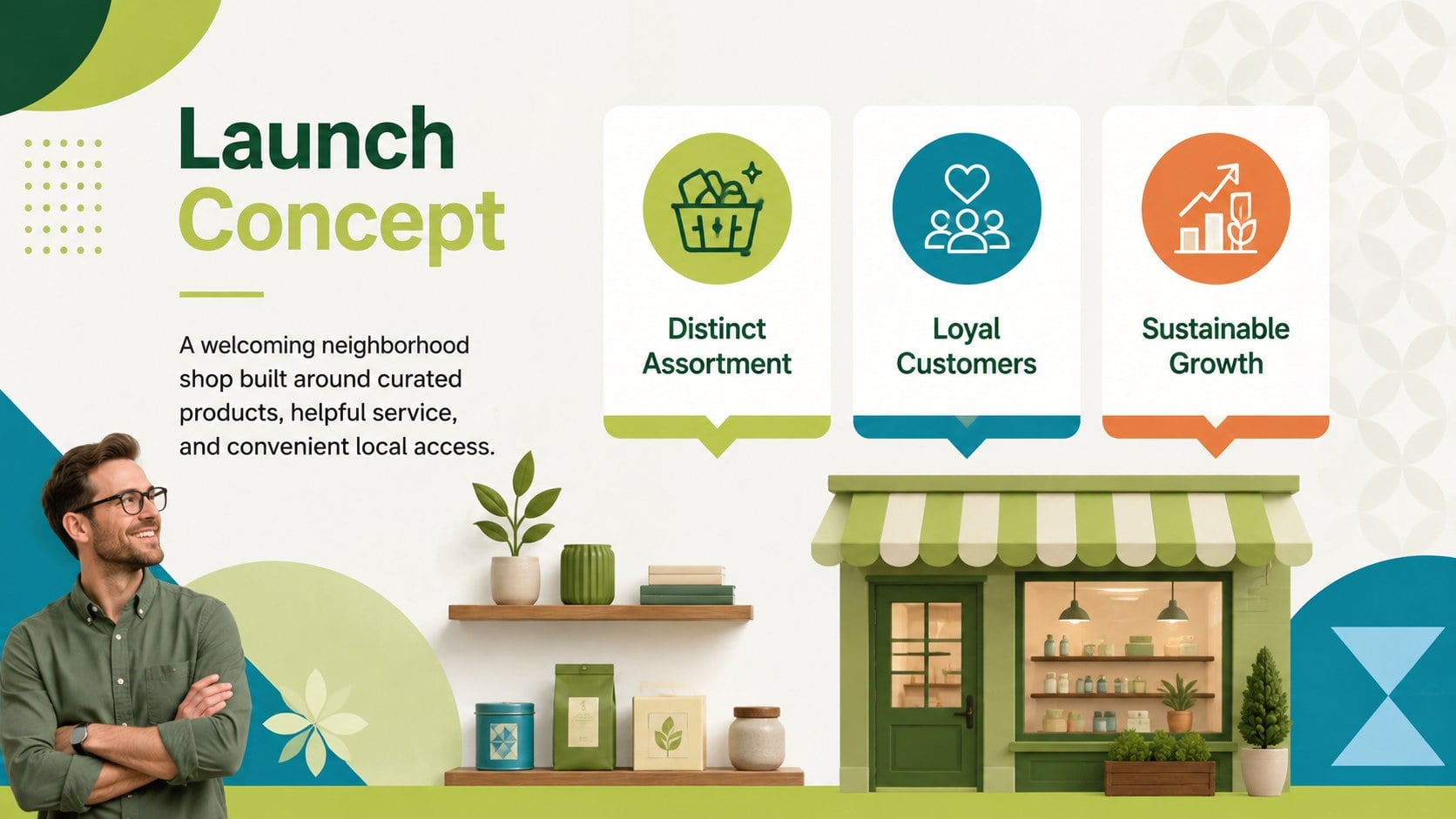
This brick-and-mortar launch strategy deck gives founders, independent retailers, and expansion teams a practical framework for turning a storefront idea into an actionable proposal. Its colorful green geometric design keeps detailed planning approachable while presenting decisions with the clarity expected by investors, lenders, landlords, and internal stakeholders.
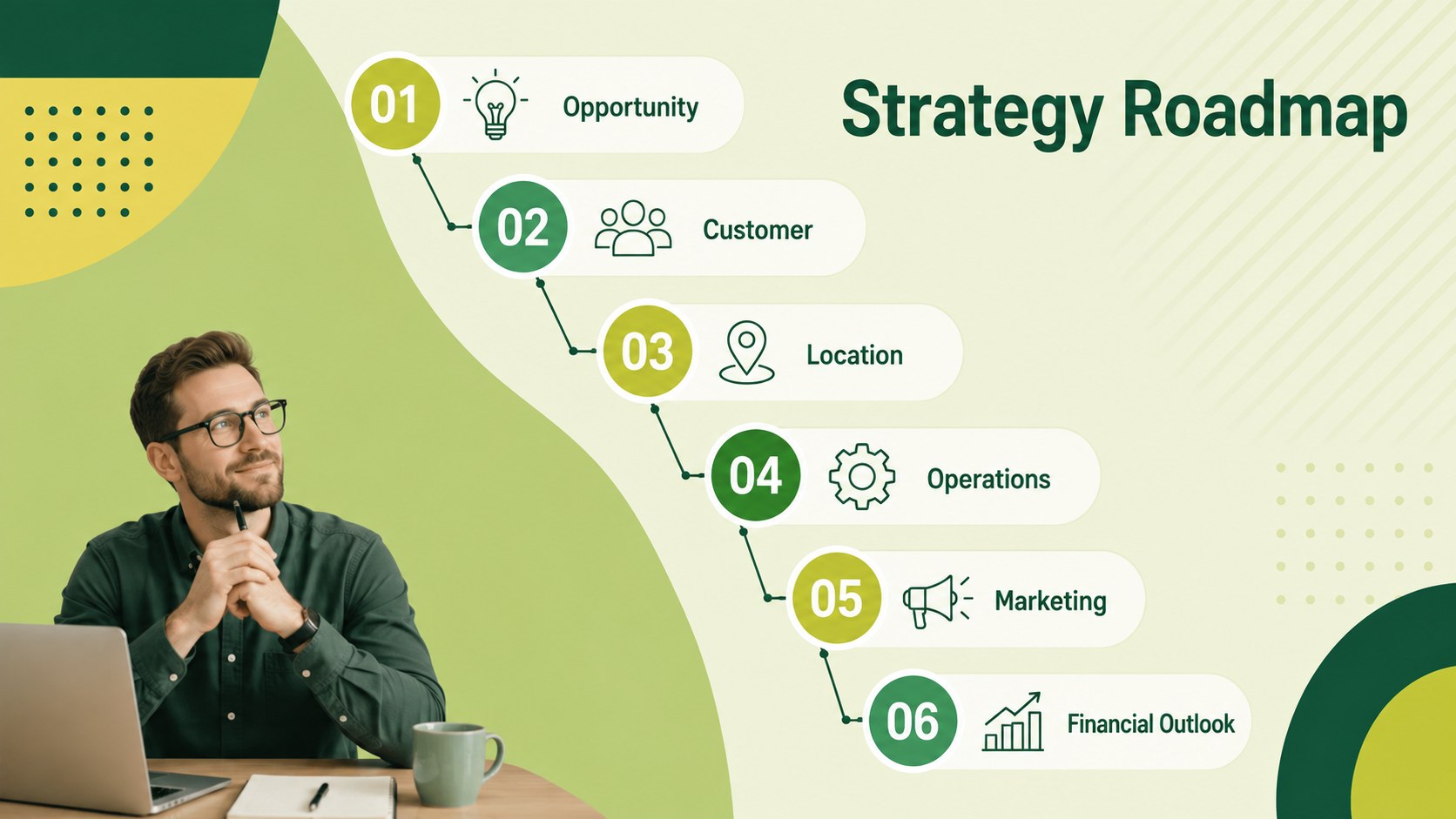
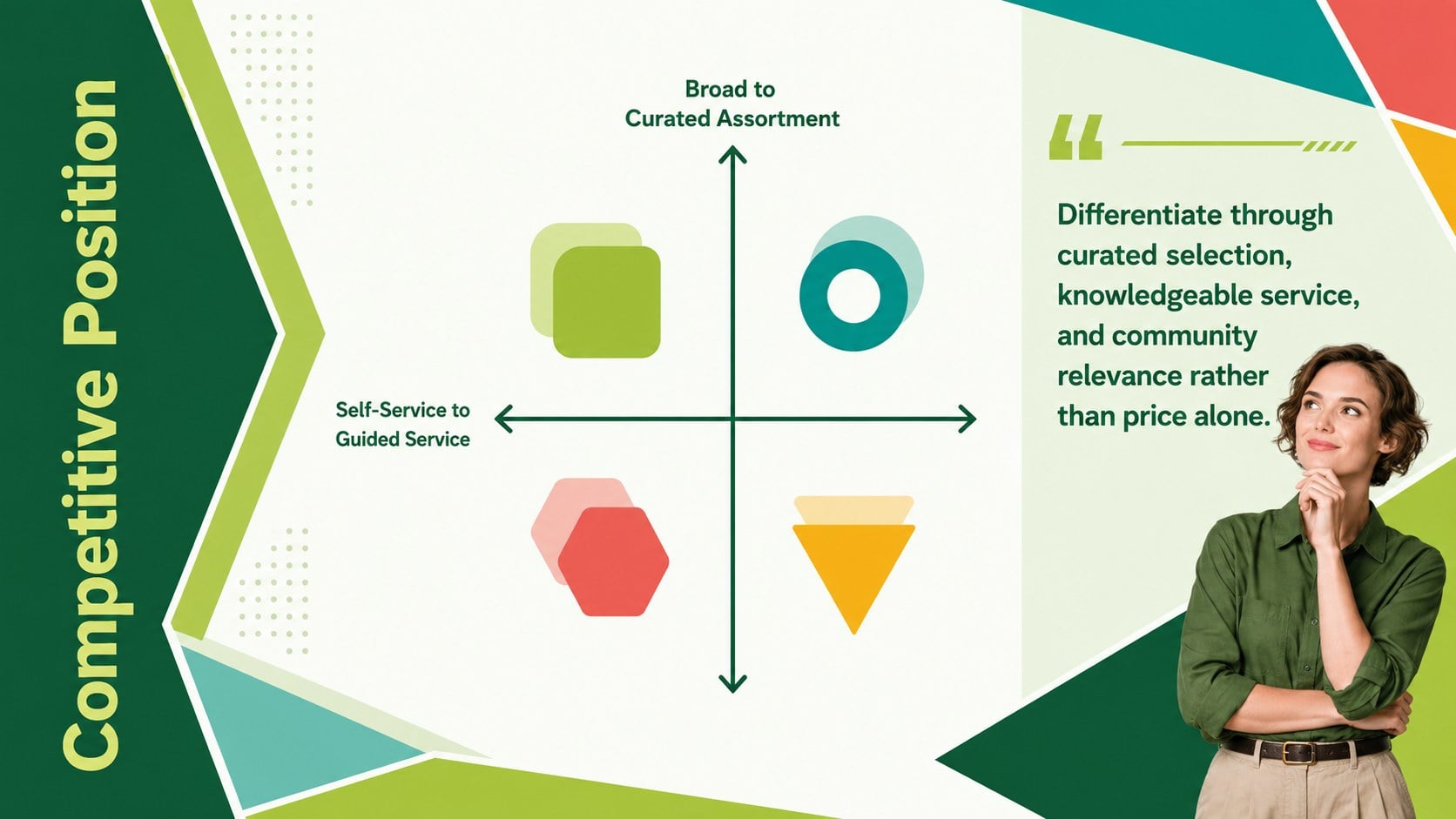
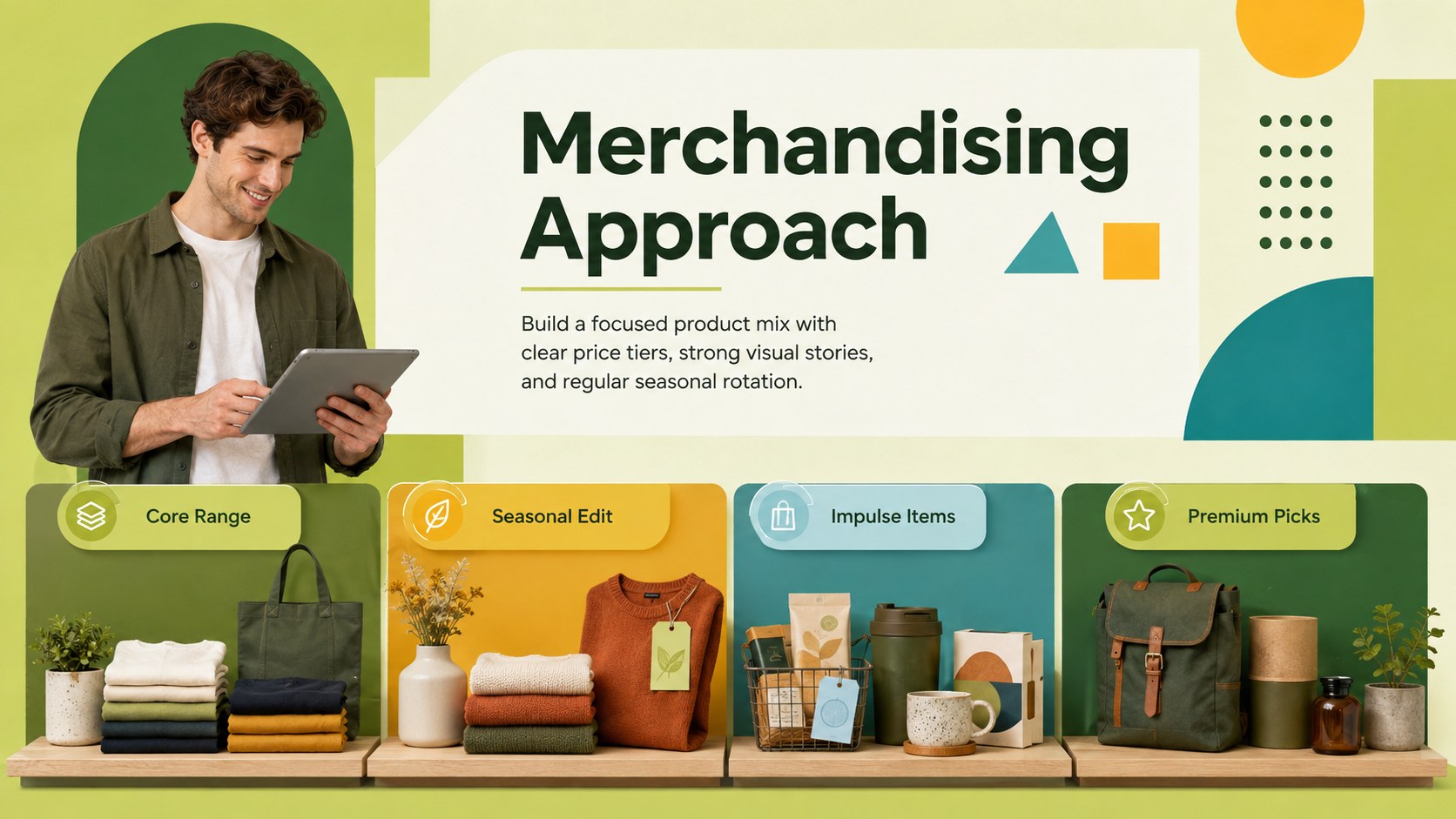
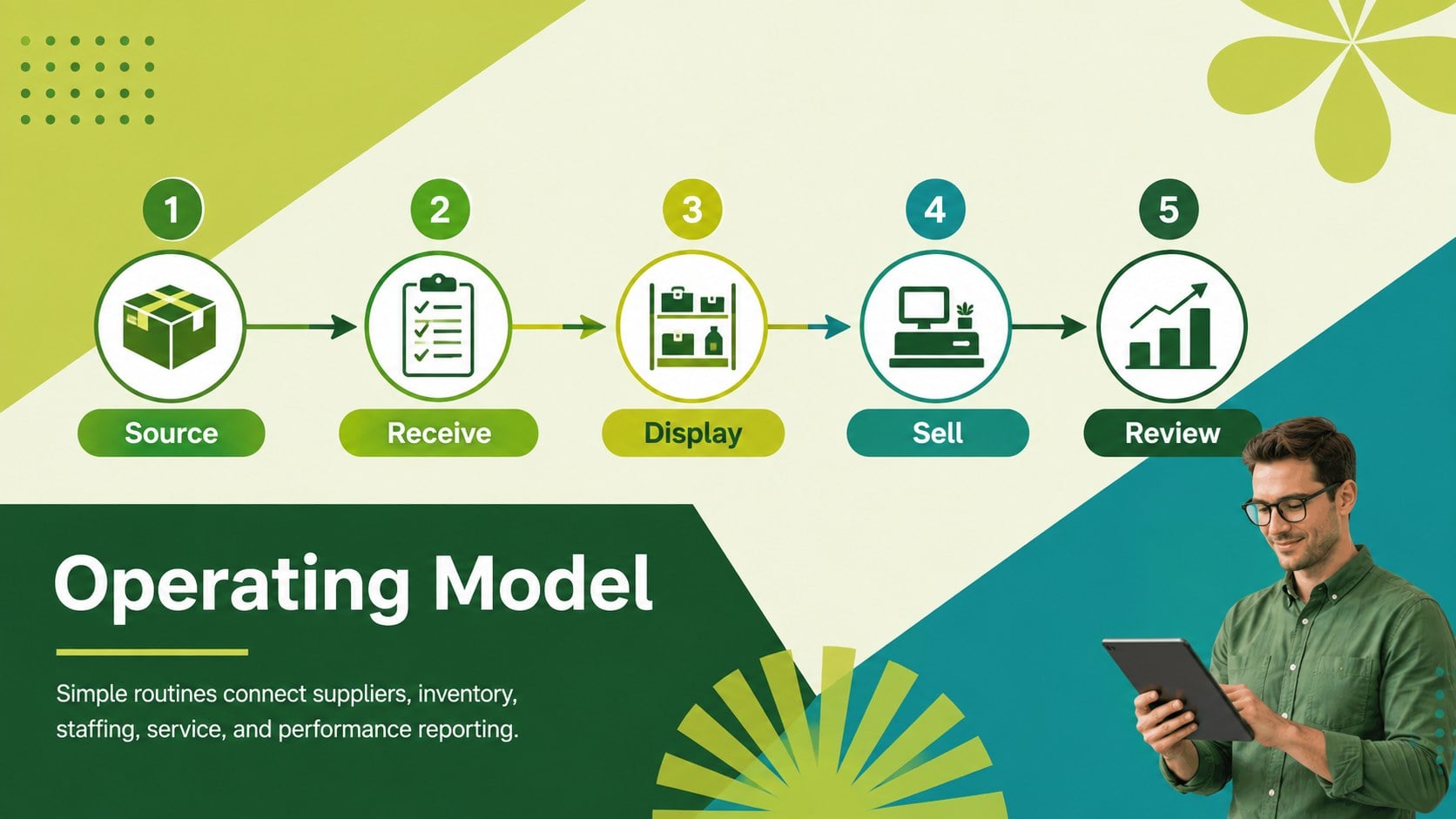
The deck covers the essential parts of a brick and mortar startup presentation, including the concept overview, customer profile, competitor landscape, location criteria, merchandising approach, marketing channels, operating model, milestones, and funding priorities. Dedicated layouts for startup costs, revenue projections, and break-even targets also make it useful as a set of retail expansion financial forecast slides. Charts, timelines, comparison tables, and concise summary pages help transform raw research into a persuasive narrative.
Use the slides when preparing a new boutique, specialty shop, neighborhood outlet, pop-up conversion, or second-location proposal. The adaptable structure can also serve as a store opening operations roadmap for coordinating hiring, inventory, suppliers, promotions, and launch-day responsibilities. Every page can be edited in PowerPoint or Google Slides, allowing teams to replace sample text, adjust colors, update figures, and add their own photography. The format supports both live presentations and shareable planning documents, so the same deck can guide internal discussions before becoming a polished external pitch.
Perfect for: independent shop launch proposal; second-location expansion pitch; retail investor presentation; store opening operations plan; commercial lease meeting; lender funding application.
Frequently asked questions
Can I edit the deck in PowerPoint and Google Slides? Yes. All slide text, shapes, charts, colors, and image placeholders are designed for editing in PowerPoint and Google Slides. Minor font spacing may vary between the two platforms, so review the final layout before presenting.
Practical details
Yes. All slide text, shapes, charts, colors, and image placeholders are designed for editing in PowerPoint and Google Slides. Minor font spacing may vary between the two platforms, so review the final layout before presenting.
Replace the startup-focused examples with current performance figures, customer insights, and expansion assumptions. The location, operations, marketing, milestone, and forecast layouts can be reused for a second branch, relocation, or larger premises.
Yes. Update the theme colors to apply a new palette consistently across backgrounds, geometric accents, charts, and tables. Maintain strong contrast between text and background colors for clear on-screen and printed viewing.
Include startup or expansion costs, monthly sales assumptions, operating expenses, cash requirements, and a realistic break-even estimate. Clearly label the period, currency, and assumptions behind every figure.
Keep exploring
15Shape your publishing concept with an indie magazine startup pitch deck featuring pastel gradients, bold collage layouts, and editable planning slides.
 16
16Build clear project stories with the Icon Grid Teamwork Theme, a flexible blue illustrated deck for proposals, strategy updates, and team meetings.
 3
3Turn priorities into an actionable plan with an annual goals roadmap infographic, featuring editable orange and teal layouts for PowerPoint and Google Slides.
 15
15Create an Annual Achievement Report Presentation with colorful geometric layouts for milestones, results, lessons, and priorities in PowerPoint or Google Slides.
 15
15Turn results into a focused annual performance evaluation report with dark 3D slides for KPIs, achievements, feedback, and next-step goals for teams.
 15
15Guide a focused annual recap with Business Results Retrospective Slides, a muted brown-and-blue template for PowerPoint and Google Slides.
 6
6Turn complex plans into clear visual stories with Color-Coded Workflow Path Slides, an editable set for project updates, roadmaps, and team briefings.
 6
6Compare regional performance at a glance with Global Data Heatmap Slides, a clean multicolor deck designed for editable PowerPoint and Google Slides.