
 15
15presentation
Indie Magazine Startup Pitch Deck
Shape your publishing concept with an indie magazine startup pitch deck featuring pastel gradients, bold collage layouts, and editable planning slides.
Google SlidesPowerPoint
presentation · English
Build clear, fast-paced reports with breaking news briefing slides for PowerPoint and Google Slides, with blue broadcast layouts for headlines and data.





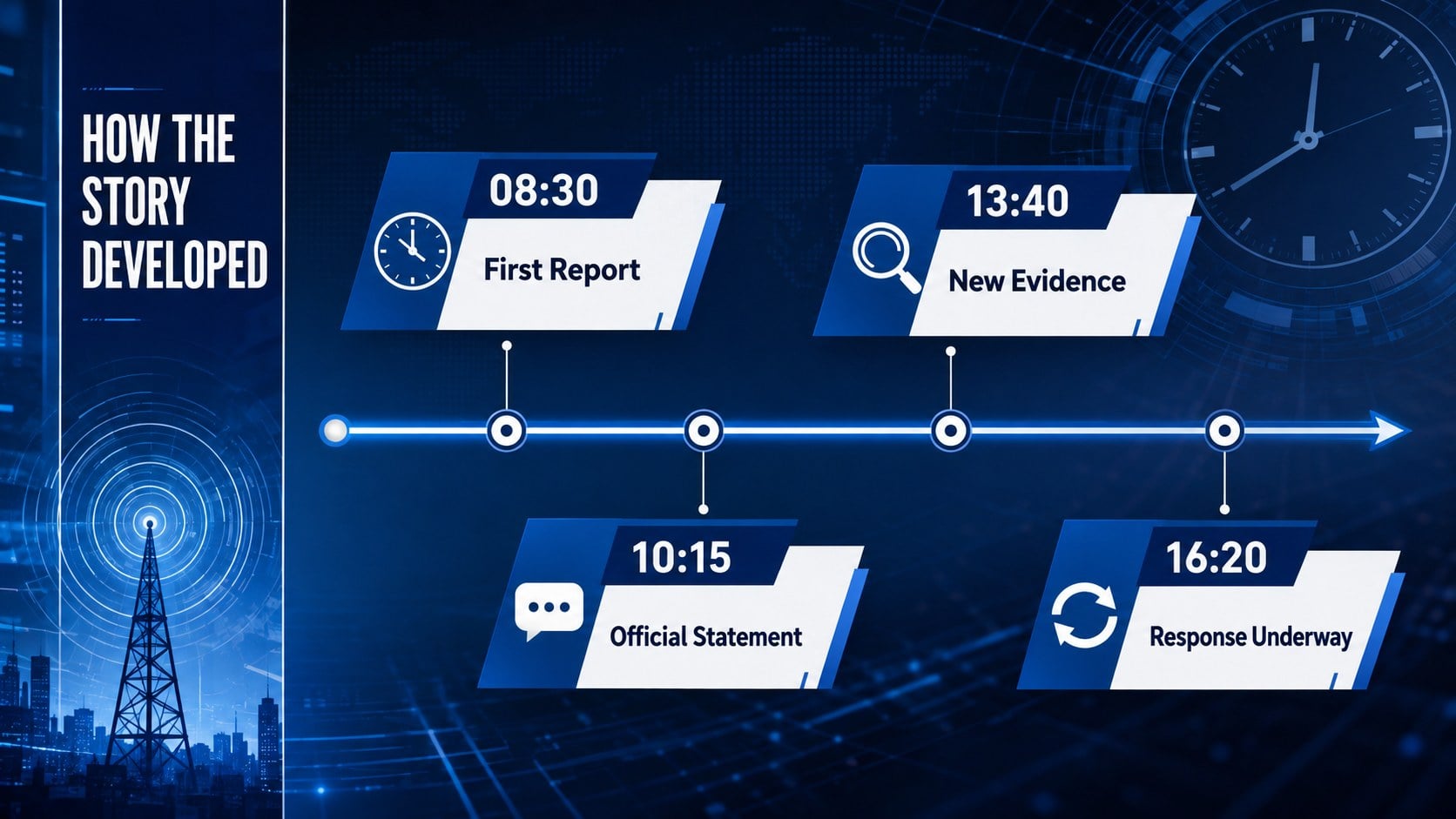
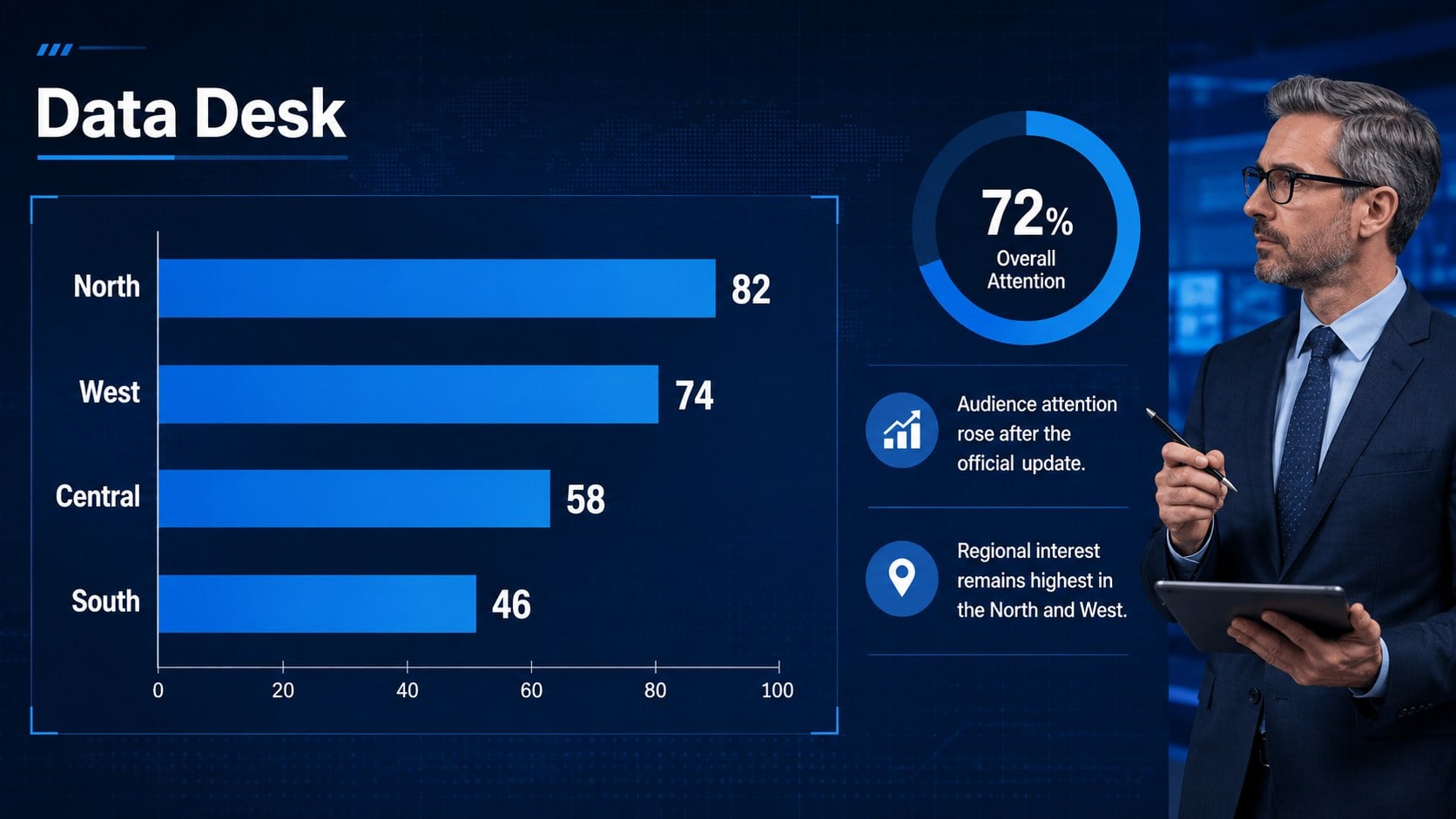

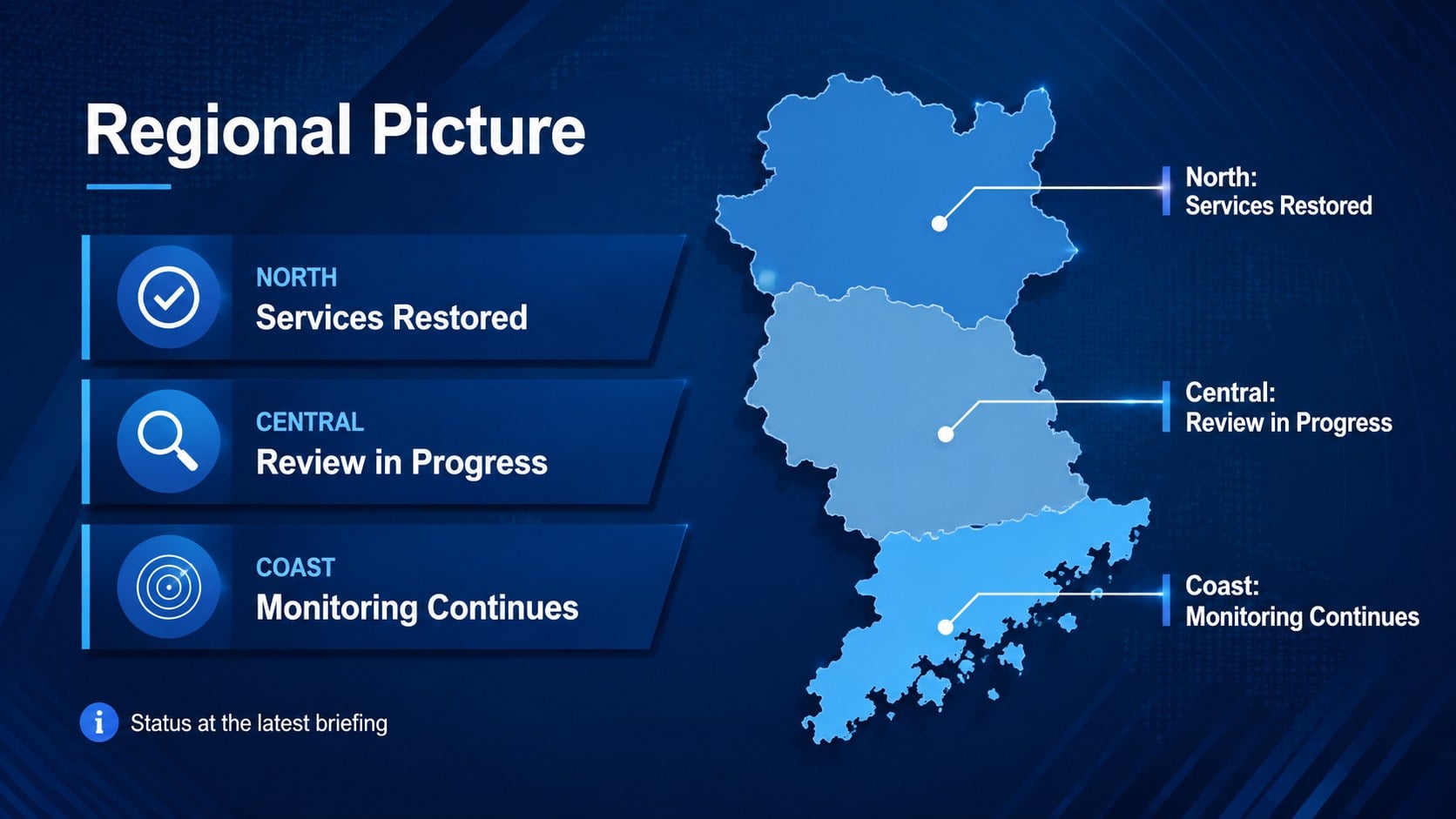
Design notes
Present developing stories with confidence using these breaking news briefing slides, created for newsroom-style updates, executive announcements, and media analysis. The crisp blue palette, broadcast-inspired typography, and dynamic visual framing give every report an authoritative on-air feel without distracting from the facts.
The 14-slide television newsroom presentation template includes layouts for a headline rundown, lead story, live report, key facts, event timeline, data visualization, expert quotation, regional coverage, split-screen comparison, and closing summary. Flexible image frames, concise text areas, and chart-ready pages make it easy to transform research into a coherent live broadcast update deck. Every layout can be edited in PowerPoint or Google Slides, including colors, type, imagery, charts, and section labels.
Use these corporate news bulletin slides for internal company broadcasts, communications briefings, media studies classes, public affairs reports, crisis updates, or weekly editorial meetings. The widescreen format works well on conference displays and during virtual presentations. Replace the sample headlines with your own reporting, add approved photography, and adapt the running order to match short bulletins or longer analysis sessions. Consistent visual cues help audiences distinguish breaking developments, supporting context, quoted commentary, and next steps at a glance.
Perfect for: corporate news bulletin; crisis communication briefing; weekly editorial meeting; media studies lesson; public affairs update; executive announcement.
Frequently asked questions
Can I edit these slides in PowerPoint and Google Slides? Yes. The layouts are designed for editing in both PowerPoint and Google Slides, including text, colors, images, charts, and section labels. Some font spacing or transitions may need minor adjustment after moving between platforms.
Practical details
Yes. The layouts are designed for editing in both PowerPoint and Google Slides, including text, colors, images, charts, and section labels. Some font spacing or transitions may need minor adjustment after moving between platforms.
Replace the sample headlines and photography, then apply your approved colors and fonts through the theme controls. Keep the broadcast-style hierarchy intact so lead stories, supporting facts, and quotes remain easy to scan.
Yes. Enter your own values, revise labels, and recolor the visual elements to match your reporting. Use short annotations to explain the most important movement or comparison instead of crowding the chart.
Yes. Communications teams, educators, analysts, and public affairs professionals can adapt it for announcements, trend reports, media literacy lessons, or incident briefings. The modular running order supports both short updates and longer presentations.
Keep exploring
15Shape your publishing concept with an indie magazine startup pitch deck featuring pastel gradients, bold collage layouts, and editable planning slides.
 16
16Build clear project stories with the Icon Grid Teamwork Theme, a flexible blue illustrated deck for proposals, strategy updates, and team meetings.
 3
3Turn priorities into an actionable plan with an annual goals roadmap infographic, featuring editable orange and teal layouts for PowerPoint and Google Slides.
 15
15Create an Annual Achievement Report Presentation with colorful geometric layouts for milestones, results, lessons, and priorities in PowerPoint or Google Slides.
 15
15Turn results into a focused annual performance evaluation report with dark 3D slides for KPIs, achievements, feedback, and next-step goals for teams.
 15
15Guide a focused annual recap with Business Results Retrospective Slides, a muted brown-and-blue template for PowerPoint and Google Slides.
 6
6Turn complex plans into clear visual stories with Color-Coded Workflow Path Slides, an editable set for project updates, roadmaps, and team briefings.
 6
6Compare regional performance at a glance with Global Data Heatmap Slides, a clean multicolor deck designed for editable PowerPoint and Google Slides.