
 15
15presentation
Indie Magazine Startup Pitch Deck
Shape your publishing concept with an indie magazine startup pitch deck featuring pastel gradients, bold collage layouts, and editable planning slides.
Google SlidesPowerPoint
presentation · English
Build a polished brand press portfolio deck to present your story, audience, coverage, services, and contact details in PowerPoint or Google Slides.



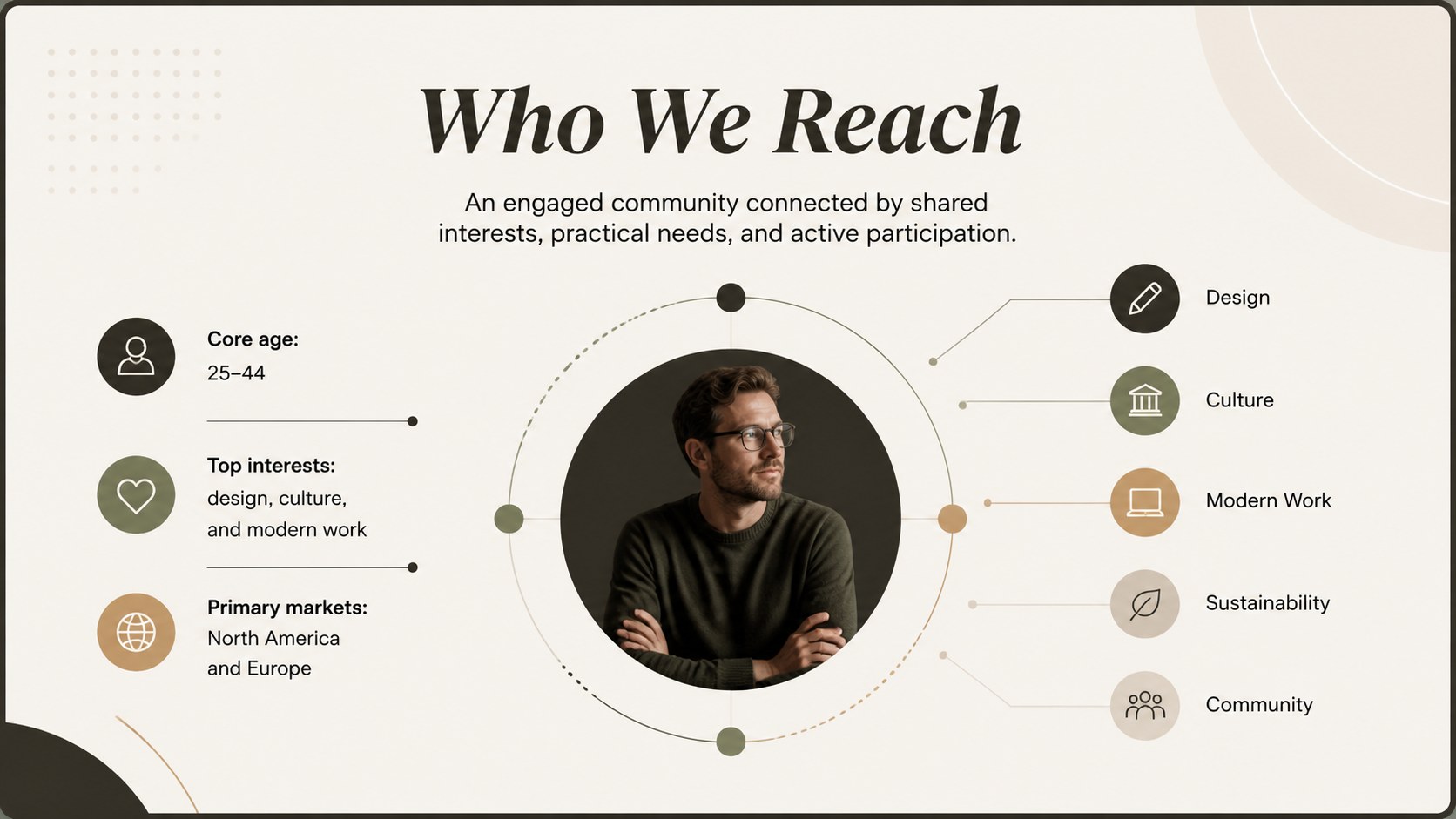
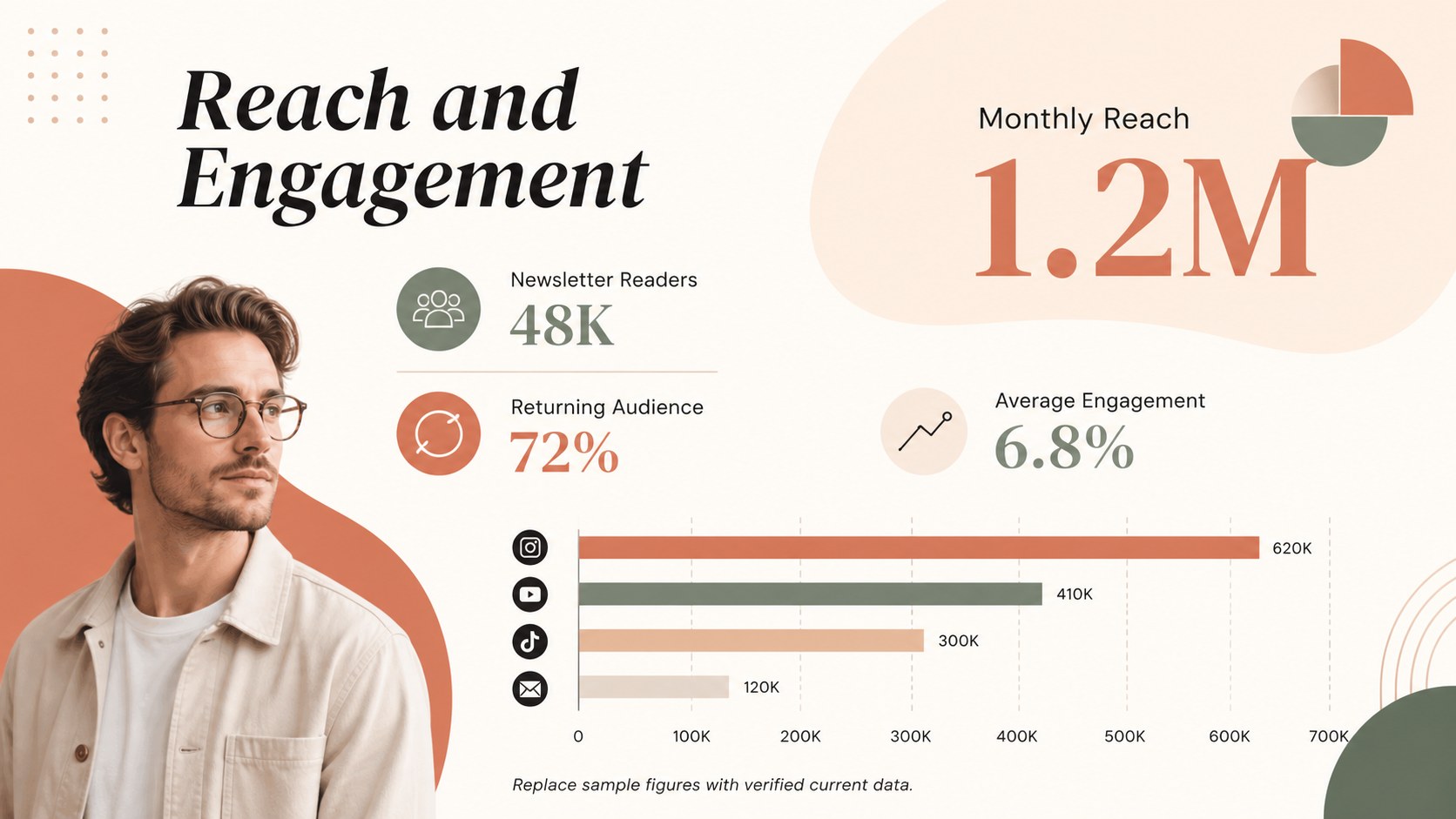
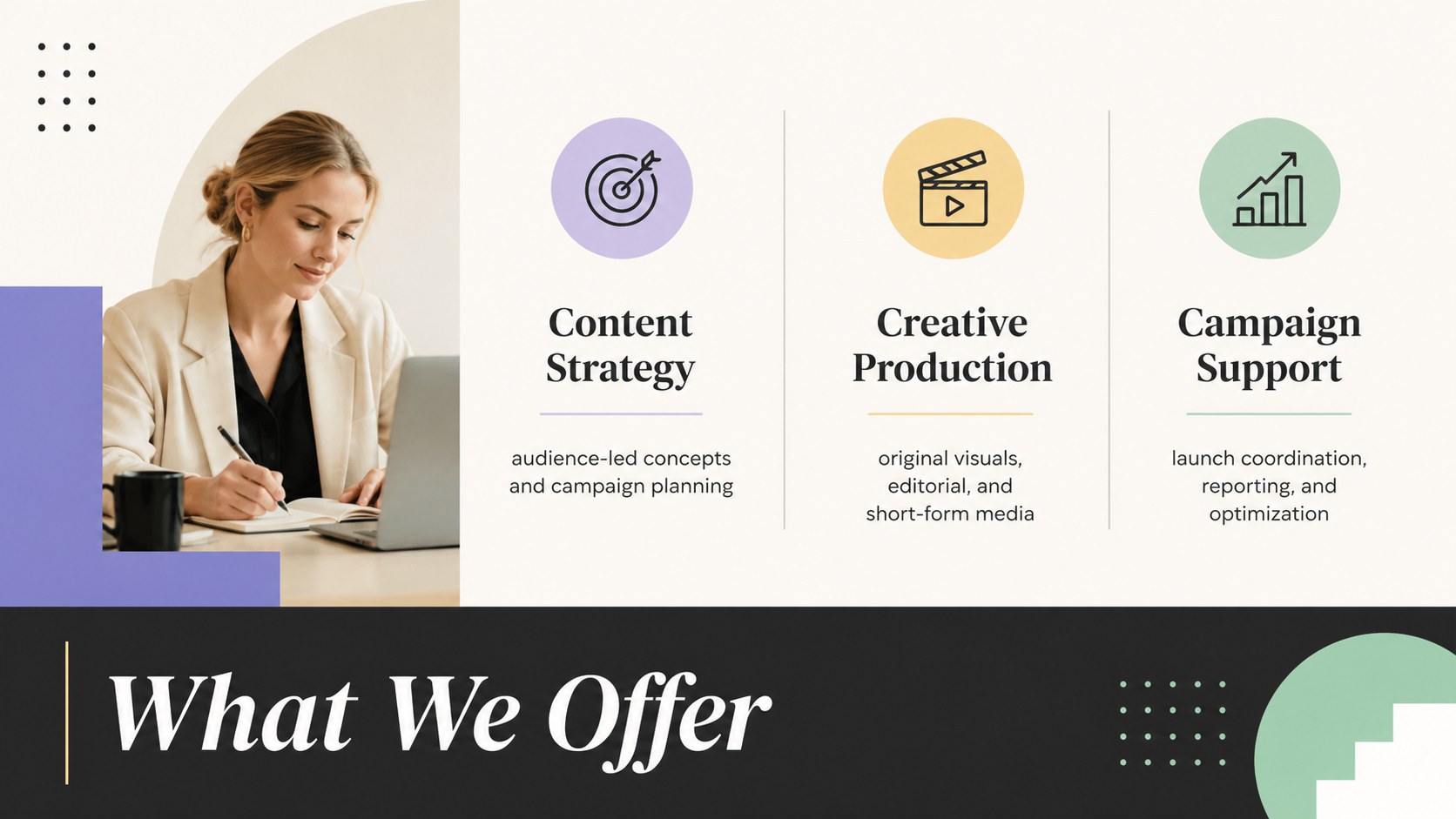
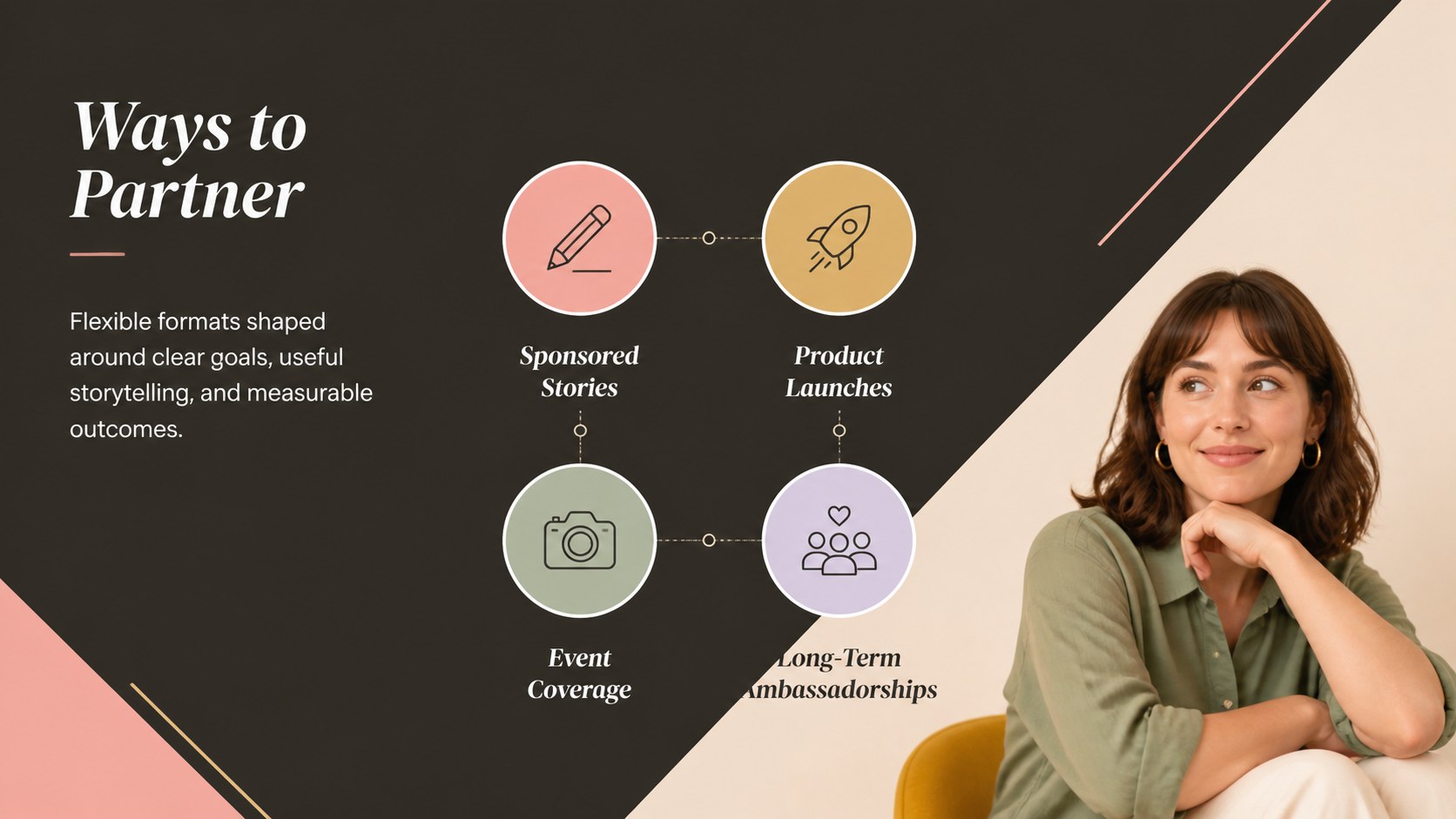

Design notes
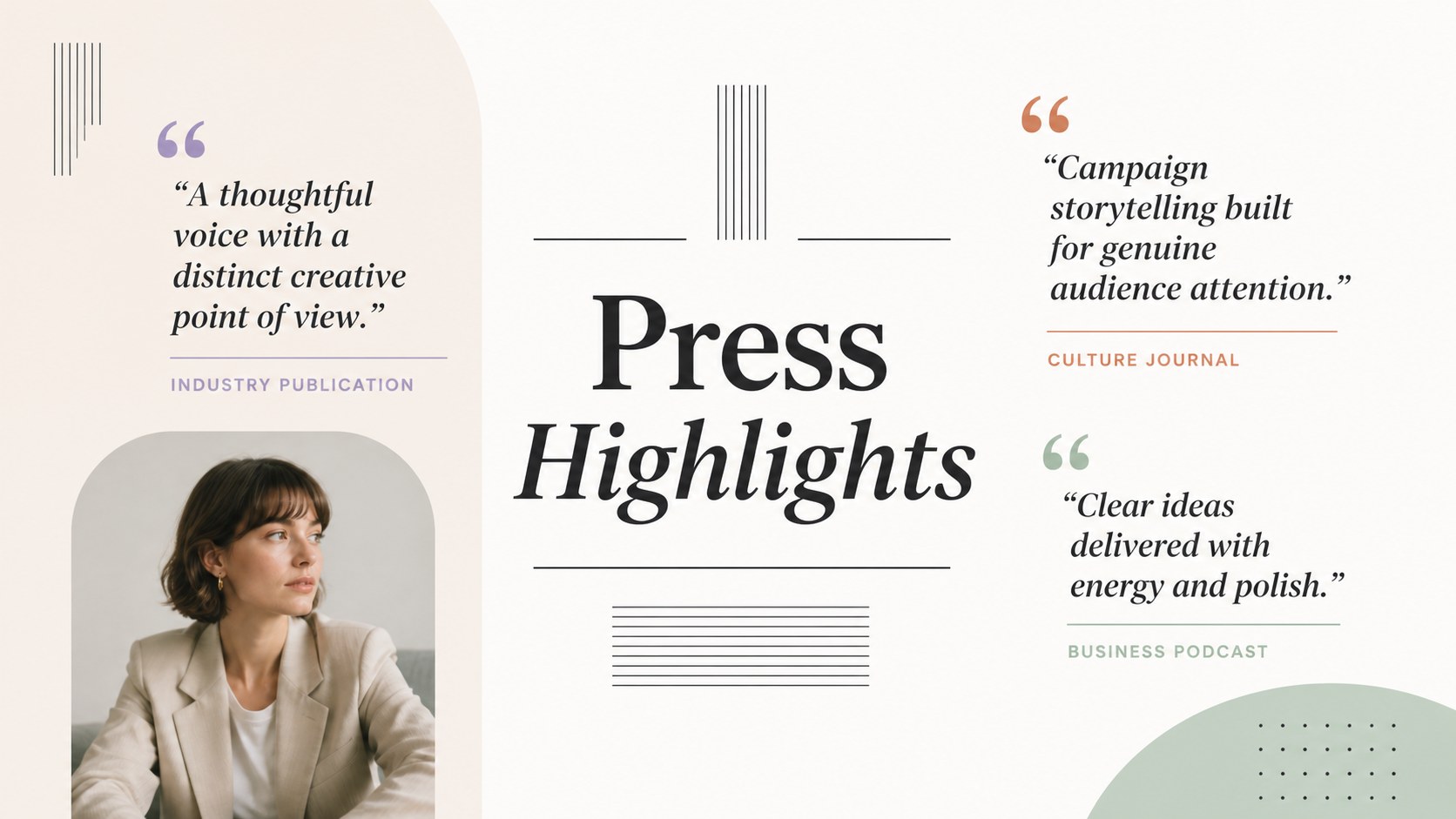
Make every introduction count with a brand press portfolio deck designed to organize your identity, credibility, and commercial value. Its colorful minimalist style creates an upbeat yet professional setting for brand stories, audience profiles, campaign results, and media coverage. Edit the layouts in PowerPoint or Google Slides to build a concise presentation that feels consistent with your visual identity.
The deck includes 21 customizable 16:9 layouts for an overview, brand story, audience demographics, reach metrics, services, partnership formats, selected work, press mentions, case studies, packages, workflow, and contact details. Adapt the charts, image frames, shapes, typography, and colors for a polished press kit PowerPoint template or a flexible Google Slides media kit deck. Animation and transition options can help guide attention during live presentations, while static layouts remain suitable for sharing as a PDF.
This template works well for marketing teams, independent creators, agencies, startups, consultants, and public relations professionals. Use it as an influencer partnership media kit for sponsor outreach, a portfolio for editorial introductions, or a compact credentials deck for prospective clients. DM Sans and DM Serif Display provide a clean editorial contrast, balancing approachable headlines with highly readable supporting information. Replace the sample content with verified statistics, current links, original photography, and clear calls to action before sending the finished presentation.
Perfect for: sponsor outreach presentation; creator partnership proposal; agency credentials overview; brand press introduction; campaign results showcase; public relations portfolio.
Frequently asked questions
Can I edit this deck in PowerPoint and Google Slides? Yes. Every layout can be edited in PowerPoint or Google Slides, including text, colors, images, charts, and shapes. Some fonts or transitions may render slightly differently between platforms.
Practical details
Yes. Every layout can be edited in PowerPoint or Google Slides, including text, colors, images, charts, and shapes. Some fonts or transitions may render slightly differently between platforms.
Start by replacing the sample logo area, color accents, typography, and image placeholders with your own brand assets. Then update every metric, campaign example, link, and contact detail before sharing the presentation.
Include a concise brand story, audience profile, verified reach figures, past collaborations, services, press mentions, and partnership options. Finish with a specific call to action and current contact information.
Yes. Both supported presentation platforms allow you to export the finished slides as a PDF for email outreach or downloadable press resources. Review links, image quality, and page order after export.
Keep exploring
15Shape your publishing concept with an indie magazine startup pitch deck featuring pastel gradients, bold collage layouts, and editable planning slides.
 16
16Build clear project stories with the Icon Grid Teamwork Theme, a flexible blue illustrated deck for proposals, strategy updates, and team meetings.
 3
3Turn priorities into an actionable plan with an annual goals roadmap infographic, featuring editable orange and teal layouts for PowerPoint and Google Slides.
 15
15Create an Annual Achievement Report Presentation with colorful geometric layouts for milestones, results, lessons, and priorities in PowerPoint or Google Slides.
 15
15Turn results into a focused annual performance evaluation report with dark 3D slides for KPIs, achievements, feedback, and next-step goals for teams.
 15
15Guide a focused annual recap with Business Results Retrospective Slides, a muted brown-and-blue template for PowerPoint and Google Slides.
 6
6Turn complex plans into clear visual stories with Color-Coded Workflow Path Slides, an editable set for project updates, roadmaps, and team briefings.
 6
6Compare regional performance at a glance with Global Data Heatmap Slides, a clean multicolor deck designed for editable PowerPoint and Google Slides.