
 15
15presentation
Indie Magazine Startup Pitch Deck
Shape your publishing concept with an indie magazine startup pitch deck featuring pastel gradients, bold collage layouts, and editable planning slides.
Google SlidesPowerPoint
presentation · English
Build a clear brand strategy with a brand foundations infographic for marketing workshops, team alignment, and polished PowerPoint or Google Slides…
Design notes
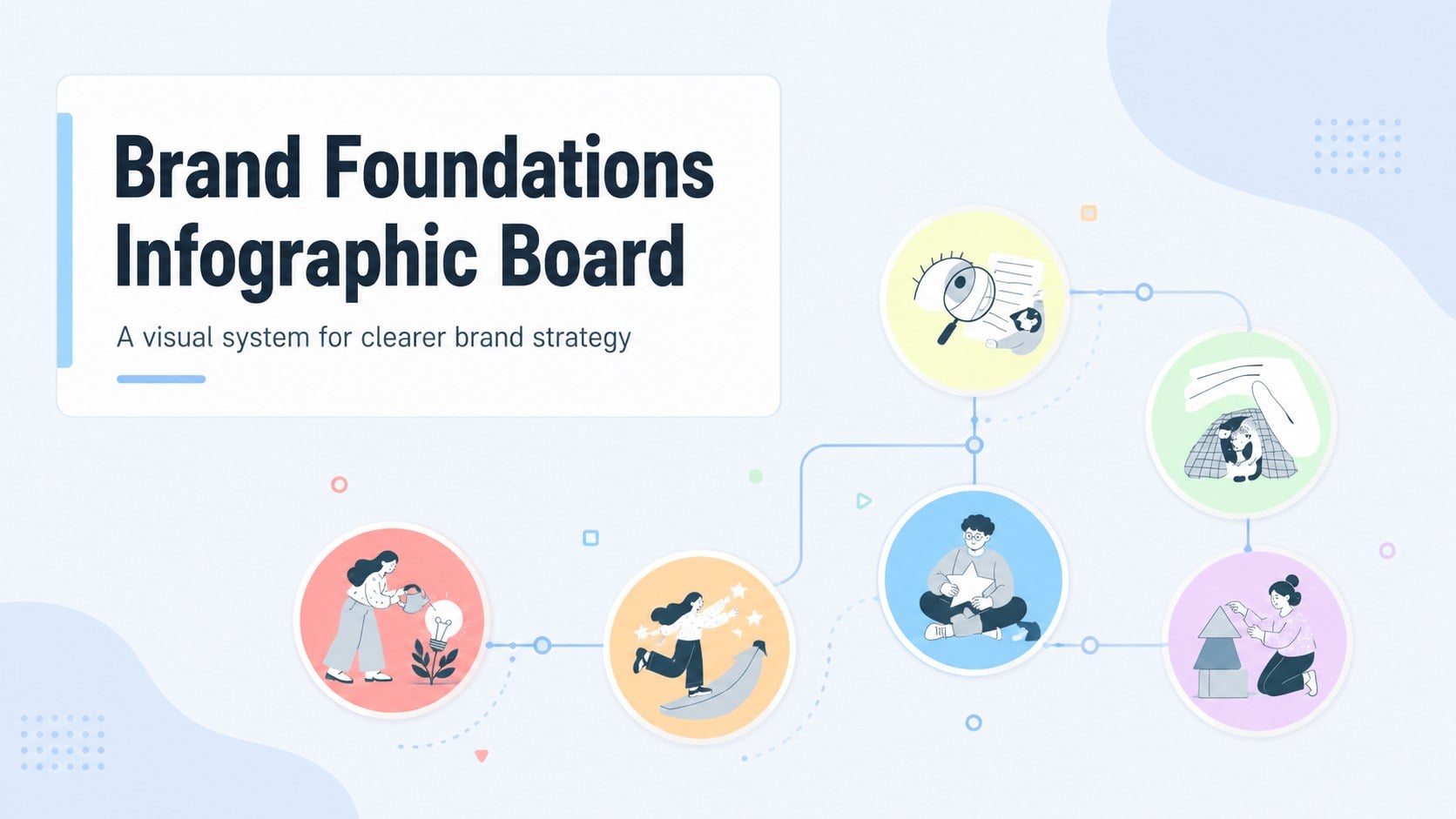
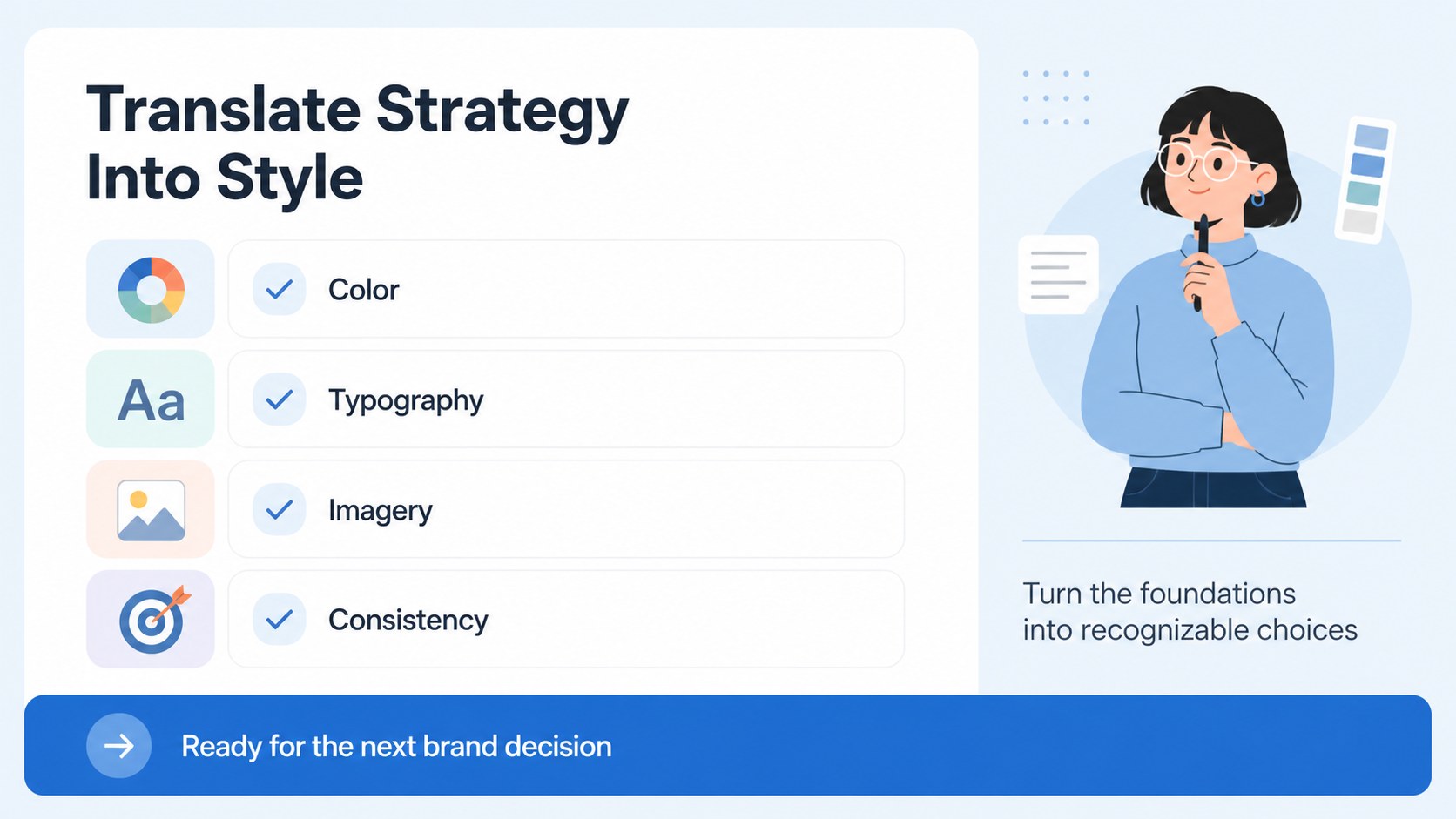
Make brand strategy easier to explain with the Brand Foundations Infographic Board, a flexible visual presentation for organizing the essential elements behind a memorable identity. Its crisp blue palette, illustrated details, and structured layouts help business professionals turn strategic thinking into a message that teams can quickly understand.
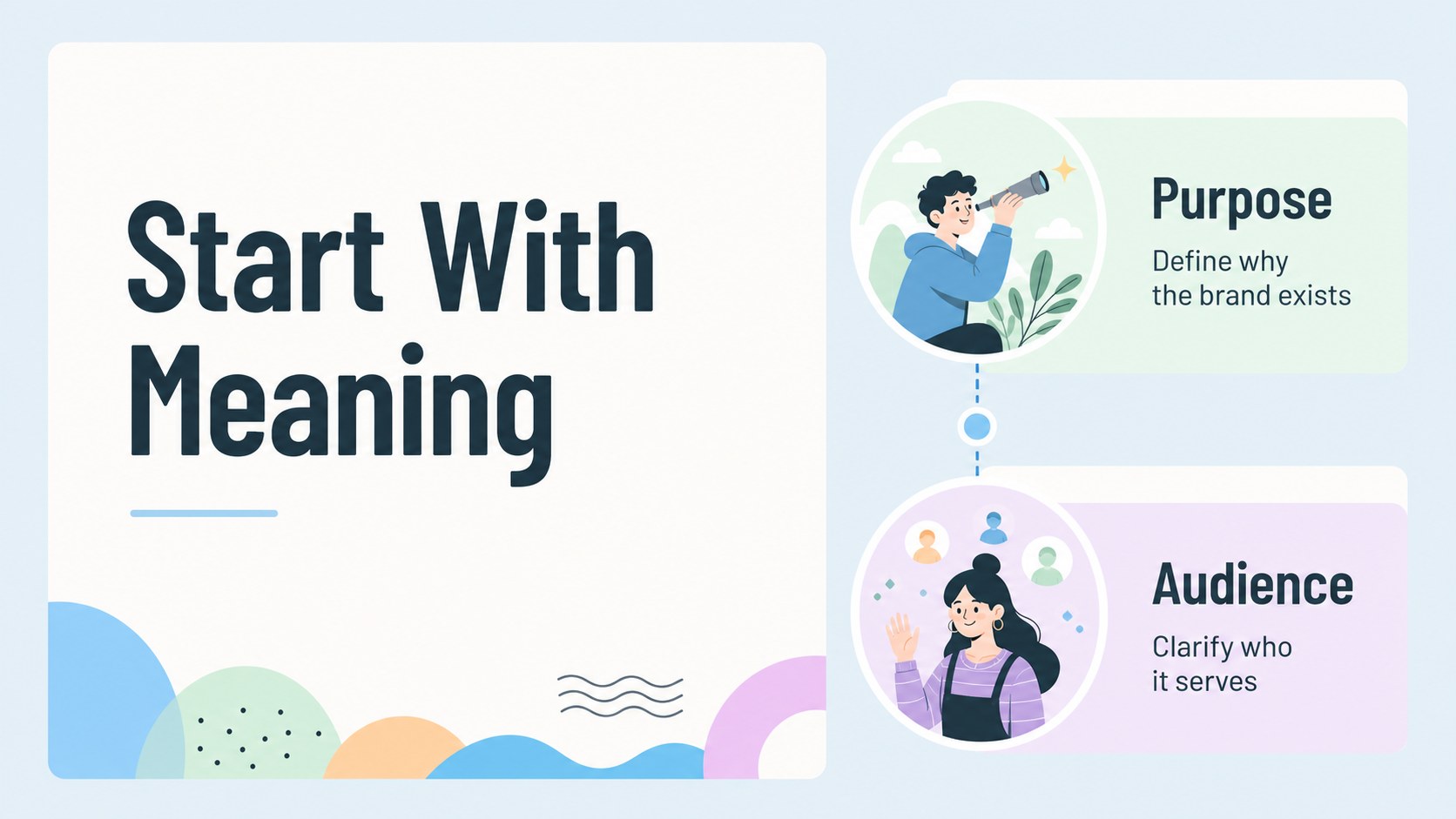
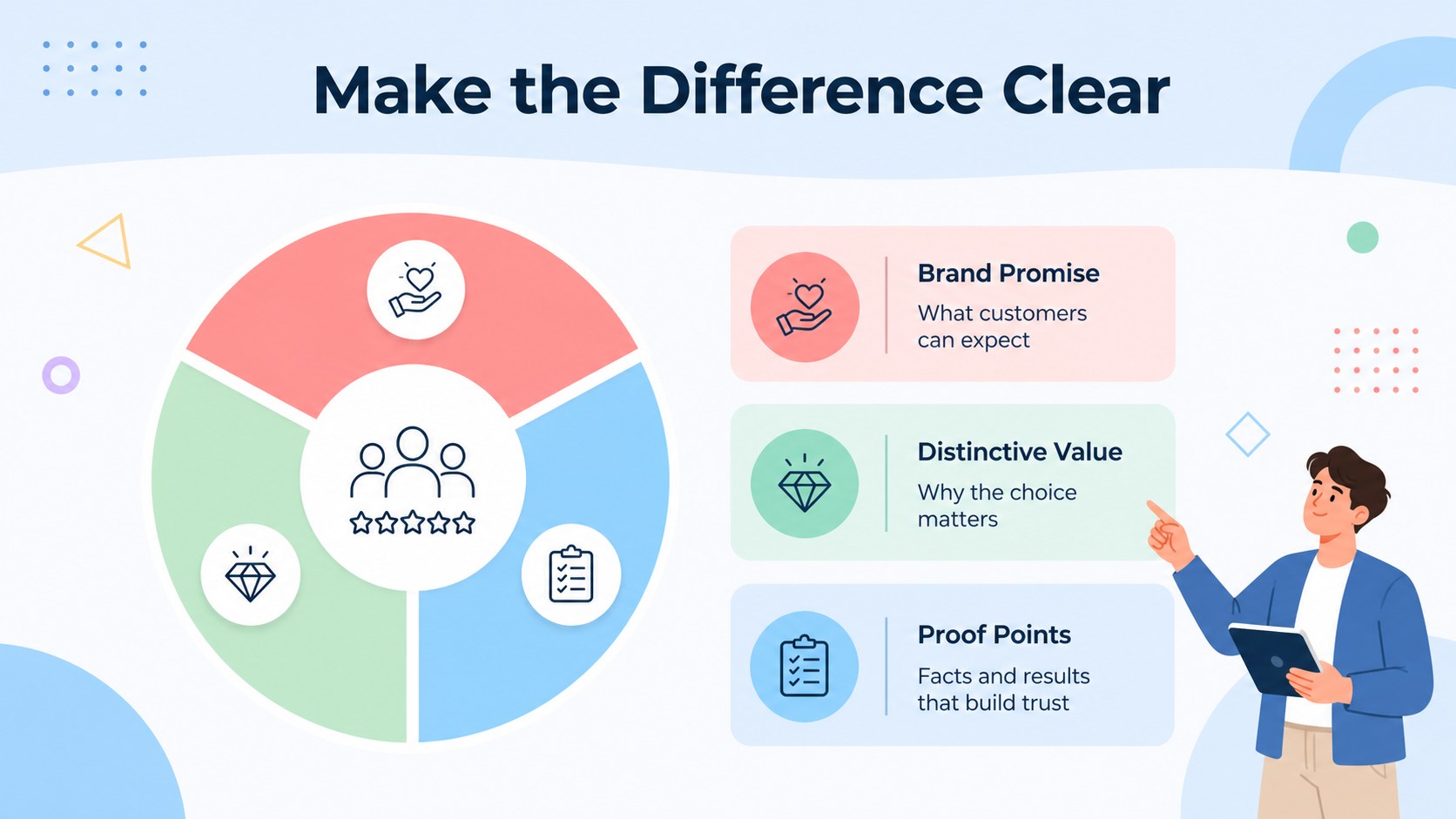
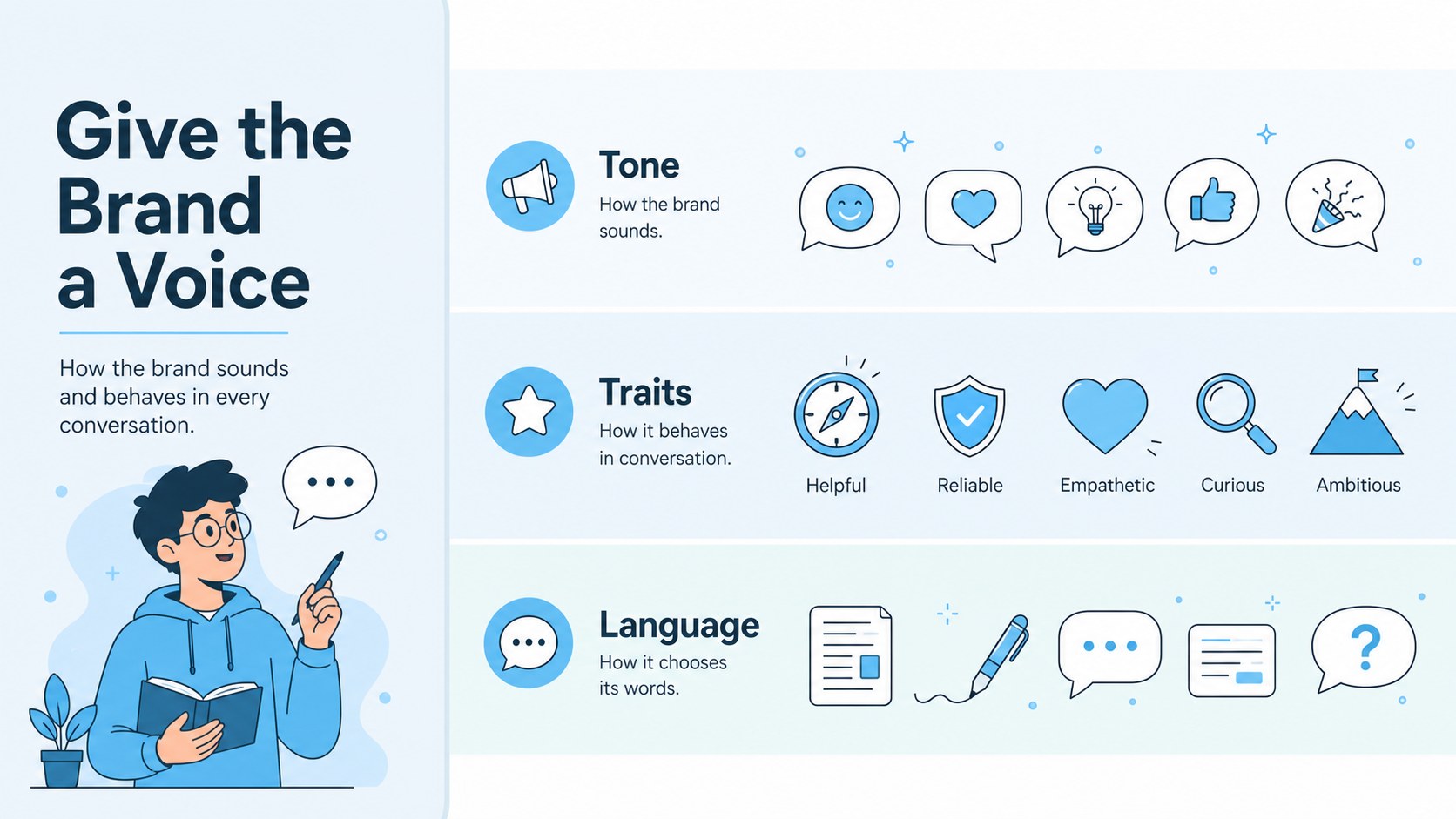
Inside, you’ll find five editable 16:9 infographic slides for defining brand purpose, audience, promise, personality, and visual direction. Use the layouts to compare foundations, connect related ideas, summarize workshop findings, or build a visual brand framework presentation from the ground up. The deck is also suited to brand strategy workshop slides, marketing team alignment deck content, internal training, and client-facing recommendations.
Customize text, colors, diagrams, icons, and illustrations, PowerPoint, or Google Slides. Barlow and Barlow Condensed create a modern editorial feel while keeping labels and supporting notes readable. Charts, frames, shapes, animation options, and presentation notes make it practical for both collaborative planning and polished delivery. Export the finished deck for meetings, reports, or PDF sharing, and adapt the same system for campaign planning, brand audits, or communication guidelines.
Perfect for: brand strategy workshop; marketing team alignment meeting; client brand positioning review; internal brand training; campaign planning session.
Frequently asked questions
Can I edit this brand foundations infographic? Yes. The template is designed for PowerPoint and Google Slides. You can replace the wording, adjust colors, move visual elements, and add your own brand assets.
Practical details
Yes. The template is designed for PowerPoint and Google Slides. You can replace the wording, adjust colors, move visual elements, and add your own brand assets.
The layouts can organize purpose, audience, promise, personality, visual direction, and other strategic pillars. Rename or rearrange the sections to match your own brand framework.
Yes. The clear hierarchy and editable infographic layouts work well for presenting recommendations, workshop outcomes, and brand audits. Add client colors and logos where appropriate before exporting.
The deck uses a 16:9 widescreen format and is available for PowerPoint and Google Slides. It can also be exported for PDF sharing or printed reference materials.
Keep exploring
15Shape your publishing concept with an indie magazine startup pitch deck featuring pastel gradients, bold collage layouts, and editable planning slides.
 16
16Build clear project stories with the Icon Grid Teamwork Theme, a flexible blue illustrated deck for proposals, strategy updates, and team meetings.
 3
3Turn priorities into an actionable plan with an annual goals roadmap infographic, featuring editable orange and teal layouts for PowerPoint and Google Slides.
 15
15Create an Annual Achievement Report Presentation with colorful geometric layouts for milestones, results, lessons, and priorities in PowerPoint or Google Slides.
 15
15Turn results into a focused annual performance evaluation report with dark 3D slides for KPIs, achievements, feedback, and next-step goals for teams.
 15
15Guide a focused annual recap with Business Results Retrospective Slides, a muted brown-and-blue template for PowerPoint and Google Slides.
 6
6Turn complex plans into clear visual stories with Color-Coded Workflow Path Slides, an editable set for project updates, roadmaps, and team briefings.
 6
6Compare regional performance at a glance with Global Data Heatmap Slides, a clean multicolor deck designed for editable PowerPoint and Google Slides.