
 15
15presentation
Indie Magazine Startup Pitch Deck
Shape your publishing concept with an indie magazine startup pitch deck featuring pastel gradients, bold collage layouts, and editable planning slides.
Google SlidesPowerPoint
presentation · English
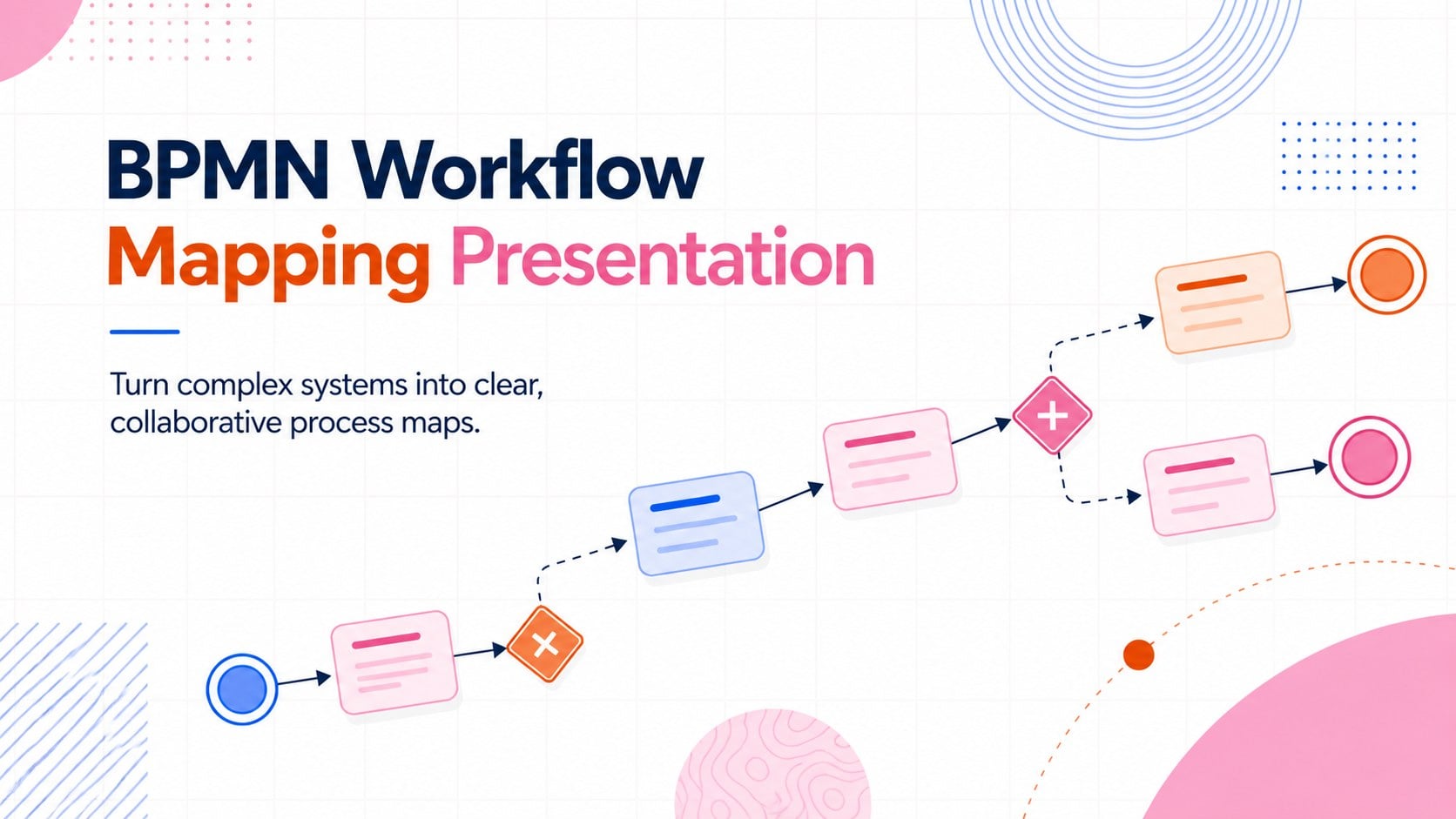
Build clearer process models with this BPMN workflow mapping presentation, featuring editable blue, orange, pink, and red slides for teams and classes.
Design notes
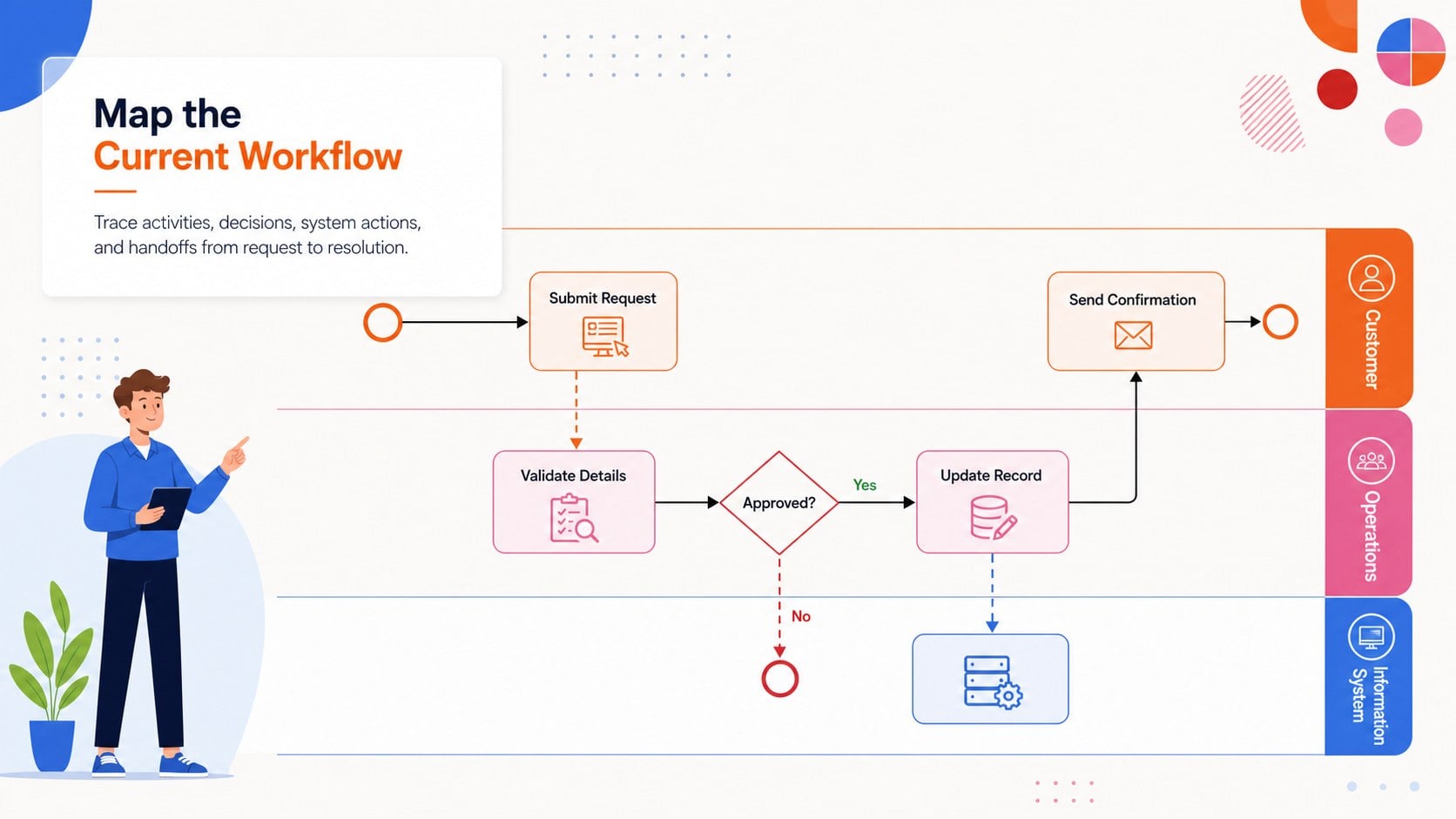
The BPMN workflow mapping presentation gives teams a structured, visual way to document how work moves through an information system. Its professional whiteboard-inspired design uses blue, orange, pink, and red accents to separate events, activities, decisions, and participants without making detailed diagrams feel crowded. Editable connectors, process shapes, labels, and swimlane layouts help you translate technical procedures into visuals that stakeholders can follow.
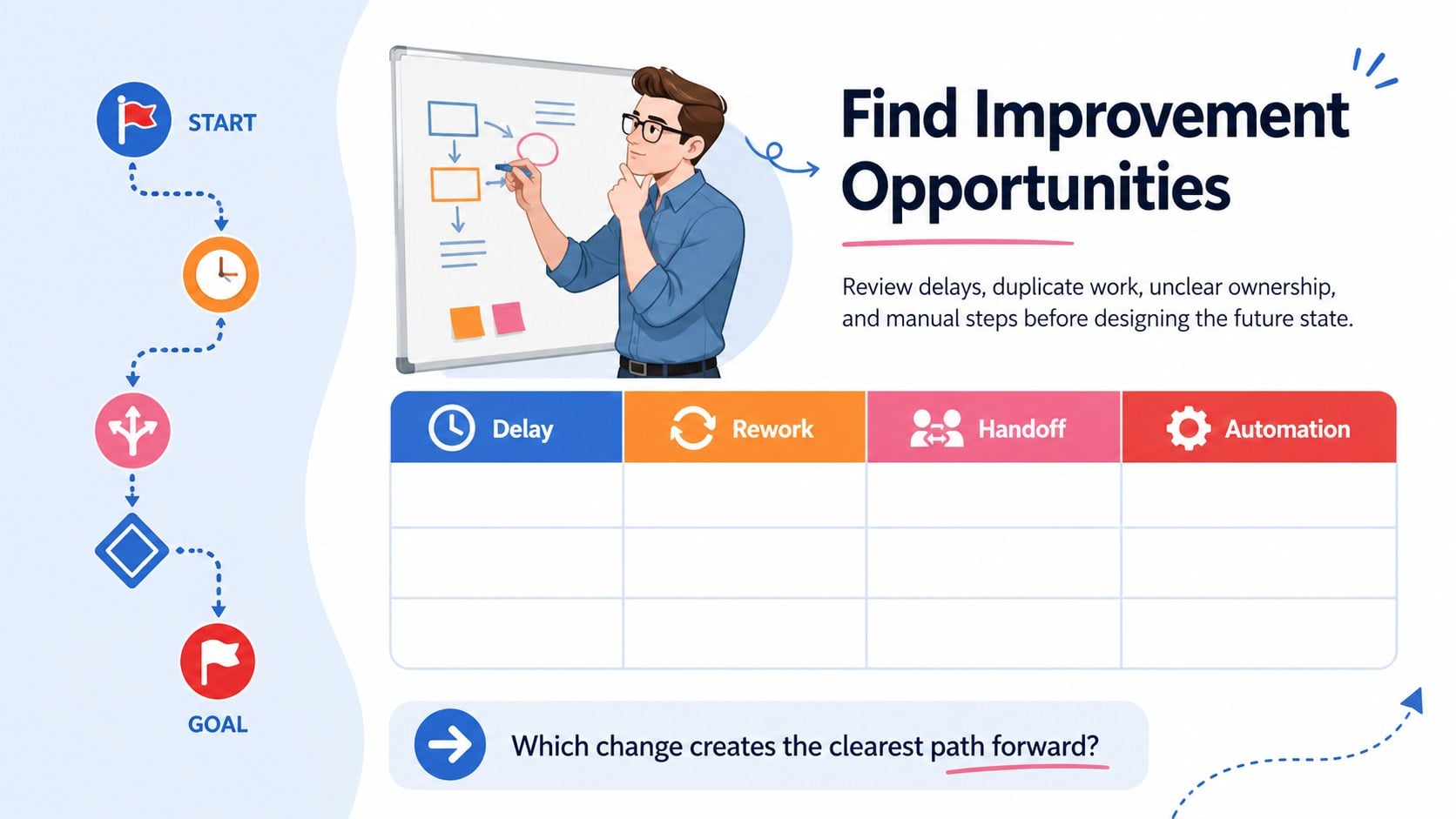
Inside, you will find three coordinated 16:9 slides for introducing a process, building a cross-functional model, and highlighting improvement opportunities. Use the layouts as editable BPMN process mapping slides, adapting task names, gateways, roles, sequence flows, and annotations to match your organization. The flexible system also works as a cross functional workflow diagram deck for showing ownership across departments, applications, or customer touchpoints.
This presentation is suited to business analysts, IT teams, project managers, operations leaders, consultants, instructors, and students. It can support requirements workshops, software implementation planning, process audits, onboarding sessions, and classroom demonstrations. For a process improvement workshop, participants can map the current state, flag delays or duplicate steps, and outline a clearer future-state workflow. Every slide can be customized in PowerPoint or Google Slides, including colors, typography, shapes, and diagram connections, so the finished model reflects your terminology and working methods.
Perfect for: business process discovery workshop; information system requirements review; cross-department workflow analysis; software implementation planning; BPMN classroom lesson; future-state process redesign.
Frequently asked questions
Can I edit the BPMN shapes and connectors? Yes. You can change task labels, move process elements, adjust connector paths, and add or remove gateways, events, and swimlanes. Group related elements after editing to keep complex diagrams organized.
Practical details
Yes. You can change task labels, move process elements, adjust connector paths, and add or remove gateways, events, and swimlanes. Group related elements after editing to keep complex diagrams organized.
Yes. The presentation is designed for editing in both PowerPoint and Google Slides. Minor differences in fonts, line routing, or transitions may occur between the two platforms.
Replace the sample roles, systems, and activities with your own terminology, then assign each participant a consistent lane or color. You can also update the palette and typography while retaining the visual distinction between BPMN elements.
Yes. The layouts use clear labels and a limited set of common process symbols, making them suitable for introductory training and stakeholder discussions. Technical teams can extend the diagrams with additional BPMN notation when more detail is required.
Keep exploring
15Shape your publishing concept with an indie magazine startup pitch deck featuring pastel gradients, bold collage layouts, and editable planning slides.
 16
16Build clear project stories with the Icon Grid Teamwork Theme, a flexible blue illustrated deck for proposals, strategy updates, and team meetings.
 3
3Turn priorities into an actionable plan with an annual goals roadmap infographic, featuring editable orange and teal layouts for PowerPoint and Google Slides.
 15
15Create an Annual Achievement Report Presentation with colorful geometric layouts for milestones, results, lessons, and priorities in PowerPoint or Google Slides.
 15
15Turn results into a focused annual performance evaluation report with dark 3D slides for KPIs, achievements, feedback, and next-step goals for teams.
 15
15Guide a focused annual recap with Business Results Retrospective Slides, a muted brown-and-blue template for PowerPoint and Google Slides.
 6
6Turn complex plans into clear visual stories with Color-Coded Workflow Path Slides, an editable set for project updates, roadmaps, and team briefings.
 6
6Compare regional performance at a glance with Global Data Heatmap Slides, a clean multicolor deck designed for editable PowerPoint and Google Slides.