
 15
15presentation
Indie Magazine Startup Pitch Deck
Shape your publishing concept with an indie magazine startup pitch deck featuring pastel gradients, bold collage layouts, and editable planning slides.
Google SlidesPowerPoint
presentation · English
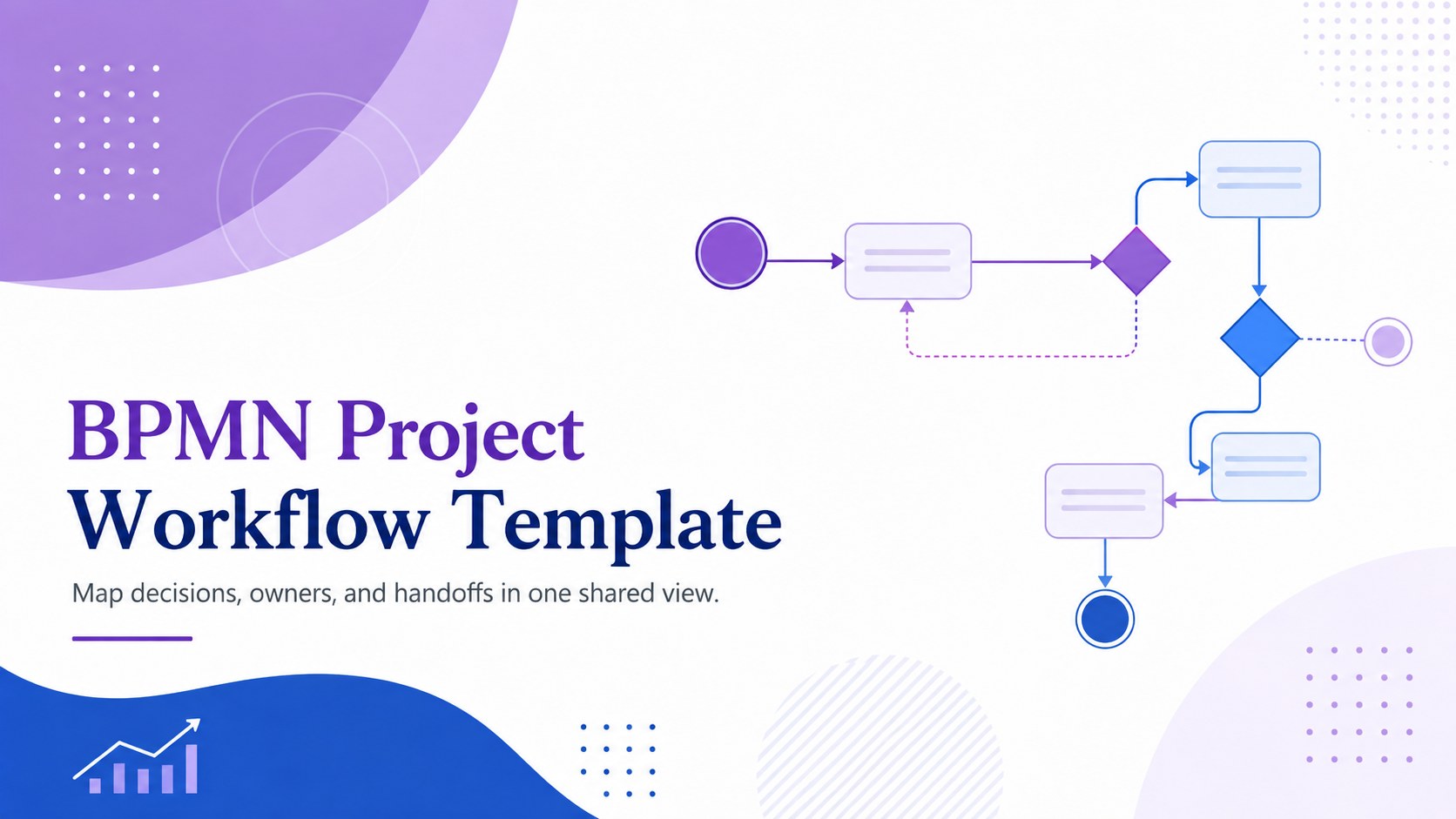
Build clearer handoffs with a BPMN project workflow template in purple and blue, ready to edit in PowerPoint or Google Slides for team planning sessions.
Design notes
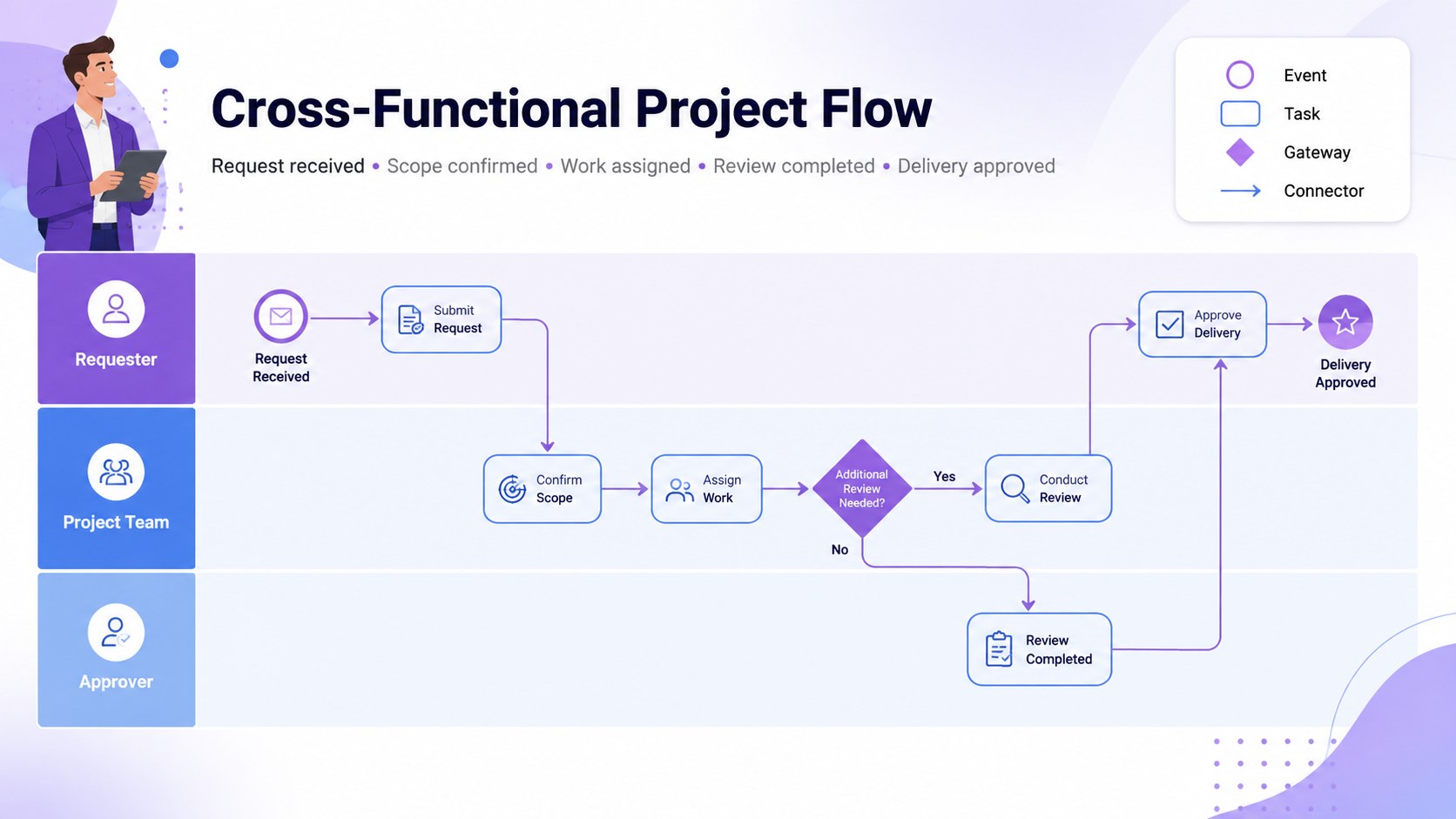
Turn complicated procedures into an organized visual story with this BPMN project workflow template. Designed in a professional purple and blue palette, the slides help teams explain how tasks move between participants, where decisions occur, and which events trigger the next stage. Use the deck to create a shared understanding of current processes or present a proposed workflow with confidence.
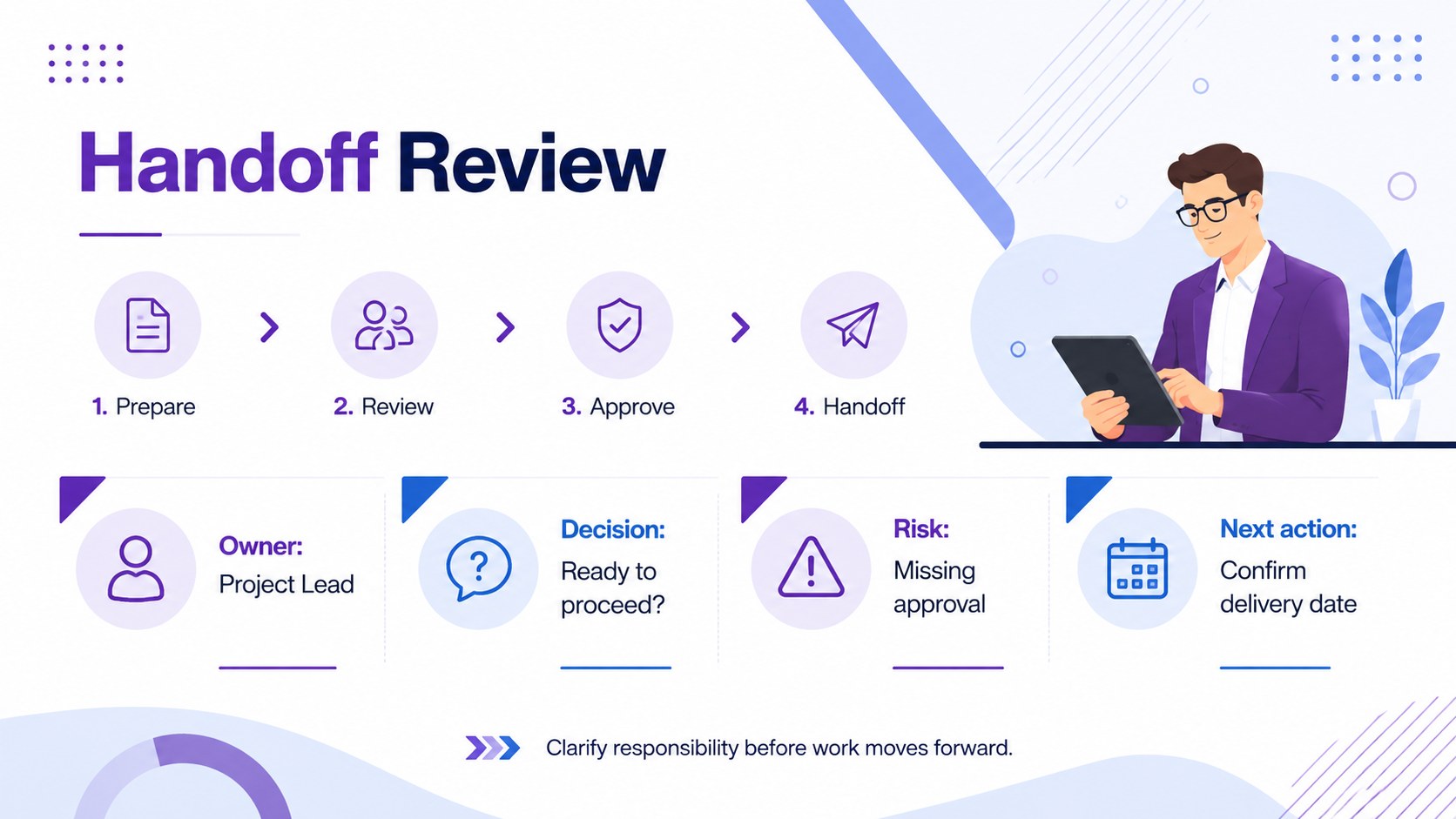
Inside, you will find three coordinated 16:9 layouts: a polished cover, a detailed cross-functional process map, and a focused handoff review. The editable BPMN workflow slides provide clear spaces for events, activities, gateways, connectors, owners, and supporting notes. Adjust labels, colors, shapes, and flow lines to match your organization while preserving a clean, consistent visual hierarchy. The structure also works as a project process mapping presentation for workshops, documentation, and stakeholder reviews.
This BPMN handoff visualization deck is suited to project managers, operations leaders, business analysts, HR teams, and process improvement specialists. Apply it when documenting approvals, onboarding routines, service delivery, issue escalation, or internal request workflows. Every slide can be customized in PowerPoint or Google Slides, making it practical for live planning sessions, asynchronous feedback, and formal process documentation.
Perfect for: cross-functional process mapping; project approval workflow; employee onboarding review; service delivery documentation; issue escalation planning.
Frequently asked questions
Can I edit the BPMN symbols and connectors? Yes. You can update activity labels, gateways, event markers, connectors, colors, and supporting notes to represent your process accurately.
Practical details
Yes. You can update activity labels, gateways, event markers, connectors, colors, and supporting notes to represent your process accurately.
The template is designed for PowerPoint and Google Slides. Layouts use a standard 16:9 format for presenting on common screens and projectors.
Yes. Replace the purple and blue accents with your own palette, then update fonts and labels to align the slides with your internal documentation standards.
Yes. The layouts make roles, decisions, activities, and handoffs easier to follow without requiring a technical presentation style. Add a brief legend when presenting BPMN notation to new audiences.
Keep exploring
15Shape your publishing concept with an indie magazine startup pitch deck featuring pastel gradients, bold collage layouts, and editable planning slides.
 16
16Build clear project stories with the Icon Grid Teamwork Theme, a flexible blue illustrated deck for proposals, strategy updates, and team meetings.
 3
3Turn priorities into an actionable plan with an annual goals roadmap infographic, featuring editable orange and teal layouts for PowerPoint and Google Slides.
 15
15Create an Annual Achievement Report Presentation with colorful geometric layouts for milestones, results, lessons, and priorities in PowerPoint or Google Slides.
 15
15Turn results into a focused annual performance evaluation report with dark 3D slides for KPIs, achievements, feedback, and next-step goals for teams.
 15
15Guide a focused annual recap with Business Results Retrospective Slides, a muted brown-and-blue template for PowerPoint and Google Slides.
 6
6Turn complex plans into clear visual stories with Color-Coded Workflow Path Slides, an editable set for project updates, roadmaps, and team briefings.
 6
6Compare regional performance at a glance with Global Data Heatmap Slides, a clean multicolor deck designed for editable PowerPoint and Google Slides.