
 15
15presentation
Indie Magazine Startup Pitch Deck
Shape your publishing concept with an indie magazine startup pitch deck featuring pastel gradients, bold collage layouts, and editable planning slides.
Google SlidesPowerPoint
spreadsheet · English
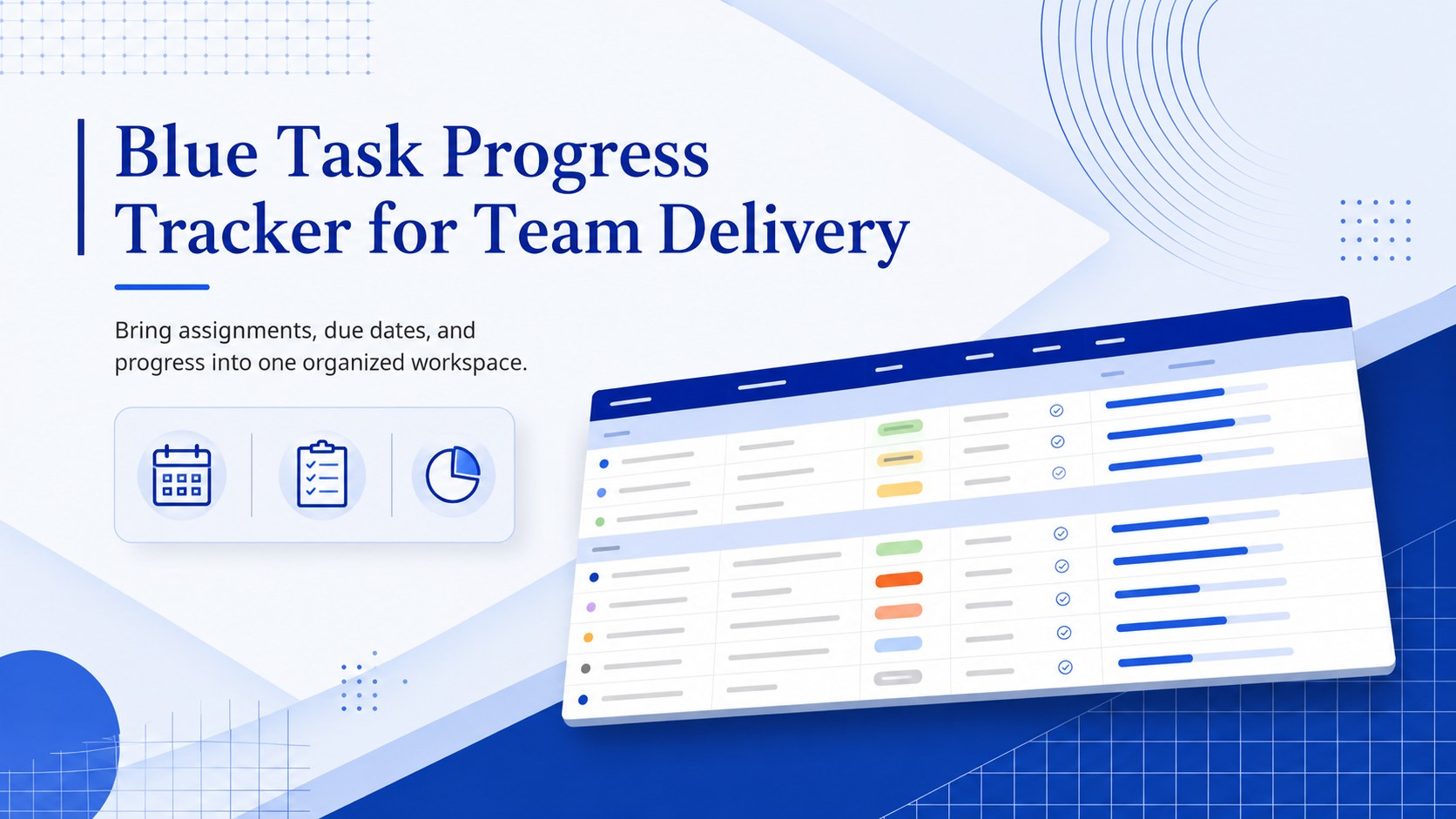
Coordinate owners, deadlines, and status updates with a blue task progress tracker built for clear team delivery in Excel and Google Sheets.
Design notes
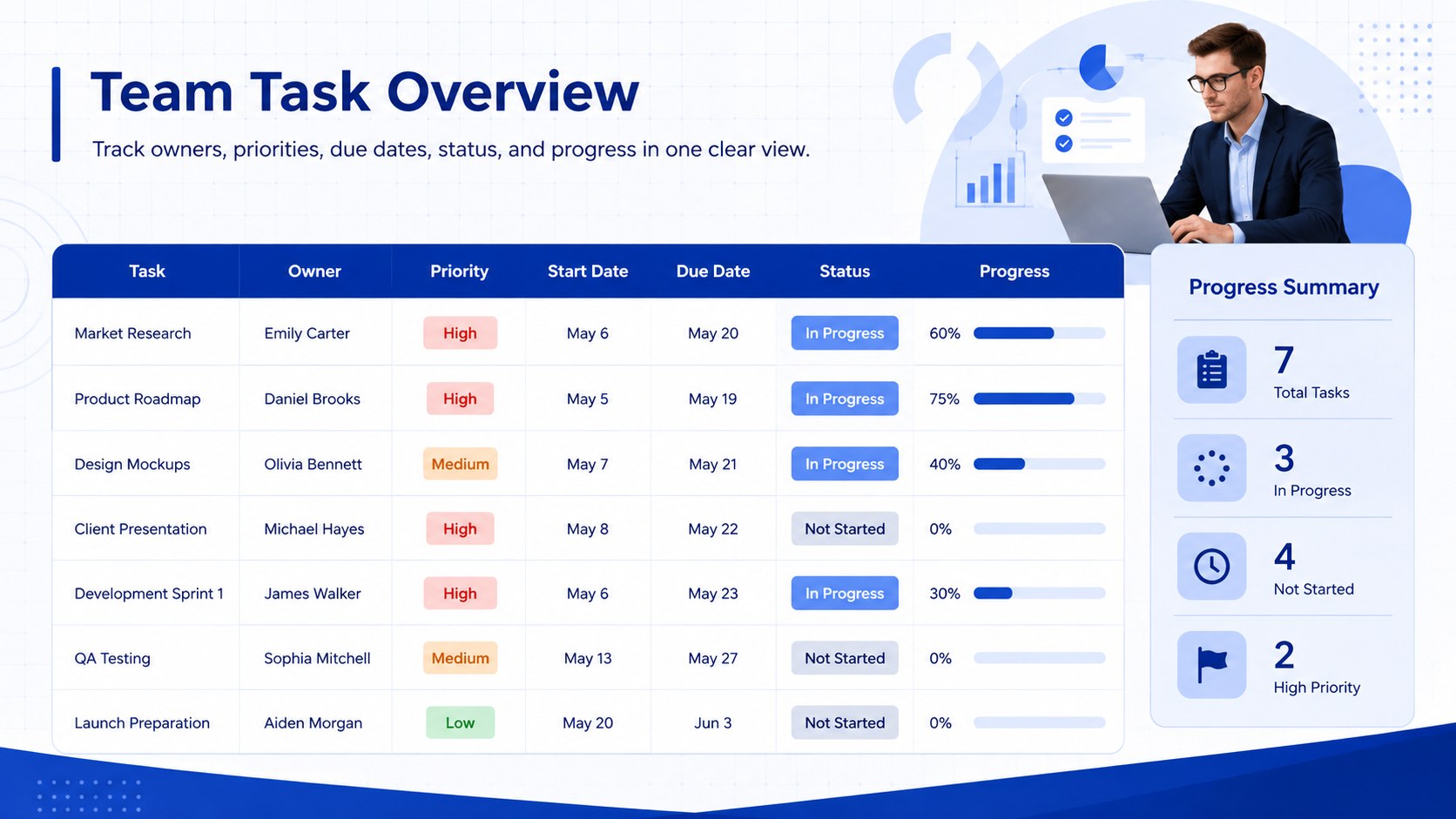
Turn scattered assignments into a clear action plan with the Blue Task Progress Tracker for Team Delivery. Designed for practical day-to-day coordination, this professional blue task progress tracker gives managers and contributors a shared view of current work, responsibilities, deadlines, and completion status. Its calm corporate styling keeps attention on the details that matter without making the worksheet feel crowded.
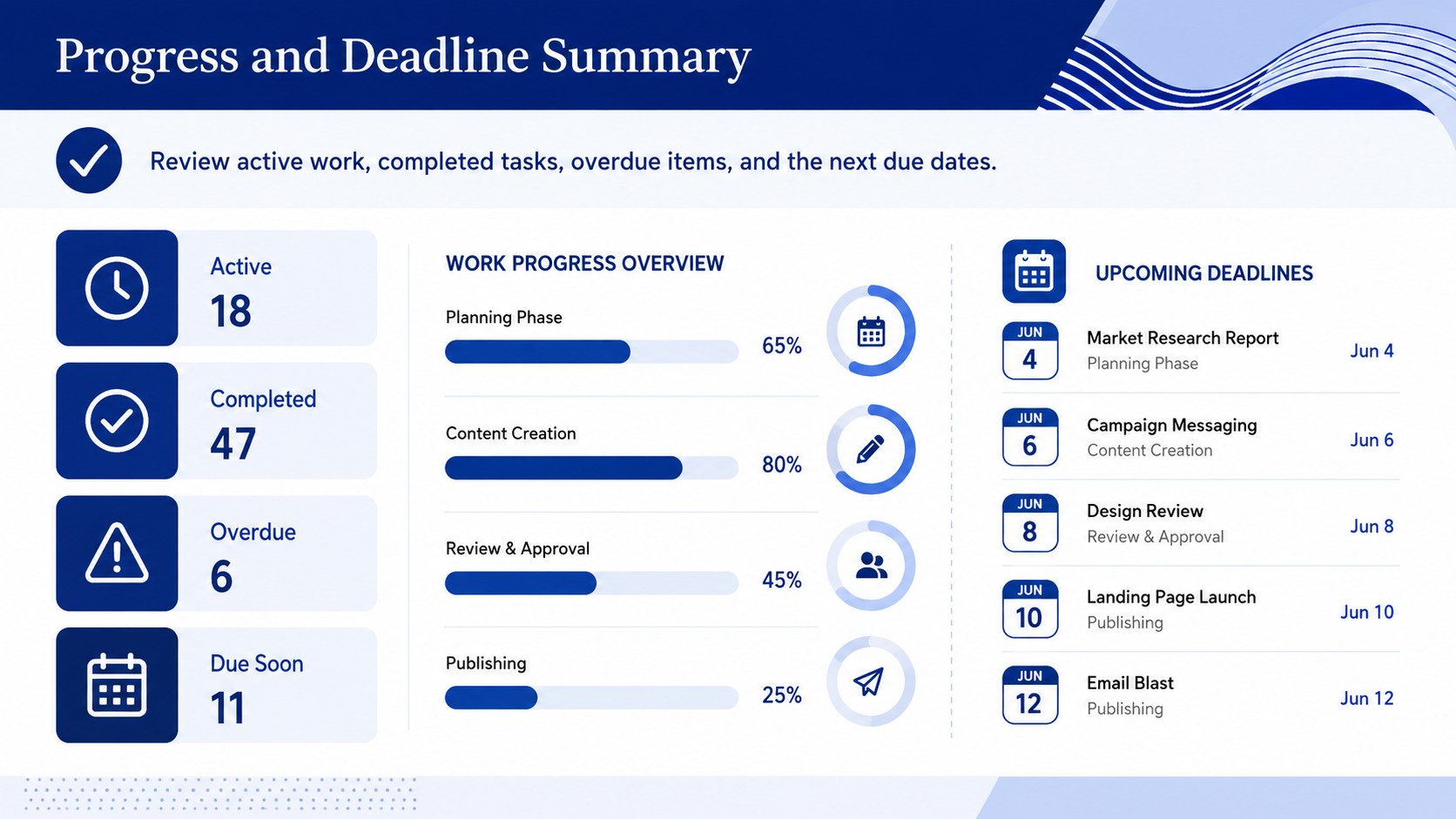
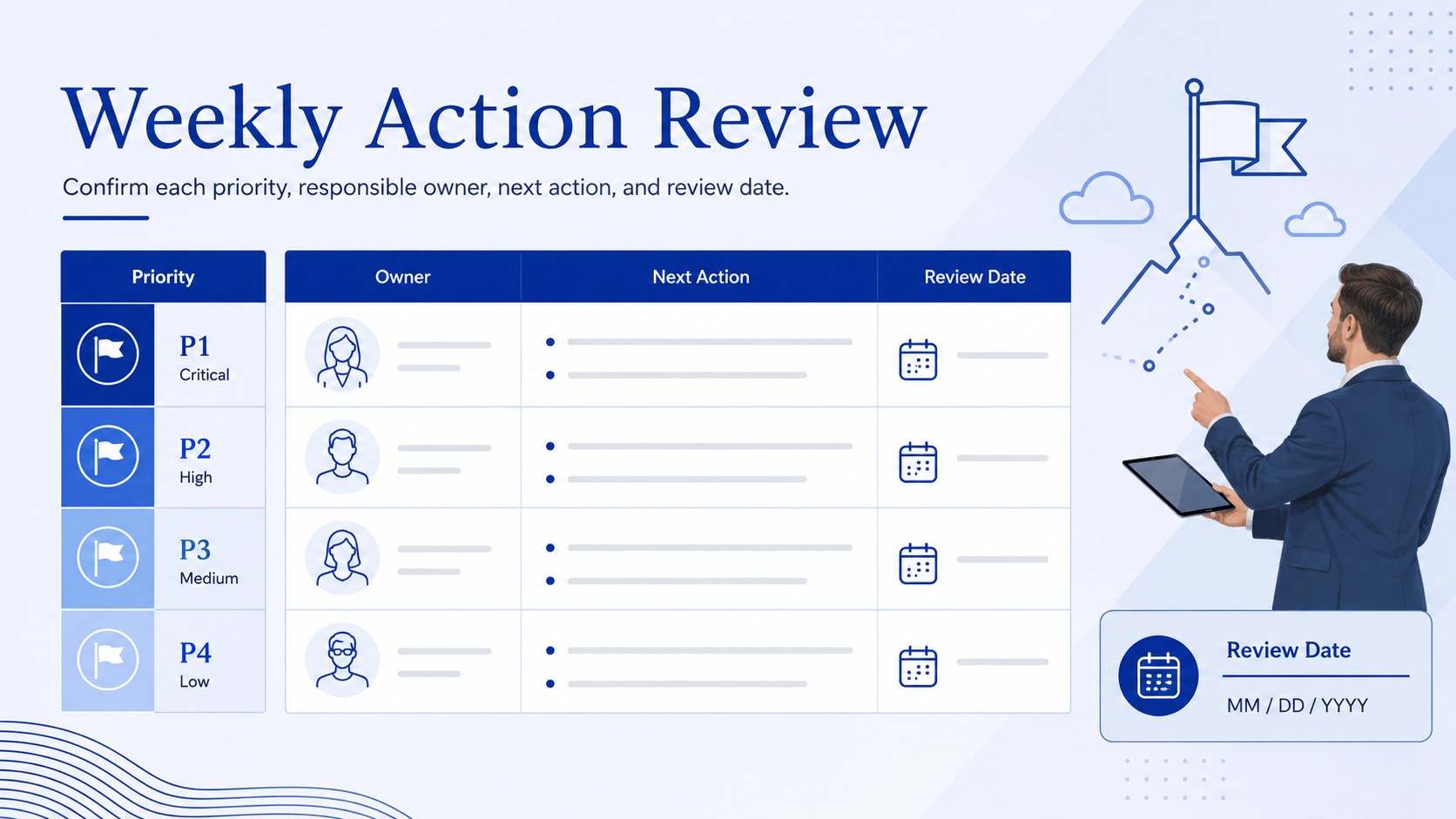
The template includes a structured task table with fields for descriptions, owners, priorities, start dates, due dates, status, and progress. Visual status indicators make it easy to spot overdue work, review upcoming deadlines, and compare completion levels. Use it as a team assignment tracking spreadsheet for weekly check-ins, a project deadline monitoring template for active initiatives, or a simple operational task status dashboard for recurring responsibilities. Every section can be edited to match your workflow, department, or reporting process.
Project managers can use the tracker to coordinate deliverables across a team, while department leads can monitor campaigns, launches, internal requests, or administrative work. It is also suitable for freelancers and small businesses that need a dependable overview of client tasks. Customize the labels, colors, categories, and status options in Excel or Google Sheets, then share the updated file with collaborators. The organized landscape format supports routine reviews, accountability conversations, and faster decisions about what needs attention next.
Perfect for: weekly team status review; client deliverable tracking; product launch coordination; department workload planning; recurring operations management.
Frequently asked questions
Can I edit the task fields and status options? Yes. You can rename columns, add task categories, revise priority levels, and create status labels that match your team's process.
Practical details
Yes. You can rename columns, add task categories, revise priority levels, and create status labels that match your team's process.
The tracker is designed for Microsoft Excel and Google Sheets. Formatting may vary slightly between platforms, so review column widths and formulas after importing.
Yes. Duplicate the main worksheet for separate projects or add a project column to maintain one combined view. Filters can then isolate work by initiative, owner, or status.
Change the header fills, status colors, fonts, and border styles using the standard formatting tools in Excel or Google Sheets. Keep strong contrast between labels and cells so the tracker remains easy to scan.
Keep exploring
15Shape your publishing concept with an indie magazine startup pitch deck featuring pastel gradients, bold collage layouts, and editable planning slides.
 16
16Build clear project stories with the Icon Grid Teamwork Theme, a flexible blue illustrated deck for proposals, strategy updates, and team meetings.
 3
3Turn priorities into an actionable plan with an annual goals roadmap infographic, featuring editable orange and teal layouts for PowerPoint and Google Slides.
 15
15Create an Annual Achievement Report Presentation with colorful geometric layouts for milestones, results, lessons, and priorities in PowerPoint or Google Slides.
 15
15Turn results into a focused annual performance evaluation report with dark 3D slides for KPIs, achievements, feedback, and next-step goals for teams.
 15
15Guide a focused annual recap with Business Results Retrospective Slides, a muted brown-and-blue template for PowerPoint and Google Slides.
 6
6Turn complex plans into clear visual stories with Color-Coded Workflow Path Slides, an editable set for project updates, roadmaps, and team briefings.
 6
6Compare regional performance at a glance with Global Data Heatmap Slides, a clean multicolor deck designed for editable PowerPoint and Google Slides.