
 15
15presentation
Indie Magazine Startup Pitch Deck
Shape your publishing concept with an indie magazine startup pitch deck featuring pastel gradients, bold collage layouts, and editable planning slides.
Google SlidesPowerPoint
presentation · English
Build a focused campaign roadmap with this Blue Marketing Strategy Planner, featuring modern minimal layouts for PowerPoint and Google Slides teams.



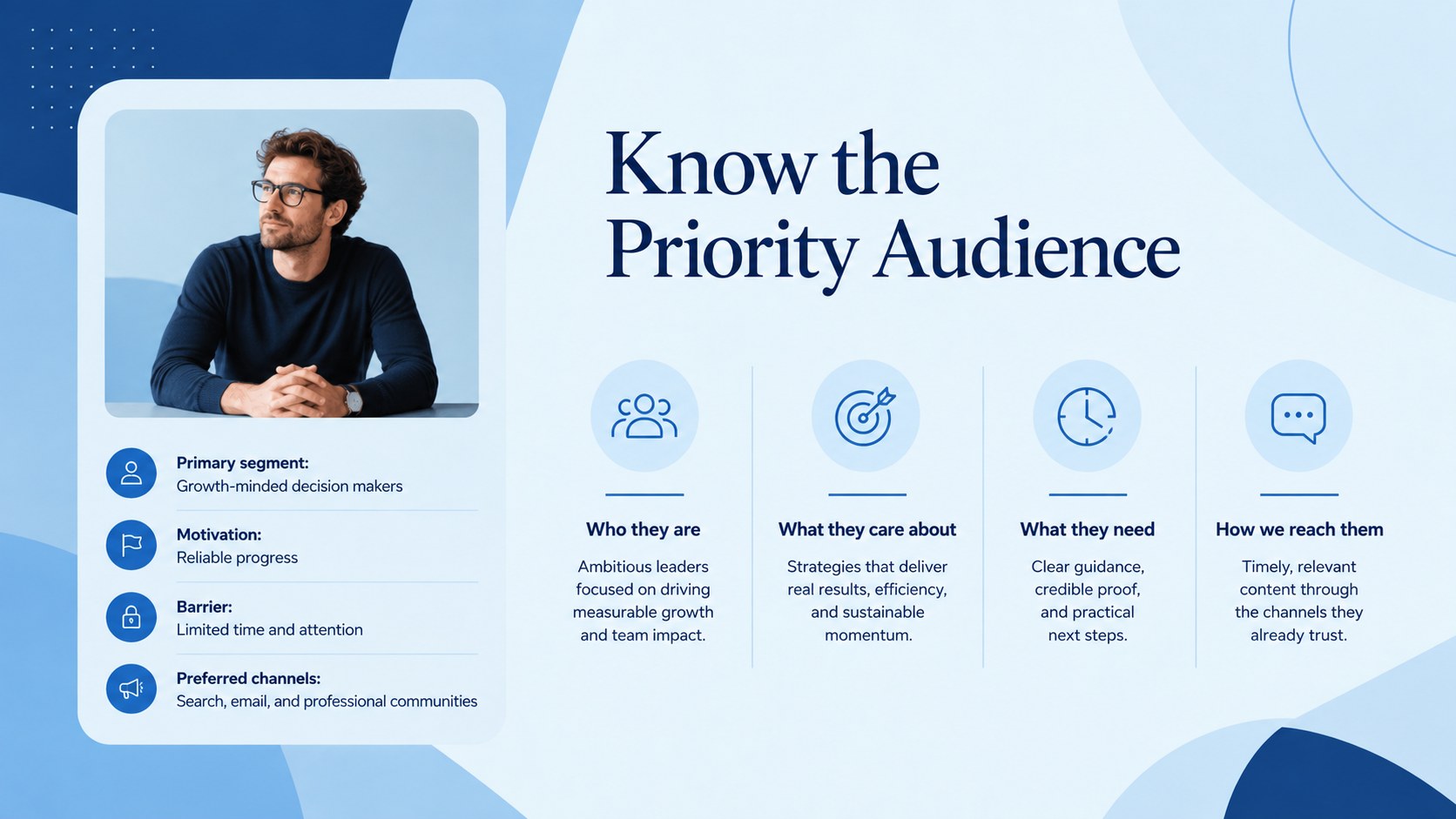




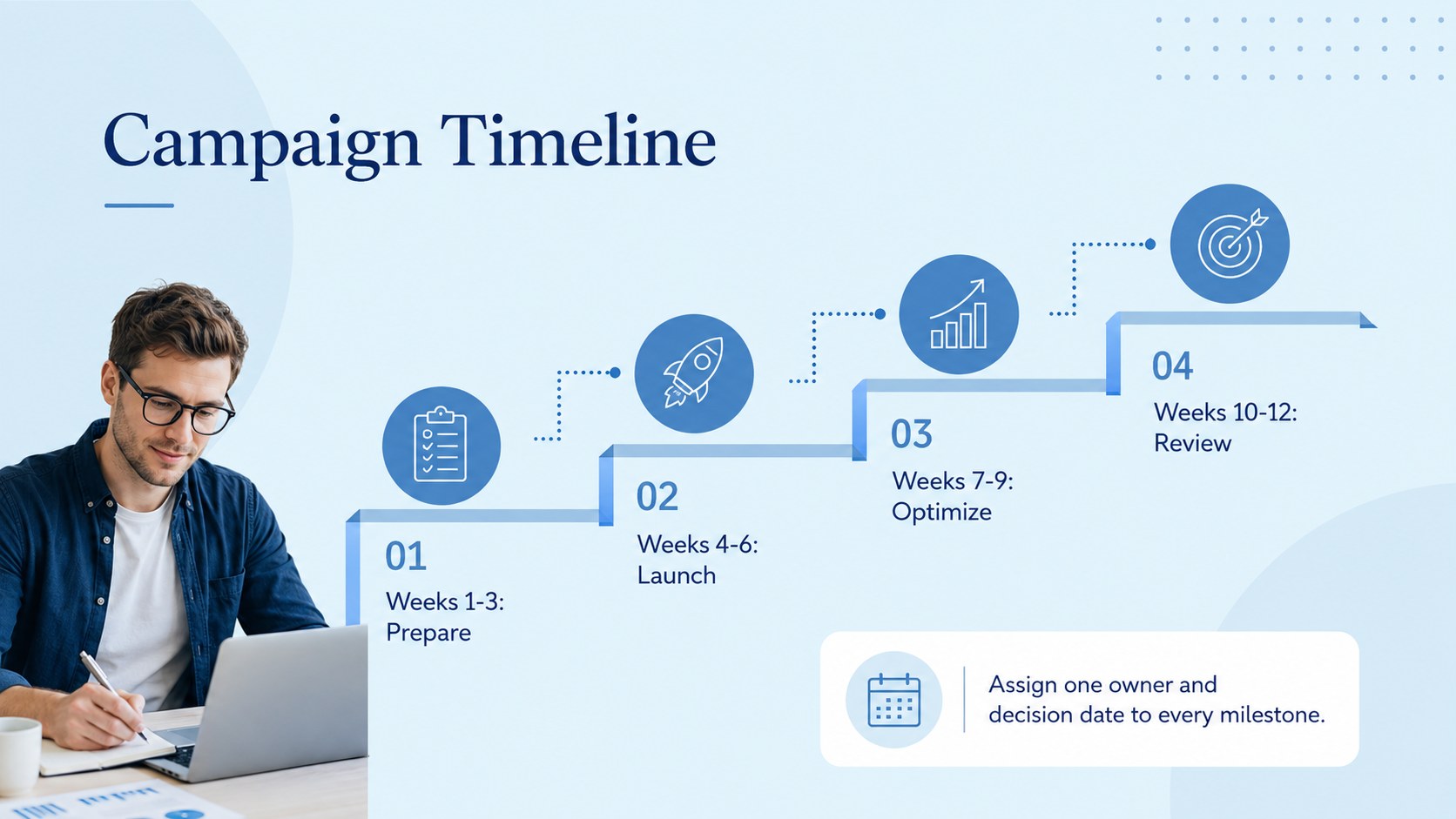
Design notes
The Blue Marketing Strategy Planner gives marketing teams a clear framework for turning broad ambitions into practical campaign decisions. Its modern blue palette, minimal typography, and structured layouts keep attention on your message while creating a polished, consistent story in PowerPoint or Google Slides.
Use the deck to define objectives, summarize audience insights, clarify positioning, map channels, organize content themes, and connect spending to measurable outcomes. Dedicated layouts cover an executive overview, customer profiles, competitive context, campaign timelines, budget allocation, KPI reporting, experiments, responsibilities, and a focused 90-day action plan. Together, these pages form a campaign planning deck for teams that need both strategic context and concrete next steps.
This quarterly campaign strategy presentation is suited to in-house marketing departments, agencies, consultants, startups, and small business leaders. Replace the sample wording, update charts with current figures, add approved photography, and adjust the blue accents to reflect your visual identity. The flexible slide system works equally well for annual planning sessions, product launches, stakeholder reviews, and client strategy meetings. Whether you are aligning a new team or refining an established program, the planner helps present priorities, ownership, timing, and success measures without unnecessary visual clutter.
Perfect for: quarterly campaign planning; product launch strategy; agency client workshop; annual marketing review; stakeholder alignment meeting.
Frequently asked questions
Can I edit every element in this presentation? Yes. Text, colors, images, charts, shapes, and timeline elements can be edited to match your campaign and visual identity.
Practical details
Yes. Text, colors, images, charts, shapes, and timeline elements can be edited to match your campaign and visual identity.
The template is designed for PowerPoint and Google Slides. Minor font or spacing adjustments may be needed when moving the deck between platforms.
Replace the theme colors with your approved brand values, then review charts and icons for sufficient contrast. Keeping one primary accent and a restrained set of neutrals will preserve the minimal style.
Yes. Agencies and consultants can replace the sample strategy content with client objectives, audience research, channel recommendations, budgets, and performance targets.
Keep exploring
15Shape your publishing concept with an indie magazine startup pitch deck featuring pastel gradients, bold collage layouts, and editable planning slides.
 16
16Build clear project stories with the Icon Grid Teamwork Theme, a flexible blue illustrated deck for proposals, strategy updates, and team meetings.
 3
3Turn priorities into an actionable plan with an annual goals roadmap infographic, featuring editable orange and teal layouts for PowerPoint and Google Slides.
 15
15Create an Annual Achievement Report Presentation with colorful geometric layouts for milestones, results, lessons, and priorities in PowerPoint or Google Slides.
 15
15Turn results into a focused annual performance evaluation report with dark 3D slides for KPIs, achievements, feedback, and next-step goals for teams.
 15
15Guide a focused annual recap with Business Results Retrospective Slides, a muted brown-and-blue template for PowerPoint and Google Slides.
 6
6Turn complex plans into clear visual stories with Color-Coded Workflow Path Slides, an editable set for project updates, roadmaps, and team briefings.
 6
6Compare regional performance at a glance with Global Data Heatmap Slides, a clean multicolor deck designed for editable PowerPoint and Google Slides.