
 15
15presentation
Indie Magazine Startup Pitch Deck
Shape your publishing concept with an indie magazine startup pitch deck featuring pastel gradients, bold collage layouts, and editable planning slides.
Google SlidesPowerPoint
presentation · English
Build a polished startup story with a blue green investor presentation theme for PowerPoint and Google Slides, featuring clear charts, strategy layouts, and…




Design notes
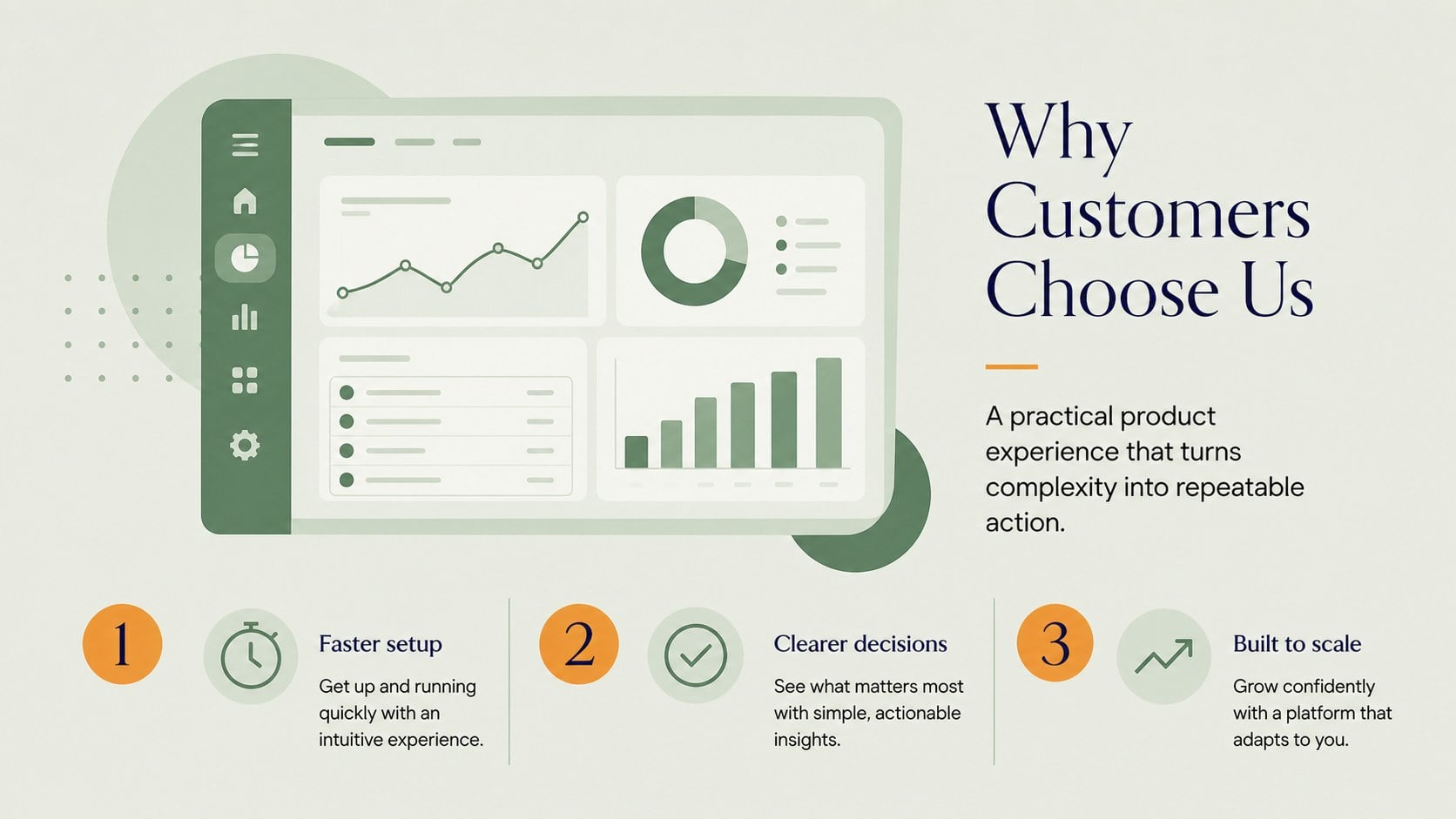
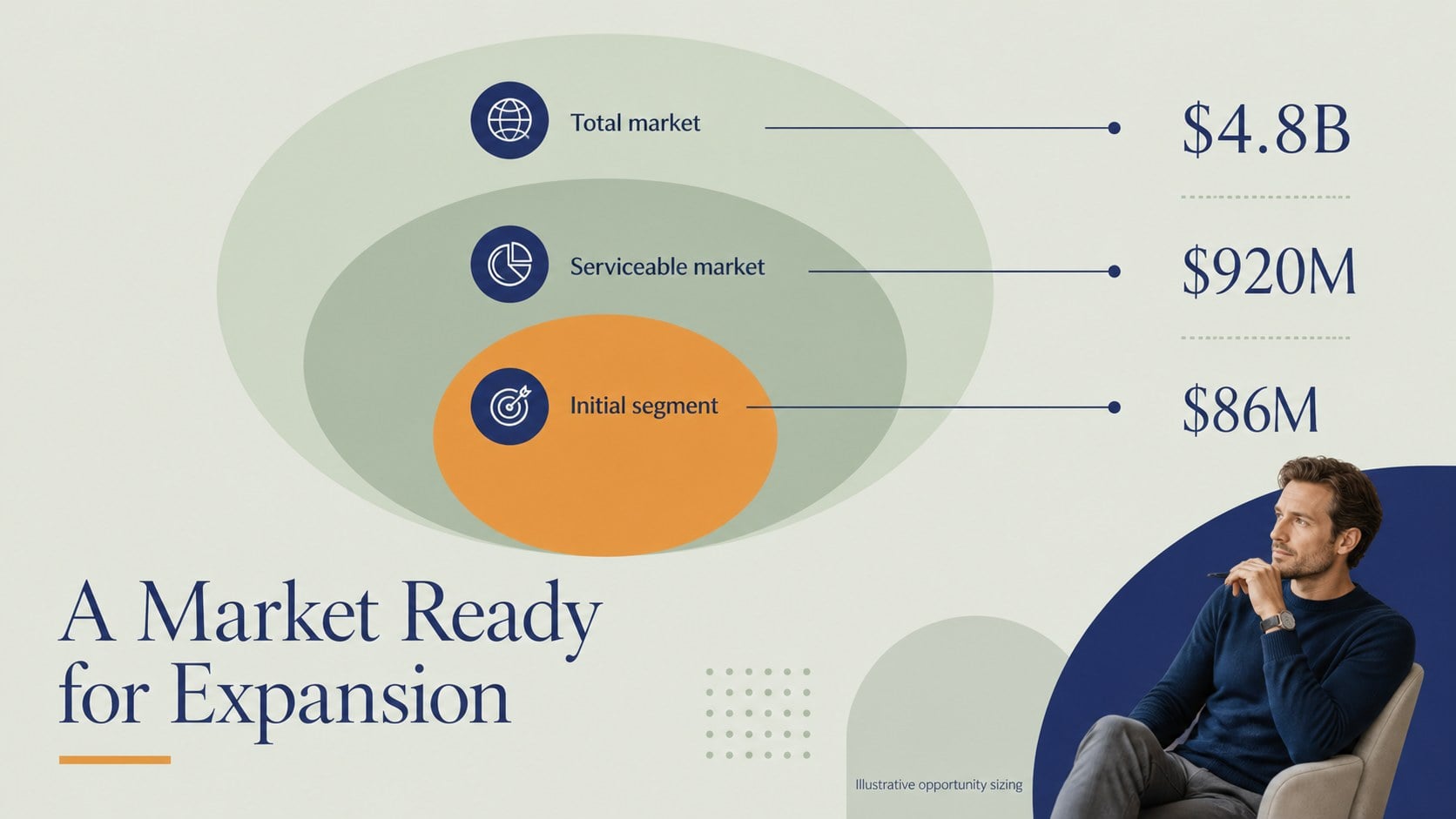
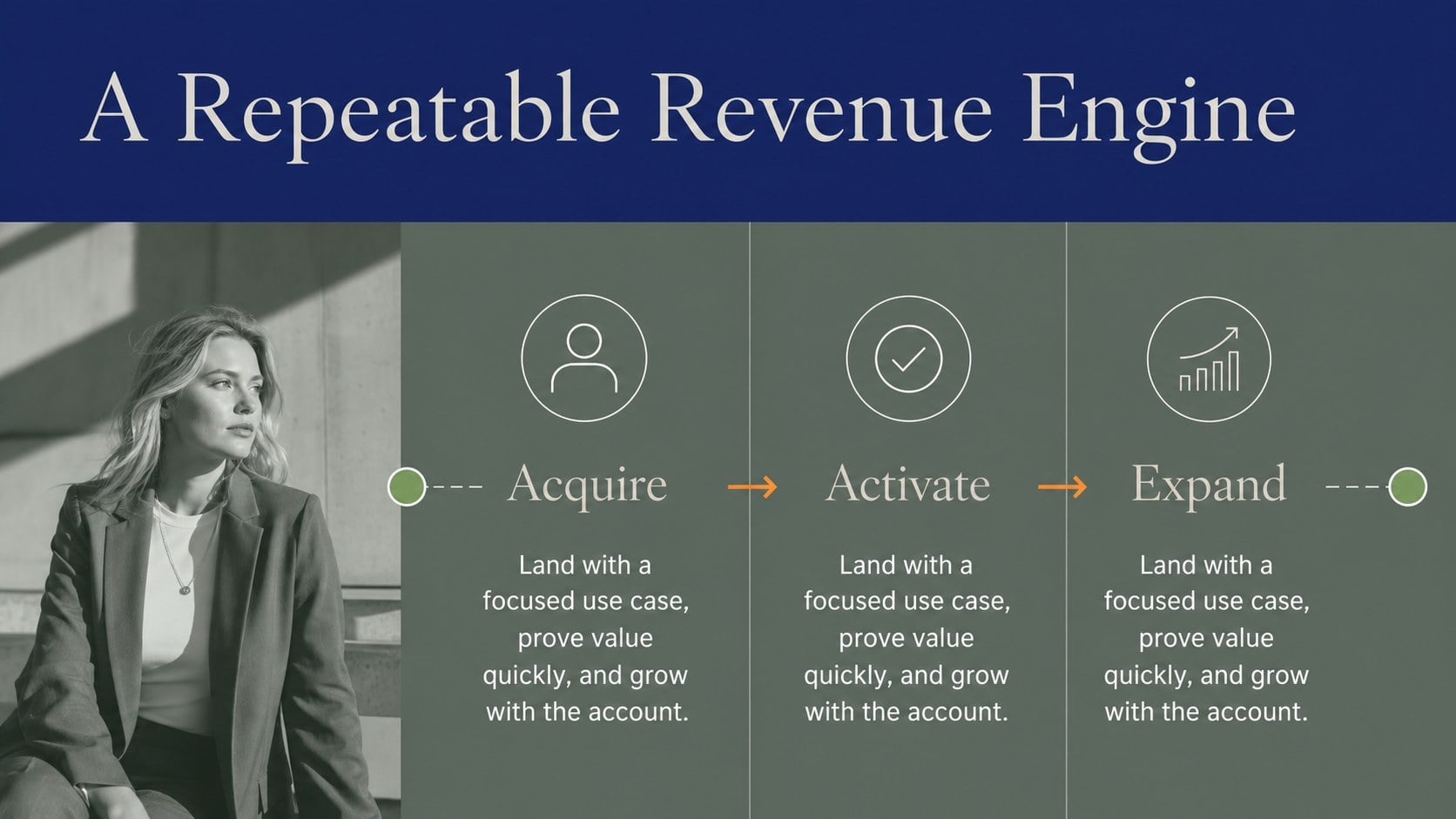
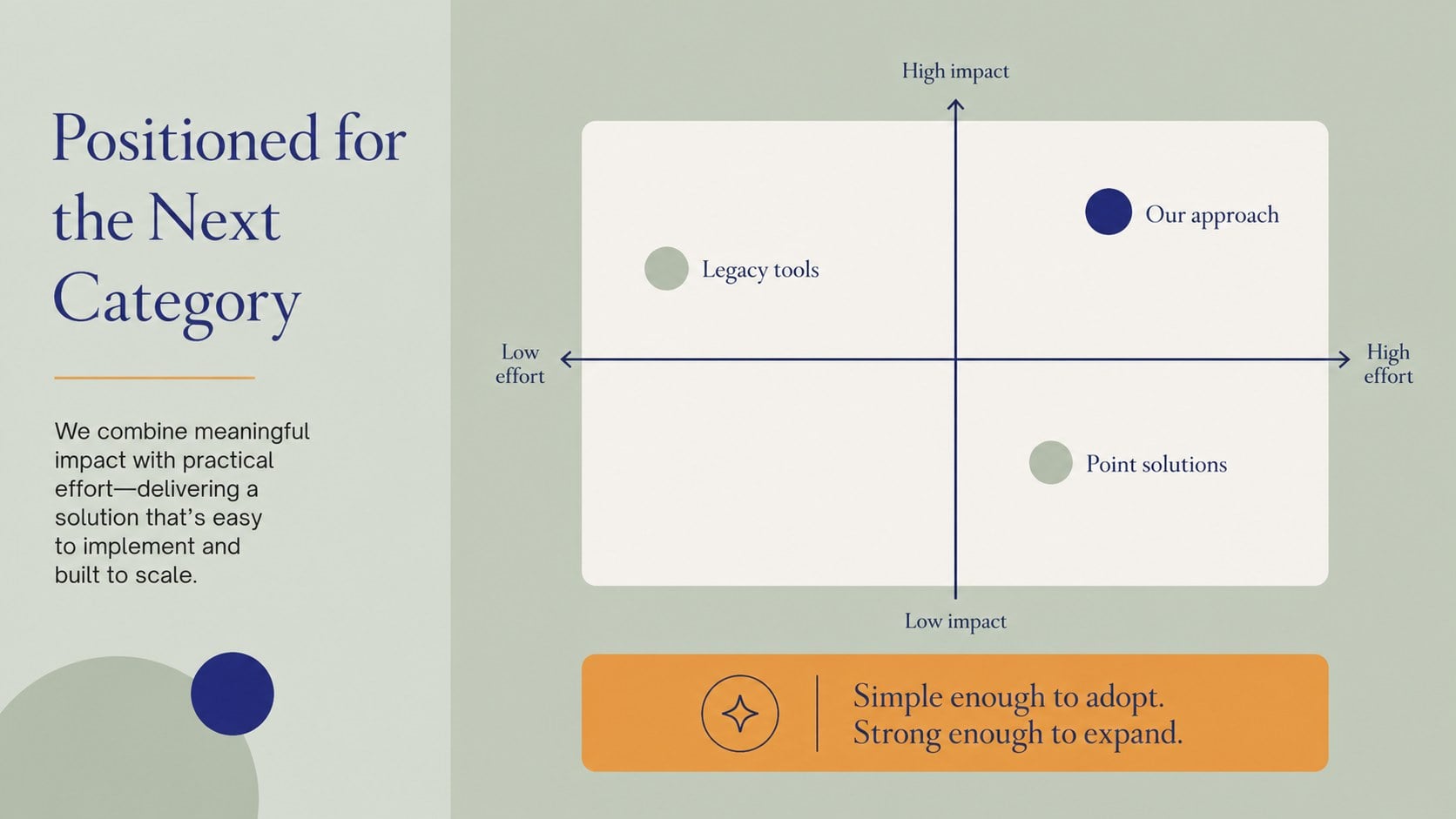
Make a strong first impression with a blue green investor presentation theme designed for founders, consultants, and business teams. Its refined palette combines deep blue, fresh green, warm orange accents, and generous space for a presentation that feels established without becoming stiff. Use it to frame a funding conversation, introduce a new venture, or align stakeholders around a practical growth plan.
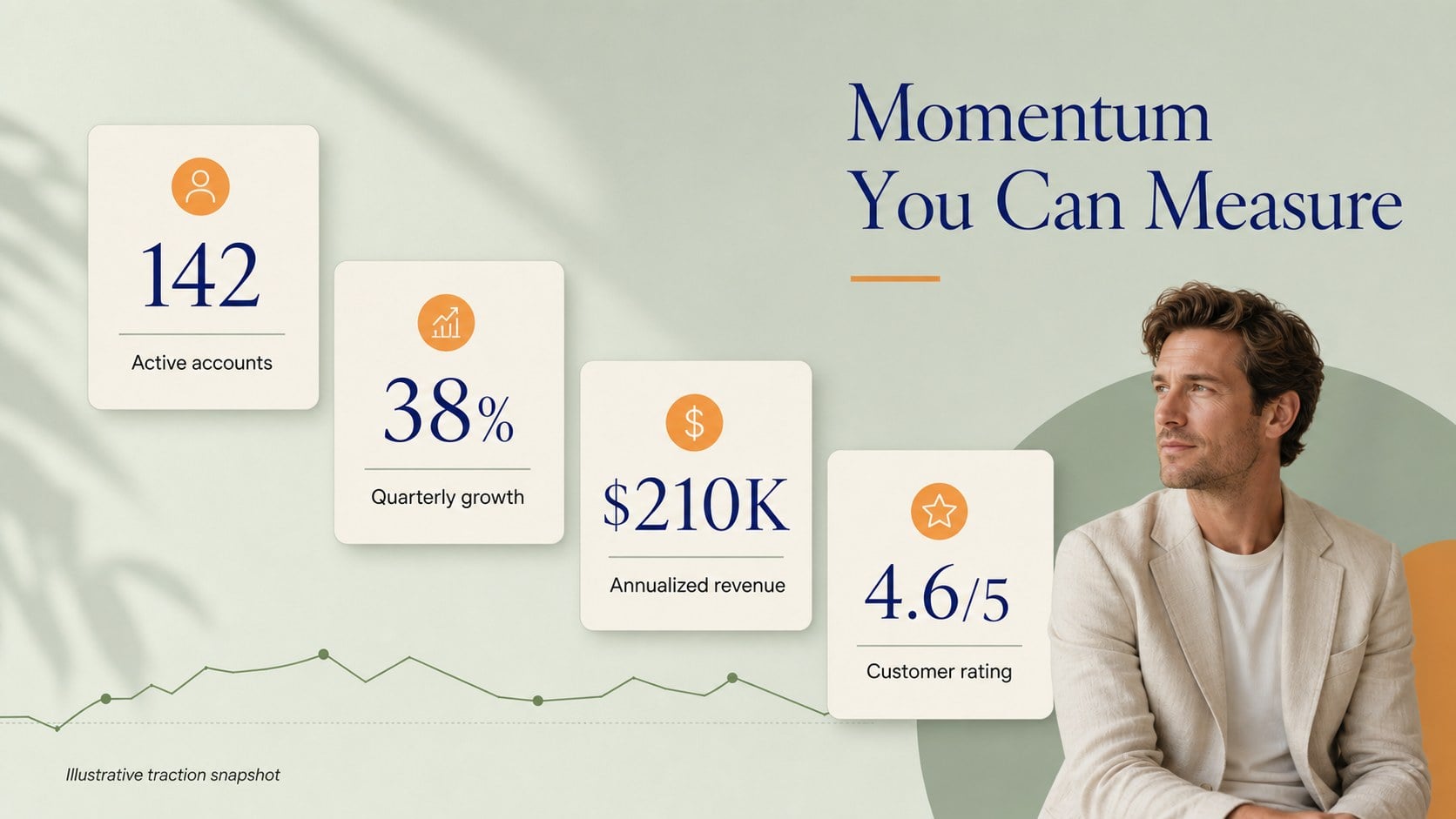
The 25+ editable slides cover the essential parts of an investor narrative: company introduction, problem, solution, product overview, market opportunity, business model, competitive landscape, traction, revenue, milestones, team, and funding request. Data-focused layouts give you room for charts, comparison tables, timelines, metrics, and concise takeaways, while the resource page adds reusable icons, frames, shapes, and diagram elements. The deck also includes a closing slide for next steps and contact details.
This startup funding slide deck works in PowerPoint and Google Slides. Adjust the Cinzel Decorative typography, replace the sample figures, and recolor the accents to match your identity while keeping the original editorial character. It is especially useful for early-stage investor meetings, accelerator demo days, partnership proposals, and internal strategy reviews.
Perfect for: startup investor meeting; accelerator demo day; founder fundraising presentation; partnership proposal; internal growth strategy review.
Frequently asked questions
Can I edit this presentation in PowerPoint? Yes. The deck is designed for PowerPoint and includes editable text, charts, shapes, and layouts. Replace the sample content with your company details and update the figures to fit your story.
Practical details
Yes. The deck is designed for PowerPoint and includes editable text, charts, shapes, and layouts. Replace the sample content with your company details and update the figures to fit your story.
Yes, you can use it as a Google Slides presentation after importing the file. Review the font and chart formatting after import, then make any small adjustments needed for your version of the presentation.
The slides include layouts for the problem, solution, product, market size, business model, competitors, traction, revenue, milestones, team, and funding request. You can reorder or remove sections to match the length of your meeting.
Yes. Change the blue, green, and orange accents to match your brand while preserving the deck's elegant visual balance. You can also replace the sample icons, metrics, images, and typography settings.
Keep exploring
15Shape your publishing concept with an indie magazine startup pitch deck featuring pastel gradients, bold collage layouts, and editable planning slides.
 16
16Build clear project stories with the Icon Grid Teamwork Theme, a flexible blue illustrated deck for proposals, strategy updates, and team meetings.
 3
3Turn priorities into an actionable plan with an annual goals roadmap infographic, featuring editable orange and teal layouts for PowerPoint and Google Slides.
 15
15Create an Annual Achievement Report Presentation with colorful geometric layouts for milestones, results, lessons, and priorities in PowerPoint or Google Slides.
 15
15Turn results into a focused annual performance evaluation report with dark 3D slides for KPIs, achievements, feedback, and next-step goals for teams.
 15
15Guide a focused annual recap with Business Results Retrospective Slides, a muted brown-and-blue template for PowerPoint and Google Slides.
 6
6Turn complex plans into clear visual stories with Color-Coded Workflow Path Slides, an editable set for project updates, roadmaps, and team briefings.
 6
6Compare regional performance at a glance with Global Data Heatmap Slides, a clean multicolor deck designed for editable PowerPoint and Google Slides.