
 15
15presentation
Indie Magazine Startup Pitch Deck
Shape your publishing concept with an indie magazine startup pitch deck featuring pastel gradients, bold collage layouts, and editable planning slides.
Google SlidesPowerPoint
presentation · English
Build polished reports, proposals and meeting updates with a blue corporate presentation theme for PowerPoint, and Google Slides.

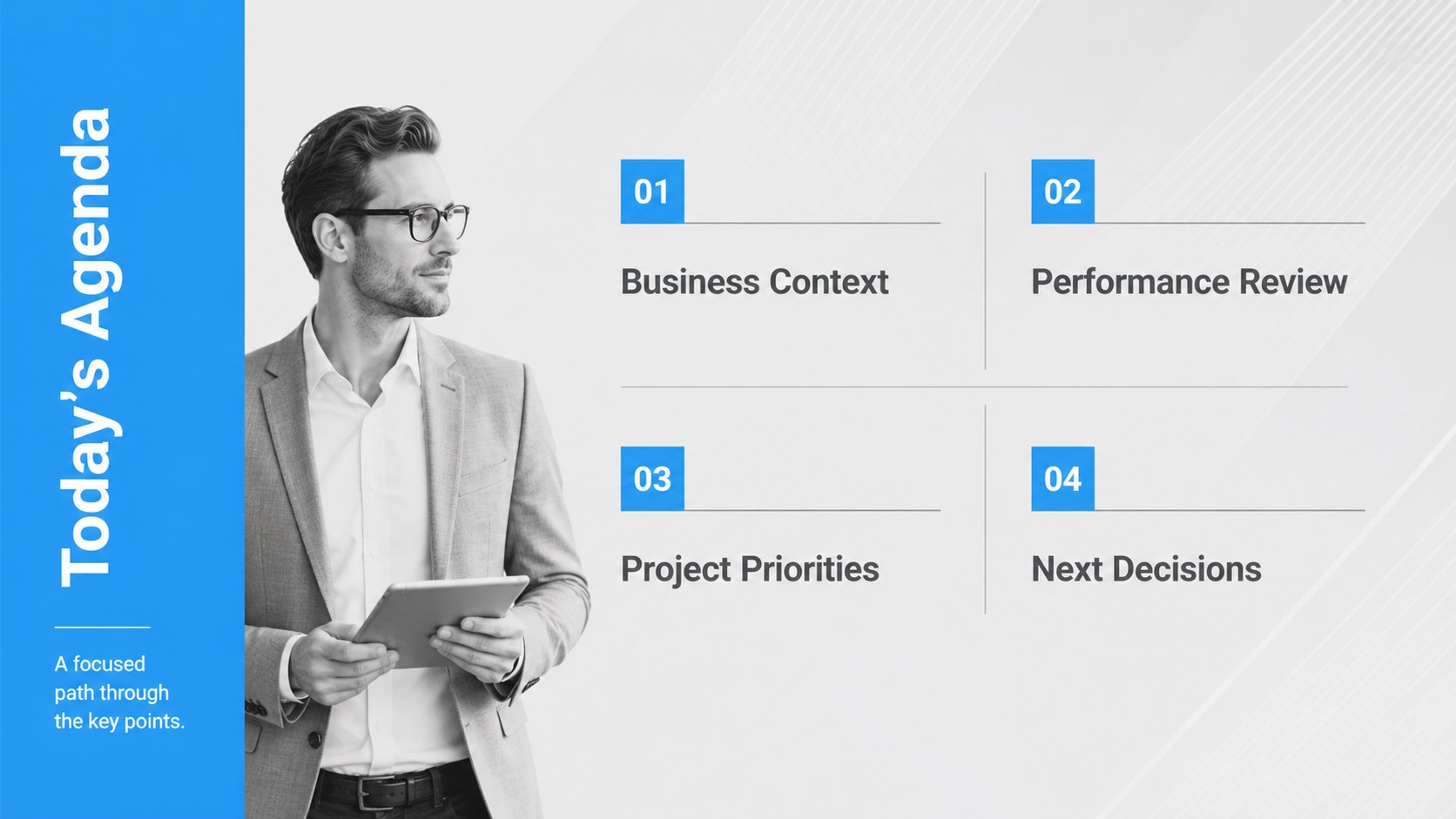

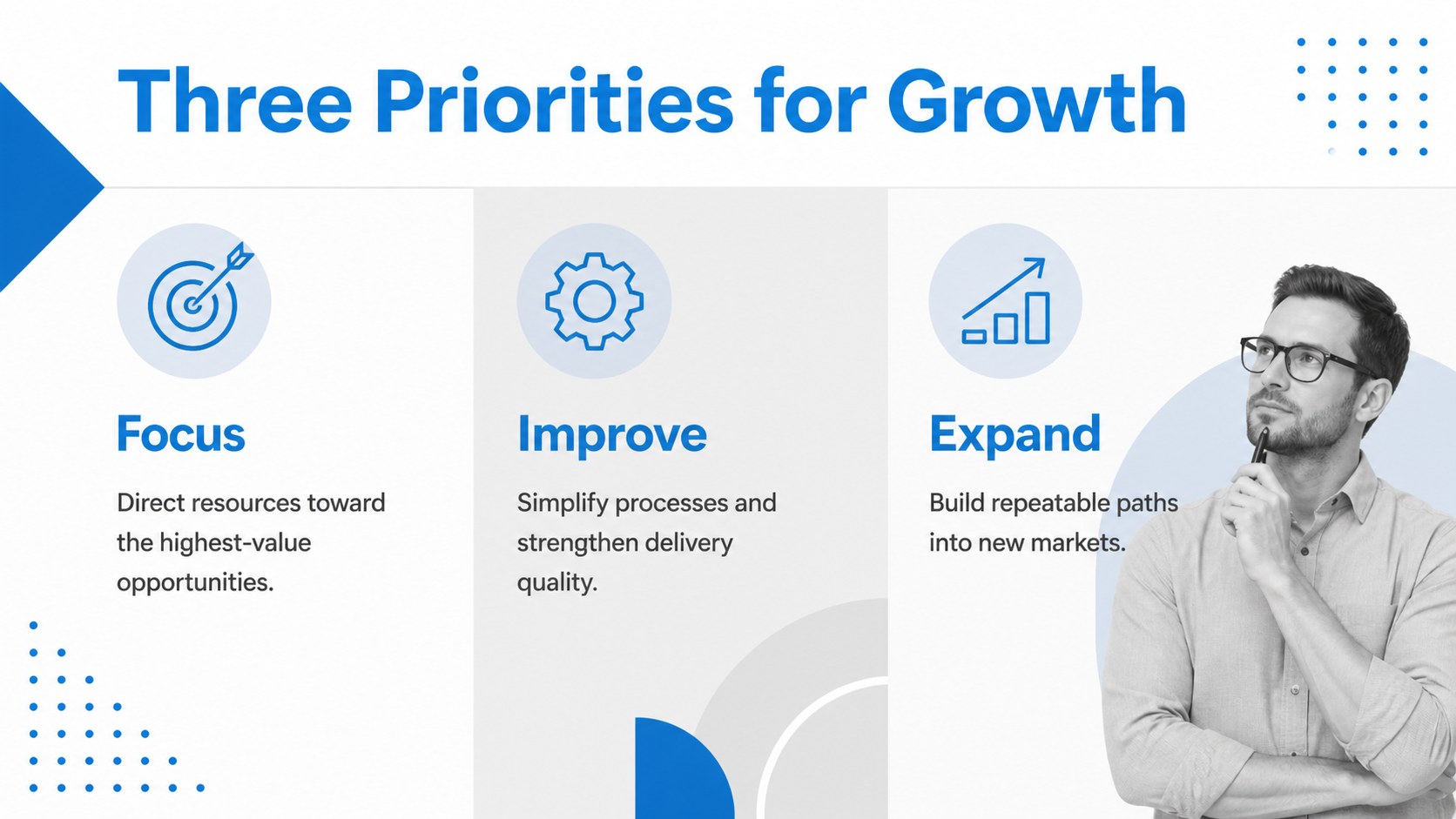
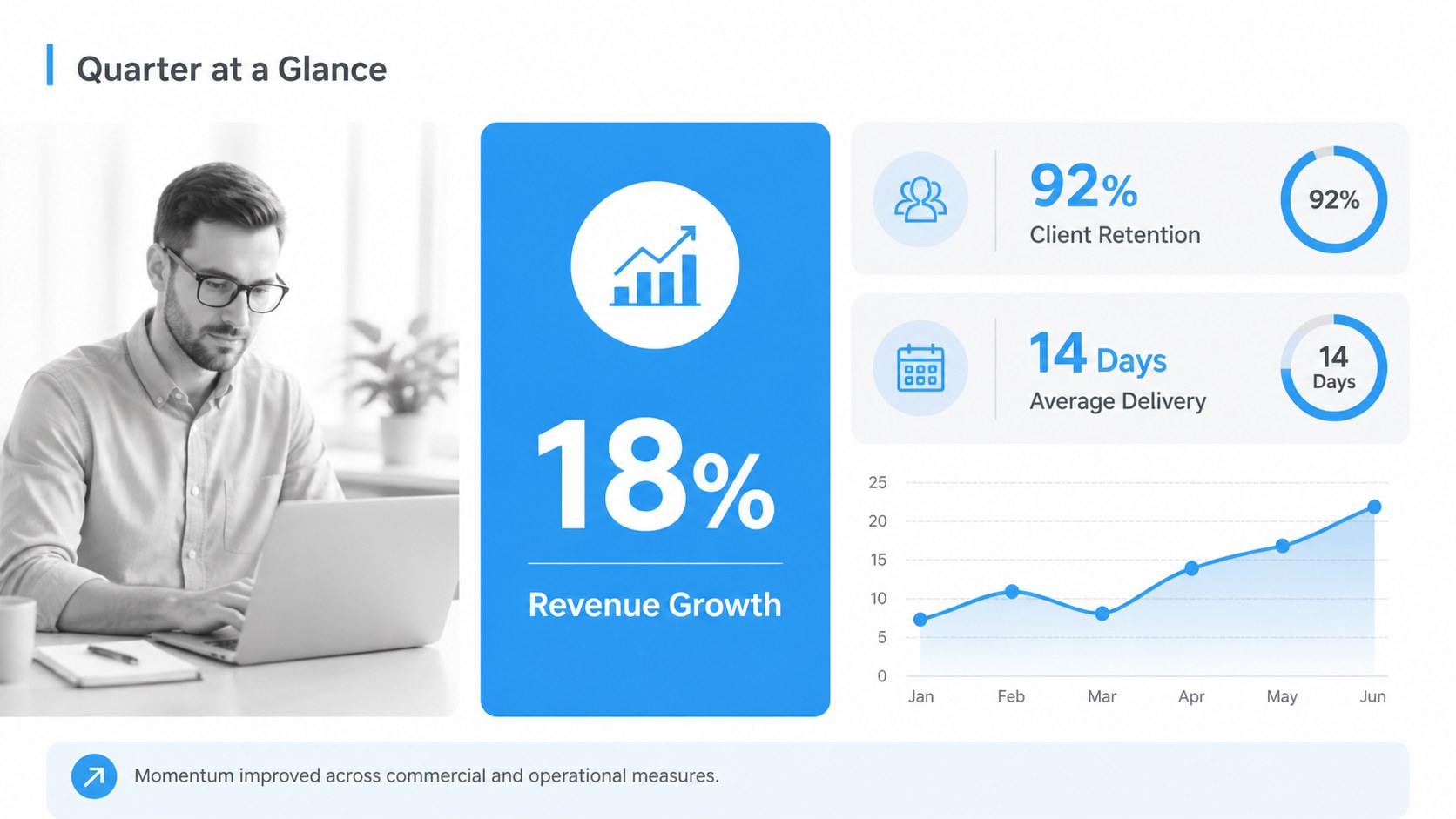
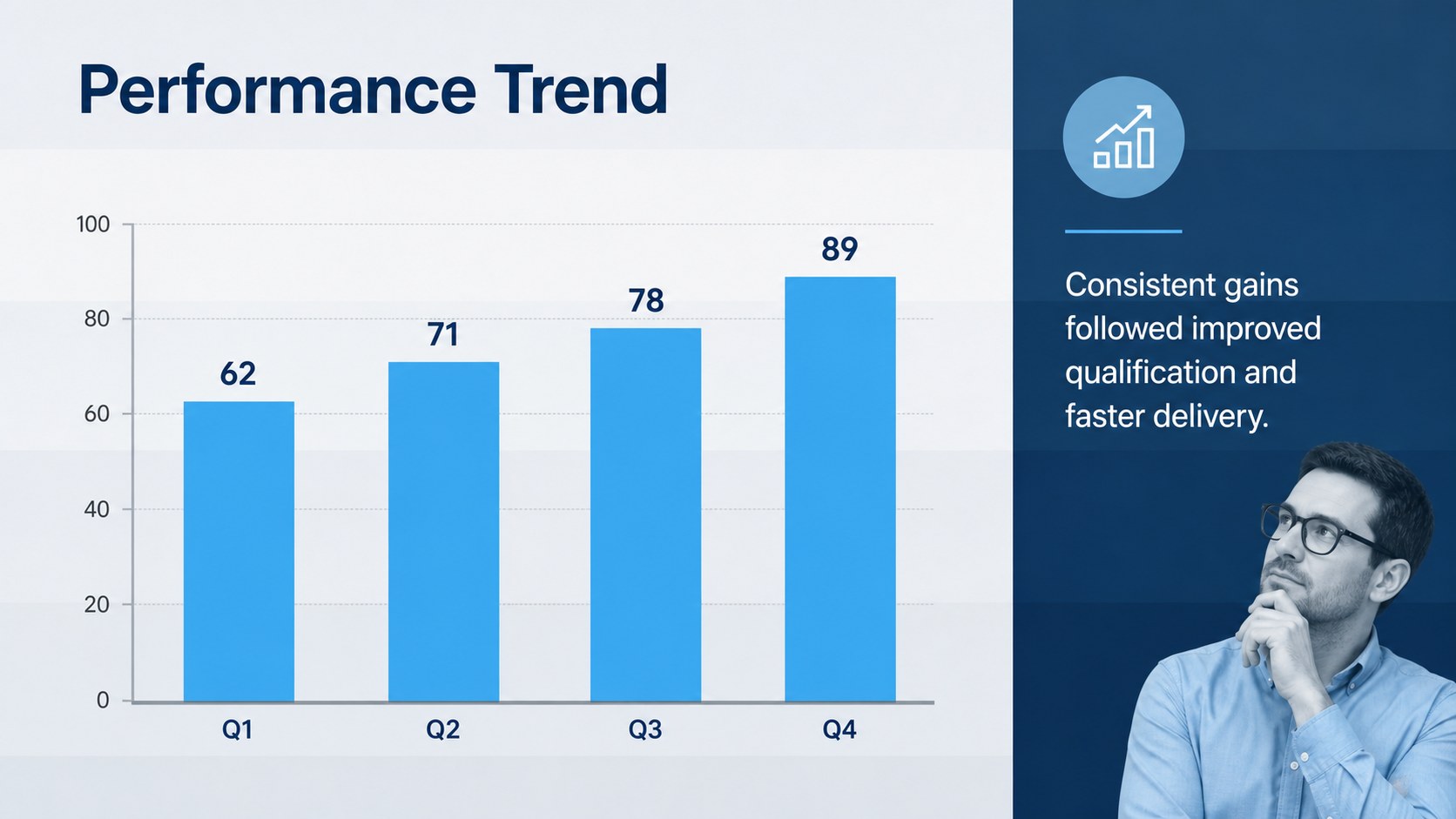


Design notes
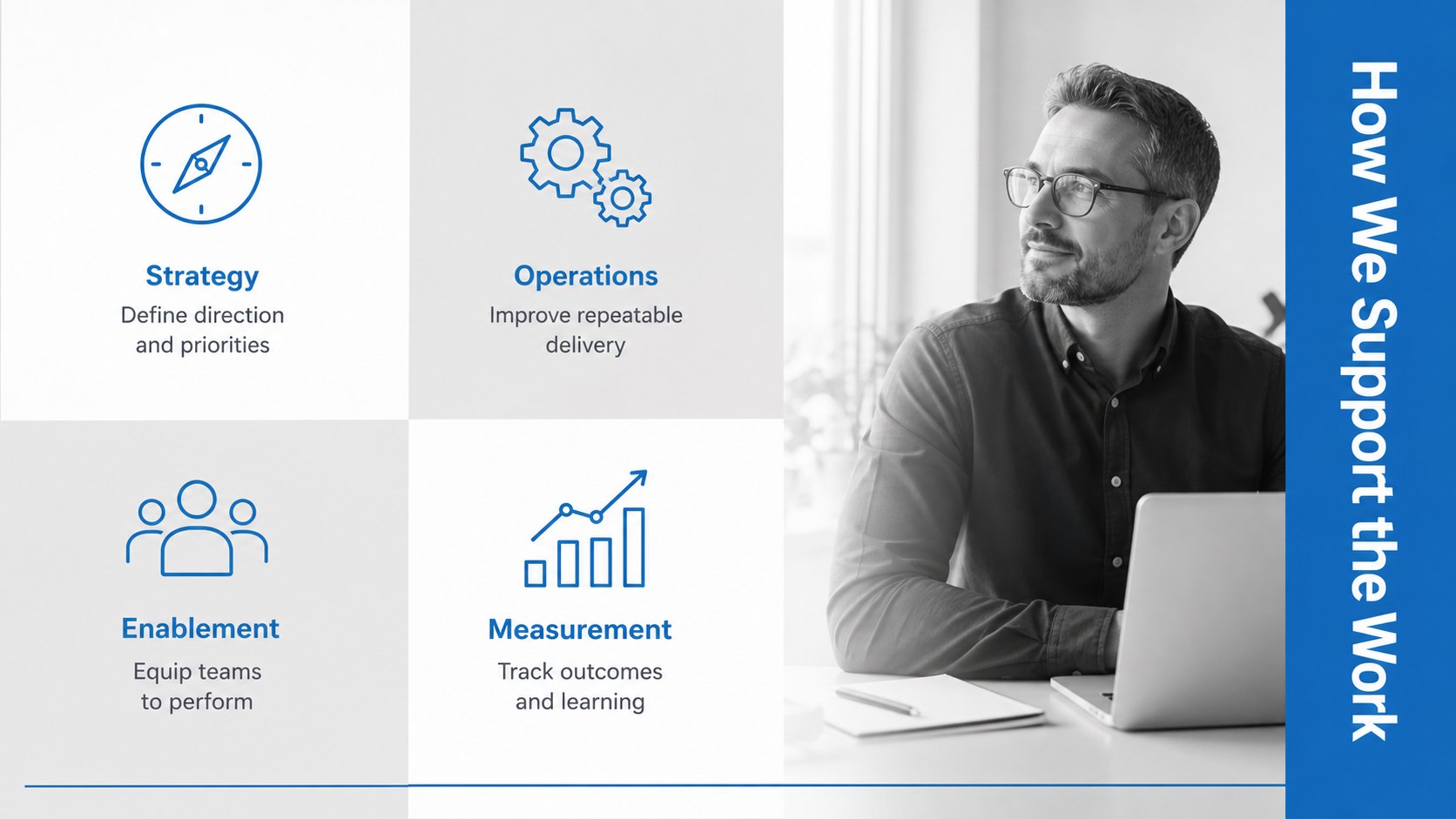
The Blue Corporate Presentation Theme helps professionals turn complex information into focused, credible presentations. Its restrained blue and grey palette, clean sans-serif typography and structured layouts create a confident visual system for meetings, reports and client-facing conversations. Use this blue corporate presentation theme when your message needs to feel established without becoming overly formal.
Inside the deck are 16 coordinated slide concepts covering agendas, company profiles, service summaries, project plans, timelines, team introductions, data comparisons and closing remarks. Flexible placeholders make it easy to add photography, while chart, table, map and icon treatments support information-rich pages. The result works equally well as a professional blue business template or a modern corporate meeting presentation for recurring internal updates.
The theme is suitable for managers, consultants, sales teams, agencies, educators and small business owners. Customize the colors to match your identity, replace sample copy with your own content and rearrange layouts to fit short briefings or detailed proposals. The widescreen format is designed for Google Slides, PowerPoint, with straightforward editing for text, shapes, images and visual data. Whether you are preparing a quarterly business review slide deck, outlining a new initiative or presenting recommendations to a client, the consistent design keeps attention on your message.
Perfect for: quarterly business review; client proposal meeting; company profile presentation; project status update; consulting recommendations; sales performance report.
Frequently asked questions
Can I change the blue and grey color palette? Yes. Replace the theme colors with your organization’s brand palette and adjust individual shapes, charts and backgrounds as needed.
Practical details
Yes. Replace the theme colors with your organization’s brand palette and adjust individual shapes, charts and backgrounds as needed.
The theme is intended for PowerPoint, Google Slides. Available fonts or minor effects may vary slightly between platforms.
Yes. Swap the sample imagery for company photos and edit the charts, tables and metrics with your own information.
Yes. The agenda, progress, timeline, data and next-step layouts can be reused for monthly updates, project reviews and leadership briefings.
Keep exploring
15Shape your publishing concept with an indie magazine startup pitch deck featuring pastel gradients, bold collage layouts, and editable planning slides.
 16
16Build clear project stories with the Icon Grid Teamwork Theme, a flexible blue illustrated deck for proposals, strategy updates, and team meetings.
 3
3Turn priorities into an actionable plan with an annual goals roadmap infographic, featuring editable orange and teal layouts for PowerPoint and Google Slides.
 15
15Create an Annual Achievement Report Presentation with colorful geometric layouts for milestones, results, lessons, and priorities in PowerPoint or Google Slides.
 15
15Turn results into a focused annual performance evaluation report with dark 3D slides for KPIs, achievements, feedback, and next-step goals for teams.
 15
15Guide a focused annual recap with Business Results Retrospective Slides, a muted brown-and-blue template for PowerPoint and Google Slides.
 6
6Turn complex plans into clear visual stories with Color-Coded Workflow Path Slides, an editable set for project updates, roadmaps, and team briefings.
 6
6Compare regional performance at a glance with Global Data Heatmap Slides, a clean multicolor deck designed for editable PowerPoint and Google Slides.